A password manager stores, generates, autofills and shares your passwords and passkeys inside an encrypted vault, so every account gets a strong, unique login and nobody shares credentials in plain text. The seven tools below cover premium usability, open-source value, beginner-friendly design, privacy-first protection, compliance-led governance, reliable form filling and fully offline control. Choose by who shares credentials with whom and how much admin control you need.

Why Password Managing Tools Matter for Your Security
Reused and weak passwords are one of the most common routes to account takeover, and a password manager moves credential handling from individual habits to a controlled system. Browser storage helps at a basic level but lacks secure sharing, recovery and governance. For teams, a password manager also makes onboarding and offboarding safer because access sits in one place.
What does a password manager protect you from?
It protects you from reused passwords, phishing and unsafe sharing, and it keeps access recoverable. The main benefits:
- Stores passwords and authentication data in an encrypted vault.
- Generates strong passwords and flags weak or exposed ones.
- Blocks autofill on look-alike phishing sites.
- Shares credentials without revealing them in plain text.
- Supports passkeys and multi-factor authentication.
- Controls team access during onboarding and offboarding.
1. 1Password
1Password suits individuals, families and businesses that want polished cross-device sharing and recovery.
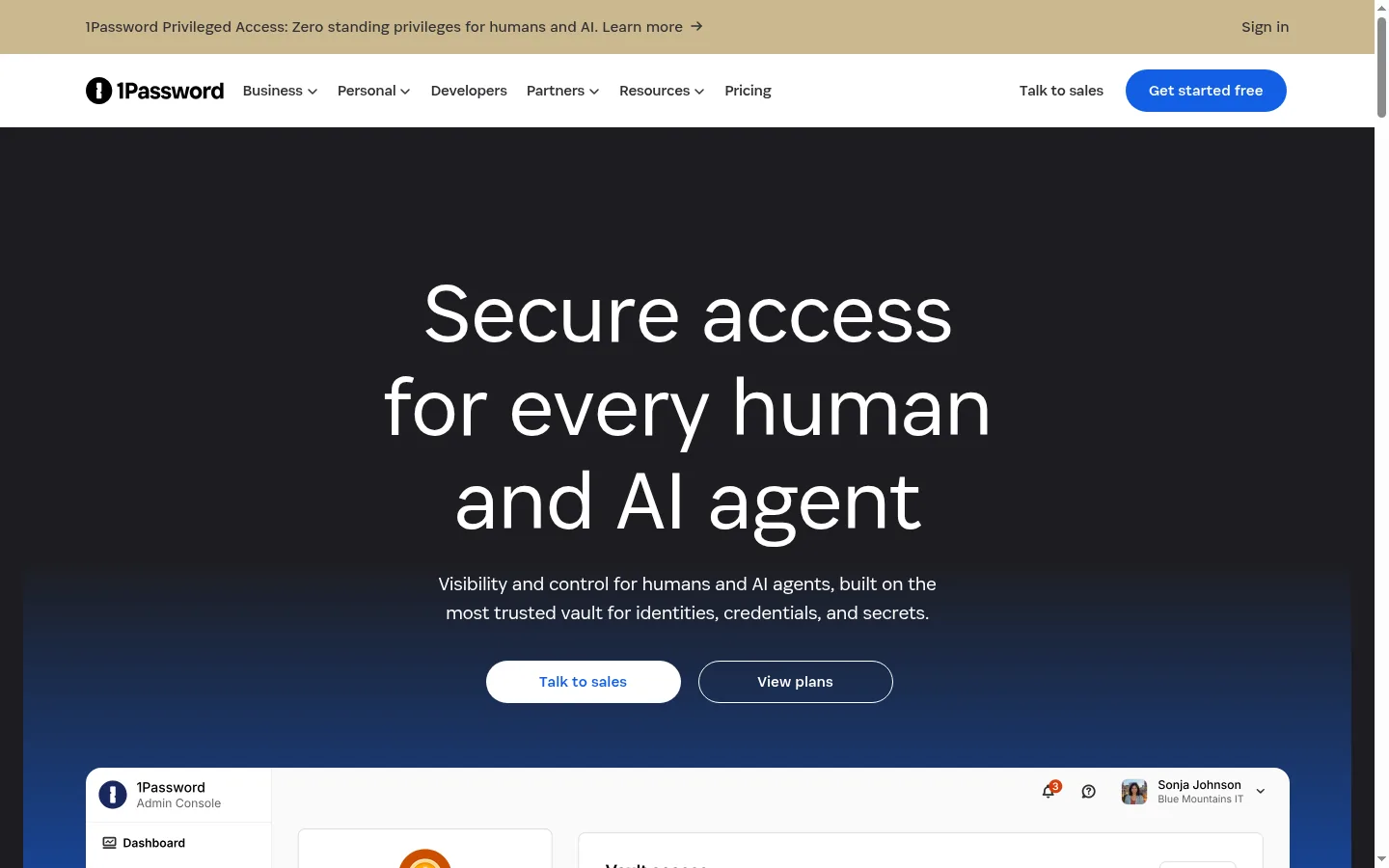
Screenshot: 1Password website, October 2026.
1Password is a mature, premium password manager with a strong security model and a clean experience across every platform.
Core features:
- Zero-knowledge encrypted vaults
- Item and vault sharing
- Passkey support
- Apps and browser extensions for every major platform
- Recovery options for families and teams
1Password pricing and suitability
1Password has no free plan and sells subscriptions for individuals, families, teams and businesses, each with a 14-day free trial.
| Plan | Price | Billing | Suitable for | Notes |
|---|---|---|---|---|
| Individual | See pricing page | Monthly or annual | Single users | 14-day free trial |
| Families | See pricing page | Monthly or annual | Households | Shared vaults |
| Teams and Business | See pricing page | Per user | Teams | Admin controls |
| Enterprise | Quote-based | On request | Large organisations | Custom terms |
Source: 1Password pricing, checked October 2026. Plan prices did not display on the page at the time of checking.
2. Bitwarden
Bitwarden suits cost-conscious individuals and teams that value open-source transparency and a genuinely usable free plan.
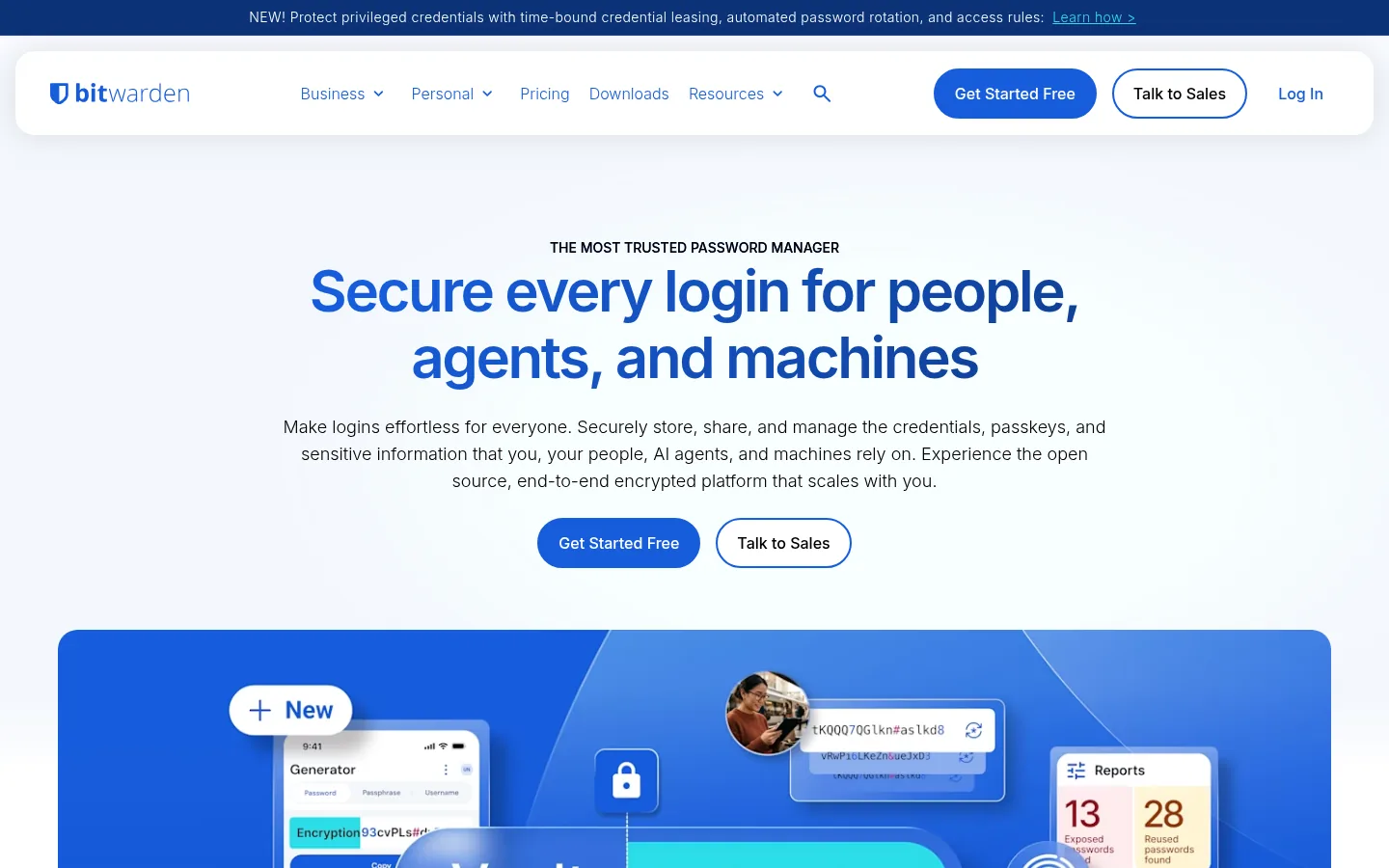
Screenshot: Bitwarden website, October 2026.
Bitwarden is an open-source, audited password manager with free multi-device sync and low business pricing. You can also self-host it.
Core features:
- Open-source, audited codebase
- Free sync across devices
- Passkey and two-factor support
- Optional self-hosting
- Business and enterprise admin controls
Bitwarden pricing and suitability
Bitwarden is free for individuals, and paid plans stay among the lowest in the market.
| Plan | Price | Billing | Suitable for | Notes |
|---|---|---|---|---|
| Free | USD 0 | Free | Individuals | Unlimited devices |
| Premium | USD 1.65 a month | Billed annually | Individuals wanting extras | Advanced two-factor, file storage |
| Families | USD 3.99 a month | Billed annually (USD 47.88 a year) | Households | Up to 6 users |
| Teams | USD 4 per user a month | Billed annually | Small teams | Shared collections |
| Enterprise | USD 6 per user a month | Billed annually | Organisations | SSO, policies, self-host option |
Source: Bitwarden pricing, checked October 2026.
3. NordPass
NordPass suits beginners and families moving off browser password storage who want a simple, modern app.
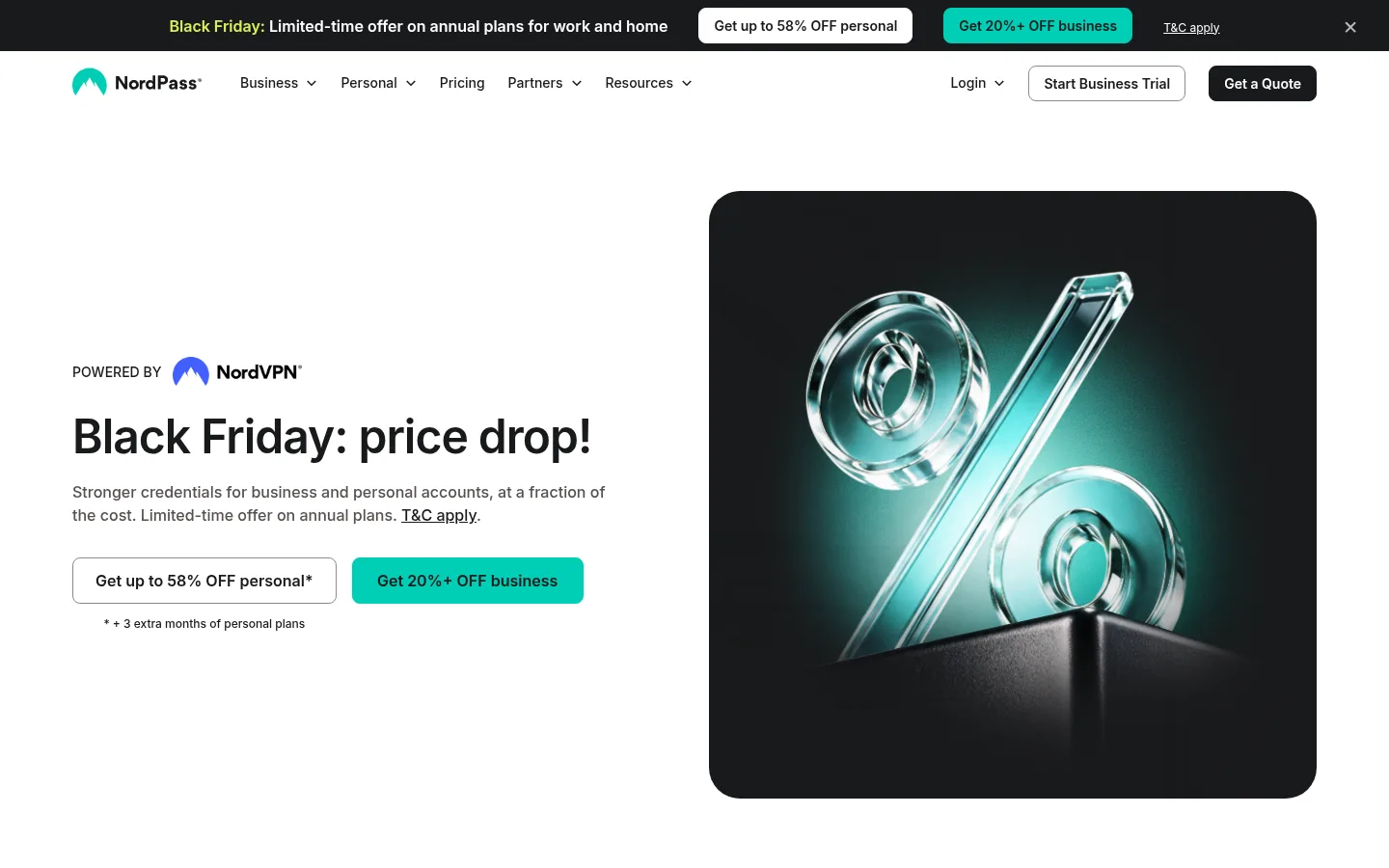
Screenshot: NordPass website, October 2026.
NordPass focuses on simplicity, with breach monitoring and passkey support behind a clean interface.
Core features:
- Beginner-friendly interface
- Encryption and breach monitoring
- Passkey support
- Cross-device sync
NordPass pricing and suitability
NordPass has a free plan without multi-device use, and its paid plans are sold on long promotional terms.
| Plan | Price | Billing | Suitable for | Notes |
|---|---|---|---|---|
| Free | USD 0 | Free | Trial use | No multi-device access |
| Premium | USD 1.39 a month | Promotional first 27-month term | Individuals | Renews at the standard rate |
| Family | USD 2.49 a month | Promotional first 27-month term | Up to 6 users | Renews at the standard rate |
| Business | See business pricing | Per user | Small teams | Separate business plans |
Source: NordPass pricing, checked October 2026.
4. Proton Pass
Proton Pass suits privacy-focused users, especially those already using Proton Mail.
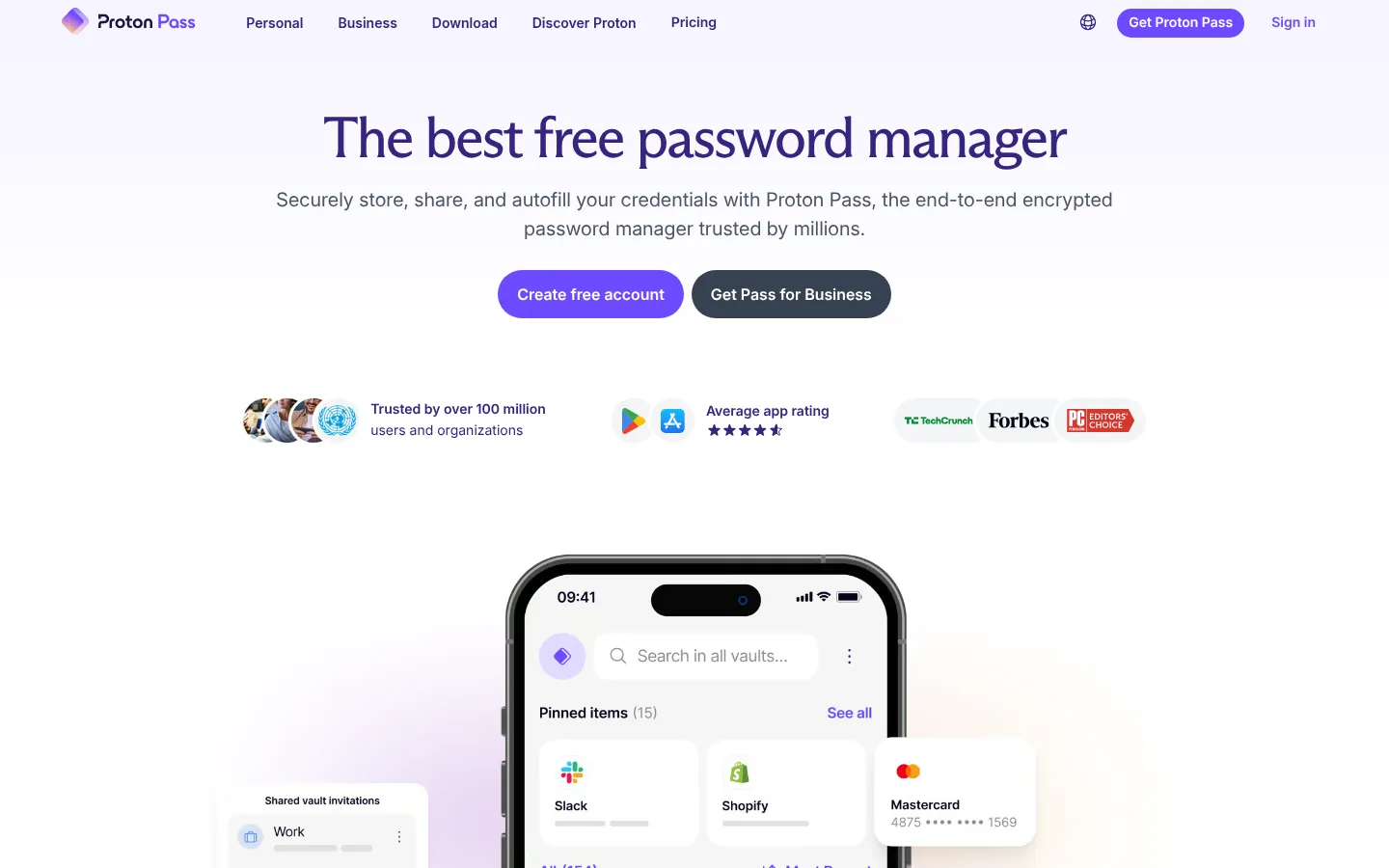
Screenshot: Proton Pass website, October 2026.
Proton Pass is part of Proton's privacy ecosystem. It is open source and adds email aliases so you hide your real address when signing up for services.
Core features:
- Open-source apps
- Passwords plus email aliases
- End-to-end encrypted storage
- Passkey support
Proton Pass pricing and suitability
Proton Pass has a free tier, and Pass Plus unlocks unlimited aliases and extra features on a discounted first term.
| Plan | Price | Billing | Suitable for | Notes |
|---|---|---|---|---|
| Free | USD 0 | Free | Basic use | Limited aliases |
| Pass Plus | USD 2.99 a month | Promotional (regular USD 4.99 a month) | Privacy-focused individuals | Unlimited aliases |
| Proton bundles | See pricing page | Subscription | Existing Proton users | Bundled with mail and storage |
Source: Proton Pass pricing, checked October 2026.
5. Keeper
Keeper suits regulated organisations that need granular access controls, audit logs and policy enforcement.
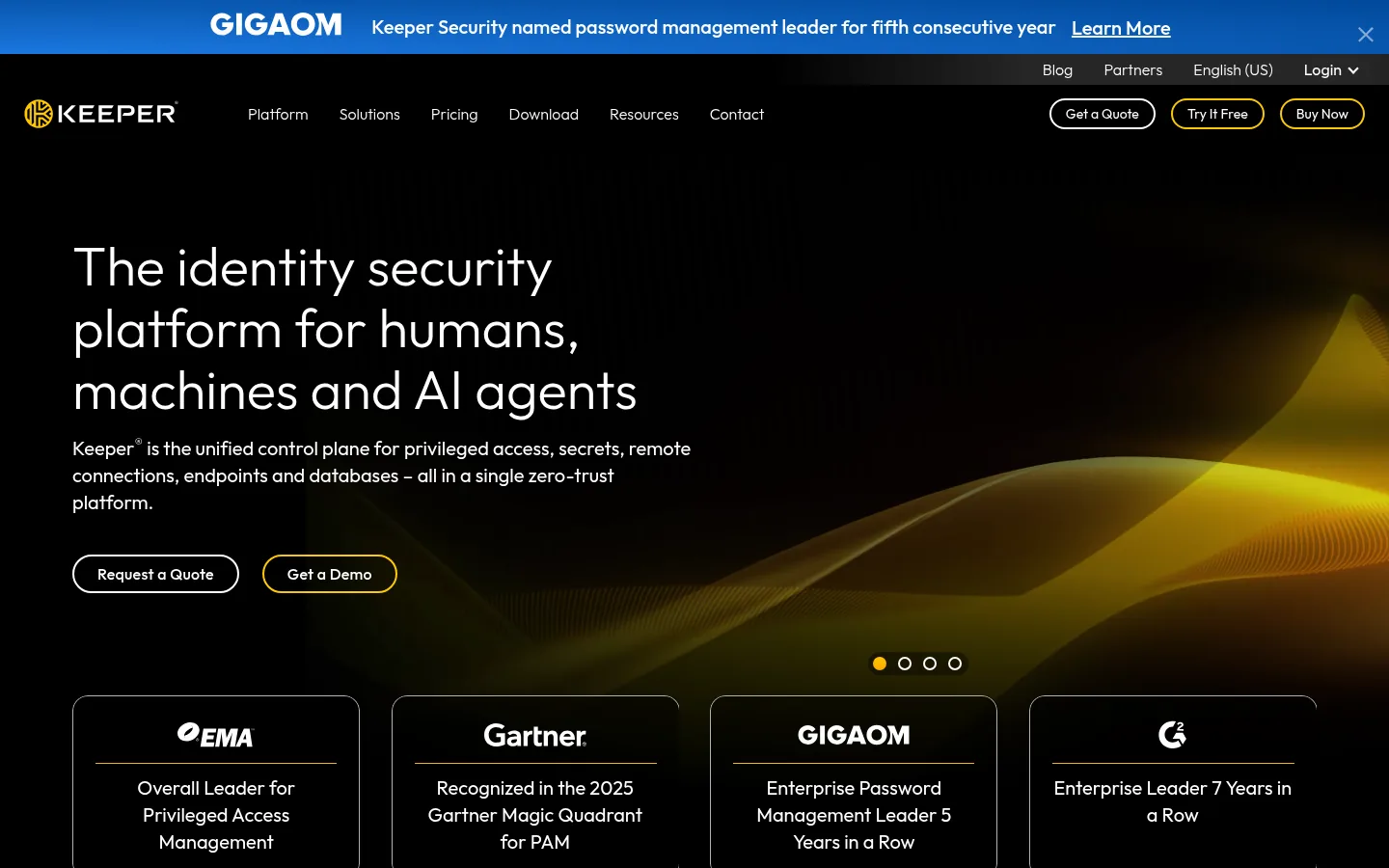
Screenshot: Keeper website, October 2026.
Keeper is built around security governance, with role-based access, compliance reports and enterprise integrations.
Core features:
- Zero-knowledge architecture
- Role-based access and granular sharing
- Audit logs and policy enforcement
- Enterprise security integrations
Keeper pricing and suitability
Keeper sells personal and family plans billed yearly, and business plans per user with paid add-ons.
| Plan | Price | Billing | Suitable for | Notes |
|---|---|---|---|---|
| Personal | USD 3.58 a month | Billed yearly (USD 42.99) | Individuals | Unlimited devices |
| Family | USD 7.67 a month | Billed yearly (USD 91.99) | Households | Shared vaults |
| Business Starter and Business | USD 4 and USD 6 per user a month | Billed annually | Teams | Add-ons cost extra |
| Enterprise | Quote-based | On request | Large organisations | Custom terms |
Source: Keeper pricing, checked October 2026.
6. RoboForm
RoboForm suits users who value reliable form filling and low cost over advanced security workflows.
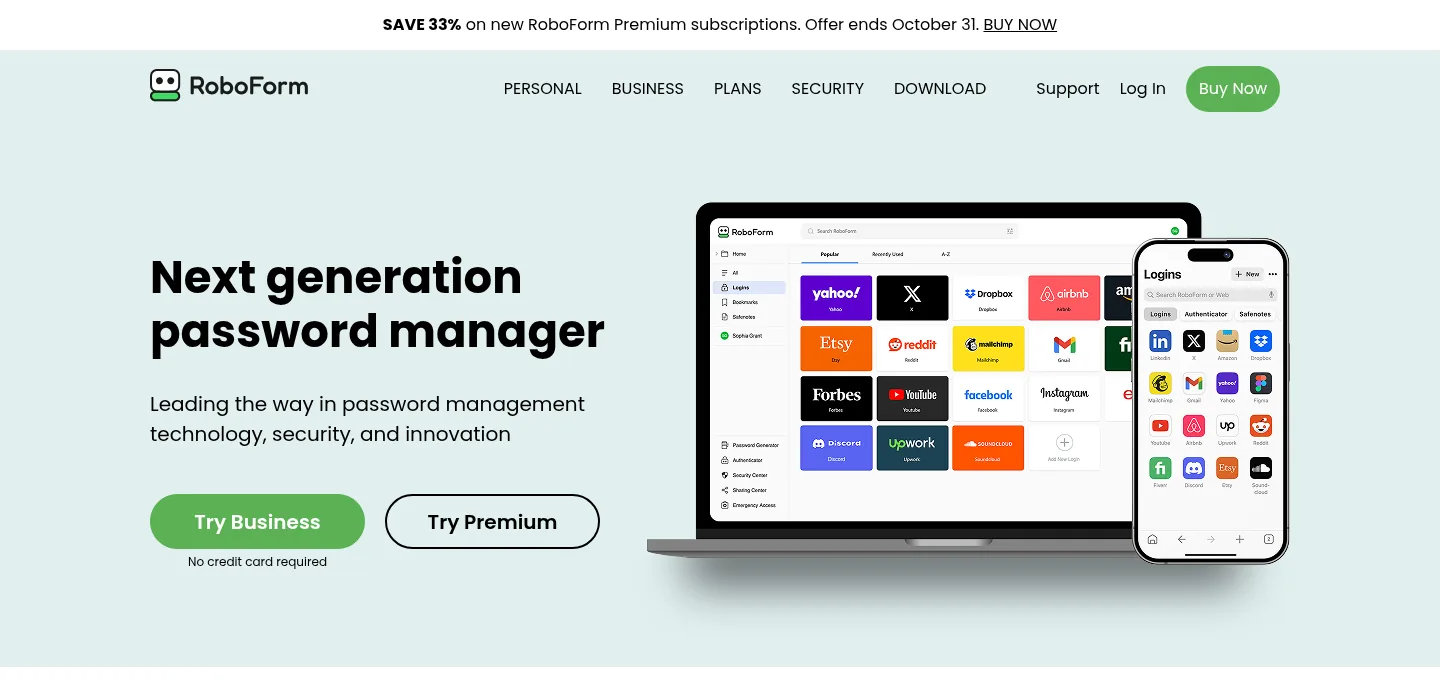
Screenshot: RoboForm website, October 2026.
RoboForm is best known for accurate form filling, with password storage and sharing across platforms.
Core features:
- Form filling
- Password storage and sharing
- Cross-platform apps
RoboForm pricing and suitability
RoboForm discounts the first year of its personal plans, then renews at a standard annual price.
| Plan | Price | Billing | Suitable for | Notes |
|---|---|---|---|---|
| Premium | USD 1.66 a month first year | Then USD 29.88 a year | Individuals | Unlimited devices |
| Family | USD 2.66 a month first year | Then USD 47.75 a year | Up to 5 Premium accounts | Shared folders |
| Business | Quote-based | Per user | Teams | Admin console |
Source: RoboForm pricing, checked October 2026.
7. KeePass
KeePass suits technical users who want a fully offline vault with no cloud dependency.
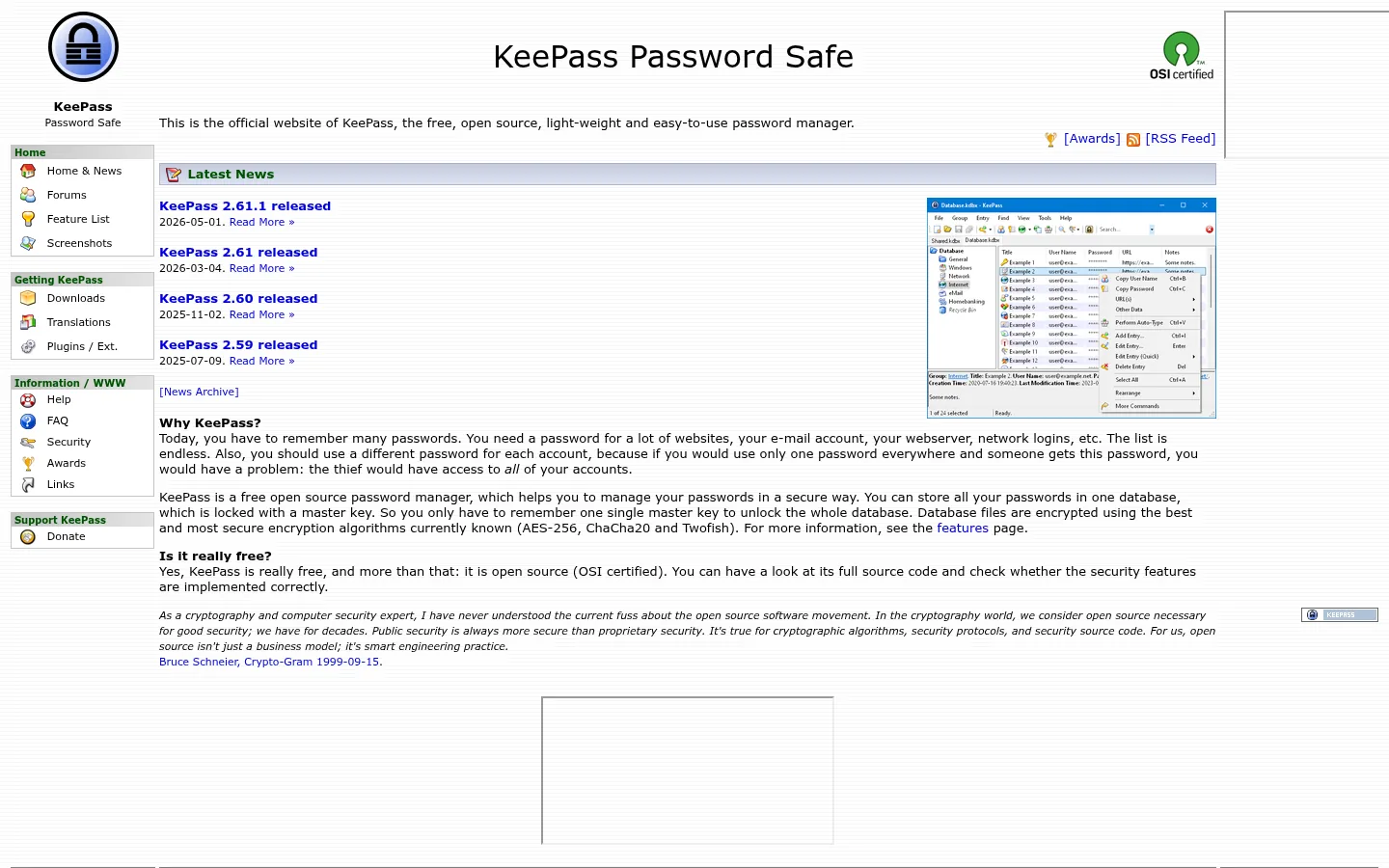
Screenshot: KeePass website, October 2026.
KeePass is a free, open-source password manager that stores an encrypted database on your own device. You handle sync and backups yourself.
Core features:
- Local encrypted vault
- No cloud dependency
- Highly configurable with plugins
KeePass pricing and suitability
KeePass is free and open source, with no paid plans.
| Plan | Price | Billing | Suitable for | Notes |
|---|---|---|---|---|
| Open source | USD 0 | Free | Technical users | Manual sync and backups |
Source: KeePass, checked October 2026.
How to Choose the Right Password Manager
Match the tool to how credentials are shared and who manages access. Individuals need usability and recovery, families need shared vaults and emergency access, and teams need admin controls, audit trails and clean offboarding. Check platform support, passkey readiness, sharing needs, recovery options and long-term cost before you commit.
Which password manager fits which user?
Choose by your risk profile and how much control you need.
| Tool | Best for | Strengths | Limitations | Pricing model |
|---|---|---|---|---|
| 1Password | Families and teams | Usability, sharing, recovery | No free plan | Subscription |
| Bitwarden | Value-driven users and teams | Open source, low prices | Less guided interface | Free, then low subscription |
| NordPass | Beginners | Simple setup | Promotional pricing terms | Free, then subscription |
| Proton Pass | Privacy-focused users | Aliases, privacy model | Best value inside Proton bundles | Free, then subscription |
| Keeper | Regulated organisations | Governance and compliance | Add-ons raise cost | Per user with add-ons |
| RoboForm | Form-filling reliability | Autofill, low price | Fewer advanced controls | First-year discount, then annual |
| KeePass | Offline control | No cloud dependency | Manual management | Free |
Build a Safer Access Stack for Your Team
A password manager is one layer of a wider security setup that also covers apps, integrations and AI tools. Review AI security tools for newer risks, keep integrations under control with API management tools, and share files safely with file sharing tools.