A team file sharing tool keeps your files in one controlled place, with permissions, version history and secure links, so work moves faster and sensitive documents stay out of personal accounts. The seven tools below cover Microsoft-based and Google-based teams, creative and distributed teams, regulated industries and simple large-file delivery. Each entry gives you current prices where the vendor publishes them and the kind of team it suits.
Why File Sharing Tools Matter for Your Team
A team file sharing tool makes the team, not each individual, the owner of your files, which protects your work when people join, leave or share with clients. When files sit in email attachments, personal drives and consumer tools, productivity drops and risk rises: files scatter, access is hard to revoke and shared links stay live indefinitely. A team platform centralises access, enforces permissions and shows how files are used. For organisations that work with partners, agencies or clients, controlled sharing is an operational requirement for security and compliance.
What does a file sharing tool give your team?
A file sharing tool gives your team central storage, clear ownership and secure sharing that scales as people and files grow. The main benefits:
- Centralises storage and access control for team files.
- Records ownership and version history.
- Secures internal and external sharing.
- Reduces the risk of data loss or unauthorised access.
- Connects collaboration across departments and partners.
- Scales governance as teams and file volumes grow.
1. Microsoft Teams, SharePoint and OneDrive
Microsoft Teams, SharePoint and OneDrive suit organisations that already run email and productivity on Microsoft 365.
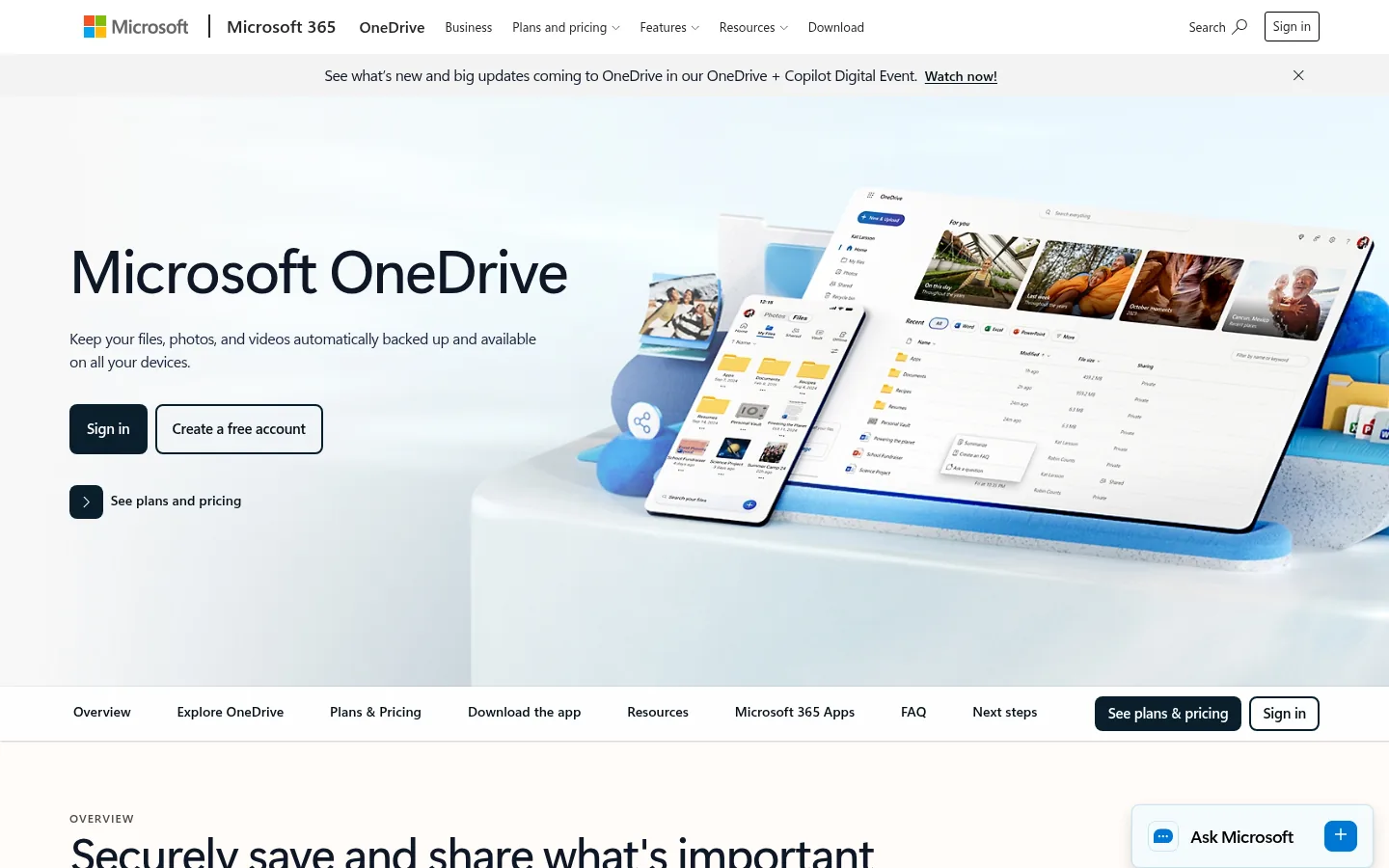
Screenshot: Microsoft Teams, SharePoint and OneDrive website, October 2026.
Together these three form file sharing in Microsoft 365. Files shared in a Teams channel are stored in a SharePoint document library; files shared in a private chat are stored in OneDrive. That structure lets you apply the same permission policies, retention rules and access controls to team and individual sharing.
Core features:
- Team-based document libraries
- Granular permissions and access inheritance
- Real-time co-authoring
- Version history and recovery
- Integration with Microsoft Office apps
How is Microsoft 365 priced for file sharing?
Microsoft bundles Teams, SharePoint and OneDrive into business plans priced per user, with 1 TB of OneDrive storage per user on each plan shown. Higher tiers add desktop Office apps, device management and advanced security rather than more storage.
| Plan | Price | Billing | Suitable for | Notes |
|---|---|---|---|---|
| Microsoft 365 Business Basic | USD 7 per user per month | Paid yearly | Small teams sharing files in the cloud | Web and mobile Office apps |
| Microsoft 365 Apps for business | USD 10 per user per month | Paid yearly | Teams that need desktop apps and OneDrive | No Teams or SharePoint |
| Microsoft 365 Business Standard with Copilot | USD 23.50 per user per month | Paid yearly | Most SMEs | Includes desktop apps |
| Microsoft 365 Business Premium with Copilot | USD 32 per user per month | Paid yearly | Teams needing advanced security | Adds device management |
Source: Microsoft 365 business plans, checked October 2026.
2. Google Drive (Google Workspace)
Google Drive suits teams that put fast, real-time collaboration ahead of complex governance.
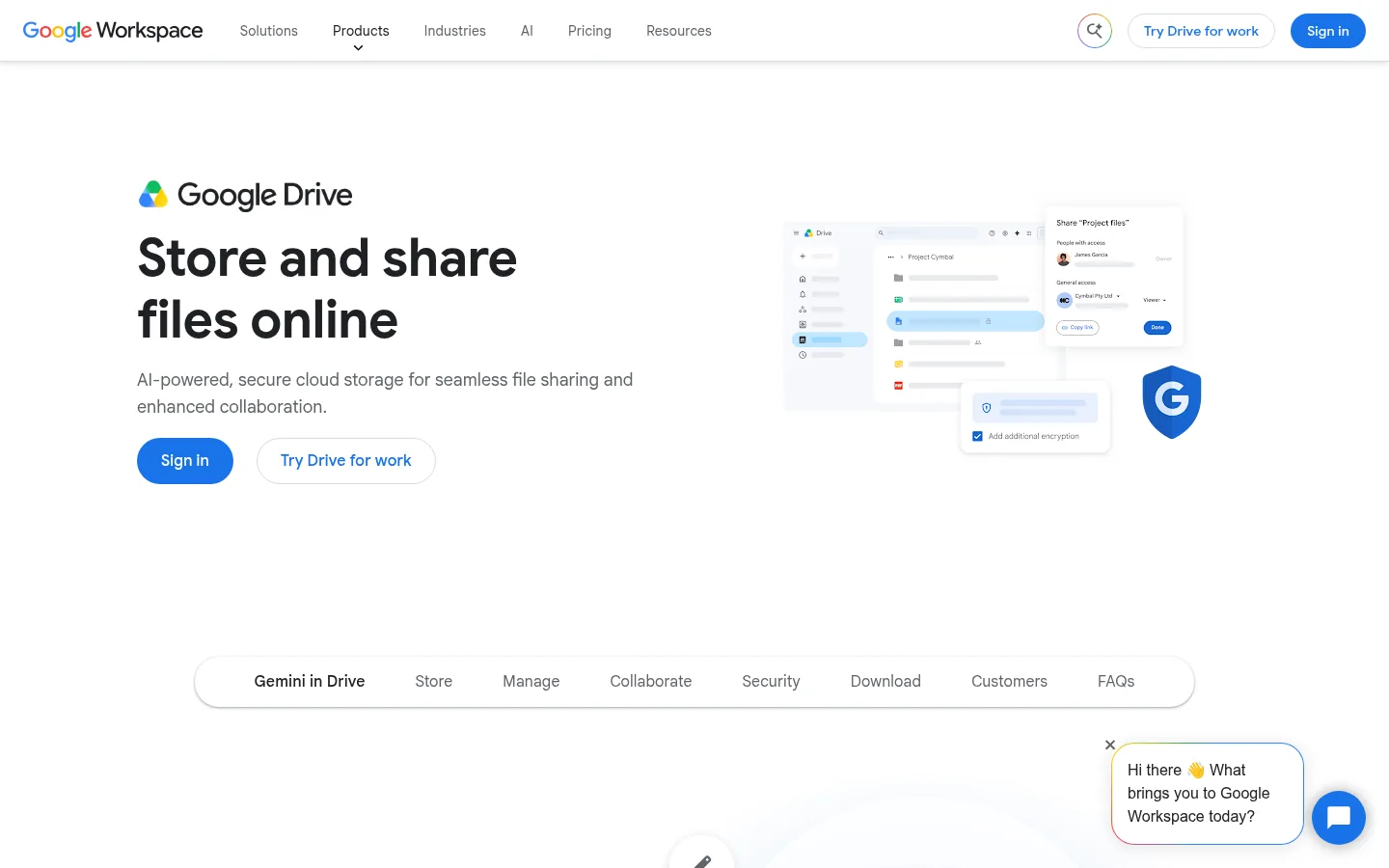
Screenshot: Google Drive (Google Workspace) website, October 2026.
Google Drive is the storage and sharing layer of Google Workspace. Shared drives let the team own files, so nothing is lost when someone leaves, and access is simple to manage as you grow. Its permission model is less granular than enterprise-focused platforms, but collaborative editing is fast and admin overhead is low.
Core features:
- Shared drives with team ownership
- Link-based access controls
- Real-time document editing
- Activity tracking and version history
How is Google Workspace priced?
Google Workspace prices per user, bundling Drive with Gmail and the productivity apps, with storage pooled across your organisation. Business Starter, Business Standard and Business Plus suit small to larger teams, and Enterprise adds compliance and governance features through sales. Current per-user prices for annual and flexible plans are on the Google Workspace pricing page.
3. Dropbox
Dropbox suits distributed and creative teams that work with large files across different devices and operating systems.
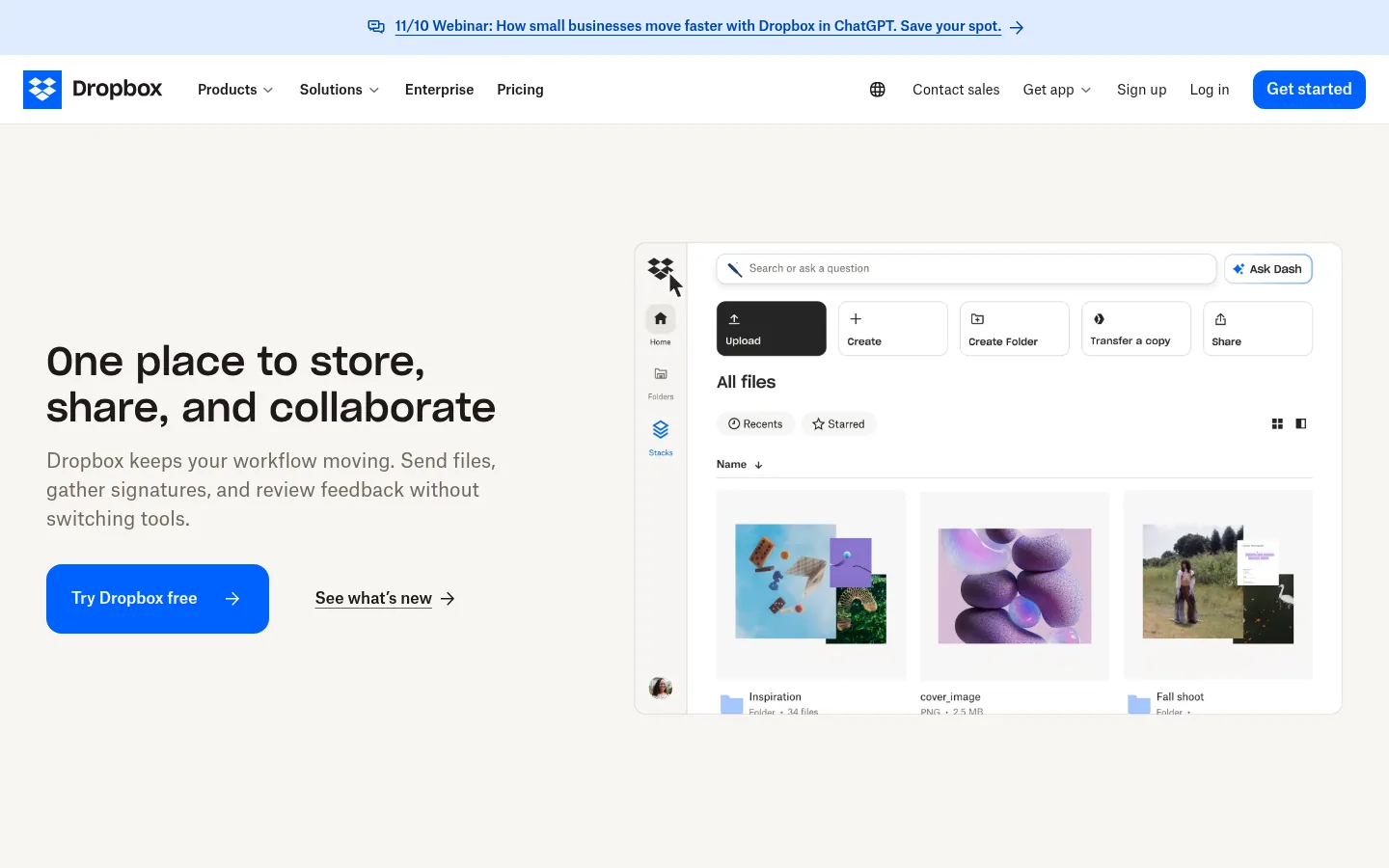
Screenshot: Dropbox website, October 2026.
Dropbox is built for fast, reliable sync and easy sharing. It offers less document collaboration and enterprise workflow tooling than some competitors, but its usability and performance make it popular with agencies and remote teams that need dependable access without heavy configuration.
Core features:
- Fast file sync across devices
- Shared folders and team spaces
- Link-based sharing with permissions
- Version history and file recovery
How is Dropbox priced?
Dropbox team plans are priced per user per month with storage shared across the team, and Advanced needs at least three users.
| Plan | Price | Minimum users | Storage | Suitable for |
|---|---|---|---|---|
| Standard | USD 15 per user per month | 1 | From 3 TB for the team | Small teams |
| Advanced | USD 24 per user per month | 3 | From 15 TB for the team | Growing teams |
| Enterprise | Quote-based | Not stated | Not stated | Large organisations |
Source: Dropbox plans, checked October 2026.
4. Box
Box suits regulated organisations in legal, healthcare and finance that need audit trails, policy enforcement and controlled external collaboration.

Screenshot: Box website, October 2026.
Box is a content management and file sharing platform built around security, compliance and governance. It emphasises auditability and controlled collaboration with external parties, so you show compliance and keep detailed records of who accessed which files.
Core features:
- Advanced permission management
- Audit logs and reporting
- External collaboration controls
- Workflow automation
How is Box priced?
Box business plans are priced per user per month with a three-user minimum, and annual billing costs less than monthly. Higher tiers shift the value from storage to auditability and policy enforcement.
| Plan | Billed annually | Billed monthly | Minimum users | Suitable for |
|---|---|---|---|---|
| Business Starter | USD 5 per user per month | USD 7 per user per month | 3 | Small teams |
| Business | USD 15 per user per month | USD 20 per user per month | 3 | Mid-size organisations |
| Business Plus | USD 25 per user per month | USD 33 per user per month | 3 | Teams sharing with partners |
| Enterprise | USD 35 per user per month | USD 47 per user per month | 3 | Regulated teams |
| Enterprise Plus | USD 50 per user per month | Annual only | 3 | Large enterprises |
Source: Box pricing, checked October 2026.
5. FileCloud
FileCloud suits organisations that need strict control over where data lives, with the option to host it themselves.
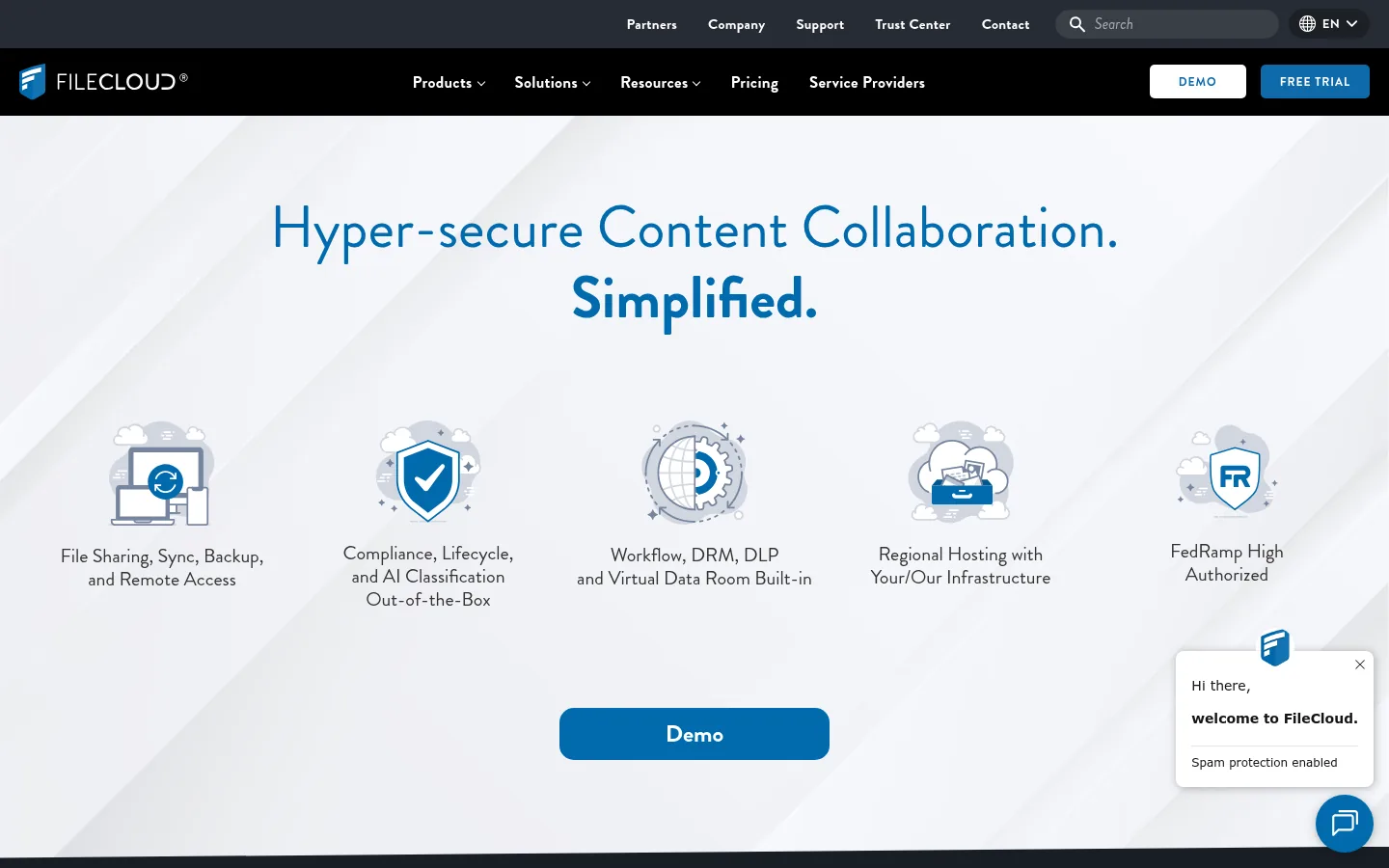
Screenshot: FileCloud website, October 2026.
FileCloud is a compliance-focused platform offering both cloud and self-hosted deployment. That flexibility suits organisations under regulatory constraints or data residency policies, where audit trails, policy-based sharing and admin oversight matter more than simplicity.
Core features:
- Policy-based file sharing
- Detailed audit logs
- Data classification and governance
- Cloud or self-hosted deployment
How is FileCloud priced?
FileCloud prices per user per month, with self-hosted Server cheaper per user than the hosted Online version but needing your own infrastructure.
| Plan | Price | Minimum users | Deployment | Suitable for |
|---|---|---|---|---|
| Server Essentials | USD 7 per user per month | 20 | Self-hosted | Teams with in-house IT |
| Server Advanced | Quote-based | 10 | Self-hosted | Advanced governance needs |
| Online Essentials | USD 14 per user per month | 10 | Hosted by FileCloud | Teams wanting convenience |
| Online Advanced | Quote-based | 10 | Hosted by FileCloud | Regulated environments |
Source: FileCloud pricing, checked October 2026.
6. WeTransfer
WeTransfer suits creative and media teams that send large files to external recipients who need no ongoing access.
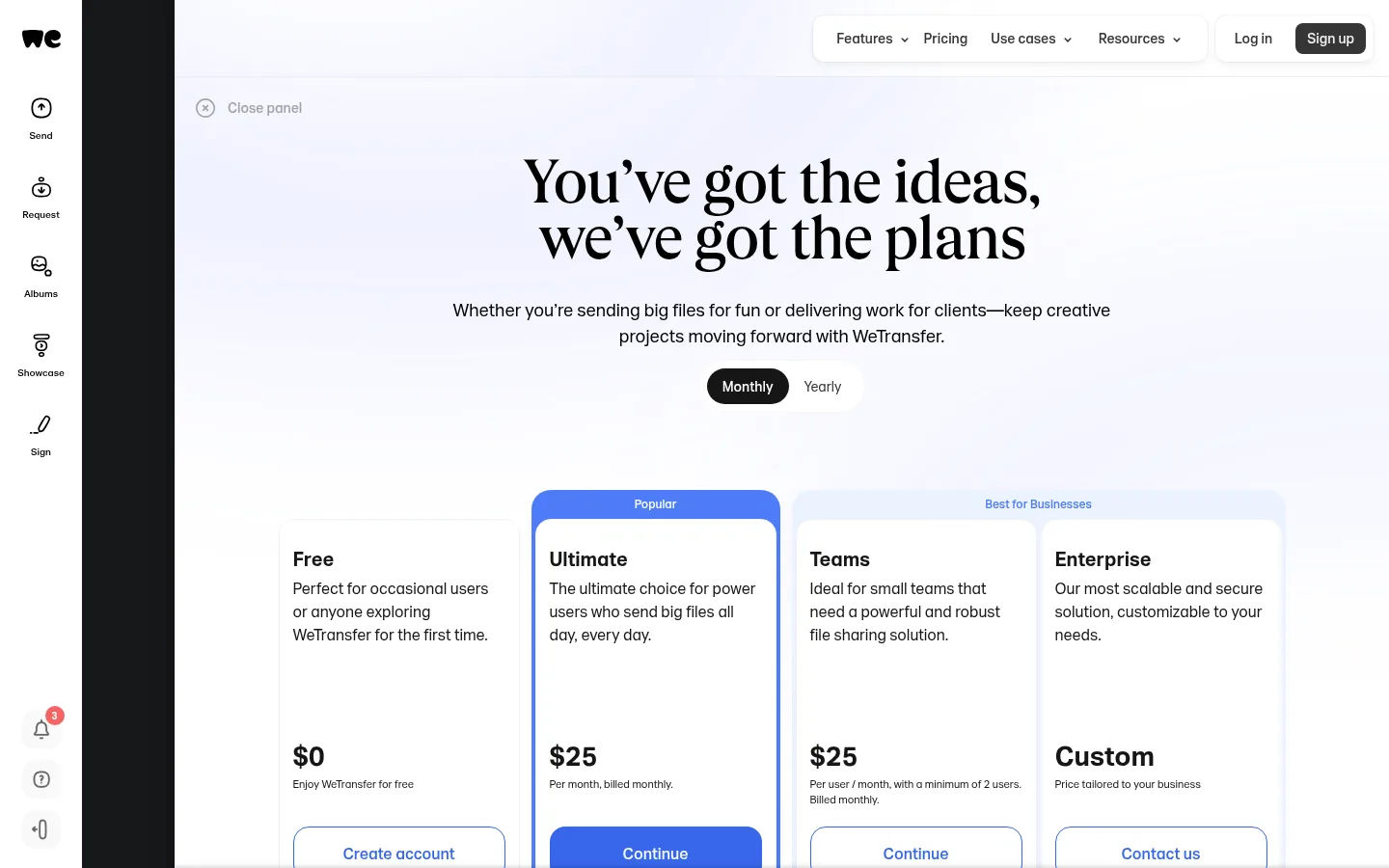
Screenshot: WeTransfer website, October 2026.
WeTransfer is a file delivery tool rather than a full sharing and collaboration platform. It sends large files quickly with expiring download links, and team plans add shared workspaces. Treat it as a delivery expense, not your core file system.
Core features:
- Large file transfers
- Expiring download links
- Basic access tracking
- Team workspaces on higher tiers
How is WeTransfer priced?
WeTransfer prices by transfer volume and account type, with a free plan for occasional sends and per-user pricing on Teams.
| Plan | Price | Billing | Transfer allowance | Suitable for |
|---|---|---|---|---|
| Free | USD 0 | Free | Up to 3 GB a month | Occasional transfers |
| Starter | USD 10 a month | Monthly | Up to 300 GB a month | Individual professionals |
| Ultimate | USD 25 a month | Monthly | No transfer size limit | Creative professionals |
| Teams | USD 25 per user per month | Monthly, 2-user minimum | As Ultimate, up to 50 members | Agencies |
| Enterprise | Quote-based | Custom | Custom, 50+ members | Large organisations |
Source: WeTransfer pricing, checked October 2026.
7. Hivenet
Hivenet suits cost-conscious teams that want encrypted storage and simple sharing, priced by storage rather than by user.
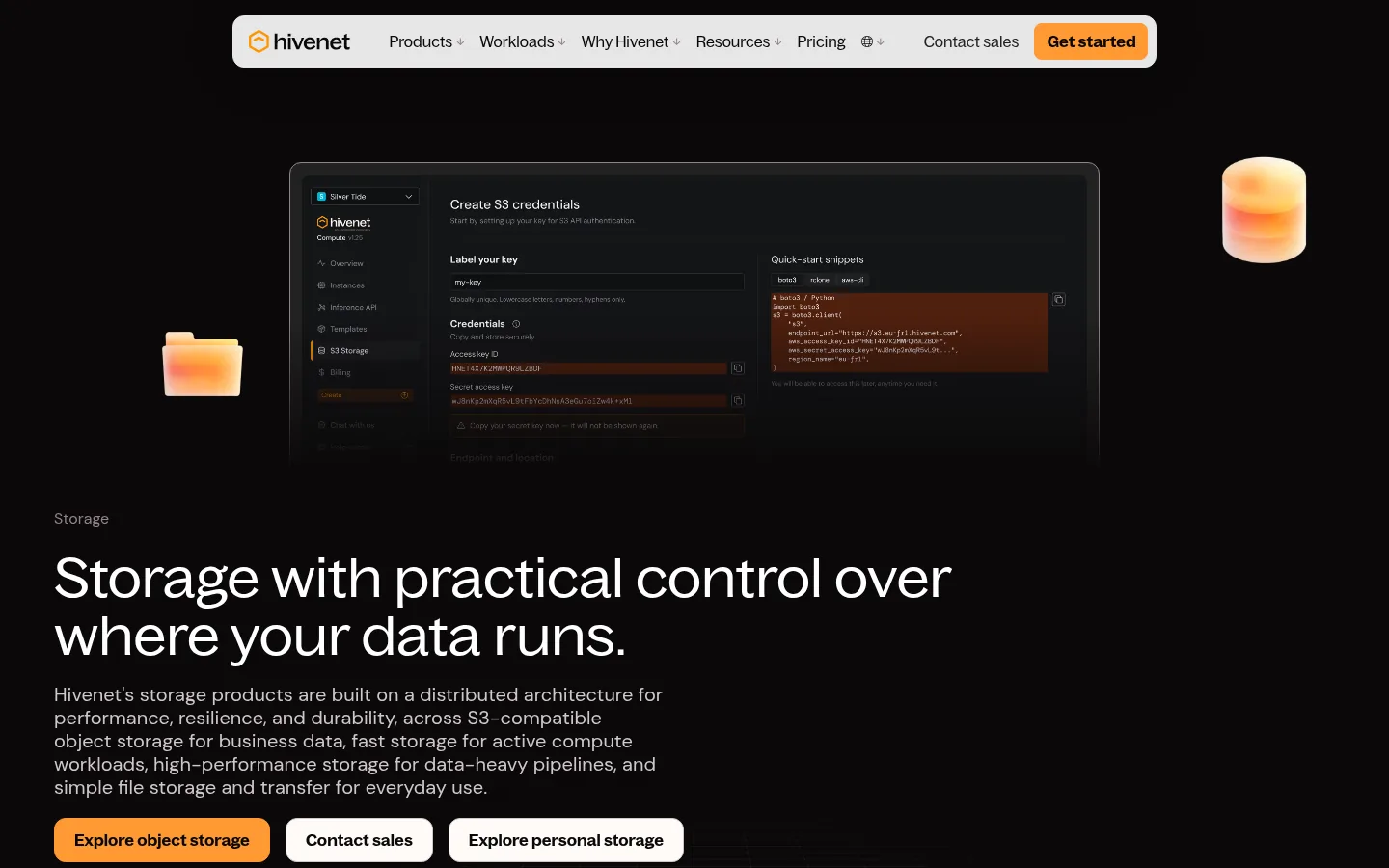
Screenshot: Hivenet website, October 2026.
Hivenet now leads with AI compute and storage infrastructure, and it still runs file storage and sharing products: Store with Hivenet for encrypted cloud storage and Send with Hivenet for sending large files. Its ecosystem is smaller than the large platforms, and it offers fewer enterprise integrations, but storage-based pricing keeps costs predictable when many people share the same files.
Core features:
- Encrypted cloud storage
- Shared folders
- Cross-device access
How is Hivenet priced?
Hivenet charges by storage capacity rather than by user, with a free entry tier and paid tiers that add capacity. Check current tiers on the Hivenet website, since the plans shown change by product.
How to Choose the Right File Sharing Tool for Your Team
Choose the tool that fits how your files are actually used: who shares them, how sensitive they are and how much control you need over access. Small teams often value ease of use and cost. Larger or regulated organisations need governance, auditability and access controls. Check whether most sharing is internal or with external parties, then match the platform to your existing productivity suite.
Which file sharing tool fits which team?
Match the tool to your working environment: Microsoft or Google teams, creative teams, regulated industries or one-off delivery.
| Tool | Best for | Strengths | Limitations | Pricing model |
|---|---|---|---|---|
| Microsoft Teams, SharePoint and OneDrive | Microsoft-centric organisations | Deep integration, strong governance | Complex administration | Per user, bundled plans |
| Google Drive | Collaboration-focused teams | Real-time editing, simplicity | Less granular controls | Per user, pooled storage |
| Dropbox | Distributed and creative teams | Fast sync, ease of use | Costs scale with team size | Per user, shared storage |
| Box | Regulated industries | Compliance and auditability | More complex set-up | Per user, 3-user minimum |
| FileCloud | Compliance-driven organisations | Self-hosted option | Requires set-up effort | Per user, minimum seats |
| WeTransfer | Large file delivery | Simple and fast | Not a full sharing system | By plan and transfer volume |
| Hivenet | Cost-sensitive teams | Storage-based pricing | Smaller ecosystem | By storage capacity |
Keep Your Files Under Team Control
The right file sharing tool removes scattered files and stray links, so your team spends less time finding work and more time doing it. Each tool above serves a different need, from enterprise governance to quick delivery of large files. Pair it with the right team collaboration tools and document signing tools, or browse more roundups on the SaaS tools hub.