AI security tools control who uses AI in your business, what data it touches and how its models and code behave, so you adopt AI without leaking data, breaking compliance rules or shipping unsafe outputs. The seven tools below each cover a different layer, from security operations and cloud workloads to model testing and code. Each entry shows what the tool protects, who it suits and how it is priced in October 2026.
What Are AI Security Tools?
AI security tools govern how your AI models, the data behind them and their outputs are accessed and used, so your team keeps using AI with oversight and an audit trail. They extend your existing security controls to risks that general security software does not fully cover. They do not replace your IT or security team; they give that team visibility into AI use.
AI brings risks that traditional software does not:
- Prompt injection: crafted inputs that change how an AI system behaves.
- Data poisoning: tampered training or fine-tuning data.
- Model theft: unauthorised extraction or copying of a model.
- Output exposure: AI answers reaching people who lack access to the data behind them.
- Supply chain weaknesses: vulnerable models, libraries or dependencies.
Each of these turns into business cost: a data leak triggers regulatory exposure, a compromised output damages trust, and weak access control puts proprietary information at risk.
How are AI security tools grouped?
AI security tools work in layers across the AI lifecycle, and most businesses combine two or three layers instead of relying on one product. The main categories:
- Threat detection and security operations for environments that run AI.
- Cloud and infrastructure security for AI workloads at scale.
- Network security for AI applications on hybrid infrastructure.
- Model and supply chain security for training pipelines and model files.
- Red teaming and testing that checks model behaviour before release.
- Code and dependency security for AI-assisted development.
- Software composition analysis for open-source and licence risk.
The tools below are grouped by their main security role, not ranked.
1. Microsoft Security Copilot
Microsoft Security Copilot suits security operations teams in Microsoft environments that want AI help analysing signals, summarising incidents and guiding response. It extends your existing Microsoft security workflows to cover AI workloads instead of adding a separate console.
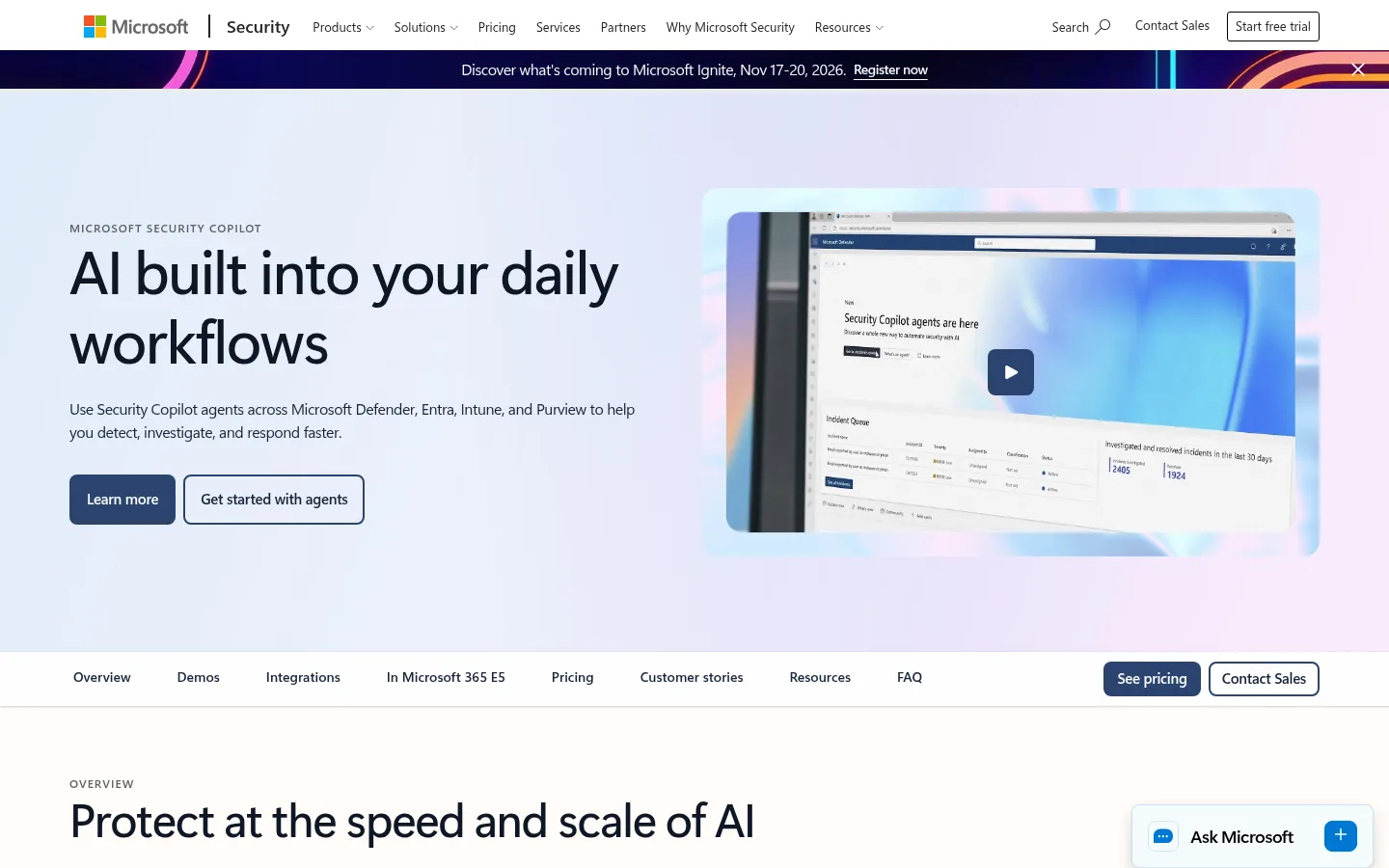
Screenshot: Microsoft Security Copilot website, October 2026.
What Security Copilot helps secure:
- Analyses security signals across integrated Microsoft services.
- Summarises incidents for faster triage.
- Guides response steps for analysts.
- Covers AI workloads running in Microsoft cloud services.
Microsoft Security Copilot pricing
Security Copilot is billed by capacity in Security Compute Units (SCUs) rather than per user, and eligible Microsoft 365 customers receive an included allowance.
| Option | Price | How it works | Best for | Limits |
|---|---|---|---|---|
| Provisioned capacity | USD 4 per SCU per hour | Reserved capacity you plan ahead | Steady workloads | Needs accurate capacity planning |
| Overage capacity | USD 6 per SCU per hour | Covers usage spikes | Variable workloads | Higher unit cost |
| Microsoft 365 E5 and E7 allowance | Included | 400 SCUs a month per 1,000 user licences, up to 10,000 | Eligible Microsoft customers | Capped allowance |
Source: Microsoft Security Copilot pricing, checked October 2026.
2. Wiz
Wiz suits cloud-first businesses that run AI models and services across several cloud accounts and need one view of misconfigurations, exposure paths and vulnerabilities. It treats AI workloads alongside your other cloud resources, which shows where an exposed setting or identity path reaches your models.
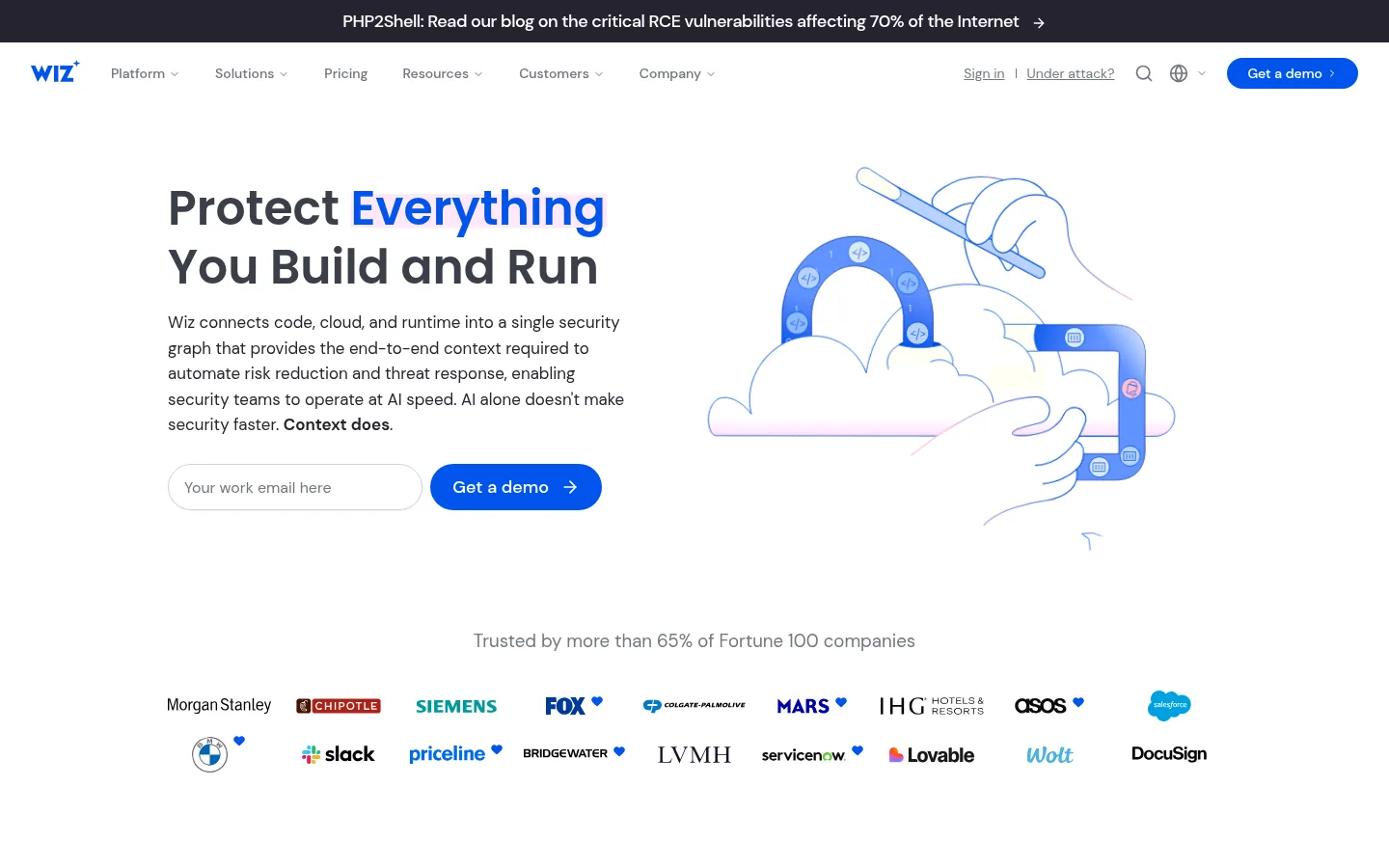
Screenshot: Wiz website, October 2026.
What Wiz helps secure:
- Scans cloud-hosted AI workloads and the infrastructure behind them.
- Maps identity and access paths linked to AI systems.
- Flags configuration risks in AI services.
- Prioritises fixes across multiple cloud accounts.
Wiz pricing
Wiz is sold through sales and cloud marketplaces, with pricing set by contract.
| Option | Pricing approach | Includes | Best for | Limits |
|---|---|---|---|---|
| Direct purchase | Custom quote | Full platform | Large cloud estates | No public price |
| Cloud marketplace | Contract | Defined workload coverage | Teams buying through their cloud provider | Varies by contract |
Source: Wiz. Pricing is quote-based.
3. Fortinet FortiAI
Fortinet FortiAI suits businesses already on Fortinet products that want AI-assisted security across networks, endpoints and hybrid infrastructure where AI applications run. It builds AI into the Fortinet security framework you already manage instead of adding a separate tool.
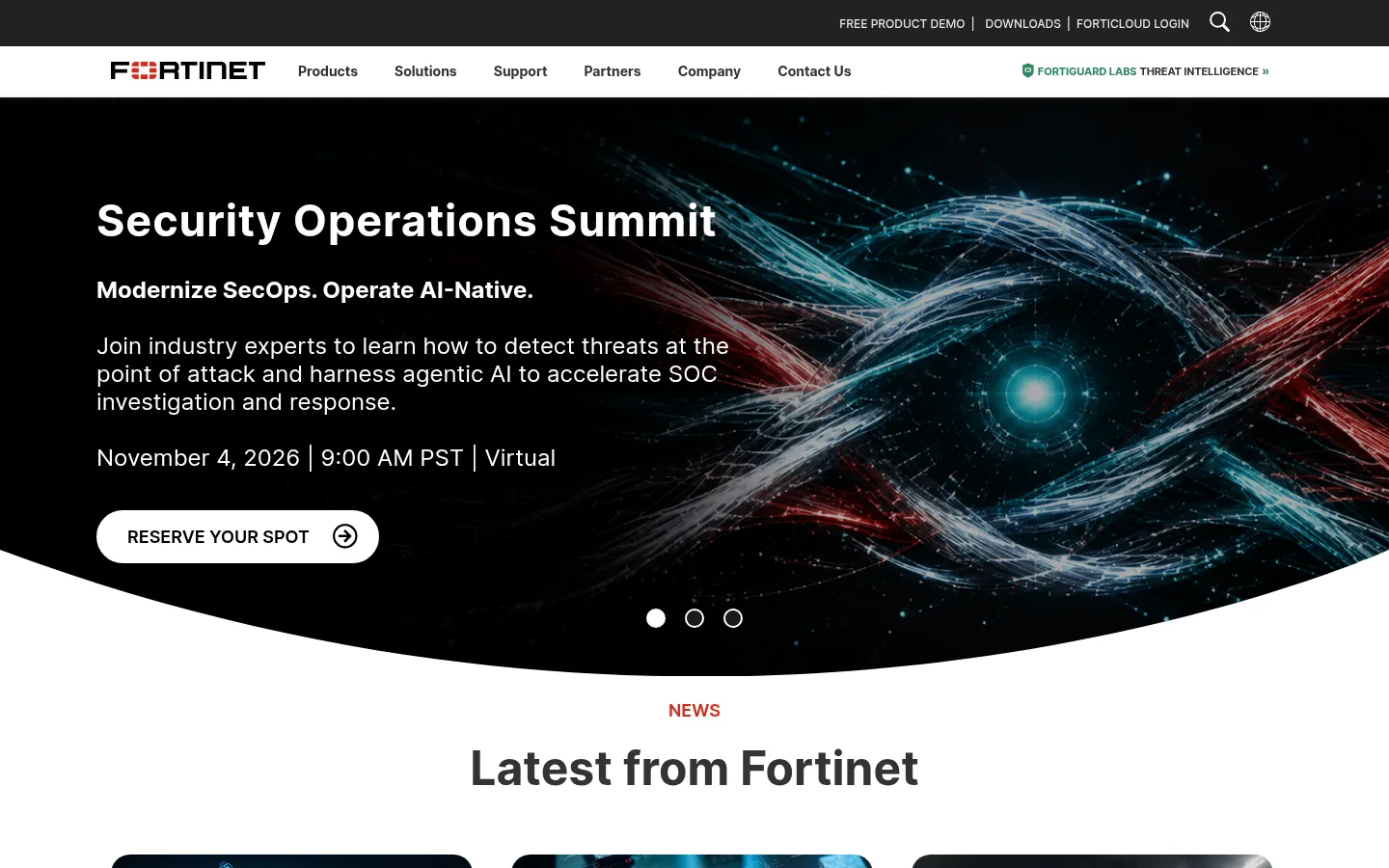
Screenshot: Fortinet website, October 2026.
What FortiAI helps secure:
- Monitors traffic that involves AI services.
- Covers hybrid and edge environments.
- Supports security operations inside the Fortinet platform.
- Applies network-level controls to AI applications.
Fortinet FortiAI pricing
FortiAI is licensed within Fortinet's wider subscriptions and enterprise bundles, priced on request.
| Option | Pricing approach | Includes | Best for | Limits |
|---|---|---|---|---|
| Subscription | Custom quote | AI-assisted security functions | Fortinet customers | Depends on the Fortinet platform |
| Enterprise bundle | Contract | Integrated platform coverage | Large networks | Less flexible on its own |
Source: Fortinet. Pricing is quote-based.
4. Protect AI
Protect AI suits teams that build or fine-tune their own models and need to secure the model lifecycle, from training data and model files to the open-source components inside them. Palo Alto Networks announced its acquisition of Protect AI in April 2025, so check Palo Alto Networks for current product names and packaging.
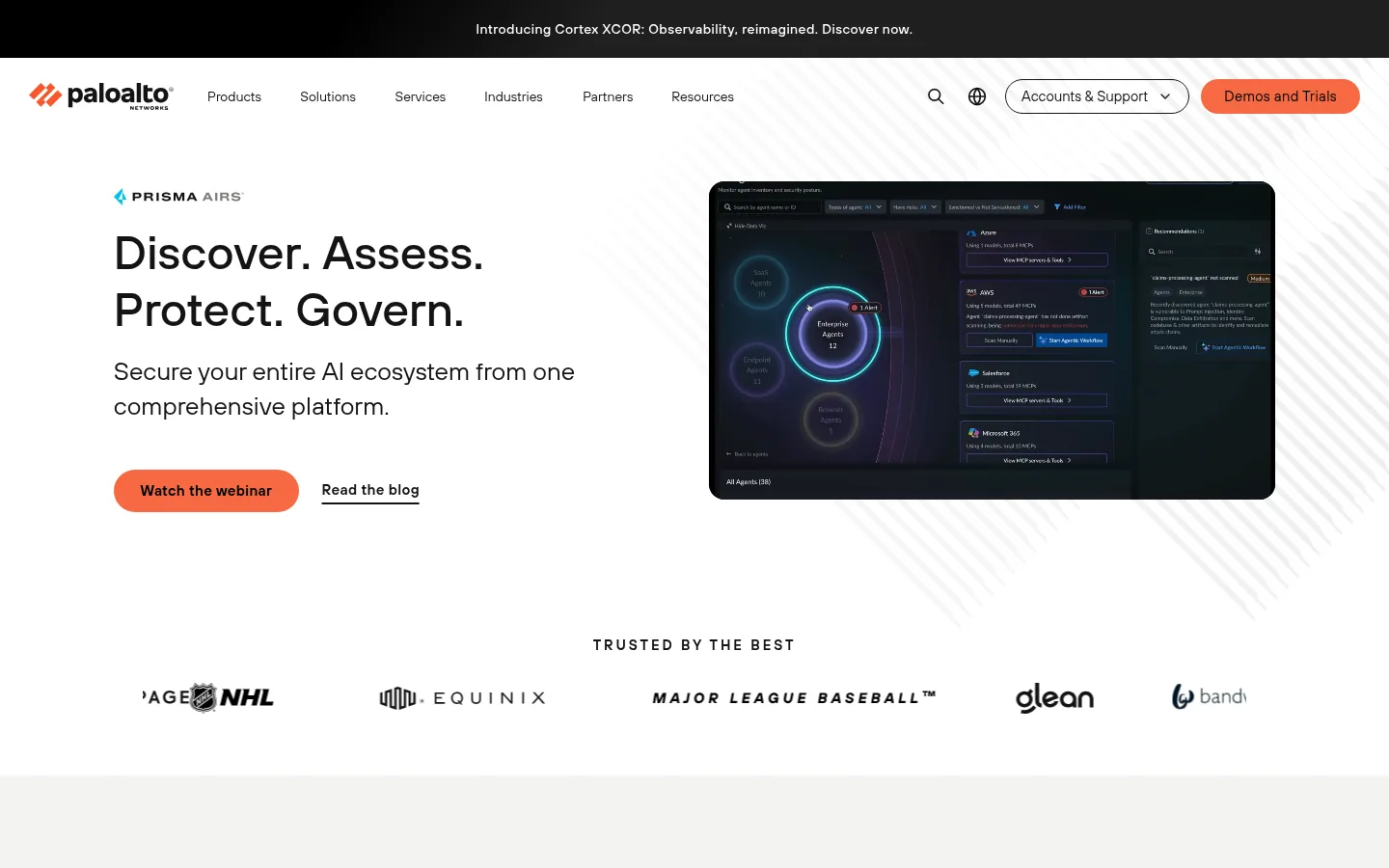
Screenshot: Protect AI website, October 2026.
What Protect AI helps secure:
- Scans model files and repositories for unsafe code.
- Protects training and fine-tuning pipelines.
- Checks open-source AI dependencies.
- Monitors model behaviour at runtime.
Protect AI pricing
Protect AI is sold through demos and enterprise contracts, priced to scope.
| Option | Pricing approach | Includes | Best for | Limits |
|---|---|---|---|---|
| Platform access | Custom quote | Model lifecycle protection | Teams building custom models | No public price |
| Marketplace contract | Term-based | Enterprise procurement | Large organisations | Scope-based pricing |
Source: vendor and marketplace listings. Pricing is quote-based.
5. Mindgard
Mindgard suits regulated businesses that need to test how their AI models behave under attack before those models reach customers. It runs automated red teaming against adversarial scenarios, so weaknesses in prompt handling and responses surface during testing instead of in production.
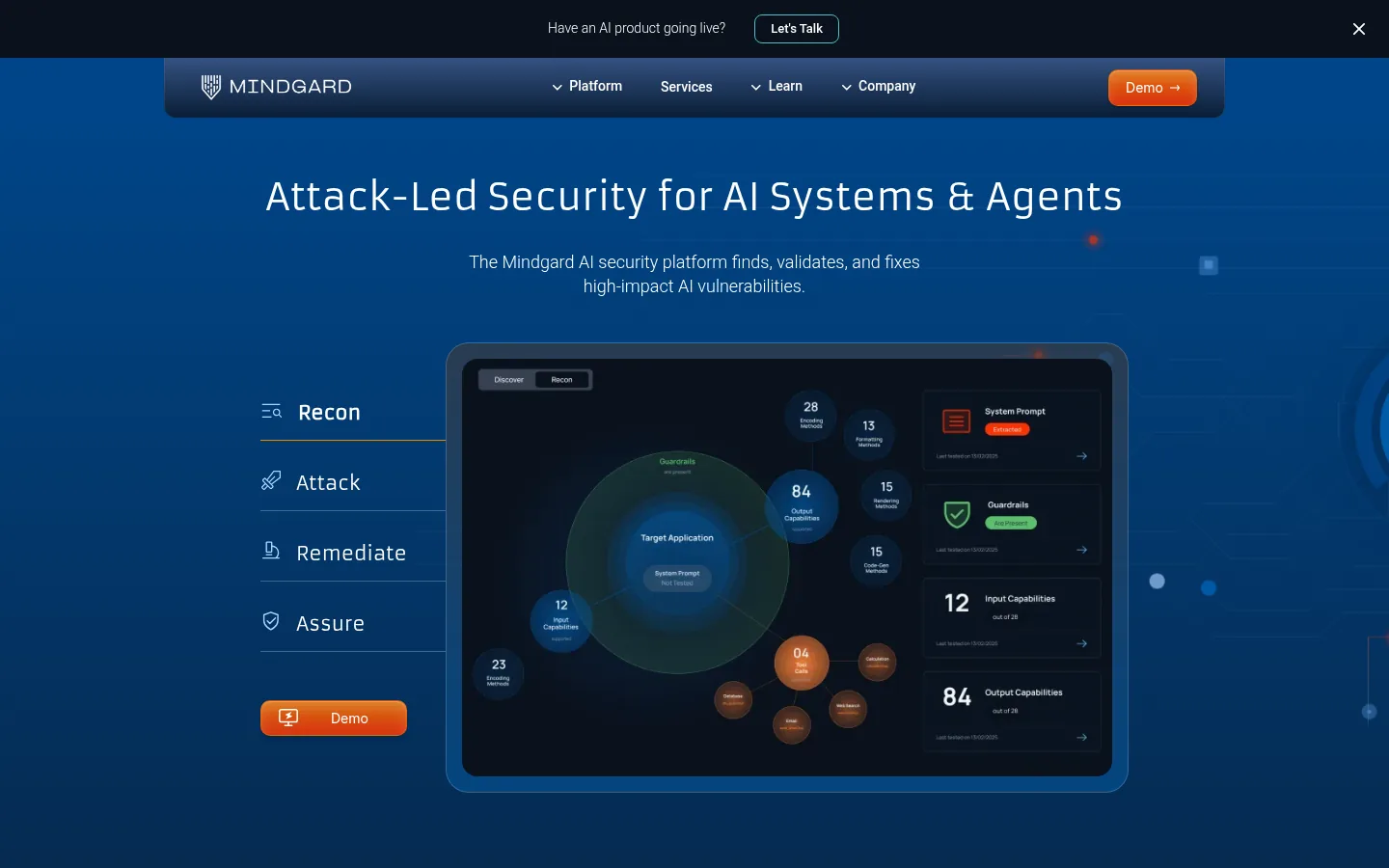
Screenshot: Mindgard website, October 2026.
What Mindgard helps secure:
- Tests model behaviour under adversarial conditions.
- Checks prompt handling and response logic.
- Validates models before deployment.
- Repeats testing as models change.
Mindgard pricing
Mindgard prices testing programmes and ongoing engagements directly with each customer.
| Option | Pricing approach | Includes | Best for | Limits |
|---|---|---|---|---|
| Testing programme | Custom quote | Automated red teaming | Pre-release validation | Price depends on scope |
| Enterprise engagement | Contract | Ongoing validation | Regulated industries | Needs specialist input |
Source: Mindgard. Pricing is quote-based.
6. Snyk
Snyk suits development teams using AI coding assistants that need to catch vulnerabilities in generated code and open-source dependencies inside their existing pipelines. It plugs into code repositories and CI pipelines, so security checks run where developers already work.
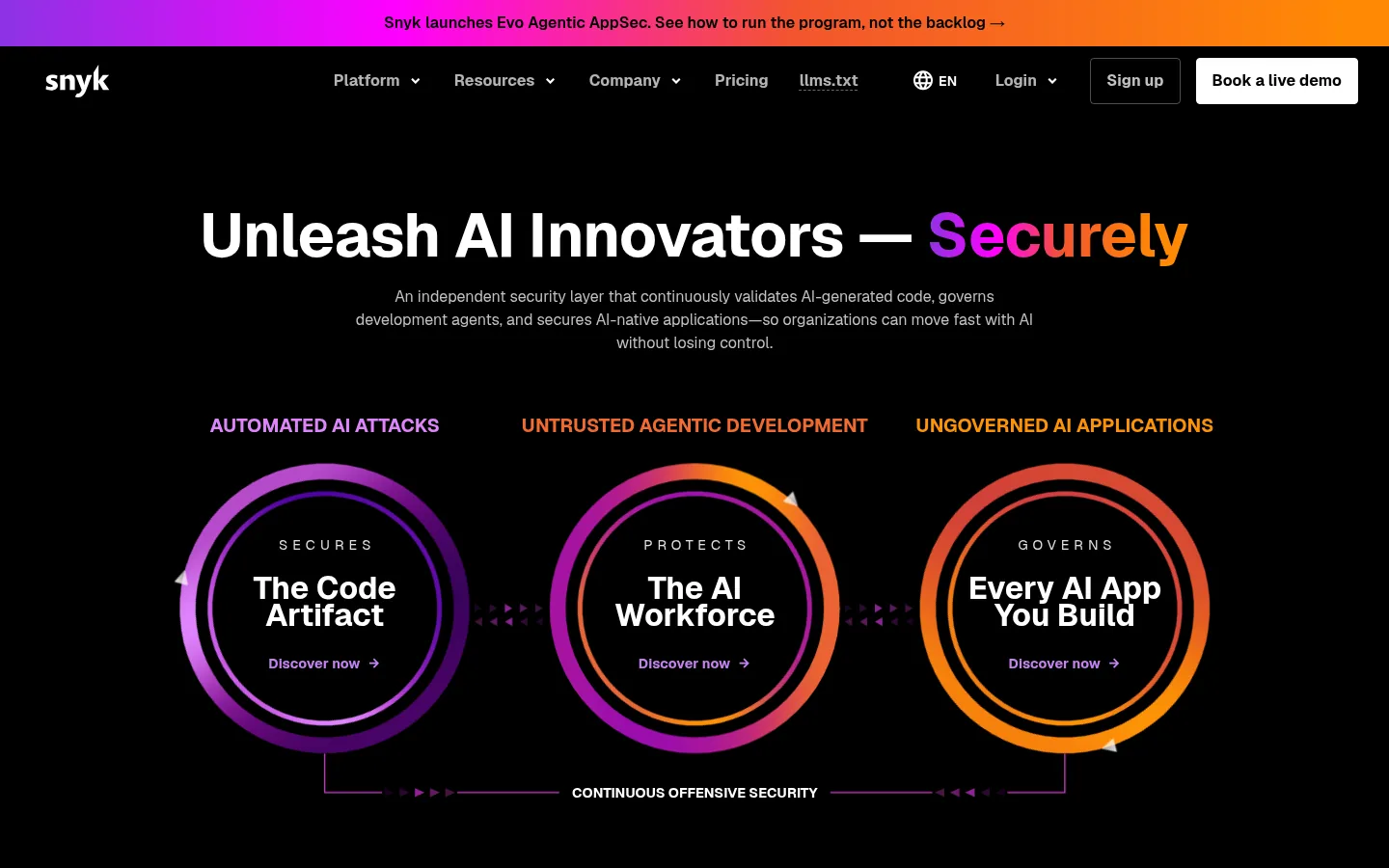
Screenshot: Snyk website, October 2026.
What Snyk helps secure:
- Scans AI-generated source code.
- Checks open-source dependencies for known vulnerabilities.
- Reviews infrastructure-as-code.
- Runs inside developer workflows and CI pipelines.
Snyk pricing
Snyk publishes a free plan and a Team plan, with Enterprise on credit-based contracts.
| Plan | Price | Users | Limits | Best for |
|---|---|---|---|---|
| Free | USD 0 | Individuals | 5 projects, 100 code tests a month | Trying Snyk |
| Team | From USD 25 a month | Up to 10 developers | 100 projects, 1,000 code tests a month | Small development teams |
| Enterprise | Contact sales | Custom | Credit-based | Large engineering organisations |
Source: Snyk plans, checked October 2026.
7. Black Duck
Black Duck suits enterprises under strict compliance rules that need to know every open-source component in their AI applications and the licence risk attached to it. It focuses on software composition analysis, which finds vulnerable or non-compliant components before release.
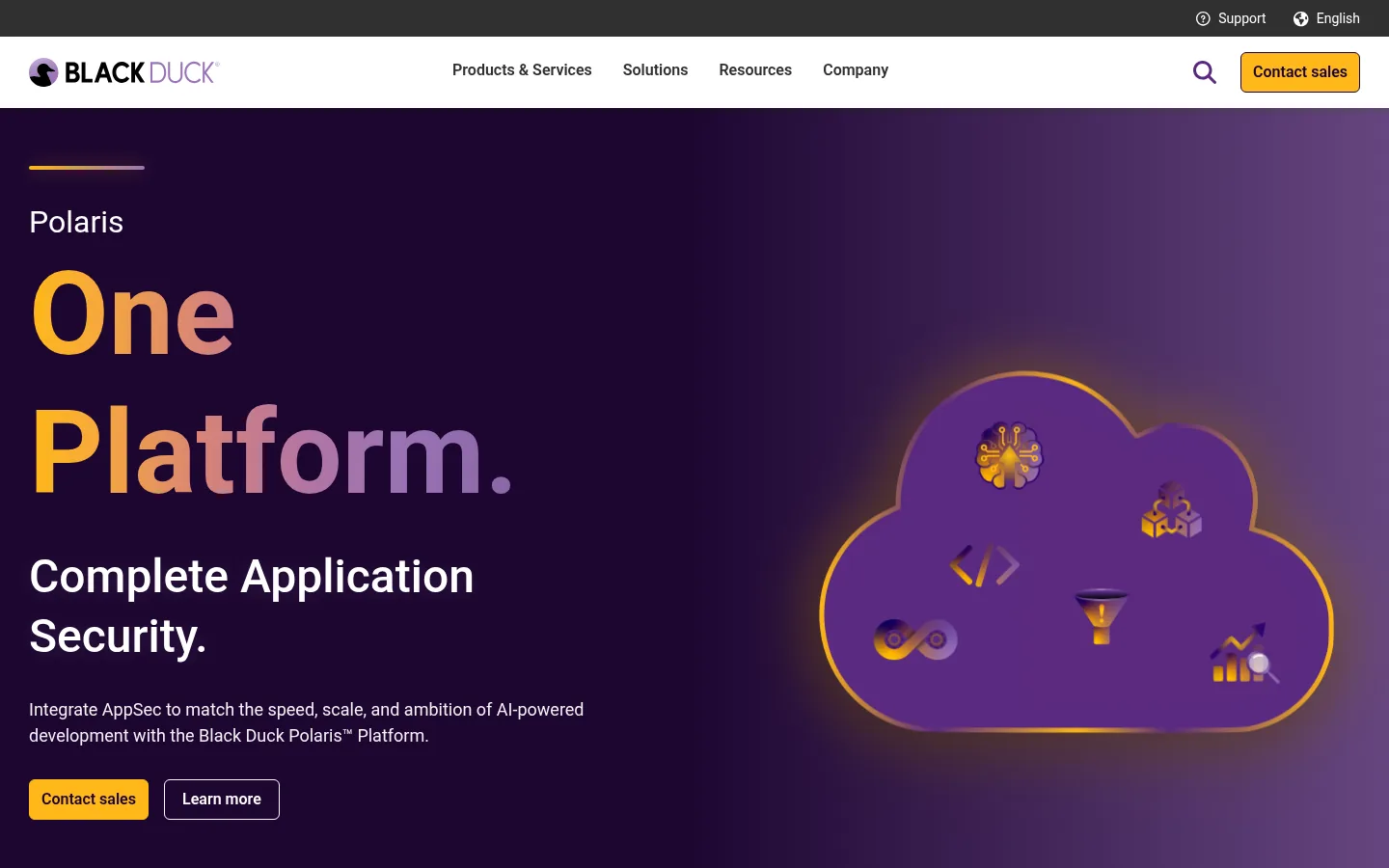
Screenshot: Black Duck website, October 2026.
What Black Duck helps secure:
- Identifies open-source components in AI systems.
- Flags licensing and compliance exposure.
- Tracks vulnerabilities across dependencies.
- Supports audits in regulated industries.
Black Duck pricing
Black Duck uses enterprise subscriptions priced on request.
| Option | Pricing approach | Includes | Best for | Limits |
|---|---|---|---|---|
| Enterprise subscription | Custom quote | Software composition analysis and compliance | Regulated enterprises | No public price |
Source: Black Duck. Pricing is quote-based.
How to Choose AI Security Tools
Choose AI security tools by your real risk exposure, meaning the sensitivity of the data AI touches and where it runs, not by feature count. Weigh these factors:
- Data sensitivity: what information your AI systems process.
- Deployment: cloud, on-premises or hybrid.
- Regulation: the compliance rules in your industry and markets.
- Integration: how well the tool fits your current security stack.
- Team capacity: the security skills and time you have in-house.
Risk is rarely equal across uses. Industry-specific AI faces closer regulatory scrutiny and less tolerance for error, so judge each tool on its fit with your industry's rules as well as its technical controls.
Which AI security tool covers which role?
Combine tools by role so each layer of your AI use has an owner.
| Tool | Primary role | Best fit | Pricing | Typical buyer |
|---|---|---|---|---|
| Microsoft Security Copilot | Threat detection and response | AI-enabled security operations | Per SCU per hour | Microsoft security teams |
| Wiz | Cloud workload security | Cloud-hosted AI | Quote | Cloud security teams |
| Fortinet FortiAI | Network and infrastructure security | Hybrid AI deployments | Quote | Fortinet customers |
| Protect AI | Model and supply chain security | Custom model development | Quote | ML engineering teams |
| Mindgard | Red teaming and testing | Pre-deployment validation | Quote | Regulated industries |
| Snyk | Code and dependency security | AI-assisted development | Free, then from USD 25 a month | Development teams |
| Black Duck | Compliance and composition analysis | Regulated environments | Quote | Compliance and legal teams |
Make AI Security Part of Your AI Plan
AI security works best when it is planned with your AI rollout, so each new use of AI arrives with access controls, monitoring and testing already in place. Start with the layer where your most sensitive data meets AI, then add the next layer as AI use grows. For how AI tools fit into the rest of your business, see the AI platforms for business comparison.