Team collaboration tools bring messages, tasks, documents and decisions into one shared workspace, so your team works from the same up-to-date information and spends less time chasing updates across email and spreadsheets. Each tool below leans towards one way of working: chat, tasks or documents. The seven suit small businesses, mid-sized companies and growing remote or hybrid teams.
What a Team Collaboration Tool Gives You
A collaboration tool acts as the shared record of your team's day-to-day work, which cuts duplication, improves visibility and makes ownership clear. The main benefits:
- Centralises communication and task coordination.
- Reduces switching between tools.
- Clarifies who owns each piece of work.
- Keeps documents current with real-time editing and version history.
- Shows managers and stakeholders where work stands.
- Scales collaboration for remote and hybrid teams.
| Tool | Collaboration style | Best for | Core features |
|---|---|---|---|
| Slack | Chat-led | Fast-moving teams using many integrations | Channels, threads, huddles, app integrations |
| Microsoft Teams | Chat and meetings | Organisations on Microsoft 365 | Chat, video meetings, SharePoint files |
| Asana | Task-led | Teams that need clear accountability | Tasks, timelines, dependencies, dashboards |
| Trello | Visual task boards | Small teams and simple workflows | Kanban boards, cards, checklists |
| monday.com | Configurable workflows | Teams across several departments | Custom boards, automations, views |
| ClickUp | All-in-one | Teams replacing several tools | Tasks, docs, dashboards, automations |
| Google Workspace | Document-led | Teams that co-edit documents | Docs, Sheets, Drive, Gmail, Meet |
1. Slack: Channel-Based Team Communication
Slack replaces internal email with organised channels and searchable conversations, so discussions stay easy to follow. Slack suits fast-moving teams that connect it to their other tools.
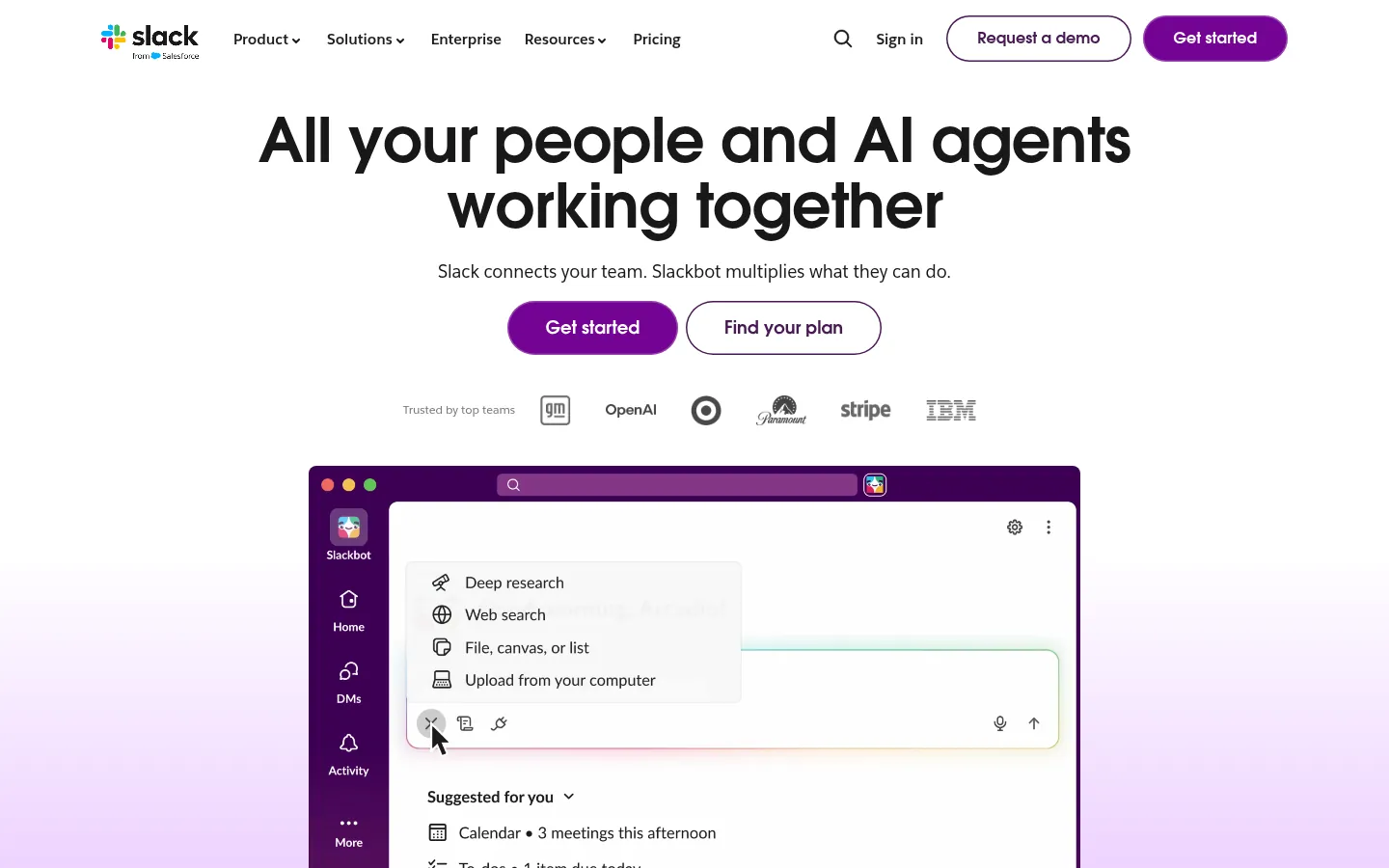
Screenshot: Slack website, October 2026.
Slack works best paired with a project or document tool, because it handles communication rather than managing the work itself.
- Organises conversations into channels and threads.
- Supports direct and group messages.
- Connects to other apps and automates workflows.
- Starts quick audio huddles.
- Searches message history.
2. Microsoft Teams: Collaboration Inside Microsoft 365
Microsoft Teams combines chat, meetings and file collaboration inside Microsoft 365, so organisations already on Outlook, Word and Excel work in one connected place. Microsoft Teams stores shared files in SharePoint.
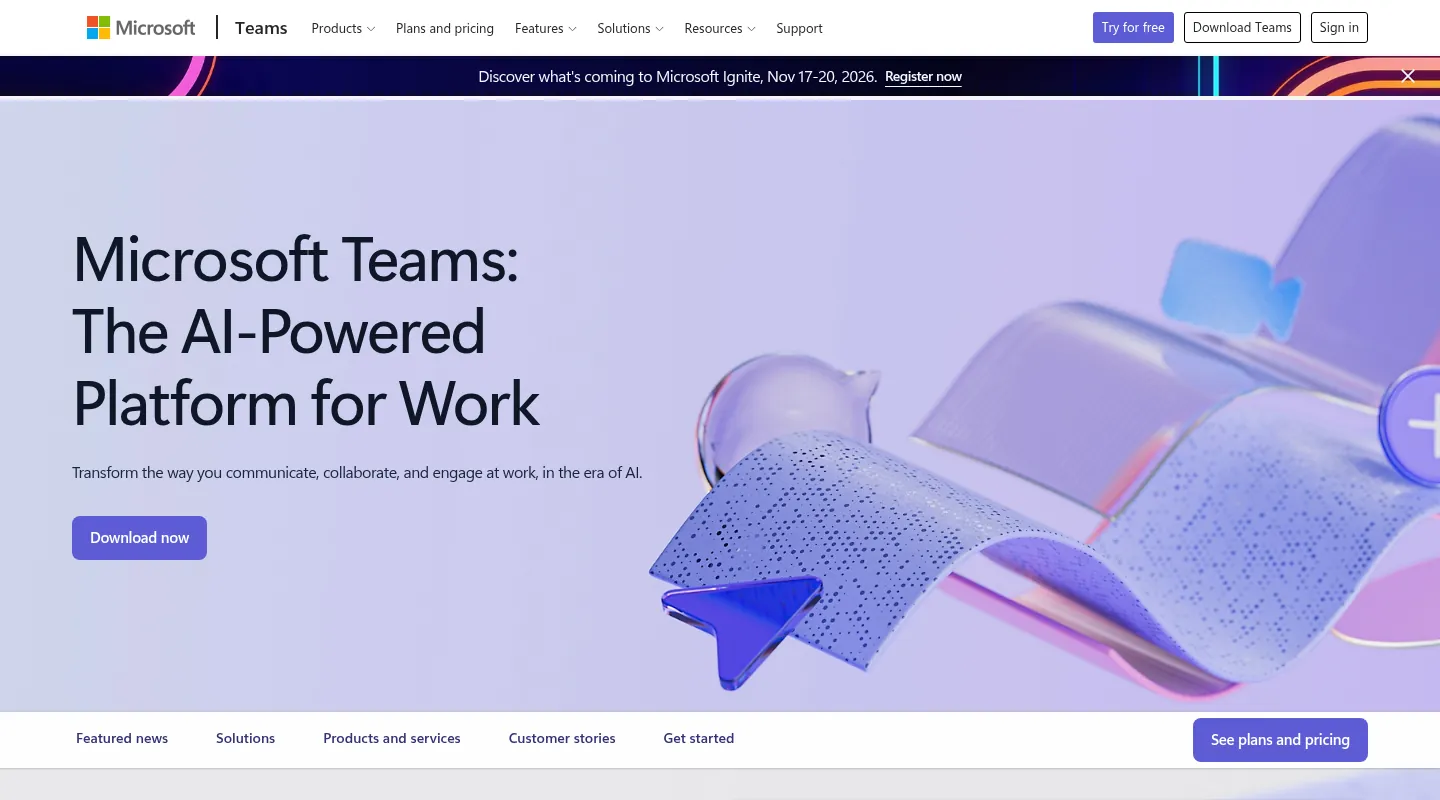
Screenshot: Microsoft Teams website, October 2026.
Licensing and plan choices grow more complex as an organisation scales.
- Hosts team chat and threaded conversations.
- Runs video meetings.
- Stores shared files in SharePoint.
- Connects with Microsoft 365 apps.
- Applies enterprise security controls.
3. Asana: Task and Project Coordination
Asana shows who is doing what and by when, so execution-driven teams keep projects on track. Asana suits marketing, product and operations teams.
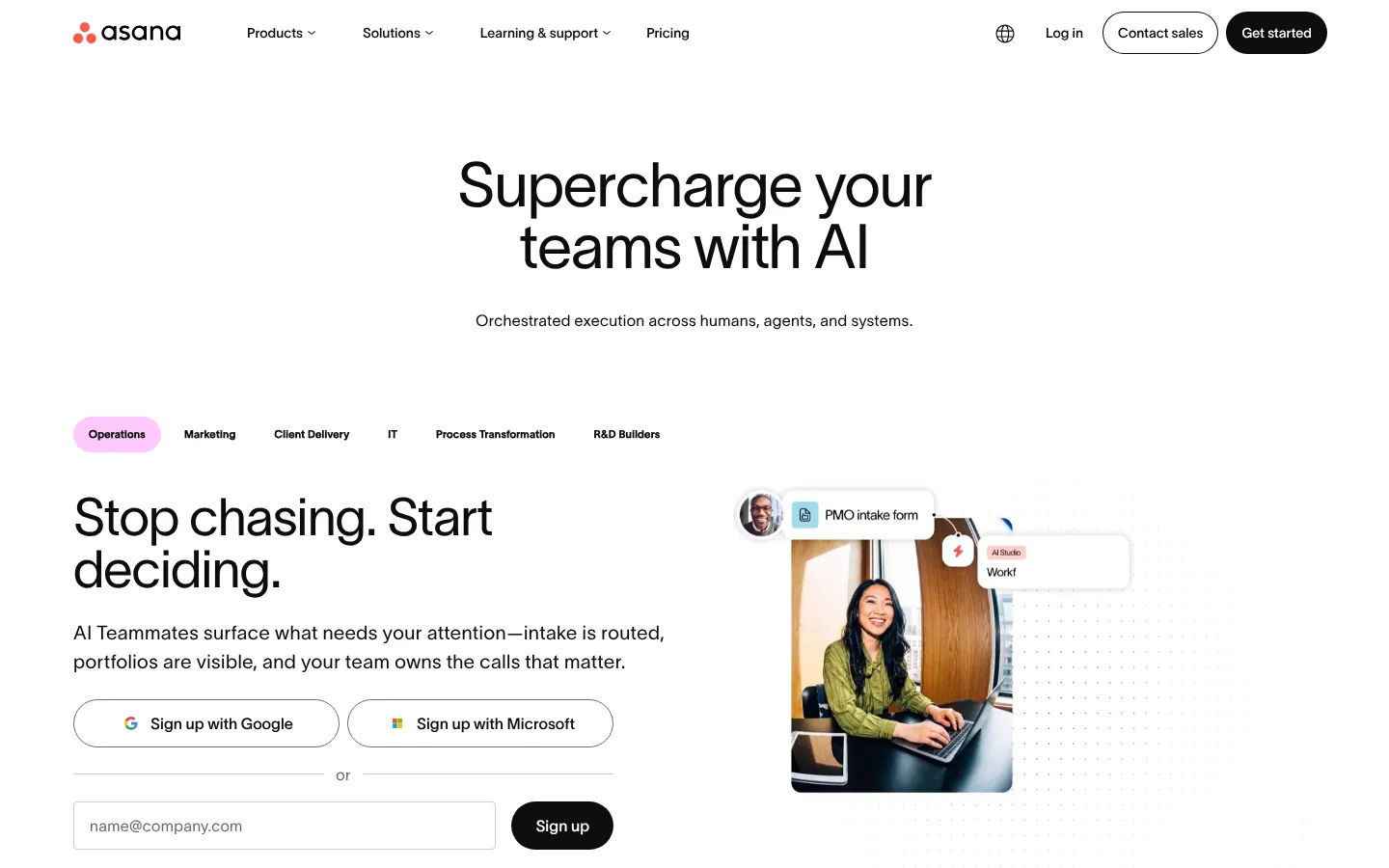
Screenshot: Asana website, October 2026.
Asana relies on integrations for chat and documents.
- Manages tasks and projects.
- Maps timelines and dependencies.
- Reports progress on dashboards.
- Automates routine workflow steps.
- Shows work across teams and portfolios.
4. Trello: Visual Boards for Simple Workflows
Trello shows work as cards on boards, so small teams see the status of every task at a glance. Trello is quick to learn.
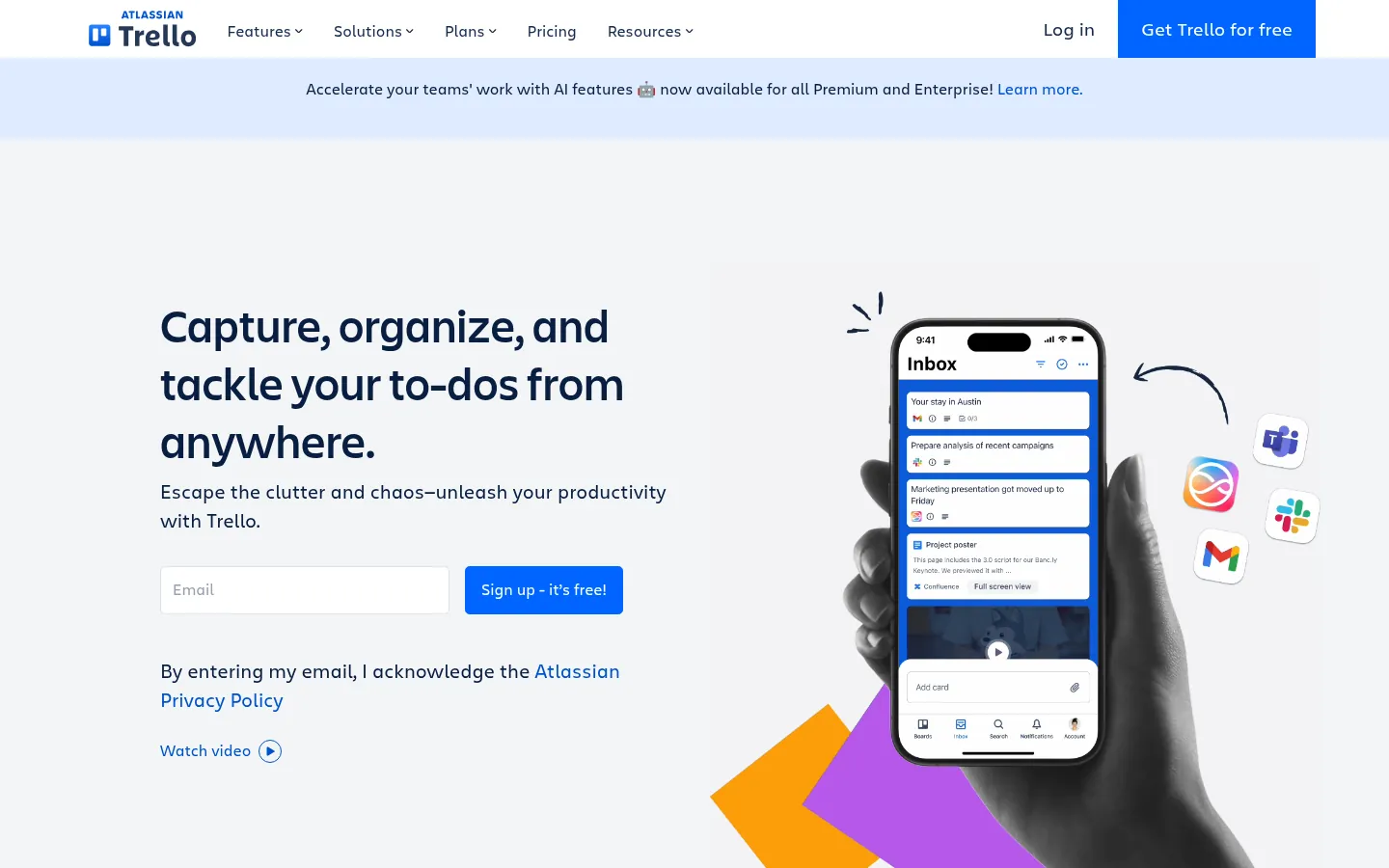
Screenshot: Trello website, October 2026.
Complex workflows need higher-tier plans or extra tools for reporting and dependencies.
- Organises tasks on Kanban boards.
- Adds checklists, labels and due dates to cards.
- Extends boards with Power-Ups for integrations.
- Automates simple repetitive steps.
5. monday.com: Configurable Work Management
monday.com lets each team build boards, automations and views around its own workflow, so marketing, operations and HR work in one platform. monday.com suits teams willing to invest time in setup.
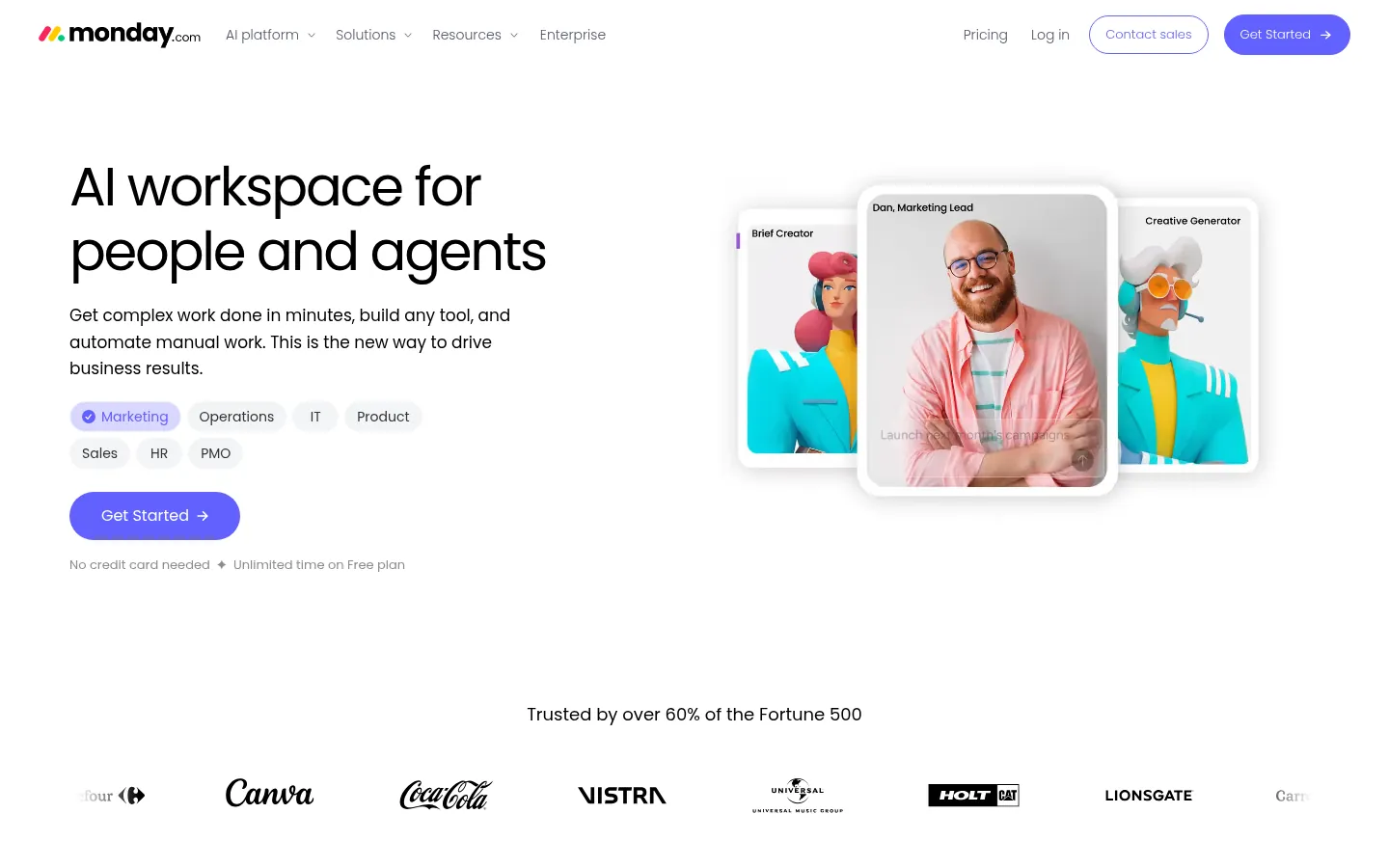
Screenshot: monday.com website, October 2026.
- Customises workflows and boards.
- Shows projects in several views.
- Automates steps and connects other tools.
- Manages workloads and timelines.
6. ClickUp: An All-in-One Work Platform
ClickUp combines tasks, documents, dashboards and communication, so teams cut the number of tools they pay for. ClickUp suits teams comfortable configuring a feature-rich platform.
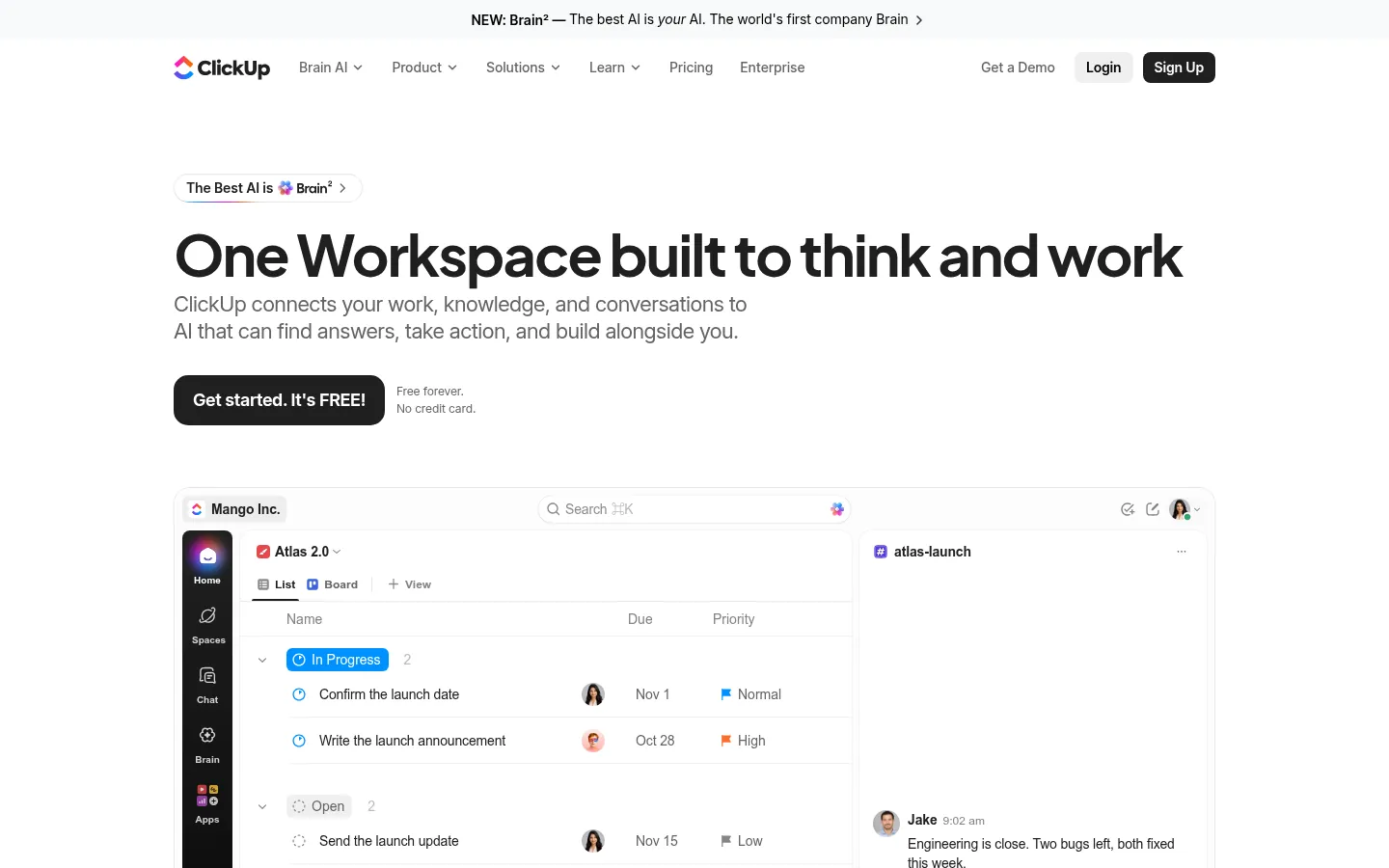
Screenshot: ClickUp website, October 2026.
- Manages tasks and projects.
- Hosts documents and shared knowledge.
- Reports on dashboards.
- Automates steps and connects other tools.
7. Google Workspace: Document-Centred Collaboration
Google Workspace lets your team edit documents together in real time, so version control problems disappear. Google Workspace includes Gmail, Docs, Sheets, Drive and Meet.
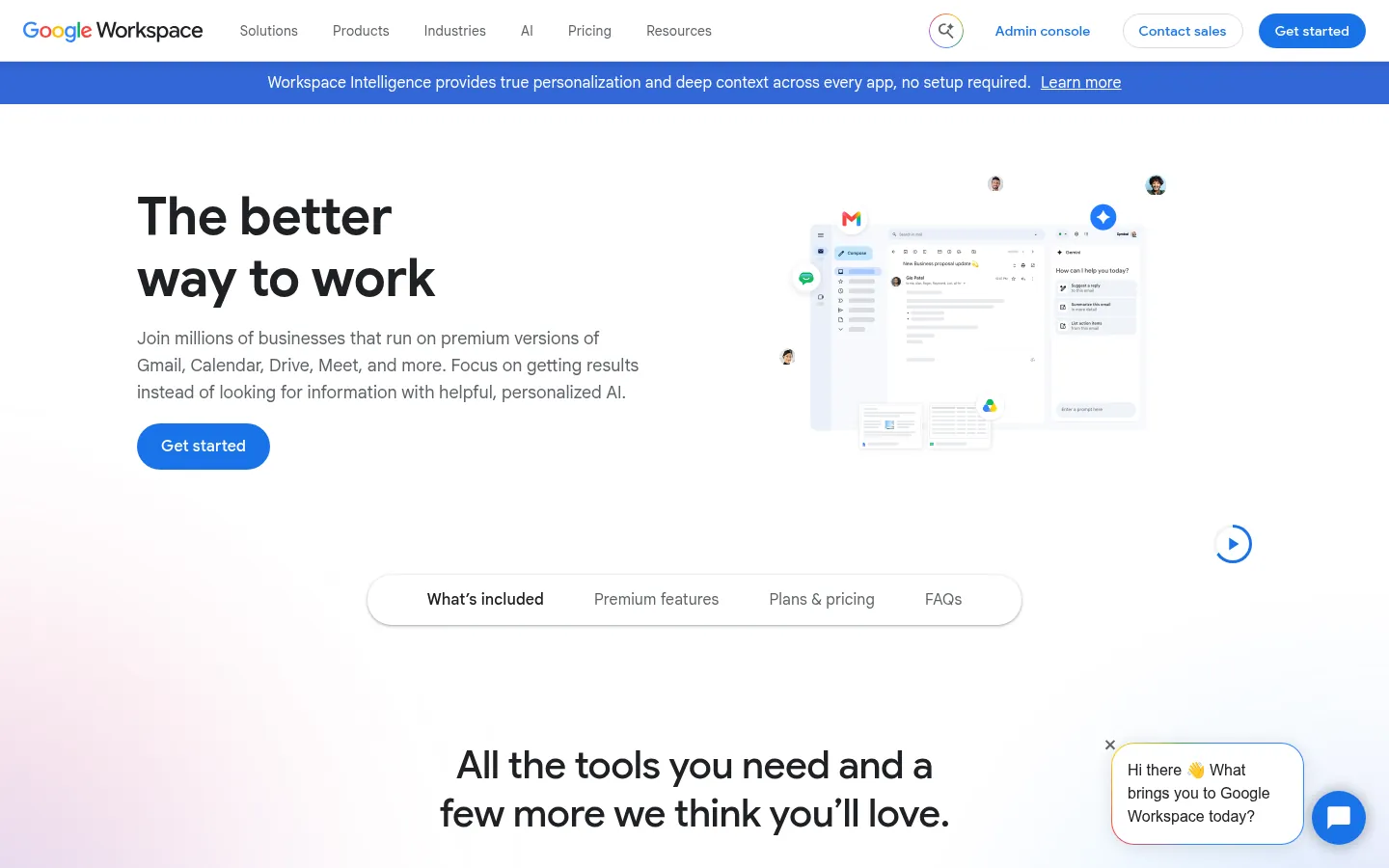
Screenshot: Google Workspace website, October 2026.
It has no native task dependencies or project tracking, so many teams pair it with a project tool.
- Edits documents together in real time.
- Stores and shares files in the cloud.
- Connects email and calendar.
- Runs video meetings.
How to Choose a Team Collaboration Tool
Choose the tool that matches how your team already collaborates: chat-led, task-led or document-led. A mismatch between the tool and your way of working is the most common reason teams stop using it.
Which tool suits a chat-led team?
Slack or Microsoft Teams suits teams that coordinate mainly through conversation. Choose Teams if you already use Microsoft 365, and Slack if you rely on a wide mix of other apps.
Which tool suits a task-led team?
Asana, monday.com or ClickUp suits teams that plan and track defined pieces of work. Trello covers simple boards for small teams.
What else is worth checking before you choose?
Check integrations with your existing tools, security and governance needs, and the total cost as your team grows. Distributed teams also benefit from asynchronous communication tools that share updates without real-time meetings.
Pick the Tool That Fits How You Work
The right collaboration tool reduces fragmentation only when it matches how your team works, not when it has the most features. Compare project management tools, browse more SaaS tool guides, or book a strategic conversation with Aemorph about growing your business online.