Async communication tools let your team share updates, give feedback and make decisions without everyone online at once, so you hold fewer meetings and keep a written record of what was agreed. The seven tools below cover video messages, team chat, documentation, project updates, all-in-one workspaces, issue tracking and visual boards. Each entry shows who the tool suits and what it costs in October 2026.
Why Async Communication Matters
Teams spread across time zones and schedules stall when every decision waits for a meeting; async tools keep work moving and leave a searchable record. Recorded updates, threads and documents replace many live calls.
What async tools give your team:
- Cuts the number of status meetings.
- Protects focus time from interruptions.
- Records decisions and the reasons behind them.
- Includes people in other time zones.
- Speeds up onboarding with a written history.
1. Loom
Loom suits teams that explain ideas, give feedback or walk through screens, by recording short videos instead of booking calls. Viewers watch at their own pace and reply with comments.
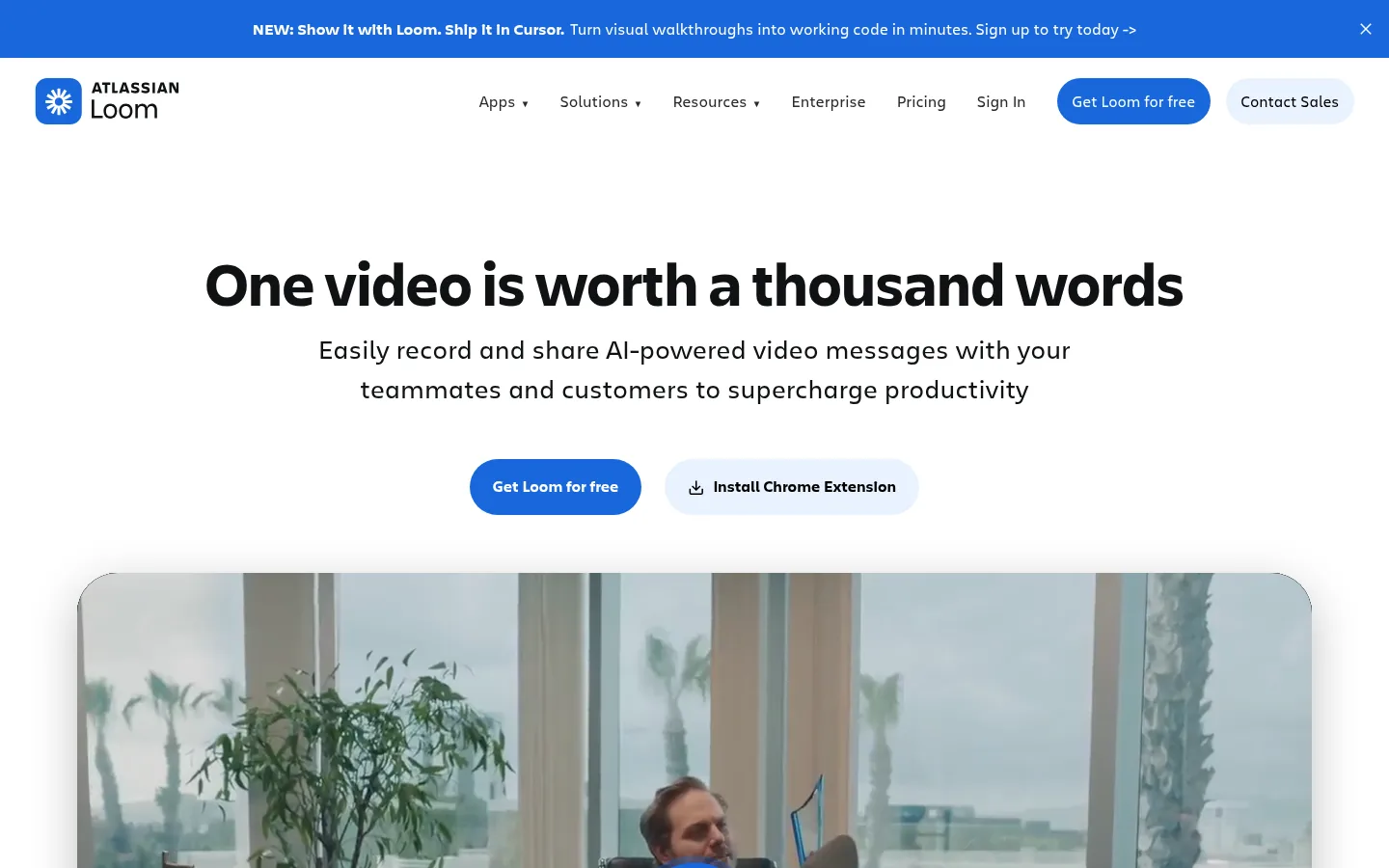
Screenshot: Loom website, October 2026.
What Loom does well:
- Records screen and camera videos.
- Shares walkthroughs and demos by link.
- Collects comments and reactions on each video.
- Adds AI summaries on the Business + AI plan.
Loom pricing
Loom has a free Starter plan, with paid plans priced per user.
| Plan | Price | Recording limits | Best for | Includes |
|---|---|---|---|---|
| Starter | USD 0 | 25 videos per person, 5 minutes each | Individuals and small teams up to 10 users | Core recording |
| Business | USD 18 per user a month | Unlimited | Teams | Unlimited videos and branding |
| Business + AI | USD 24 per user a month | Unlimited | Teams wanting AI | AI titles, summaries and edits |
| Enterprise | Custom | Unlimited | Large organisations | Advanced security |
Source: Loom pricing, checked October 2026.
2. Slack
Slack suits teams that already chat in channels and want to run them asynchronously, with threads and clear response norms. Without those norms, Slack tends to pull teams back into real-time chat.
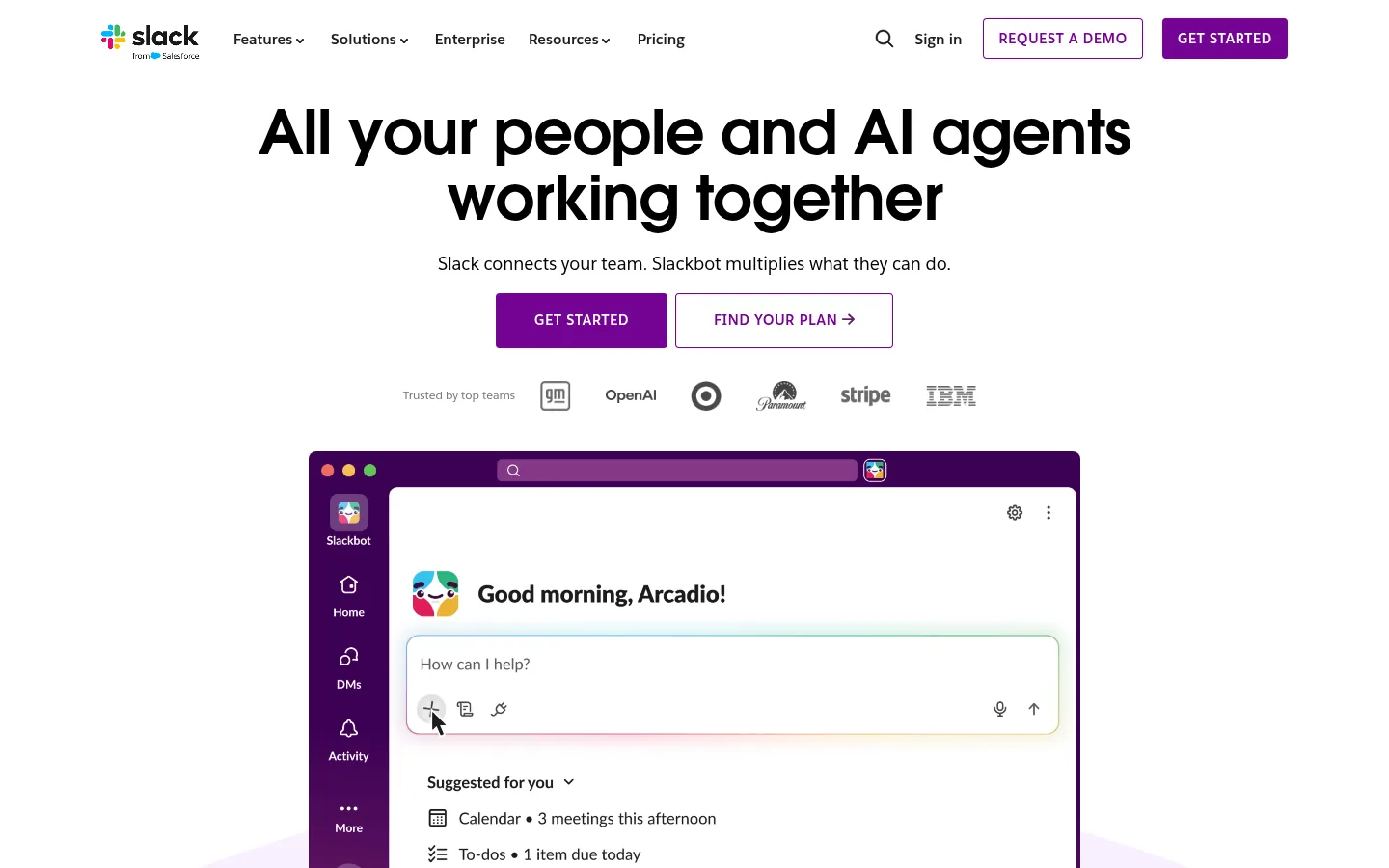
Screenshot: Slack website, October 2026.
What Slack does well:
- Organises discussion into channels and threads.
- Records clips and huddles.
- Searches message history.
- Connects to thousands of apps.
Slack pricing
Slack has a free plan with 90 days of history, and paid plans priced per user.
| Plan | Annual billing | Monthly billing | Best for | Limits |
|---|---|---|---|---|
| Free | USD 0 | USD 0 | Small teams | 90-day history, 10 apps |
| Pro | USD 7.25 per user a month | USD 8.75 | Growing teams | Full history |
| Business+ | USD 15 per user a month | USD 18 | Larger organisations | Higher cost |
| Enterprise+ | Contact sales | Contact sales | Enterprises | Sales-led |
Source: Slack pricing, checked October 2026.
3. Notion
Notion suits teams that want decisions, updates and documentation in one written knowledge base, reviewed and commented on over time. It rewards teams that keep pages organised.
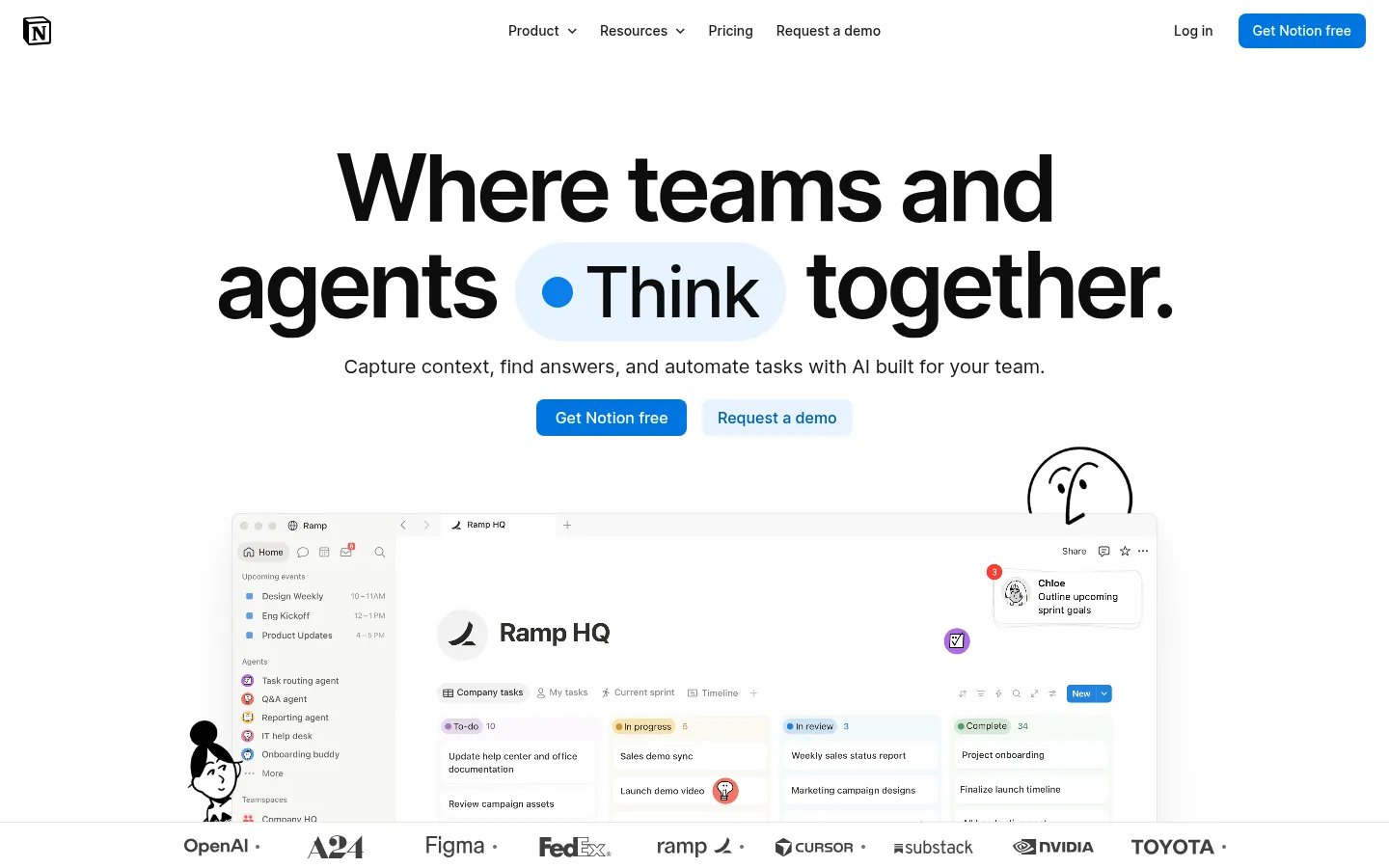
Screenshot: Notion website, October 2026.
What Notion does well:
- Stores documents, wikis and decisions.
- Collaborates through comments and mentions.
- Links pages and databases together.
- Includes Notion AI on the Business plan.
Notion pricing
Notion has a free plan, with paid plans priced per seat.
| Plan | Price | Notion AI | Best for | Limits |
|---|---|---|---|---|
| Free | USD 0 | Not included | Individuals | Limited collaboration |
| Plus | USD 10 per seat a month | Limited trial | Small teams | AI only as a trial |
| Business | USD 20 per seat a month | Included | Growing teams | Higher cost |
| Enterprise | Custom | Included | Large organisations | Sales-led |
Source: Notion pricing, checked October 2026.
4. Asana
Asana suits teams running multi-step projects, where progress updates live as comments on tasks with a clear owner and deadline. Work moves forward while contributors are offline.
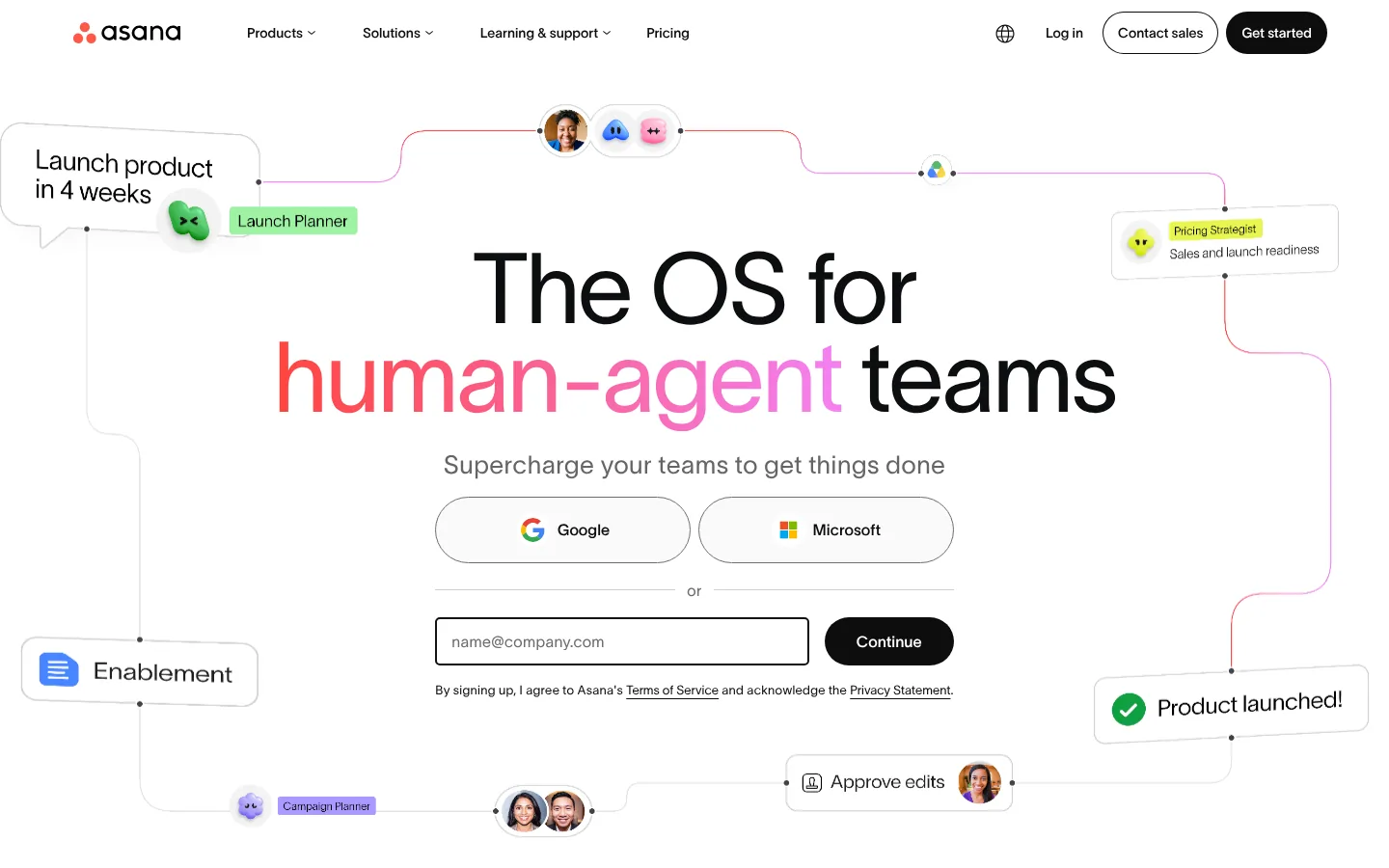
Screenshot: Asana website, October 2026.
What Asana does well:
- Assigns tasks with owners and deadlines.
- Tracks progress on timelines and boards.
- Records updates as task comments.
- Automates routine steps on paid plans.
Asana pricing
Asana has a free Personal plan, with lower per-user prices on annual billing.
| Plan | Annual billing | Monthly billing | Best for | Limits |
|---|---|---|---|---|
| Personal | USD 0 | USD 0 | Individuals and small teams | Basic features |
| Starter | USD 10.99 per user a month | USD 13.49 | Growing teams | Fewer advanced features |
| Advanced | USD 24.99 per user a month | USD 30.49 | Larger programmes | Higher cost |
| Enterprise | Contact sales | Contact sales | Enterprises | Sales-led |
Source: Asana pricing, checked October 2026.
5. ClickUp
ClickUp suits teams that want tasks, documents, comments and dashboards in one workspace, and accept setup time in return. Teams often adopt it to replace several separate tools.
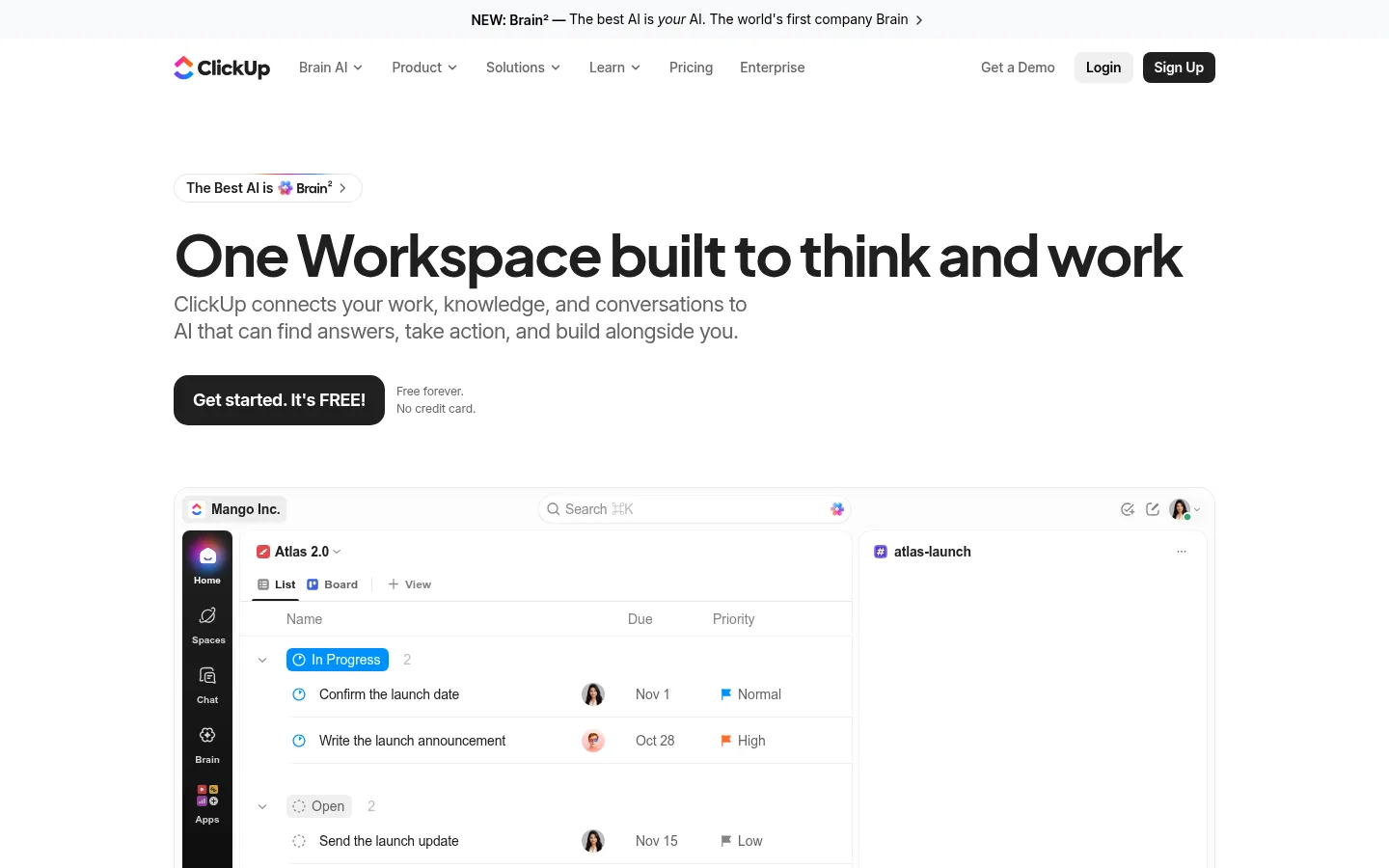
Screenshot: ClickUp website, October 2026.
What ClickUp does well:
- Combines tasks, docs and dashboards.
- Collaborates through comments and mentions.
- Customises workflows per team.
- Adds ClickUp Brain AI as a paid add-on.
ClickUp pricing
ClickUp has a free plan, with lower per-user prices on annual billing and AI sold separately.
| Plan | Annual billing | Monthly billing | Best for | Limits |
|---|---|---|---|---|
| Free | USD 0 | USD 0 | Testing | Feature caps |
| Unlimited | USD 7 per user a month | USD 10 | Small teams | Fewer advanced features |
| Business | USD 12 per user a month | USD 19 | Growing teams | Learning curve |
| Enterprise | Custom | Custom | Large organisations | Sales-led |
Source: ClickUp pricing, checked October 2026. ClickUp Brain AI costs USD 9 per user a month.
6. Jira
Jira suits software and product teams that discuss work on tickets, so every decision stays attached to the issue it affects. Non-technical teams often find it complex.
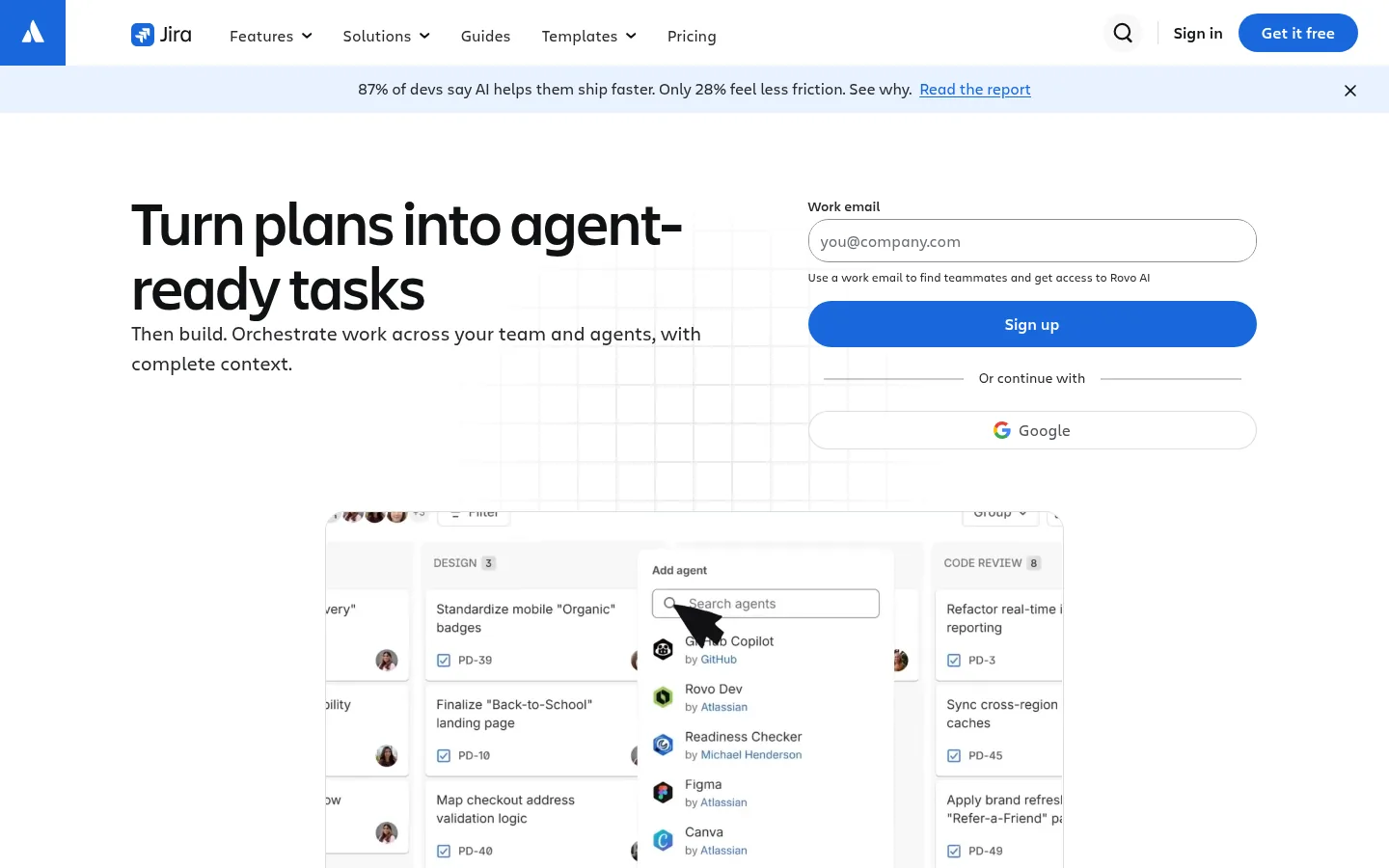
Screenshot: Jira website, October 2026.
What Jira does well:
- Tracks issues through workflow states.
- Records discussion on each ticket.
- Plans sprints and releases.
- Keeps an audit trail for technical work.
Jira pricing
Jira is free for up to 10 users, and per-user prices on paid plans change with team size.
| Plan | Price | Users | Best for | Limits |
|---|---|---|---|---|
| Free | USD 0 | Up to 10 | Small development teams | Basic features |
| Standard | About USD 8.48 per user a month | Larger teams | Growing teams | Price varies by team size |
| Premium | About USD 15.56 per user a month | Larger teams | Complex programmes | Higher cost |
| Enterprise | Annual contract | Large organisations | Enterprises | Billed annually |
Source: Jira pricing, checked October 2026.
7. Miro
Miro suits teams doing brainstorming, planning and design reviews on shared visual boards, with feedback added over days instead of in one workshop. It does not manage task ownership.
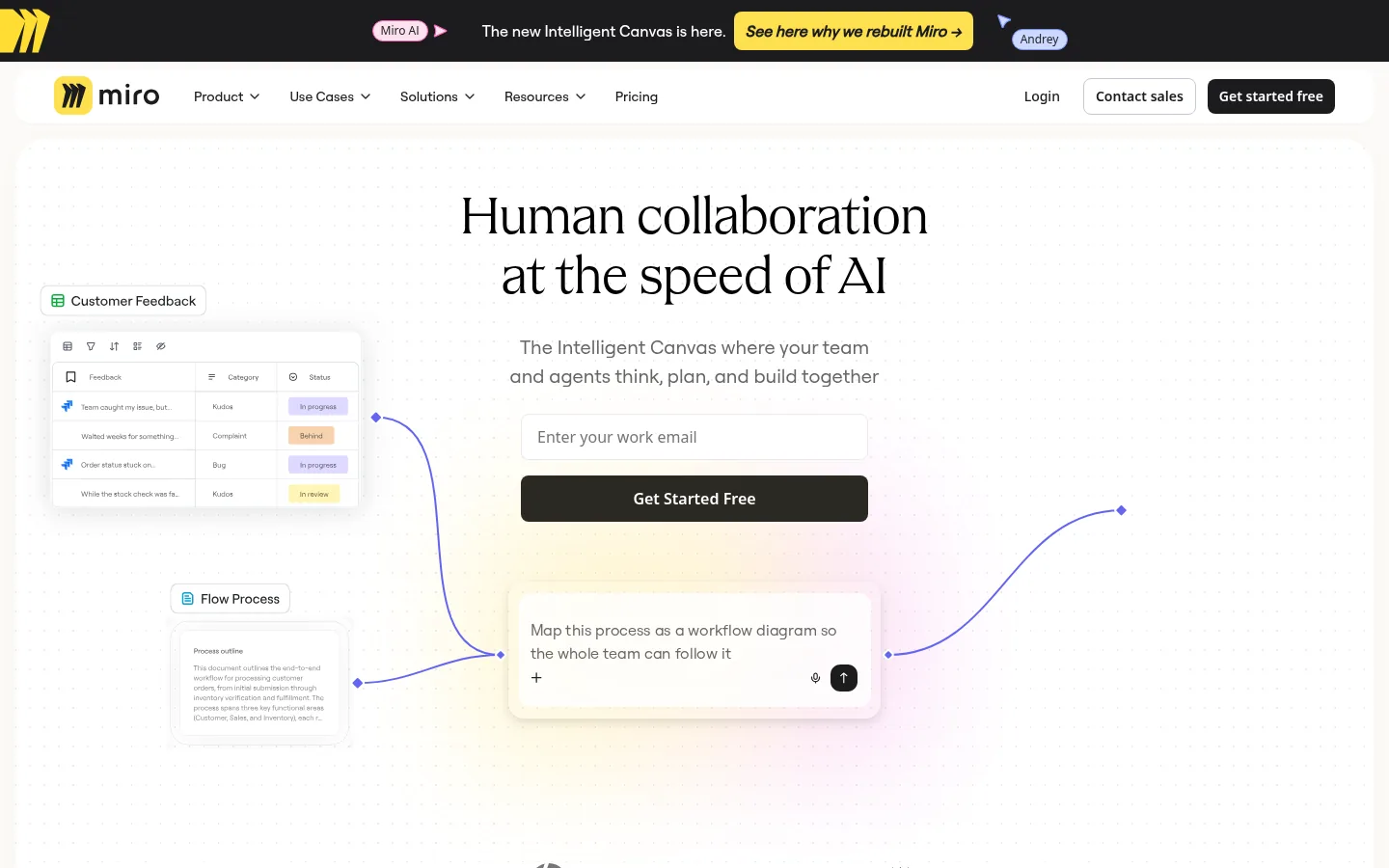
Screenshot: Miro website, October 2026.
What Miro does well:
- Maps ideas on shared boards.
- Collects comments and sticky-note feedback.
- Reviews designs and diagrams.
- Keeps boards as a lasting record.
Miro pricing
Miro has a free plan with 3 boards, and paid plans priced per member.
| Plan | Price, billed annually | Boards | Best for | Limits |
|---|---|---|---|---|
| Free | USD 0 | 3 editable | Light use | Board limit |
| Starter | USD 8 per member a month | Unlimited | Small teams | No task ownership |
| Business | USD 20 per member a month | Unlimited | Larger teams | Higher cost |
| Enterprise | Custom | Unlimited | From 30 members | Sales-led |
Source: Miro pricing, checked October 2026.
How to Choose an Async Communication Tool
Find where communication slows your team down, then pick the tool built for that format: video, chat, documents, tasks or boards. Many teams combine two or three.
- Explaining: video tools such as Loom.
- Discussing: threaded chat such as Slack.
- Recording decisions: documents such as Notion.
- Tracking work: task tools such as Asana, ClickUp or Jira.
- Ideating: visual boards such as Miro.
Which async tool fits which need?
Choose one home for decisions and one for day-to-day updates, so nothing gets lost between tools.
| Tool | Best for | Strength | Trade-off | Entry paid price |
|---|---|---|---|---|
| Loom | Video updates | Clear explanations | Not task-based | USD 18 per user a month |
| Slack | Team messaging | Flexible channels | Can drift into real-time chat | USD 7.25 per user a month, annual |
| Notion | Documentation | Lasting knowledge base | Needs structure | USD 10 per seat a month |
| Asana | Project updates | Clear ownership | Setup overhead | USD 10.99 per user a month, annual |
| ClickUp | All-in-one workspace | Fewer tools | Learning curve | USD 7 per user a month, annual |
| Jira | Software teams | Traceability | Complex for non-technical teams | About USD 8.48 per user a month |
| Miro | Visual work | Flexible ideation | No task ownership | USD 8 per member a month, annual |
Source: vendor pricing pages listed above, checked October 2026.
Keeping Files and Teams in Sync
Async work breaks down when people cannot find the file behind an update, so pair your communication tool with shared storage. See file sharing tools for keeping documents and assets accessible, and team collaboration tools for broader options.