B2B project management software puts every task, deadline, owner and dependency in one place, so your projects land on time, clients see progress and your team stops chasing updates by email. These platforms go beyond simple task lists: they coordinate work across teams, departments and stakeholders, with the reporting and controls that larger delivery needs. The seven tools below differ in how much structure, governance and flexibility they give you.
Why B2B Project Management Software Matters to Your Delivery
As projects gain more contributors, dependencies and approval layers, a shared system keeps delivery predictable and protects the margin you earn on client work. Without one, work fragments across inboxes and spreadsheets, deadlines slip and nobody sees risk until it lands. A project management platform gives you one view of timelines, workloads and status, with clear accountability for every task.
What does project management software give your team?
Project management software gives your team shared visibility, clear ownership and early warning of delivery risk. The main benefits:
- Centralises tasks, timelines and files for every project.
- Assigns clear owners and due dates.
- Shows workload and capacity across the team.
- Flags dependencies and delays before they hit deadlines.
- Reports progress to clients and leadership.
1. ClickUp
ClickUp suits teams that want one flexible workspace for tasks, docs, goals and dashboards at a low per-user price.
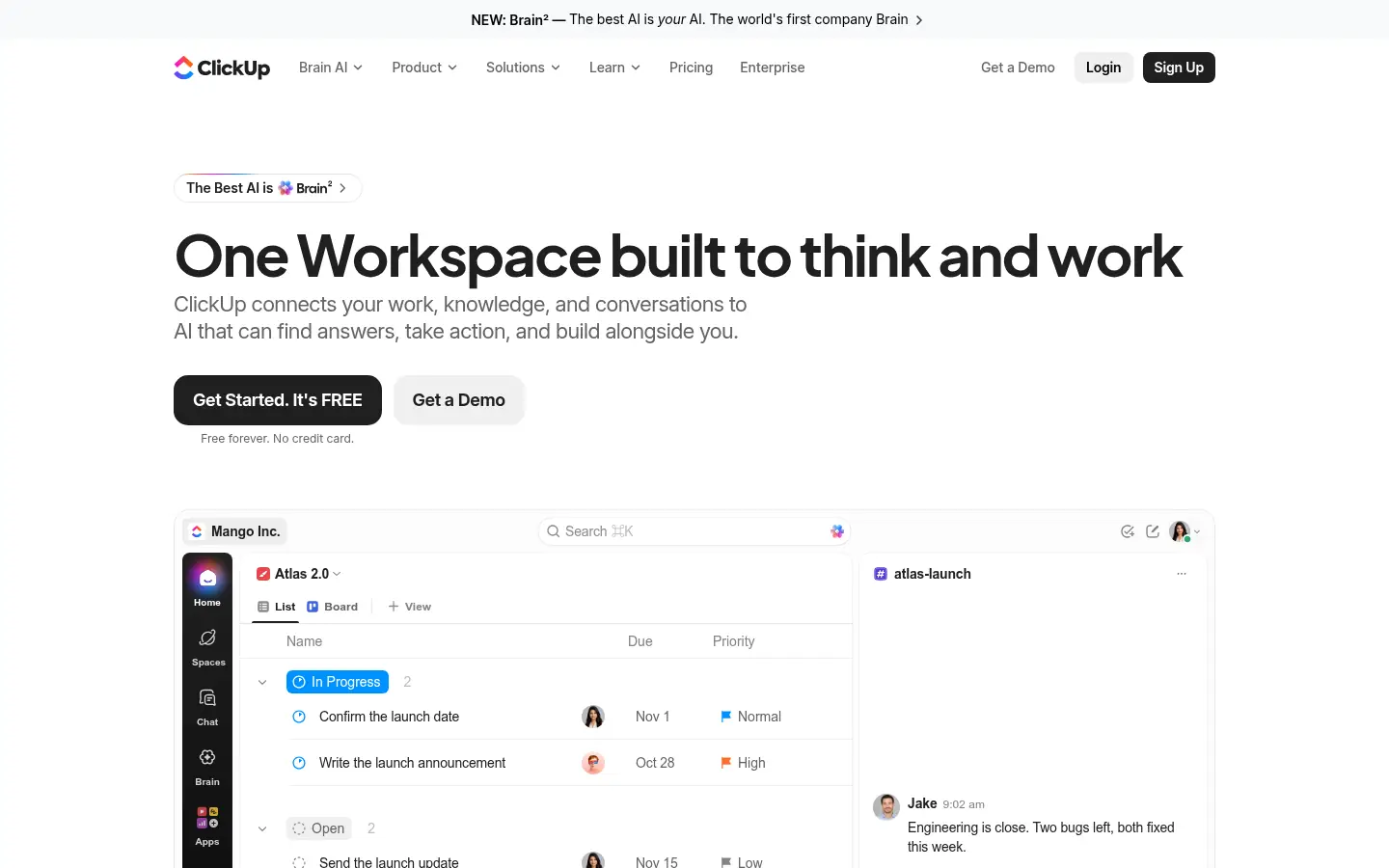
Screenshot: ClickUp website, October 2026.
ClickUp combines tasks, documents, whiteboards and dashboards with many views, from lists to Gantt charts. Its breadth suits teams that want to consolidate tools, and its depth takes time to configure.
ClickUp pricing and suitability
ClickUp offers a free plan and low-cost paid tiers, with Enterprise quoted for advanced security and controls.
| Plan | Price (yearly billing) | Monthly billing | Suitable for | Limits |
|---|---|---|---|---|
| Free Forever | Free | Free | Individuals and small teams | Limited storage and features |
| Unlimited | USD 7 per user per month | USD 10 per user per month | Small teams | Advanced governance excluded |
| Business | USD 12 per user per month | USD 19 per user per month | Growing teams | Cost rises with seats |
| Enterprise | Quote-based | Quote-based | Large organisations | Price not public |
Source: ClickUp pricing, checked October 2026.
2. Asana
Asana suits teams that want clear, structured work management with timelines, goals and workload views.
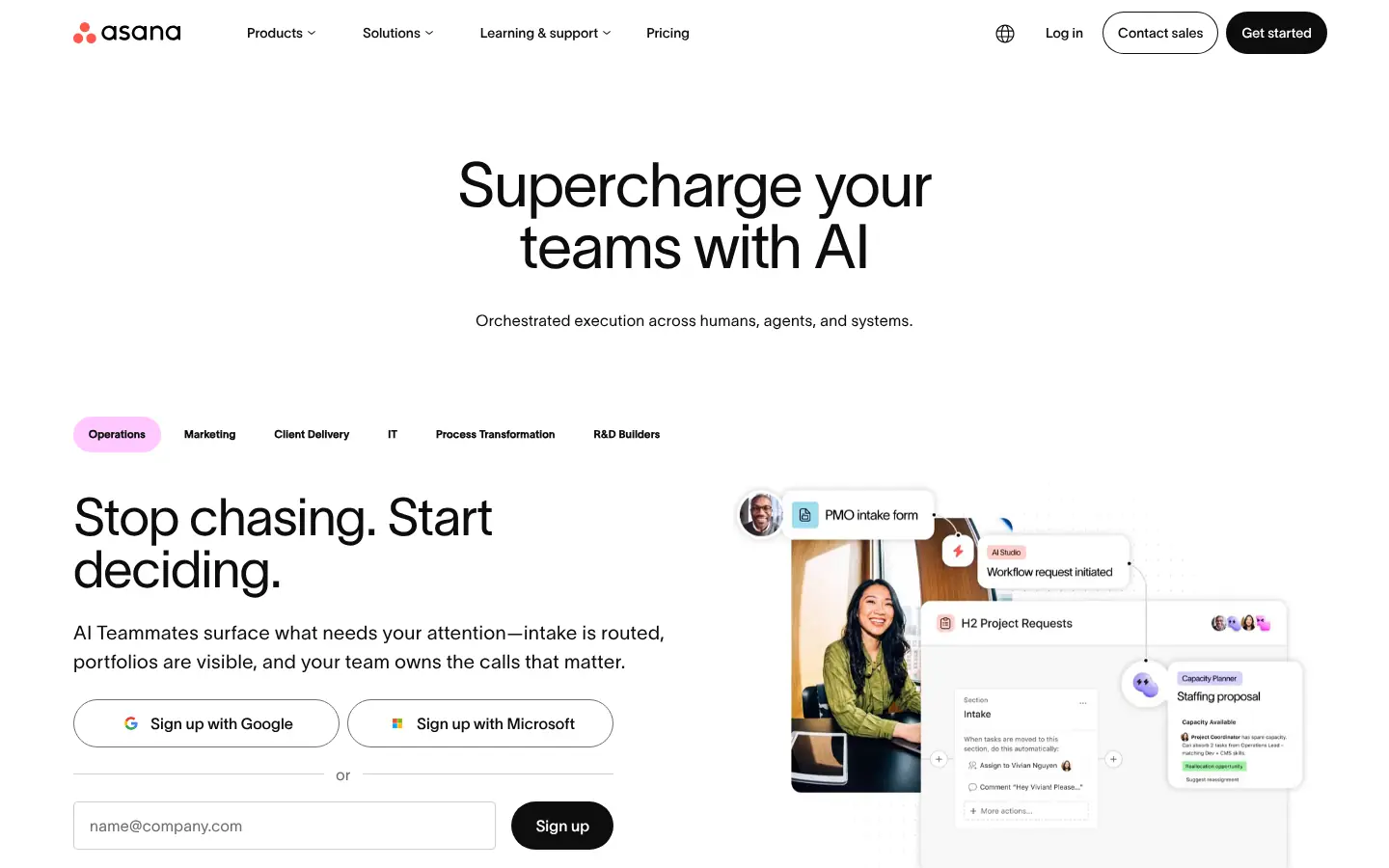
Screenshot: Asana website, October 2026.
Asana organises work into projects, timelines and portfolios, with workflow automation and reporting. It is known for an easy learning curve across non-technical teams.
Asana pricing and suitability
Asana's Starter and Advanced plans cover most business teams, with Enterprise quoted for governance and admin controls.
| Plan | Price (annual billing) | Monthly billing | Suitable for | Limits |
|---|---|---|---|---|
| Personal | USD 0 | USD 0 | Individuals and small teams | Limited features |
| Starter | USD 10.99 per user per month | USD 13.49 per user per month | Growing teams | Portfolio features excluded |
| Advanced | USD 24.99 per user per month | USD 30.49 per user per month | Teams managing portfolios | Higher cost |
| Enterprise | Contact sales | Contact sales | Large organisations | Price not public |
Source: Asana pricing, checked October 2026.
3. monday.com
monday.com suits operations and cross-functional teams that want visual, customisable boards and automations.
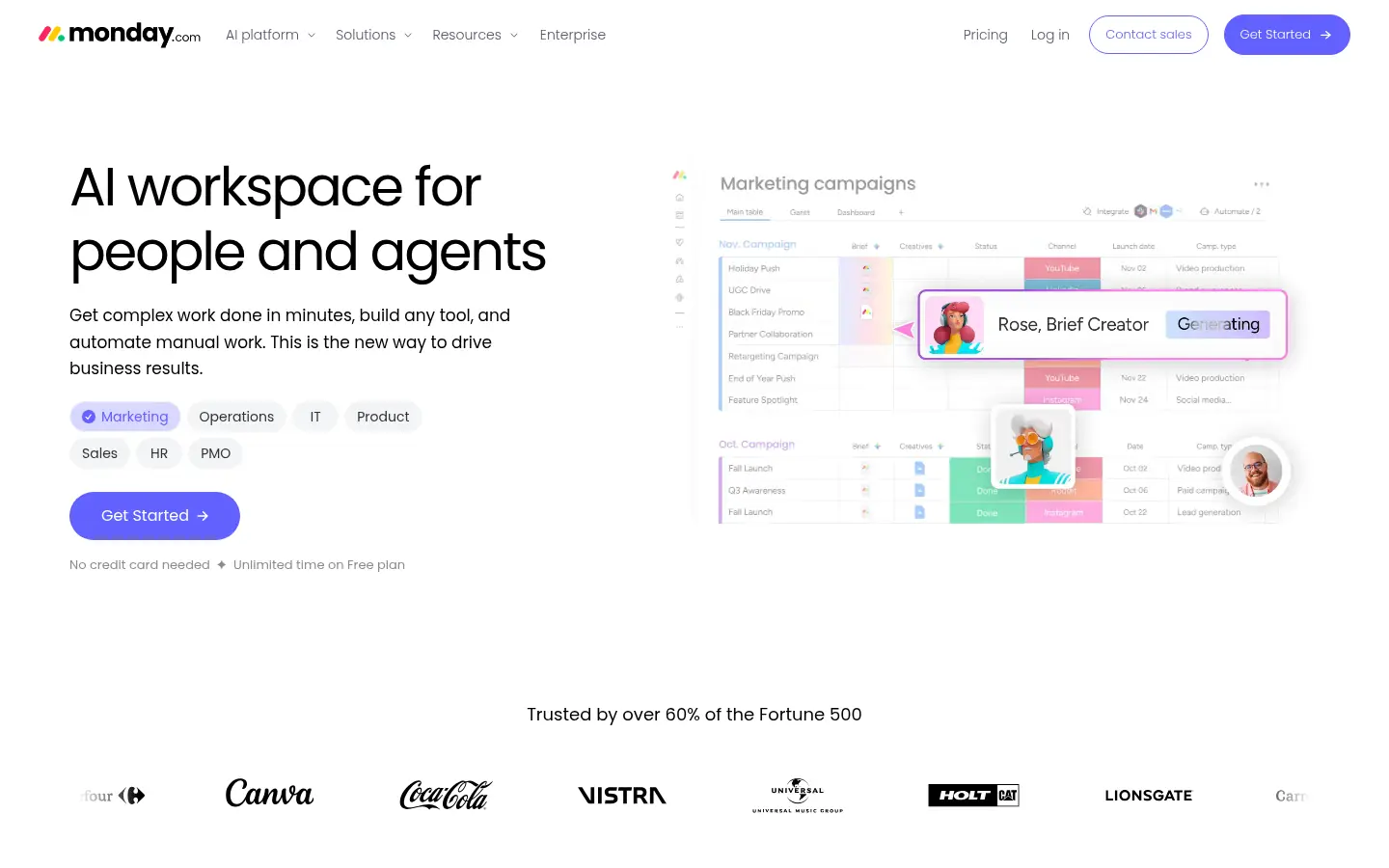
Screenshot: monday.com website, October 2026.
monday.com work management uses colourful boards, dashboards and automations that adapt to many workflows. It works well for teams beyond software, from marketing to operations.
monday.com pricing and suitability
monday.com prices per seat with a free plan for up to two seats, and its paid plans are billed for seat bundles.
| Plan | Price (annual billing) | Seats | Suitable for | Limits |
|---|---|---|---|---|
| Free | USD 0 | Up to 2 | Trying the platform | Limited boards and features |
| Basic | USD 9 per seat per month | Seat bundles | Simple workflows | No advanced automation |
| Standard | USD 12 per seat per month | Seat bundles | Timelines and integrations | Limited reporting |
| Pro | USD 19 per seat per month | Seat bundles | Advanced automation and analytics | Higher cost |
| Enterprise | Custom | Custom | Large organisations | Price not public |
Source: monday.com pricing, checked October 2026.
4. Wrike
Wrike suits professional services and marketing teams that need resource planning, approvals and strong reporting.
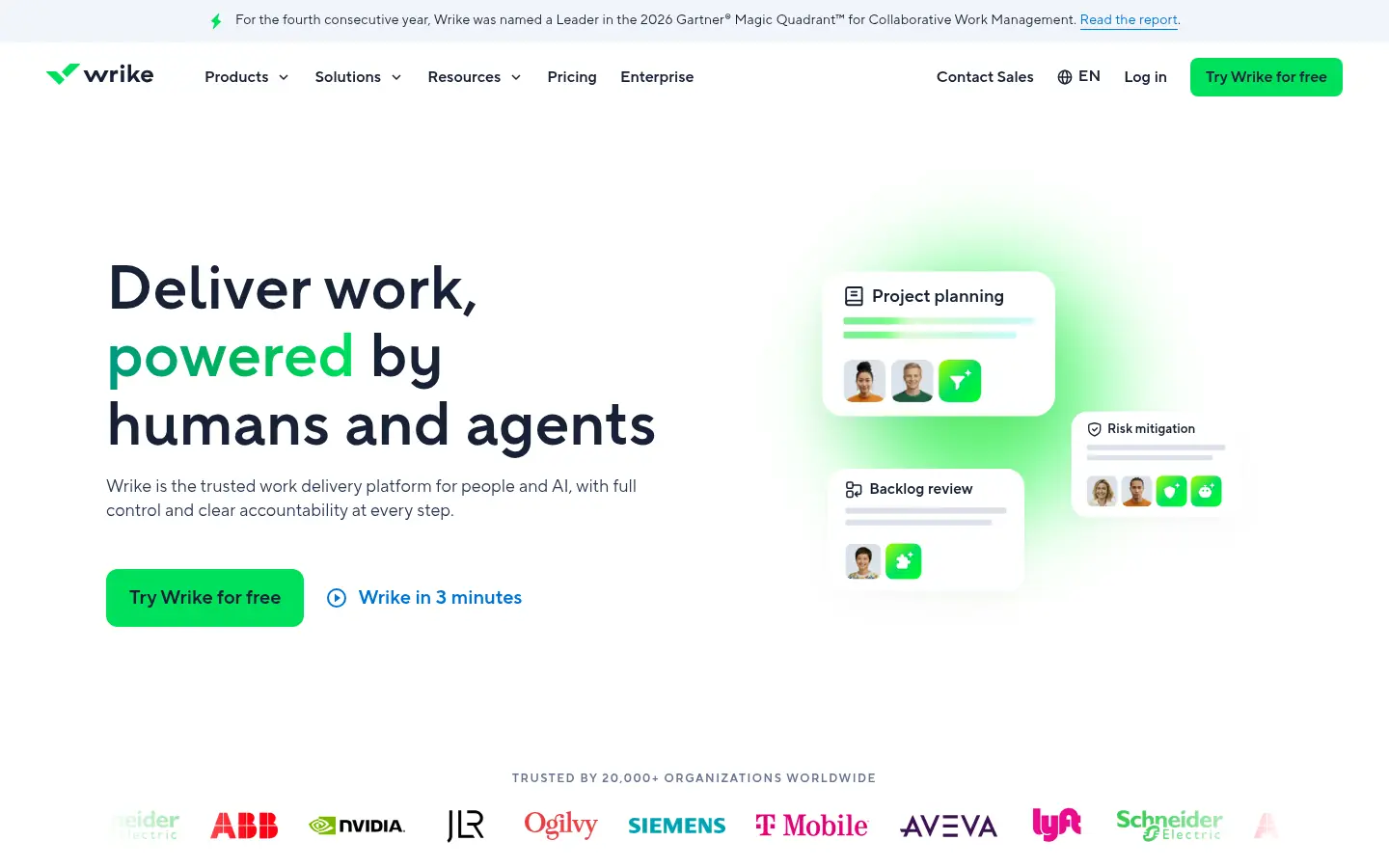
Screenshot: Wrike website, October 2026.
Wrike supports complex projects with custom workflows, approvals, workload views and dashboards. It suits teams that manage many client projects with formal sign-off steps.
Wrike pricing and suitability
Wrike publishes Team and Business prices, with Pinnacle and Apex quoted for advanced analytics and security.
| Plan | Price | Billing | Suitable for | Limits |
|---|---|---|---|---|
| Free | USD 0 per user per month | Free | Basic task tracking | Limited features |
| Team | USD 10 per user per month | Per user | Small teams | Automation limits |
| Business | USD 25 per user per month | Per user | Resource planning and approvals | Higher cost |
| Pinnacle and Apex | Contact Wrike | Quote-based | Advanced analytics and security | Price not public |
Source: Wrike pricing, checked October 2026.
5. Smartsheet
Smartsheet suits organisations that like spreadsheet-style planning with project controls added on top.
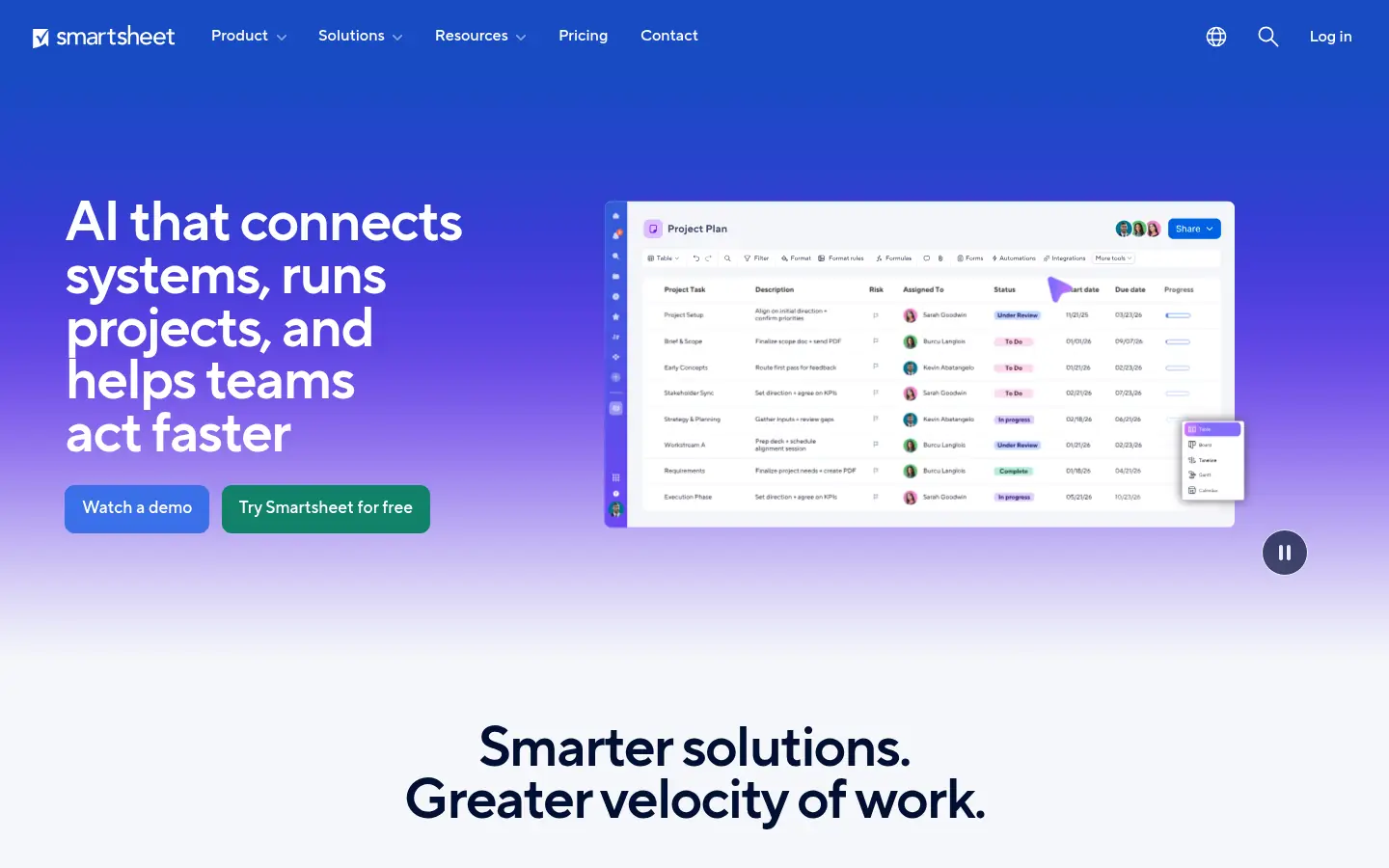
Screenshot: Smartsheet website, October 2026.
Smartsheet uses a familiar grid with Gantt, card and calendar views, dashboards and automations. It suits teams moving from spreadsheets into more structured project tracking.
Smartsheet pricing and suitability
Smartsheet prices its Pro and Business plans per member, with Enterprise and Advanced Work Management quoted. Check Smartsheet's pricing page for the current Pro price before you budget.
| Plan | Price | Billing | Suitable for | Limits |
|---|---|---|---|---|
| Pro | See pricing page | Monthly or yearly | Small teams | Member limits |
| Business | USD 19 per member per month | Yearly | Growing teams with admin needs | Higher cost at scale |
| Enterprise | Custom | Contract | Large organisations | Price not public |
| Advanced Work Management | Custom | Contract | Portfolio and resource management | Price not public |
Source: Smartsheet pricing, checked October 2026.
6. Jira
Jira suits software and technical teams that run agile delivery with issues, sprints and boards.
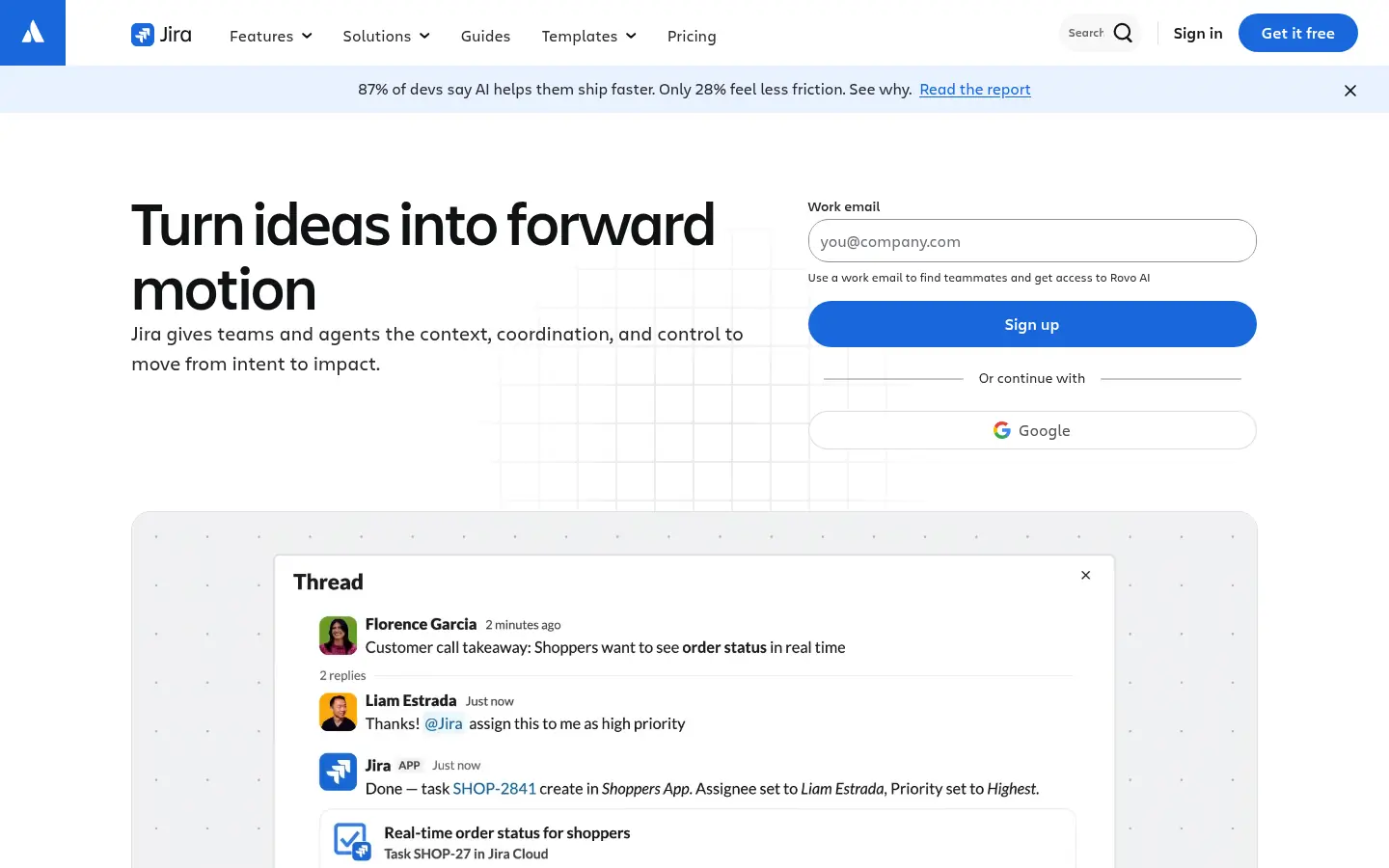
Screenshot: Jira website, October 2026.
Jira from Atlassian tracks issues, sprints and releases, with Scrum and Kanban boards and advanced planning. It is the default choice for many engineering teams and connects with the wider Atlassian suite.
Jira pricing and suitability
Jira is free for up to 10 users, and its paid plans price per user with the per-user rate shown on Atlassian's calculator.
| Plan | Price | Users | Suitable for | Limits |
|---|---|---|---|---|
| Free | USD 0 | Up to 10 | Small teams | Feature limits |
| Standard | USD 8.48 per user per month | Up to 100,000 per site | Growing teams | Fewer planning features |
| Premium | USD 15.56 per user per month | Large teams | Advanced planning | Higher cost |
| Enterprise | Shown on annual billing | Up to 100,000 per site | Enterprise governance | Annual billing |
Source: Jira pricing, checked October 2026. Per-user prices vary with the number of users you select.
7. Airtable
Airtable suits teams that want to model custom workflows on a flexible database with interfaces and automations.
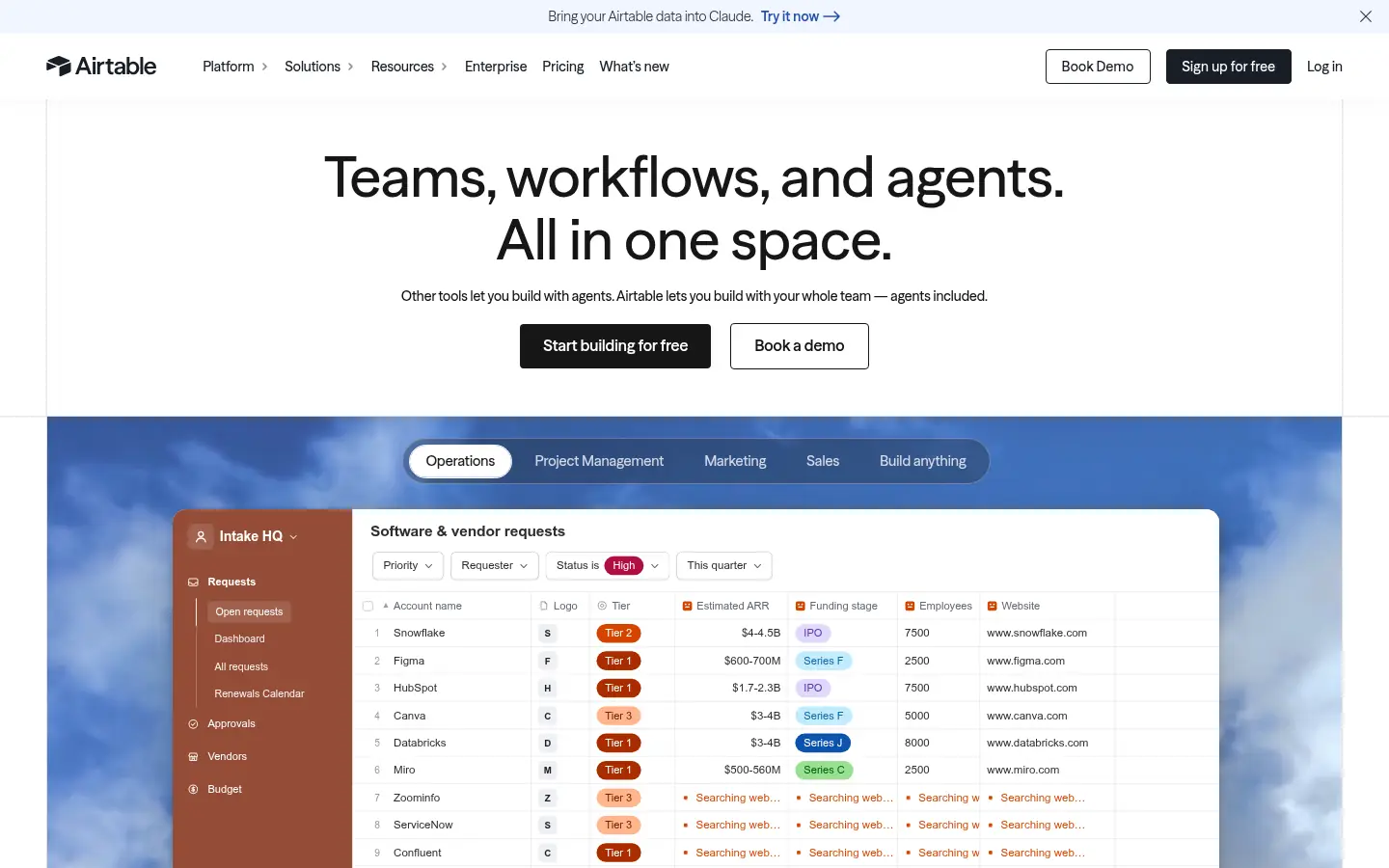
Screenshot: Airtable website, October 2026.
Airtable combines a relational database with spreadsheet ease, so teams build their own project trackers, content calendars and operations systems. It suits data-driven work that does not fit standard project templates.
Airtable pricing and suitability
Airtable offers a free plan and per-seat Team and Business plans, with Enterprise Scale quoted.
| Plan | Price (annual billing) | Monthly billing | Suitable for | Limits |
|---|---|---|---|---|
| Free | Free | Free | Individuals and small teams | Limited records and features |
| Team | USD 20 per seat per month | USD 24 per seat per month | Team collaboration | Feature limits |
| Business | USD 45 per seat per month | USD 54 per seat per month | Advanced admin controls | Enterprise features excluded |
| Enterprise Scale | Custom | Custom | Organisation-wide governance | Price not public |
Source: Airtable pricing, checked October 2026.
How to Choose B2B Project Management Software
Choose the platform that matches how your team actually delivers work, because popularity says little about fit with your structure, clients and controls. Weigh five factors:
- Project complexity: the number of teams, dependencies and stakeholders.
- Reporting: what clients and leadership need to see.
- Resource planning: whether you manage capacity across people.
- Permissions and governance: who sees and changes what.
- Integrations: your CRM, chat, files and finance tools.
Which project management tool fits which team?
Match the tool to its role in how your organisation delivers work.
| Tool | Main role | Best for | Strength | Pricing model |
|---|---|---|---|---|
| ClickUp | All-in-one workspace | Teams consolidating tools | Breadth at low cost | Per user, free plan |
| Asana | Structured work management | Cross-functional teams | Ease of use | Per user, free plan |
| monday.com | Visual work management | Operations teams | Custom boards and automations | Per seat bundles |
| Wrike | Professional services delivery | Client and marketing teams | Approvals and resource planning | Per user |
| Smartsheet | Spreadsheet-style planning | Teams leaving spreadsheets | Familiar grid with controls | Per member |
| Jira | Agile software delivery | Engineering teams | Sprints and issue tracking | Per user, free up to 10 |
| Airtable | Custom workflow modelling | Data-driven operations | Flexible database | Per seat, free plan |
Connect Delivery to the Rest of Your Stack
Delivery runs smoother when project tools connect to how you sell and support clients, so plan the stack together. See the B2B SaaS tools for teams guide for CRM, chat and support platforms, and browse the other B2B tool guides.