SEO browser extensions show keyword data, backlinks, metadata and page speed on the page you are viewing, so you spot problems and opportunities in seconds instead of opening a separate tool. The ten below cover keyword research, authority checks, on-page audits, broken links, speed and competitor traffic. Each entry says what the extension shows and when it helps.
What Each SEO Extension Shows You
Each extension answers one quick question about a page: its keywords, its authority, its tags, its links, its speed or its traffic.
| Extension | What it shows | Best for | Where it works |
|---|---|---|---|
| Keywords Everywhere | Search volume and cost per click in search results | Keyword research | Search results and marketplaces |
| MozBar | Domain and page authority, link types | Quick authority checks | Any page |
| SEOquake | On-page audit, keyword density, SERP data | One-click page reviews | Any page and search results |
| Ahrefs SEO Toolbar | Backlinks, traffic estimates, keyword data | Competitor research | Any page and search results |
| Meta SEO Inspector | Titles, descriptions, headers, Open Graph | Metadata checks | Any page |
| Check My Links | Broken and redirected links | Link audits | Any page |
| Lighthouse | Performance, accessibility and SEO scores | Page speed checks | Any page, in Chrome DevTools |
| Similarweb | Traffic sources and engagement estimates | Competitor traffic | Any website |
| SEO Minion | Metadata, SERP previews, broken links | All-round on-page checks | Any page |
| Ghostery | Trackers and marketing tags on a site | Seeing a competitor's marketing stack | Any website |
1. Keywords Everywhere: Keyword Data Inside Search Results
Keywords Everywhere shows search volume, cost per click and competition beside your searches on Google, YouTube, Amazon and other sites, so you judge a keyword without opening another tool. Keywords Everywhere runs on paid credits for its keyword data.
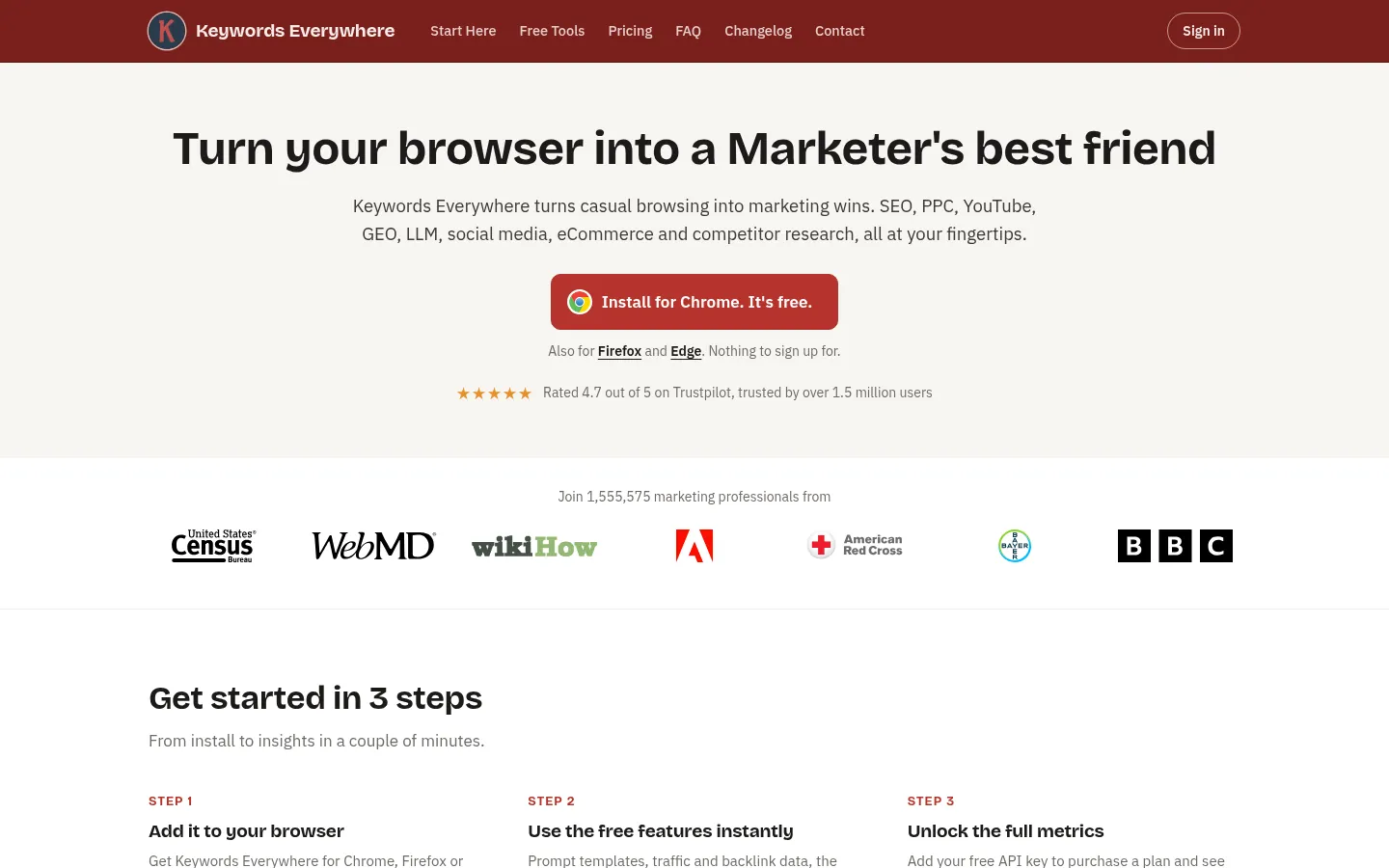
Screenshot: Keywords Everywhere website, October 2026.
- Shows keyword metrics on search results pages.
- Adds related keywords and trend data.
- Works across several search engines and marketplaces.
2. MozBar: Domain and Page Authority at a Glance
MozBar shows Domain Authority and Page Authority for any page you visit, so you size up a site's strength before you pitch it or compete with it. MozBar works with a free Moz account.
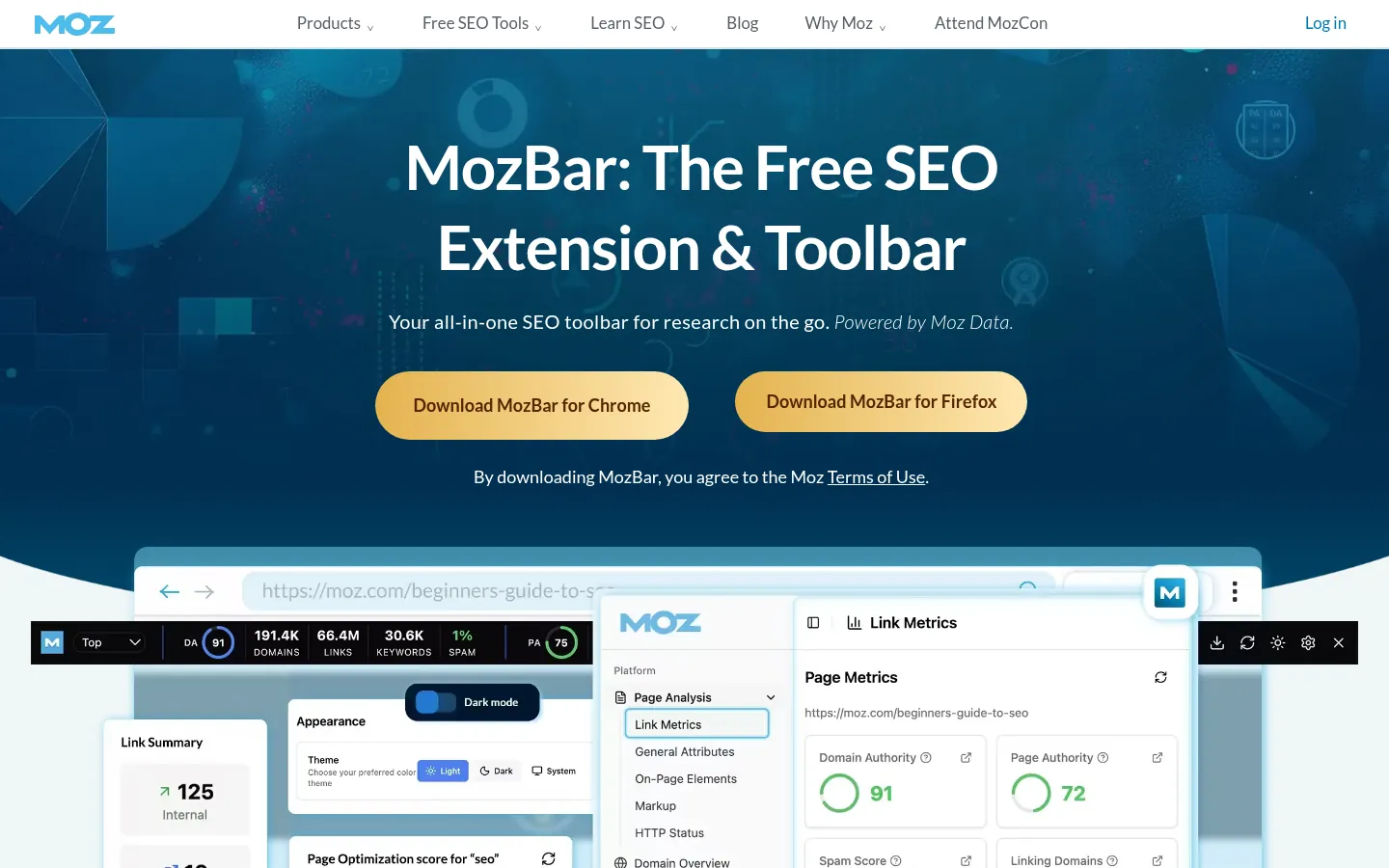
Screenshot: MozBar website, October 2026.
- Shows Domain Authority and Page Authority scores.
- Highlights followed and nofollow links.
- Summarises on-page elements such as titles and headings.
3. SEOquake: SEO Metrics in One Click
SEOquake runs a quick on-page audit and shows search data for any page, so you review a page without switching tabs. SEOquake is free and made by Semrush.
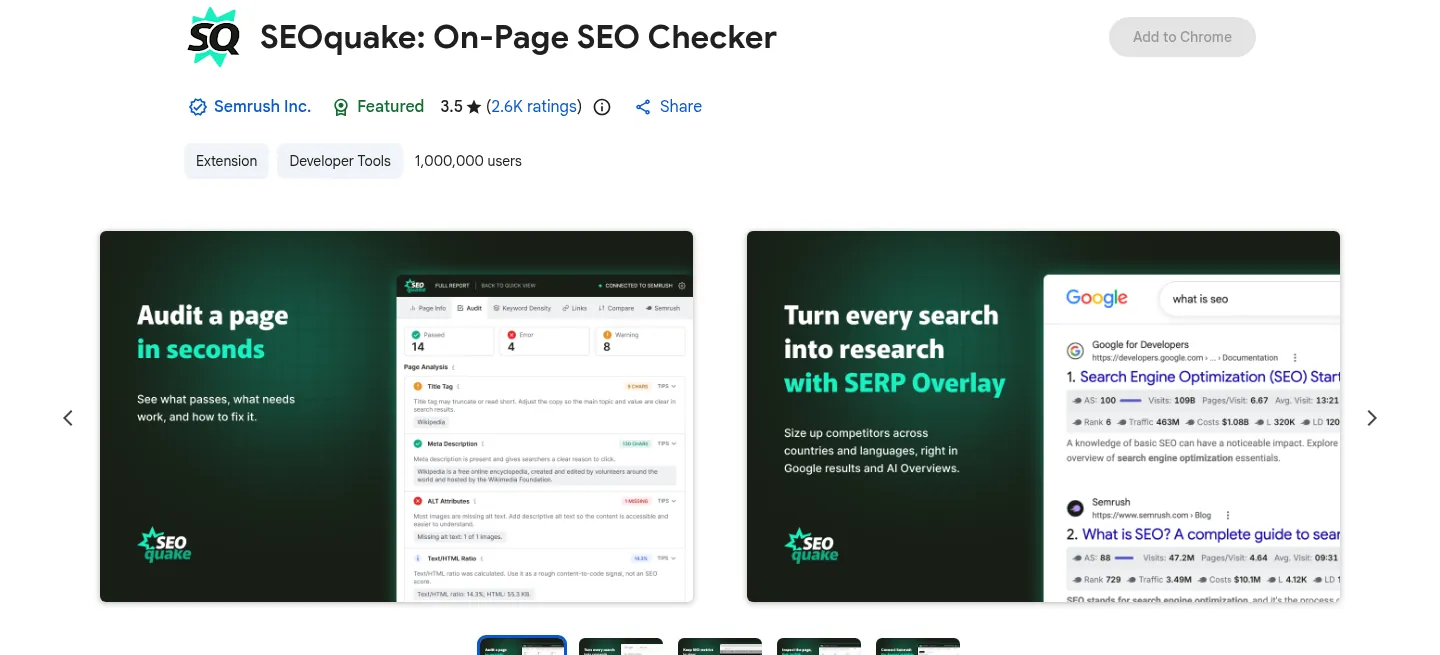
Screenshot: SEOquake listing on the Chrome Web Store, October 2026.
- Audits meta tags, headings and word count.
- Checks keyword density on the page.
- Shows backlink and search results data.
4. Ahrefs SEO Toolbar: Backlink and Traffic Data on Any Page
The Ahrefs SEO Toolbar shows backlinks, traffic estimates and keyword data for the page you are on, so competitor research happens as you browse. Ahrefs SEO Toolbar shows more data to Ahrefs subscribers.
Screenshot: Ahrefs SEO Toolbar website, October 2026.
- Shows the backlink profile of a page and its domain.
- Estimates organic traffic to the page.
- Displays keyword rankings and difficulty scores.
5. Meta SEO Inspector: Instant Metadata Checks
Meta SEO Inspector pulls the title, description, headers and social tags from any page, so you catch missing or duplicate tags that weaken how the page appears in search. Meta SEO Inspector is a free Chrome extension.
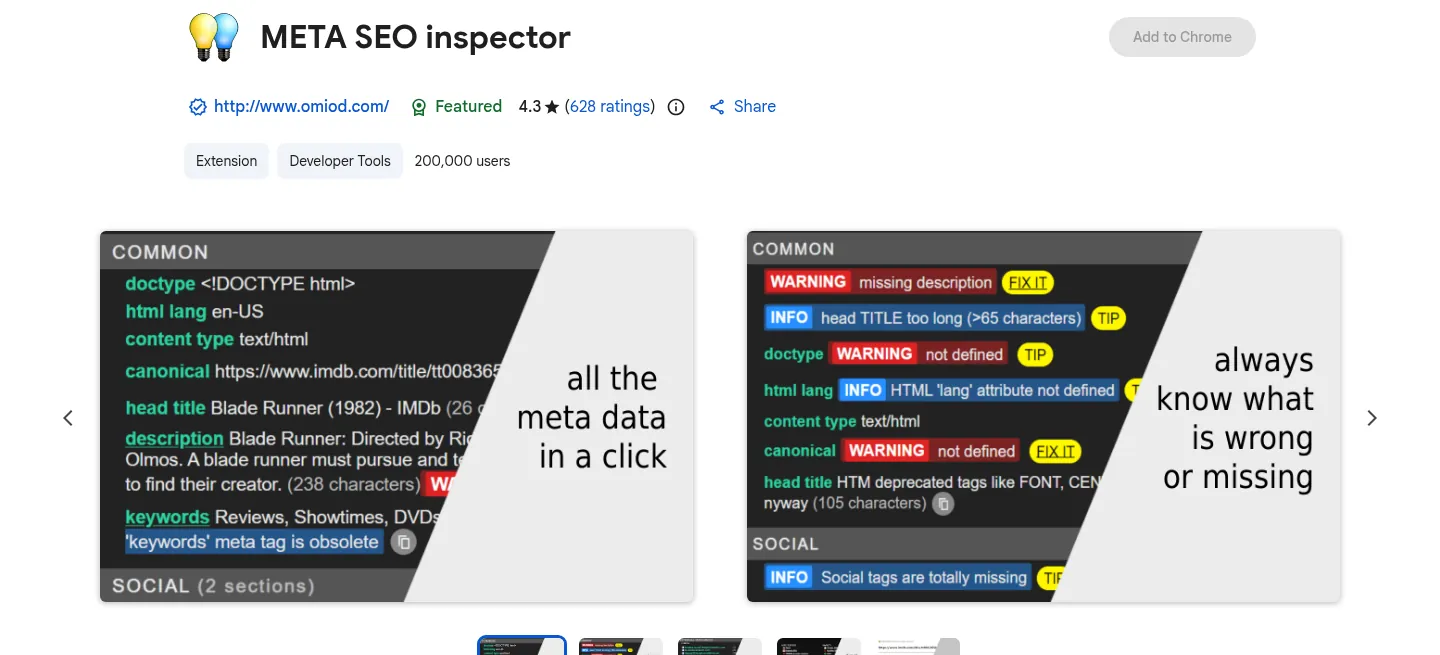
Screenshot: Meta SEO Inspector website, October 2026.
- Extracts page metadata as you browse.
- Flags missing or duplicate tags.
- Checks Open Graph and X (Twitter) Card tags.
6. Check My Links: Find Broken Links Fast
Check My Links scans a page and highlights every broken link, so you fix dead ends before they frustrate visitors. Check My Links is a free Chrome extension.
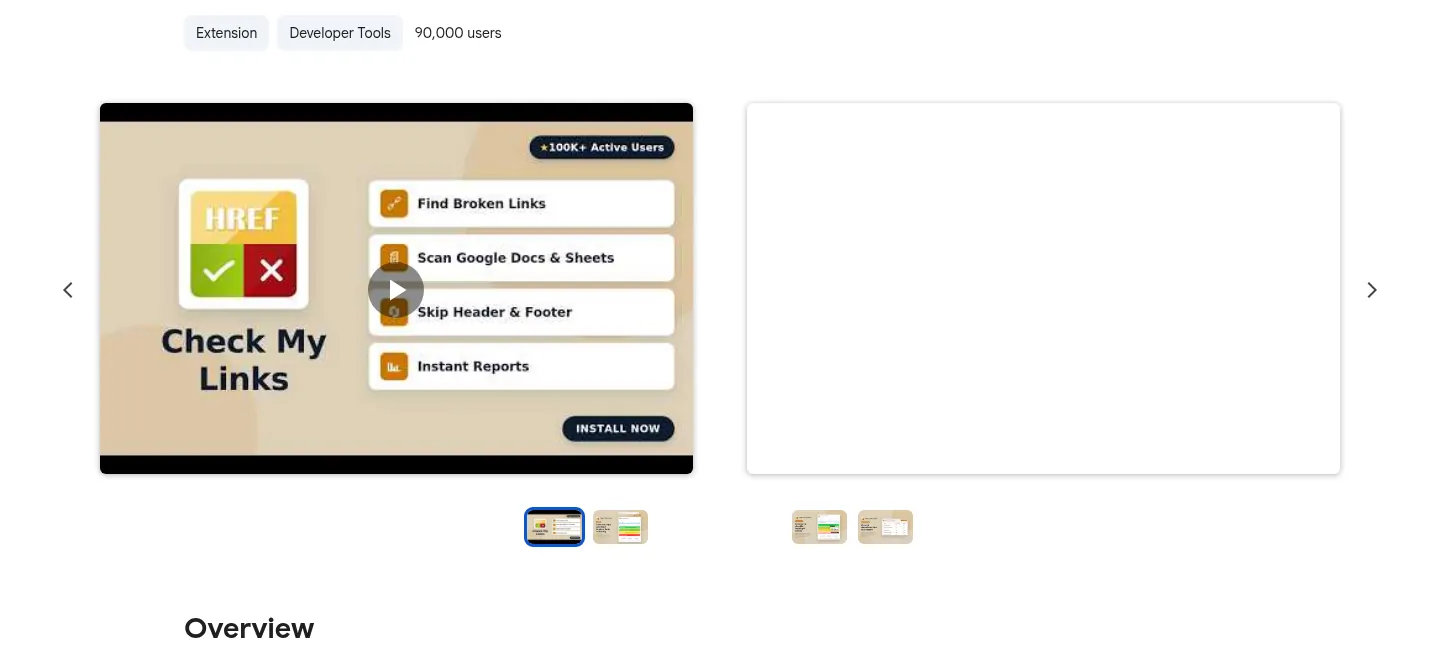
Screenshot: Check My Links website, October 2026.
- Detects broken links and redirects.
- Colour-codes valid and broken links.
- Speeds up page-by-page link audits.
7. Lighthouse: Page Speed and Quality Scores in Chrome
Lighthouse scores a page for performance, accessibility and SEO and lists what slows it down, so you know which fixes speed it up. Lighthouse is built into Chrome DevTools and uses the same engine as Google's PageSpeed Insights.
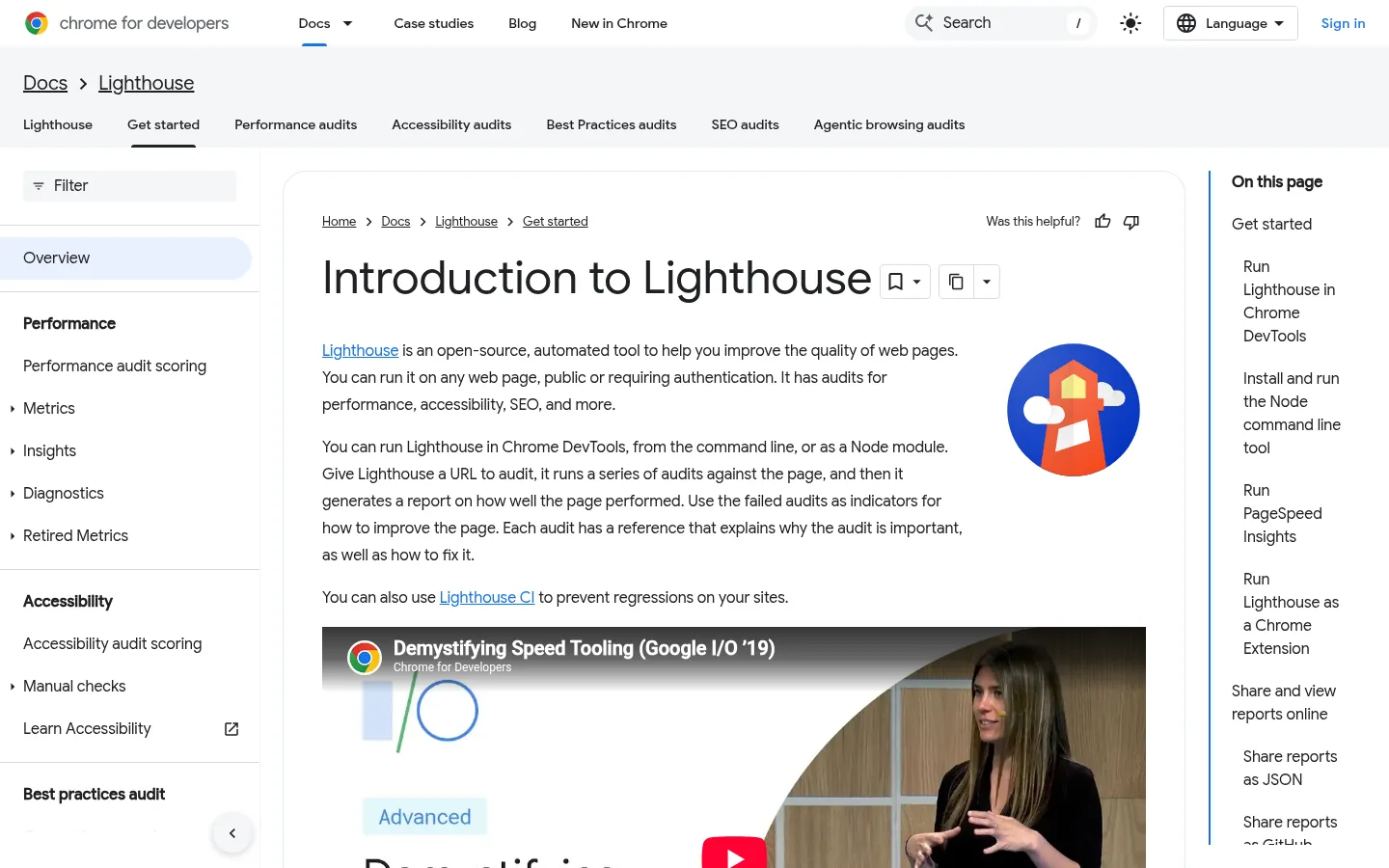
Screenshot: Lighthouse website, October 2026.
- Measures load performance on mobile and desktop settings.
- Identifies what slows the page down.
- Suggests fixes such as image compression and caching.
8. Similarweb: Traffic and Competitor Estimates
Similarweb estimates a site's traffic, sources and engagement, so you compare competitors without access to their analytics. Similarweb offers a free extension with deeper data in paid plans.
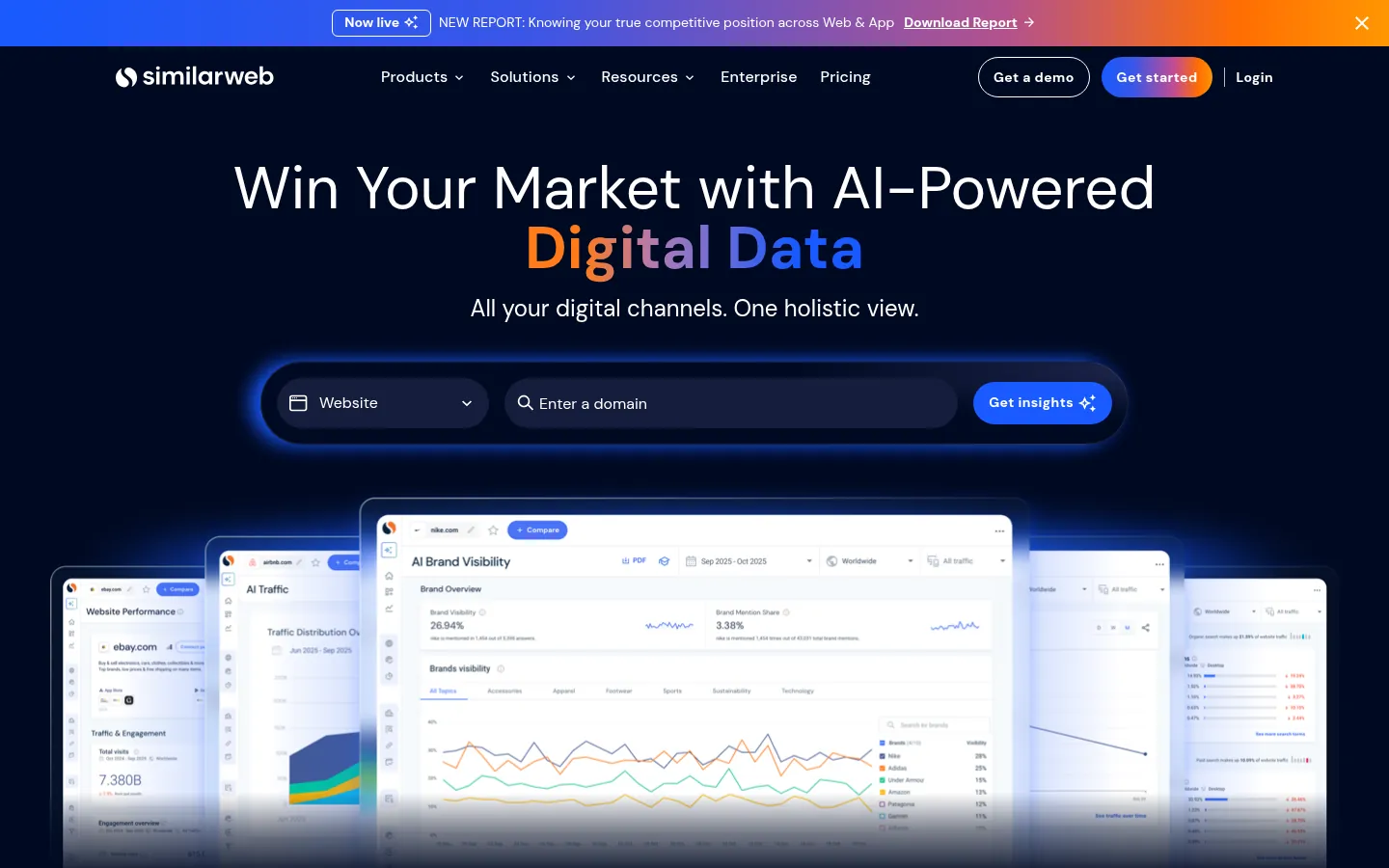
Screenshot: Similarweb website, October 2026.
- Breaks down traffic by source: organic, paid, social, direct and referral.
- Shows top referring sites.
- Compares domains side by side.
9. SEO Minion: An All-Round On-Page Assistant
SEO Minion checks metadata, previews search snippets and finds broken links, so routine on-page checks take seconds. SEO Minion is a free extension.
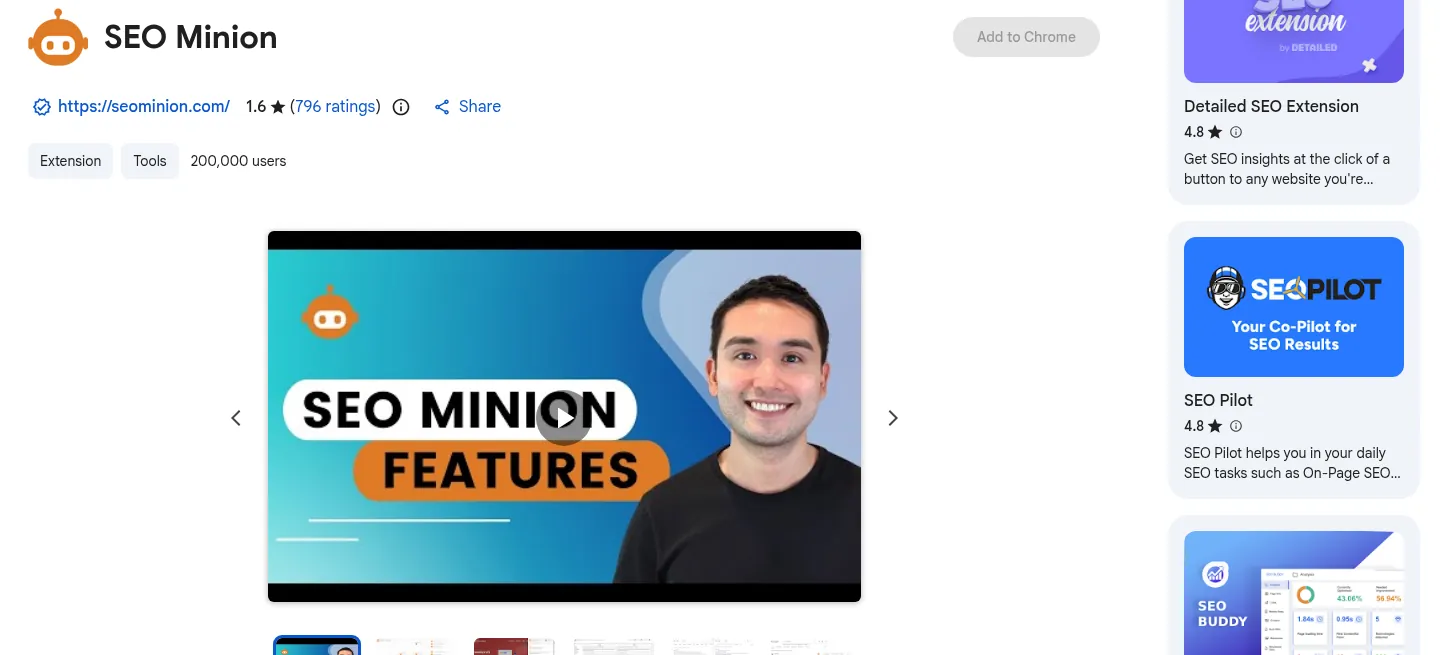
Screenshot: SEO Minion website, October 2026.
- Highlights missing or duplicate meta tags.
- Previews how a page appears in search results.
- Detects broken links on the page.
10. Ghostery: See the Marketing Tags on Any Site
Ghostery blocks trackers and shows which analytics and advertising tags a site runs, so you see the marketing tools a competitor uses. Ghostery is a free privacy extension.
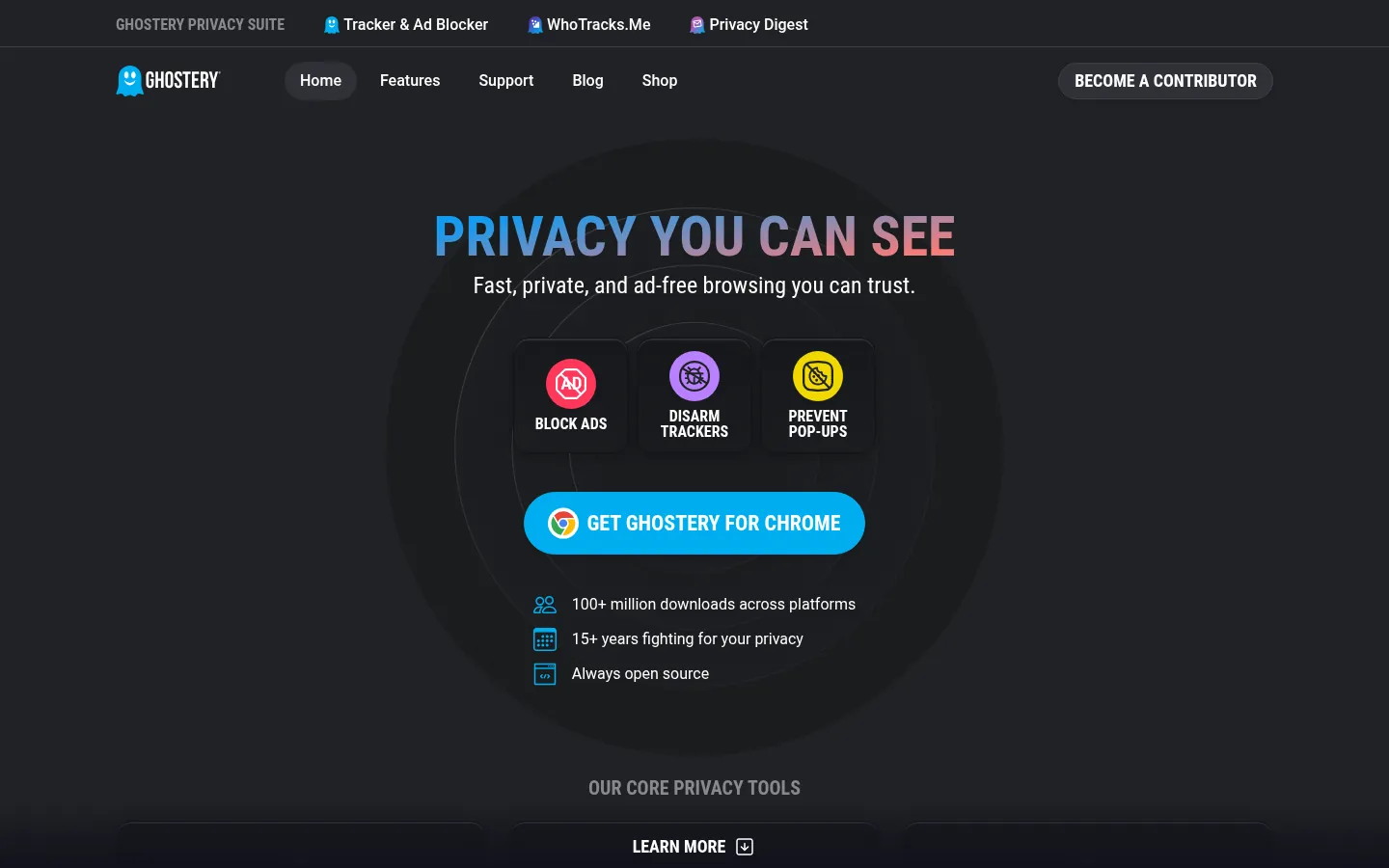
Screenshot: Ghostery website, October 2026.
- Blocks third-party trackers and cookies.
- Lists the advertising and analytics tags on each page.
- Speeds up page loads by removing tracking scripts.
How SEO Extensions Support Your SEO Work
Extensions give you instant answers while you browse; full SEO platforms and crawlers handle the deeper analysis.
How do browser extensions help with keyword research?
Extensions show search volume, competition and related keywords beside your normal searches, so you judge a keyword without leaving the results page. Keywords Everywhere and the Ahrefs SEO Toolbar both add this data. The keyword research guide explains how to choose terms.
Which extensions help with on-page SEO?
Meta SEO Inspector, SEO Minion and SEOquake check titles, descriptions, headings and links on the page you are viewing. For a full site audit, use a crawler from the technical SEO tools guide.
Why does page speed matter for SEO?
Slow pages lose visitors before they read anything, and Google uses page experience, including Core Web Vitals, as part of its ranking systems. Lighthouse and PageSpeed Insights show what slows a page and how to fix it.
Are free SEO extensions enough?
Free extensions cover quick checks on single pages, while paid tools add site-wide audits, history and competitor data at scale. Most teams use extensions for spot checks and a full platform for reporting.
Use Extensions Alongside an SEO Plan
Extensions make checks faster, and an SEO plan decides which findings matter for your rankings. Compare on-page SEO tools, run an on-page SEO audit, or let Aemorph's SEO service handle the work for you.