On-page SEO tools show you what to fix on each page, from content and metadata to broken links and load speed, so your pages match what searchers want and load fast enough to keep them. The ten tools below cover content optimisation, site crawling, WordPress plugins and speed. Each entry says what the tool checks and who it suits.
Choose an On-Page SEO Tool by What You Need to Fix
On-page tools fall into four groups: content optimisation, crawling and audits, WordPress plugins and speed. Most sites need one tool from each group.
| Tool | What it checks | Best for | Group |
|---|---|---|---|
| Surfer | Content against top-ranking pages | Writers editing drafts | Content |
| PageSpeed Insights | Load speed on mobile and desktop | Every site owner | Speed |
| Screaming Frog SEO Spider | Titles, links, duplicates and crawl issues | SEO specialists | Crawling |
| Ahrefs Site Audit | Technical issues and a health score | Teams already on Ahrefs | Crawling |
| DefiniteSEO | AI fixes for on-page issues in WordPress | WordPress sites | Plugin |
| Yoast SEO | Content, links and sitemaps in WordPress | WordPress sites | Plugin |
| Semrush On-Page SEO Checker | Ideas based on competitors | Teams already on Semrush | Content |
| Moz On-Page Grader | A page score and fix checklist | Quick single-page checks | Content |
| Sitebulb | Visual audits and internal linking | Large or complex sites | Crawling |
| NitroPack | Caching, compression and lazy loading | Sites that need faster pages | Speed |
1. Surfer: Content Optimisation Against Top-Ranking Pages
Surfer compares your page with the pages that rank for your keyword and gives live suggestions, so you add what searchers expect before you publish. Surfer suits writers and editors.

Screenshot: Surfer website, October 2026.
- Checks content and headings for gaps.
- Suggests terms to cover and internal links to add.
- Scores the page as you edit.
2. PageSpeed Insights: Find What Slows Your Pages
PageSpeed Insights measures how fast a page loads on mobile and desktop and lists what to fix, so you keep visitors who leave slow pages. PageSpeed Insights is free from Google.
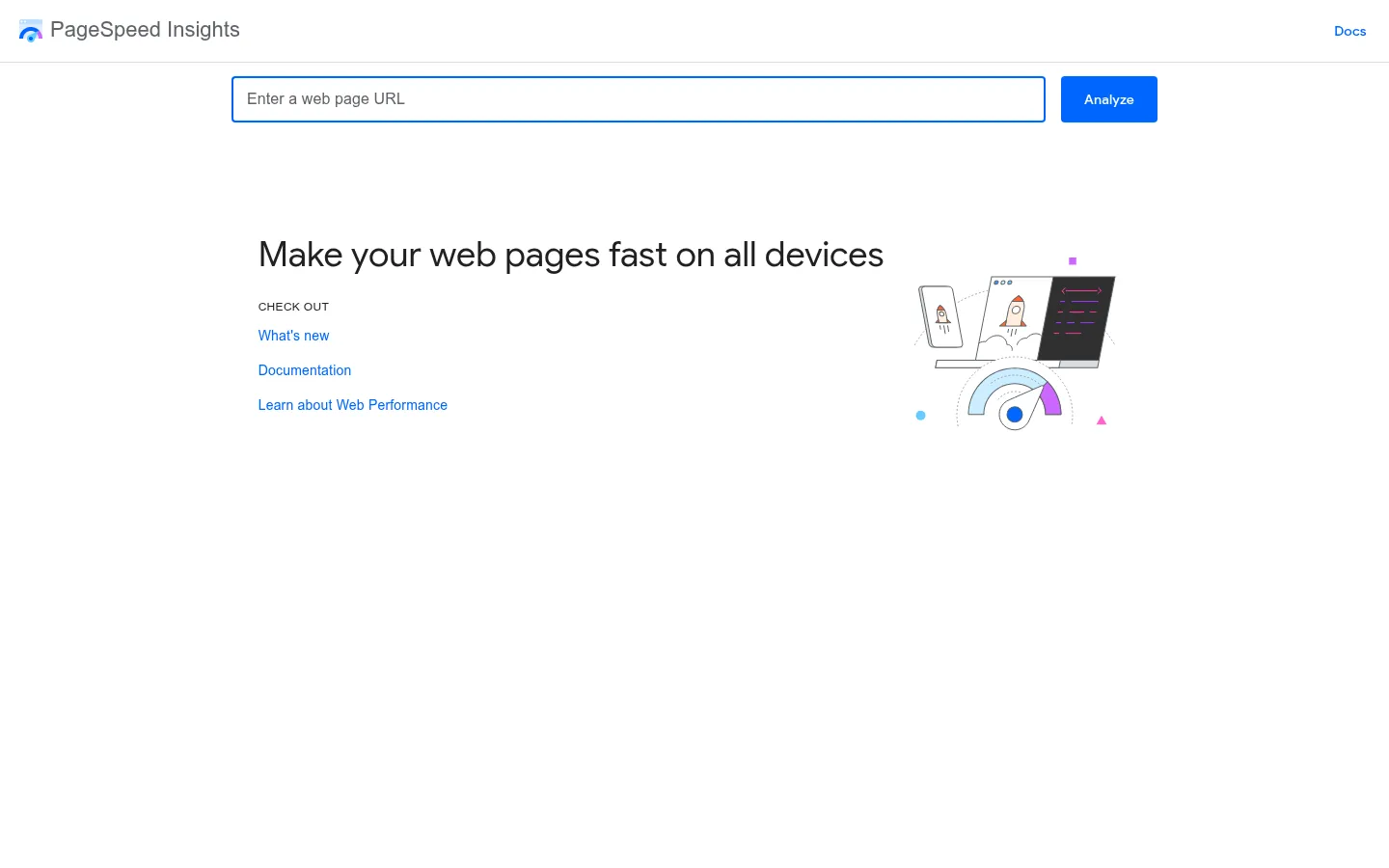
Screenshot: PageSpeed Insights website, October 2026.
- Finds slow pages and gives specific fixes.
- Measures Core Web Vitals such as loading and layout shifts.
- Flags problems such as large images and slow scripts.
3. Screaming Frog SEO Spider: Crawl Your Site for SEO Problems
Screaming Frog crawls your site the way a search engine does and lists every missing title, broken link and duplicate page, so you fix the errors that hold rankings back. Screaming Frog SEO Spider has a free version for up to 500 URLs.
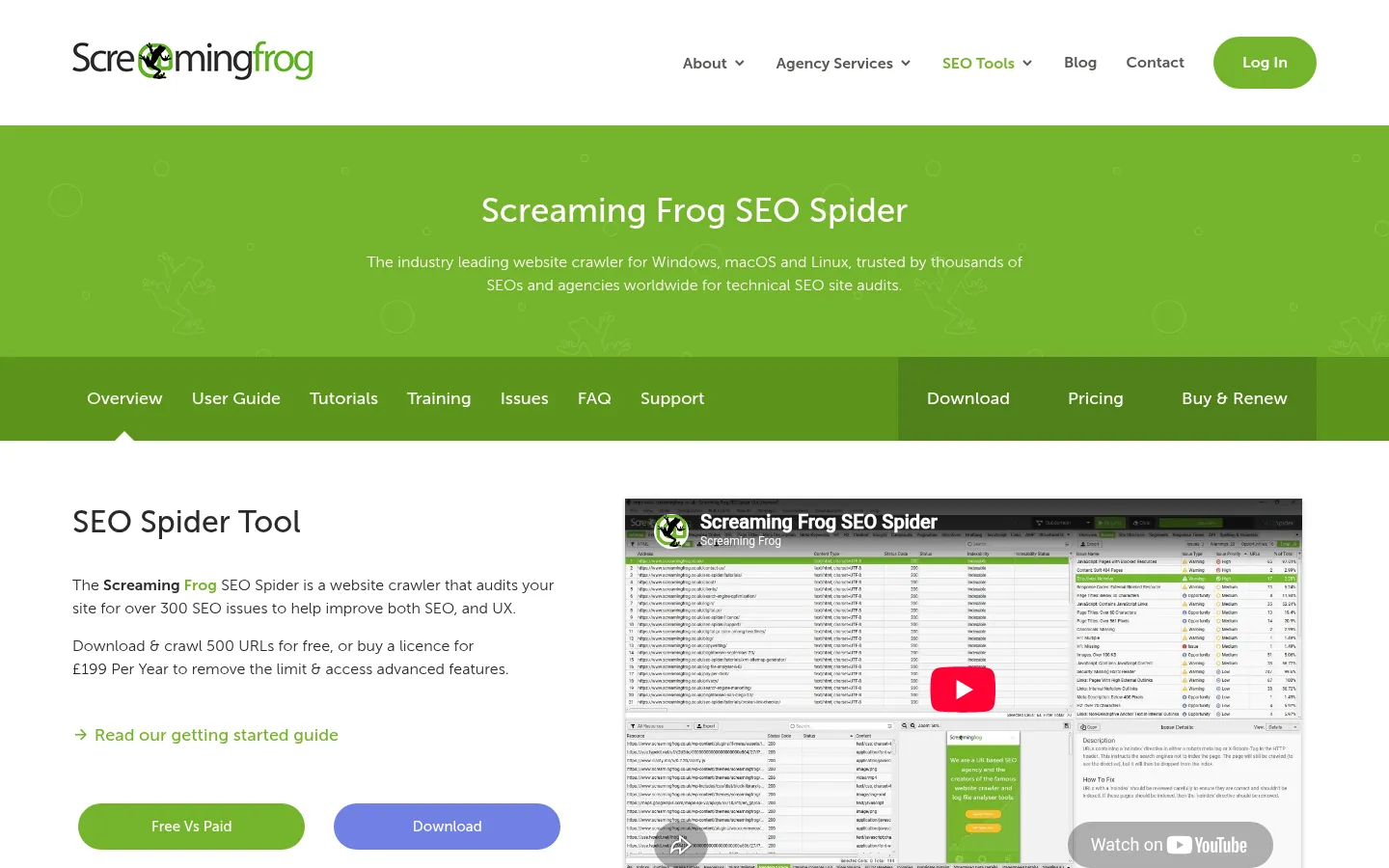
Screenshot: Screaming Frog SEO Spider website, October 2026.
- Finds missing titles and meta descriptions.
- Checks internal and external links.
- Detects duplicate content and crawl issues.
4. Ahrefs Site Audit: Technical Checks With a Health Score
Ahrefs Site Audit scans your site for SEO issues and gives it a health score, so you see which problems affect the most pages. Ahrefs Site Audit suits teams already using Ahrefs.

Screenshot: Ahrefs Site Audit website, October 2026.
- Detects thin content and other content issues.
- Scores site health from the issues found.
- Flags problems such as missing alt text and redirect chains.
5. DefiniteSEO: AI On-Page Fixes for WordPress
DefiniteSEO is a WordPress plugin that finds on-page SEO issues and fixes them one at a time or in bulk, so WordPress sites stay optimised with less manual work. DefiniteSEO offers a free plugin and a Pro version.
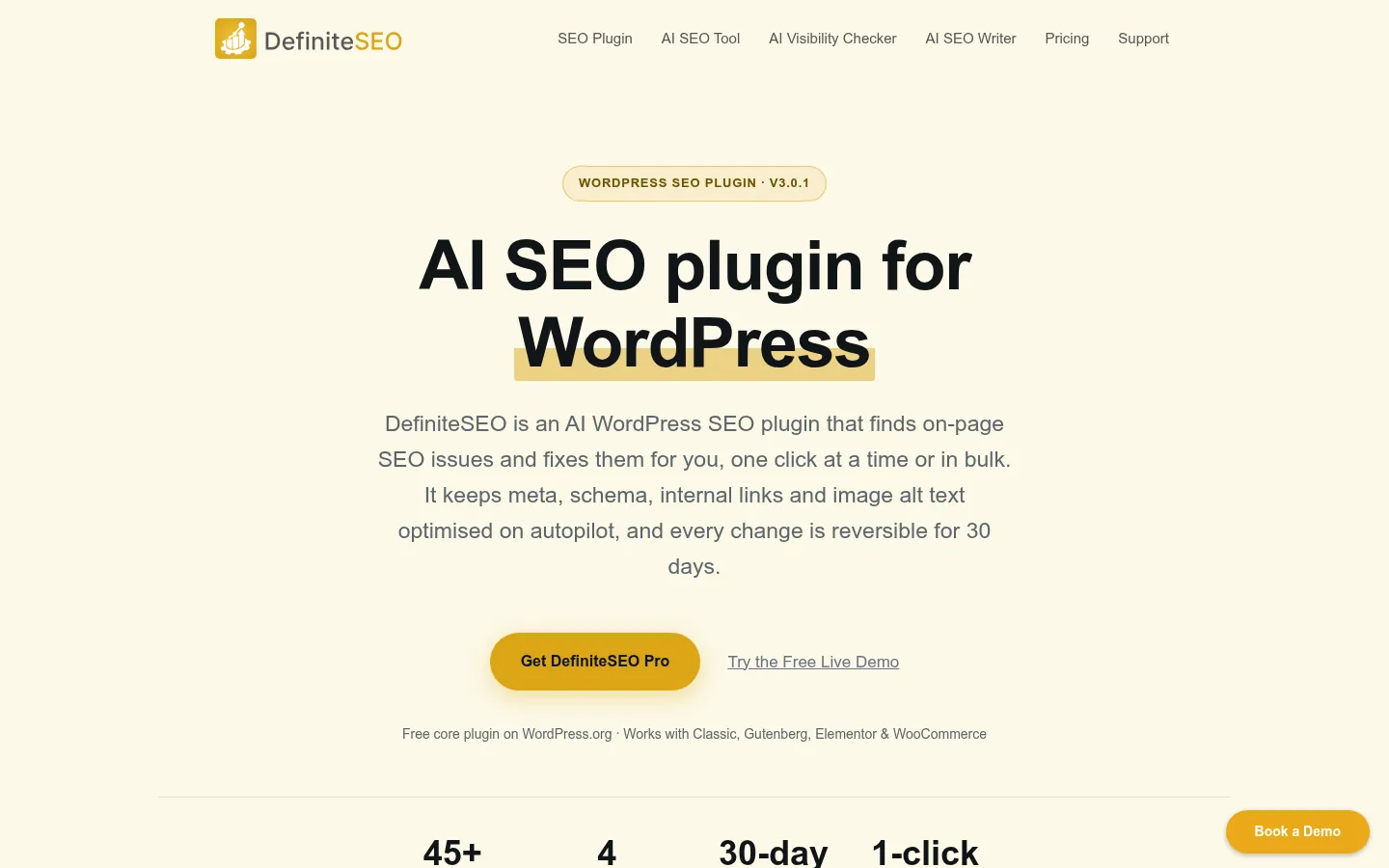
Screenshot: DefiniteSEO website, October 2026.
- Scores each post and lists what holds it back.
- Generates meta titles, descriptions and schema markup with AI.
- Suggests internal links and keyword improvements.
6. Yoast SEO: On-Page Guidance in WordPress
Yoast SEO checks each post as you write and handles sitemaps, so WordPress site owners cover the basics without technical help. Yoast SEO is one of the most widely used WordPress SEO plugins.

Screenshot: Yoast SEO website, October 2026.
- Checks keyword use and placement.
- Suggests internal links.
- Creates XML sitemaps for search engines.
7. Semrush On-Page SEO Checker: Ideas From Your Competitors
Semrush's On-Page SEO Checker compares your pages with the pages that outrank them and lists specific improvements. Semrush On-Page SEO Checker suits teams already on Semrush.
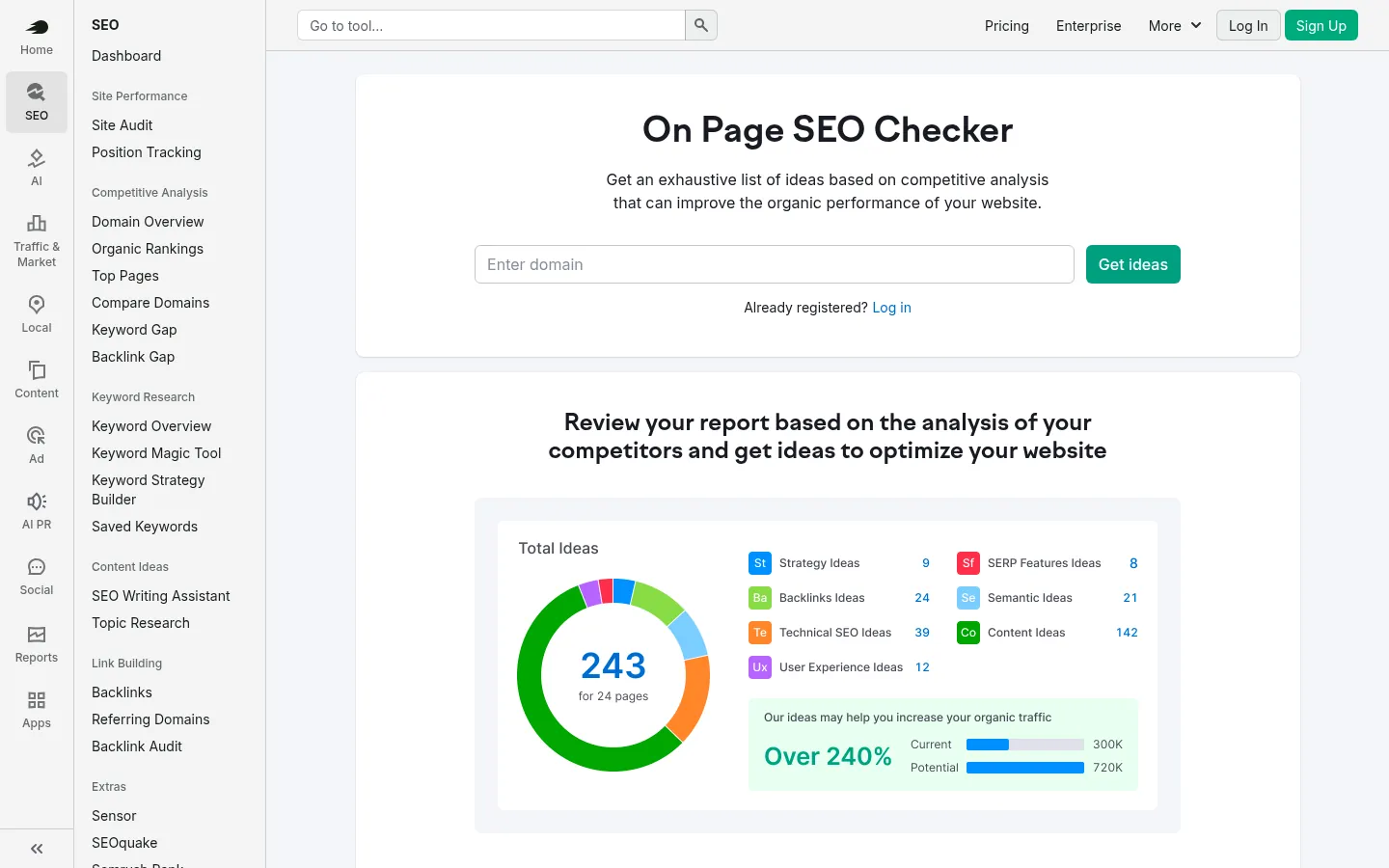
Screenshot: Semrush On-Page SEO Checker website, October 2026.
- Checks keyword use on each page.
- Finds missing internal links and content ideas.
- Compares your pages with top-ranking pages.
8. Moz On-Page Grader: A Quick Page Score
Moz On-Page Grader gives a single page an optimisation score and a checklist of fixes, so you review one page in minutes. Moz On-Page Grader suits quick checks before publishing.
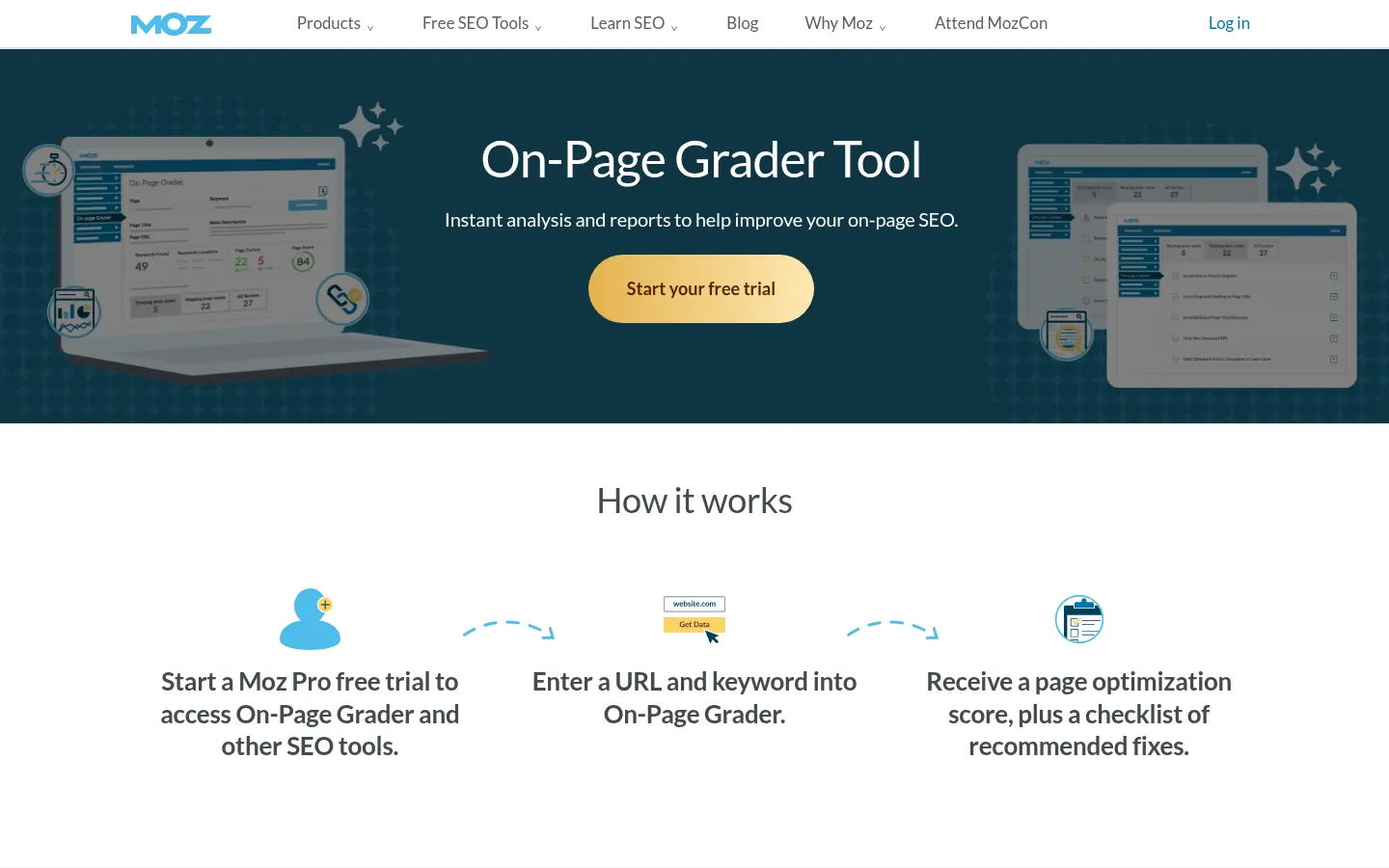
Screenshot: Moz On-Page Grader website, October 2026.
- Checks titles, headings and keyword use.
- Scores the page for its target keyword.
- Lists recommended fixes.
9. Sitebulb: Visual Audits for Complex Sites
Sitebulb explains each issue it finds and shows your internal linking visually, so large sites see where structure weakens rankings. Sitebulb suits agencies and large sites.
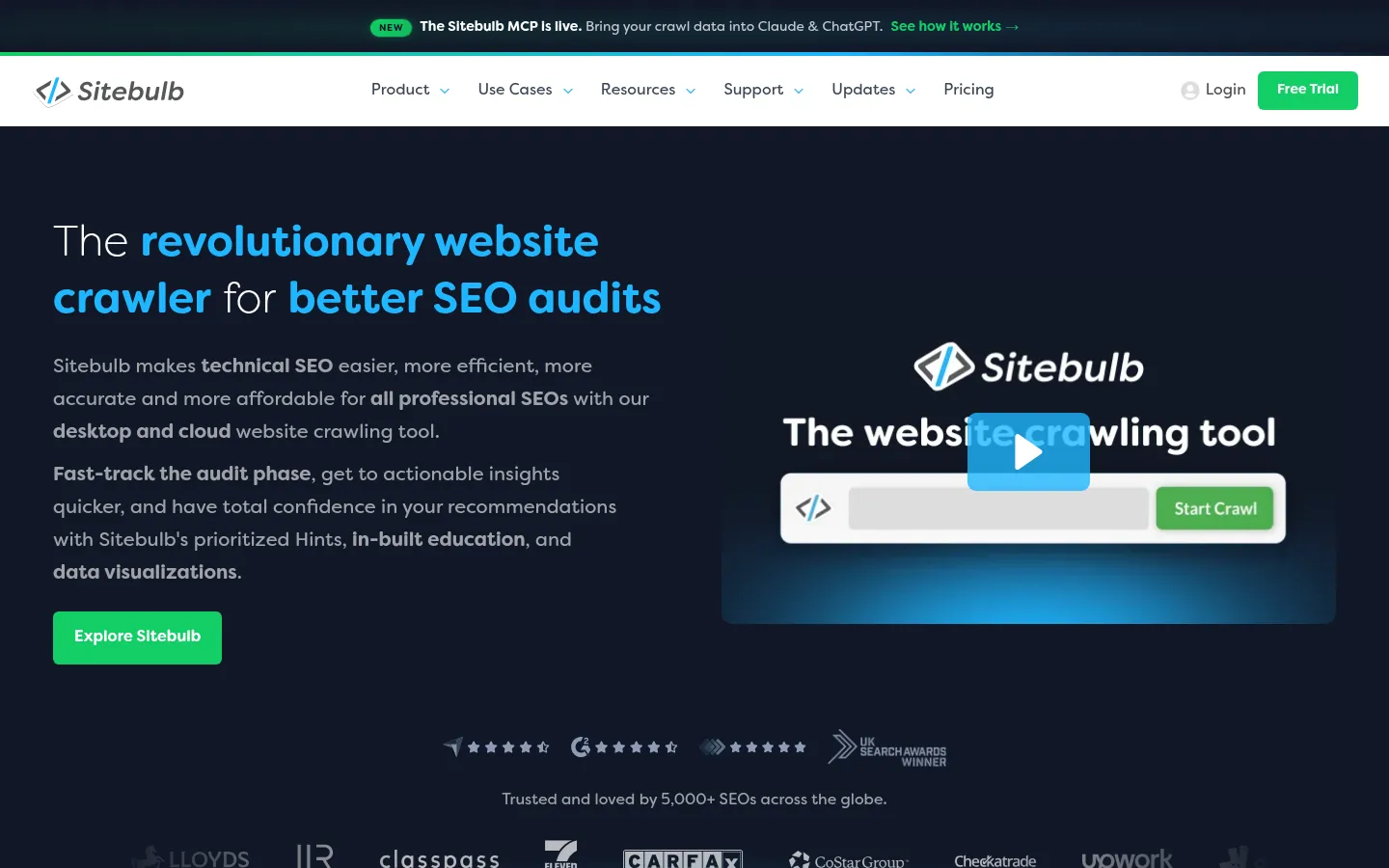
Screenshot: Sitebulb website, October 2026.
- Detects duplicate content and broken external links.
- Highlights internal linking problems.
- Crawls large sites for in-depth audits.
10. NitroPack: Automatic Speed Improvements
NitroPack speeds up your site automatically with caching, compression and lazy loading, so pages load faster without manual development work. NitroPack suits sites that struggle with load times.
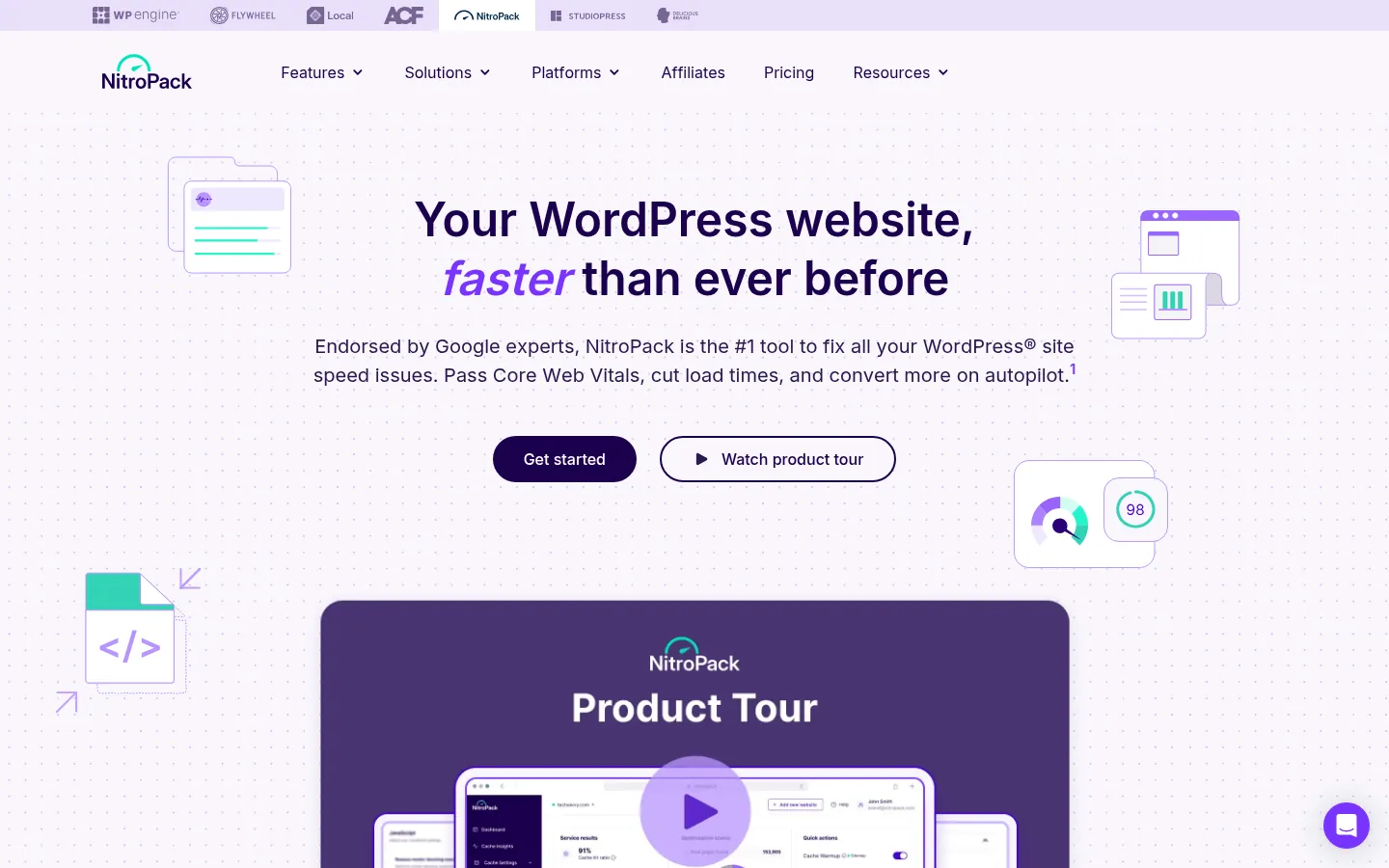
Screenshot: NitroPack website, October 2026.
- Reduces JavaScript and CSS load.
- Improves Core Web Vitals scores.
- Caches and compresses pages and images.
How On-Page Tools Improve Your Rankings
On-page tools find the gaps between your pages and what searchers expect, then point you to the fixes with the biggest effect.
How do search engines evaluate on-page SEO?
Search engines read your content, headings, metadata, links and page experience to judge how well a page answers a search. Pages with useful content, clear structure and fast load times tend to perform better. The on-page SEO audit guide walks through each check.
Why is keyword research part of on-page SEO?
Keyword research tells you which terms your buyers use, so each page targets a search with real demand and clear intent. The keyword research guide explains the method.
How do internal links affect rankings?
Internal links help search engines find your pages and understand how they relate, and they pass authority to the pages that matter most. Sitebulb and Screaming Frog show where internal linking is weak.
Why does page speed matter?
Slow pages lose visitors and weaken page experience, which Google uses as part of its ranking systems. PageSpeed Insights and NitroPack find and fix the biggest delays.
What on-page problems hold rankings back?
Missing or duplicate titles, thin content, broken links, missing internal links and slow load times are the most common on-page problems. A crawler such as Screaming Frog lists them in one report.
Fix Your Pages as Part of an SEO Plan
On-page tools show what to fix, and an SEO plan decides which pages to fix first. Run an on-page SEO audit, read the image SEO guide, or let Aemorph's SEO service handle the work for you.