Technical SEO tools find the crawl errors, indexing gaps, broken links and slow pages that stop search engines from ranking your content, so you fix the problems that cost you traffic before they spread. The fourteen tools below cover crawling, search engine data, log analysis, speed, WordPress and continuous monitoring. Each entry says what the tool checks and who it suits.
Choose a Technical SEO Tool by the Problem You Need to Find
Technical tools fall into five groups: crawlers, search engine data, log analysis, speed and continuous monitoring. Start with Google Search Console and a crawler, then add the others as your site grows.
| Tool | What it finds | Best for | Group |
|---|---|---|---|
| Screaming Frog SEO Spider | Broken links, duplicates, missing tags | SEO specialists | Crawler |
| Google Search Console | Indexing errors and search performance | Every site owner | Search engine data |
| Ahrefs Webmaster Tools | Site errors and backlinks for your own site | Site owners on a budget | Crawler |
| Semrush Site Audit | Technical errors and duplicate content | Teams already on Semrush | Crawler |
| Botify | Crawling and indexing at enterprise scale | Large sites | Crawler and logs |
| Seolyzer | Search engine bot activity in your logs | Crawl budget analysis | Log analysis |
| Website Grader | A quick health score | First checks on a site | Speed and health |
| SEOquake | On-page data in your browser | Quick page checks | Browser extension |
| Rank Math | Schema markup and SEO settings in WordPress | WordPress sites | Plugin |
| PageSpeed Insights | Speed and Core Web Vitals | Every site owner | Speed |
| Bing Webmaster Tools | Indexing and performance on Bing | Sites with Bing traffic | Search engine data |
| SEO PowerSuite | Audits, rankings and cannibalisation | Desktop all-in-one users | Crawler |
| Seobility | Site errors, indexing and rankings | Small and mid-sized sites | Crawler |
| Conductor Monitoring | Changes and issues as they happen | Sites that change often | Monitoring |
1. Screaming Frog SEO Spider: Find Technical Errors Quickly
Screaming Frog crawls your site and lists broken links, duplicate pages and missing titles and descriptions, so you see every technical error in one report. Screaming Frog SEO Spider is a desktop crawler with a free version.
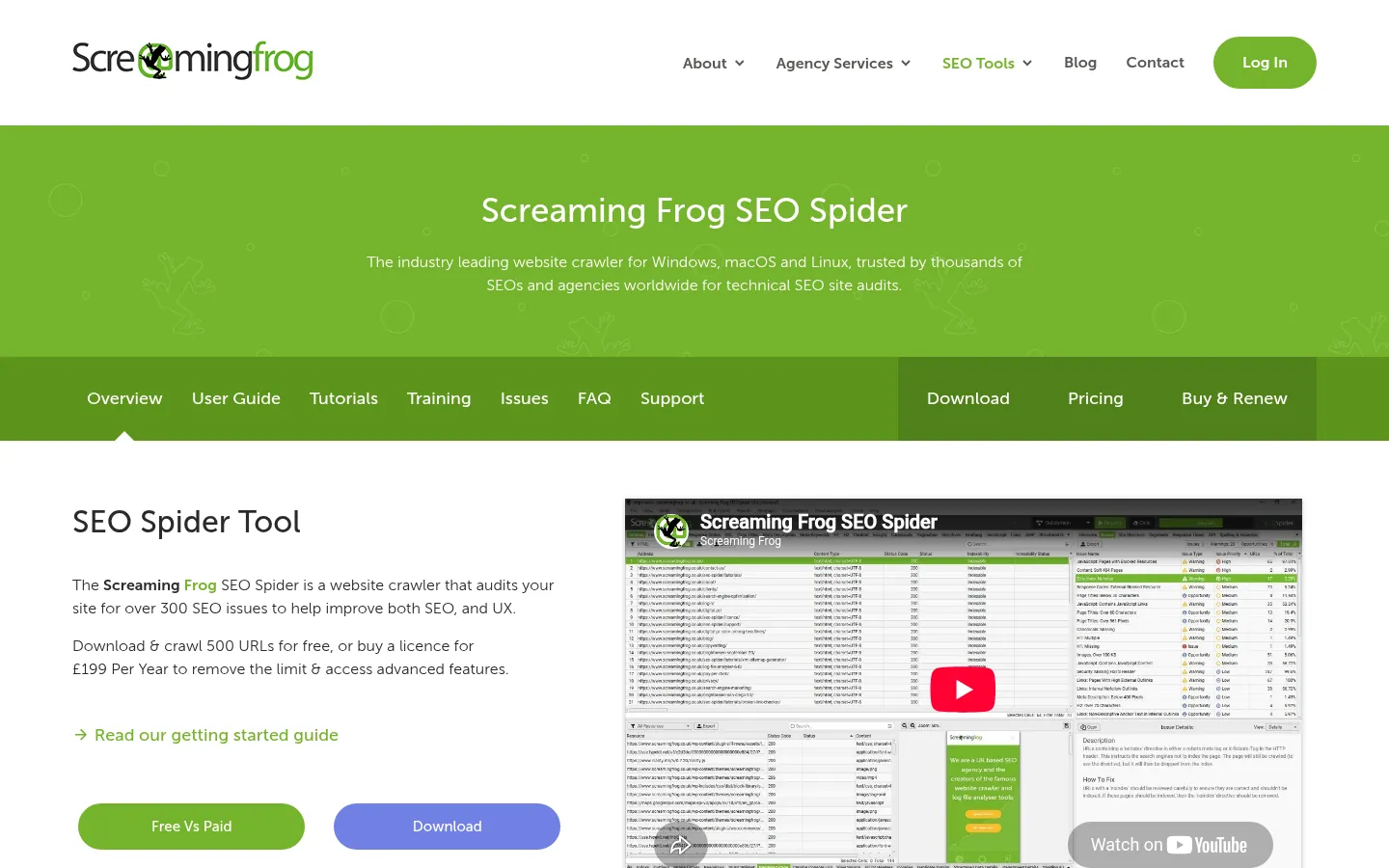
Screenshot: Screaming Frog SEO Spider website, October 2026.
- Finds broken links, duplicate pages and missing tags.
- Reports on links, redirects and page errors.
- Checks sitemaps, page titles and schema markup.
2. Google Search Console: Indexing and Performance From Google
Google Search Console shows how Google crawls, indexes and ranks your site, so you see problems in Google's own data. Google Search Console is free.
Screenshot: Google Search Console website, October 2026.
- Tracks queries, clicks, impressions and average position.
- Reports indexing errors and pages left out of Google.
- Flags Core Web Vitals and other page experience issues.
3. Ahrefs Webmaster Tools: Free Audits for Your Own Site
Ahrefs Webmaster Tools audits the sites you own and shows their backlinks, so you fix errors and monitor links at no cost. Ahrefs Webmaster Tools suits site owners who verify their sites.

Screenshot: Ahrefs Webmaster Tools website, October 2026.
- Finds broken links and other site errors.
- Shows the keywords your pages rank for.
- Analyses the backlinks pointing to your site.
4. Semrush Site Audit: Detailed Technical Checks
Semrush Site Audit checks your site for technical problems and ranks them by severity, so you fix the biggest issues first. Semrush Site Audit suits teams already using Semrush.
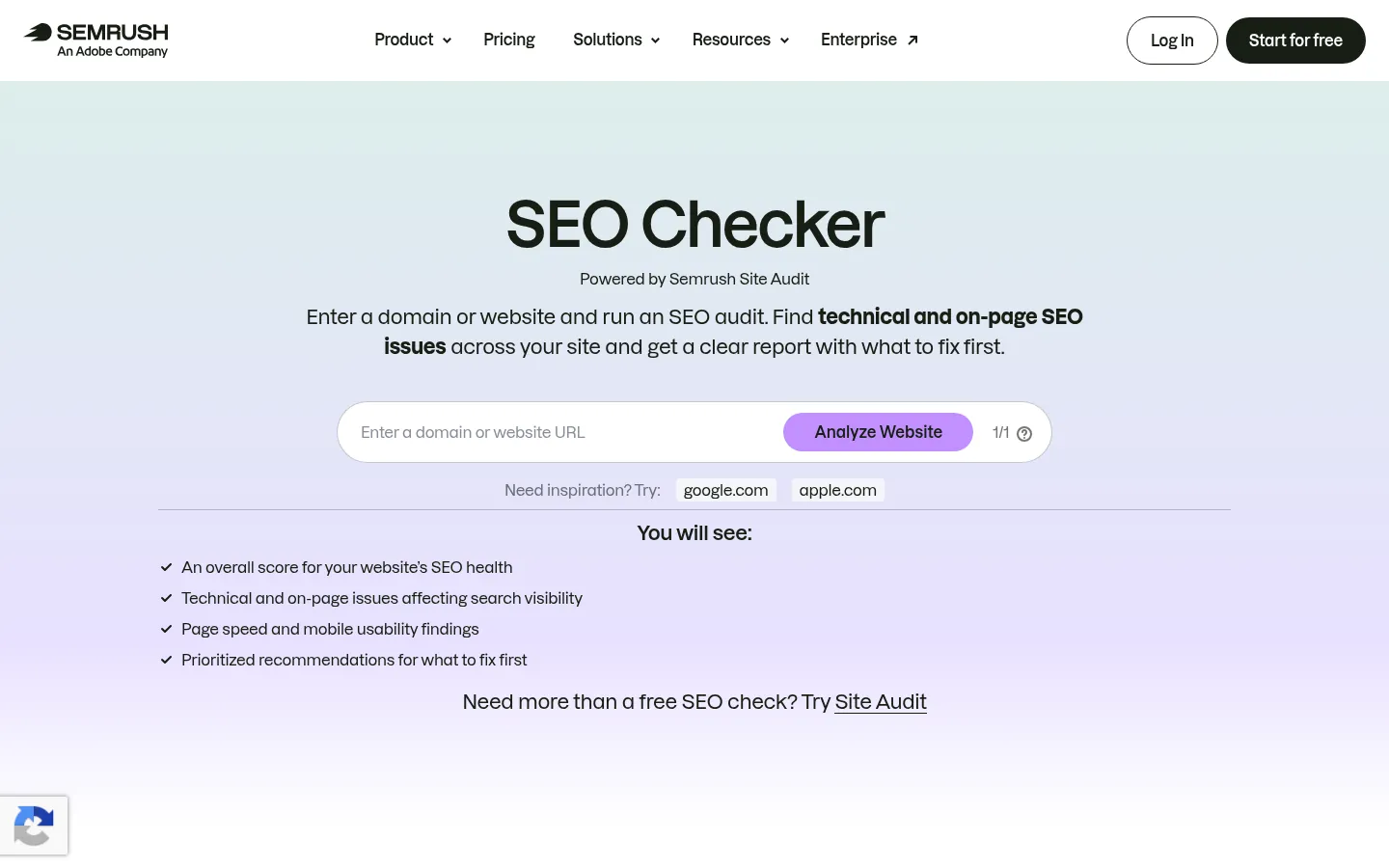
Screenshot: Semrush Site Audit website, October 2026.
- Finds broken links, slow pages and duplicate content.
- Checks on-page elements across the site.
- Tracks progress between audits.
5. Botify: Crawling and Indexing at Enterprise Scale
Botify shows how search engines crawl and index a large site, so enterprise teams find the sections search engines miss. Botify suits sites with hundreds of thousands of pages.
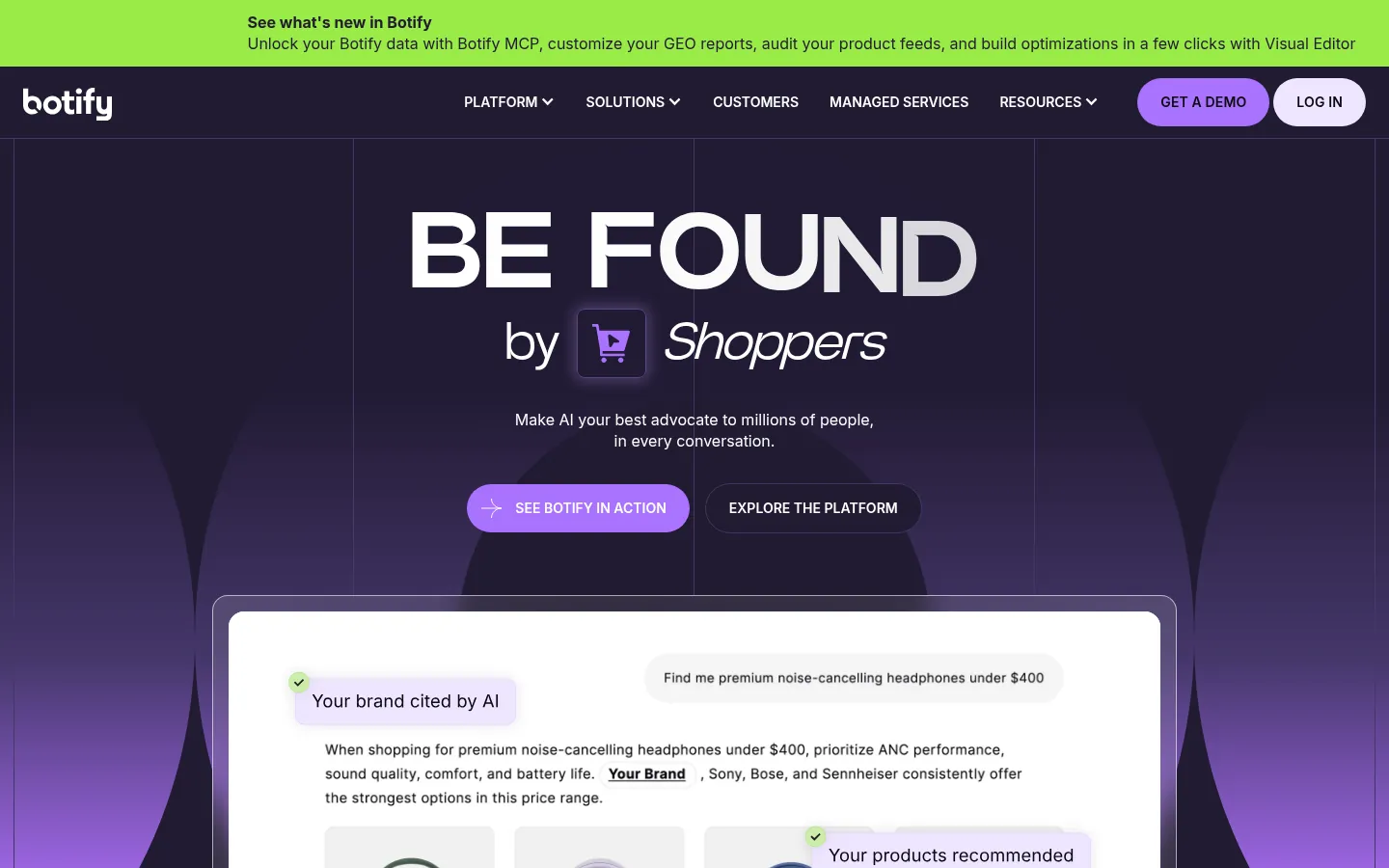
Screenshot: Botify website, October 2026.
- Crawls large sites in depth.
- Analyses how search engine bots move through your site.
- Finds indexing problems and missing content.
6. Seolyzer: Log Analysis for Crawl Insights
Seolyzer reads your server logs to show how search engine bots crawl your site, so you see where crawl budget goes. Seolyzer suits technical SEO specialists.
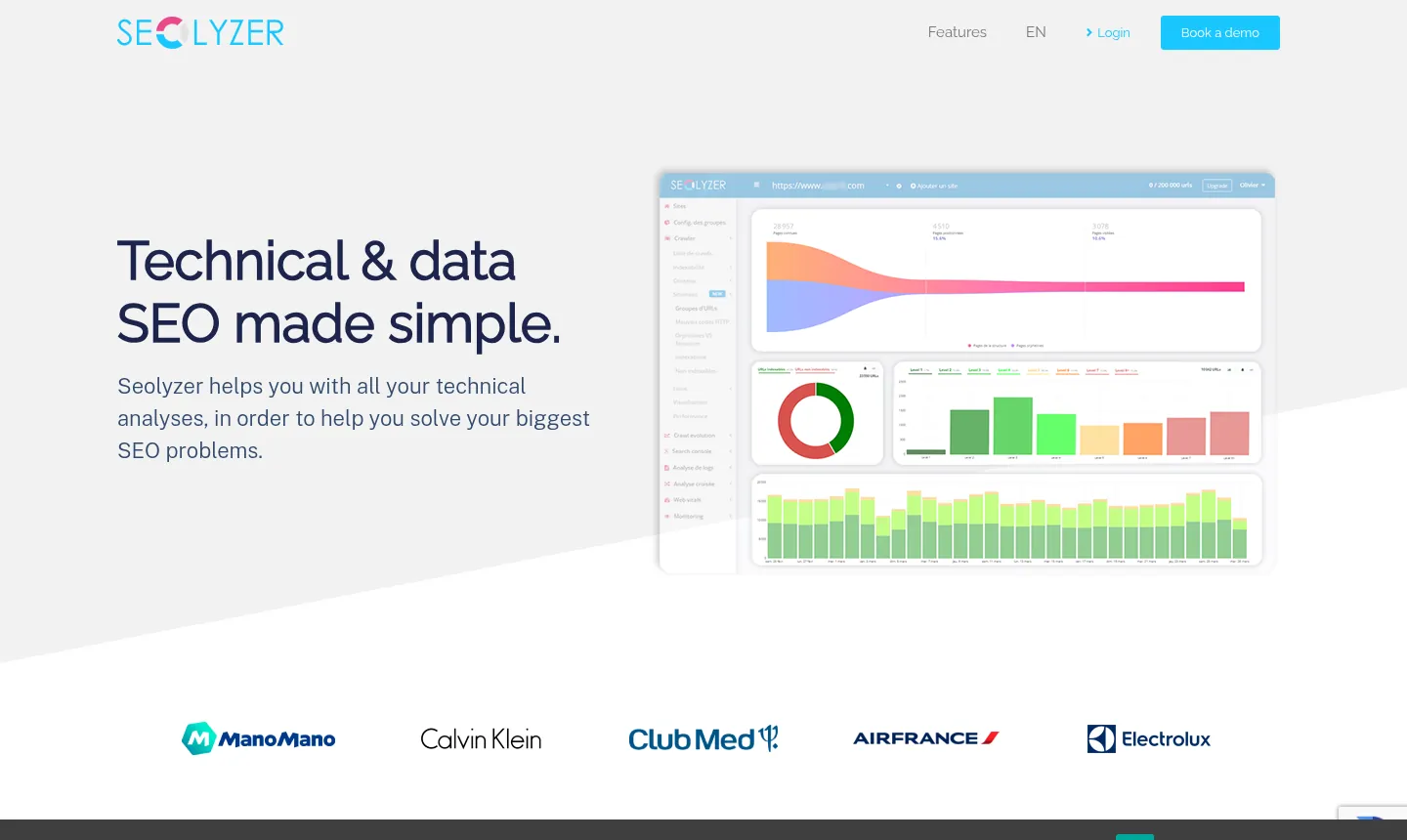
Screenshot: Seolyzer website, October 2026.
- Tracks search engine bot visits from your logs.
- Detects technical issues bots run into.
- Shows how crawl budget is spent.
7. Website Grader: A Quick Site Health Check
Website Grader gives your site a quick score for performance, SEO, mobile and security, so you get a first view of its health in a minute. Website Grader is free from HubSpot.
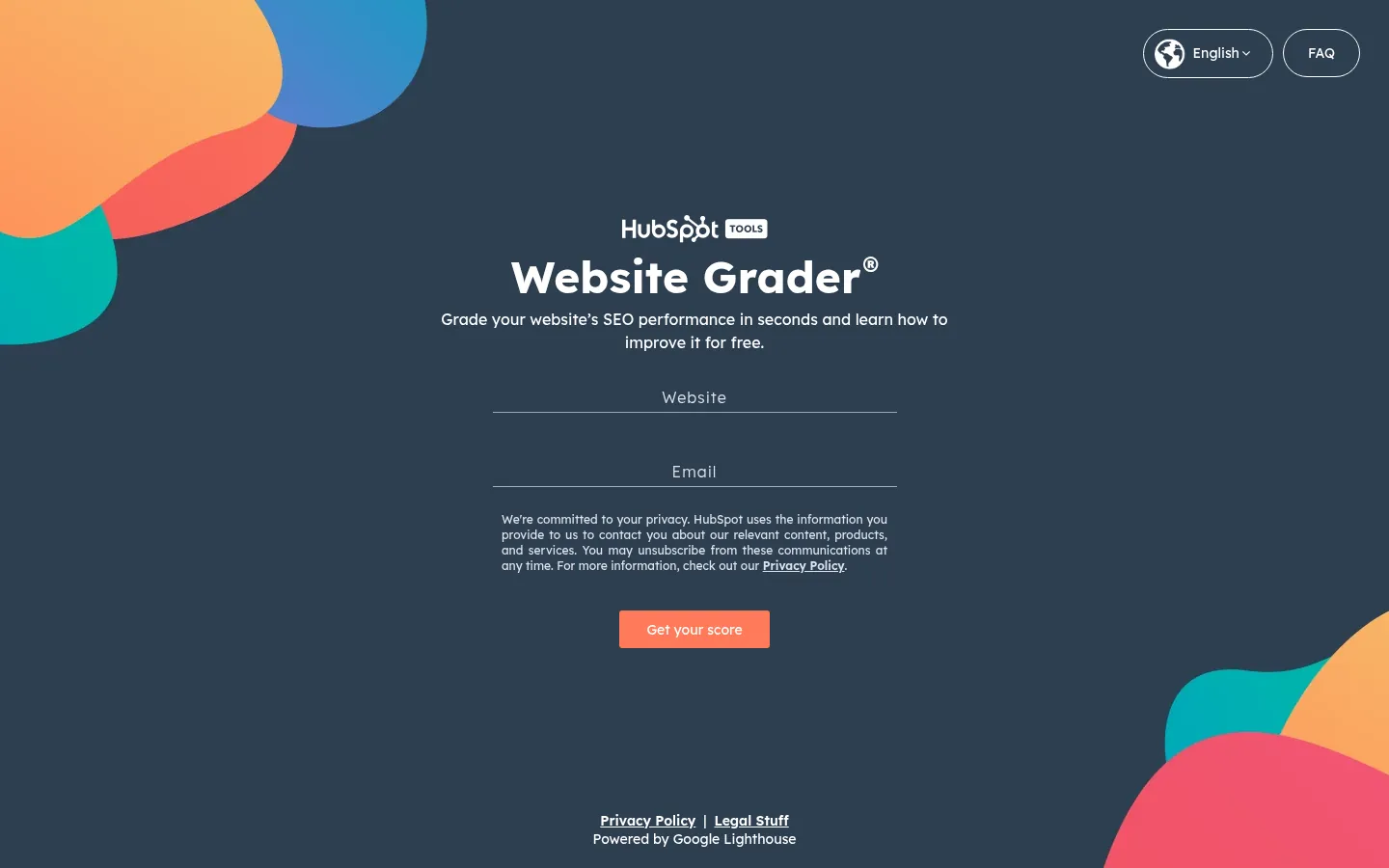
Screenshot: Website Grader website, October 2026.
- Checks basic technical SEO and content issues.
- Flags image and speed problems.
- Reviews mobile readiness and security.
8. SEOquake: Quick Technical Checks in Your Browser
SEOquake shows on-page data for the page you are viewing, so you check a page without running a full audit. SEOquake is a free browser extension from Semrush.

Screenshot: SEOquake listing on the Chrome Web Store, October 2026.
- Checks metadata and internal links.
- Shows page and search results data.
- Identifies missing metadata.
9. Rank Math: SEO and Schema Settings in WordPress
Rank Math adds schema markup and SEO settings to WordPress, so site owners handle structured data without code. Rank Math offers a free plugin and paid plans.
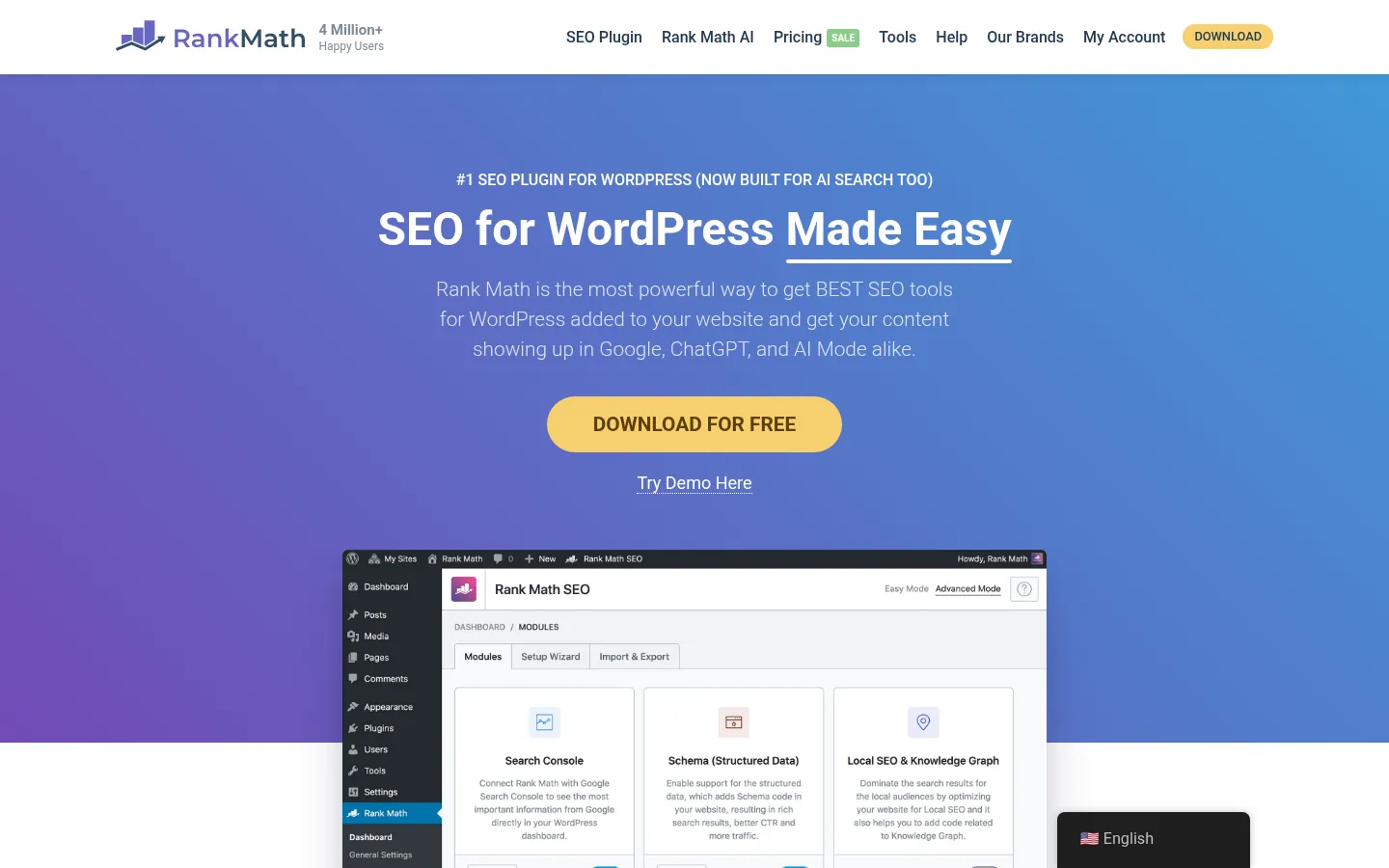
Screenshot: Rank Math website, October 2026.
- Adds schema markup in JSON-LD.
- Analyses keywords on each post.
- Flags common SEO errors.
10. PageSpeed Insights: Speed and Mobile Performance
PageSpeed Insights measures how fast your pages load on mobile and desktop and lists fixes, so you improve the speed that visitors and Google notice. PageSpeed Insights is free from Google.
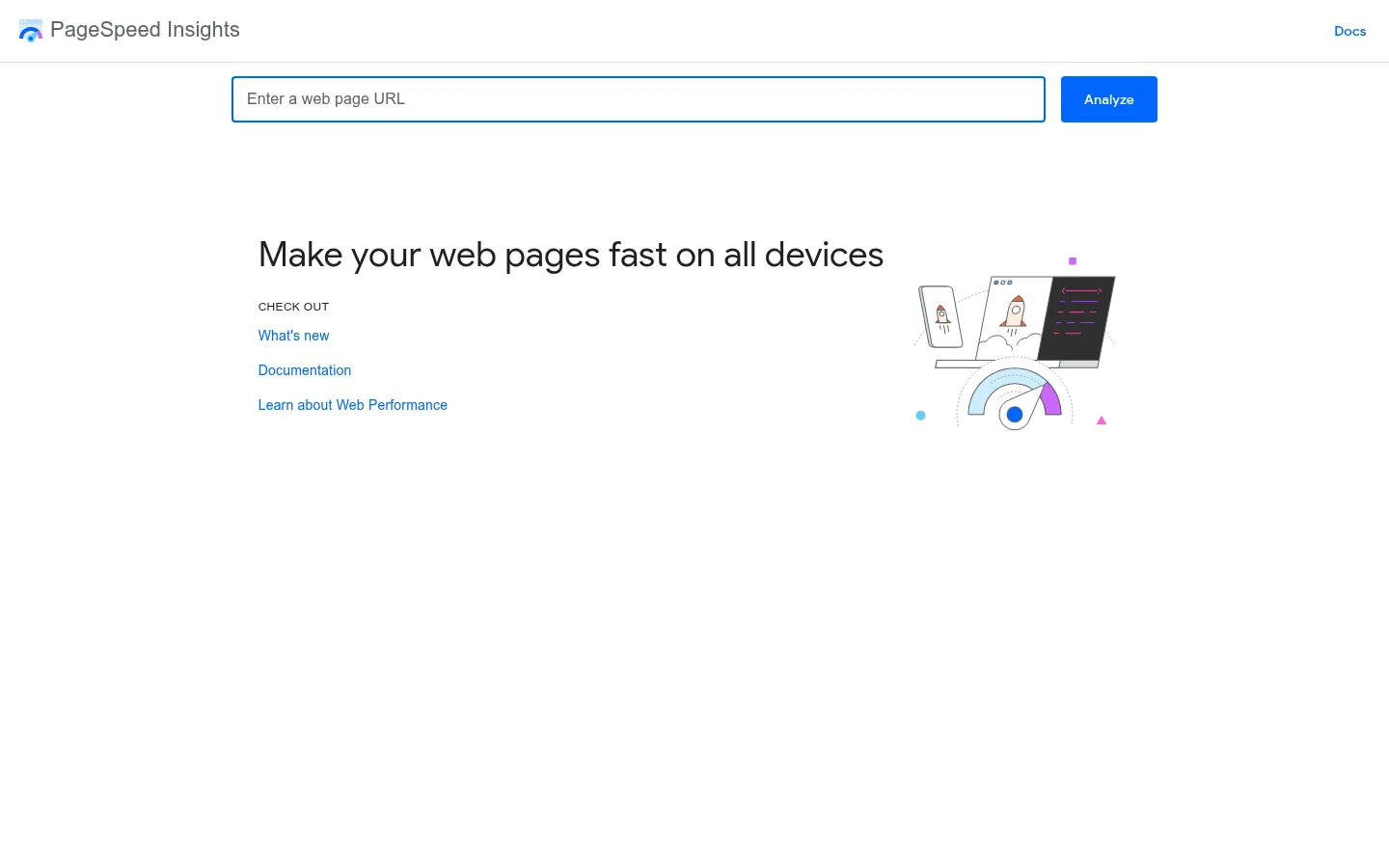
Screenshot: PageSpeed Insights website, October 2026.
- Measures Core Web Vitals, including layout stability.
- Shows real-user speed data where it exists.
- Recommends specific performance fixes.
11. Bing Webmaster Tools: Technical Data From Bing
Bing Webmaster Tools shows how Bing crawls and ranks your site, so you cover the search engine that also feeds Microsoft's AI answers. Bing Webmaster Tools is free.

Screenshot: Bing Webmaster Tools website, October 2026.
- Reports indexing errors and crawl issues.
- Tracks clicks and impressions on Bing.
- Includes keyword research and site scan tools.
12. SEO PowerSuite: A Desktop SEO Toolset
SEO PowerSuite bundles site audits, rank tracking and backlink tools in desktop software, so you run full audits from one place. SEO PowerSuite suits users who prefer desktop tools.

Screenshot: SEO PowerSuite website, October 2026.
- Detects technical issues and keyword cannibalisation.
- Reports on content gaps.
- Analyses how crawlers move through your site.
13. Seobility: Site Optimisation and Tracking
Seobility checks your site for errors and tracks rankings, so small and mid-sized sites get a clear list of fixes. Seobility offers a free plan and paid plans.
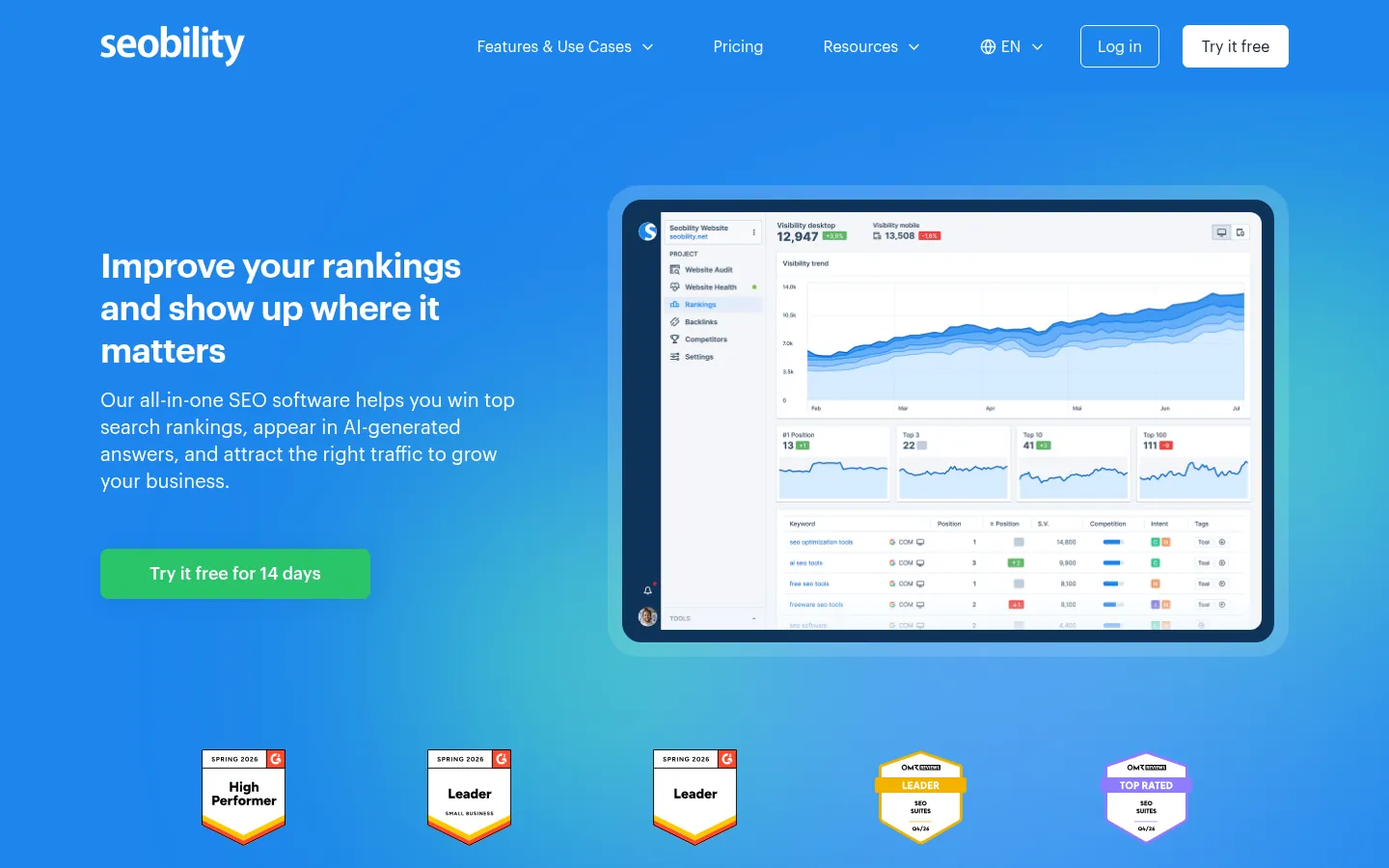
Screenshot: Seobility website, October 2026.
- Finds broken links and duplicate pages.
- Checks whether pages are indexed.
- Tracks rankings over time.
14. Conductor Monitoring: Real-Time SEO Monitoring
Conductor Monitoring, formerly ContentKing, checks your site continuously and alerts you to changes and issues, so problems get fixed before they hurt rankings. Conductor Monitoring suits sites that change often.
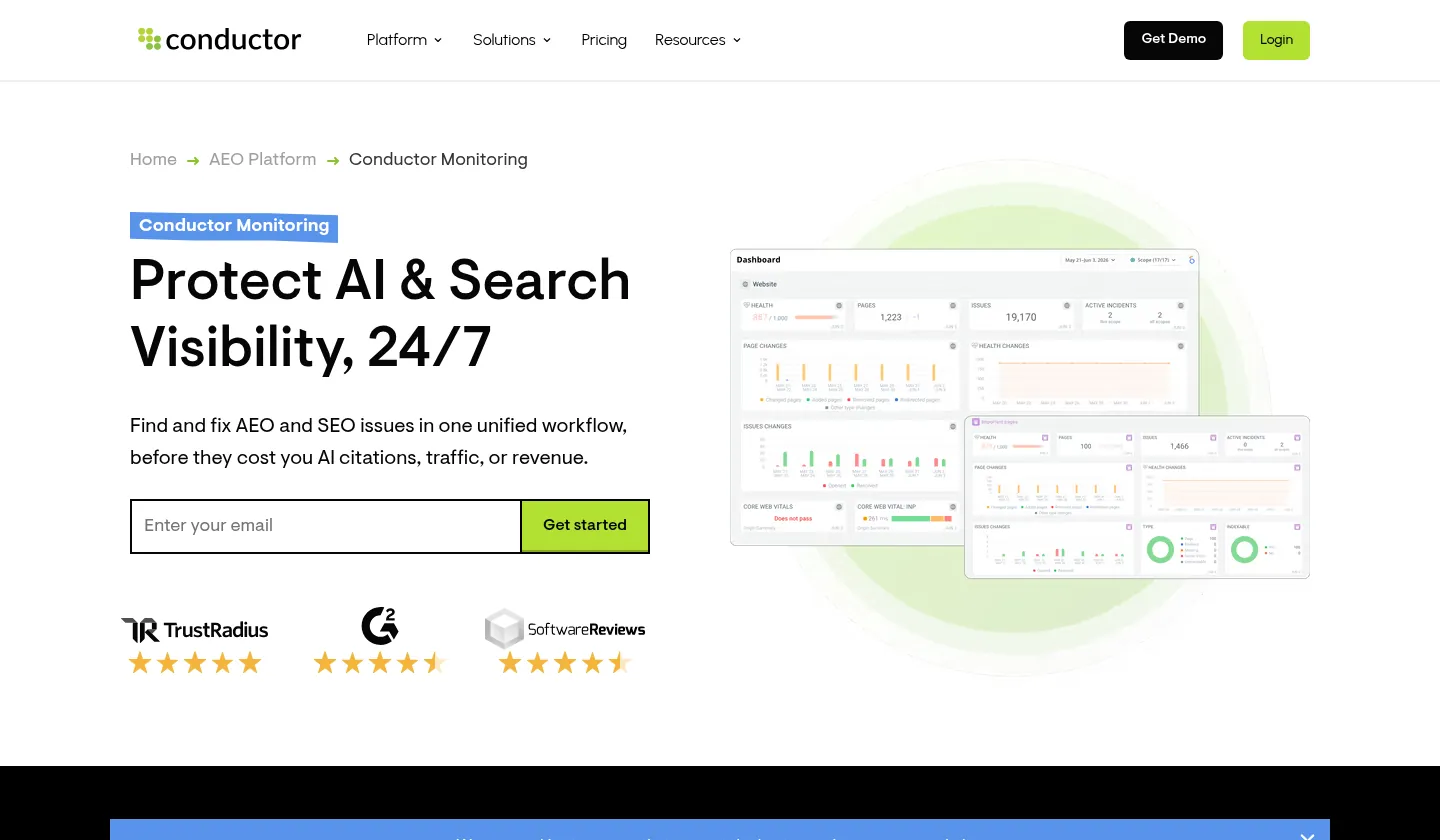
Screenshot: Conductor Monitoring website, October 2026.
- Finds technical errors such as broken links and missing tags.
- Flags duplicate content as it appears.
- Alerts you to changes across the site in real time.
How Technical SEO Tools Protect Your Rankings
Technical tools catch the problems that stop search engines reaching your content, so your best pages stay crawlable, indexed and fast.
How do technical SEO tools help with mobile SEO?
Technical tools check how your pages load and display on mobile, the version Google uses for indexing. PageSpeed Insights and Lighthouse flag slow loading, small text and tap targets placed too close together.
Do technical SEO tools find security problems?
Yes, crawlers such as Screaming Frog find pages still served over HTTP and mixed content, which weaken trust with visitors and search engines. Keeping plugins and themes updated closes the other common gaps.
How do technical SEO tools help with site structure?
Crawlers map how your pages link together and show orphaned pages, dead ends and deep pages that search engines struggle to reach. A clear structure helps search engines understand which pages matter most.
Do any tools catch problems before rankings drop?
Yes, monitoring tools such as Conductor Monitoring check your site continuously and alert you when something breaks. Fixing issues the same day keeps them from affecting rankings.
Are free technical SEO tools enough?
Free tools such as Google Search Console, Bing Webmaster Tools and Screaming Frog's free version cover the basics for a small site. Larger sites need paid crawlers and monitoring for scale, history and automation.
Fix Technical Issues as Part of Your SEO
Technical tools show what is broken, and a plan decides what to fix first and how to stop it recurring. Read the on-page SEO audit guide, compare on-page SEO tools, or let Aemorph's technical SEO service find and fix the issues for you.