Document signing tools let you send, sign, track and store legally binding documents online, so contracts close faster, onboarding runs on repeatable steps and every signature leaves an audit trail. Also called eSignature software, these platforms replace printing, scanning and emailing files with secure workflows. The seven below cover enterprise compliance, sales proposals, simple cloud signing, budget plans and self-hosting, with prices as of October 2026.
Why Document Signing Tools Matter to Your Business
Every delayed signature delays revenue, so a signing tool that moves agreements quickly and records every step protects both your sales and your legal position. Unlike a pasted image of a signature, a signing platform records who signed, when, from where and whether the document changed. That audit trail is what supports the enforceability of electronic signatures under laws such as the US ESIGN Act and UETA and the EU's eIDAS regulation.
Signing platforms also enforce the signing order, prevent unauthorised edits and connect with your cloud storage, CRM and internal workflows. For your sales team, deals close faster. For HR, onboarding becomes repeatable. For legal and procurement, approvals become traceable.
What do document signing tools give your team?
A signing tool gives your team faster execution, a full record of every signature and less paperwork risk. The main benefits:
- Speeds up contract execution.
- Produces legally binding electronic signatures.
- Records a built-in audit trail.
- Stores documents securely.
- Supports signing on mobile and from anywhere.
- Automates reminders and routing.
- Reuses templates for recurring documents.
1. DocuSign
DocuSign suits organisations with high signing volumes, regulated workflows and multi-department approval chains.
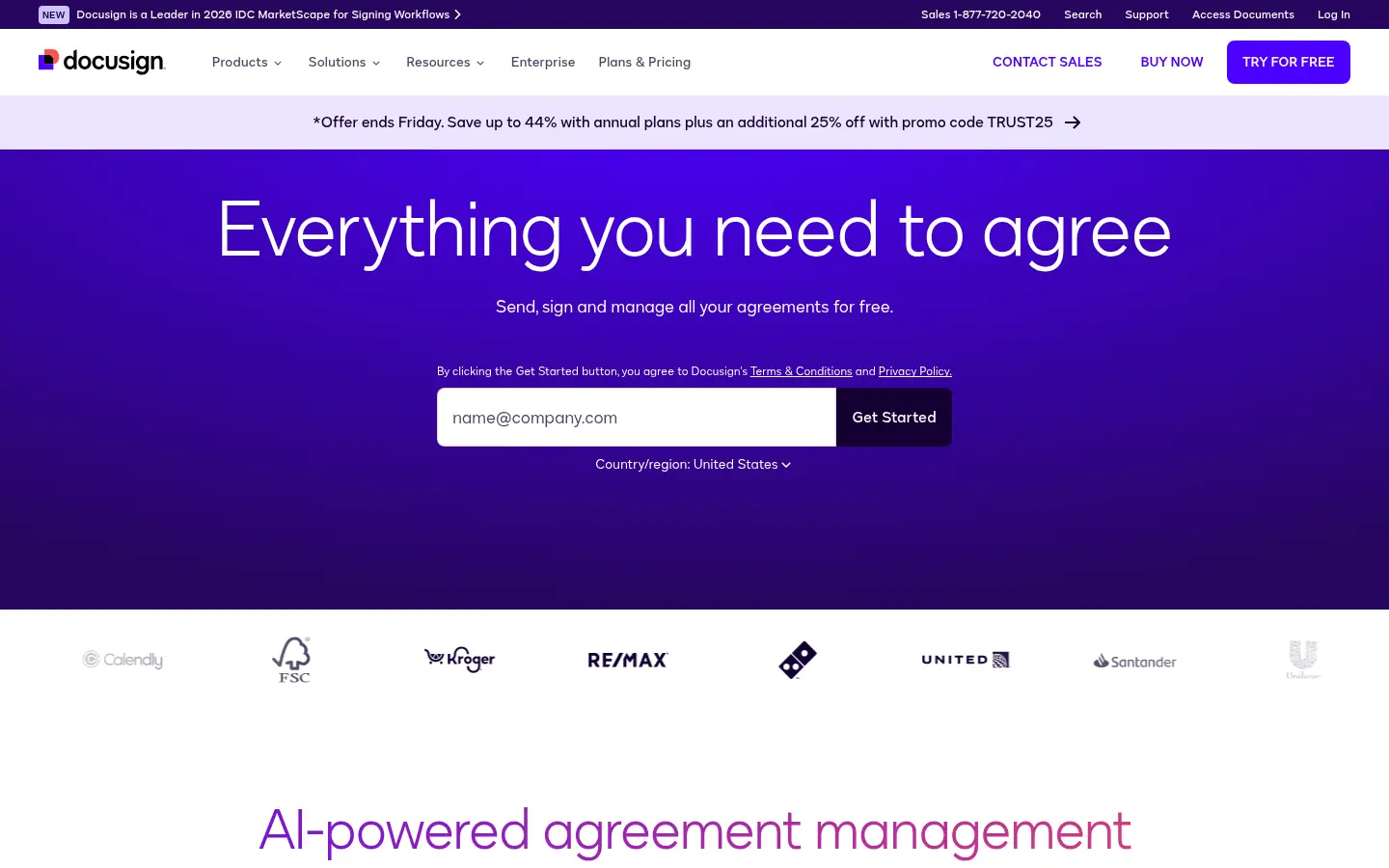
Screenshot: DocuSign website, October 2026.
DocuSign is the most widely recognised name in electronic signatures, built for compliance, detailed audit trails and complex signing workflows across departments and regions. Finance, legal, real estate and procurement teams use it where agreements must be defensible and traceable.
Core features:
- Multi-party signing workflows
- Detailed audit trails
- Identity verification
- Templates and reusable envelopes
- API and enterprise integrations
DocuSign pricing and suitability
DocuSign's eSignature plans start at USD 11 a month for one user and rise to USD 45 per user a month for Business Pro, with envelope limits on each plan. Enhanced plans for larger organisations are priced through sales.
| Plan | Price | Billing | Suitable for | Limits |
|---|---|---|---|---|
| Personal | USD 11 a month | As listed on the US page | Individuals | 5 envelopes a month |
| Standard | USD 30 per user a month | As listed on the US page | Small teams | 100 envelopes per user a year |
| Business Pro | USD 45 per user a month | As listed on the US page | Teams needing advanced features | 100 envelopes per user a year |
| Enhanced plans | Quote-based | Through sales | Large organisations | Custom envelope limits |
Source: DocuSign eSignature pricing, checked October 2026.
2. Adobe Acrobat Sign
Adobe Acrobat Sign suits organisations that work heavily with PDFs and already use Adobe Acrobat.
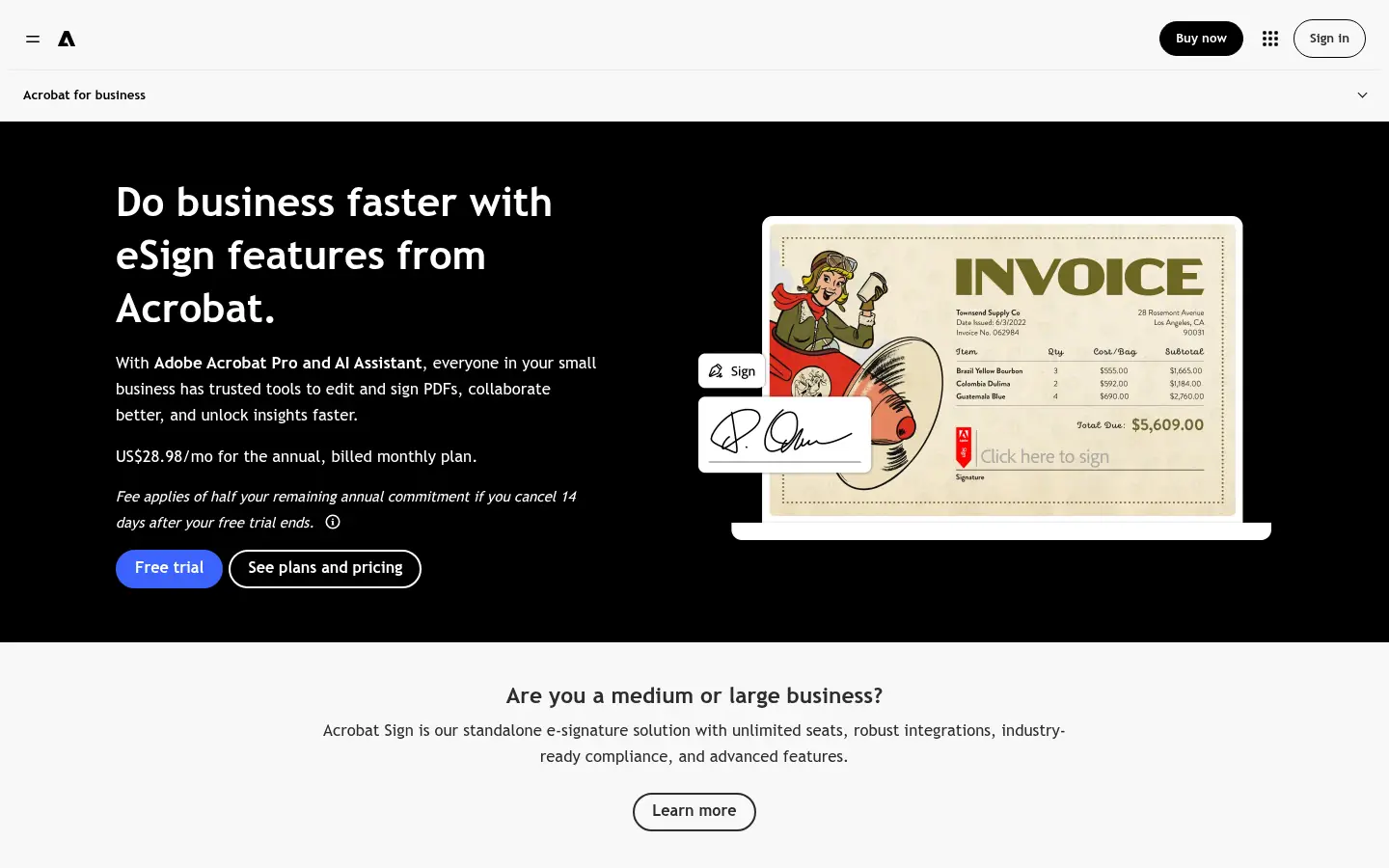
Screenshot: Adobe Acrobat Sign website, October 2026.
Adobe Acrobat Sign provides enterprise-grade signing inside the Adobe document ecosystem. Legal teams, procurement departments and compliance-driven organisations use it, often through their existing Acrobat licences.
Core features:
- Deep Acrobat integration
- Secure eSignatures
- Audit trails
- Workflow templates
- Microsoft and cloud integrations
Adobe Acrobat Sign pricing and suitability
Adobe bundles e-signatures into Acrobat for teams, from USD 16.99 per licence a month for Acrobat Standard and USD 23.99 for Acrobat Pro, on annual plans billed monthly. Enterprise Acrobat Sign solutions with advanced workflows and integrations are priced through Adobe sales.
| Plan | Price | Billing | Suitable for | Limits |
|---|---|---|---|---|
| Acrobat Standard for teams | USD 16.99 per licence a month | Annual, billed monthly | Teams signing PDFs | Fewer advanced PDF tools |
| Acrobat Pro for teams | USD 23.99 per licence a month | Annual, billed monthly | Teams needing full PDF editing | Higher cost per licence |
| Acrobat Sign enterprise solutions | Quote-based | Through sales | Large organisations | No public price |
Source: Adobe Acrobat plans and pricing, checked October 2026.
3. PandaDoc
PandaDoc suits sales teams that send quotes, proposals and contracts and want creation, approval and signing in one system.
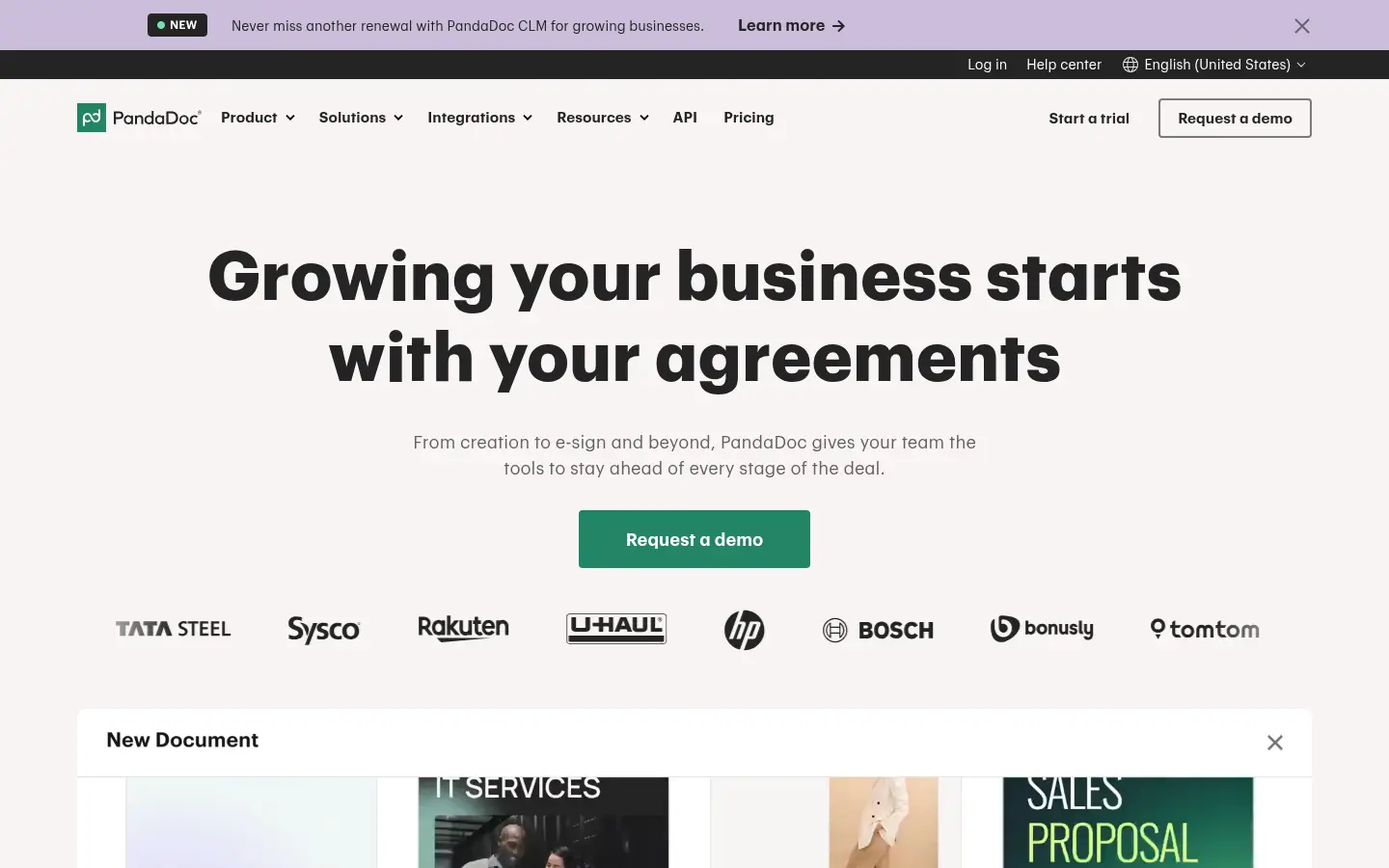
Screenshot: PandaDoc website, October 2026.
PandaDoc combines document creation, proposal management and electronic signatures. Most of its value appears in plans that add templates, content libraries and CRM integrations, so it fits revenue teams better than buyers who only need signatures.
Core features:
- Proposal and contract templates
- eSignature
- CRM integrations
- Approval workflows
- Document tracking
PandaDoc pricing and suitability
PandaDoc has a free plan, Starter at USD 19 and Business at USD 49 per seat a month, and quoted Enterprise pricing. Judge it on its workflow impact, not signature count alone.
| Plan | Price | Billing | Suitable for | Limits |
|---|---|---|---|---|
| Free | USD 0 | Free | Trying eSignature | Basic signing only |
| Starter | USD 19 per seat a month | Monthly or annual | Small sales teams | Fewer templates and integrations |
| Business | USD 49 per seat a month | Monthly or annual | Sales organisations | Higher cost |
| Enterprise | Quote-based | Per seat or per document | Large sales teams | No public price |
Source: PandaDoc pricing, checked October 2026.
4. Dropbox Sign
Dropbox Sign suits teams that already store files in Dropbox and want simple, predictable signing.
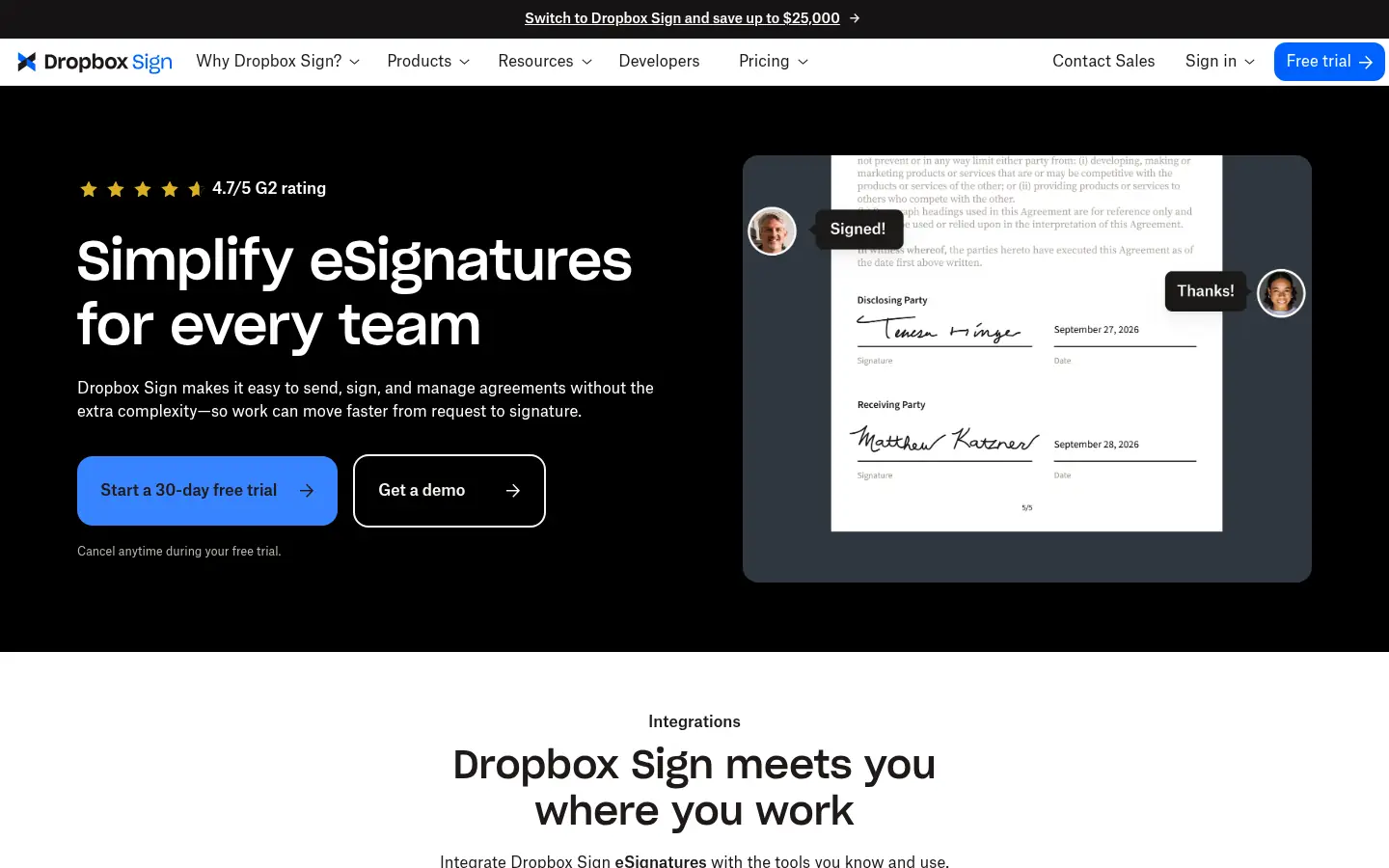
Screenshot: Dropbox Sign website, October 2026.
Dropbox Sign, formerly HelloSign, is a cloud signing platform that favours ease of use over complex automation. Higher tiers add branding, bulk sending and team management, while advanced workflow controls stay limited compared with enterprise platforms.
Core features:
- Simple document signing
- Dropbox integration
- Templates
- Audit trails
Dropbox Sign pricing and suitability
Dropbox Sign Essentials costs USD 15 a month on annual billing for one user, and Standard costs USD 25 per user a month on annual billing. Monthly billing costs more, and Premium is quoted for large teams.
| Plan | Price | Billing | Suitable for | Limits |
|---|---|---|---|---|
| Essentials | USD 15 a month (USD 20 monthly) | Annual or monthly | Individuals | Limited automation |
| Standard | USD 25 per user a month (USD 30 monthly) | Annual or monthly | Small teams | Fewer enterprise controls |
| Premium | Quote-based | Through sales | Large teams | No public price |
Source: Dropbox Sign pricing, checked October 2026.
5. SignWell
SignWell suits freelancers and small teams that need legally binding signatures without enterprise pricing.
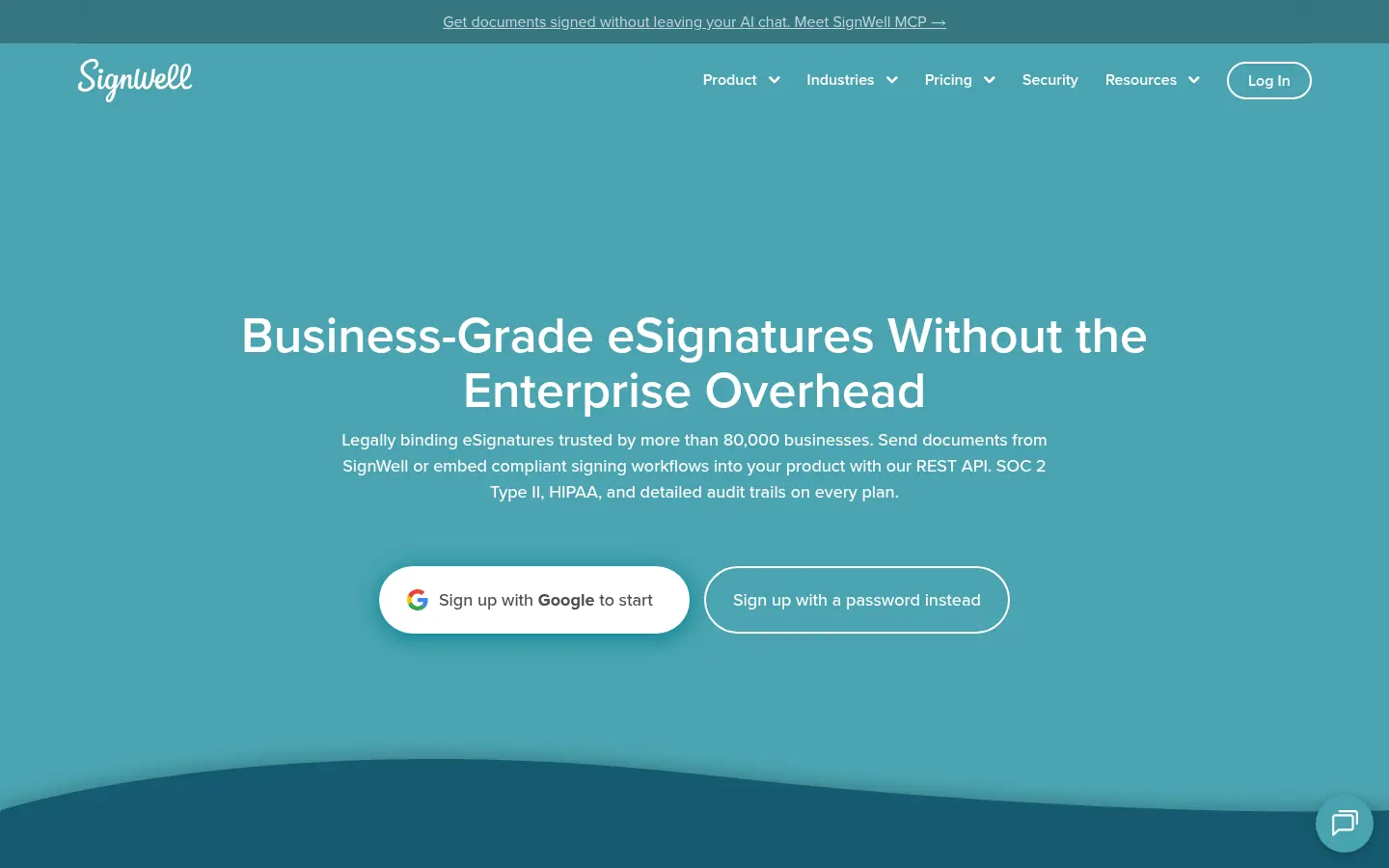
Screenshot: SignWell website, October 2026.
SignWell offers one of the most usable free plans for basic signing, with affordable paid tiers that grow with a small team. Its limits sit in automation, integrations and branding rather than in the legality of the signature.
Core features:
- Free electronic signatures
- Templates
- Audit trail
- Simple workflows
SignWell pricing and suitability
SignWell is free for three documents a month, and paid plans run from USD 10 to USD 30 a month on annual billing, with no per-signer fees. Enterprise pricing is custom.
| Plan | Price | Billing | Suitable for | Limits |
|---|---|---|---|---|
| Free | USD 0 | Free | Occasional signers | 1 sender, 3 documents a month |
| Light | USD 10 a month (USD 12 monthly) | Annual or monthly | Freelancers | 1 sender |
| Business | USD 30 a month (USD 36 monthly) | Annual or monthly | Small teams | 3 senders |
| Enterprise | Quote-based | Through sales | Larger organisations | Custom sender pricing |
Source: SignWell pricing, checked October 2026.
6. SignNow
SignNow suits SMEs that need bulk sending, templates and workflow controls without enterprise prices.
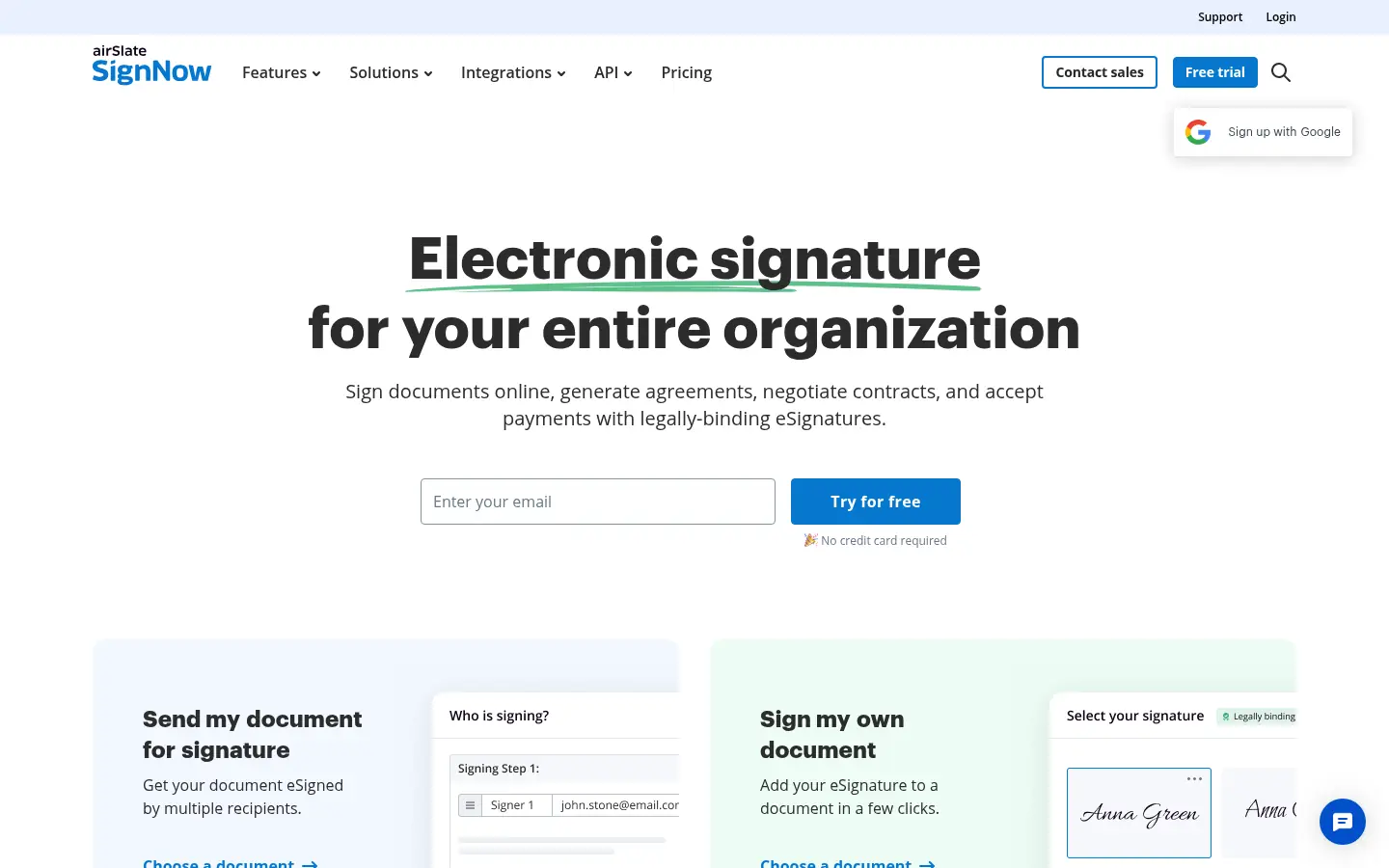
Screenshot: SignNow website, October 2026.
SignNow offers more automation and team management than most budget tools. It sits between budget signing apps and enterprise platforms.
Core features:
- Bulk sending
- Workflow automation
- Templates
- Team permissions
SignNow pricing and suitability
SignNow's plans include workflow automation and bulk sending at prices below enterprise platforms, with advanced templates, team controls and integrations on higher tiers. Review each plan's limits before you commit, so a needed feature does not force an early upgrade.
7. DocuSeal
DocuSeal suits privacy-focused or regulated organisations that want to self-host signing and keep full control of their data.
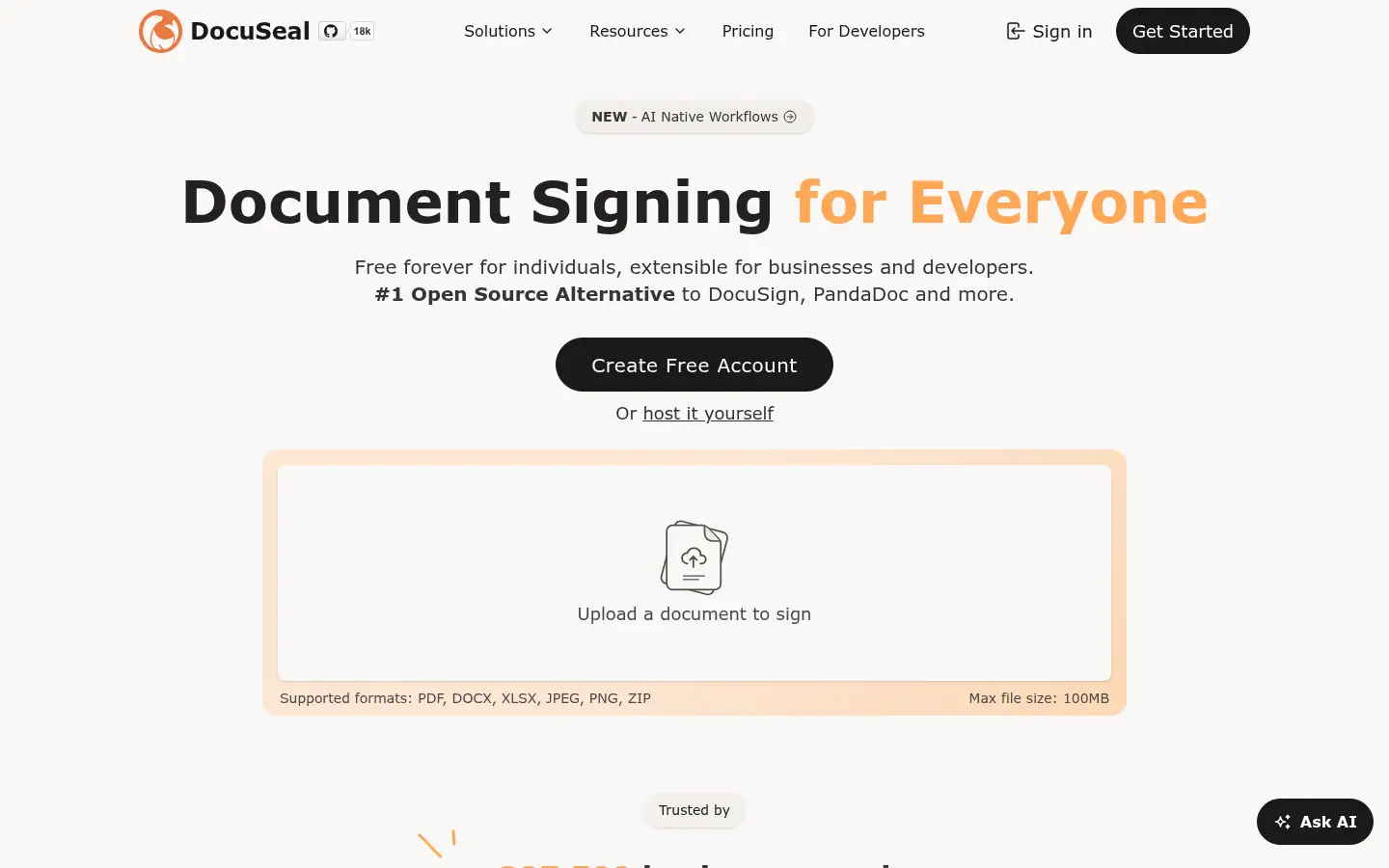
Screenshot: DocuSeal website, October 2026.
DocuSeal is an open-source signing platform you deploy on your own servers, or use in DocuSeal's cloud. Self-hosting shifts the cost from licences to your own hosting and IT time.
Core features:
- Self-hosted deployment
- Open-source code
- PDF form signing
- Full data control
DocuSeal pricing and suitability
DocuSeal's open-source software is free to self-host, and its cloud Pro plan costs USD 20 per user a month. Self-hosting suits teams comfortable running their own infrastructure.
| Plan | Price | Billing | Suitable for | Limits |
|---|---|---|---|---|
| Self-hosted open source | Free | Your own hosting costs | Technical teams | You manage hosting and updates |
| Cloud Pro | USD 20 per user a month | Monthly | Teams wanting managed hosting | Per-user cost |
Source: DocuSeal pricing, checked October 2026.
How to Choose the Right Document Signing Tool
Choose by how signing fits your operations: compliance, sales workflow, simplicity, budget or data control.
- DocuSign or Adobe Acrobat Sign if you need compliance, audit trails and enterprise reliability.
- PandaDoc if signing is part of your sales and proposal workflow.
- Dropbox Sign if you want simple signing beside your cloud storage.
- SignWell or SignNow for affordable, legally binding signatures.
- DocuSeal if data control and self-hosting come first.
Which document signing tool fits which team?
Match the tool to the team that sends the most documents.
| Tool | Best for | Strengths | Limitations | Pricing model |
|---|---|---|---|---|
| DocuSign | Enterprises | Compliance, scale, trust | Higher cost | Per user, envelope limits |
| Adobe Acrobat Sign | PDF-heavy teams | Acrobat integration | Less sales focus | Per Acrobat licence |
| PandaDoc | Sales teams | Proposals plus signing | More than signing alone | Free, then per seat |
| Dropbox Sign | Dropbox users | Simplicity | Fewer workflows | Per user |
| SignWell | Budget users | Free plan | Limited controls | Free, then per sender |
| SignNow | SMEs | Automation | Busier interface | Tiered |
| DocuSeal | Privacy-focused teams | Self-hosted | Needs IT support | Free self-hosted, cloud per user |
Close Agreements Faster and Keep Them Secure
A signing tool controls how agreements move, how risk is managed and how revenue is secured, so choose the one that matches how documents flow through your business. The right choice means fewer delays, fewer disputes and faster execution across sales, HR, legal and procurement. Protect the accounts behind your signed documents with password management tools, and share files safely with file sharing tools.