An AI image generator creates campaign visuals, product scenes and social graphics from a text prompt in seconds, so your marketing team produces more on-brand images, tests more creative options and depends less on stock photos and design queues. The seven tools below cover professional creative suites, template-led design, AI assistants with image generation, stock-library generators and free experimental tools. Each entry shows what the tool does best, who it suits and what it costs in October 2026.
Why AI Image Generators Matter to Your Marketing
An AI image generator removes the wait between a campaign idea and a finished visual, which speeds up launches and lowers the cost of every creative test. Marketing teams need a steady flow of images for ads, social posts, landing pages and email. Generating a first version from a prompt, then refining it, takes minutes instead of days, and teams test several creative directions before committing budget.
What does an AI image generator give your business?
An AI image generator gives your team faster creative production, more variations to test and fewer licensing gaps from generic stock. The main benefits:
- Creates campaign and product visuals from a text prompt.
- Produces several variations for creative testing.
- Edits existing images with generative fill and background changes.
- Matches formats for social, display and email placements.
- Reduces spend on stock photos and one-off shoots.
1. Adobe Firefly
Adobe Firefly suits marketing teams already using Photoshop, Illustrator or Adobe Express that want image generation inside the same workflow.
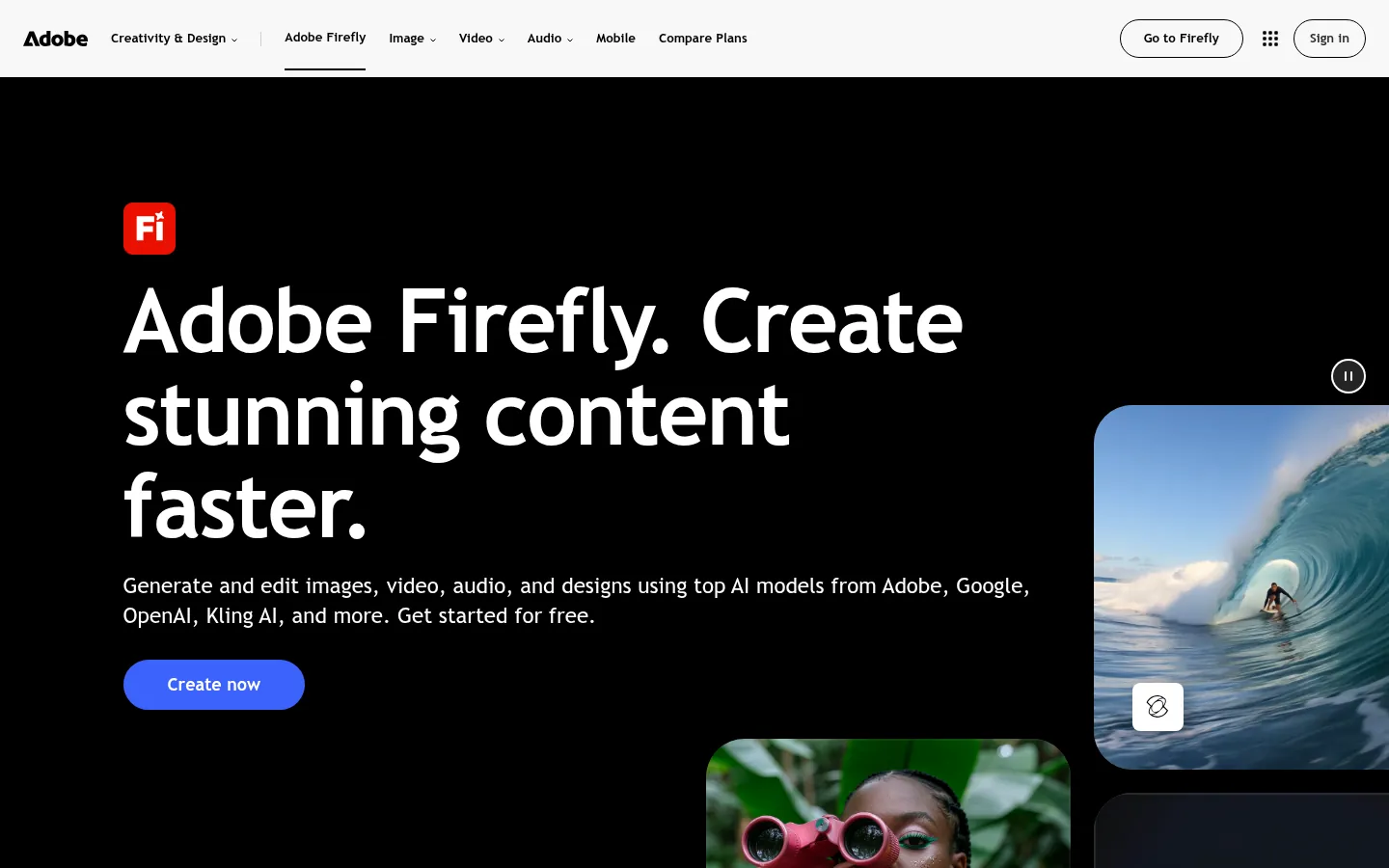
Screenshot: Adobe Firefly website, October 2026.
Adobe Firefly generates and edits images, text effects and video from prompts. Output moves straight into Adobe's creative apps, so designers refine AI images with the tools they already know.
Core features:
- Text-to-image and generative fill
- Text effects and image editing
- Video generation
- Links to Photoshop, Illustrator and Express
What does Adobe Firefly cost?
Firefly Standard costs USD 9.99 a month for 2,000 generative credits, and plans rise to USD 199.99 a month for 50,000 credits. Credits set how many images and edits you produce each month.
| Plan | Price | Billing | Suitable for | Generative credits |
|---|---|---|---|---|
| Firefly Standard | USD 9.99 a month | Monthly | Regular image generation | 2,000 a month |
| Firefly Pro | USD 19.99 a month | Monthly | Heavier creative use | 4,000 a month |
| Firefly Premium | USD 199.99 a month | Monthly | High-volume production | 50,000 a month |
Source: Adobe Firefly plans, checked October 2026.
2. Canva AI Image Generator
Canva suits small businesses and marketing teams that want to generate an image and place it in a finished design in one tool.
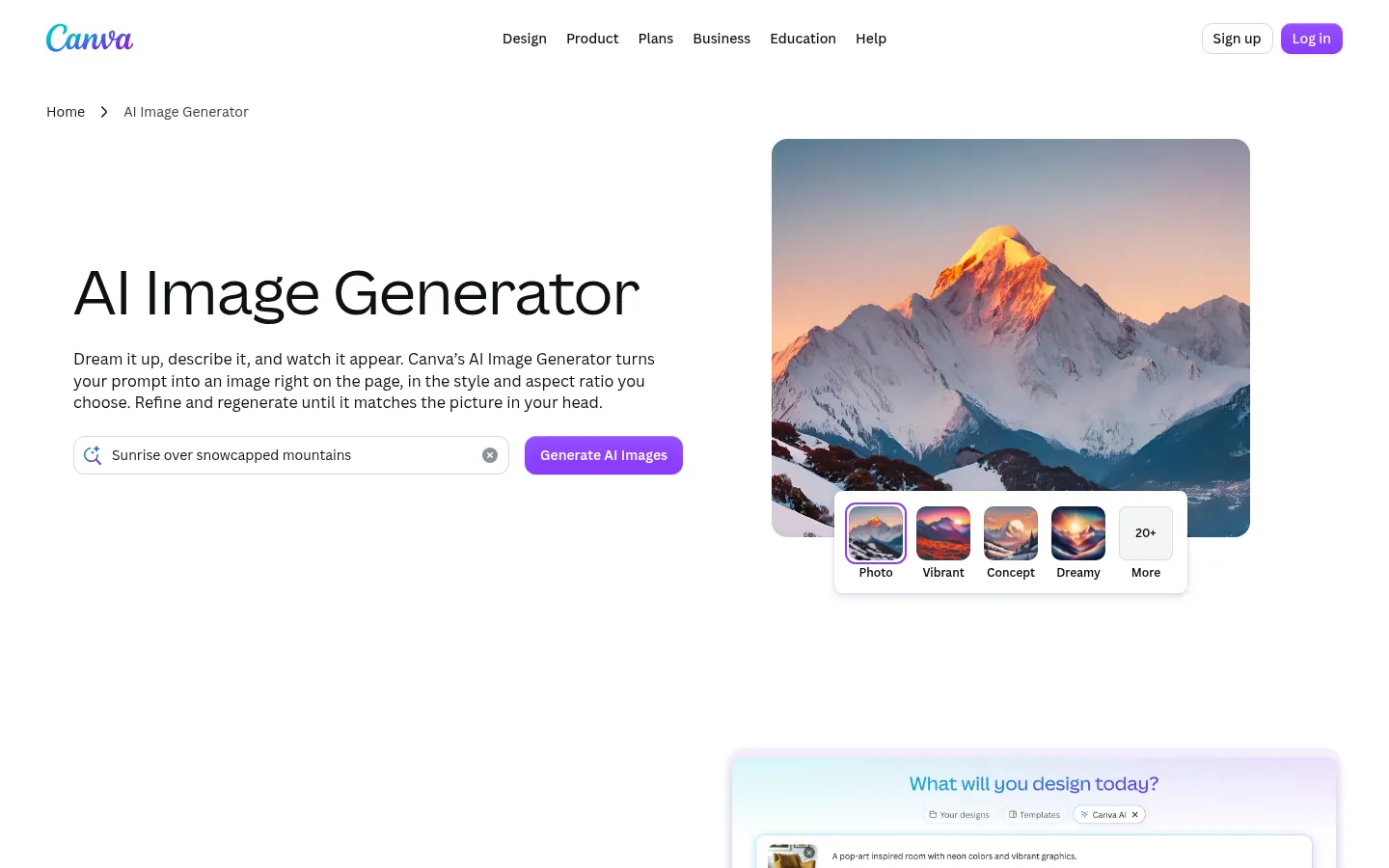
Screenshot: Canva website, October 2026.
Canva includes AI image generation in Magic Studio. You generate an image, drop it into a template with your brand kit and publish, which suits teams that value speed and collaboration over advanced editing.
Core features:
- AI image generation in Magic Studio
- Templates and brand kits
- Background removal and editing
- Team collaboration
What does Canva cost?
Canva is free to start, Pro costs USD 144 a year for one person and Business costs USD 250 a year per person.
| Plan | Price | Billing | Suitable for | Users |
|---|---|---|---|---|
| Free | USD 0 | Free | Basic AI access | One person |
| Pro | USD 144 a year | Annual | Solo marketers | One person |
| Business | USD 250 a year per person | Annual | Teams | Per person |
| Enterprise | Contact sales | Contract | Large organisations | Custom |
Source: Canva pricing, checked October 2026.
3. Google Gemini
Google Gemini suits teams working in Google's ecosystem that want image generation alongside research, writing and analysis.
Screenshot: Google Gemini website, October 2026.
Google Gemini includes image generation and editing in its free plan, with higher limits on paid Google AI plans. Teams use it for ideation, quick visuals and experiments next to other Google services.
Core features:
- Image generation and editing
- Text, research and analysis in the same assistant
- Google account and Workspace integration
- Video generation on paid plans
What does Google Gemini cost?
Gemini is free with a Google account, and Google AI plans start at USD 4.99 a month for higher usage limits.
| Plan | Price | Billing | Suitable for | Usage |
|---|---|---|---|---|
| Free | USD 0 | Free | Testing and light use | Standard limits |
| Google AI Plus | USD 4.99 a month | Monthly | Regular users | 2x Free limits |
| Google AI Pro | USD 19.99 a month | Monthly | Frequent creators | 4x Free limits |
| Google AI Ultra | From USD 99.99 a month | Monthly | Heavy users | 5x or 20x Pro limits (USD 99.99 or USD 199.99) |
Source: Google AI subscriptions, checked October 2026.
4. Microsoft Copilot
Microsoft Copilot suits teams that create visuals for presentations, documents and internal communications inside Microsoft 365.
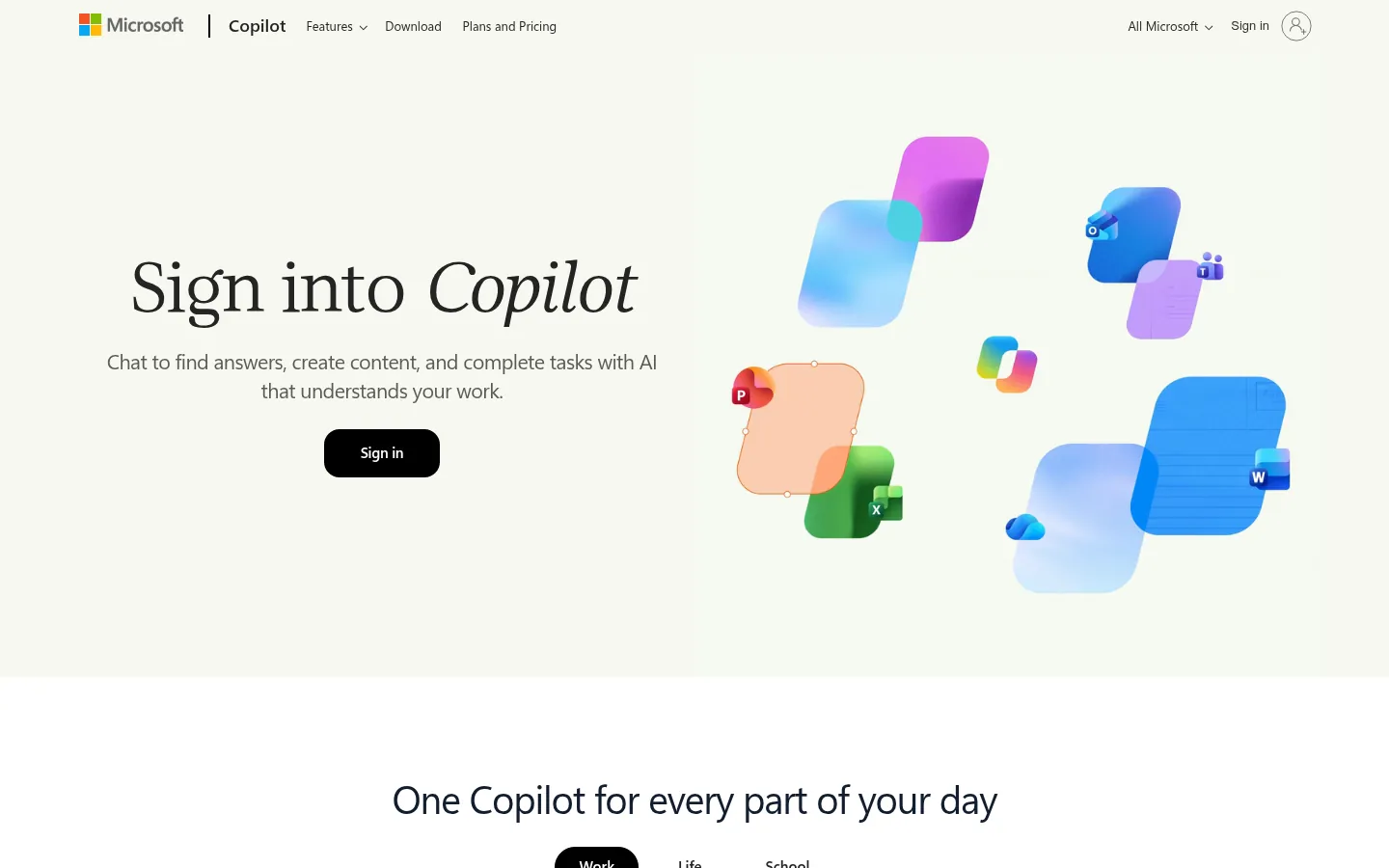
Screenshot: Microsoft Copilot website, October 2026.
Microsoft Copilot generates images within Microsoft's assistant and Microsoft 365 apps, so staff produce simple visuals without leaving the documents they work in. It fits business communication better than full creative production.
Core features:
- Image generation inside Copilot
- Visuals for PowerPoint, Word and other Microsoft 365 apps
- Microsoft account and work account sign-in
- Included with Copilot and Microsoft 365 subscriptions
What does Microsoft Copilot cost?
Microsoft does not sell a standalone Copilot image plan; image generation comes with Copilot and Microsoft 365 subscriptions. Check the plan your organisation already holds before buying another image tool.
5. Magnific (formerly Freepik)
Magnific suits designers and marketing teams that rely on stock assets and want AI generation in the same library.
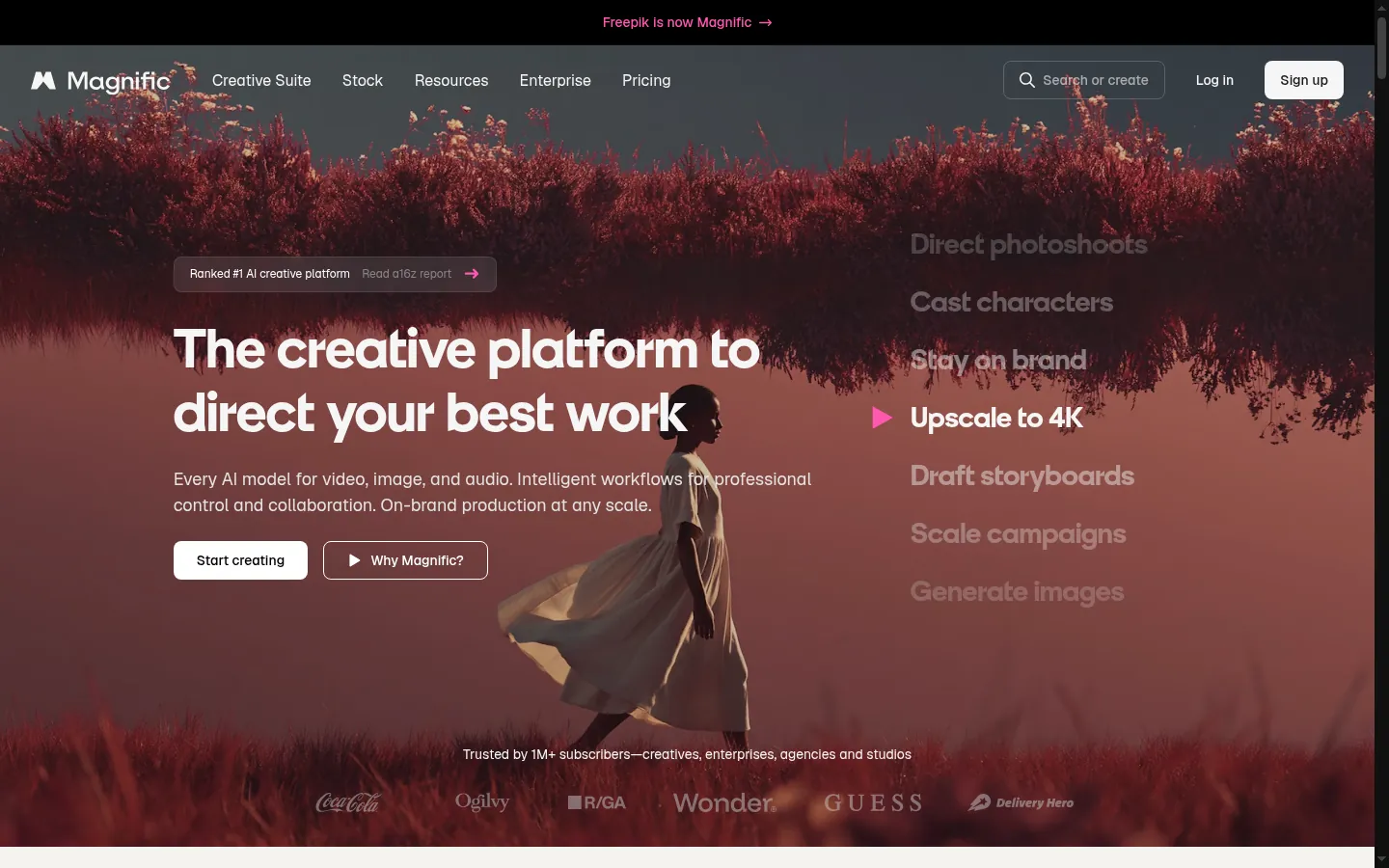
Screenshot: Magnific website, October 2026.
Magnific, formerly Freepik, combines AI image generation with a large stock library of photos, vectors and templates. Teams generate new images or adapt stock assets for faster iteration.
Core features:
- AI image generation with several models
- Stock photos, vectors and templates
- AI editing and upscaling
- Annual credit allowances
What does Magnific cost?
Magnific Premium costs USD 14.50 a month billed annually for 240,000 credits a year. Higher plans add more credits and models.
| Plan | Price | Billing | Suitable for | Credits |
|---|---|---|---|---|
| Premium | USD 14.50 a month | Billed annually | Regular creators | 240,000 a year |
| Premium+ | USD 33.75 a month | Billed annually | Heavier AI use | 600,000 a year |
| Pro Starter | USD 82.50 a month | Billed annually | Professional teams | 1.5 million a year |
Source: Magnific pricing, checked October 2026. The old freepik.com address redirects to magnific.com.
6. DeepAI Image Generator
DeepAI suits developers and budget-conscious teams that want simple image generation plus other AI tools under one subscription.
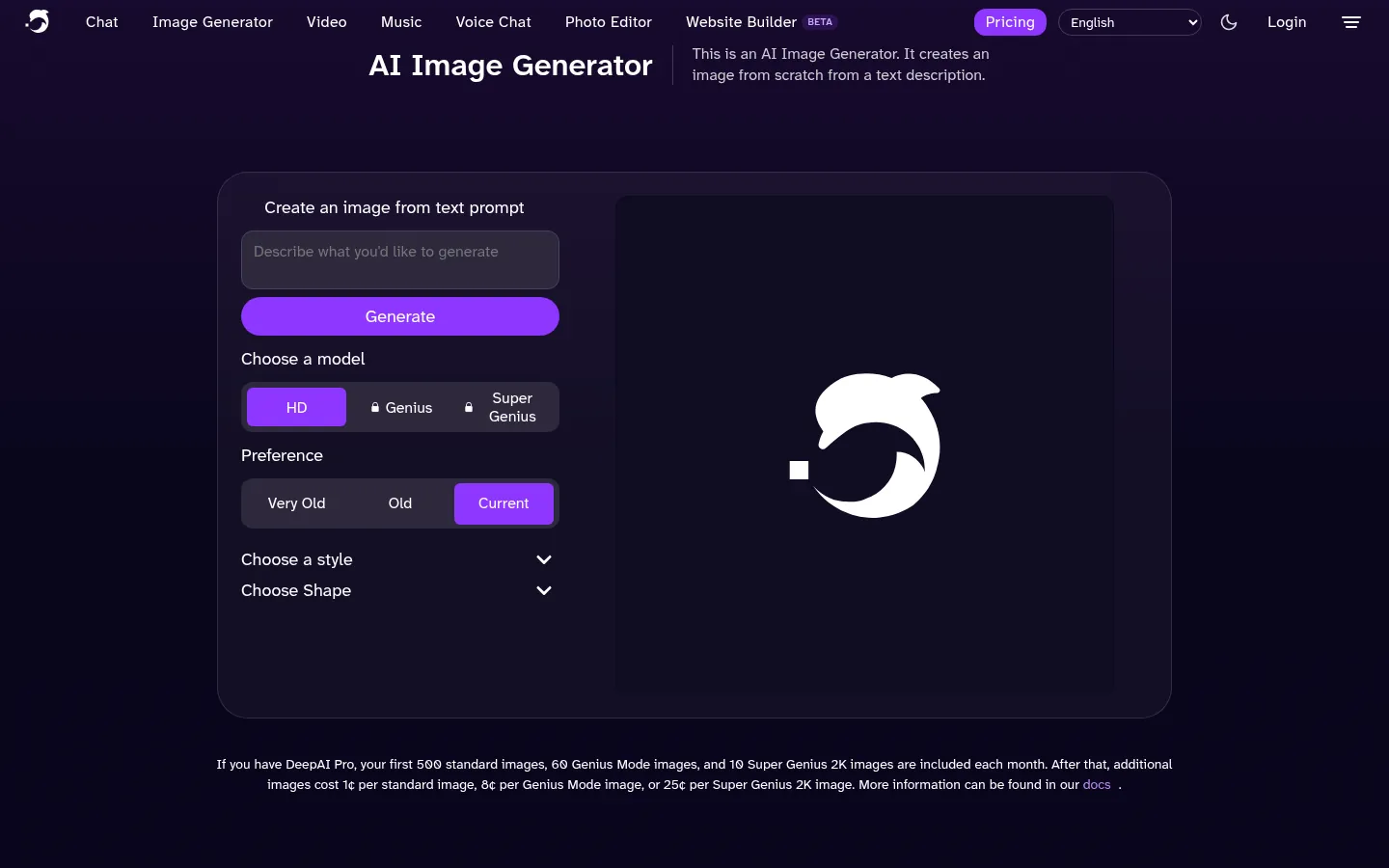
Screenshot: DeepAI website, October 2026.
DeepAI offers an image generator alongside chat, video and music tools. One Pro subscription covers every DeepAI tool with monthly allowances and a prepaid wallet for extra use.
Core features:
- Text-to-image generation
- Chat, video and music tools in the same account
- Monthly allowances with a prepaid wallet
- Free tier for testing
What does DeepAI cost?
DeepAI has a free tier, and Pro costs USD 9.99 a month or USD 89.99 a year. Pro includes 500 HD images, 60 Genius and 10 Super Genius 2K images each month.
| Plan | Price | Billing | Suitable for | Image allowance |
|---|---|---|---|---|
| Free | USD 0 | Free | Testing | Limited |
| Pro (monthly) | USD 9.99 a month | Monthly | Regular use | 500 HD, 60 Genius, 10 Super Genius 2K a month |
| Pro (yearly) | USD 89.99 a year | Annual | Regular use at lower cost | Same monthly allowance |
Source: DeepAI pricing, checked October 2026.
7. Perchance AI Image Generator
Perchance suits early brainstorming and concept testing where cost matters more than governance or commercial safeguards.
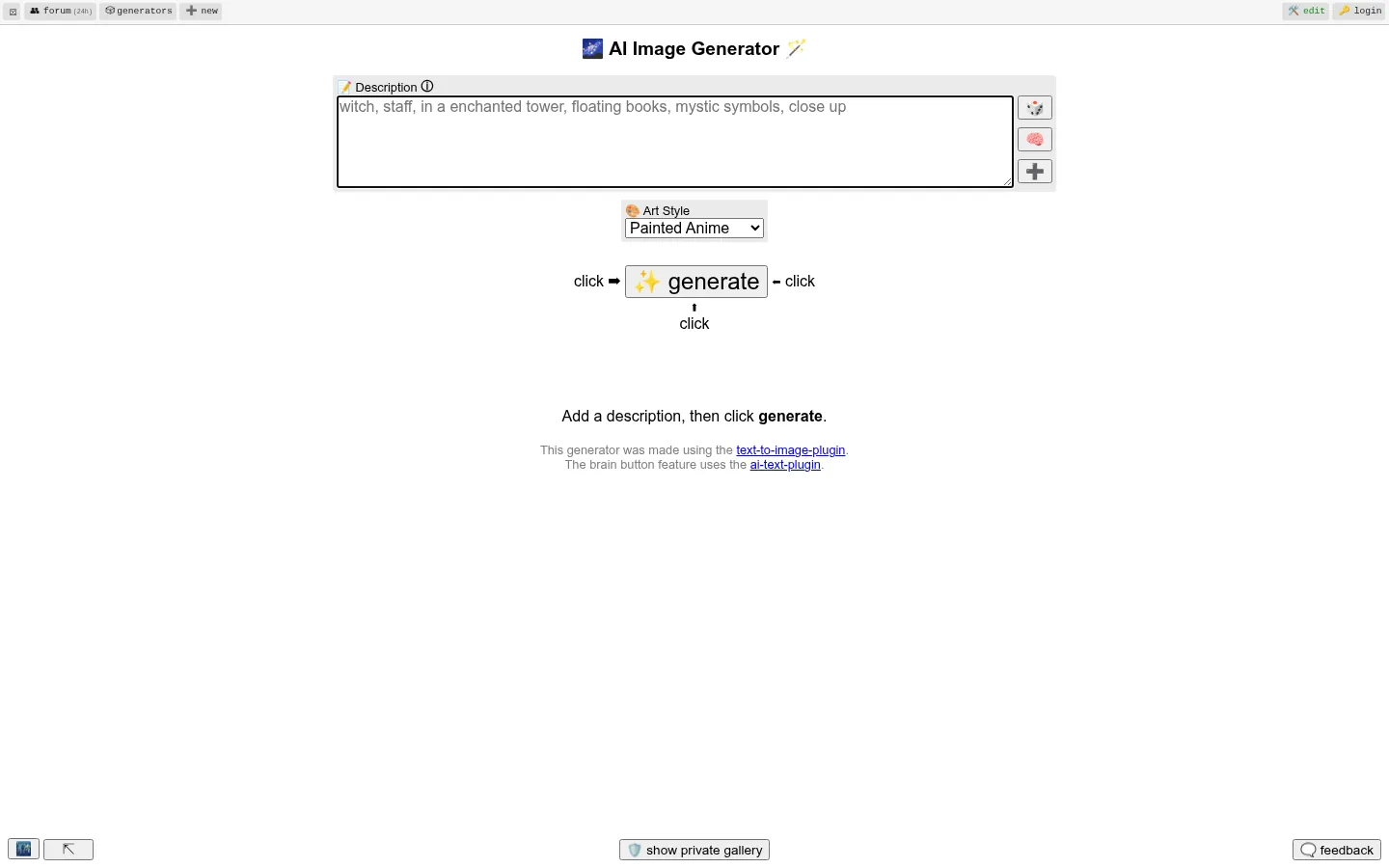
Screenshot: Perchance website, October 2026.
Perchance offers a free AI image generator with no login, no daily credit limits and no watermark, according to its page. It suits rapid ideation, not brand campaigns that need accountability for how images are made.
Core features:
- Free, unlimited generation
- No account or sign-up
- Batch image generation
- No watermark
What does Perchance cost?
Perchance is free, with no sign-up. Its page lists no business plan or admin controls, so keep it for internal ideas.
How to Choose the Right AI Image Generator
Choose by how the images will be used: published brand campaigns need control and clear terms, while internal brainstorming needs speed and low cost. Weigh four factors: the tools your designers already use, how many images you produce each month, the usage terms your legal team expects and whether you need the image inside a finished design.
Which AI image generator fits which business?
Match the generator to your workflow: creative suite, design platform, AI assistant, stock library or free ideation.
| Tool | Best for | Strengths | Limitations | Pricing model |
|---|---|---|---|---|
| Adobe Firefly | Professional creative teams | Adobe app integration | Credit limits | Monthly by credits |
| Canva | Fast branded content | Image to finished design in one tool | Less advanced editing | Annual per person |
| Google Gemini | Google users | Free start, assistant plus images | Usage caps | Free or monthly plan |
| Microsoft Copilot | Microsoft 365 users | Images inside work apps | Business communication focus | Bundled with Copilot |
| Magnific (formerly Freepik) | Stock-led design | Stock library plus AI | Annual credit caps | Annual by credits |
| DeepAI | Simple, low-cost generation | One subscription, many tools | Fewer brand controls | Monthly or yearly |
| Perchance | Free ideation | No sign-up, unlimited | No business terms | Free |
Turn AI Images Into Campaign Results
Images drive results when they serve a clear message and land on fast pages, so plan the content first and optimise every file before it goes live. Each tool above fits a different creative workflow. Build full brand assets with AI design tools, compress and resize files with image optimisation tools, and plan the message behind your visuals with the content marketing guide.