An image optimisation tool shrinks your images by compressing, scaling and converting them to modern formats such as WebP and AVIF, so your pages load faster and keep visitors from leaving. The seven tools below cover quick browser tools, WordPress plugins, desktop apps and image delivery networks for high-traffic sites. Each entry gives you the pricing model and the kind of site it suits.
Why Image Optimisation Matters for Your Site Speed and SEO
Images are often the heaviest part of a page, so optimising them is one of the quickest ways to improve loading speed and the page experience Google measures. Large or unsized images slow Largest Contentful Paint and cause layout shifts, two of the Core Web Vitals. Smaller files also cut bandwidth and server load, which matters most for mobile visitors and image-heavy pages such as product listings. A tool applies the same compression, sizing and format rules to every image, so performance holds as you add content. For the on-page side of images, read the image SEO guide.
What does an image optimisation tool give your site?
An image optimisation tool gives you smaller files, modern formats and consistent dimensions without manual work on every upload. The main benefits:
- Reduces file sizes with little visible quality loss.
- Speeds up page loads on desktop and mobile.
- Supports better Core Web Vitals.
- Converts images to WebP and AVIF automatically.
- Processes large media libraries in bulk.
- Lowers bandwidth and hosting use.
1. TinyPNG
TinyPNG suits designers and marketers who want quick, reliable compression without technical set-up, with an API for automated workflows.

Screenshot: TinyPNG website, October 2026.
TinyPNG compresses PNG, JPEG, WebP and AVIF images through a simple browser upload. Its developer API compresses, scales and converts images inside your own applications or content pipelines. It focuses on compression and conversion rather than image delivery.
Core features:
- Lossy compression with minimal visible quality loss
- PNG, JPEG, WebP and AVIF support
- Browser upload for manual use
- API for automated compression, scaling and conversion
How is TinyPNG priced?
TinyPNG offers free manual compression for small batches, with paid web plans and a per-image API for higher volumes. API costs scale with the number of images you process each month, so estimate your volume first. Current rates are on the TinyPNG website.
2. Squoosh
Squoosh suits anyone who wants to test compression settings on single images in the browser, with nothing uploaded to a server.
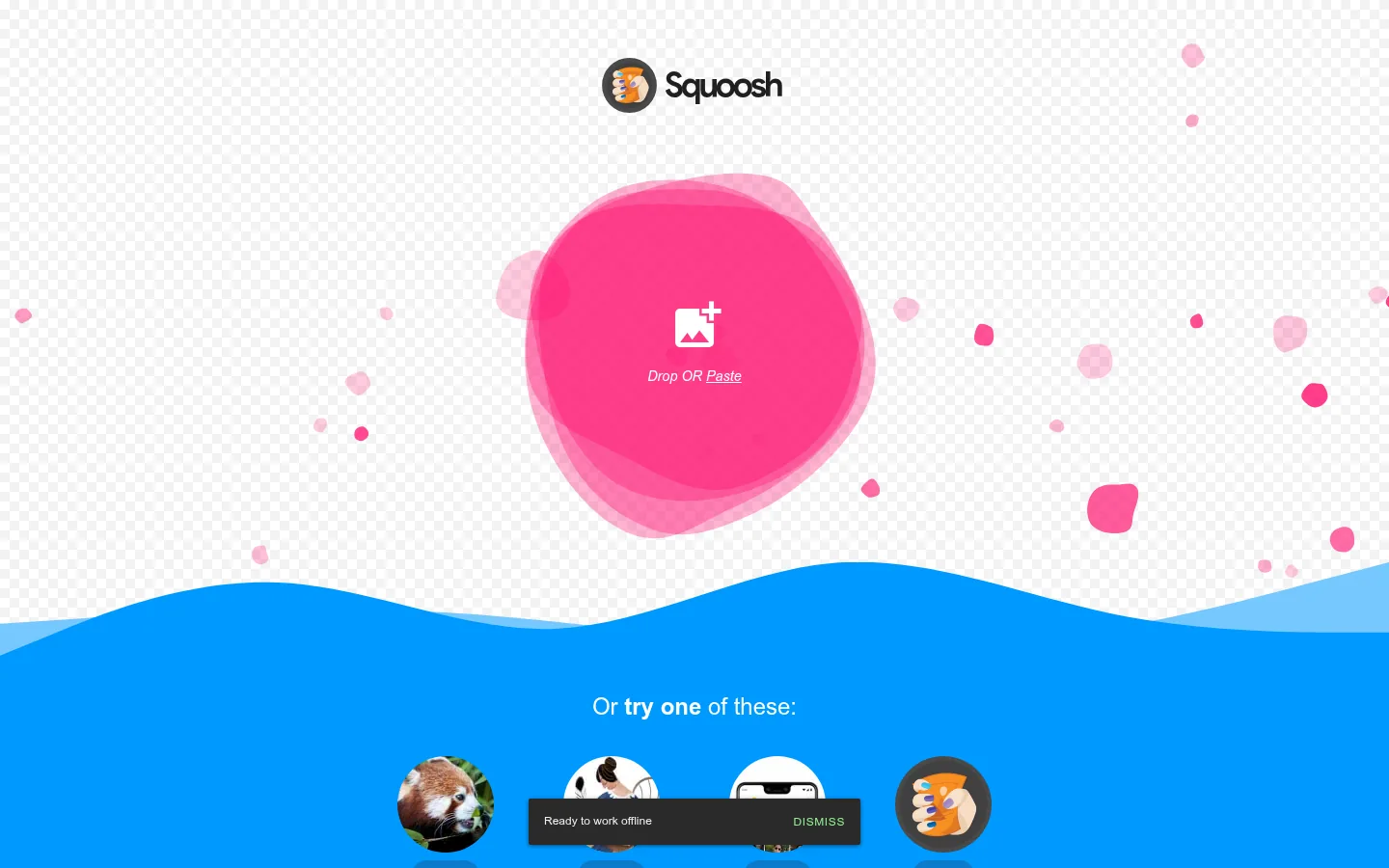
Screenshot: Squoosh website, October 2026.
Squoosh is an open-source tool from Google Chrome Labs that runs entirely in your browser. You compare codecs side by side and adjust quality while watching the file size change. It handles one image at a time, with no bulk processing or CMS integration.
Core features:
- Local, browser-based processing
- Codecs including WebP and AVIF
- Side-by-side quality and file size comparison
- No uploads to third-party servers
How is Squoosh priced?
Squoosh is free, with no account, subscription or usage limits. The trade-off is manual work: there is no bulk processing or automation.
| Plan | Price | Account needed | Suitable for | Limits |
|---|---|---|---|---|
| Free | USD 0 | No | Manual testing and one-off images | No bulk or automation |
Source: Squoosh, checked October 2026.
3. ShortPixel
ShortPixel suits WordPress and other CMS sites that want large media libraries optimised automatically, including WebP and AVIF versions.
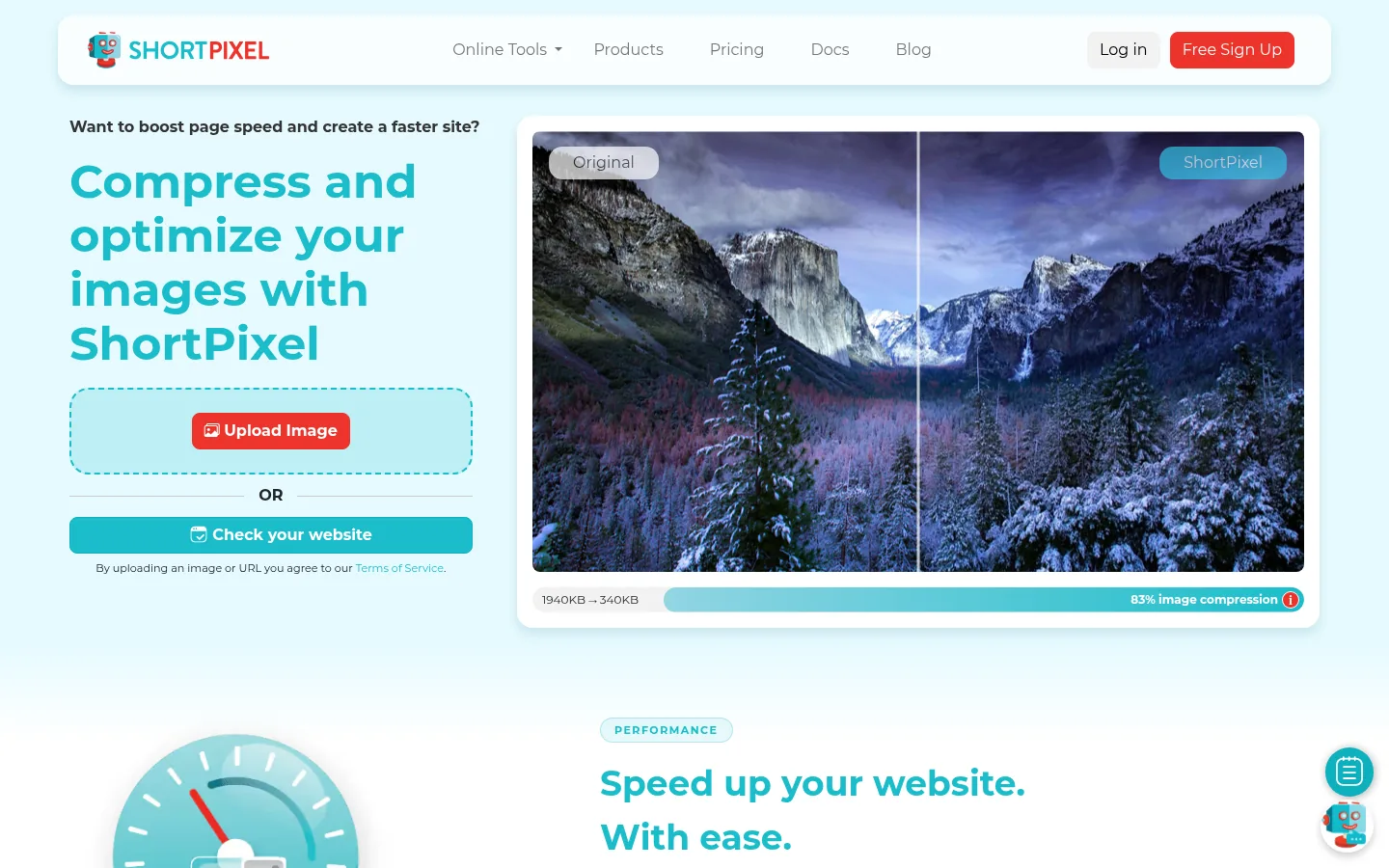
Screenshot: ShortPixel website, October 2026.
ShortPixel compresses images on upload, bulk-optimises existing libraries and generates WebP and AVIF files. You choose the compression level, so check settings before you run a bulk job.
Core features:
- WordPress plugin and standalone service
- Bulk compression of existing media
- Automatic WebP and AVIF generation
- Adjustable compression levels
How is ShortPixel priced?
ShortPixel prices by image credits, with a small free allowance, monthly plans and one-time credit packages that range from about 100 to unlimited optimisations a month. Pick the plan from your monthly upload volume; current prices are on the ShortPixel pricing page.
4. Smush
Smush suits WordPress site owners who want compression and lazy loading switched on with no configuration.
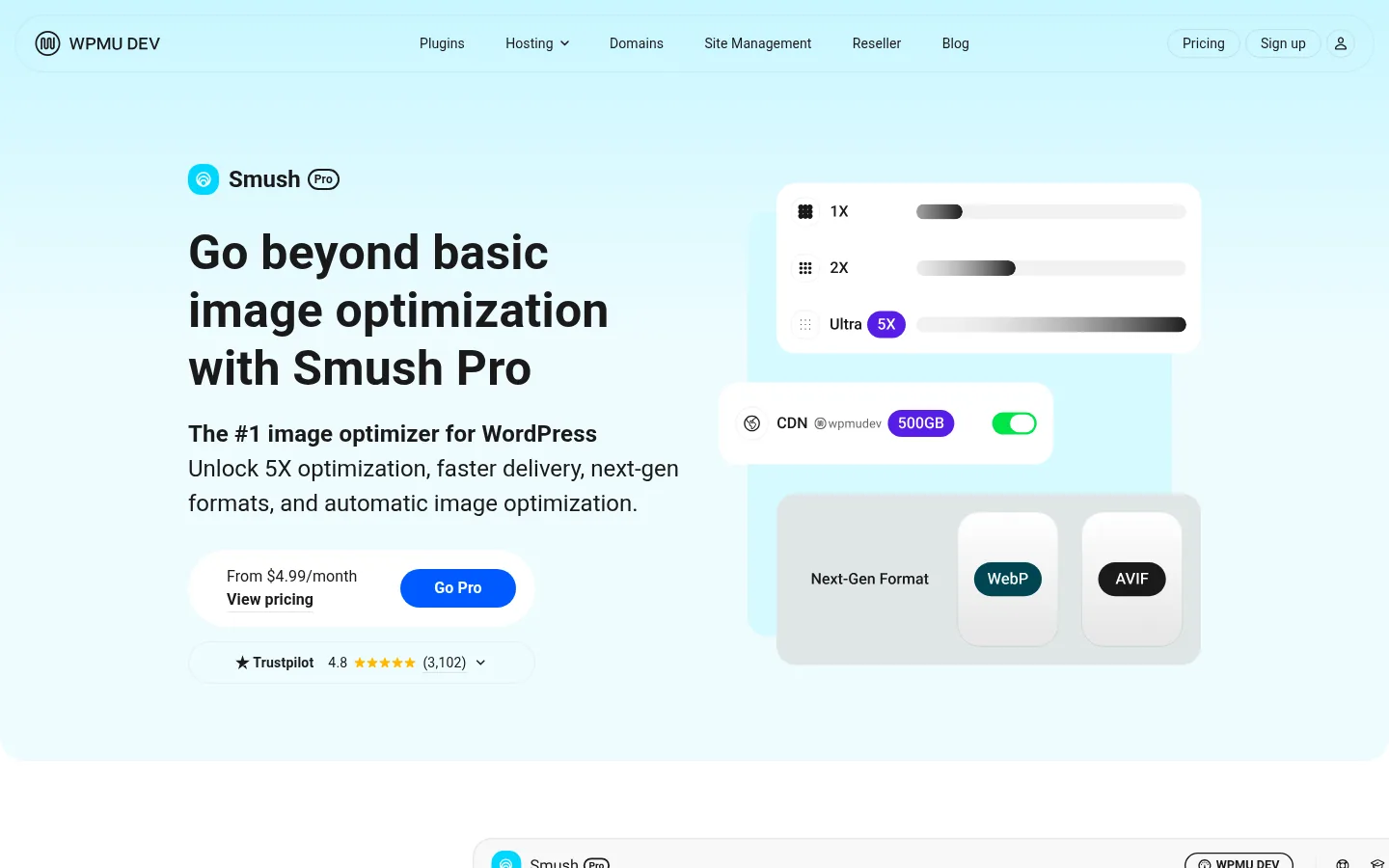
Screenshot: Smush website, October 2026.
Smush from WPMU DEV compresses images on upload, bulk-optimises libraries and adds lazy loading. Smush Pro adds CDN delivery and further optimisation features.
Core features:
- Automatic compression on upload
- Lazy loading
- Bulk optimisation of media libraries
- CDN delivery on Pro plans
How is Smush priced?
Smush has a free version for basic compression and lazy loading, and Smush Pro is sold in yearly tiers.
| Plan | Price | Billing | Suitable for | Notes |
|---|---|---|---|---|
| Free | USD 0 | Free | Small WordPress sites | Core compression and lazy loading |
| Pro Basic | USD 50 a year | Yearly | Single sites wanting Pro features | Adds CDN and more |
| Pro Standard | USD 75 a year | Yearly | Growing sites | Higher limits |
| Pro Plus | USD 100 a year | Yearly | Several sites | Highest yearly tier |
Source: Smush Pro, checked October 2026.
5. ImageKit
ImageKit suits developer teams that want images resized, converted and delivered in real time through a CDN instead of optimising files in advance.
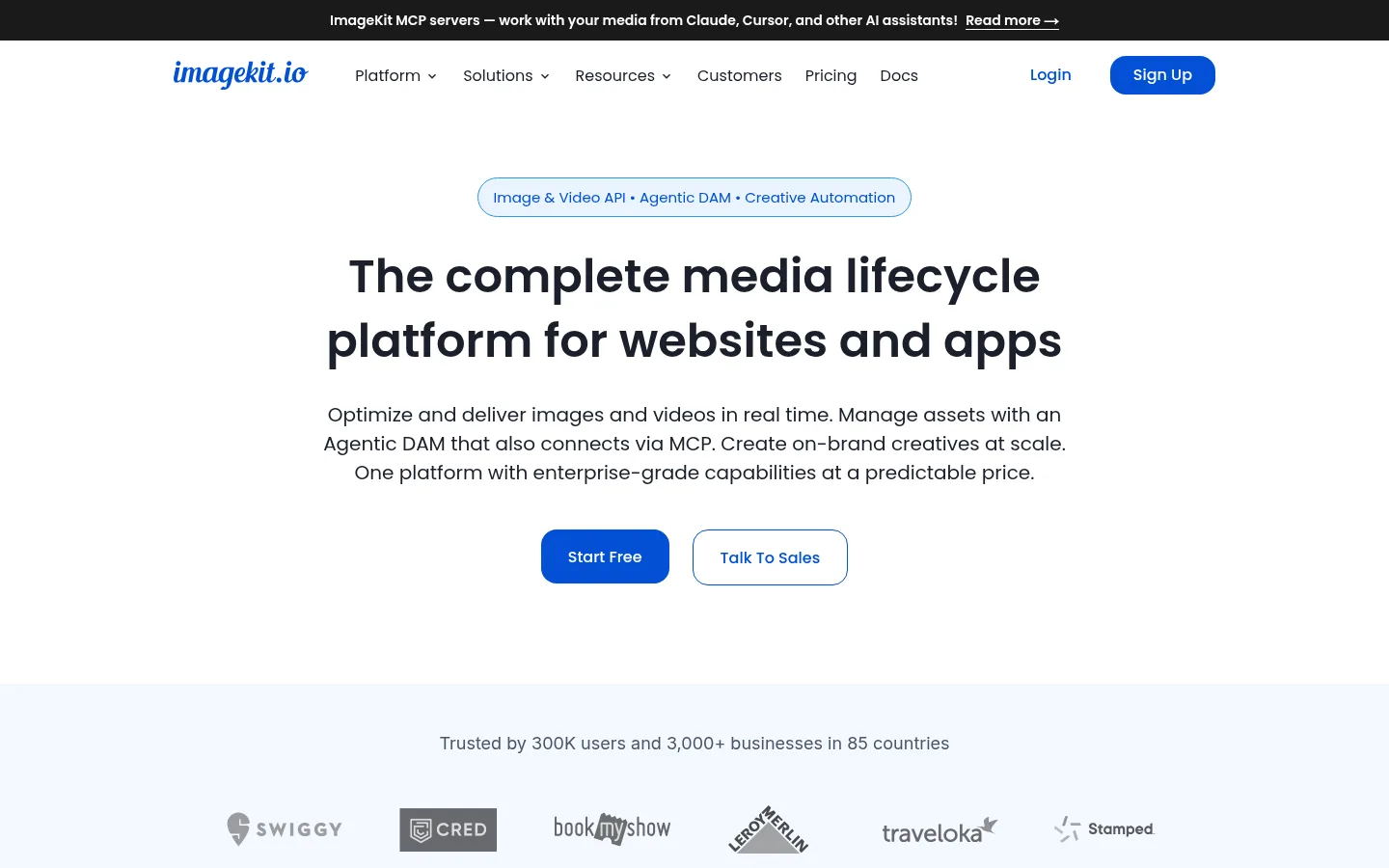
Screenshot: ImageKit website, October 2026.
ImageKit is an image CDN and digital asset platform. It transforms images on request through URL parameters and serves WebP or AVIF based on the visitor's browser. It takes more set-up than a plugin and suits teams with technical resources.
Core features:
- Real-time optimisation and scaling
- Automatic WebP and AVIF delivery
- CDN-based delivery
- URL-based transformations
How is ImageKit priced?
ImageKit prices by bandwidth and storage, with a free plan and overage charges once you pass your plan's allowance.
| Plan | Price | Bandwidth | Storage | Suitable for |
|---|---|---|---|---|
| Free | USD 0 | 20 GB a month | 3 GB | Small projects |
| Lite | USD 9 a month | 40 GB a month, then USD 0.50 per GB | 10 GB | Growing sites |
| Pro | USD 89 a month | 225 GB a month, then USD 0.45 per GB | 225 GB | High-traffic sites |
| Enterprise | Quote-based | Custom | Custom | Large organisations |
Source: ImageKit plans, checked October 2026.
6. Cloudinary
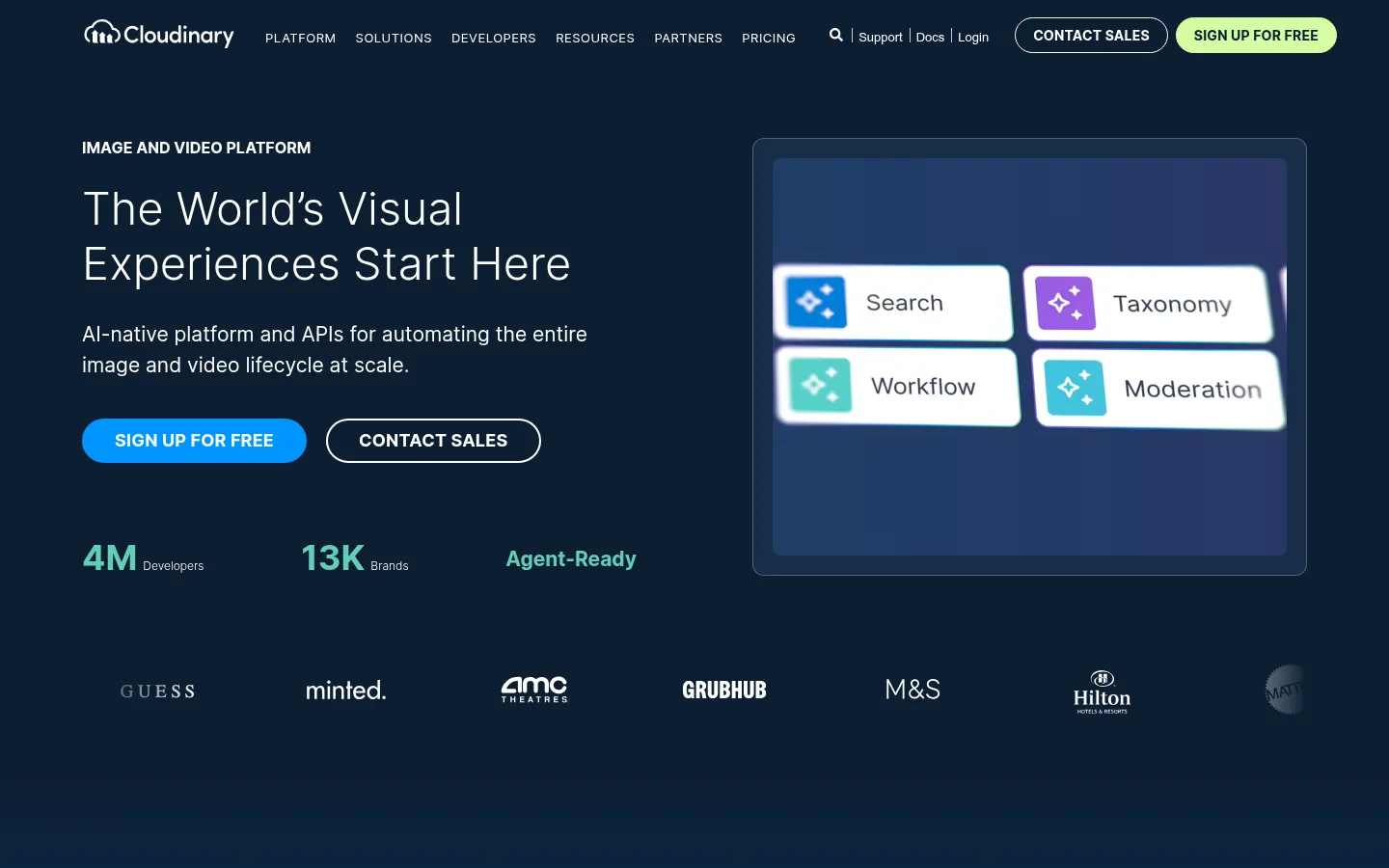
Cloudinary suits larger organisations that manage images and video across many platforms and need APIs, SDKs and asset management.
Screenshot: Cloudinary website, October 2026.
Cloudinary is a media management and optimisation platform with automatic format and quality selection, transformations and delivery for images and video. Its depth is more than a small site needs for simple compression.
Core features:
- Image and video transformation
- Automatic format and quality selection
- SDKs for major programming languages
- Central media asset management
How is Cloudinary priced?
Cloudinary prices by monthly credits, which cover storage, transformations and delivery, with lower rates on annual billing.
| Plan | Billed monthly | Billed annually | Credits a month | Suitable for |
|---|---|---|---|---|
| Free | USD 0 | USD 0 | 25 | Testing |
| Plus | USD 99 a month | USD 89 a month | 225 | Growing teams |
| Advanced | USD 249 a month | USD 224 a month | 600 | Larger media volumes |
| Enterprise | Quote-based | Quote-based | Custom | Large organisations |
Source: Cloudinary pricing, checked October 2026.
7. ImageOptim
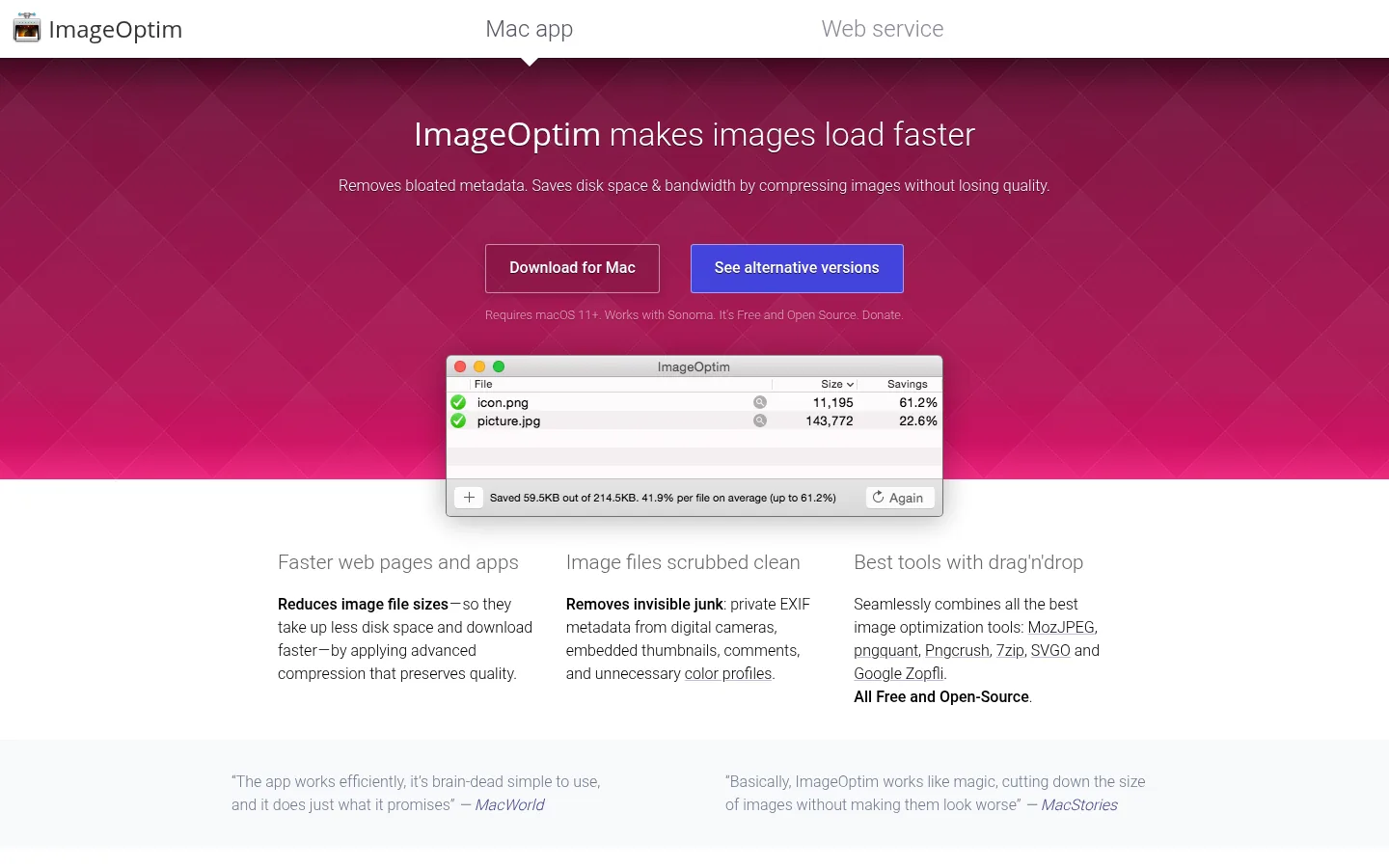
ImageOptim suits Mac-based designers and developers who optimise images locally before uploading them.
Screenshot: ImageOptim website, October 2026.
ImageOptim is a free macOS app that compresses images on your computer, mainly losslessly, and strips unnecessary metadata. Nothing is uploaded, and there are no plugins or delivery features.
Core features:
- Local processing on macOS
- Lossless compression
- Metadata removal
- Drag-and-drop batches
How is ImageOptim priced?
The ImageOptim Mac app is free and open source. It works only on macOS and only in manual workflows.
| Plan | Price | Platform | Suitable for | Limits |
|---|---|---|---|---|
| Mac app | USD 0 | macOS | Designers and manual workflows | No automation, macOS only |
Source: ImageOptim, checked October 2026.
How to Choose the Right Image Optimisation Tool
Choose by workflow: manual tools for occasional images, CMS plugins for automatic optimisation on upload, and image CDNs when traffic and image volume are high. Consider how many images you add each month, whether your site runs on WordPress or a custom stack, and whether you have developers to set up an API or CDN.
Which image optimisation tool fits which site?
Match the tool to how you publish images: by hand, through a CMS or through code.
| Tool | Best for | Strengths | Limitations | Pricing model |
|---|---|---|---|---|
| TinyPNG | Quick manual compression and API use | Simple, reliable results | API costs scale with volume | Free web use, paid API |
| Squoosh | Testing settings | Free, local, codec comparison | One image at a time | Free |
| ShortPixel | CMS automation | Bulk and WebP or AVIF | Monthly quota limits | Image credits |
| Smush | WordPress convenience | Automatic on upload | Key features in Pro | Free, then yearly Pro |
| ImageKit | Developer teams | Real-time CDN delivery | Set-up effort | Bandwidth and storage |
| Cloudinary | Enterprise media | Images and video, APIs | Credits get costly | Monthly credits |
| ImageOptim | Mac designers | Free lossless compression | macOS only, manual | Free |
Make Every Image Load Fast
Optimised images are a quick win for speed, and the right tool keeps every new upload in line without extra work. Combine your tool with good image SEO practice and the checks in technical SEO tools, or browse more roundups on the SaaS tools hub.