AI design tools turn a short prompt and your brand assets into on-brand graphics, images, layouts and app screens in minutes, so you publish more visual content and test more ideas without a large creative team. The seven tools below cover template-led brand design, licensed image generation, artistic image creation, Microsoft-based design, interface design and rapid prototyping. Each entry shows what the tool does best, who it suits and what it costs in October 2026.
What AI Design Tools Do for Your Brand
An AI design tool produces the first version of a visual from your prompt, templates and brand kit, and you refine it instead of starting from a blank canvas. Social posts, ads, presentations, product images and app mock-ups all take less time when AI handles layout, image generation and resizing. Brand kits keep colours, fonts and logos consistent across every asset your team creates.
What does an AI design tool give your team?
An AI design tool gives your team faster production, consistent branding and room to test more creative options. The main benefits:
- Generates images, layouts and copy variations from prompts.
- Applies your brand colours, fonts and logos automatically.
- Resizes one design for every channel and format.
- Removes backgrounds and edits images in a click.
- Converts sketches and prompts into interface designs.
1. Canva (Magic Studio)
Canva suits businesses that need fast, on-brand marketing content and easy collaboration across a team.
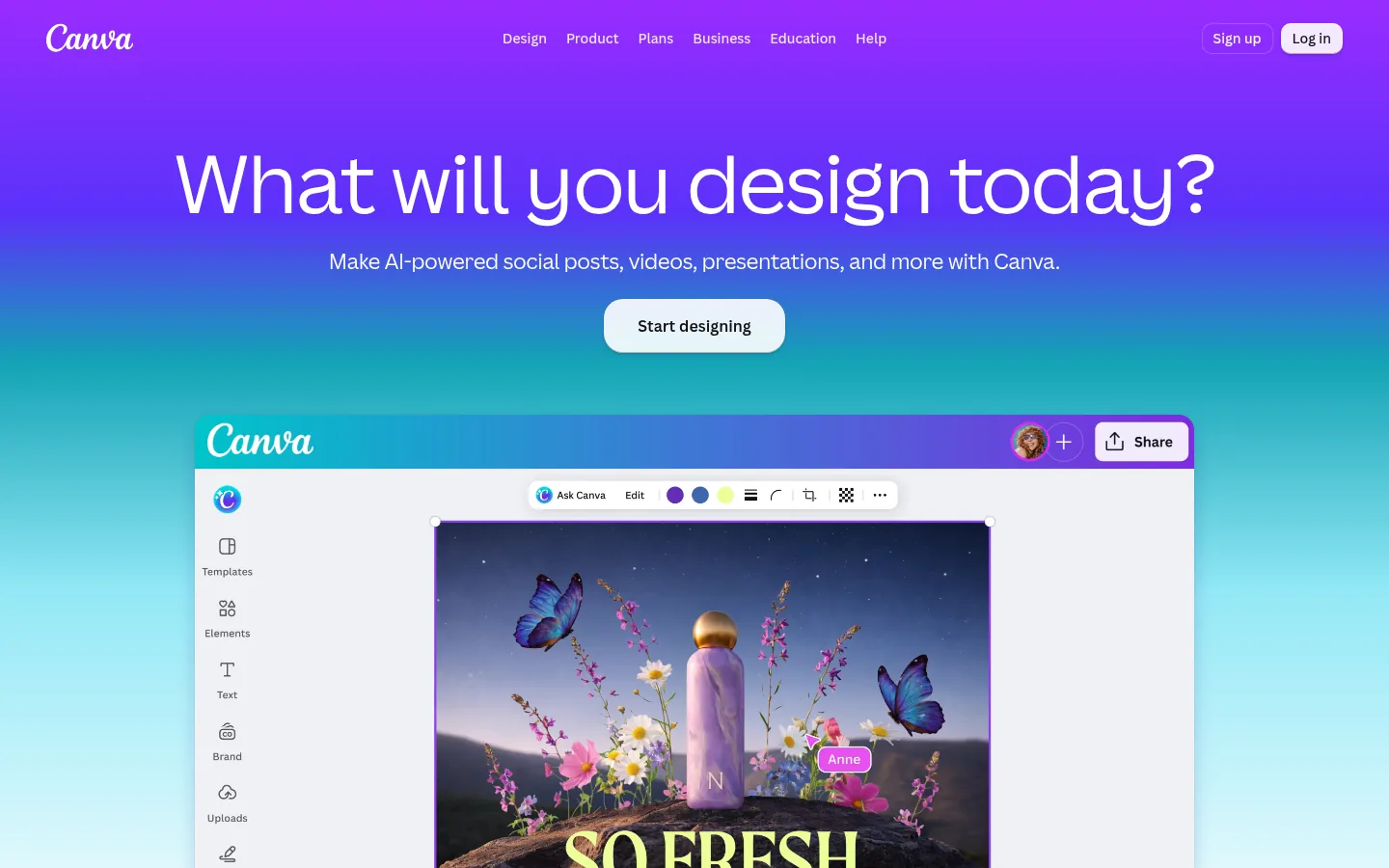
Screenshot: Canva website, October 2026.
Canva is a design platform with AI tools grouped as Magic Studio. It produces social graphics, presentations, videos and marketing assets from templates, prompts and your brand kit, so non-designers create consistent visuals.
Core features:
- Magic Studio AI design and image tools
- Brand kits and templates
- Background removal and format changes in one click
- Team collaboration and approvals
What does Canva cost?
Canva is free to start, Pro costs USD 144 a year for one person and Business costs USD 250 a year per person. Enterprise pricing is through sales.
| Plan | Price | Billing | Suitable for | Users |
|---|---|---|---|---|
| Free | USD 0 | Free | Simple designs | One person |
| Pro | USD 144 a year | Annual | Solo marketers and creators | One person |
| Business | USD 250 a year per person | Annual | Teams | Per person |
| Enterprise | Contact sales | Contract | Large organisations | Custom |
Source: Canva pricing, checked October 2026.
2. Adobe Firefly and Adobe Express
Adobe Firefly and Adobe Express suit brands that want AI images and quick branded graphics inside the Adobe ecosystem.
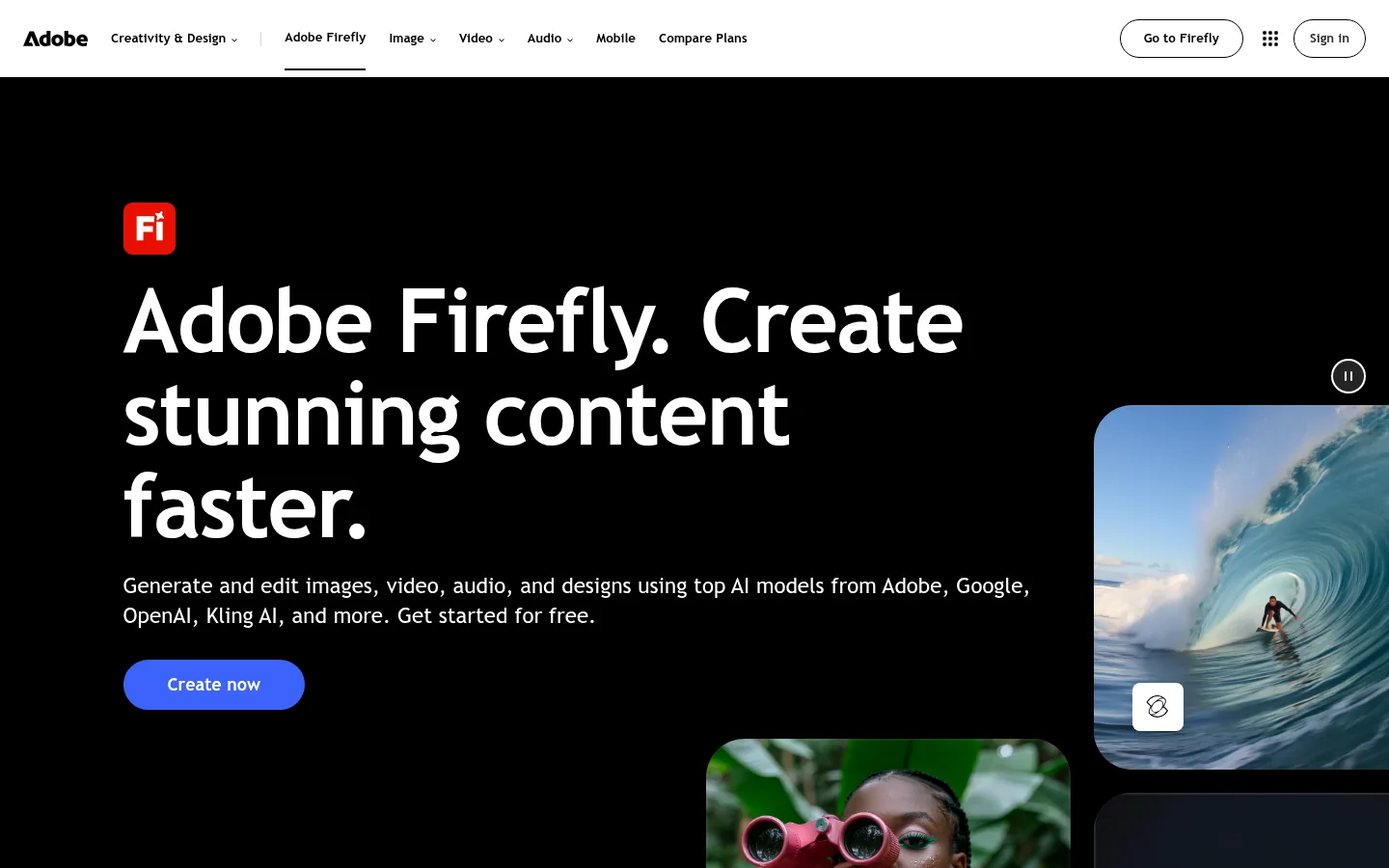
Screenshot: Adobe Firefly website, October 2026.
Adobe Firefly generates and edits images, text effects and video from prompts. Adobe Express adds templates, brand kits and quick editing, so teams turn Firefly output into finished assets.
Core features:
- Image generation and generative fill
- Text effects and generative editing
- Templates and brand kits in Express
- Links to Photoshop and Illustrator workflows
What do Adobe Firefly and Adobe Express cost?
Adobe Express Premium costs USD 9.99 a month with 250 generative credits, and Firefly plans run from USD 9.99 to USD 199.99 a month by credit volume.
| Plan | Price | Billing | Suitable for | Generative credits |
|---|---|---|---|---|
| Adobe Express Free | USD 0 | Free | Basic graphics | None listed |
| Adobe Express Premium | USD 9.99 a month | Monthly | Branded social and marketing graphics | 250 a month per user |
| Firefly Standard | USD 9.99 a month | Monthly | Regular image generation | 2,000 a month |
| Firefly Pro | USD 19.99 a month | Monthly | Heavier creative use | 4,000 a month |
| Firefly Premium | USD 199.99 a month | Monthly | High-volume production | 50,000 a month |
Source: Adobe Express pricing and Adobe Firefly plans, checked October 2026.
3. Midjourney
Midjourney suits marketers and designers who want distinctive, high-quality images for campaigns, concepts and brand exploration.
Screenshot: Midjourney website, October 2026.
Midjourney is a prompt-based image generator known for artistic, detailed output. Teams use it to replace stock photos, explore brand directions and create campaign visuals with style and variation controls.
Core features:
- Text-to-image generation
- Style and variation controls
- Image editing and upscaling
- Stealth mode on higher plans
What does Midjourney cost?
Midjourney starts at USD 10 a month for Basic, and annual billing lowers each plan by 20 percent. Higher plans add fast GPU time and stealth mode, which keeps your images out of the public gallery.
| Plan | Monthly price | Annual price | Fast GPU time | Stealth mode |
|---|---|---|---|---|
| Basic | USD 10 | USD 96 a year (USD 8 a month) | 3.3 hours a month | No |
| Standard | USD 30 | USD 288 a year (USD 24 a month) | 15 hours a month | No |
| Pro | USD 60 | USD 576 a year (USD 48 a month) | 30 hours a month | Yes |
| Mega | USD 120 | USD 1,152 a year (USD 96 a month) | 60 hours a month | Yes |
Source: Midjourney plan comparison, checked October 2026.
4. Microsoft Designer
Microsoft Designer suits businesses already on Microsoft 365 that want quick social posts, invitations and marketing graphics from a prompt.
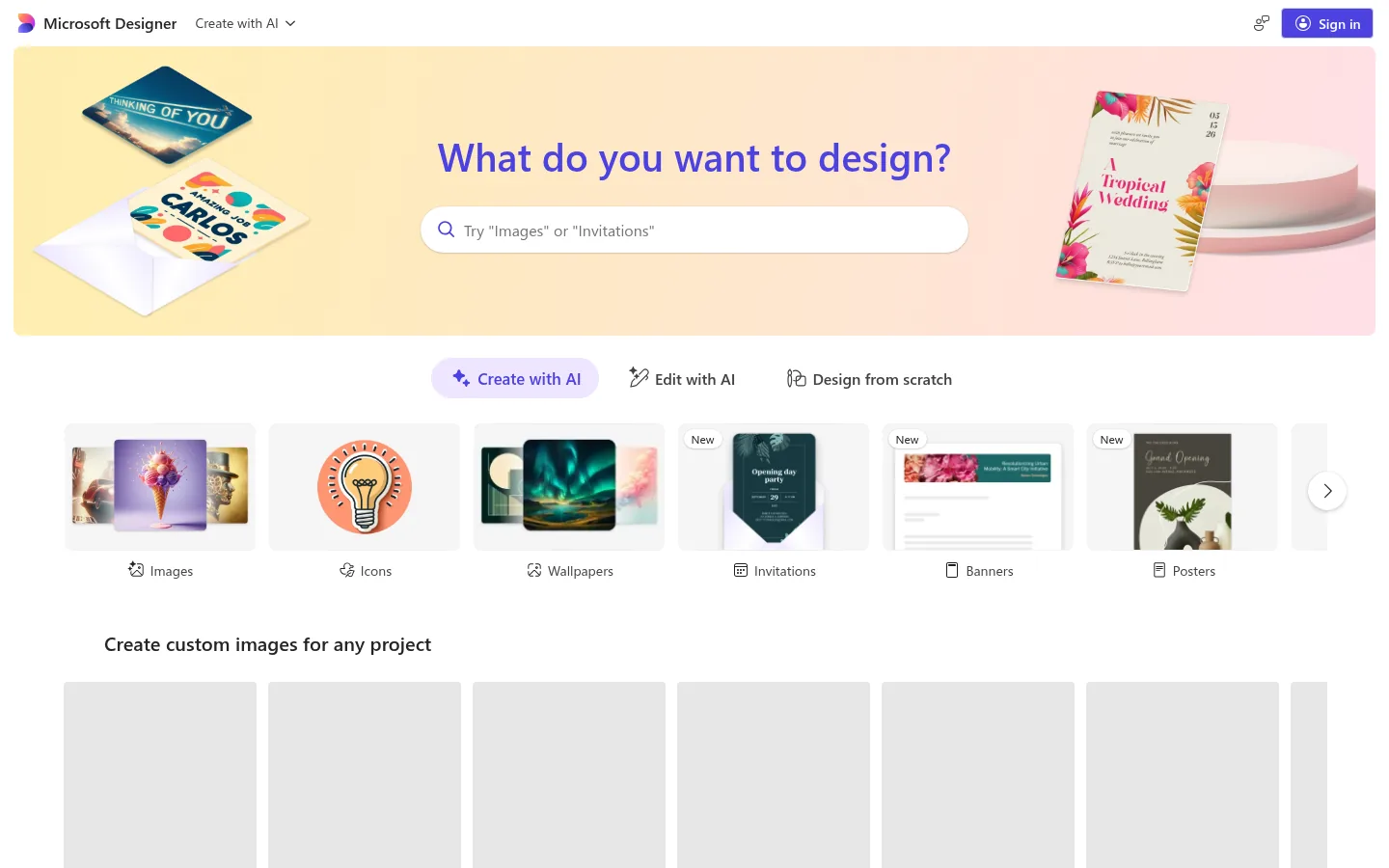
Screenshot: Microsoft Designer website, October 2026.
Microsoft Designer is a graphic design app that creates social media posts, invitations, digital postcards and graphics from your idea. It sits alongside Microsoft's Copilot and Microsoft 365 tools, so teams on that stack create visuals without another subscription.
Core features:
- Prompt-to-design generation
- Text-to-image creation
- Templates for social posts and invitations
- Microsoft account sign-in
What does Microsoft Designer cost?
Microsoft does not show a price on the Designer site, so check access through your Microsoft account or Microsoft 365 plan. It fits quick, everyday graphics better than full brand systems.
5. Figma (Figma AI)
Figma suits product and design teams that build interfaces, components and prototypes together, with AI to speed up early work.
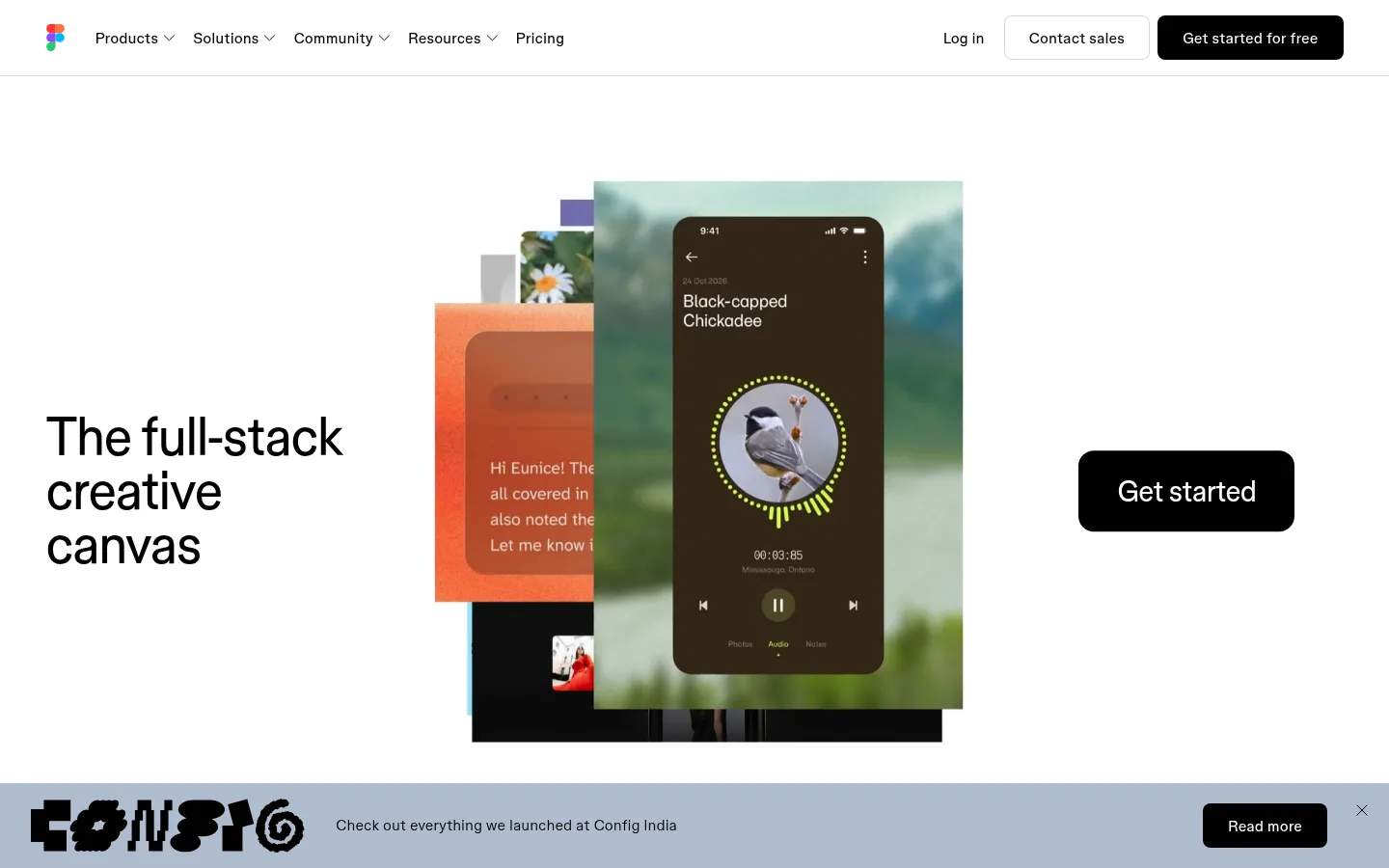
Screenshot: Figma website, October 2026.
Figma is a collaborative design platform for interfaces and prototypes. Figma AI generates layouts and first drafts, renames layers and speeds up repetitive tasks, while component libraries keep designs consistent.
Core features:
- Collaborative interface design
- AI generation and editing with monthly AI credits
- Component libraries and design systems
- Prototyping and developer hand-off
What does Figma cost?
Figma is free to start, and a Professional Full seat costs USD 16 a month with 3,000 AI credits. Organisation and Enterprise seats are billed annually.
| Plan | Full seat | Dev seat | Collab seat | Billing |
|---|---|---|---|---|
| Starter | Free (150 AI credits a day, up to 500 a month) | Free | Free | Free |
| Professional | USD 16 a month, 3,000 AI credits | USD 12 a month | USD 3 a month | Monthly or annual |
| Organisation | USD 55 a month, 3,500 AI credits | USD 25 a month | USD 5 a month | Billed annually |
| Enterprise | USD 90 a month, 4,250 AI credits | USD 35 a month | USD 5 a month | Billed annually |
Source: Figma pricing, checked October 2026.
6. Visily
Visily suits founders, marketers and small product teams without design training who need app and website mock-ups fast.
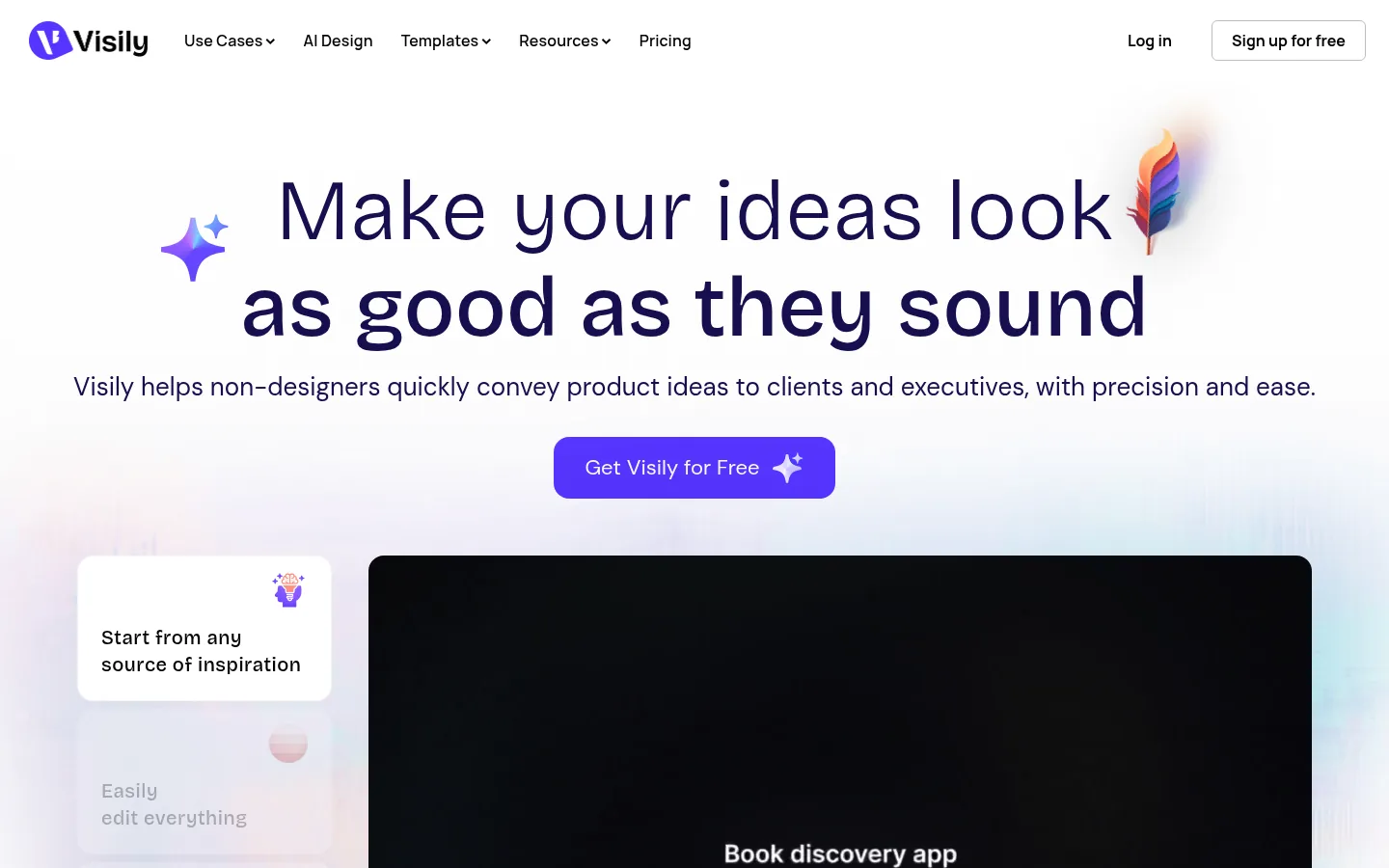
Screenshot: Visily website, October 2026.
Visily is an AI-powered interface design tool that turns prompts, screenshots and sketches into wireframes and mock-ups. It generates full screens and flows, so non-designers get a product idea in front of stakeholders quickly.
Core features:
- Text-to-design and screenshot-to-design
- Wireframes and high-fidelity mock-ups
- Templates and design systems
- Team collaboration
What does Visily cost?
Visily is free to start, Pro costs USD 14 per editor a month and Business costs USD 29 per editor a month billed annually.
| Plan | Price | Billing | Suitable for | Basis |
|---|---|---|---|---|
| Starter | USD 0 | Free | Trying AI mock-ups | Free |
| Pro | USD 14 a month | Monthly | Individuals and small teams | Per editor |
| Business | USD 29 a month | Billed annually | Teams with shared design systems | Per editor |
Source: Visily pricing, checked October 2026.
7. Uizard
Uizard suits product teams and founders who want to turn rough ideas, sketches or screenshots into clickable prototypes.
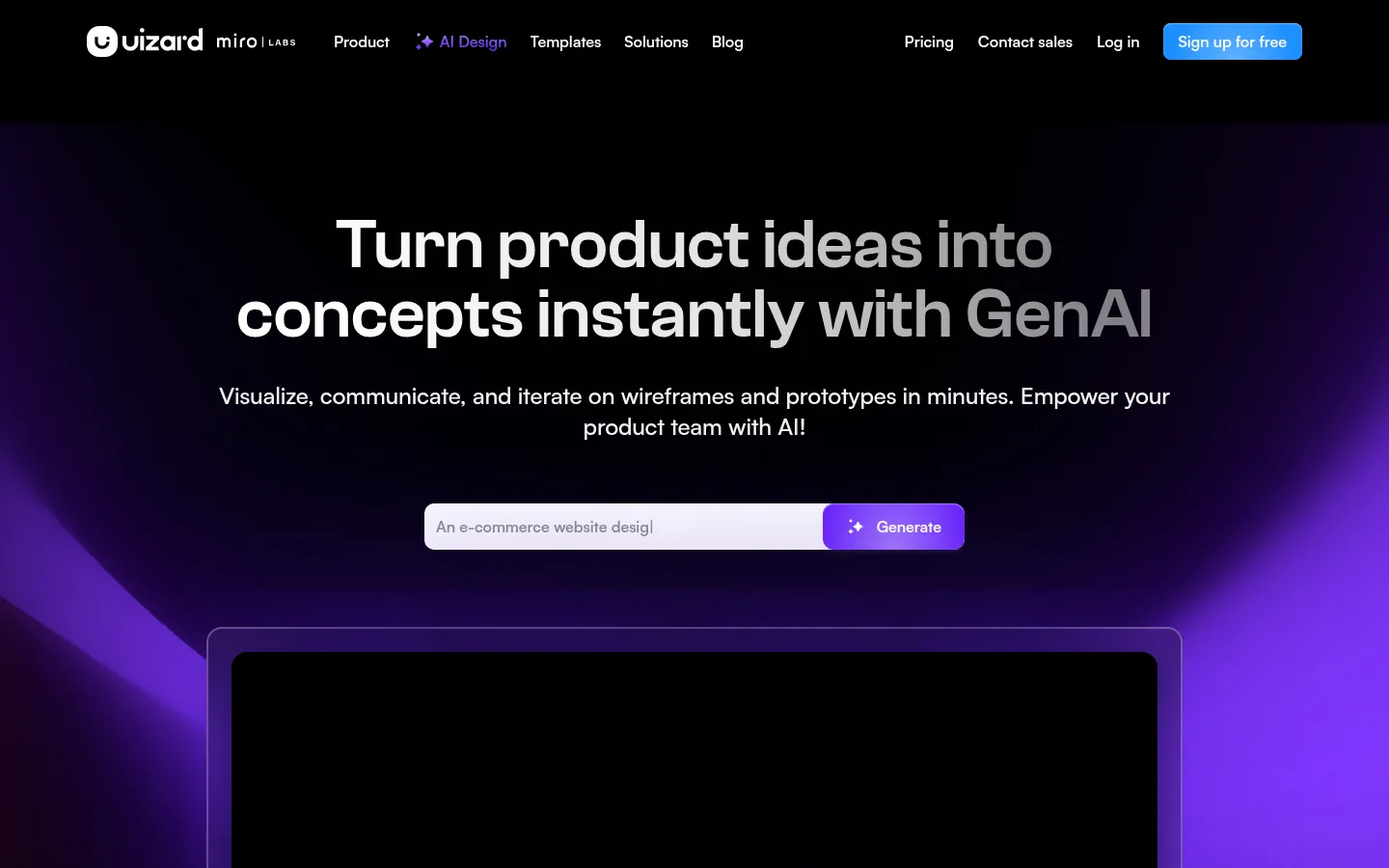
Screenshot: Uizard website, October 2026.
Uizard generates interface screens, mock-ups and prototypes from short prompts, hand-drawn sketches or screenshots. Teams use it during early product validation, before investing in full design work.
Core features:
- Prompt and sketch to interface
- Screenshot to editable design
- Clickable prototypes
- Templates and collaboration
What does Uizard cost?
Uizard is free to start, Pro costs USD 12 a month and Business costs USD 39 a month. Enterprise is custom for teams of 15 or more creators.
| Plan | Price | Billing | Suitable for | Creators |
|---|---|---|---|---|
| Free | USD 0 | Free | Testing ideas | Per plan terms |
| Pro | USD 12 a month | Monthly | Individuals | Per plan terms |
| Business | USD 39 a month | Monthly | Collaborating teams | Per plan terms |
| Enterprise | Custom | Contract | Large teams | 15 or more |
Source: Uizard pricing, checked October 2026.
How to Choose the Right AI Design Tool
Choose by the asset you produce most: marketing graphics, campaign images or product interfaces. Weigh four factors: who creates the designs, how strictly your brand needs controlling, whether commercial image rights matter for your campaigns and which tools your team already pays for.
Which AI design tool fits which job?
Match the tool to the work: brand graphics, licensed images, artistic images, quick Microsoft graphics or interface design.
| Tool | Best for | Strengths | Limitations | Pricing model |
|---|---|---|---|---|
| Canva | Everyday brand content | Templates, brand kits, collaboration | Less control for complex design | Annual per person |
| Adobe Firefly and Express | Image generation for Adobe users | Adobe ecosystem, brand kits | Credit limits | Monthly by credits |
| Midjourney | Distinctive campaign images | Image quality and style range | No brand kit or layout tools | Monthly by GPU time |
| Microsoft Designer | Quick Microsoft-based graphics | Simple prompts, Microsoft sign-in | Fewer brand controls | Microsoft account |
| Figma | Interface and product design | Collaboration and components | Learning curve | Per seat |
| Visily | Fast mock-ups for non-designers | Screenshot and text to design | Fewer advanced tools | Per editor |
| Uizard | Early prototypes | Sketch to prototype | Less depth for final design | Monthly plans |
How do AI design tools connect to video?
The same brand assets you create in a design tool feed short videos, so pair your design tool with a video editor to keep campaigns consistent. Static visuals and video now run side by side on social and ad platforms. Compare AI video editing tools to extend your designs into motion, and AI image generators for more image options.
Turn Your Designs Into Results
Visuals earn their keep when they serve a clear message and channel plan, so set the content strategy first and let AI speed up production. Each tool above fits a different type of asset and team. Plan the message behind your visuals with the content marketing guide.