AI video editing tools cut the repetitive work out of editing, such as transcription, captions, reframing and clipping, so your team publishes more video each month without adding editors. The seven tools below cover professional post-production, transcript-based editing, generative video, social editing, clip repurposing, script-to-video and browser-based editing. Each entry shows who the tool suits and what it costs in October 2026.
Why AI Video Editing Tools Matter to Your Content Output
Video is now a weekly task for most marketing teams, and AI editing removes the manual steps that turn that schedule into a backlog. Social clips, website videos and campaign assets all need editing, captions and resizing. AI handles the mechanical parts, so your team spends its time on the message and the story.
What AI editing gives your team:
- Reduces manual editing time per video.
- Shortens production cycles from days to hours.
- Keeps formatting consistent across platforms.
- Lets non-editors produce usable video.
- Raises output without a matching rise in cost.
Which AI features do video editing tools share?
Most AI video editors share a core set of features, so compare them on how well they fit your workflow, not on the feature list alone. The common features:
- Transcribes speech and lets you edit video by editing text.
- Detects scenes and selects clips automatically.
- Generates captions and subtitles.
- Reframes video for vertical and square formats.
- Masks backgrounds and objects.
- Cleans up audio and removes background noise.
- Generates new video or extends existing footage.
1. Adobe Premiere Pro
Premiere Pro suits professional editors and agencies that need precise timeline control, colour and audio work, with AI handling the repetitive tasks. It adds AI features such as text-based editing and speech enhancement to an established post-production workflow instead of automating the whole edit.
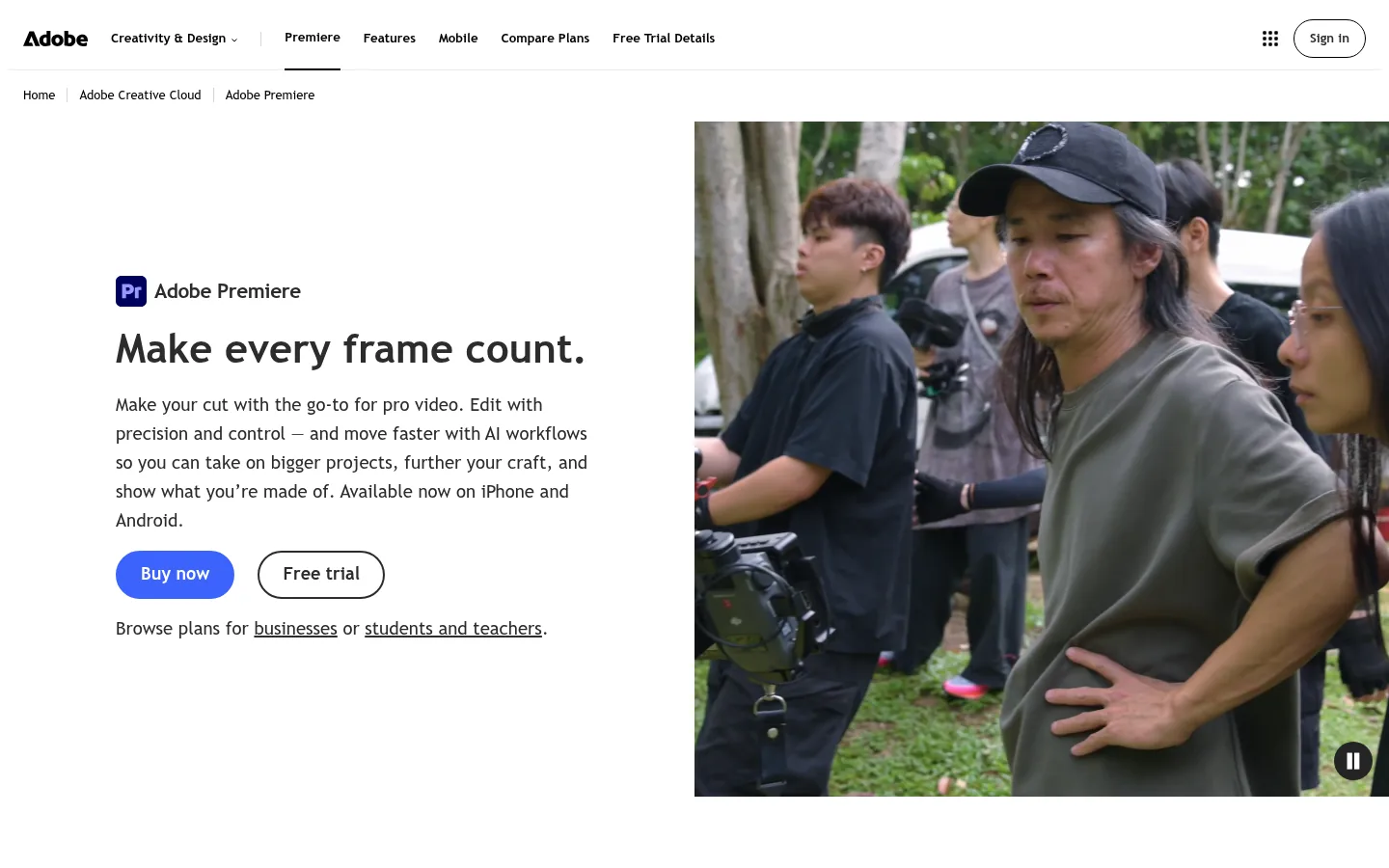
Screenshot: Adobe Premiere Pro website, October 2026.
What Premiere Pro does well:
- Edits on a full professional timeline.
- Cuts video through text-based editing of the transcript.
- Enhances speech and cleans audio.
- Handles advanced colour and audio work.
Adobe Premiere Pro pricing
Premiere Pro is sold as a single-app subscription or as part of Creative Cloud Pro, with no free tier.
| Plan | Price | Billing | Includes | Best for |
|---|---|---|---|---|
| Premiere Pro | USD 22.99 a month | Annual plan, billed monthly | Premiere Pro | Editors who need one app |
| Creative Cloud Pro | USD 69.99 a month | Annual plan, billed monthly | All Creative Cloud apps | Teams using several Adobe apps |
Source: Adobe Premiere plans, checked October 2026. Adobe also showed an introductory Creative Cloud Pro offer of USD 34.99 a month.
2. Descript
Descript suits teams producing interviews, podcasts and webinars, because you edit the video by editing its transcript. It focuses on speed and repeatability for talking-head content rather than deep timeline control.
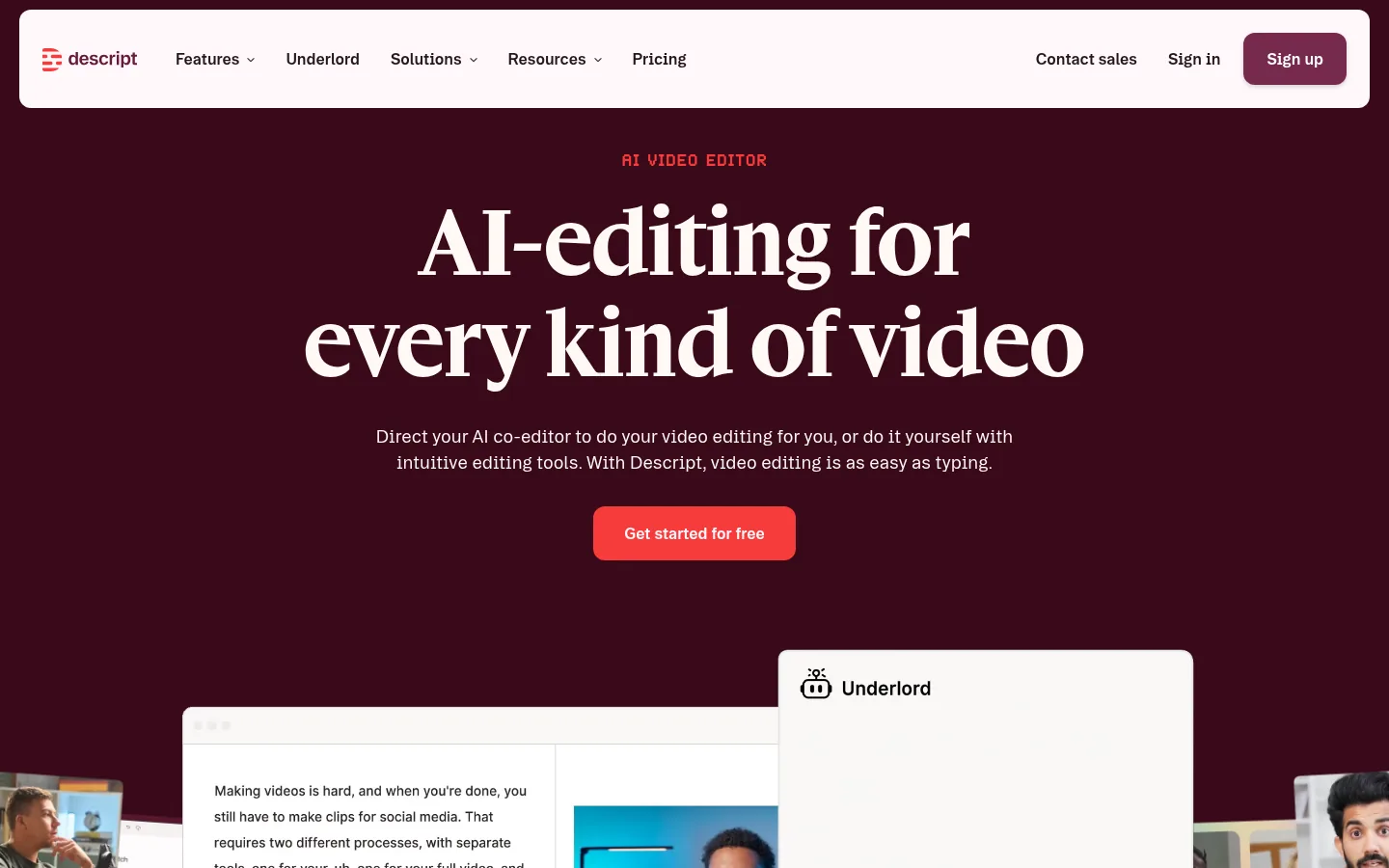
Screenshot: Descript website, October 2026.
What Descript does well:
- Edits video and audio through the transcript.
- Removes filler words and pauses.
- Records and edits podcasts and screen recordings.
- Generates captions and AI voice edits.
Descript pricing
Descript prices by person, with each plan setting monthly media hours and AI credits.
| Plan | Annual billing | Monthly billing | Media hours and AI credits | Best for |
|---|---|---|---|---|
| Free | USD 0 | USD 0 | 1 hour a month, 100 one-time credits | Trying it out |
| Hobbyist | USD 16 per person a month | USD 24 | 10 hours, 400 credits a month | Occasional creators |
| Creator | USD 24 per person a month | USD 35 | 30 hours, 800 credits a month | Regular content teams |
| Business | USD 50 per person a month | USD 65 | 40 hours, 1,500 credits a month | Teams with shared workflows |
Source: Descript pricing, checked October 2026. Enterprise is priced on request.
3. Runway
Runway suits creative teams that generate and transform video with AI, from concept clips to visual effects, rather than cut long footage on a timeline. It is a generative-first platform, and its plans are built around monthly credits.
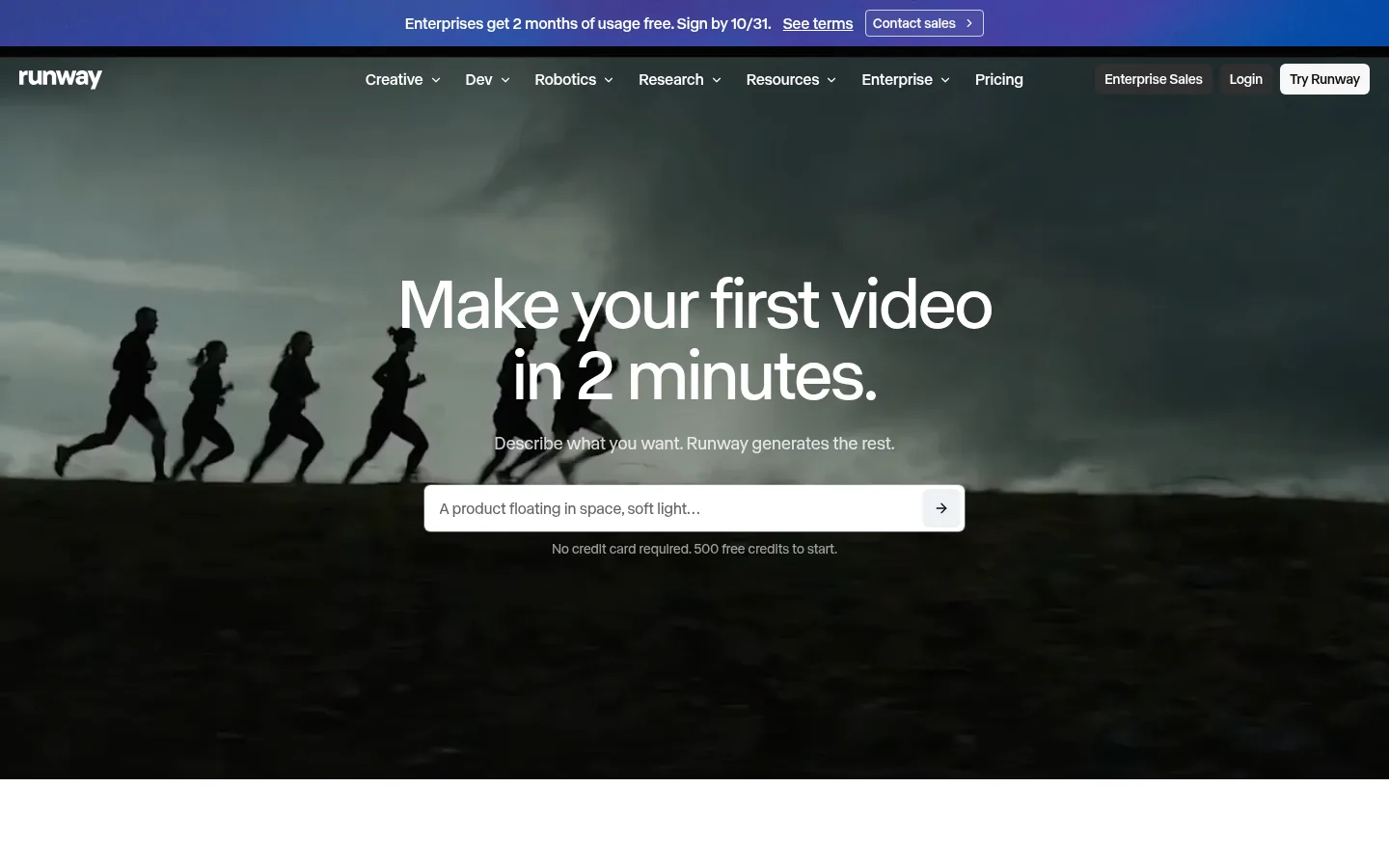
Screenshot: Runway website, October 2026.
What Runway does well:
- Generates video from text and images.
- Transforms existing footage with AI effects.
- Extends clips and fills in scenes.
- Exports in higher resolutions on paid plans.
Runway pricing
Runway prices by monthly credits, with annual billing about 20% cheaper than monthly.
| Plan | Annual billing | Monthly billing | Credits | Best for |
|---|---|---|---|---|
| Free | USD 0 | USD 0 | 125 one-time | Experimenting |
| Standard | USD 12 a month | USD 15 | 625 a month | Light generative work |
| Pro | USD 28 a month | USD 35 | 2,250 a month | Regular creative production |
| Max | USD 76 a month | USD 95 | 9,500 a month | Heavy generative use |
Source: Runway pricing, checked October 2026.
4. CapCut
CapCut suits creators and social teams that need short-form video fast, using templates, presets and automatic formatting. It favours speed and volume over fine editing control.
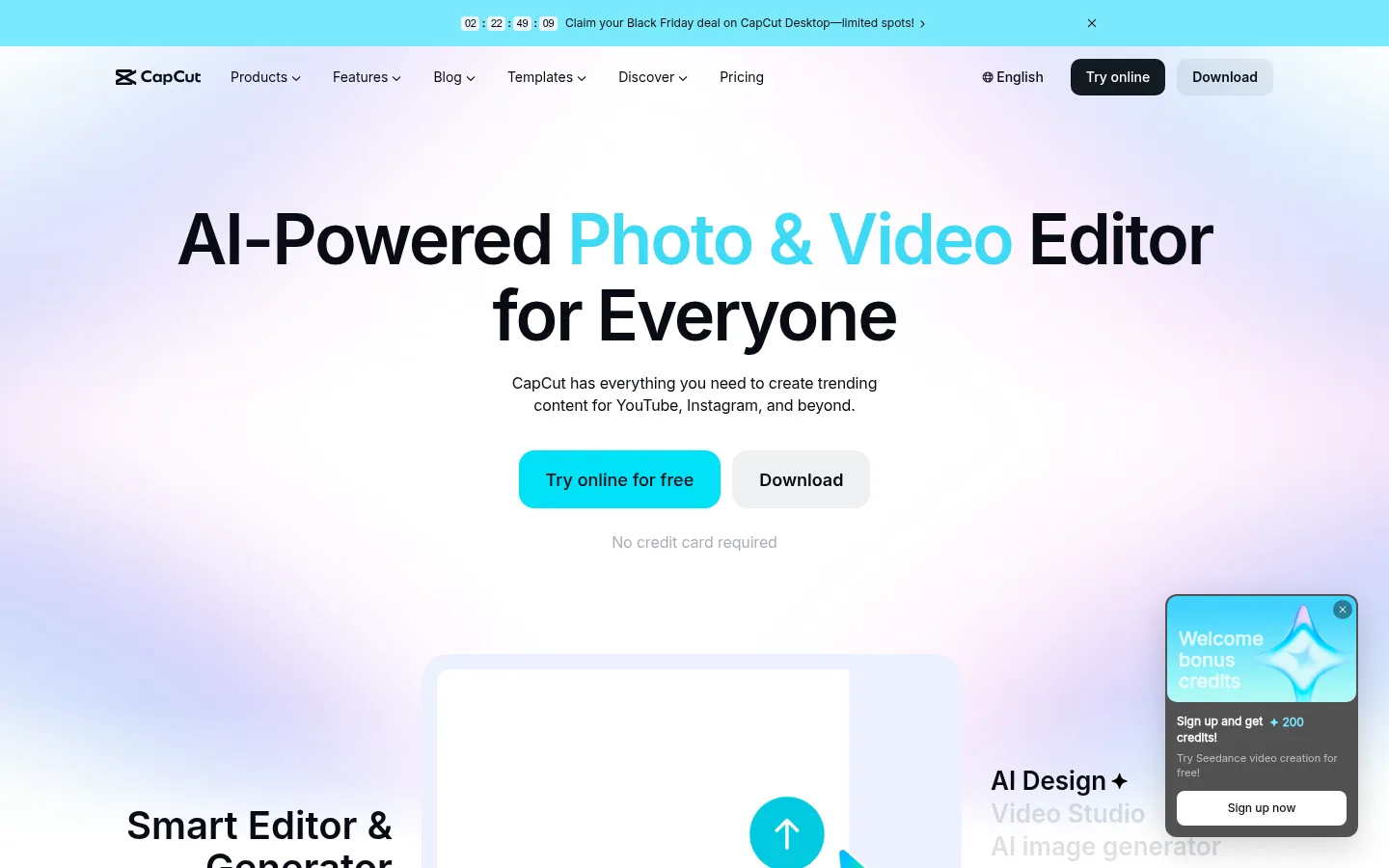
Screenshot: CapCut website, October 2026.
What CapCut does well:
- Edits short-form video with templates and presets.
- Adds auto captions and effects.
- Resizes video for each social platform.
- Supports team editing on Teams plans.
CapCut pricing
CapCut has a free plan, with Pro and Ultra adding premium assets and AI tools.
| Plan | Monthly price | Annual price | Includes | Best for |
|---|---|---|---|---|
| Free | USD 0 | USD 0 | Core tools and templates | Casual creators |
| Pro | USD 19.99 | USD 179.99 a year | Premium templates and AI tools | Regular creators |
| Ultra | USD 79 | USD 900 a year | Higher limits | Heavy users |
| Teams | From about USD 12 per seat | By seat count | Shared editing | Social teams |
Source: CapCut pricing, checked October 2026.
5. OpusClip
OpusClip suits teams that repurpose long videos, such as podcasts and webinars, into short social clips automatically. It works as an add-on to your main editor, finding the strongest moments and reframing them for vertical feeds.
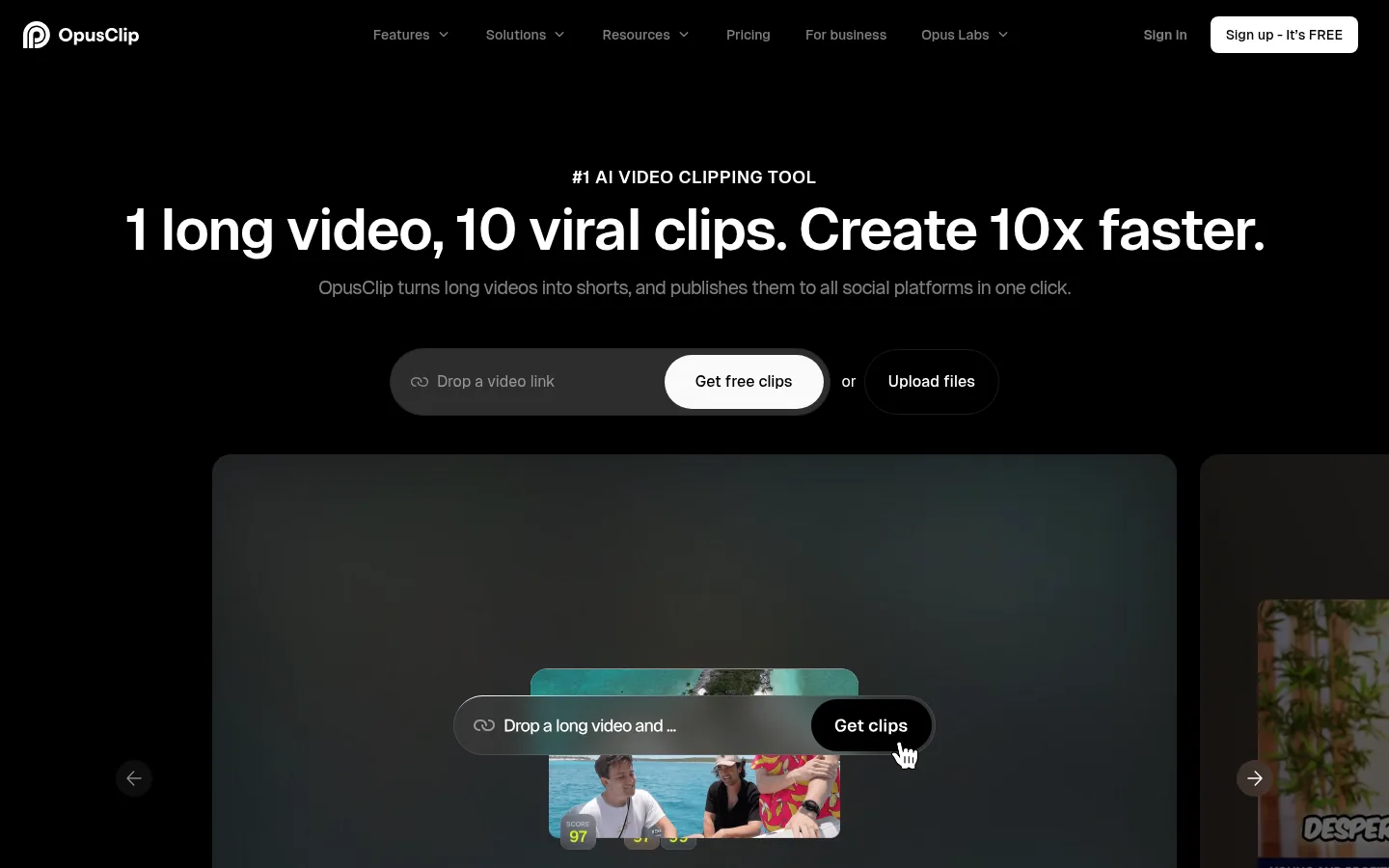
Screenshot: OpusClip website, October 2026.
What OpusClip does well:
- Finds the strongest moments in long videos.
- Cuts them into short vertical clips.
- Adds animated captions and hooks.
- Scores clips for likely engagement.
OpusClip pricing
OpusClip prices by monthly processing credits, with a free plan for testing.
| Plan | Price | Credits | Best for | Limits |
|---|---|---|---|---|
| Free | USD 0 | 60 processing minutes a month | Trying it out | Watermarked captions |
| Starter | USD 15 a month | 150 a month | Individual creators | Fewer editing features |
| Pro | USD 29 a month | 300 a month per pack | Regular repurposing | Extra packs cost more |
| Business | Custom | Custom | Teams at scale | Sales-led |
Source: OpusClip pricing and OpusClip help centre, checked October 2026.
6. invideo AI
invideo AI suits marketing teams that need promotional and explainer videos fast, turning a script or prompt into a finished video with stock assets. It favours speed and simplicity over detailed editing.
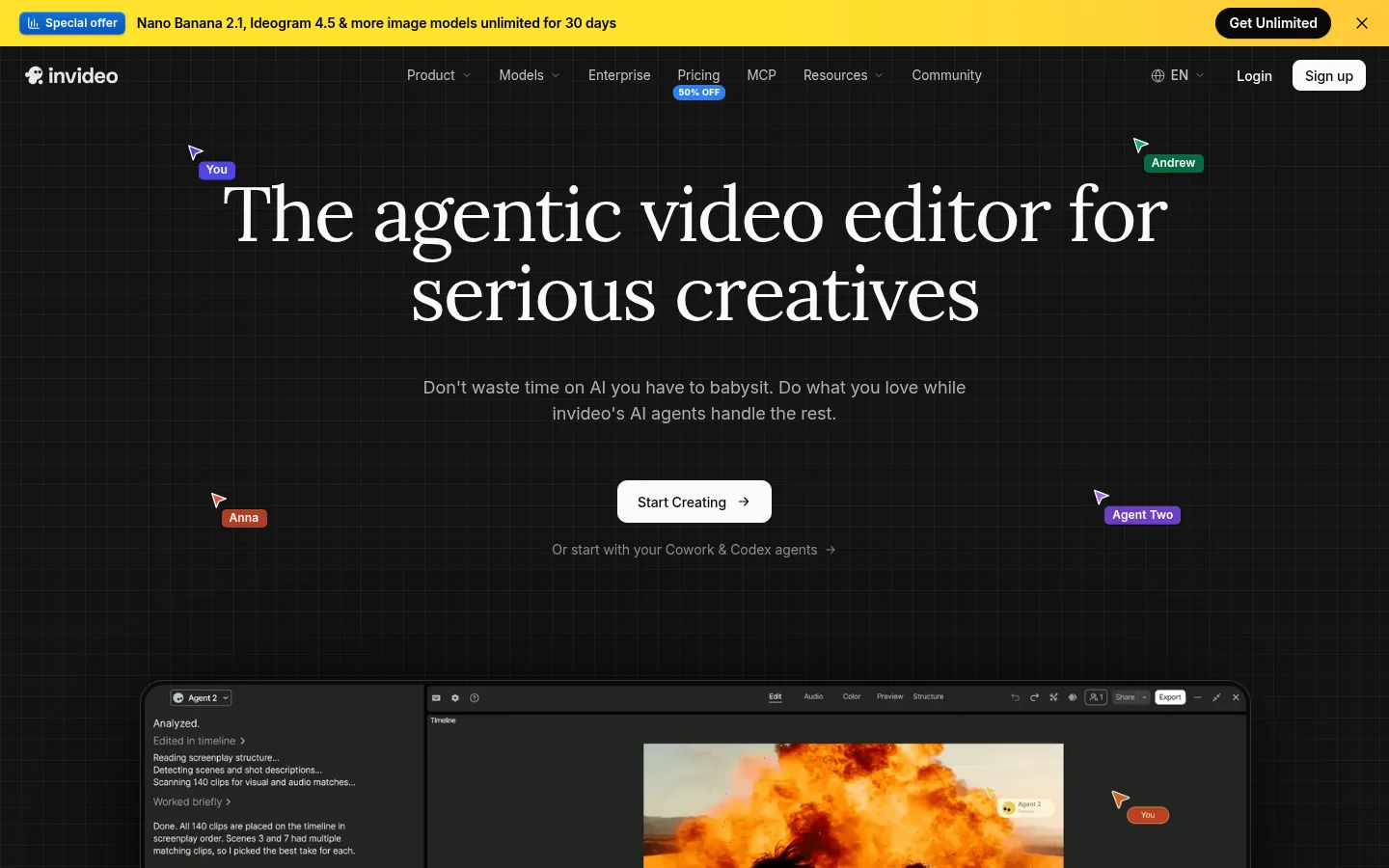
Screenshot: invideo AI website, October 2026.
What invideo AI does well:
- Turns a script or prompt into a full video.
- Adds stock footage, music and voiceover.
- Edits with plain-language instructions.
- Scales team output with seat-based plans.
invideo AI pricing
invideo AI prices per seat with monthly credits, and annual billing halves the list price.
| Plan | Annual billing | List price | Credits per seat | Best for |
|---|---|---|---|---|
| Starter | USD 10 per seat a month | USD 20 | 400 a month | Small teams |
| Plus | USD 30 per seat a month | USD 60 | 2,000 a month | Regular marketing video |
| Max | USD 75 per seat a month | USD 150 | 5,000 a month | High-volume teams |
Source: invideo AI pricing, checked October 2026.
7. VEED
VEED suits marketing and remote teams that edit, caption and export video in the browser without installing desktop software. It balances ease of use with the AI features most teams need.
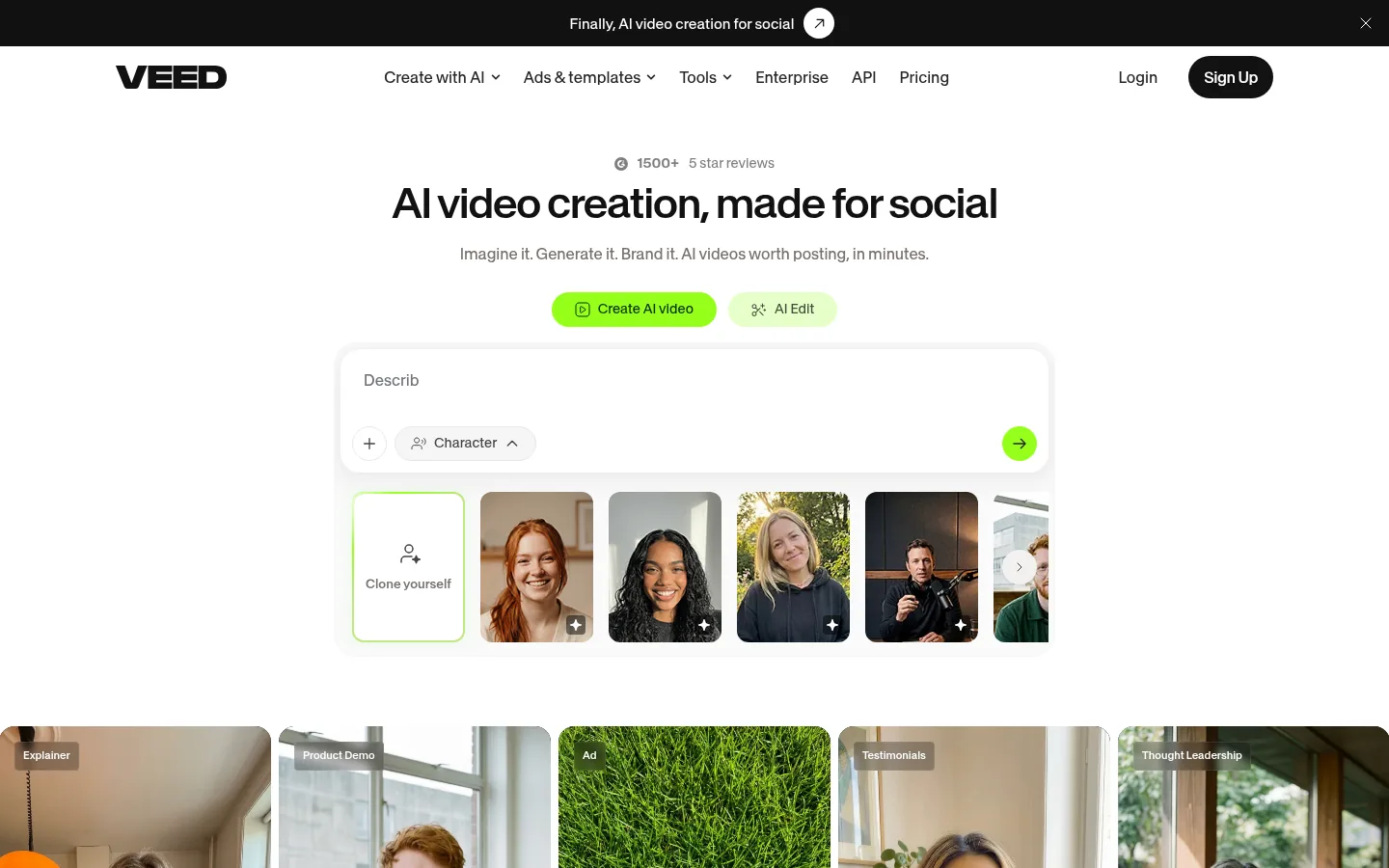
Screenshot: VEED website, October 2026.
What VEED does well:
- Edits video in the browser.
- Generates subtitles and captions.
- Exports in Full HD or 4K on paid plans.
- Shares projects for team review.
VEED pricing
VEED shows annual per-user prices on its pricing page.
| Plan | Annual price | Export quality | Watermark | Best for |
|---|---|---|---|---|
| Creator | USD 125 per user a year | Full HD 1080p | None | Individual marketers |
| Pro | USD 234 per user a year | 4K | None | Teams needing higher quality |
| Enterprise | Custom | Custom | None | Large organisations |
Source: VEED pricing, checked October 2026.
How to Choose an AI Video Editing Tool
Choose by your workflow first: how much control you need, how much video you publish and who on your team does the editing. Weigh these factors:
- Volume: how often you publish and on how many channels.
- Team: who edits and how many people collaborate.
- Formats: long-form, short-form, vertical or all three.
- Skill: professional editors or marketers new to video.
- Budget: seat-based, credit-based or a single subscription.
Which AI video editor fits which role?
Pick one main editor for your core workflow, then add a repurposing tool only if you publish short clips at volume.
| Tool | Primary role | Best for | Starting price | Pricing model |
|---|---|---|---|---|
| Adobe Premiere Pro | Professional editing | Agencies and experienced editors | USD 22.99 a month | Subscription |
| Descript | Transcript-based editing | Podcasts and interviews | Free, then USD 16 a month | Per person |
| Runway | Generative video | Creative experimentation | Free, then USD 12 a month | Credits |
| CapCut | Social editing | Short-form creators | Free, then USD 19.99 a month | Subscription |
| OpusClip | Repurposing | Long-to-short workflows | Free, then USD 15 a month | Credits |
| invideo AI | Script-to-video | Marketing content | USD 10 per seat a month | Per seat and credits |
| VEED | Browser editing | Collaborative teams | USD 125 per user a year | Per user |
From Video Creation to Results
A finished video pays off only when it reaches the right audience and you can see what it delivers, so plan distribution and measurement alongside editing. Video marketing platforms handle publishing, track performance and show how viewers engage. If you want video produced for you, see Aemorph's AI video service.