AI automation tools take over decisions and tasks that fixed rules cannot handle, such as routing a request, reading a document or choosing the next step in a process, so your team spends less time on manual coordination and more on the work that earns revenue. The seven tools below cover app-to-app automation, visual orchestration, Microsoft-based process automation, self-hosted workflows, enterprise robotic process automation, AI agents and general-purpose AI. Each entry shows what the tool automates best, who it suits and what it costs in October 2026.
What AI Automation Tools Do Beyond Workflow Automation
A workflow tool follows the steps you set; an AI automation tool reads context, makes a judgement and adapts the next step, which lets you automate work that used to need a person. Traditional automation moves data when a trigger fires. AI automation adds language understanding, classification and prediction, so it sorts incoming requests, extracts data from documents, drafts replies and decides which path a case takes.
Which kinds of AI automation tools do businesses use?
Businesses combine four kinds of AI automation: integration platforms, process automation suites, AI agents and general-purpose AI models. The categories:
- Integration platforms connect apps and add AI steps to workflows (Zapier, Make, n8n).
- Process automation suites automate desktop and enterprise systems (Power Automate, UiPath).
- AI agents carry out multi-step tasks on their own (Lindy).
- General-purpose AI writes, analyses and reasons across any task (ChatGPT).
To see how agents apply to campaigns specifically, compare AI agent tools for marketing.
1. Zapier
Zapier suits businesses that want to add AI to workflows across thousands of apps without rebuilding their systems.
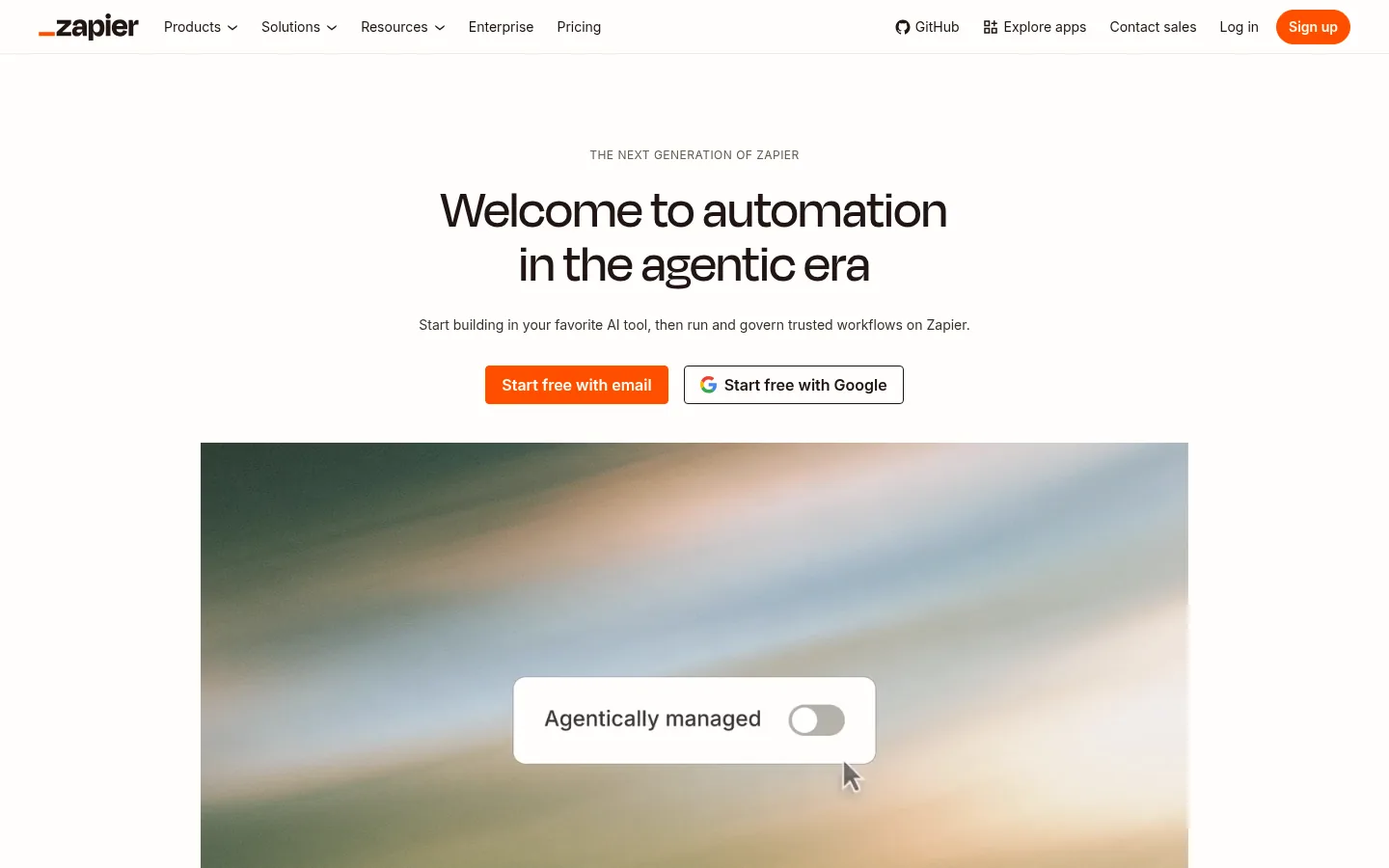
Screenshot: Zapier website, October 2026.
Zapier connects your apps and runs automated workflows called Zaps. AI steps classify, summarise and route data inside those workflows, and Zapier Agents handle tasks that need more judgement.
Core features:
- Connections to thousands of apps
- Multi-step Zaps with AI steps
- Zapier Agents and chatbots
- Team workspaces and permissions
What does Zapier cost?
Zapier is free for 100 tasks a month, Professional starts at USD 19.99 a month and Team starts at USD 69 a month. Your bill rises with task volume, so busy workflows move you up the tiers.
| Plan | Price | Billing | Suitable for | Limits |
|---|---|---|---|---|
| Free | USD 0 | Free | Testing simple automations | 100 tasks a month |
| Professional | From USD 19.99 a month | Monthly | Individuals and small teams | Task volume sets the price |
| Team | From USD 69 a month | Monthly | Shared team automation | Task volume sets the price |
| Enterprise | Contact sales | Annual | Large organisations | Annual task limits |
Source: Zapier pricing, checked October 2026.
2. Make
Make suits teams that need visual control over complex automations with many branches, data transformations and AI steps.
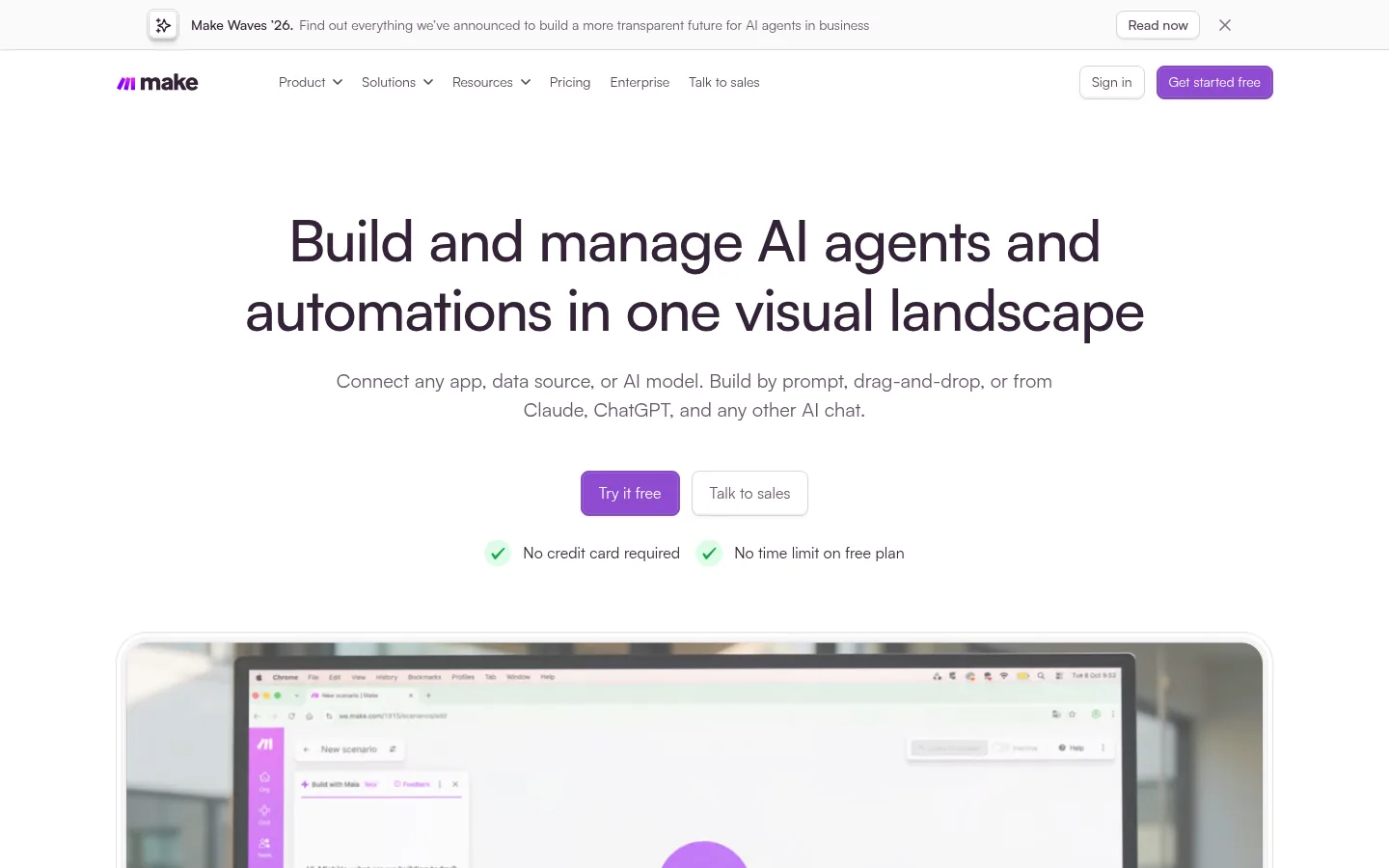
Screenshot: Make website, October 2026.
Make builds automations as visual scenarios, so you see every decision point and data transformation on one canvas. It handles orchestration that needs more control than a linear workflow.
Core features:
- Visual scenario builder
- Data transformation and routing
- AI modules inside scenarios
- Scheduling and error handling
What does Make cost?
Make is free for 1,000 credits a month, and paid plans start at USD 12 a month for Core. Each plan adds a set price per extra 1,000 credits.
| Plan | Price | Extra credits | Suitable for | Limits |
|---|---|---|---|---|
| Free | USD 0 | Not applicable | Testing scenarios | 1,000 credits a month |
| Core | USD 12 a month | USD 1.20 per 1,000 credits | Individuals | Credit-based |
| Pro | USD 21 a month | USD 2.10 per 1,000 credits | Advanced scenarios | Credit-based |
| Teams | USD 38 a month | USD 3.80 per 1,000 credits | Collaborating teams | Credit-based |
| Enterprise | Custom | Custom | High-volume orchestration | Contract |
Source: Make pricing, checked October 2026.
3. Microsoft Power Automate
Power Automate suits organisations that run on Microsoft 365 and want cloud flows, AI and desktop automation in one licence.
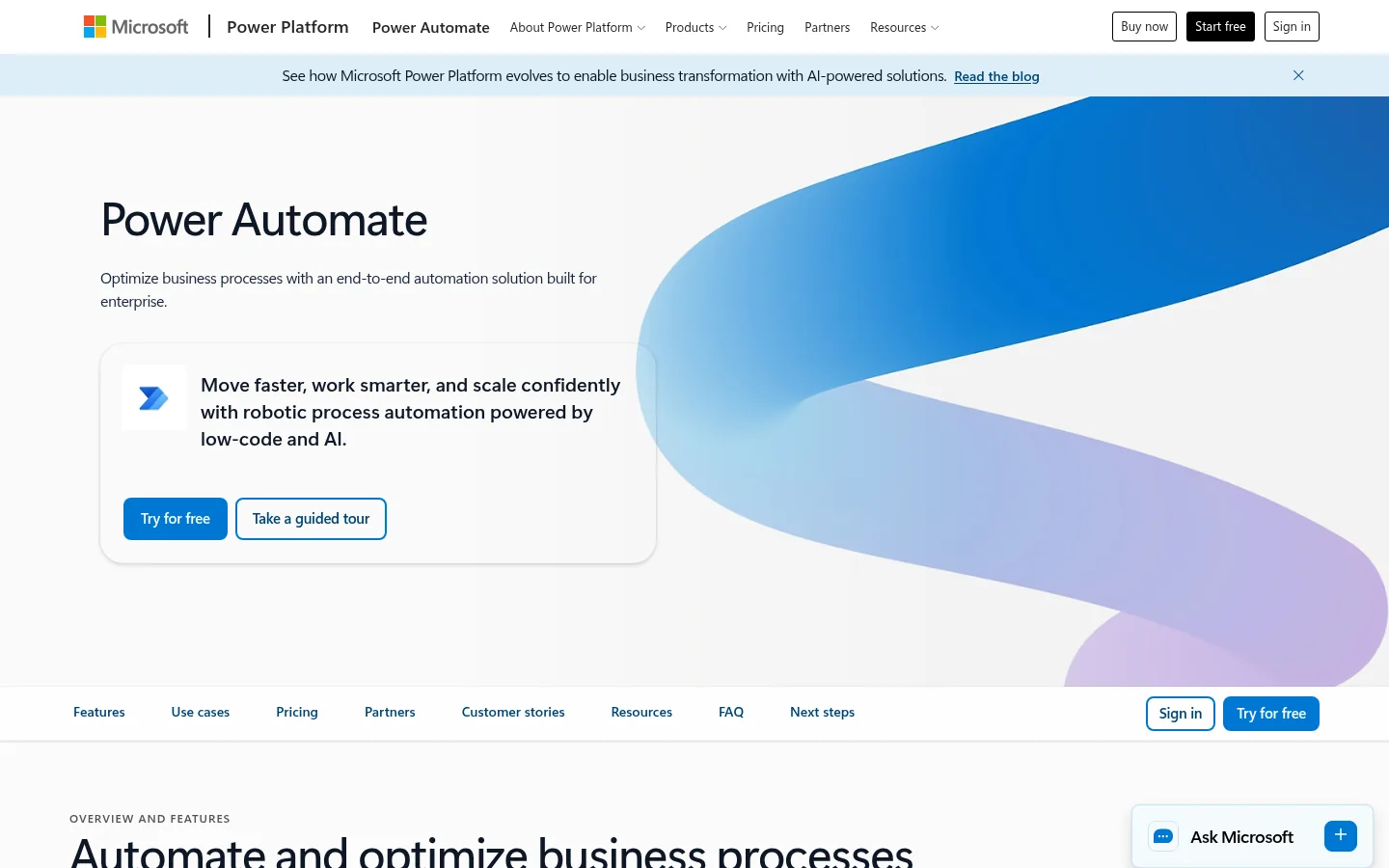
Screenshot: Microsoft Power Automate website, October 2026.
Power Automate automates processes across Microsoft 365, Dynamics and connected apps. It combines cloud flows, AI capabilities and robotic process automation for desktop tasks, so it reaches older systems without an API.
Core features:
- Cloud flows across Microsoft and third-party apps
- Desktop robotic process automation
- AI capabilities inside flows
- Process mining add-on
What does Power Automate cost?
Power Automate Premium costs USD 15 per user a month, and unattended bots cost USD 150 per bot a month, both paid yearly. A free trial lets you test before you buy.
| Plan | Price | Billing | Suitable for | Basis |
|---|---|---|---|---|
| Premium | USD 15 a month | Paid yearly | Users building flows and desktop automation | Per user |
| Process | USD 150 a month | Paid yearly | Unattended automation | Per bot |
| Hosted Process | USD 215 a month | Paid yearly | Unattended automation on Microsoft-hosted machines | Per bot |
| Process Mining add-on | USD 5,000 a month | Paid yearly | Process analysis at scale | Per tenant |
Source: Power Automate pricing, checked October 2026.
4. n8n
n8n suits technical teams that want full control over automation logic, data handling and where the software runs.
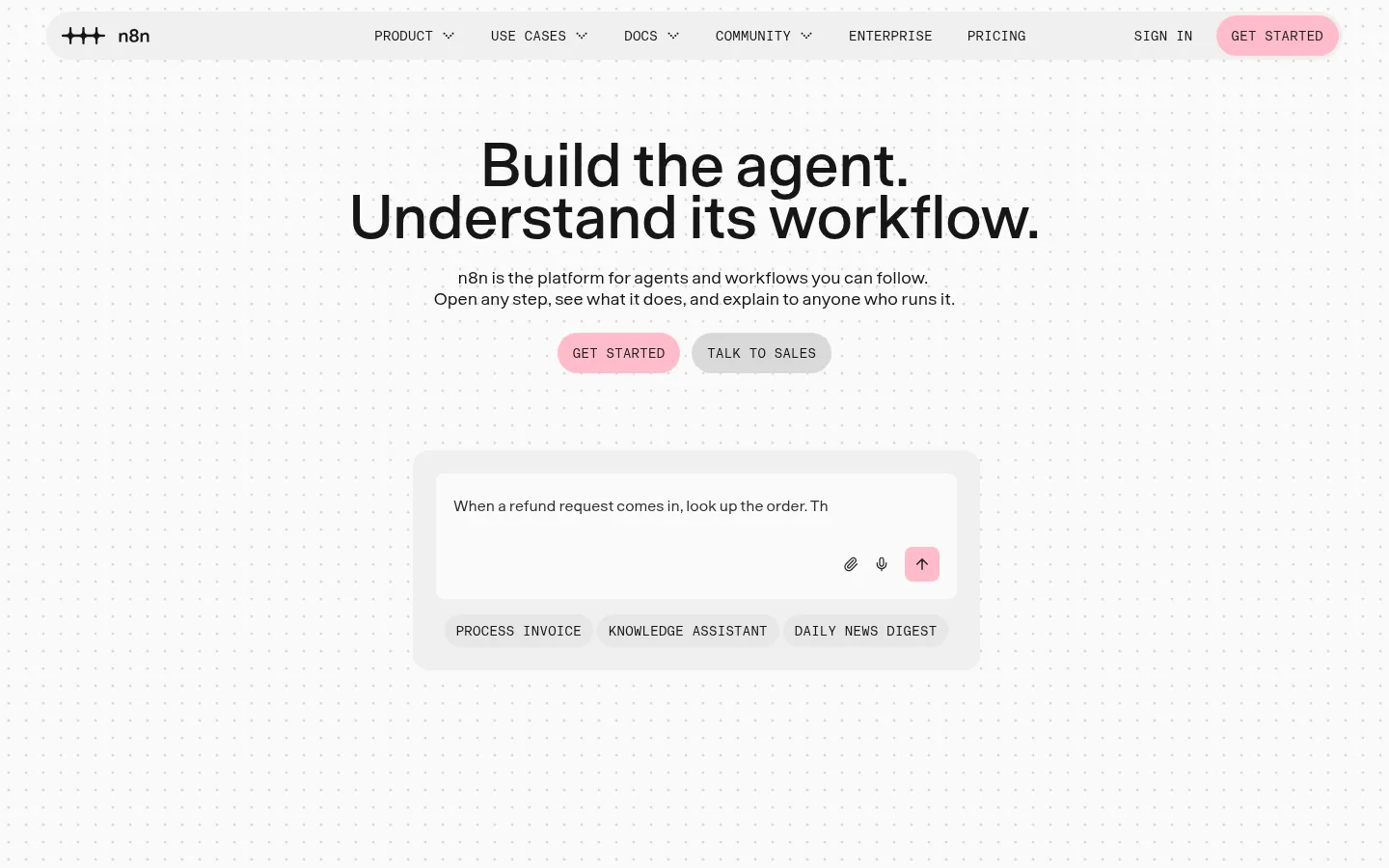
Screenshot: n8n website, October 2026.
n8n is a workflow automation platform with AI nodes and agent capabilities. You run it in n8n's cloud or host it yourself, and the free Community edition runs self-hosted without a licence key.
Core features:
- Visual workflows with code when you need it
- AI agent and language model nodes
- Cloud or self-hosted deployment
- Unlimited steps per workflow
What does n8n cost?
n8n Cloud starts at USD 20 a month billed annually for 2,500 workflow executions, and self-hosting the Community edition is free. You pay per execution, not per step, which keeps long workflows affordable.
| Plan | Price | Billing | Suitable for | Limits |
|---|---|---|---|---|
| Community (self-hosted) | USD 0 | Free | Teams with their own infrastructure | You run and maintain it |
| Starter | USD 20 a month | Billed annually | Small teams | 2,500 workflow executions |
| Pro | USD 50 a month | Billed annually | Growing teams | 10,000 workflow executions |
| Business | USD 800 a month | Billed annually | Larger teams | 40,000 workflow executions |
| Enterprise | Contact sales | Contract | Compliance and scale | Custom executions |
Source: n8n pricing and n8n editions, checked October 2026.
5. UiPath
UiPath suits enterprises that automate high-volume, rules-heavy processes across many systems, with governance and compliance controls.
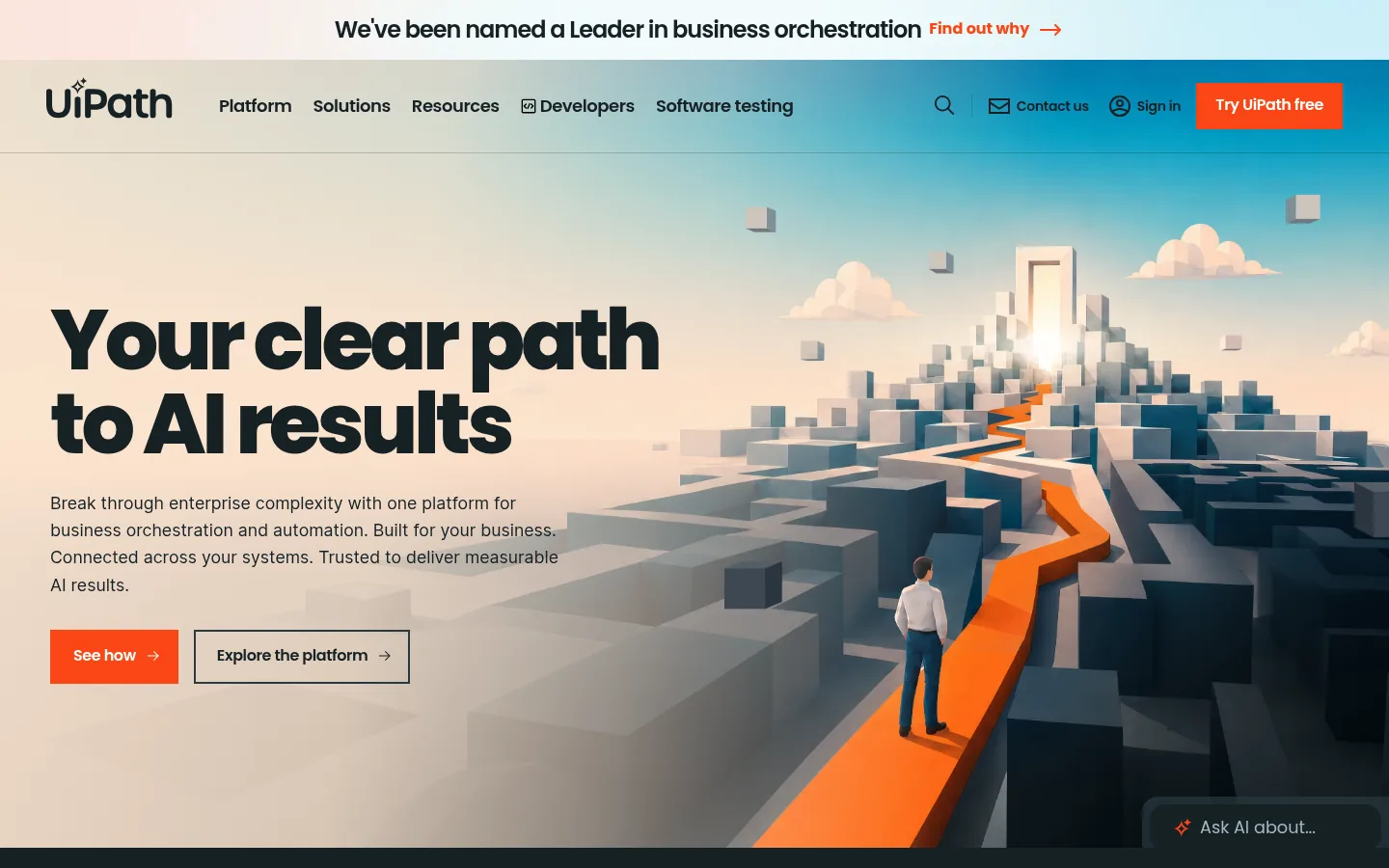
Screenshot: UiPath website, October 2026.
UiPath is an agentic automation platform that combines robotic process automation, AI and agents. It automates processes in finance, operations and customer service where volume and risk are high.
Core features:
- Robotic process automation for desktop and web systems
- AI agents and document understanding
- Orchestration and governance
- Studio for building automations
What does UiPath cost?
UiPath has a free Community plan, a Basic plan at USD 25 a month, and Standard and Enterprise plans through sales.
| Plan | Price | Billing | Suitable for | Limits |
|---|---|---|---|---|
| Community | USD 0 | Free | Learning and small projects | Community terms |
| Basic | USD 25 a month | Monthly | Individuals starting automation | Basic features |
| Standard | Contact sales | Contract | Teams | Quote |
| Enterprise | Contact sales | Contract | Large-scale automation | Quote |
Source: UiPath pricing, checked October 2026.
6. Lindy
Lindy suits businesses that want AI agents to carry out tasks the way an assistant does, across email, calendar and business apps.
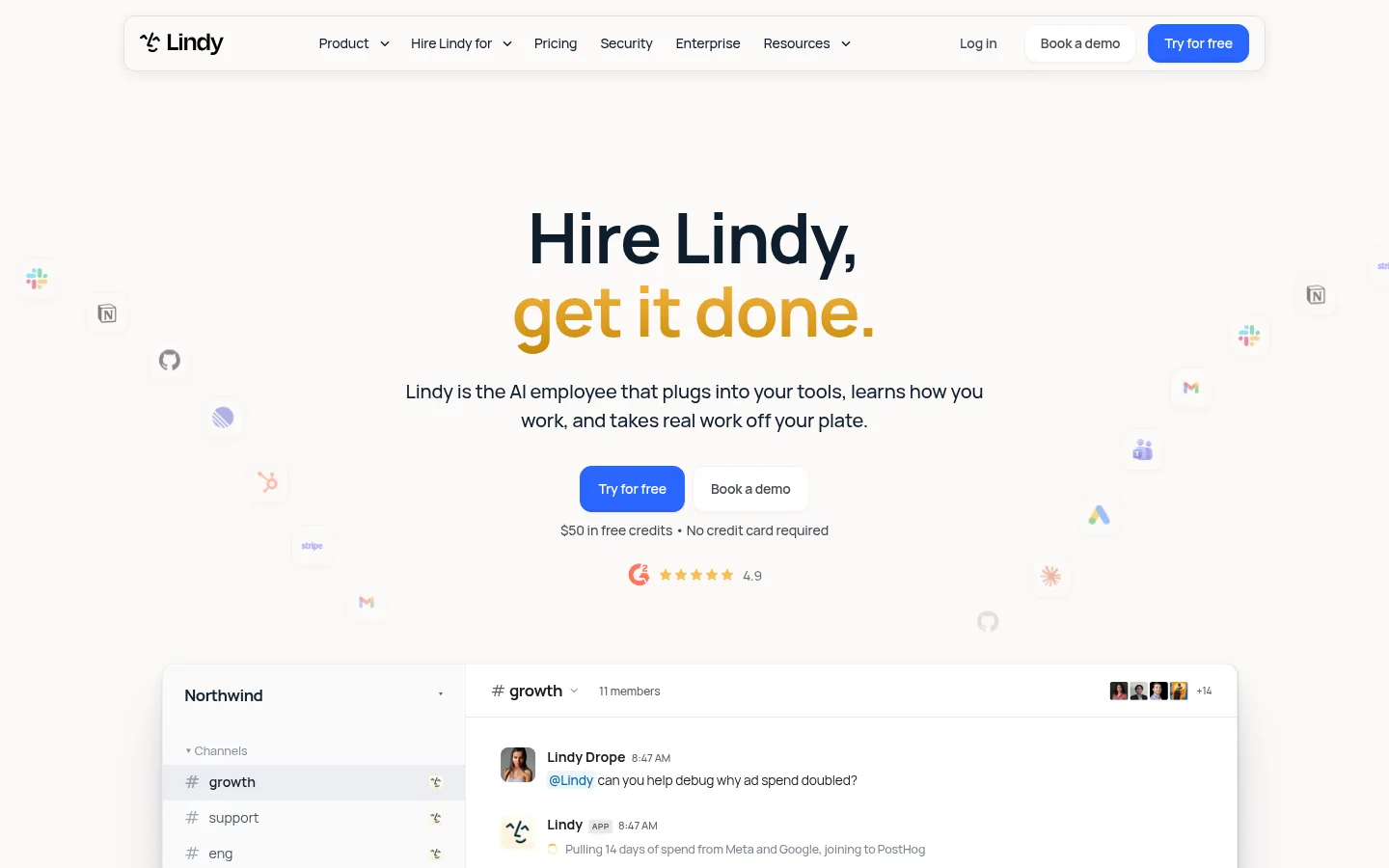
Screenshot: Lindy website, October 2026.
Lindy builds AI agents that handle communication, scheduling, CRM updates and follow-ups. It automates tasks that resemble human work rather than system-to-system data flows.
Core features:
- Assistant-style AI agents
- Email, calendar and CRM actions
- Agent templates
- Team sharing
What does Lindy cost?
Lindy starts free with USD 50 in credits for 7 days, and the Team plan costs USD 49.99 a month for 5,000 credits.
| Plan | Price | Billing | Suitable for | Limits |
|---|---|---|---|---|
| Free | USD 0 | No charge | Testing | USD 50 in credits for 7 days |
| Team | USD 49.99 a month | Monthly | Small teams | 5,000 credits a month |
| Enterprise | Custom | Contract | Larger organisations | Custom credits and billing |
Source: Lindy pricing, checked October 2026.
7. ChatGPT
ChatGPT suits teams that need flexible AI for writing, research, analysis and reasoning across many tasks.
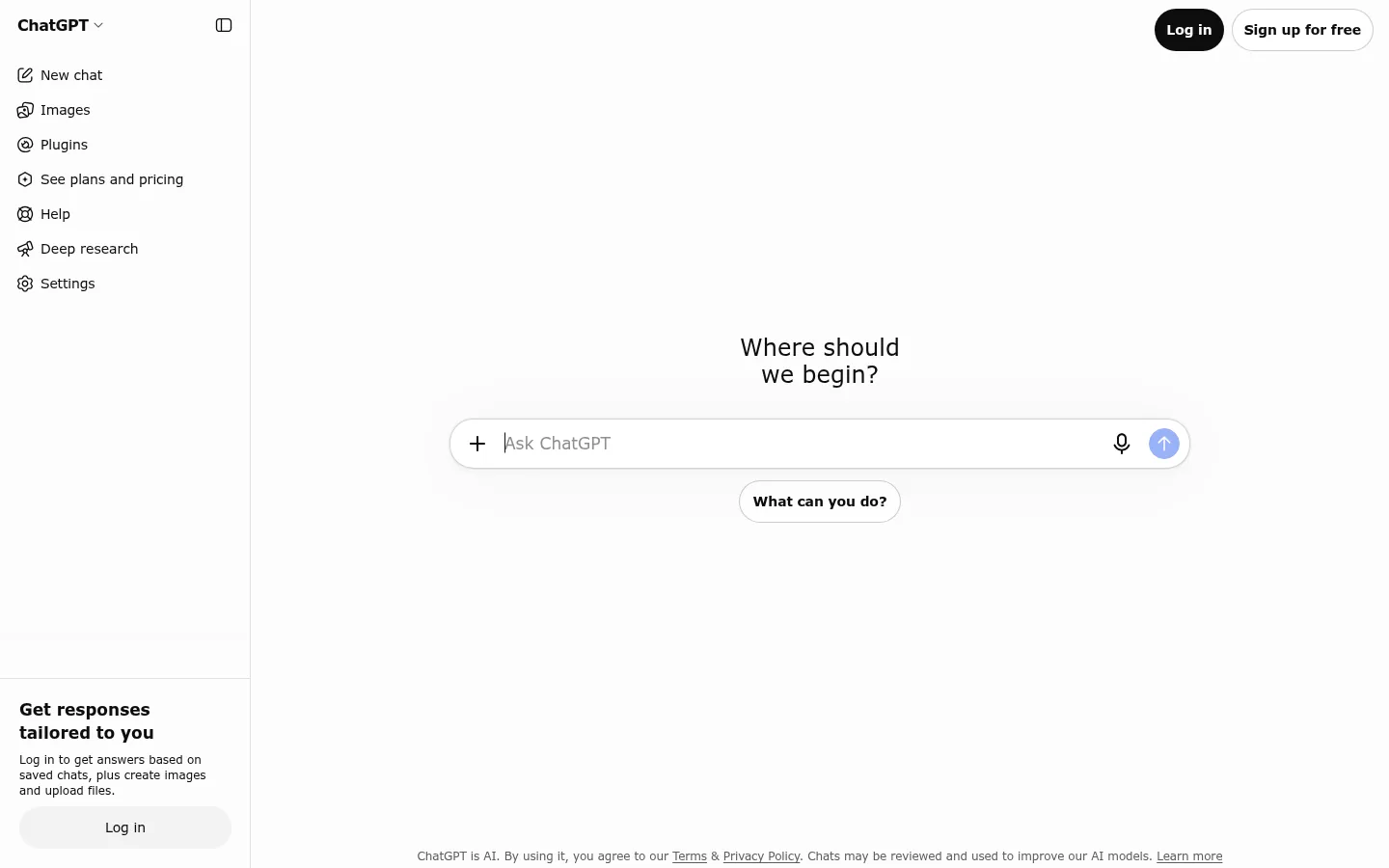
Screenshot: ChatGPT website, October 2026.
ChatGPT by OpenAI is a general-purpose AI assistant. Teams use it to draft content, analyse data, summarise documents and prototype automations before building them into a workflow tool.
Core features:
- Writing, research and data analysis
- File and document understanding
- Custom GPTs for repeated tasks
- Workspace admin on business plans
What does ChatGPT cost?
ChatGPT has a free plan, and ChatGPT Business costs USD 25 per user a month, or USD 20 billed annually. Enterprise pricing comes through OpenAI's sales team.
| Plan | Price | Billing | Suitable for | Limits |
|---|---|---|---|---|
| Free | USD 0 | Free | Individuals | Usage limits |
| Business (Standard seat) | USD 25 per user a month, or USD 20 billed annually | Monthly or annual | Teams | Included usage limits |
| Enterprise | Contact sales | Contract | Large organisations | Custom |
Source: ChatGPT Business FAQ, checked October 2026.
How to Choose the Right AI Automation Tool
Choose by where the work happens: across apps, inside Microsoft, on your own servers, in enterprise systems or in written tasks. Weigh four factors: the systems the automation needs to reach, how much technical skill your team has, the volume of runs and the governance your industry requires.
Which AI automation tool fits which job?
Match the tool to its role in your stack.
| Tool | Role | Best for | Limitations | Pricing model |
|---|---|---|---|---|
| Zapier | App integration with AI steps | Small and mid-size businesses | Cost rises with tasks | Tasks |
| Make | Visual orchestration | Complex branching logic | Credits consumed by large scenarios | Credits |
| Power Automate | Microsoft process automation | Microsoft 365 organisations | Best inside Microsoft | Per user or bot |
| n8n | Self-hosted or cloud workflows | Technical teams | You maintain self-hosted installs | Executions |
| UiPath | Enterprise robotic process automation | High-volume regulated processes | Enterprise set-up effort | Plan or quote |
| Lindy | Task agents | Admin and communication | Credit caps | Credits |
| ChatGPT | General-purpose AI | Writing and analysis | Not a workflow engine | Per user |
Put Your Automation to Work
Automation pays off when it frees people for higher-value work, so start with the tasks that repeat daily and cost the most hours. Each tool above fits a different level of complexity and control. Speed up individual work with AI productivity tools, automate customer journeys with marketing automation tools, and plan where automation supports growth with the digital marketing guide.