An AI agent tool for marketing plans and runs multi-step tasks on its own, such as researching a topic, drafting a campaign, updating your CRM and reporting results, so your team spends its hours on strategy and approval instead of repetitive execution. The seven tools below cover visual agent builders, enterprise agent workforces, assistant-style agents, go-to-market workflows, brand-controlled content, developer frameworks and agents inside an automation platform. Each entry shows what the tool does best, who it suits and what it costs in October 2026.
What Are AI Agent Tools for Marketing?
An AI agent tool combines a large language model with memory, connected apps and a set of allowed actions, so it completes a goal across several steps instead of answering one prompt. An AI assistant writes a reply when you ask. An agent decides the next step, pulls data from your tools, triggers a workflow, checks the result and moves on. That difference turns AI from a writing aid into an operator for repeatable marketing work.
What does an AI agent do for your marketing team?
An AI agent takes over the repeatable, multi-step work between a brief and a finished output, so campaigns move faster without extra headcount. Typical jobs:
- Researches keywords, competitors and audiences before a campaign starts.
- Drafts emails, posts, landing page copy and briefs in your brand voice.
- Updates CRM records, lead scores and campaign trackers.
- Routes leads and tasks to the right person or workflow.
- Reports results across channels in a single summary.
Why AI Agent Tools Matter to Your Marketing Output
AI agents cut the manual hand-offs that slow campaigns down, which raises output per marketer and shortens the time from idea to launch. Marketing teams run more channels, more content and more data than before, while budgets for headcount stay flat. Agents absorb the coordination work: moving data between apps, producing first drafts and keeping records current. People stay in charge of positioning, approvals and judgement.
Agents also work best on top of clear processes. If you already run rules-based marketing automation tools, an agent extends those workflows into tasks that need reading, writing or decision-making.
1. Gumloop
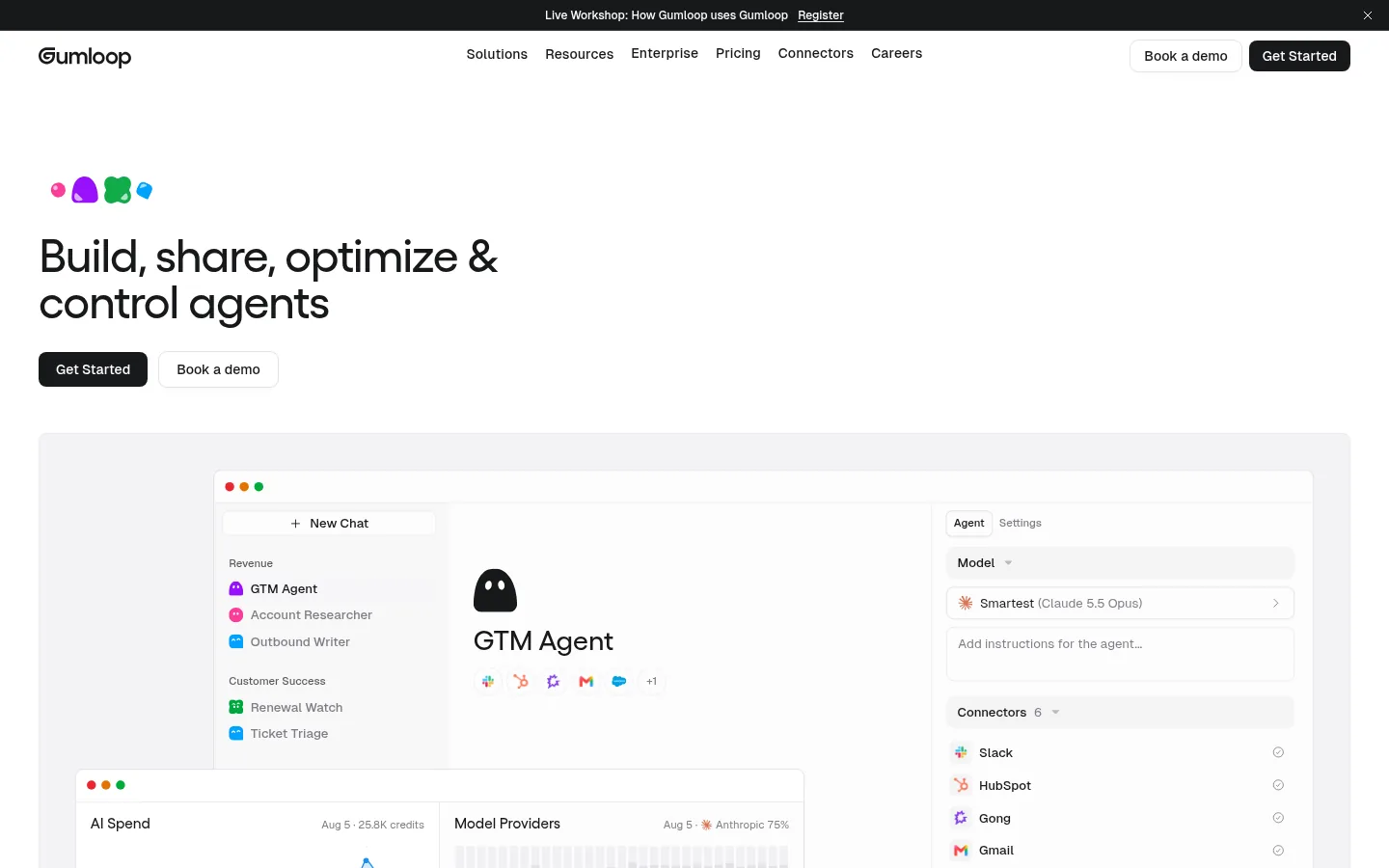
Gumloop suits agencies, growth teams and SEO teams that want to build AI agents and workflows visually without writing code.
Screenshot: Gumloop website, October 2026.
Gumloop is an AI-native automation platform for building agents and workflows that run on their own. Teams use it for content pipelines, lead enrichment, competitor monitoring and reporting, with AI steps placed inside each workflow.
Core features:
- Visual workflow and agent builder
- AI steps for research, writing and data extraction
- Connections to common marketing and sales apps
- Team workspaces
What does Gumloop cost?
Gumloop's paid plan starts at USD 37 a month with 20,000 credits, and larger teams move to custom Enterprise pricing. Credits rise with the number and size of runs, so heavy automation lifts your monthly bill.
| Plan | Price | Billing | Suitable for | Limits |
|---|---|---|---|---|
| Pro | From USD 37 a month | Monthly | Individuals and small teams | 20,000 credits a month |
| Enterprise | Custom | Contract | Larger organisations | Custom credits |
Source: Gumloop pricing, checked October 2026.
2. Relevance AI
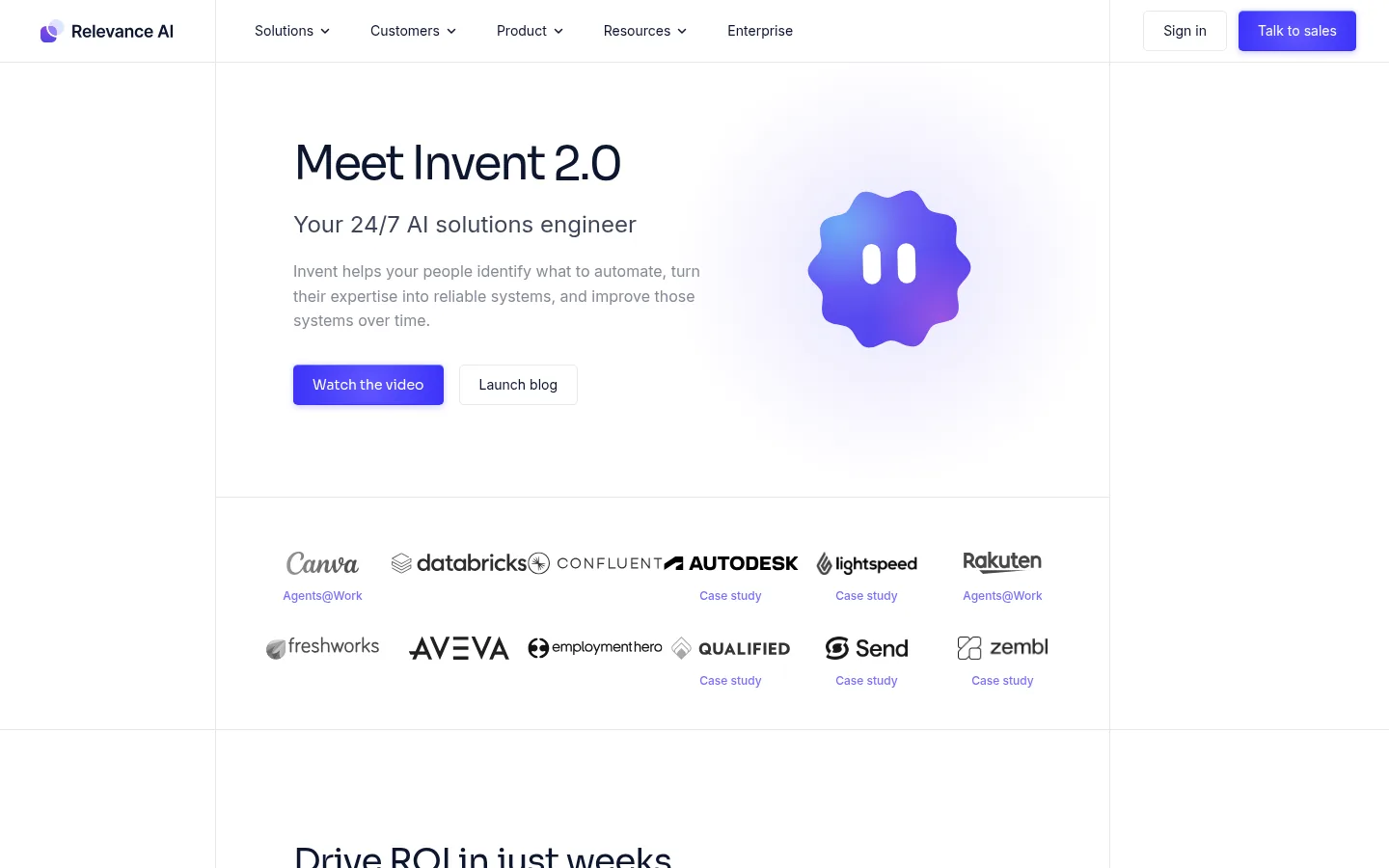
Relevance AI suits enterprise marketing, revenue operations and go-to-market teams that want a workforce of agents working together.
Screenshot: Relevance AI website, October 2026.
Relevance AI is a platform for building and running teams of AI agents that collaborate on business processes such as lead research, qualification and outreach. It targets organisations that want agent execution at scale with governance.
Core features:
- Multi-agent workflows
- Agent builder with tools and knowledge
- Integrations with CRM and sales platforms
- Enterprise controls
What does Relevance AI cost?
Relevance AI does not show prices on its pricing page, so you request a quote for your use case. Plan for implementation time, since multi-agent workflows need clear processes and data access before they run reliably.
3. Lindy
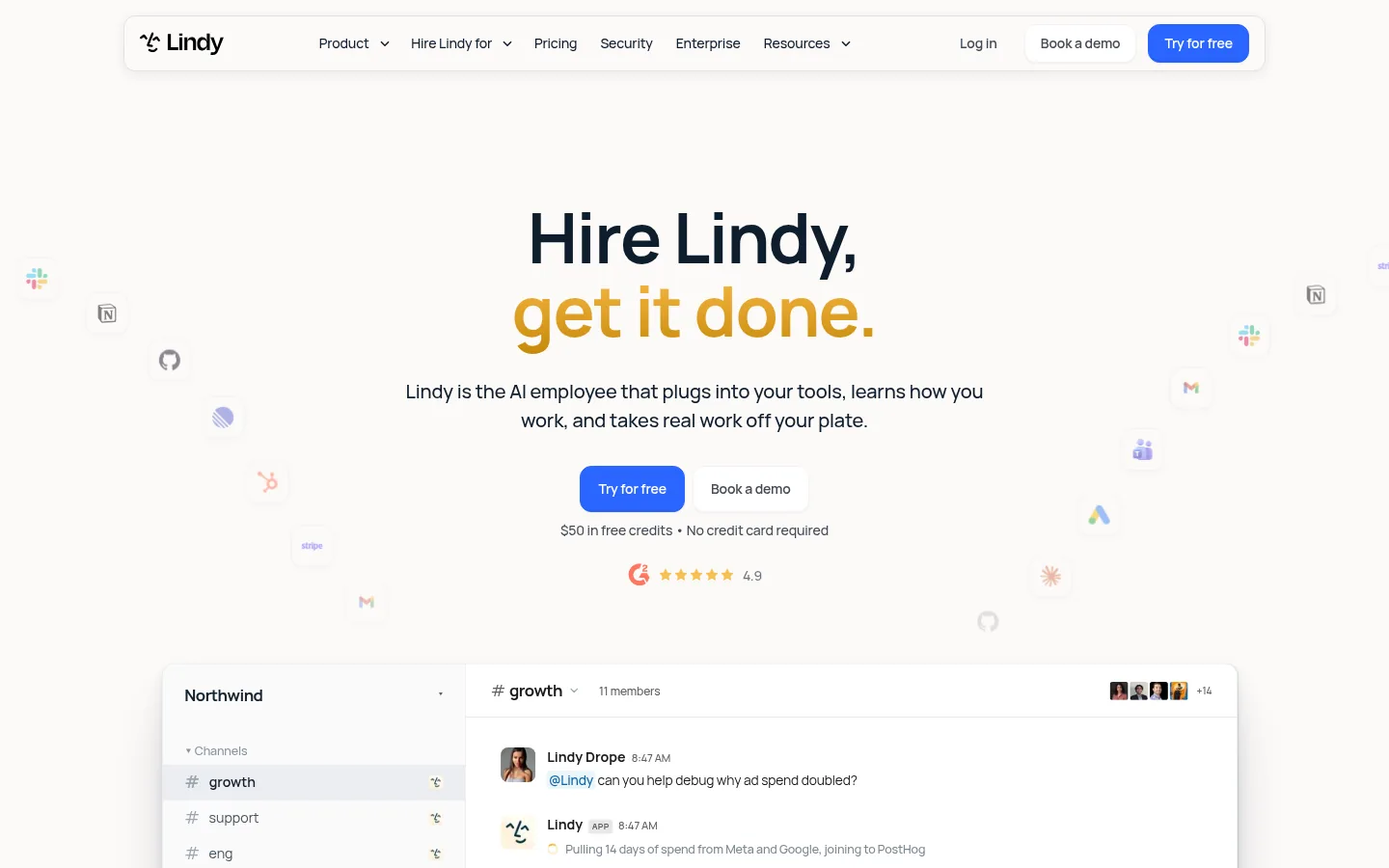
Lindy suits founders, consultants and lean teams that want an AI assistant to handle email, scheduling, CRM updates and follow-ups.
Screenshot: Lindy website, October 2026.
Lindy builds AI agents that act like an assistant across your inbox, calendar and business apps. It drafts replies, books meetings, updates records and coordinates tasks, which reduces the admin that eats into marketing time.
Core features:
- Email and calendar assistant
- CRM and app actions
- Agent templates for common workflows
- Team sharing
What does Lindy cost?
Lindy offers a free start with credits and a Team plan at USD 49.99 a month with 5,000 credits. Enterprise pricing is custom.
| Plan | Price | Billing | Suitable for | Limits |
|---|---|---|---|---|
| Free | USD 0 | No charge | Testing | USD 50 in credits for 7 days |
| Team | USD 49.99 a month | Monthly | Small teams | 5,000 credits a month |
| Enterprise | Custom | Contract | Larger organisations | Custom credits and billing |
Source: Lindy pricing, checked October 2026.
4. Copy.ai
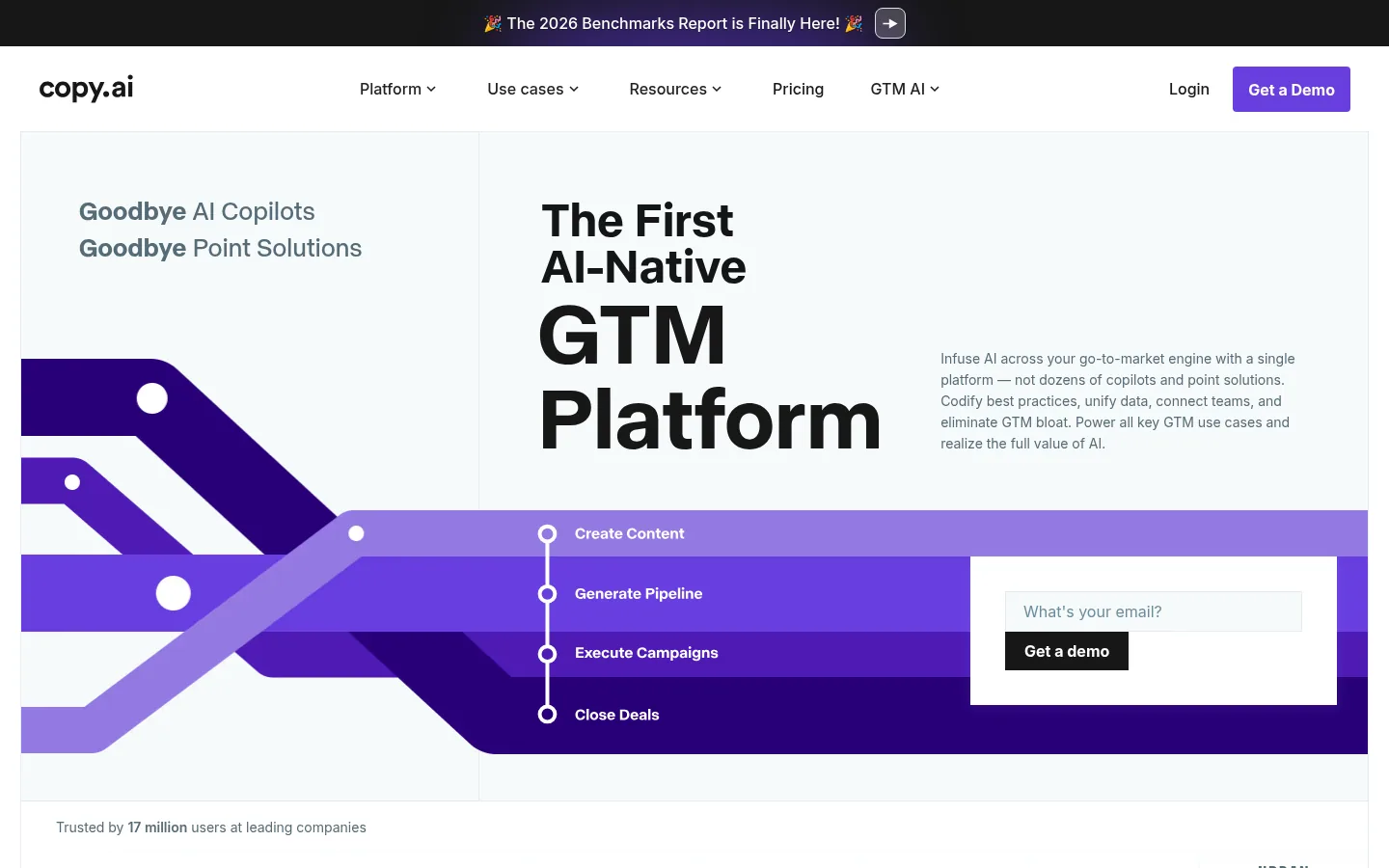
Copy.ai suits outbound marketing, sales and go-to-market operations teams that run high volumes of prospecting and content workflows.
Screenshot: Copy.ai website, October 2026.
Copy.ai has moved from an AI writing tool to a go-to-market AI platform. Its workflows handle prospect research, outbound messaging, content repurposing and account planning at volume.
Core features:
- Go-to-market workflow builder
- Prospecting and outbound automation
- Content generation and repurposing
- Brand voice and team seats
What does Copy.ai cost?
Copy.ai Chat costs USD 29 a month for five seats, or USD 24 a month billed annually, and workflow plans start at USD 1,000 a month. The jump reflects the move from a chat tool to an operational platform.
| Plan | Price | Billing | Seats | Suitable for |
|---|---|---|---|---|
| Chat | USD 29 a month, or USD 24 a month billed annually (USD 288 a year) | Monthly or annual | 5 | Small teams using AI chat |
| Growth | USD 1,000 a month | Billed USD 12,000 a year | 75 | Teams starting workflows |
| Expansion | USD 2,000 a month | Billed USD 24,000 a year | 150 | Larger go-to-market teams |
| Scale | USD 3,000 a month | Billed USD 36,000 a year | 200 | High-volume operations |
Source: Copy.ai pricing, checked October 2026.
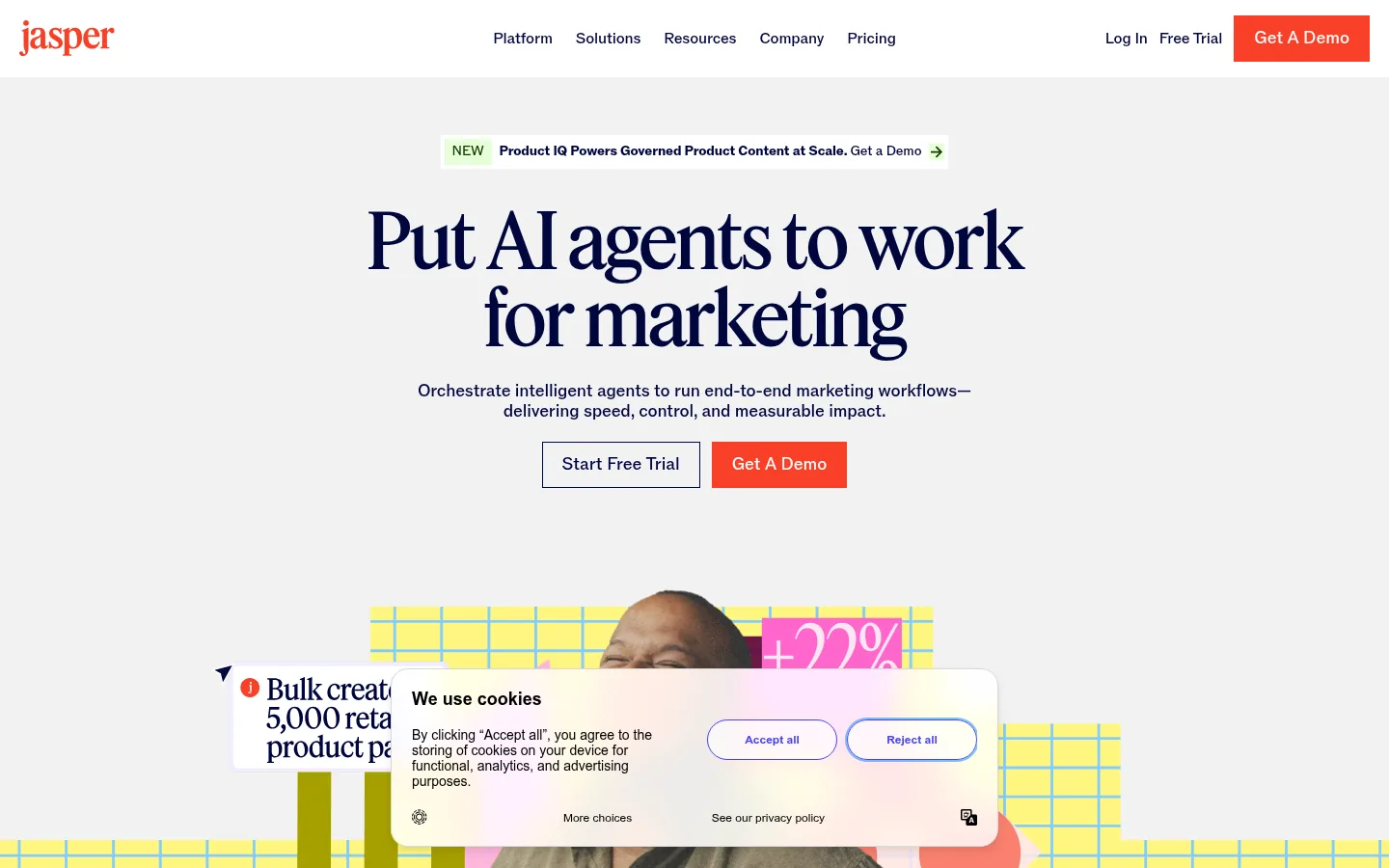
5. Jasper
Jasper suits marketing teams that produce content at scale and need every output to stay on brand.
Screenshot: Jasper website, October 2026.
Jasper is an AI platform built for marketing content. It combines brand voice controls, campaign generation and content workflows, so teams produce consistent copy across channels.
Core features:
- Brand voice and style controls
- Campaign and content generation
- Content workflows and templates
- Team collaboration
What does Jasper cost?
Jasper Pro costs USD 69 a seat a month, or USD 59 on annual billing, with a 7-day free trial. Business pricing is custom.
| Plan | Price | Billing | Suitable for | Limits |
|---|---|---|---|---|
| Pro | USD 69 per seat a month, or USD 59 billed annually | Monthly or annual | Individual marketers and small teams | Per seat |
| Business | Custom | Contract | Larger content teams | Through sales |
Source: Jasper pricing, checked October 2026.
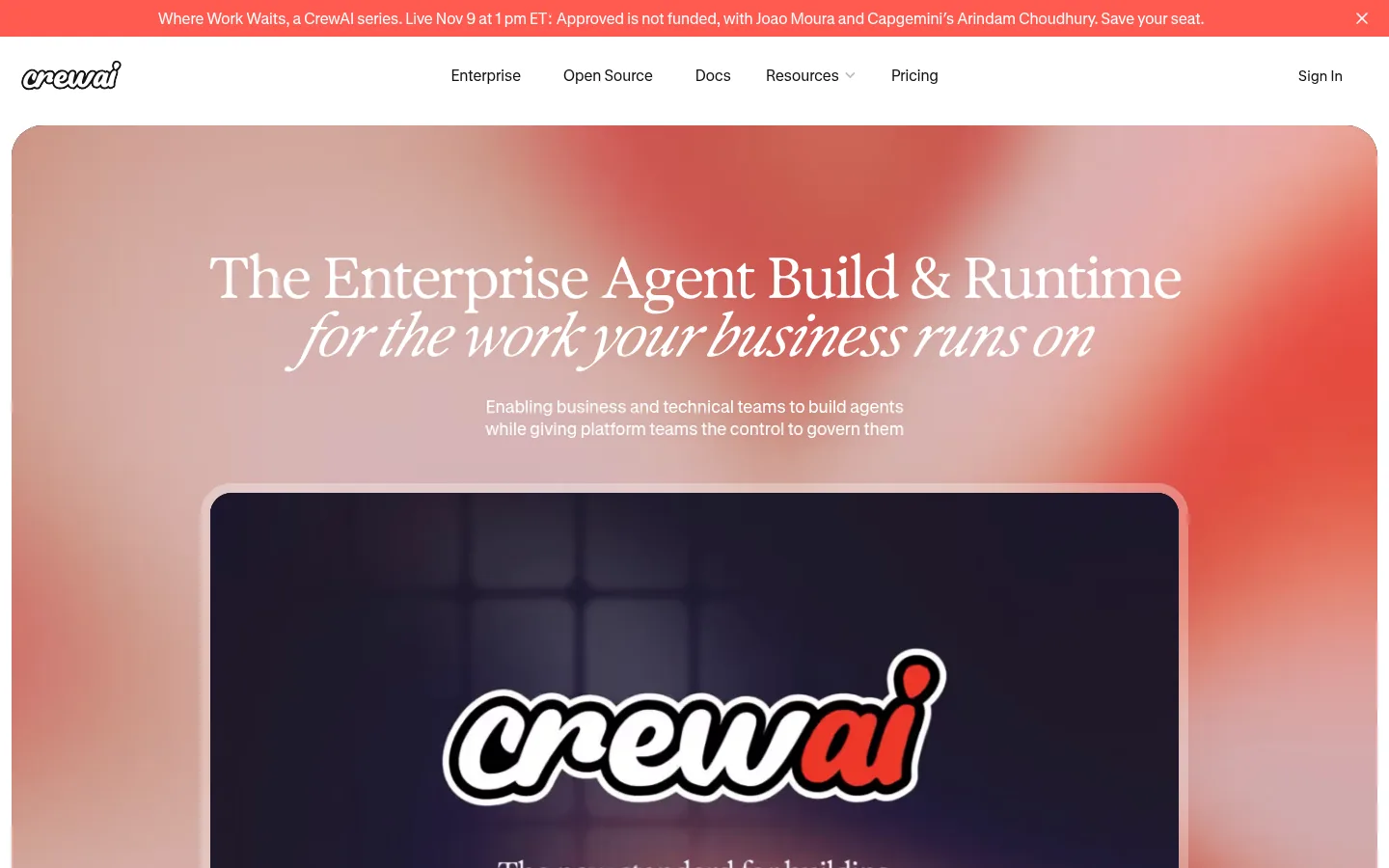
6. CrewAI
CrewAI suits technical marketing teams and AI builders who want specialised agents working together on complex workflows.
Screenshot: CrewAI website, October 2026.
CrewAI is a multi-agent platform where each agent takes a role, such as researcher, writer or editor, and the crew completes the task together. Developers use it to build custom marketing systems that off-the-shelf tools do not cover.
Core features:
- Role-based multi-agent orchestration
- Open-source framework plus hosted platform
- Custom tools and integrations
- Monitoring of agent runs
What does CrewAI cost?
CrewAI's free plan covers 50 workflow executions a month, and larger use moves to a custom plan. You need developer time to build and maintain crews.
| Plan | Price | Billing | Suitable for | Limits |
|---|---|---|---|---|
| Free | USD 0 | No charge | Testing and small projects | 50 workflow executions a month |
| Custom | Quote | Contract | Production use | Custom executions |
Source: CrewAI pricing, checked October 2026.
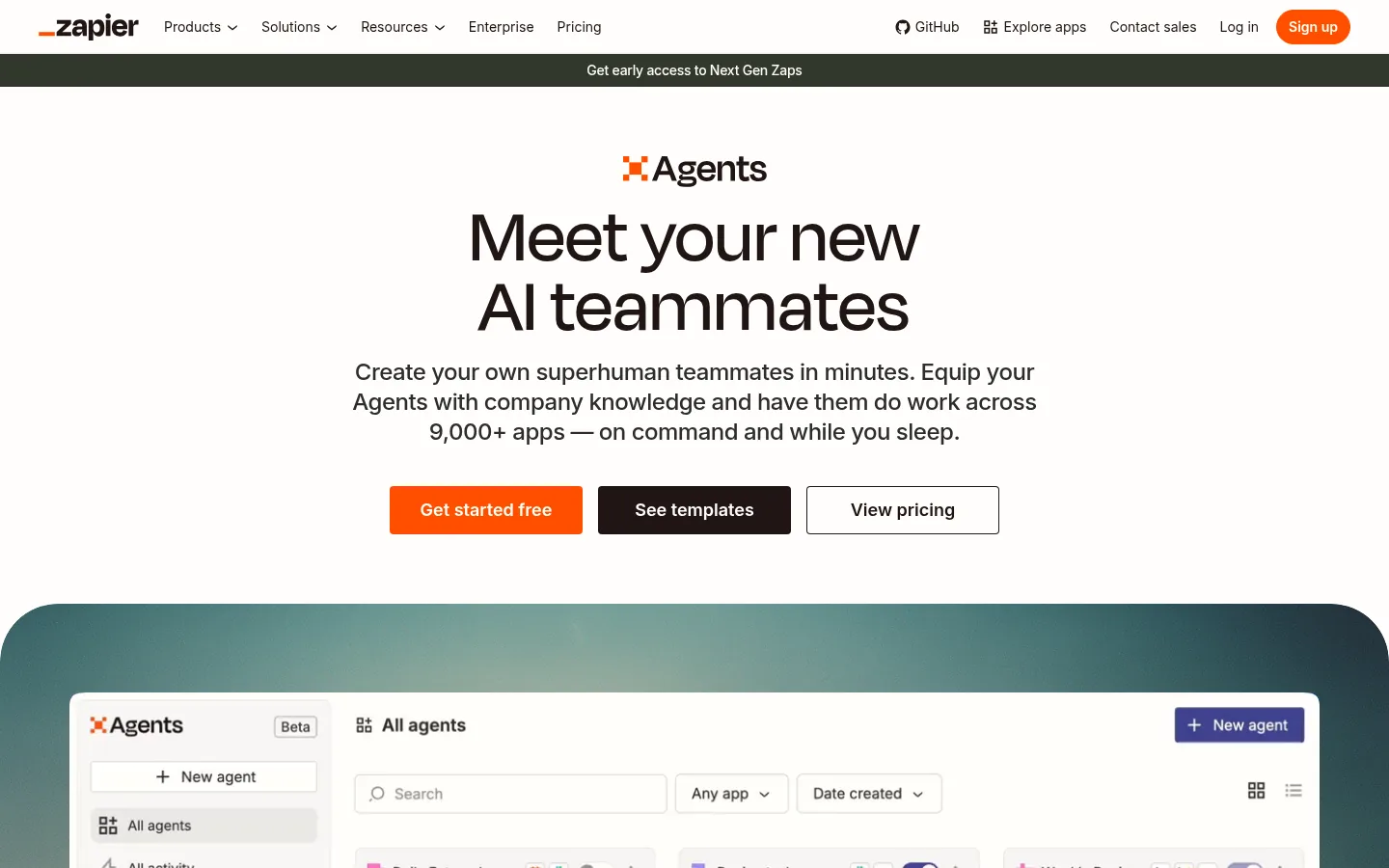
7. Zapier Agents
Zapier Agents suits small businesses and marketers who already use Zapier and want AI agents that act across the same connected apps.
Screenshot: Zapier Agents website, October 2026.
Zapier Agents extends Zapier's automation platform into AI-led task execution. Agents research, update records and trigger Zaps across the apps you already connect, without a separate platform.
Core features:
- AI agents connected to Zapier's app library
- Natural-language agent instructions
- Triggers from existing Zaps and apps
- Activity history
What does Zapier Agents cost?
Zapier Agents is free for 400 activities a month, and Pro costs USD 33.33 a month billed annually for 1,500 activities. Agents are priced separately from Zapier's core automation plans.
| Plan | Price | Billing | Suitable for | Limits |
|---|---|---|---|---|
| Free | USD 0 | Free | Testing | 400 activities a month |
| Pro | USD 33.33 a month | USD 400 billed annually | Small teams | 1,500 activities a month |
| Enterprise | Contact sales | Contract | Larger organisations | Custom activities |
Source: Zapier pricing, checked October 2026.
How to Choose the Right AI Agent Tool
Pick the tool that matches your team's technical depth and the tasks you want to hand over first. No-code builders suit marketers who want results this month. Developer frameworks suit teams with engineers and unusual workflows. Weigh four factors: the apps the agent needs to reach, the volume of runs, who maintains the workflows and the controls you need over data and approvals.
Which AI agent tool fits which team?
Match the tool to the job: workflow building, enterprise agents, admin, outbound, content or custom systems.
| Tool | Best for | Strengths | Limitations | Pricing model |
|---|---|---|---|---|
| Gumloop | Visual AI workflows | No-code builder with AI steps | Credits rise with volume | Credits, from USD 37 |
| Relevance AI | Enterprise agent teams | Multi-agent collaboration | No public pricing | Quote |
| Lindy | Inbox and admin agents | Assistant-style automation | Credit caps on Team | Credits, USD 49.99 |
| Copy.ai | Go-to-market workflows | Outbound and prospecting at volume | Large jump after Chat | Seat bundles |
| Jasper | On-brand content | Brand voice controls | Content-first, fewer workflows | Per seat |
| CrewAI | Custom multi-agent systems | Flexible, developer-led | Needs engineering time | Executions |
| Zapier Agents | Zapier users | Reach across connected apps | Activity limits | Activities |
How to Run AI Agent Workflows Safely
Start with one narrow, repeatable task, keep a person approving outputs and expand only once the agent produces reliable results. Agents act on real data and real customers, so control matters as much as speed.
What practices keep AI agents reliable?
Clear scope, human review and measured results keep agents accurate and on brand. Apply these from the first workflow:
- Define one goal per agent and the exact apps it touches.
- Review drafts and customer-facing actions before they go live.
- Log every run so you trace errors back to the step that caused them.
- Limit permissions to the data each agent needs.
- Measure time saved and output quality against the manual process.
Put Your Agents to Work on Growth
AI agents pay off when they serve a clear marketing plan, so set the strategy first and let the agents carry out the repeatable parts. Each tool above fits a different level of technical depth and scale. Build the plan with the content marketing guide, extend agent workflows with AI automation tools, and coordinate lifecycle campaigns with AI marketing automation tools.