AI productivity tools draft, summarise, organise and automate the routine work that slows a team down, so your people spend more of the week on the decisions and client work that move revenue. The seven tools below cover writing and research, AI inside the office suite you already pay for, documentation, project coordination, app automation and meeting notes. Each entry shows what the tool does best, who it suits and what it costs in October 2026.
Why AI Productivity Tools Matter to Your Output
An AI productivity tool removes the manual steps between an idea and a finished document, message or task, which gives your team back hours every week without adding headcount. Drafts, summaries, meeting notes, briefs and status updates take less time when the first version comes from AI and a person edits it. Hybrid and remote teams gain the most, because conversations turn into written notes and actions that everyone can find later.
What does an AI productivity tool do for your team?
An AI productivity tool handles first drafts, summaries and repetitive admin, so your team reviews and decides instead of typing from scratch. The main uses:
- Writes first drafts of emails, reports, briefs and articles.
- Summarises long documents, threads and meetings.
- Organises notes, standard operating procedures and project documents.
- Automates hand-offs between apps, such as form to CRM to Slack.
- Records meetings and extracts decisions and action items.
Once individual work moves faster, the next gain comes from automating whole processes across departments with AI automation tools.
1. ChatGPT
ChatGPT suits teams that need one flexible assistant for writing, research, planning and analysis across every department. Leaders use it to test scenarios and review summaries; marketing teams use it for campaign ideas, outlines and drafts; operations teams use it to structure reports and procedures.
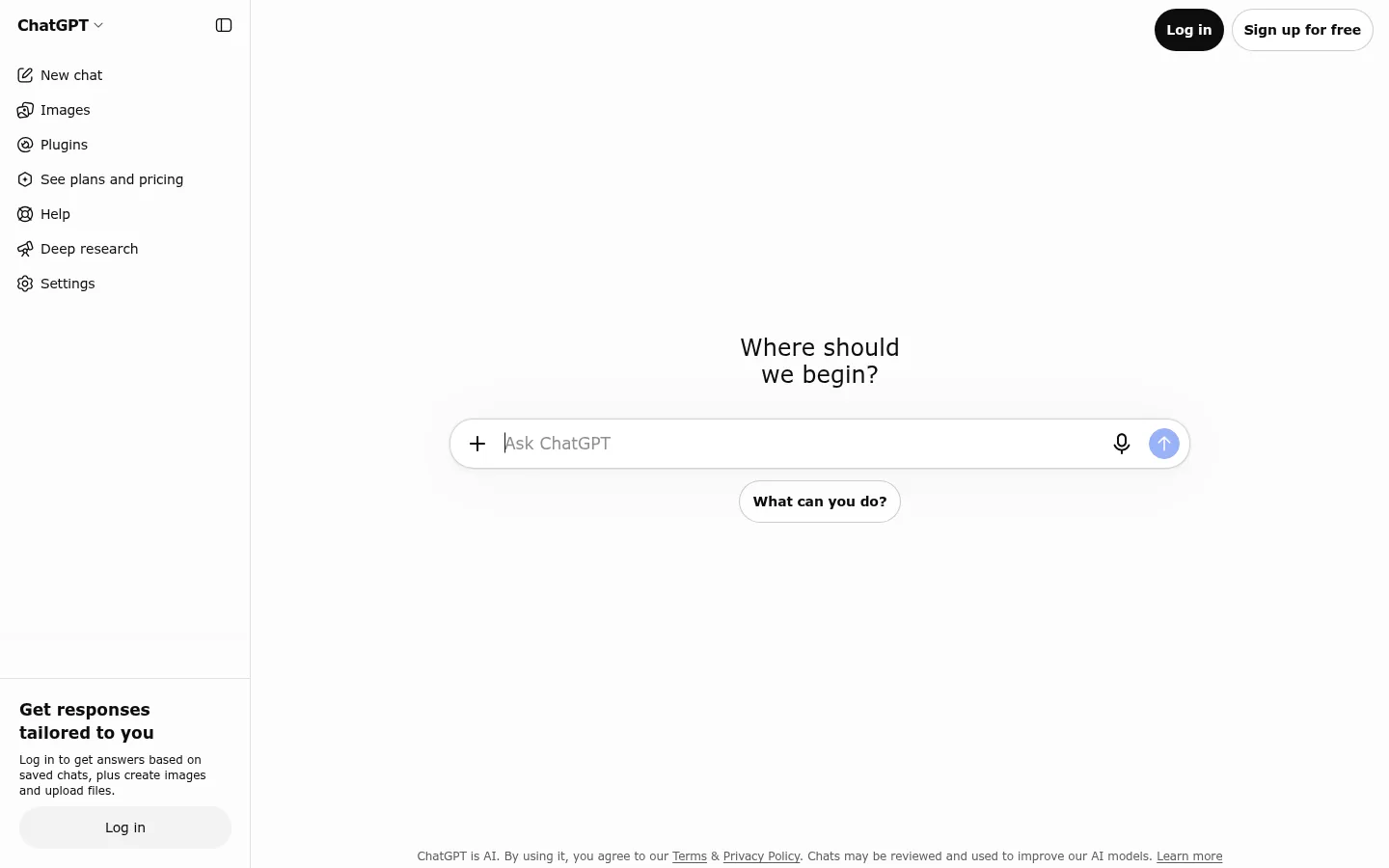
Screenshot: ChatGPT website, October 2026.
What ChatGPT does well:
- Drafts emails, reports, articles and briefs on request.
- Summarises research and uploaded files into structured notes.
- Generates campaign ideas and content outlines.
- Explains data and plans out multi-step tasks.
ChatGPT pricing
ChatGPT runs from a free plan to business seats, with Plus covering most daily individual use. Pro tiers add more capacity for heavy users, and Business adds team workspaces and admin controls.
| Plan | Price | Billing | Best for | Limits |
|---|---|---|---|---|
| Free | USD 0 | Free | Occasional tasks | Lower usage limits |
| Plus | USD 20 a month | Monthly | Daily individual use | Usage limits on advanced models |
| Pro | USD 100, 200 or 500 a month | Monthly | Heavy individual workloads | High cost for most teams |
| Business | USD 20 per user a month | Billed annually (USD 25 monthly) | Teams that need shared workspaces | Per-seat cost grows with headcount |
| Enterprise | Custom | Contract | Large organisations | Sales-led |
Source: ChatGPT Business overview and ChatGPT Pro tiers, OpenAI Help Center, checked October 2026.
2. Gemini in Google Workspace
Gemini suits teams that already run on Gmail, Docs, Sheets and Meet, because the AI sits inside the tools your staff open every day. It drafts and replies in Gmail, summarises long threads and documents, helps with formulas in Sheets and shapes slides, so information moves faster without switching apps.
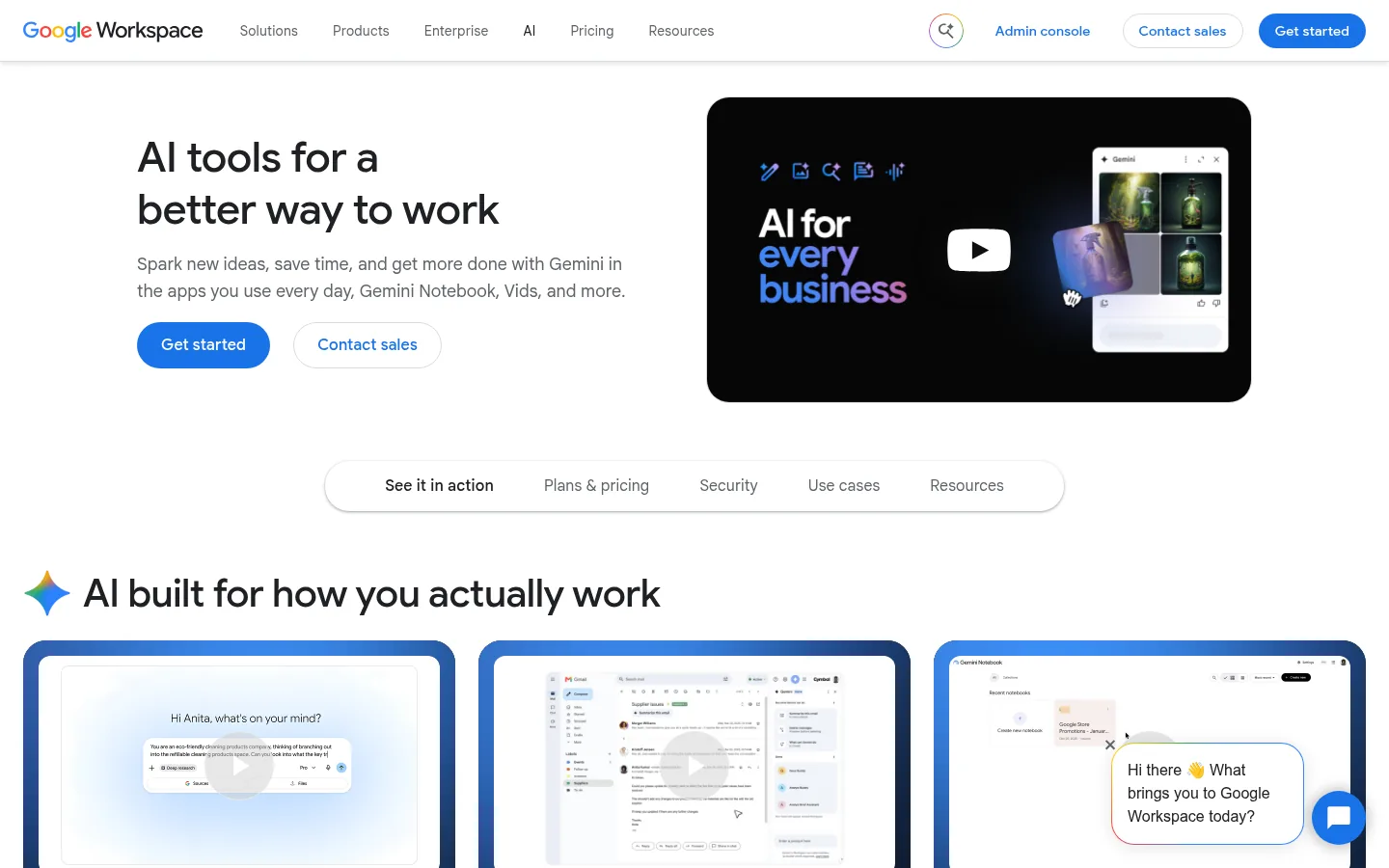
Screenshot: Google Workspace website, October 2026.
What Gemini in Workspace does well:
- Drafts and edits emails inside Gmail.
- Summarises documents and long email threads.
- Explains spreadsheet data and suggests formulas.
- Searches across your Drive files and answers questions about them.
Google Workspace pricing
Gemini is now included in every Google Workspace business plan, so the price you pay is the Workspace seat itself. Higher plans add more storage, security and expanded Gemini access.
| Plan | Price per user a month | Billing | Gemini access | Best for |
|---|---|---|---|---|
| Business Starter | USD 7 | Annual commitment | Included, basic | Small teams |
| Business Standard | USD 14 | Annual commitment | Included, expanded | Most growing teams |
| Business Plus | USD 22 | Annual commitment | Included, expanded | Teams with security needs |
| Enterprise | Custom | Contract | Included, expanded | Large organisations |
Source: Google Workspace pricing, checked October 2026.
3. Microsoft 365 Copilot
Microsoft 365 Copilot suits teams that live in Word, Excel, PowerPoint, Outlook and Teams and want AI inside those files and meetings. It drafts slides from documents, condenses long reports, explains spreadsheets and recaps Teams meetings with tasks, which speeds up reporting and presentation work.
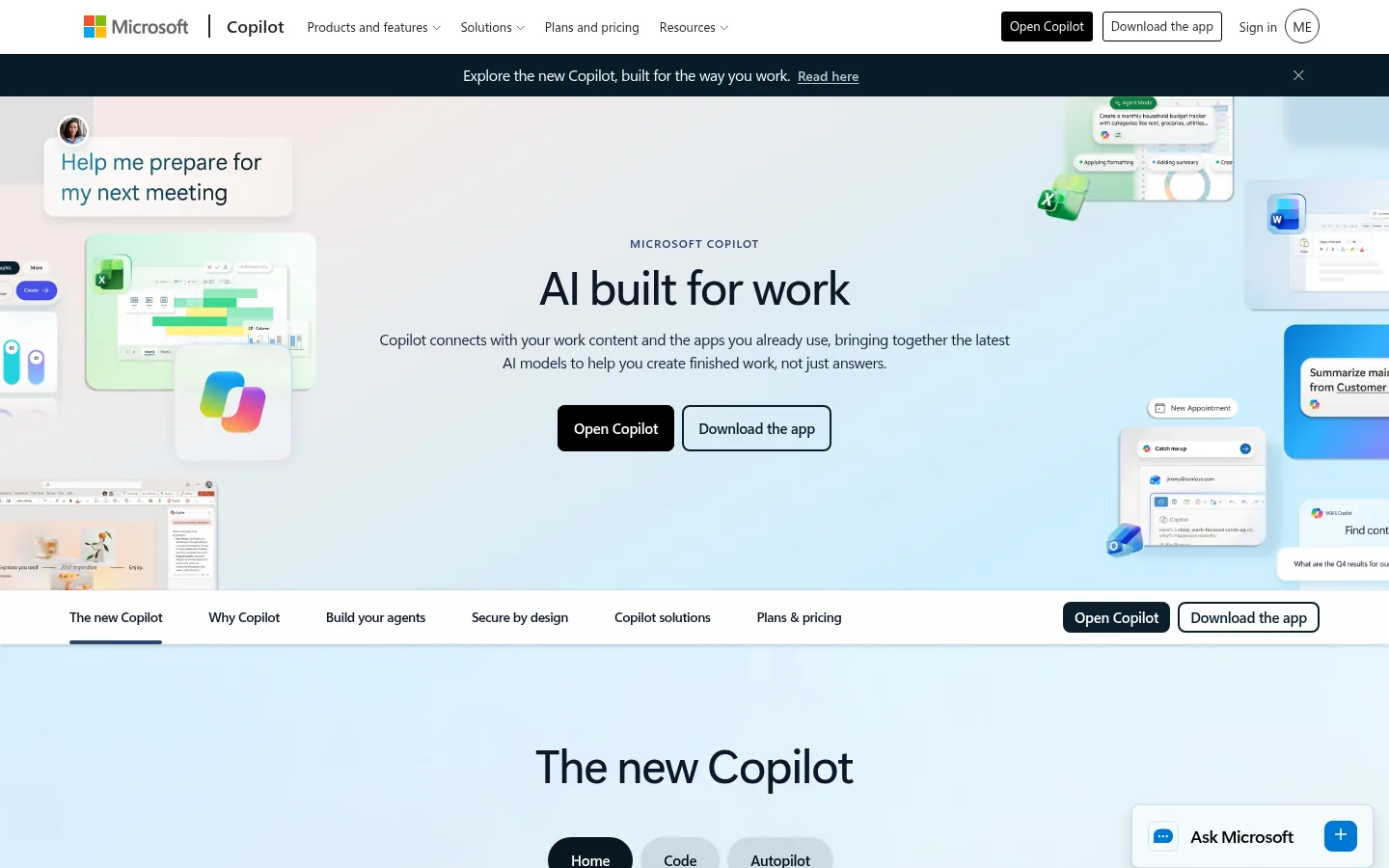
Screenshot: Microsoft 365 Copilot website, October 2026.
What Copilot does well:
- Builds slide drafts in PowerPoint from your documents.
- Analyses data and suggests formulas in Excel.
- Drafts replies and summarises threads in Outlook.
- Recaps Teams meetings and lists action items.
Microsoft 365 Copilot pricing
Copilot for business is sold as an add-on seat or bundled with a Microsoft 365 business plan. Annual commitments cost less per month than monthly billing.
| Plan | Annual commitment | Monthly billing | Includes | Best for |
|---|---|---|---|---|
| Microsoft 365 Copilot Business (add-on) | USD 18 per user a month | USD 25.20 per user a month | Copilot for an existing Microsoft 365 plan | Teams already on Microsoft 365 |
| Business Standard with Copilot | USD 23.50 per user a month | USD 28.20 per user a month | Office apps, Teams and Copilot | Small and mid-sized teams |
| Business Premium with Copilot | USD 32 per user a month | USD 38.40 per user a month | Adds advanced security | Teams with security needs |
Source: Microsoft Copilot for business, checked October 2026. The add-on price is shown as a reduced offer from USD 21.
4. Notion AI
Notion AI suits teams that want documentation, procedures, project pages and AI answers in one shared workspace. It summarises pages, drafts and rewrites documents, builds templates for procedures and answers questions from your own knowledge base, so new and existing staff find answers without asking around.
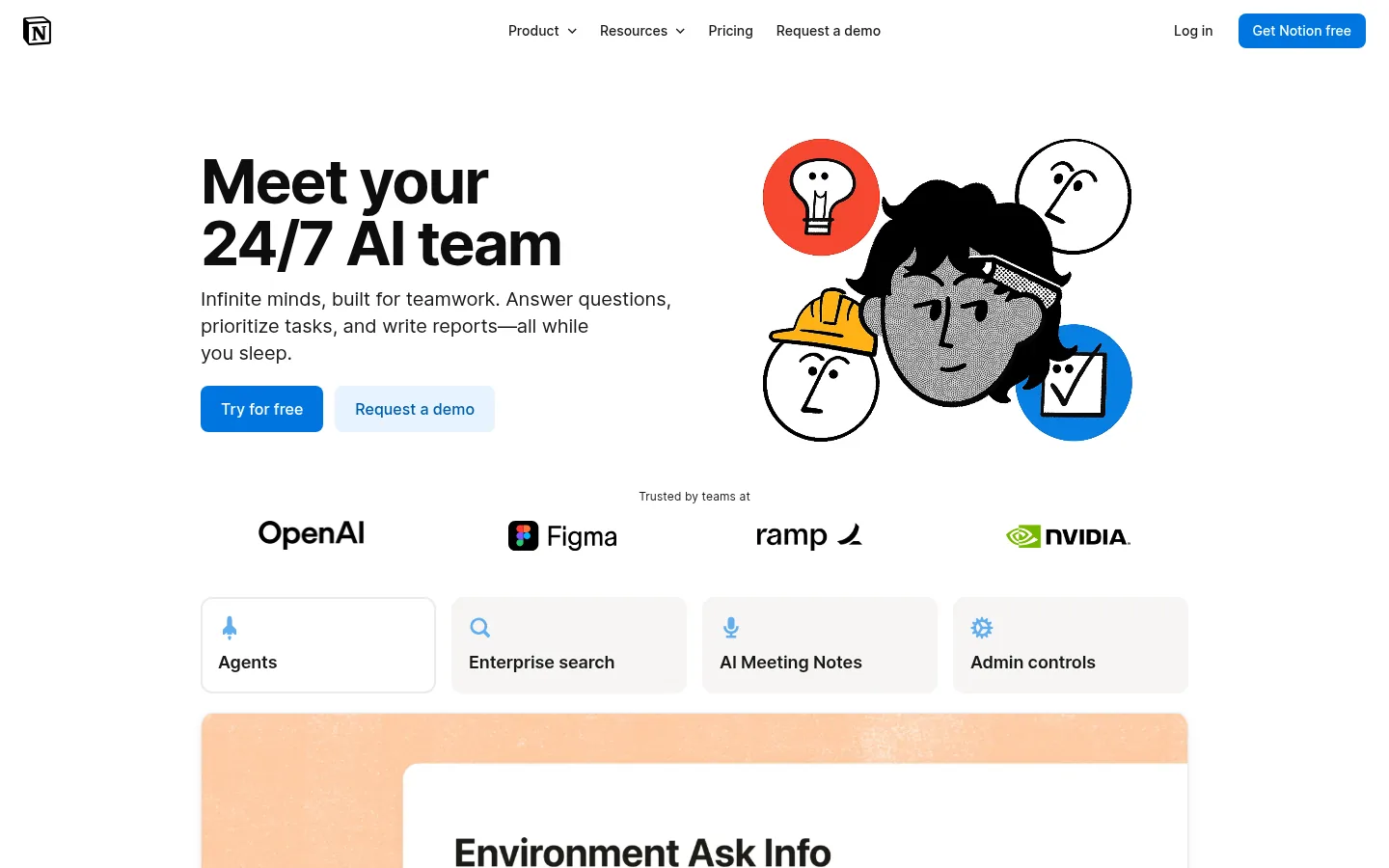
Screenshot: Notion AI website, October 2026.
What Notion AI does well:
- Summarises long pages for quick context.
- Drafts and rewrites documents and briefs.
- Answers questions from your workspace content.
- Takes meeting notes inside the workspace.
Notion pricing
Notion AI comes in full on the Business plan; the Free and Plus plans include only a limited trial of the AI features. Prices are per seat a month.
| Plan | Price per seat a month | Notion AI | Best for | Limits |
|---|---|---|---|---|
| Free | USD 0 | Limited trial | Individuals | Limited collaboration |
| Plus | USD 10 | Limited trial | Small teams | AI not included in full |
| Business | USD 20 | Included | Teams that use AI daily | Cost rises with seats |
| Enterprise | Custom | Included | Large organisations | Sales-led |
Source: Notion pricing, checked October 2026.
5. ClickUp with ClickUp Brain
ClickUp suits teams that run campaigns and operations as projects and want AI summaries and briefs on top of their task boards. ClickUp Brain summarises project updates, writes task briefs and drafts documents, so managers keep track of deadlines, owners and progress across several teams.
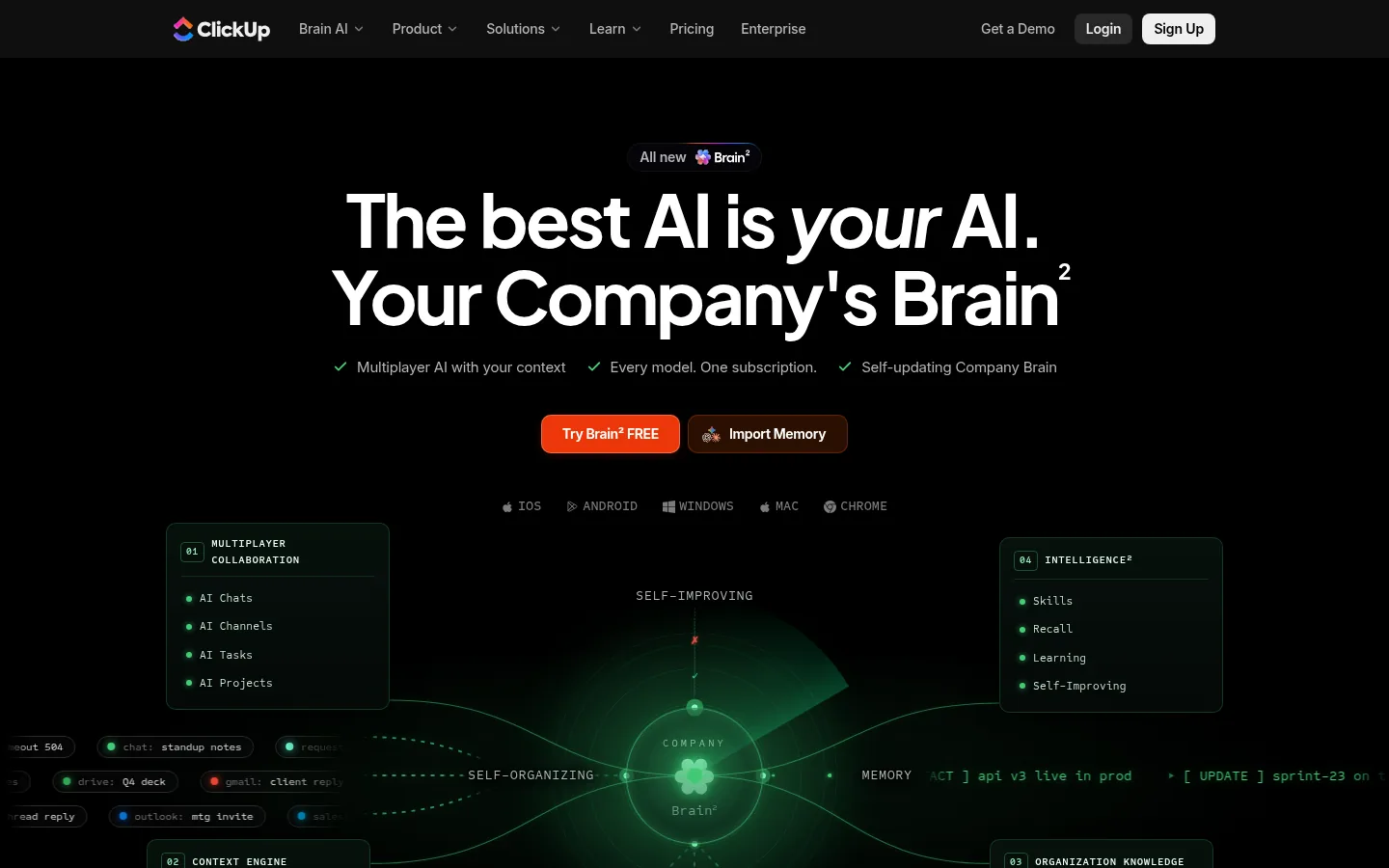
Screenshot: ClickUp Brain website, October 2026.
What ClickUp does well:
- Manages tasks, workflows and dashboards across teams.
- Summarises project updates with ClickUp Brain.
- Writes task briefs and planning documents.
- Shows progress across projects in one view.
ClickUp pricing
ClickUp's project plans are priced per user, and the AI features are an extra per-user add-on. Annual billing costs less than monthly billing.
| Plan | Annual billing | Monthly billing | Best for | Limits |
|---|---|---|---|---|
| Free Forever | USD 0 | USD 0 | Testing and very small teams | Limited storage and automation |
| Unlimited | USD 7 per user a month | USD 10 per user a month | Small teams | Fewer advanced controls |
| Business | USD 12 per user a month | USD 19 per user a month | Multi-team organisations | Takes more set-up |
| Brain AI add-on | USD 9 per user a month | Not stated | Teams that want AI in ClickUp | Extra cost on top of the plan |
Source: ClickUp pricing, checked October 2026. Enterprise is priced on request.
6. Zapier
Zapier suits teams that juggle many apps and want repetitive hand-offs, such as data entry, lead routing and notifications, to run on their own. It connects landing pages, email tools, spreadsheets, CRMs and Slack, and AI steps inside a workflow read or write text, which removes manual work between systems.
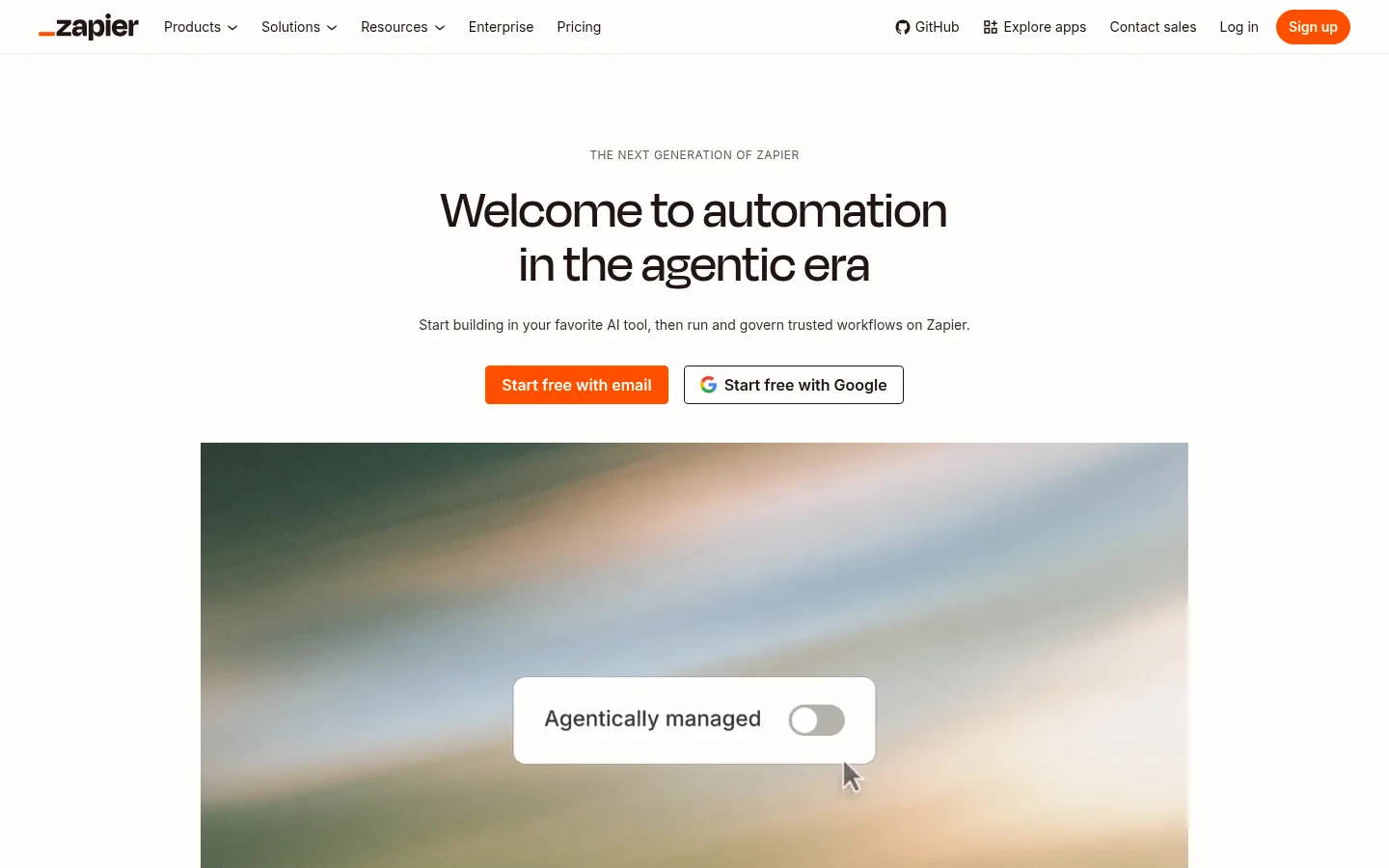
Screenshot: Zapier website, October 2026.
What Zapier does well:
- Connects thousands of apps without code.
- Routes leads and form entries to the right systems.
- Sends alerts and notifications automatically.
- Adds AI steps that read, sort or draft text inside a workflow.
Zapier pricing
Zapier prices by plan and by the number of tasks your workflows run each month. The free plan covers simple automations.
| Plan | Price | Tasks | Best for | Limits |
|---|---|---|---|---|
| Free | USD 0 | 100 tasks a month | Trying simple automations | Low task volume |
| Professional | From USD 19.99 a month | Scales with plan | Individuals and small teams | Cost rises with tasks |
| Team | From USD 69 a month | Scales with plan | Shared team workflows | Higher entry price |
| Enterprise | Custom | Custom | Large organisations | Sales-led |
Source: Zapier pricing, checked October 2026.
7. Otter.ai
Otter.ai suits teams that hold frequent meetings and want accurate transcripts, summaries and action items without manual note-taking. It joins Zoom, Microsoft Teams and Google Meet calls, identifies speakers and produces searchable records, so decisions and follow-ups are not lost.
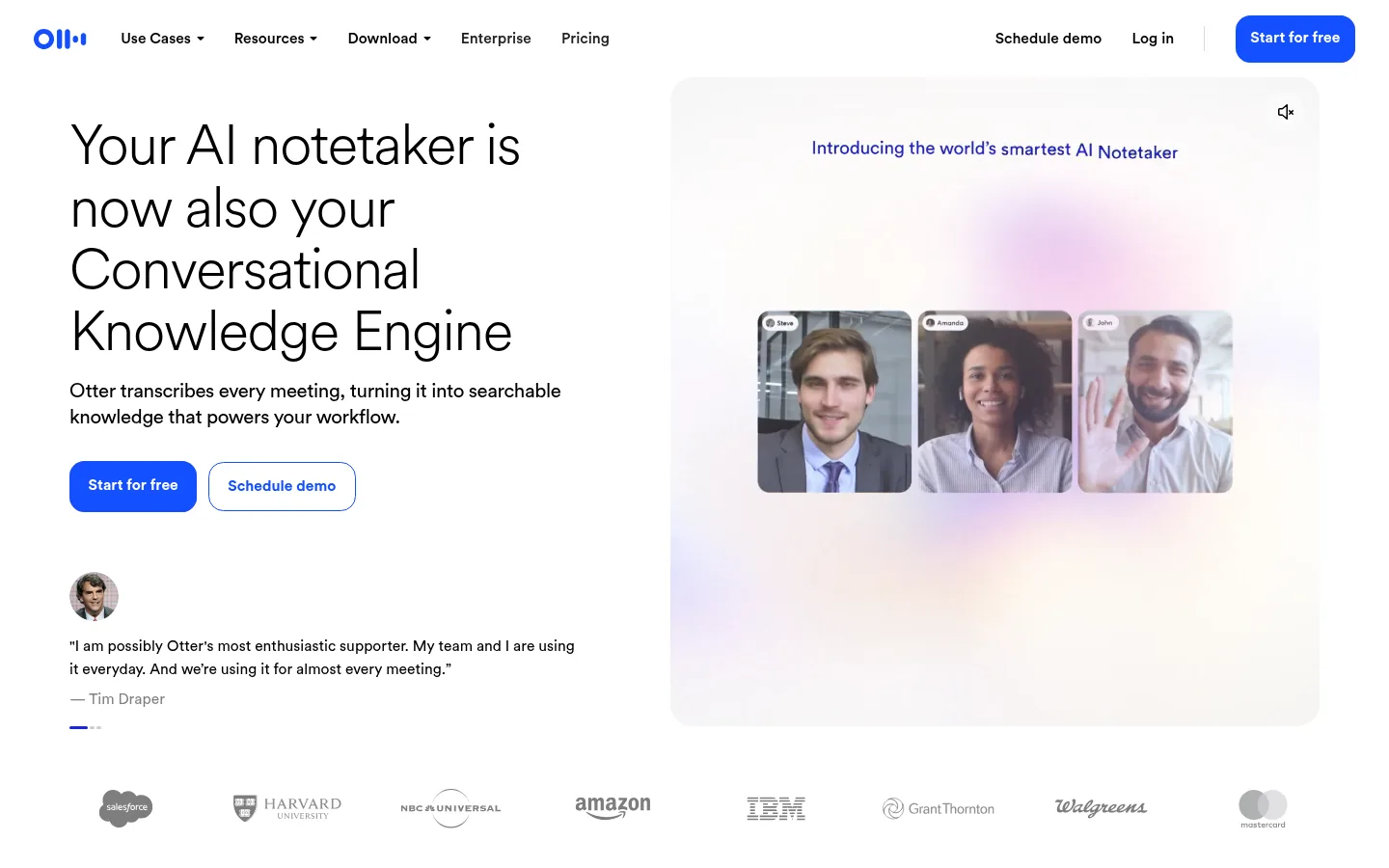
Screenshot: Otter.ai website, October 2026.
What Otter.ai does well:
- Transcribes meetings on Zoom, Teams and Google Meet.
- Summarises meetings and lists action items.
- Identifies speakers in the transcript.
- Stores searchable recordings and notes.
Otter.ai pricing
Otter.ai prices by user and by transcription minutes, with the Business plan removing the minute cap. Annual billing roughly halves the monthly price.
| Plan | Annual billing | Monthly billing | Transcription | Best for |
|---|---|---|---|---|
| Basic | USD 0 | USD 0 | 300 minutes per user | Trying it out |
| Pro | USD 8.33 per user a month | USD 16.99 per user a month | 1,200 minutes per user | Small teams |
| Business | USD 19.99 per user a month | USD 30 per user a month | Unlimited | Teams with frequent meetings |
| Enterprise | Custom | Custom | Unlimited | Large organisations |
Source: Otter.ai pricing, checked October 2026.
How to Build Your AI Productivity Stack
Start with the task that costs your team the most time each week, then add one tool at a time, so every tool earns its seat before the next one arrives. A simple stack pairs ChatGPT for writing, Notion AI for documentation and Otter.ai for meeting notes. A fuller stack adds ClickUp for project coordination and Zapier for automation. If your company already pays for Google Workspace or Microsoft 365, test Gemini or Copilot first, because they work inside files your team already uses.
Which AI productivity tool fits which job?
Match each tool to the job it does best, and avoid paying twice for the same capability.
| Tool | Best use | Strength | Limitation | Pricing model |
|---|---|---|---|---|
| ChatGPT | Writing and research | Fast, flexible outputs | Heavy use needs a higher plan | Per user |
| Gemini in Workspace | Google-based teams | Works inside Gmail, Docs and Sheets | Tied to Google Workspace | Included in Workspace seat |
| Microsoft 365 Copilot | Reports and presentations | Works inside Office apps and Teams | Add-on cost per user | Per user, add-on or bundle |
| Notion AI | Documentation and knowledge | One organised workspace | Full AI only on Business | Per seat |
| ClickUp Brain | Project coordination | Strong multi-team planning | Needs team adoption | Per user plus AI add-on |
| Zapier | Automation | Removes repetitive hand-offs | Cost rises with tasks | By plan and task volume |
| Otter.ai | Meetings | Accurate transcripts and summaries | Free plan minutes are limited | Per user and minutes |
Put Your Saved Hours to Work
The hours these tools return pay off when your team spends them on the work that wins customers, such as better content, faster proposals and closer client contact. If part of that time goes into content for your website, Aemorph's content marketing service shows how to turn it into pages that rank in Google and get cited in AI answers.