A time tracking tool records the hours your team works by project, client and task, so you bill accurately, run payroll without disputes and see where capacity goes. It replaces manual timesheets and spreadsheets with one record your managers, finance team and clients trust. The seven tools below cover free tracking, invoicing, remote team monitoring, payroll and personal productivity, with current prices.
Why Time Tracking Tools Matter for Your Business
Hours worked drive your revenue, costs and capacity, so a reliable time record protects your billing, payroll and planning. When hours are logged late or inconsistently, you underbill clients, face payroll disputes and plan staffing on guesswork. A time tracking tool gives you one source of truth for work hours, supports billing and payroll you can defend, and shows managers where time goes.
What does a time tracking tool give your team?
A time tracking tool gives your team accurate hours, cleaner invoices and payroll, and approvals with an audit trail. The main benefits:
- Records hours across teams, projects and clients.
- Improves billing accuracy for client work.
- Simplifies payroll, overtime and attendance.
- Shows productivity and capacity.
- Centralises approvals and audit trails.
- Scales as your team and reporting grow.
1. Clockify
Clockify suits freelancers, startups and small teams that want low-cost time tracking with a free plan to start.
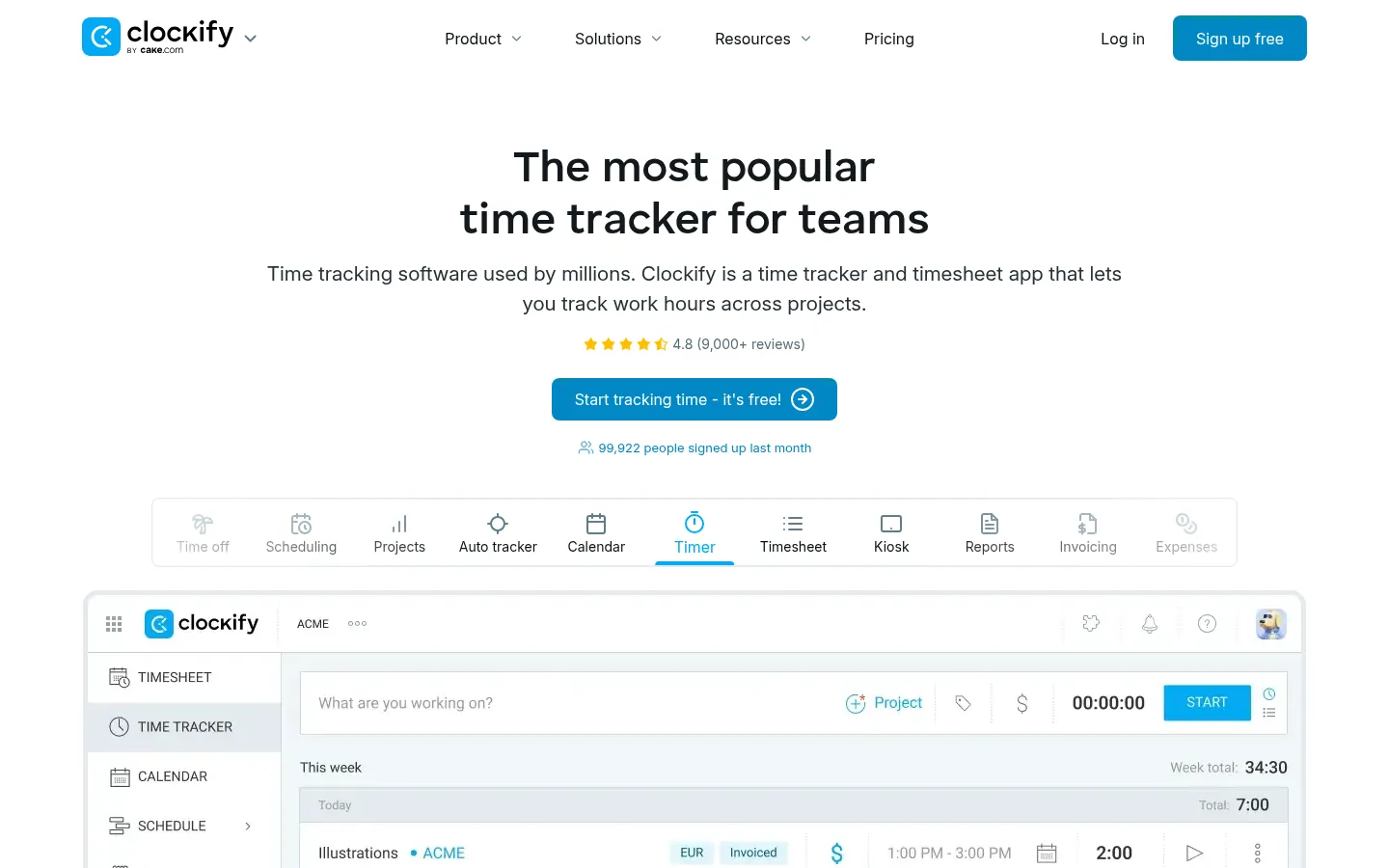
Screenshot: Clockify website, October 2026.
Clockify covers the core of time tracking: timers, timesheets, projects, clients and reports. Teams pick it for its low price and quick set-up rather than deep billing automation or monitoring. Paid plans add approvals, billable rates and advanced reporting.
Clockify pricing and suitability
Clockify's free plan covers up to five users, and paid plans run from USD 3.99 per seat a month on annual billing.
| Plan | Price (per seat, per month) | Suitable for | Strength | Limitation |
|---|---|---|---|---|
| Free | USD 0 (up to 5 users) | Freelancers and very small teams | No cost to start | Capped at five users |
| Basic | USD 3.99 annual, USD 4.99 monthly | Small teams | Low price | Fewer controls |
| Standard | USD 5.49 annual, USD 6.99 monthly | Growing teams | Approvals and billing features | Advanced reports need Pro |
| Pro | USD 7.99 annual, USD 9.99 monthly | Client-service teams | Fuller reporting | Cost scales per seat |
| Enterprise | USD 11.99 annual, USD 14.99 monthly | Larger organisations | Security and control | Highest per-seat price |
Source: Clockify pricing, checked October 2026.
2. Toggl Track
Toggl Track suits individuals and small teams that want fast, simple time tracking with clear reports.
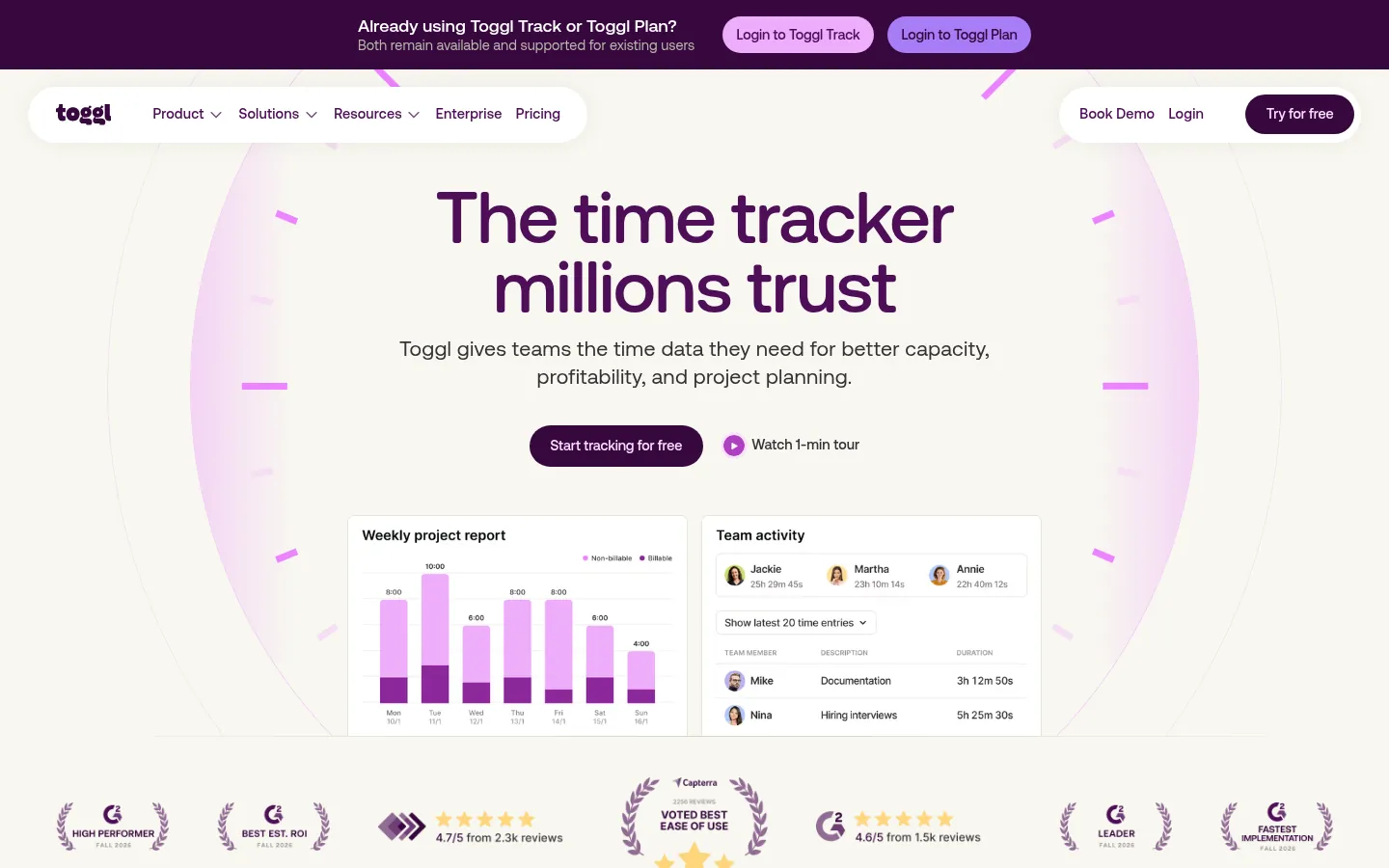
Screenshot: Toggl Track website, October 2026.
Toggl Track is built for ease of use. Its quick timers and clean interface help teams start tracking without heavy set-up. It works best for awareness, light project tracking and clear reporting rather than strict payroll control. Paid plans add project tracking, estimates and team-level insight.
Toggl Track pricing and suitability
Toggl Track offers a free plan for small teams and paid plans from USD 9 per user a month on annual billing.
| Plan | Price (per user, per month) | Suitable for | Strength | Limitation |
|---|---|---|---|---|
| Free | USD 0 | Individuals and small teams | Simple and quick | Limited users and reports |
| Starter | USD 9 annual, USD 12 monthly | Small teams | Project tracking | Cost scales per user |
| Premium | USD 16 annual, USD 24 monthly | Agencies | Team insight and reporting | Higher cost for larger teams |
| Enterprise | Contact sales | Large organisations | Tailored set-up | Sales-led pricing |
Source: Toggl pricing, checked October 2026.
3. Harvest
Harvest suits agencies, consultants and service firms that bill by the hour and want time turned straight into invoices.
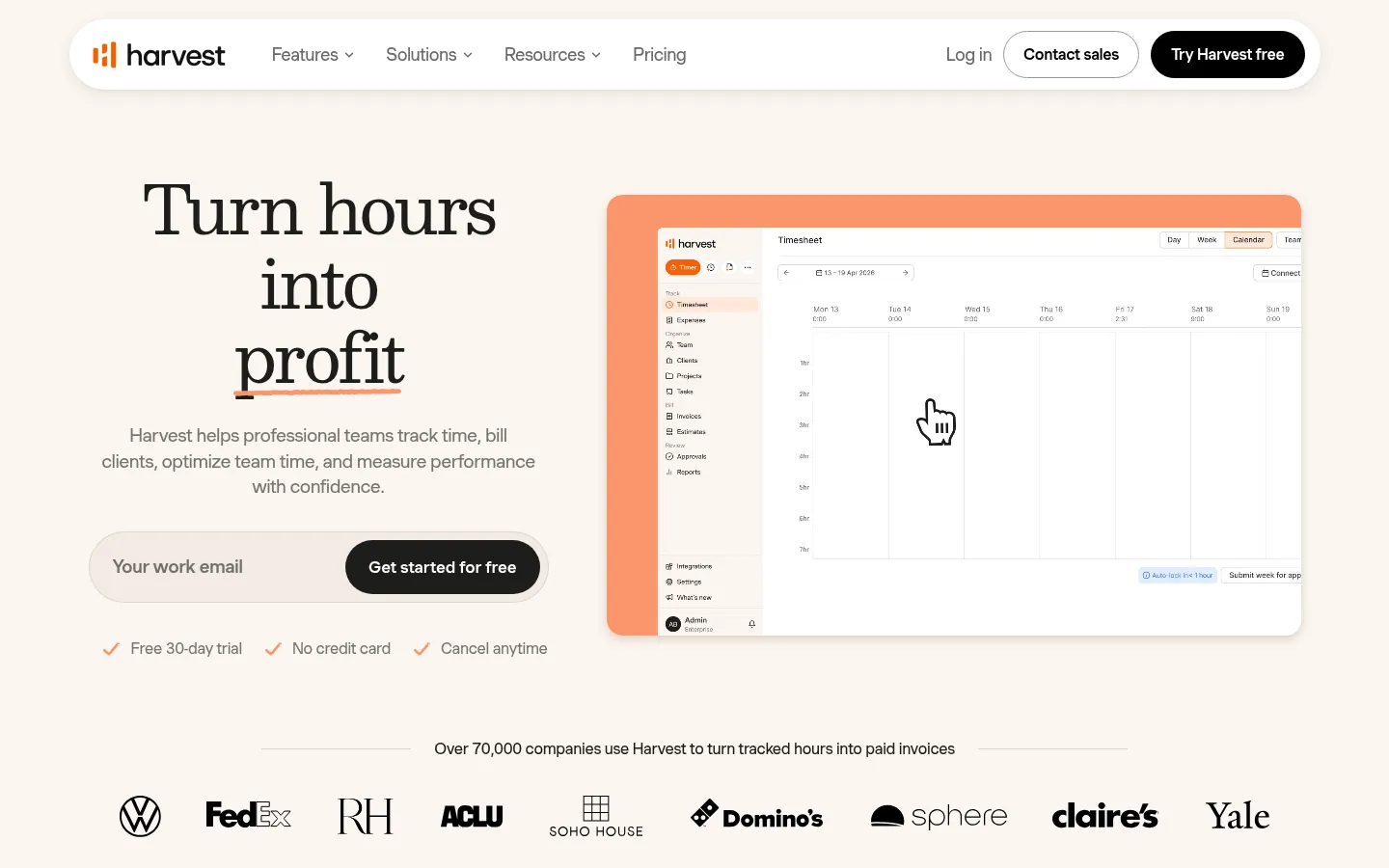
Screenshot: Harvest website, October 2026.
Harvest combines time tracking, invoicing and expense management. You convert time entries into invoices and watch project budgets, so you see what each project earns. It focuses on financial workflows, not workforce monitoring or attendance.
Harvest pricing and suitability
Harvest has a free plan for one person and two projects, and paid plans from USD 9 per seat a month on annual billing, with a 30-day free trial.
| Plan | Price (per seat) | Suitable for | Strength | Limitation |
|---|---|---|---|---|
| Free | USD 0 (1 seat, 2 projects) | Solo professionals | Invoicing from tracked time | Two projects only |
| Teams | USD 11 a month, or USD 108 a year | Client-service teams | Time, invoices and budgets together | Cost scales per seat |
| Enterprise | USD 17.50 a month, or USD 168 a year | Larger agencies | More controls | Higher per-seat price |
| Enterprise Plus | Custom | Large organisations | Tailored terms | Sales-led pricing |
Source: Harvest pricing, checked October 2026.
4. Hubstaff
Hubstaff suits distributed and remote teams that need time tracking with optional activity monitoring and payroll.
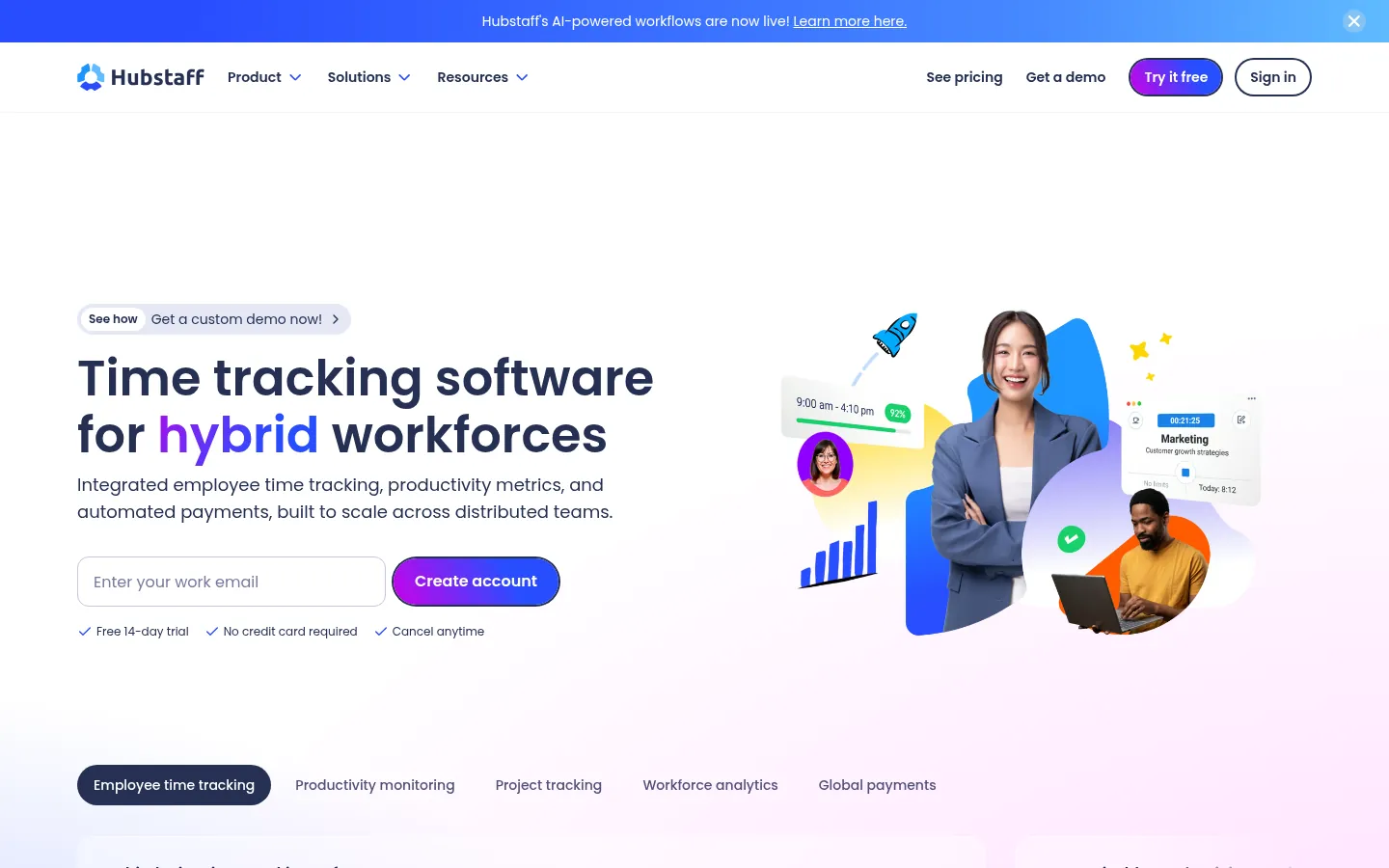
Screenshot: Hubstaff website, October 2026.
Hubstaff tracks time and, on the plans that include them, adds screenshots, activity levels, location tracking, payroll and scheduling. Managers get more visibility into remote work. Monitoring features need a clear internal policy so accountability does not come at the cost of trust.
Hubstaff pricing and suitability
Hubstaff prices per seat across four plans, from USD 4.99 a month, with a 14-day free trial.
| Plan | Price (per seat, per month) | Suitable for | Strength | Limitation |
|---|---|---|---|---|
| Starter | USD 4.99 | Small teams | Low-cost tracking | Limited screenshots |
| Grow | USD 7.50 | Growing teams | More features | Limited screenshots |
| Team | USD 10 | Remote teams | Unlimited screenshots, payments and payroll | Monitoring needs a clear policy |
| Enterprise | USD 25 (billed annually) | Larger organisations | Location tracking, payments and payroll | Highest cost |
Source: Hubstaff pricing, checked October 2026.
5. QuickBooks Time
QuickBooks Time suits businesses that already run QuickBooks and need time records that feed payroll accurately.
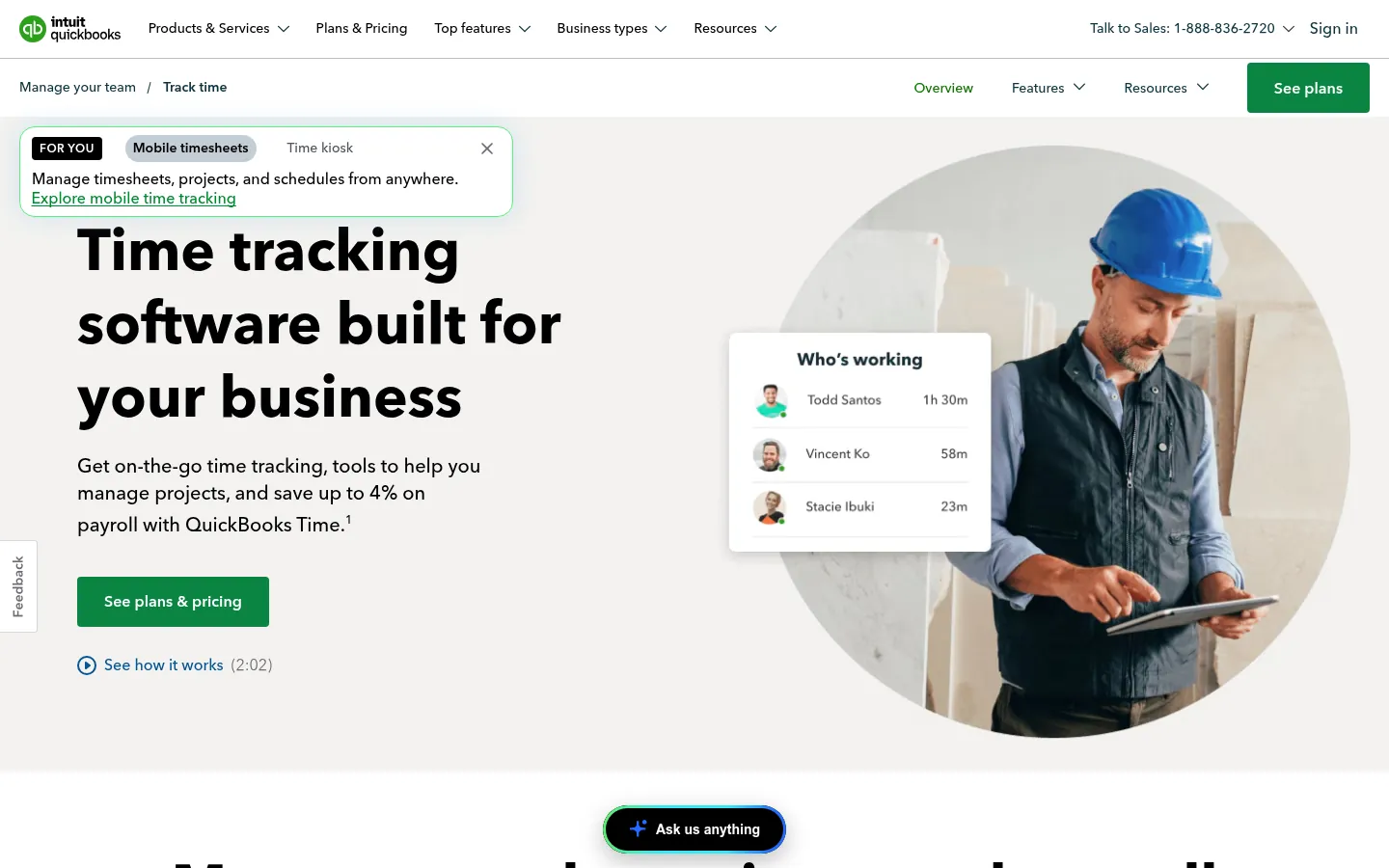
Screenshot: QuickBooks Time website, October 2026.
QuickBooks Time connects time tracking, scheduling and overtime rules to QuickBooks accounting and payroll. Small and mid-sized businesses on QuickBooks adopt it because hours flow straight into payroll. It costs more than standalone trackers if you do not need the accounting link.
QuickBooks Time pricing and suitability
QuickBooks Time charges a monthly base fee plus a fee per user, with a 50% discount on the base fee for the first three months at the time of checking.
| Plan | Base fee (per month) | Per user (per month) | Suitable for | Limitation |
|---|---|---|---|---|
| Time Premium | USD 20 | USD 10 | QuickBooks users with standard payroll needs | Higher cost than standalone tools |
| Time Elite | USD 40 | USD 12 | Teams needing advanced scheduling and compliance | Highest cost in this list |
Source: QuickBooks Time pricing, US prices, checked October 2026.
6. RescueTime
RescueTime suits individuals and small teams that want to understand how they spend their working day, not bill clients.
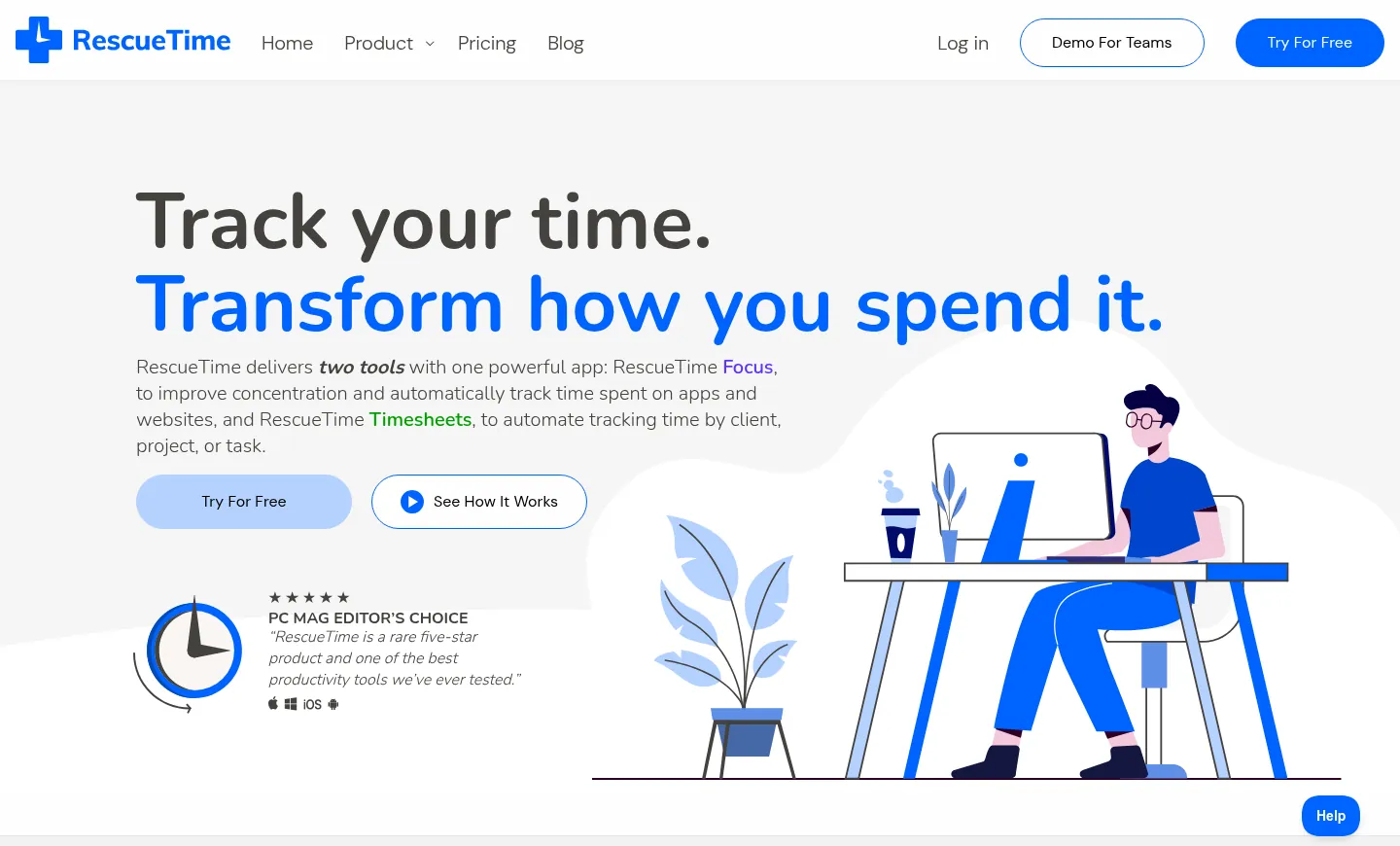
Screenshot: RescueTime website, October 2026.
RescueTime tracks time across applications and websites automatically, with no manual timers. It reports on work patterns and focus, and adds goals and focus sessions. It is a personal productivity tool rather than a billing or payroll system.
RescueTime pricing and suitability
RescueTime pairs a free Lite plan with paid plans from USD 7 a month on annual billing.
| Plan | Price (per month) | Suitable for | Strength | Limitation |
|---|---|---|---|---|
| Lite | Free | Basic awareness | Automatic tracking | Limited insight |
| Focus | USD 7 annual (USD 84 a year), USD 9 monthly | Individuals | Focus tools and reports | Not for billing |
| Timesheets + Focus | USD 12 annual, USD 15 monthly | Freelancers | Adds timesheets | Not for payroll |
| Team Focus | USD 10 annual, USD 12 monthly | Small teams | Team productivity insight | Not for billing |
| Team + Timesheets + Focus | USD 16 annual, USD 18 monthly | Teams needing timesheets | Insight and timesheets together | Limited project controls |
Source: RescueTime pricing, checked October 2026.
7. My Hours
My Hours suits small and medium-sized teams that want clear project time reporting and budgets without enterprise complexity.
Screenshot: My Hours website, October 2026.
My Hours tracks time by project, task and client and shows how hours are allocated. Teams choose it for structured project reports and budgets without heavy overhead. It focuses on clarity and ease of use rather than a large integration library or monitoring.
My Hours pricing and suitability
My Hours is free for up to five users, with paid plans from USD 4 per user a month on annual billing.
| Plan | Price (per user, per month) | Suitable for | Strength | Limitation |
|---|---|---|---|---|
| Free | USD 0 (up to 5 users) | Small teams | Basic project tracking | Limited reporting |
| Basic | USD 4 annual, USD 5 monthly | Small businesses | Low cost | Fewer features |
| Pro | USD 8 annual, USD 9 monthly | Project-based teams | Budgets, invoicing and approvals | Smaller integration library |
| Enterprise | Custom | Larger organisations | Tailored set-up | Sales-led pricing |
Source: My Hours pricing, checked October 2026.
How to Choose the Right Time Tracking Tool
Start with how you use the hours: billing, payroll, productivity insight or compliance, then match the tool to that job. Invoicing tools do not suit attendance tracking, and monitoring-heavy tools add little to teams built on trust. Also weigh team size, approval workflows, integrations and how cost grows per user. Simple tools fit light use, while larger teams gain from approvals, audit trails and payroll links.
Which time tracking tool fits which need?
Match each tool to your main use, so you pay for the controls you need and no more.
| Tool | Best for | Strength | Trade-off | Price from |
|---|---|---|---|---|
| Clockify | Low-cost team tracking | Free plan, low per-seat price | Free plan capped at five users | Free |
| Toggl Track | Simple workflows | Clean interface, fast adoption | Cost scales per user | Free |
| Harvest | Billing and invoicing | Strong financial workflows | Free plan limited to two projects | Free |
| Hubstaff | Remote teams | Monitoring, location and payroll | Needs a monitoring policy | USD 4.99 per seat a month |
| QuickBooks Time | QuickBooks payroll users | Deep accounting link | Higher cost | USD 20 a month plus USD 10 per user |
| RescueTime | Productivity insight | Automatic tracking | Not for billing | Free |
| My Hours | Project tracking for SMEs | Clear project visibility | Fewer integrations | Free |
Use Time Data to Run Your Business Better
Time tracking pays off when the hours you record feed your billing, payroll and planning decisions. Each tool above serves a distinct purpose, so choose the one that matches how your business uses time. Productivity data shows output, not how your people feel about their work: employee engagement tools measure sentiment and help you improve retention, and team collaboration tools keep that work organised.