An internal linking tool finds pages on your site that belong together and adds or suggests links between them, so Google discovers your important pages and understands how your topics connect. The seven tools below cover WordPress plugins, CMS-agnostic platforms and a technical crawler for auditing link structure. Each entry gives you current prices where the vendor publishes them and the kind of site it suits.
What Internal Linking Tools Do
Internal linking tools analyse how your pages relate and recommend or insert links between them, replacing slow manual searches through your content. Simple tools match keywords to target pages. More advanced ones read page context and topic relationships, find orphan pages with no internal links, vary anchor text and automate linking across thousands of pages. Good anchor text matters as much as the link itself; the anchor text guide explains how to write it.
Why does internal linking matter for your SEO?
Internal links show search engines which pages matter most and how your content fits together, so strong linking helps your key pages get crawled, understood and ranked. Weak linking leaves orphan pages, wastes crawl paths and splits related content. Clear links between related pages also help AI systems connect your topics and entities. The main benefits:
- Detects orphan pages and weak content clusters.
- Automates contextual internal links.
- Improves crawlability and page discovery.
- Strengthens topical relevance between related pages.
- Varies anchor text across links.
- Reduces manual SEO work on large sites.
1. Link Whisper
Link Whisper suits bloggers, publishers and agencies on WordPress who want link suggestions while they write.
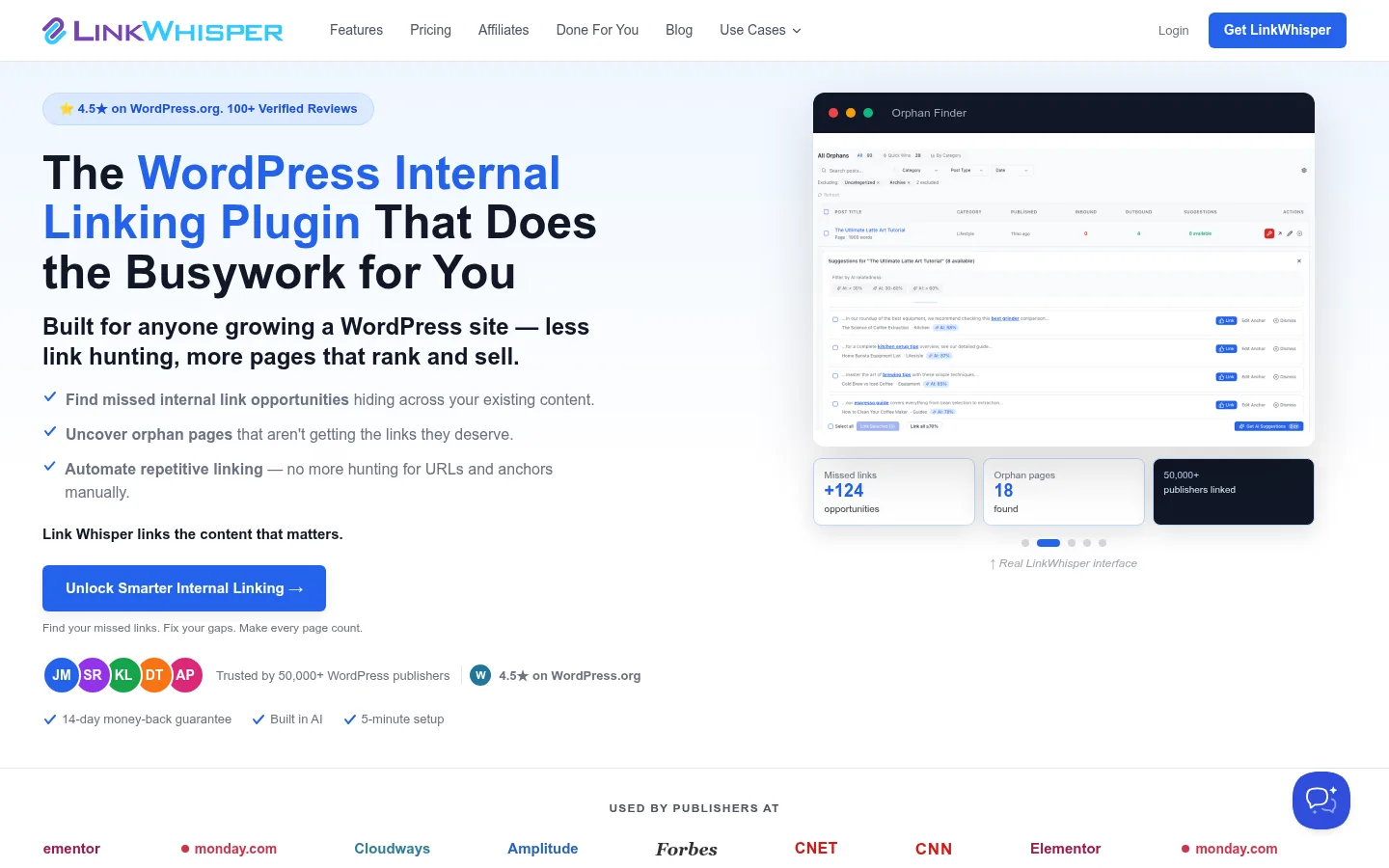
Screenshot: Link Whisper website, October 2026.
Link Whisper works inside the WordPress editor, suggesting relevant pages to link as you write or edit. It also finds orphan pages, reports on internal links and monitors broken links.
Core features:
- AI link suggestions in the WordPress editor
- Auto-linking from target keywords
- Orphan page detection
- Internal link reporting and Search Console integration
- Broken link monitoring
How is Link Whisper priced?
Link Whisper is sold as yearly licences by number of WordPress sites.
| Plan | Price | Billing | Sites | Suitable for |
|---|---|---|---|---|
| Starter | USD 97 a year | Yearly | 1 | Bloggers and niche sites |
| Growth | USD 197 a year | Yearly | 3 | Small portfolios |
| Pro | USD 297 a year | Yearly | 10 | SEO professionals |
| Agency | USD 497 a year | Yearly | 50 | Agencies |
Source: Link Whisper pricing, checked October 2026.
2. LinkStorm
LinkStorm suits agencies and teams running sites on Shopify, Webflow, headless or custom platforms, not only WordPress.
Screenshot: LinkStorm website, October 2026.
LinkStorm analyses internal links site-wide and recommends contextual links on any CMS. It supports bulk linking and multiple projects, which helps agencies managing several platforms.
Core features:
- Site-wide internal link analysis
- CMS-agnostic support
- Automated link suggestions
- Orphan page detection
- Bulk linking and multi-project support
How is LinkStorm priced?
LinkStorm prices monthly by the number of URLs and credits.
| Plan | Price | URLs | Credits | Suitable for |
|---|---|---|---|---|
| Small | USD 30 a month | 1,000 | 1,000 | Small sites and blogs |
| Medium | USD 60 a month | 5,000 | 5,000 | Growing sites |
| Large | USD 120 a month | 20,000 | 20,000 | Agencies and publishers |
| XL | USD 200 a month | 50,000 | 50,000 | Large sites |
Source: LinkStorm pricing, checked October 2026.
3. LinkBoss
LinkBoss suits SEO professionals building topic clusters who want links recommended by topic relevance rather than keyword matches alone.
LinkBoss analyses topic relationships between pages and recommends contextual links. Its Silo Preset feature helps you structure clusters, and it flags orphan pages, dead-end pages and anchor cannibalisation.
Core features:
- Topic-based internal linking
- Topic cluster analysis and Silo Presets
- Orphan and dead-end page detection
- Bulk link insertion
- Search Console integration
How is LinkBoss priced?
LinkBoss uses credit-based plans, from a free tier for testing up to agency plans for high-volume link insertion. Check current plans on the LinkBoss website before you commit.
4. AIOSEO Link Assistant
AIOSEO Link Assistant suits WordPress sites that already use All in One SEO and want internal linking inside the same plugin.
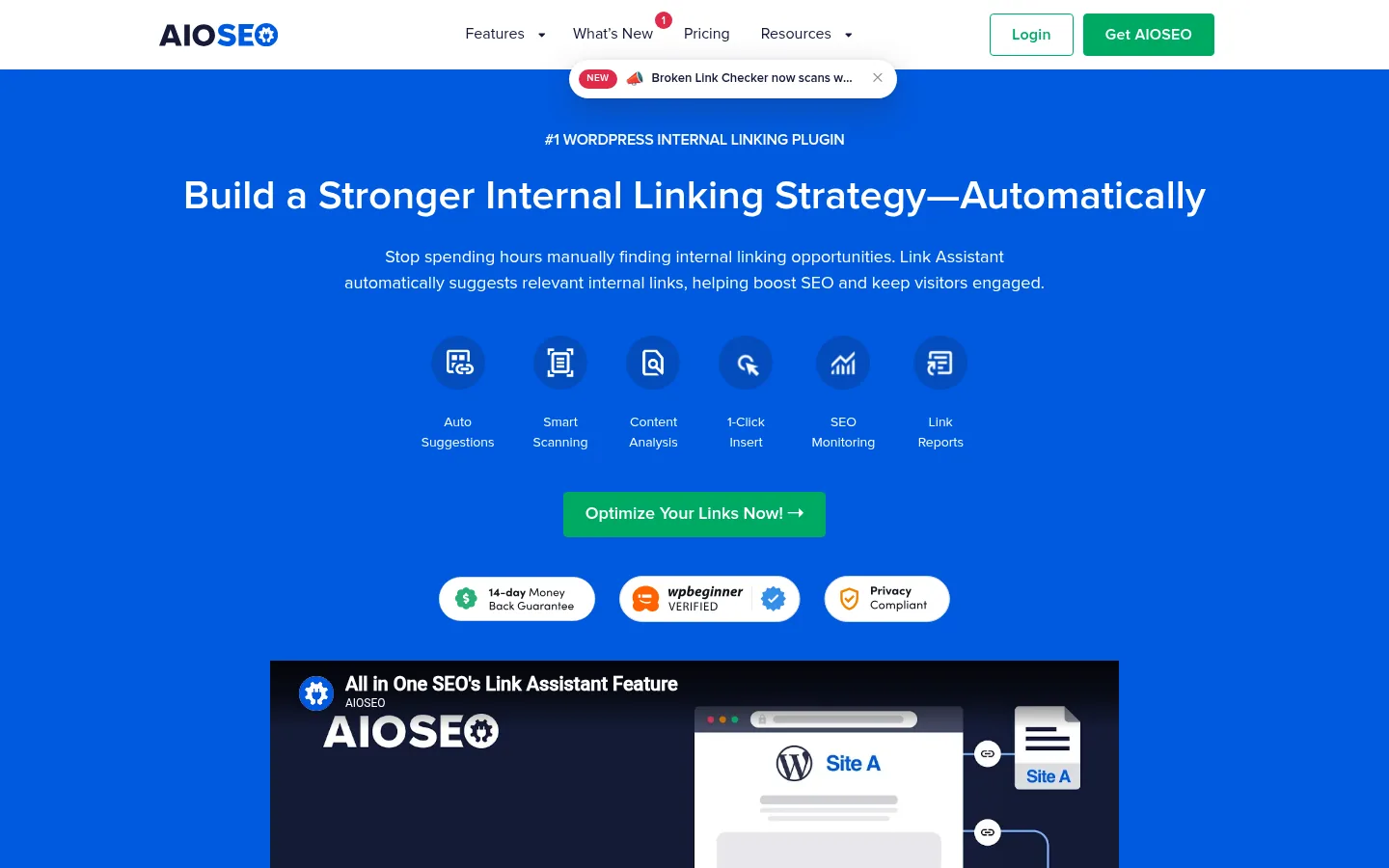
Screenshot: AIOSEO Link Assistant website, October 2026.
All in One SEO includes Link Assistant on its Pro and Elite plans. It reports internal and external links per post, finds orphan posts and suggests links you add from one screen.
Core features:
- Link suggestions inside WordPress
- Orphan post detection
- Per-post link reports
- Part of a full WordPress SEO plugin
How is AIOSEO priced?
AIOSEO is sold as yearly licences, with Link Assistant included only on Pro and Elite, and a first-year discount on all plans.
| Plan | First year | Regular price | Sites | Link Assistant |
|---|---|---|---|---|
| Basic | USD 49.50 a year | USD 99 a year | 1 | No |
| Plus | USD 99.50 a year | USD 199 a year | 3 | No |
| Pro | USD 199.50 a year | USD 399 a year | 10 | Yes |
| Elite | USD 299.50 a year | USD 599 a year | 100 | Yes |
Source: AIOSEO pricing, checked October 2026.
5. Internal Link Juicer
Internal Link Juicer suits budget-conscious WordPress publishers who want keyword-based automatic linking.
Screenshot: Internal Link Juicer website, October 2026.
Internal Link Juicer inserts contextual links automatically from keywords and anchor rules you set, with limits on link frequency and a blacklist for pages to skip. It works best on sites with clear keyword-to-page mapping.
Core features:
- Keyword-based auto-linking
- Link frequency controls
- Blacklist rules
- Internal link dashboard
- Bulk keyword management
How is Internal Link Juicer priced?
Internal Link Juicer has a free WordPress plugin and a Pro version sold as yearly licences by number of sites. Check current Pro prices on the Internal Link Juicer website.
6. Screaming Frog SEO Spider
Screaming Frog SEO Spider suits technical SEO teams that need to audit internal link structure, crawl depth and orphan pages across large sites.
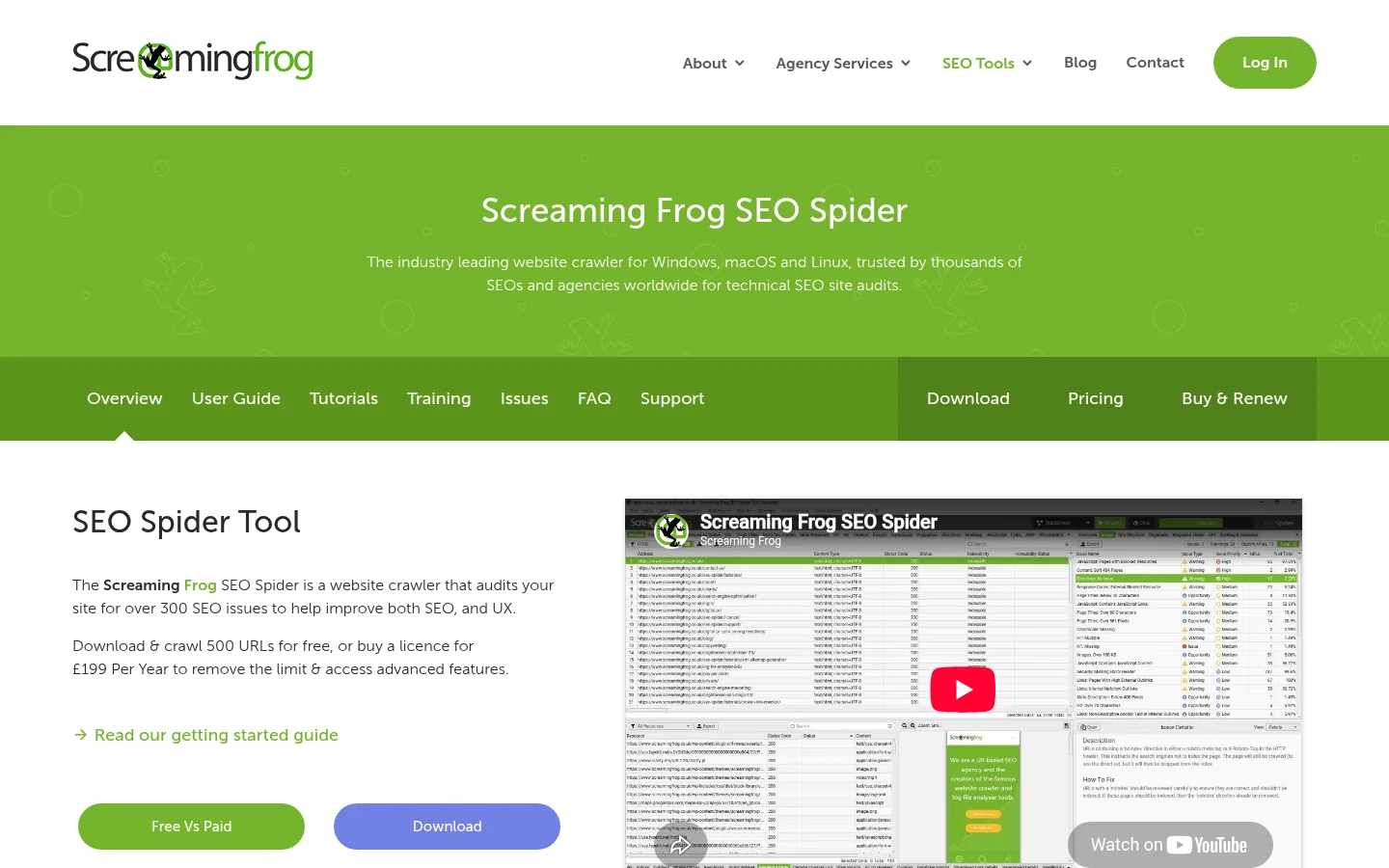
Screenshot: Screaming Frog SEO Spider website, October 2026.
Screaming Frog SEO Spider is a technical crawler rather than a linking automation tool. It maps your internal links, crawl depth, redirects and broken links, so you see structural problems before you fix them with another tool.
Core features:
- Internal link auditing
- Crawl depth analysis
- Orphan page detection (with Search Console or Analytics data)
- Broken link and redirect checks
- Site architecture visualisation
How is Screaming Frog priced?
Screaming Frog is free for crawls of up to 500 URLs, and a yearly licence removes the limit and adds advanced features.
| Version | Price | Billing | Crawl limit | Suitable for |
|---|---|---|---|---|
| Free | USD 0 | Free | 500 URLs | Small sites and testing |
| Licence | USD 279 a year | Yearly, per user | Unlimited | Technical SEO teams |
Source: Screaming Frog pricing, checked October 2026.
7. Linkilo
Linkilo suits WordPress agencies and publishers that want link suggestions plus topic clustering and link analytics in one plugin.
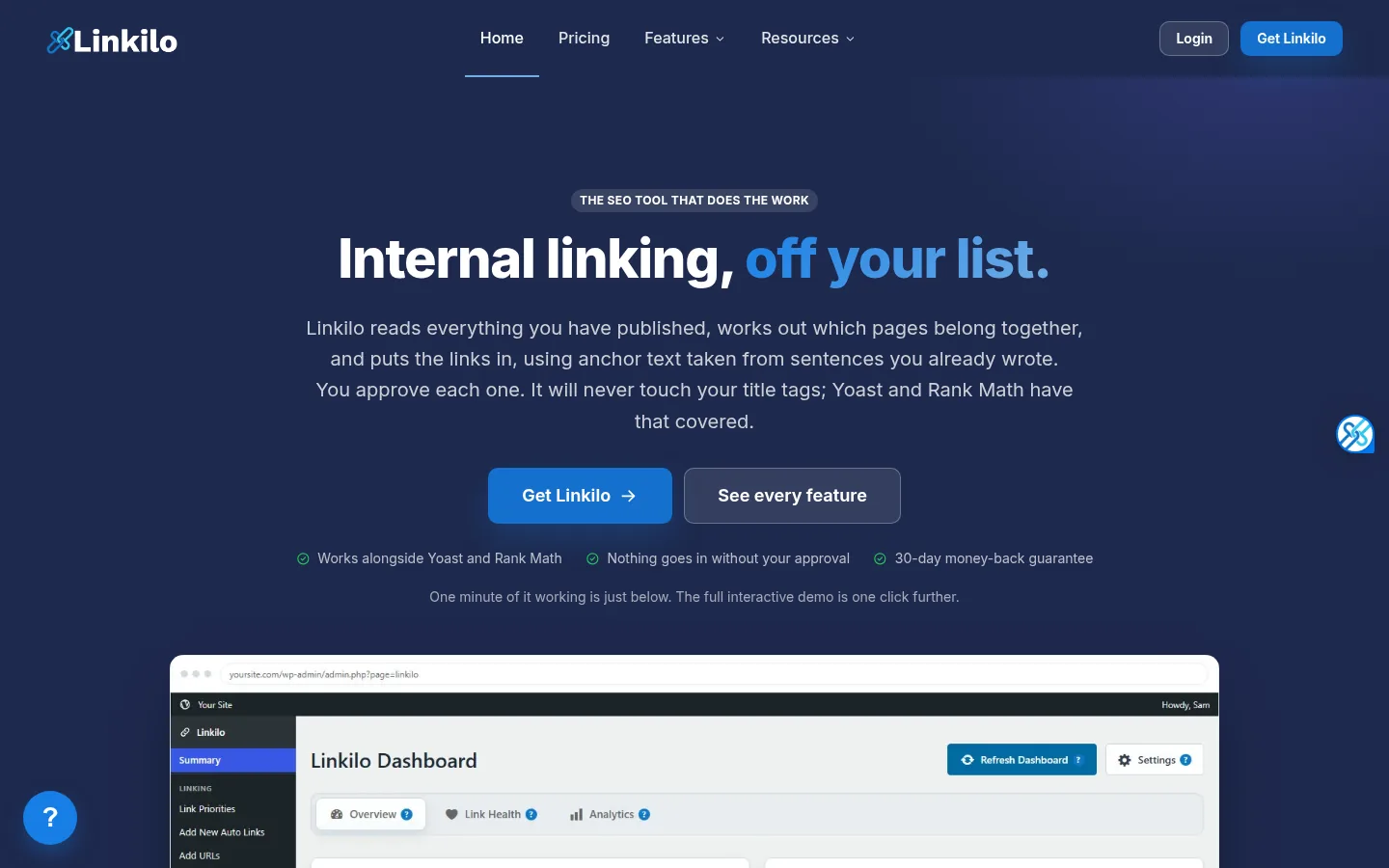
Screenshot: Linkilo website, October 2026.
Linkilo combines AI link suggestions with topic cluster analysis, crawl logs, broken link monitoring and click analytics for internal links.
Core features:
- AI link suggestions
- Topic cluster analysis
- Crawl logs and diagnostics
- Broken link and redirect tracking
- Internal link click analytics
How is Linkilo priced?
Linkilo is sold as yearly licences by number of sites.
| Plan | Price | Billing | Sites | Suitable for |
|---|---|---|---|---|
| Single | USD 59 a year | Yearly | 1 | Bloggers and SMEs |
| Plus | USD 149 a year | Yearly | 3 | Small agencies |
| Pro | USD 279 a year | Yearly | 10 | SEO professionals |
| Unlimited | USD 499 a year | Yearly | Unlimited | Agencies and publishers |
Source: Linkilo pricing, checked October 2026.
How to Choose the Right Internal Linking Tool
Choose by platform and scale: a WordPress plugin for most content sites, a CMS-agnostic platform for other stacks, and a crawler to audit the structure either way. Consider how many pages you publish, whether you want suggestions or automatic insertion, and how much control you need over anchor text.
Which internal linking tool fits which site?
Match the tool to your CMS, site size and how much automation you want.
| Tool | Best for | Strengths | Limitations | Pricing model |
|---|---|---|---|---|
| Link Whisper | WordPress content sites | Suggestions while writing | WordPress only | Yearly, by sites |
| LinkStorm | Non-WordPress sites | CMS-agnostic | Cost scales with URLs | Monthly, by URLs |
| LinkBoss | Topic cluster builders | Topic-based linking | Credit-based | Credit plans |
| AIOSEO Link Assistant | AIOSEO users | One plugin for SEO and links | Pro plan or above needed | Yearly, by sites |
| Internal Link Juicer | Budget WordPress sites | Free keyword auto-linking | Keyword rules only | Free, then yearly Pro |
| Screaming Frog | Technical audits | Full link structure view | Audits, does not insert links | Free, then yearly licence |
| Linkilo | WordPress agencies | Suggestions plus analytics | WordPress only | Yearly, by sites |
What practices keep internal linking effective?
Internal linking works when every important page is linked from related pages with clear, varied anchors. Good practice:
- Link every important page from at least one related page.
- Use descriptive anchor text that says what the target page covers.
- Group related pages into clusters around a main topic page.
- Check for orphan pages after each publishing cycle.
- Fix broken internal links and redirect chains.
- Review automated links so they read naturally.
Connect Your Content So It Gets Found
Well-linked pages get crawled, understood and ranked more reliably, and the right tool keeps your links in order as your site grows. Pair your linking tool with link building tools for external authority and technical SEO tools for crawl health, or browse more roundups on the SaaS tools hub.