Google's own tools show you how Google crawls, indexes and ranks your site, which searches bring visitors and what slows your pages down, mostly at no cost. The ten tools below cover search performance, traffic analysis, keyword research, page speed, structured data, tag management, local presence and paid search. Each entry tells you what the tool does, who uses it and what it costs.
Why Google's Own Tools Matter for Your SEO
Google's tools report data straight from Google, so they are the most direct check on how the search engine sees your site. Third-party SEO platforms estimate rankings and traffic; Search Console and Analytics record what actually happened on your site. Google's SEO Starter Guide explains the basics these tools measure. Used together, they cover:
- Indexing: whether Google finds and stores your pages.
- Performance: which searches show your pages and how often people click.
- Behaviour: what visitors do once they arrive.
- Speed and quality: how fast and usable your pages are.
- Local and paid visibility: how you appear in Maps and in ads.
1. Google Search Console
Google Search Console is the first tool to set up, because it shows how Google indexes your site and how your pages perform in search results.
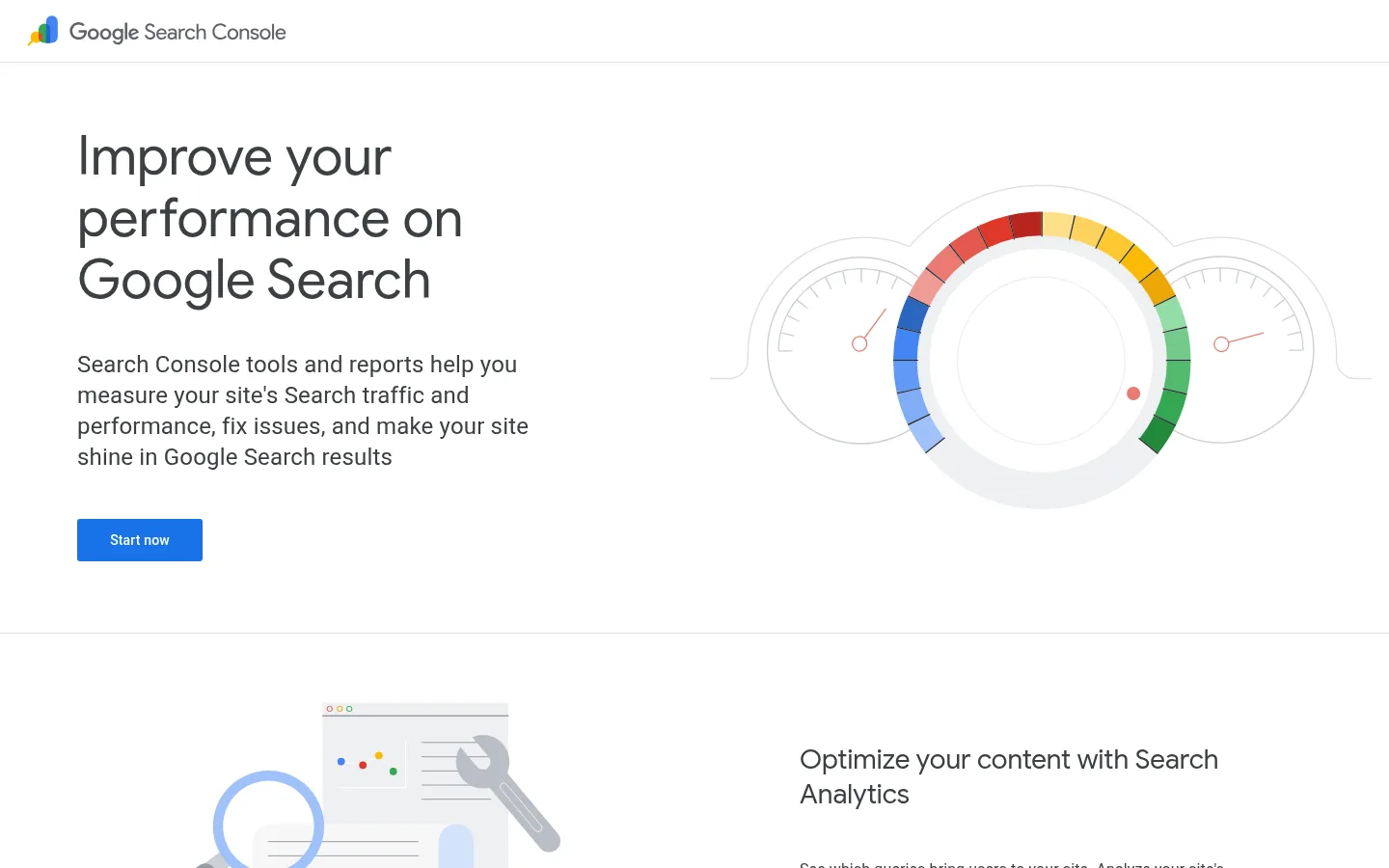
Screenshot: Google Search Console website, October 2026.
Google Search Console reports the searches that show your pages, with impressions, clicks, click-through rate and average position. It also flags indexing and crawling problems and lets you submit sitemaps.
What you do with it:
- Monitor search impressions, clicks and positions by query and page.
- Check which pages are indexed and why others are not.
- Submit XML sitemaps.
- Fix crawling and mobile usability issues Google reports.
Cost: free.
2. Google Analytics
Google Analytics shows you how visitors arrive and what they do on your site, so you see which pages turn search traffic into enquiries.
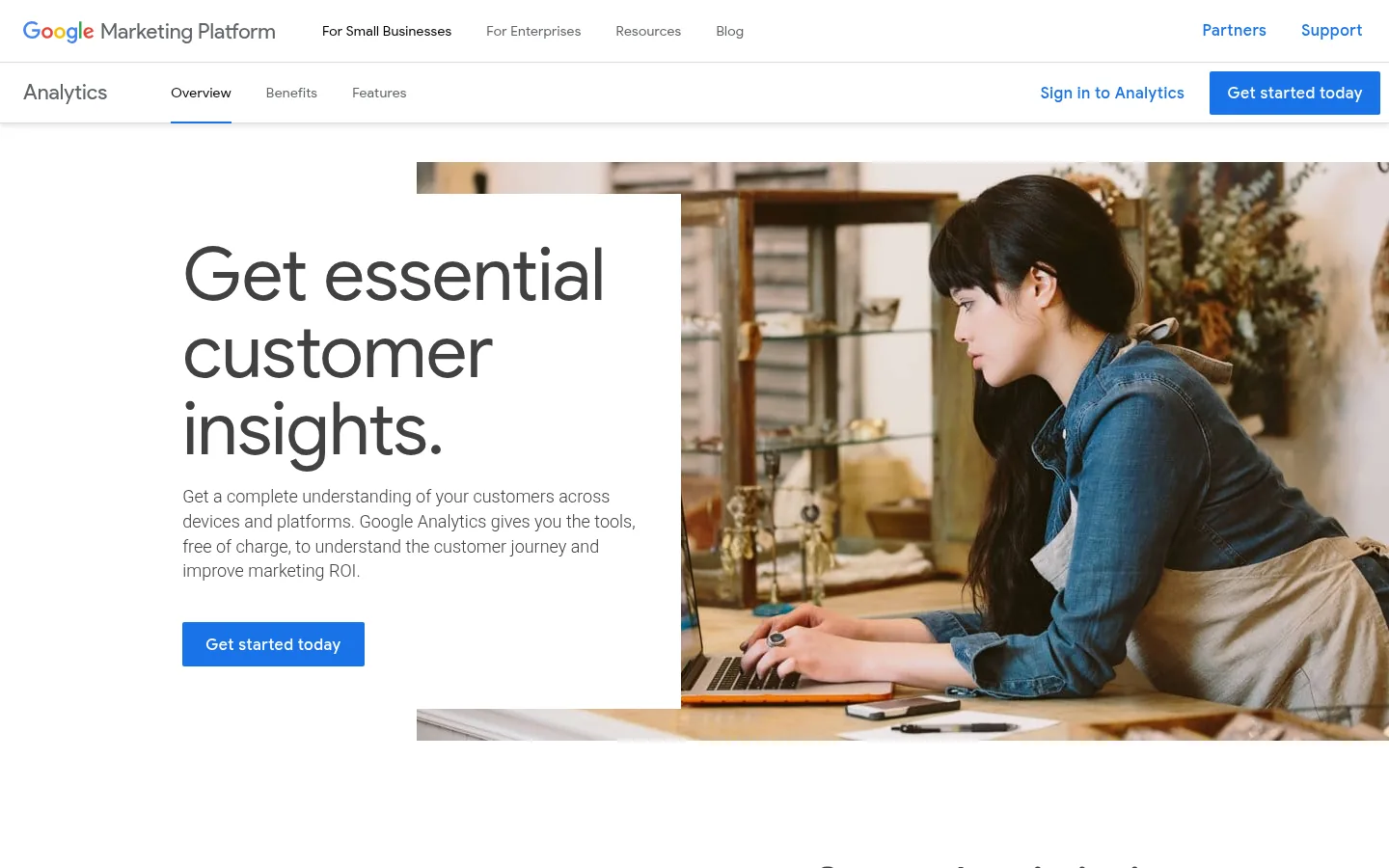
Screenshot: Google Analytics website, October 2026.
Google Analytics (Google Analytics 4) tracks traffic sources, engagement and conversions as events. Linking it with Search Console puts search queries next to on-site behaviour.
What you do with it:
- Track traffic by source, including organic search.
- Measure engagement and conversions as events.
- Compare landing pages by the leads and sales they produce.
- Link Search Console data for organic search reports.
Cost: free; Google Analytics 360 is a paid enterprise edition.
3. Google Keyword Planner
Google Keyword Planner gives you keyword ideas and search volume ranges straight from Google Ads data, which helps you choose topics people actually search for.
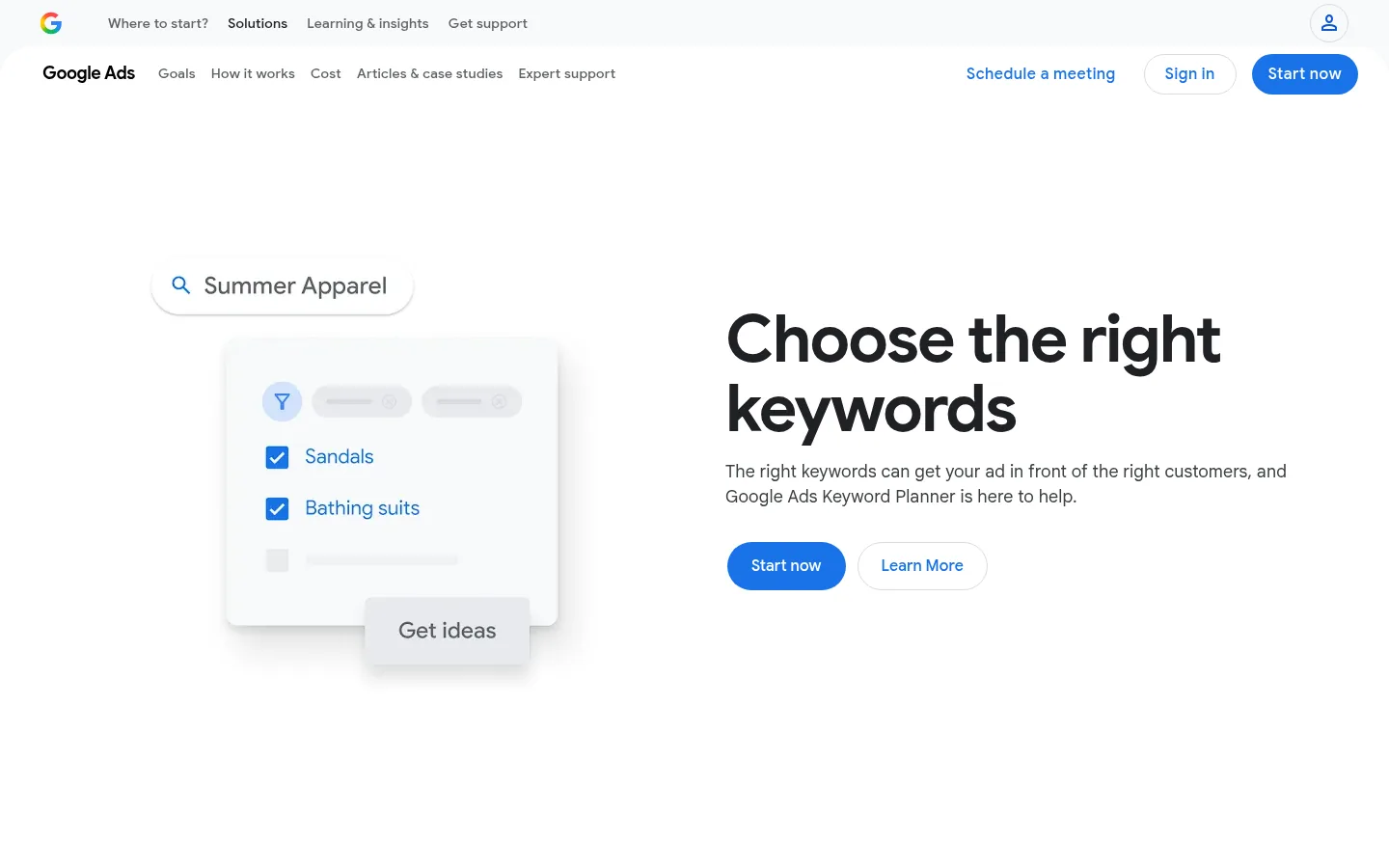
Screenshot: Google Keyword Planner website, October 2026.
Google Keyword Planner sits inside Google Ads. It suggests related keywords, shows search volume ranges and forecasts ad performance and costs for paid campaigns.
What you do with it:
- Find new keyword ideas from a seed term or a website.
- Check search volume ranges and trends.
- Forecast clicks and costs for paid campaigns.
Cost: free with a Google Ads account.
4. Google Trends
Google Trends shows how interest in a search term rises and falls over time and by region, so you time content to demand.
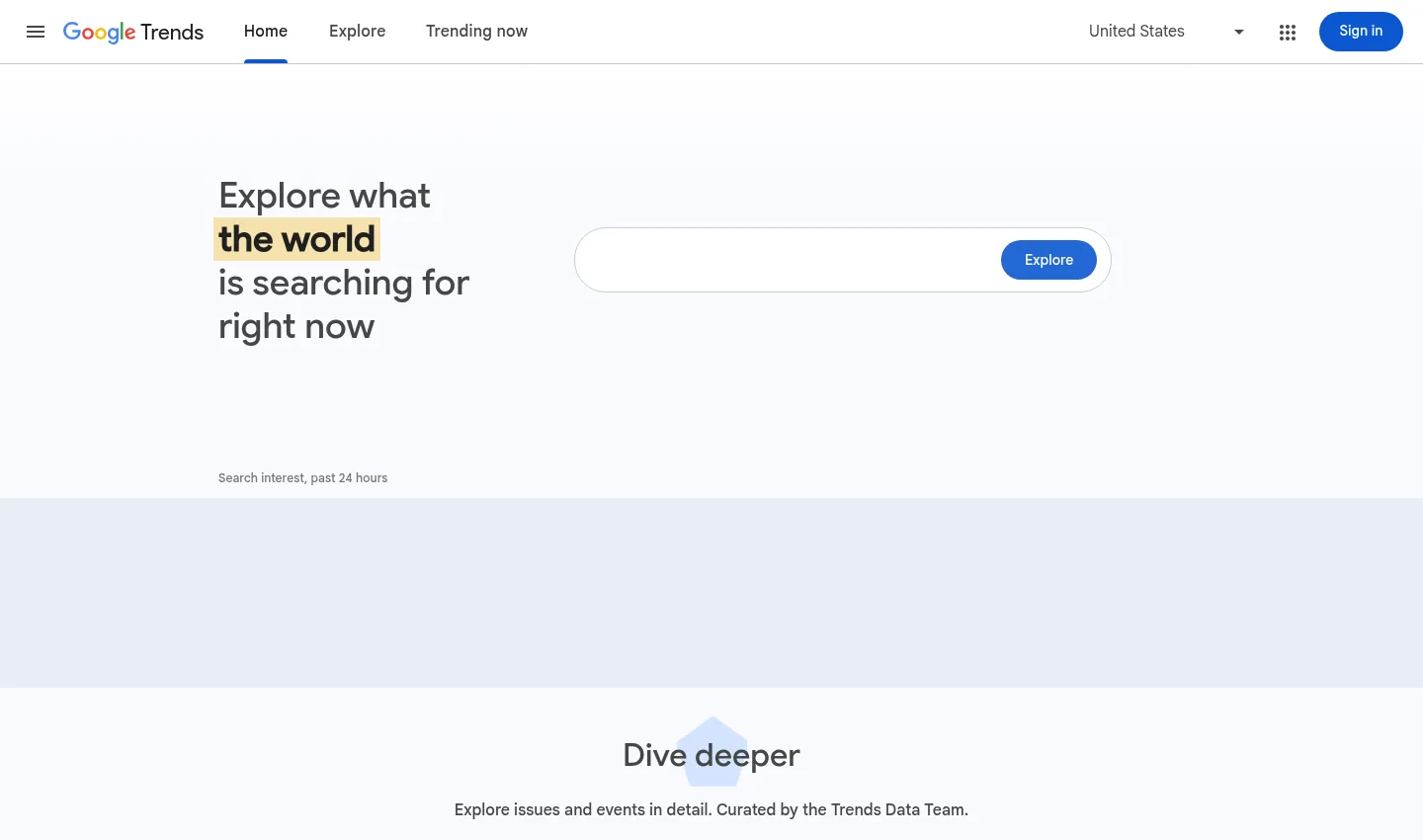
Screenshot: Google Trends website, October 2026.
Google Trends displays relative search interest rather than absolute volumes. It is useful for spotting seasonal patterns and emerging topics before you plan content.
What you do with it:
- Track interest in a term over time.
- Compare several terms side by side.
- Spot seasonal patterns and rising topics by region.
Cost: free.
5. PageSpeed Insights
PageSpeed Insights tells you how fast your pages load for real users and what to fix, which matters for both visitors and search.
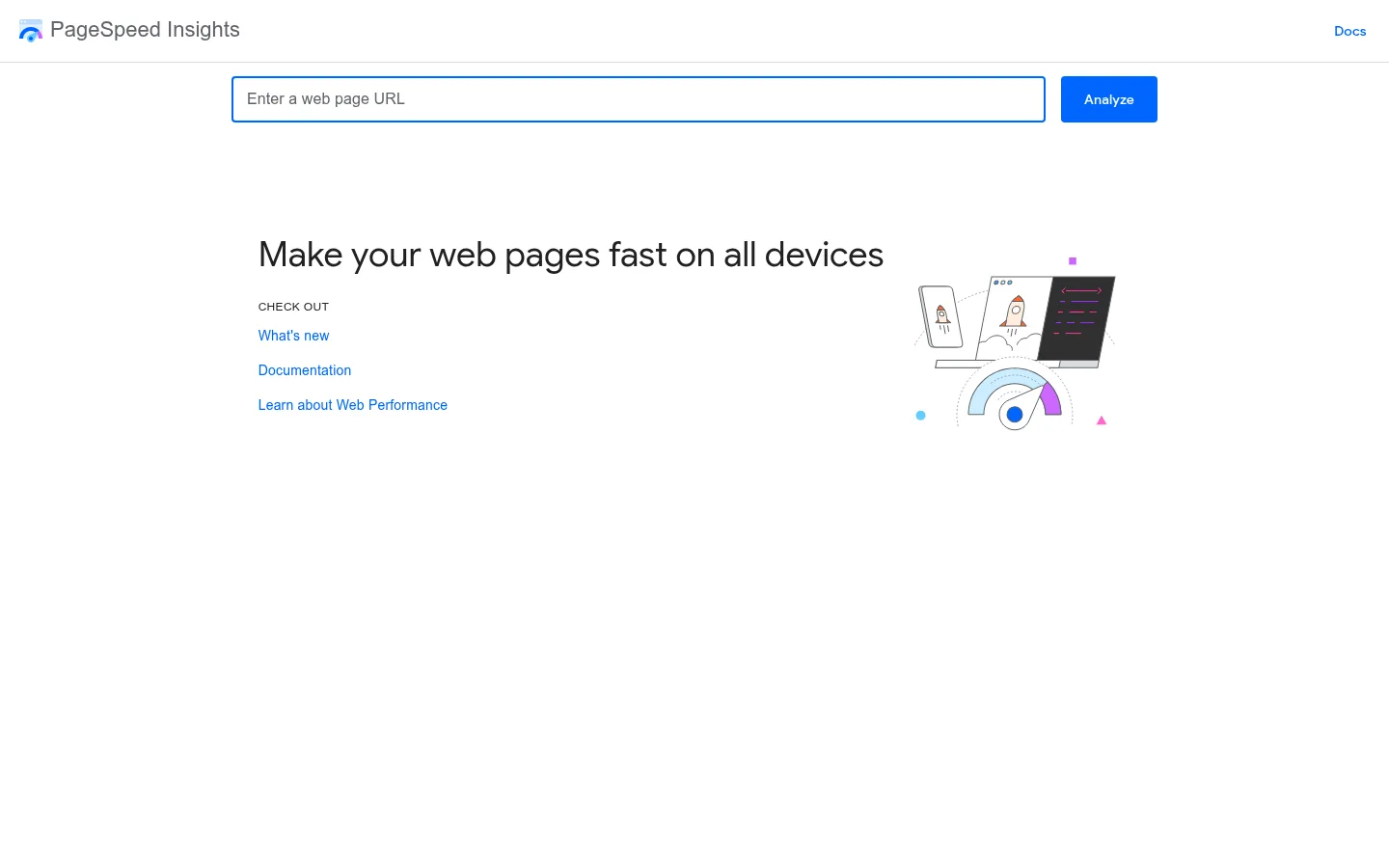
Screenshot: PageSpeed Insights website, October 2026.
PageSpeed Insights reports Core Web Vitals from real-user data where available, plus a lab test with specific recommendations such as compressing images or reducing unused code.
What you do with it:
- Measure loading, interactivity and visual stability.
- Compare mobile and desktop results.
- Prioritise fixes from the recommendations list.
Cost: free.
6. Structured Data Markup Helper
The Structured Data Markup Helper lets you tag elements on a page and generates the structured data code for you, without writing it by hand.
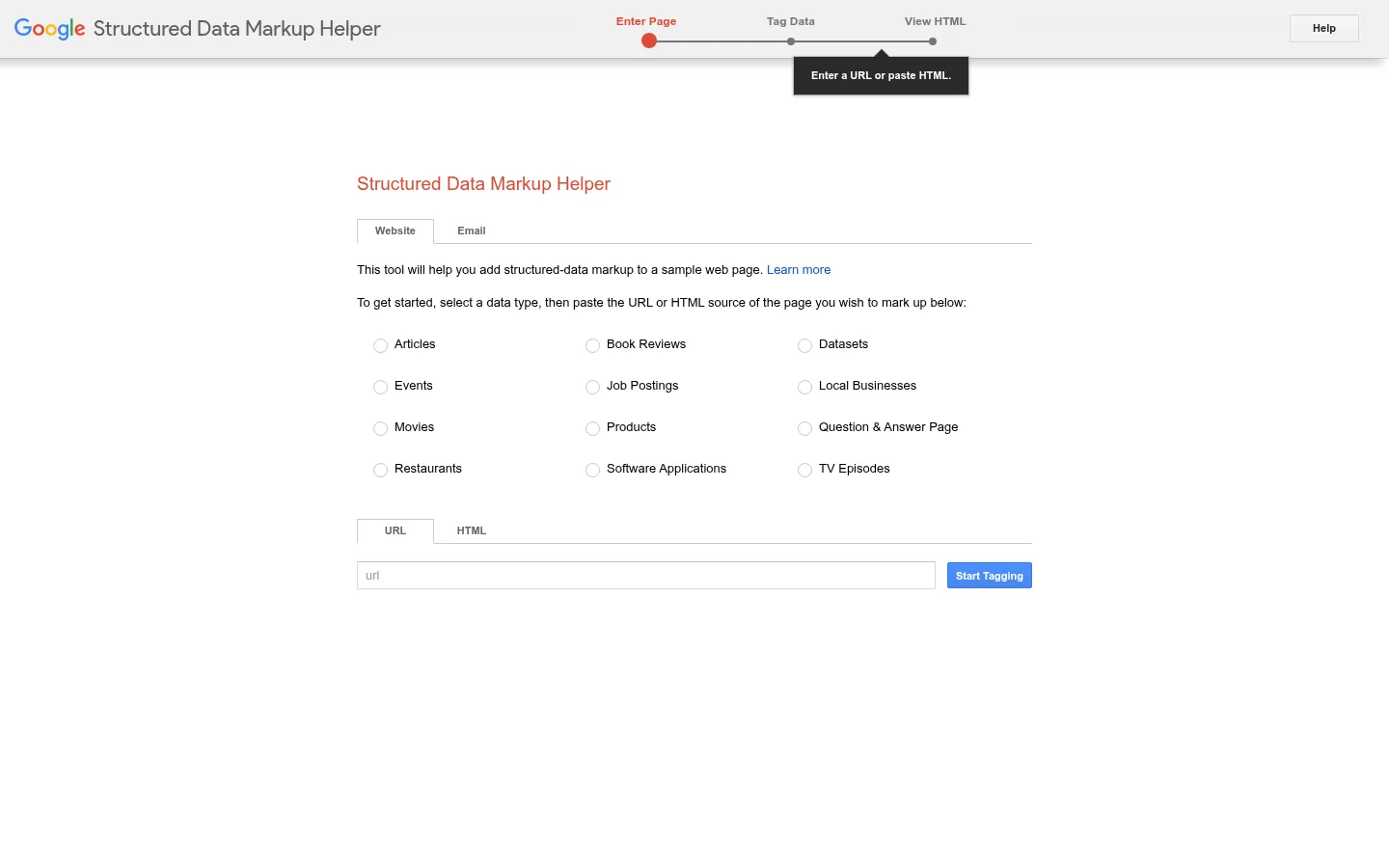
Screenshot: Structured Data Markup Helper website, October 2026.
The Structured Data Markup Helper works point and click: you highlight titles, prices, dates and other elements, and it produces markup to add to the page. Structured data helps Google understand what a page contains; which rich result types Google shows changes over time, so check eligibility in Google's Search documentation updates.
What you do with it:
- Tag articles, products, events and other content types.
- Generate JSON-LD or Microdata code.
- Add the code to your page or template.
Cost: free.
7. Google Tag Manager
Google Tag Manager lets your team add and update tracking tags without editing site code each time, which keeps measurement accurate as campaigns change.
Screenshot: Google Tag Manager website, October 2026.
Google Tag Manager manages analytics, advertising and conversion tags from one interface, with version control and preview before you publish.
What you do with it:
- Manage analytics and advertising tags in one place.
- Trigger tags on page views, clicks and form submissions.
- Test changes in preview mode before publishing.
Cost: free; Tag Manager 360 is a paid enterprise edition.
8. Google Business Profile
Google Business Profile controls how your business appears in local search and Google Maps, which drives calls, visits and direction requests.
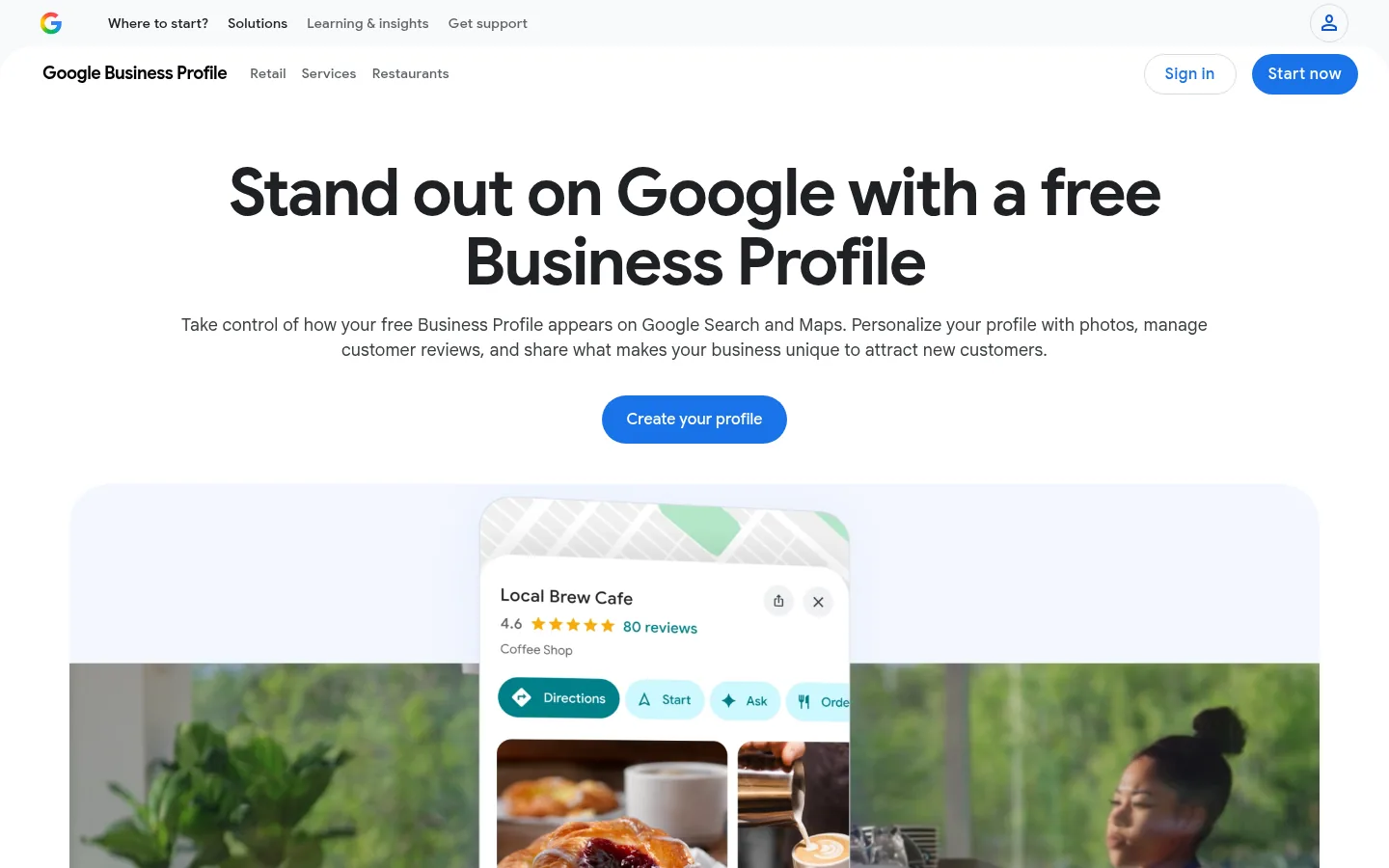
Screenshot: Google Business Profile website, October 2026.
Google Business Profile (formerly Google My Business) holds your address, hours, contact details, photos and reviews. Keeping it complete and accurate supports your local visibility.
What you do with it:
- Manage contact details, hours and categories.
- Respond to reviews.
- Post updates and photos.
- Track calls, website clicks and direction requests.
Cost: free.
9. Google Ads
Google Ads buys you placement on search results for the keywords you choose, so you get visibility while organic rankings build.
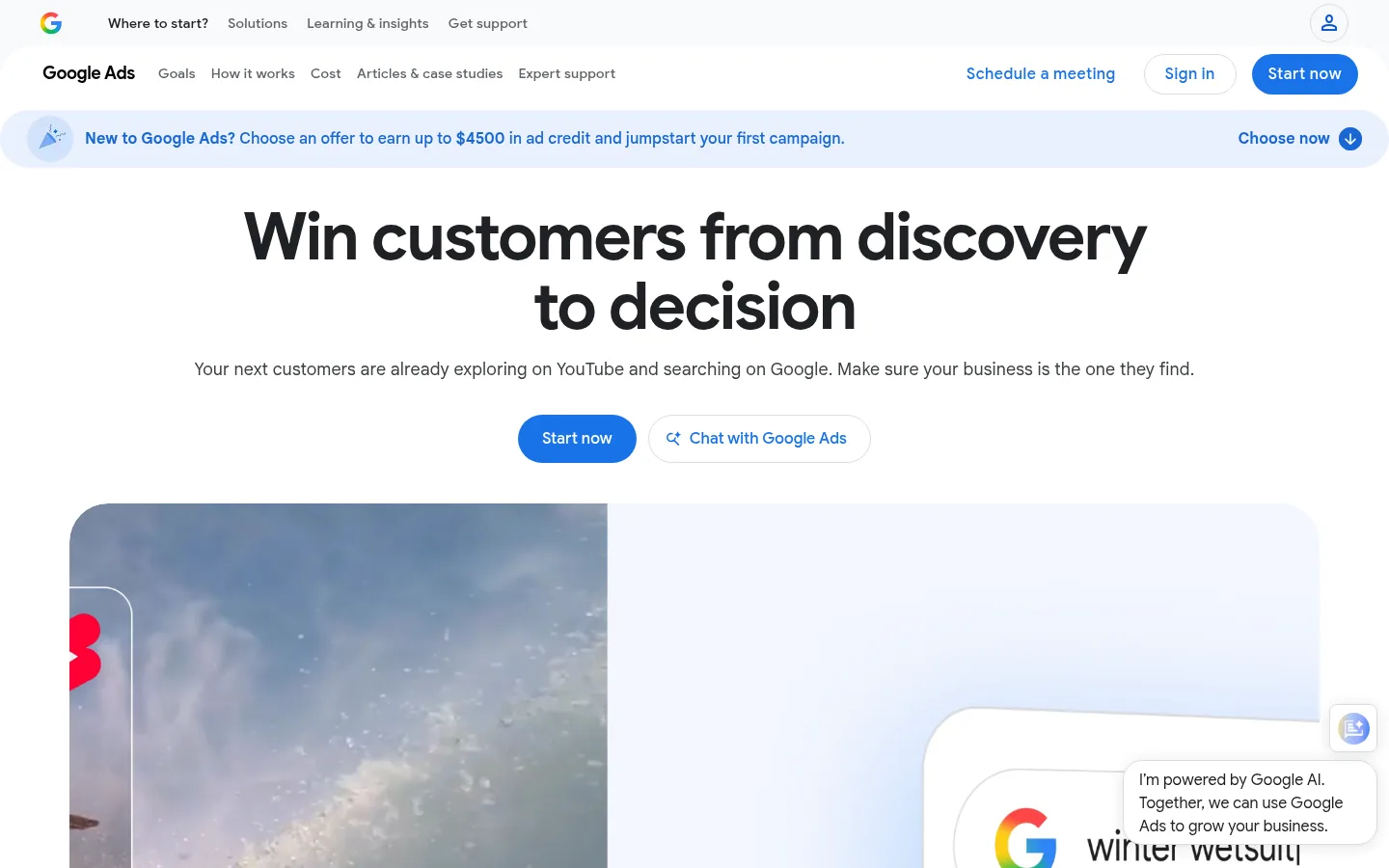
Screenshot: Google Ads website, October 2026.
Google Ads runs paid search, display, video and Performance Max campaigns. You set the budget and pay mainly per click on search ads.
What you do with it:
- Create paid search campaigns for chosen keywords.
- Set budgets and bids.
- Target audiences by location, device and intent.
- Measure conversions with Google Analytics or Ads tags.
Cost: you pay for your ad spend; the account itself is free. Read more in the SEM guide.
10. Lighthouse
Lighthouse audits a page for performance, accessibility, SEO basics and best practices, and lists what to fix.
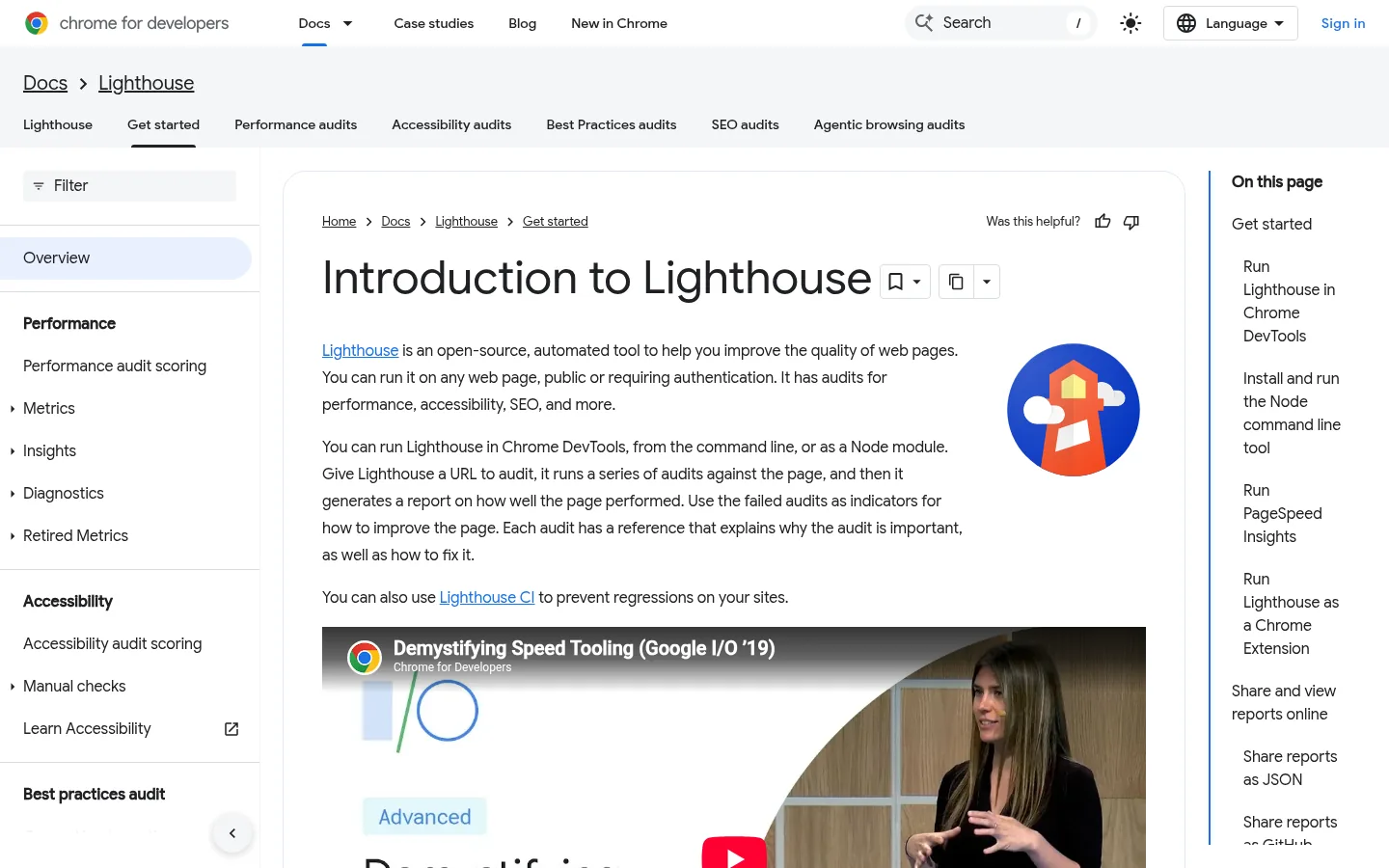
Screenshot: Lighthouse website, October 2026.
Lighthouse runs in Chrome DevTools, from the command line or through PageSpeed Insights. Its SEO audit checks basics such as titles, meta descriptions, crawlable links and mobile-friendly layout.
What you do with it:
- Audit performance, accessibility, SEO and best practices.
- Find issues that affect usability on different devices.
- Re-test after each fix.
Cost: free.
How Google's Tools Work Together
The tools pay off when you connect them: Search Console and Analytics show the problem, PageSpeed Insights and Lighthouse explain it, and Tag Manager keeps the measurement accurate.
Which Google tool answers which SEO question?
Match the tool to the question you need answered, from indexing to local visibility.
| Question | Tool | What it shows | Cost | Best for |
|---|---|---|---|---|
| Is Google indexing my pages? | Search Console | Indexing status and crawl issues | Free | Every site owner |
| Which searches bring visitors? | Search Console | Queries, clicks, positions | Free | SEO and content teams |
| What do visitors do on my site? | Google Analytics | Sources, engagement, conversions | Free | Marketing teams |
| What do people search for? | Keyword Planner and Trends | Volume ranges and trends | Free | Content planning |
| Why are my pages slow? | PageSpeed Insights and Lighthouse | Core Web Vitals and fixes | Free | Developers |
| How do I add structured data? | Structured Data Markup Helper | Generated markup | Free | Site owners without developers |
| How do I manage tracking tags? | Tag Manager | Tag deployment | Free | Analytics teams |
| How do I appear in local search? | Business Profile | Listing, reviews, actions | Free | Local businesses |
| How do I get traffic now? | Google Ads | Paid placement | Ad spend | Advertisers |
What reporting tools sit alongside these?
Looker Studio (formerly Data Studio) turns Search Console and Analytics data into shareable dashboards, and Google Alerts emails you when your brand or topics are mentioned on the web. Both are free and useful for regular reporting and monitoring.
Build Your SEO on Google's Data
Start with Search Console and Analytics, fix what PageSpeed Insights and Lighthouse flag, then use Keyword Planner and Trends to plan content. Google's tools give you the foundation; specialist platforms add competitor and backlink data. Browse more roundups such as SEO tools and technical SEO tools on the SaaS tools hub.