Conversion optimisation tools show you how visitors behave on your site and let you test changes, so more of the traffic you already pay for turns into leads, sign-ups and sales. The seven tools below cover measurement, behaviour recordings, heatmaps, product analytics, A/B testing and landing pages. Each entry shows what the tool does best, who it suits and what it costs in October 2026.
Why Conversion Optimisation Tools Matter to Your Revenue
A conversion optimisation tool explains why visitors leave before they buy or enquire, which lets you fix the cause and earn more revenue from the same traffic. As your digital presence grows, traffic often rises faster than conversions. Analytics shows you what is happening, such as where visitors drop off, but not why they hesitate.
Conversion optimisation tools close that gap. They make behaviour visible through recordings and heatmaps, and they let you test a change before you roll it out to every visitor. For most teams, the value lies less in small design tweaks and more in lower decision risk and better revenue from existing traffic and paid campaigns.
What do conversion optimisation tools give your team?
A conversion optimisation tool gives your team a clear view of drop-off points and a safe way to test fixes, so decisions rest on evidence rather than opinion. The main benefits:
- Shows where visitors drop off and what they do before they leave.
- Tests page, form and checkout changes against the current version.
- Lifts lead, sign-up and checkout conversion rates.
- Improves the return on organic and paid traffic you already have.
- Speeds up iteration on landing pages and funnels.
- Scales your optimisation work as traffic grows.
1. Google Analytics 4 (GA4)
GA4 suits every team as the measurement base of a conversion stack: it shows where visitors come from and where they leave your funnel.
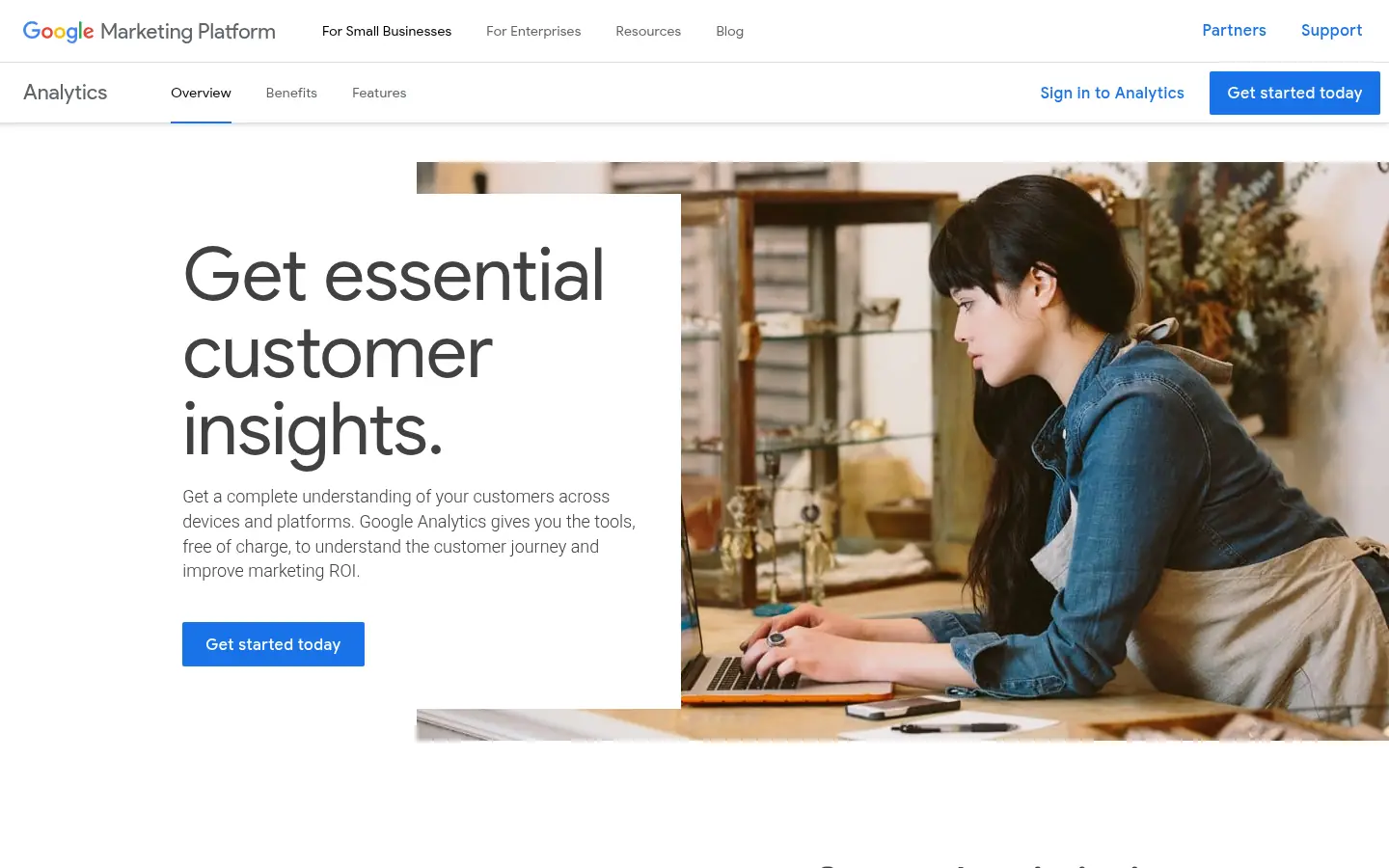
Screenshot: Google Analytics website, October 2026.
Google Analytics 4 tracks traffic sources, user events and conversion goals across websites and apps. It is strong on attribution and cross-channel measurement, which makes it the place to find where users drop off. It is a quantitative tool, so it does not explain why visitors behave as they do. It needs careful event set-up, consistent naming and ongoing governance to stay useful.
Core features:
- Event-based tracking and conversion goals
- Funnel and path analysis
- Traffic source and attribution reporting
- Cross-device and cross-platform measurement
GA4 pricing and suitability
GA4 is free, and large organisations that need higher limits and service levels move to the paid Google Analytics 360. Google prices Analytics 360 per organisation, through Google or an authorised partner.
| Plan | Price | Billing | Suitable for | Limits |
|---|---|---|---|---|
| GA4 (standard) | Free | Free | SMEs and growing teams | Needs proper set-up and governance |
| Google Analytics 360 | Quote-based | Contract | Large enterprises | No public price |
Source: Google Analytics, checked October 2026.
2. Microsoft Clarity
Microsoft Clarity suits teams that want free session recordings and heatmaps to see how real visitors use each page.
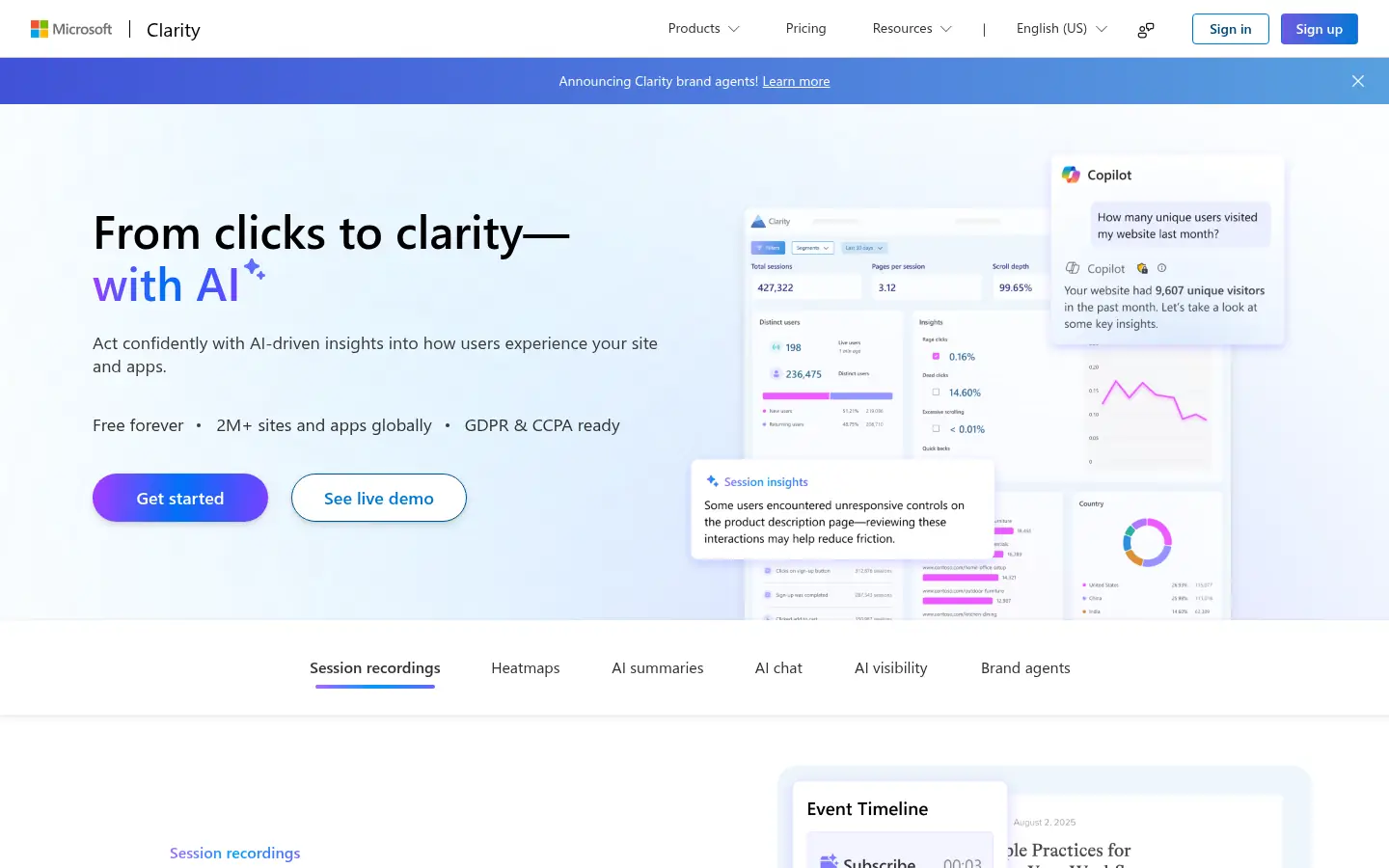
Screenshot: Microsoft Clarity website, October 2026.
Microsoft Clarity gives you session recordings, heatmaps and interaction signals such as rage clicks and dead clicks. These show friction points, such as confusing layouts or buttons that do not respond. Clarity does not run experiments or deep funnel analysis, so it works best as a diagnostic layer beside your analytics and testing tools. For a team early in conversion work, it is a low-risk way to start watching real behaviour.
Core features:
- Session recordings
- Click and scroll heatmaps
- Rage click and dead click detection
- Free use with no paid tiers
Microsoft Clarity pricing and suitability
Clarity costs nothing, which makes it the easiest way to add behaviour data without adding to your software bill. There are no usage-based paid tiers.
3. Hotjar (Contentsquare)
Hotjar suits marketing, UX and product teams that want heatmaps, recordings, funnels and on-page surveys in one easy tool.
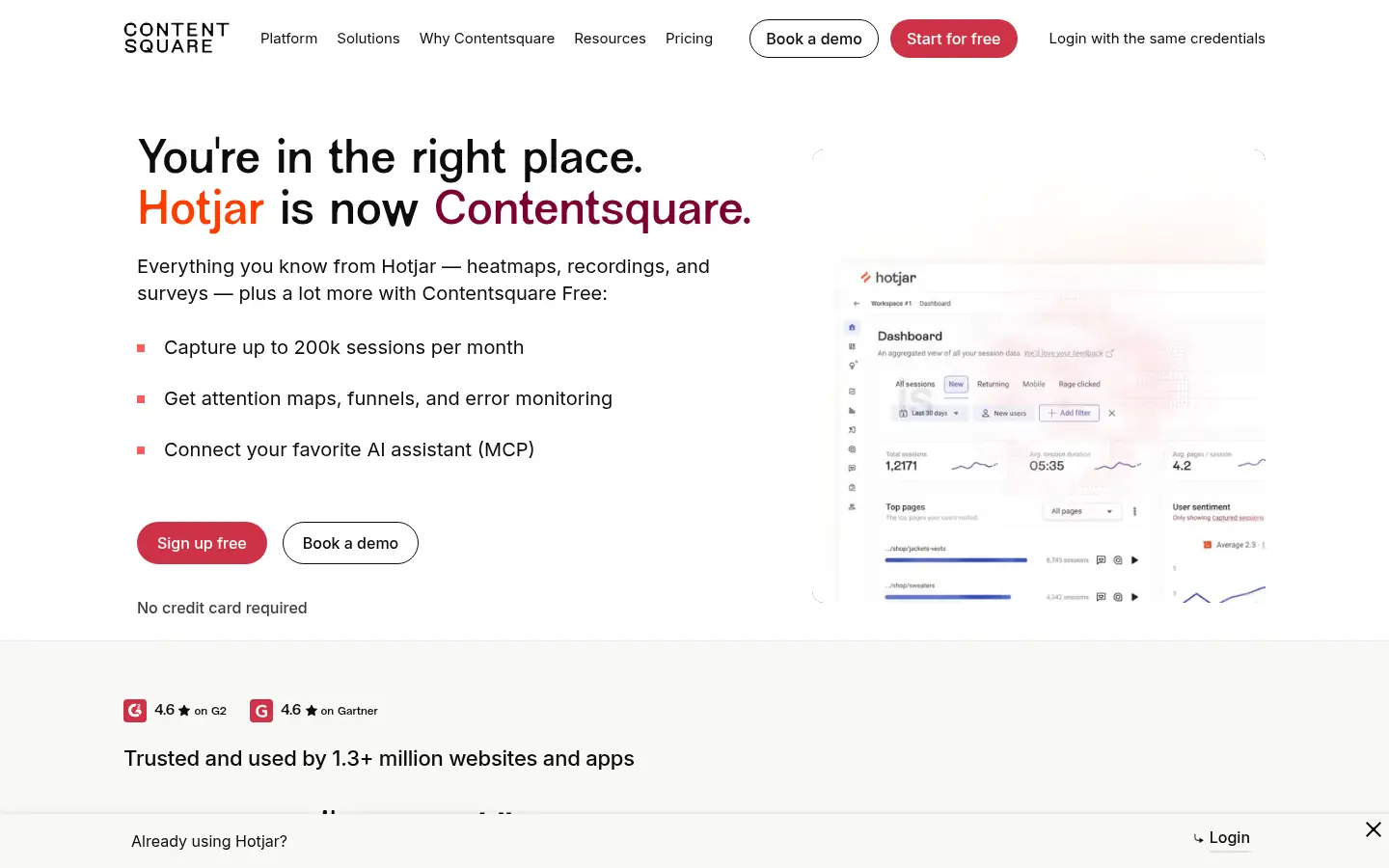
Screenshot: Hotjar website, October 2026.
Hotjar is now part of Contentsquare, and its pricing sits on Contentsquare's plans page. It combines heatmaps, session recordings, funnels and on-page feedback so your team finds usability issues and conversion blockers. Its strength is ease of use across many kinds of feedback. Higher traffic and deeper analysis need paid plans, and it does not replace a dedicated testing platform.
Core features:
- Heatmaps and session recordings
- Funnel views
- On-page surveys and feedback widgets
- Behaviour trend summaries
Hotjar pricing and suitability
Hotjar starts free, and the Growth plan opens more volume and analysis from USD 39 a month. Pro and Enterprise plans are quoted through sales.
| Plan | Price | Billing | Suitable for | Limits |
|---|---|---|---|---|
| Free | USD 0 | Free | Small sites | Feature and volume limits |
| Growth | From USD 39 a month | Monthly or annual | Growing teams | Price rises with usage |
| Pro | Quote-based | Through sales | High-volume sites | No public price |
| Enterprise | Quote-based | Through sales | Large organisations | No public price |
Source: Contentsquare pricing, checked October 2026.
4. Crazy Egg
Crazy Egg suits marketing teams that want quick visual insight and simple A/B tests on landing pages and content pages.
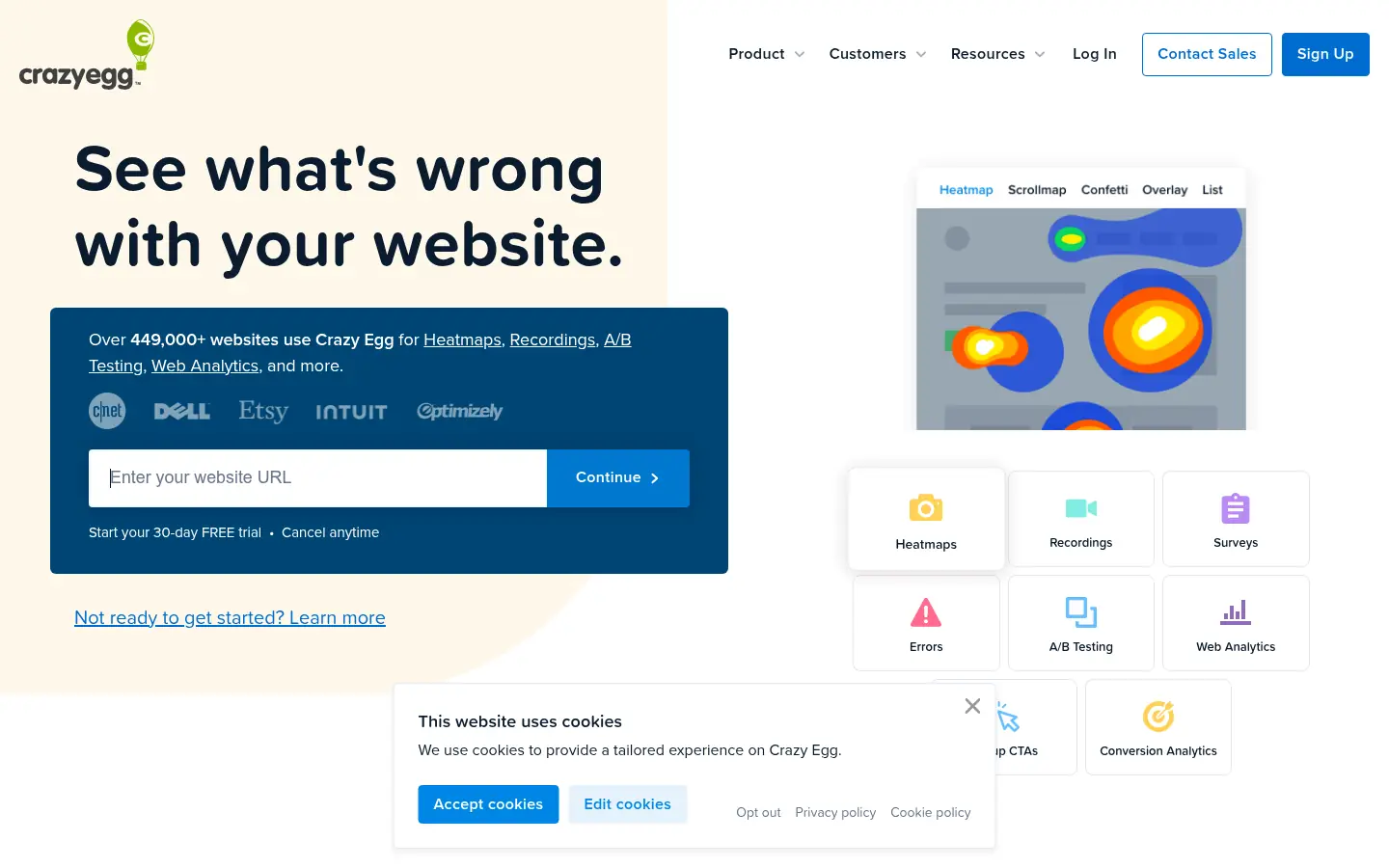
Screenshot: Crazy Egg website, October 2026.
Crazy Egg provides heatmaps, scroll maps, session recordings and A/B testing to improve page-level conversions. It is easy to deploy and read. Its pricing rises with tracked volume, which makes costs less predictable on very high-traffic sites.
Core features:
- Heatmaps and scroll maps
- Session recordings
- A/B testing and call-to-action testing
- Visual analytics dashboards
Crazy Egg pricing and suitability
Crazy Egg has a free plan and four paid plans from USD 29 to USD 599 a month, each with a free 30-day trial. Plans rise with tracked traffic and reporting needs.
| Plan | Price | Billing | Suitable for | Limits |
|---|---|---|---|---|
| Free | USD 0 | Free | Trying the tool | Basic features |
| Starter | USD 29 a month | Monthly | Small sites | Low traffic limits |
| Plus | USD 99 a month | Monthly | Growing sites | Usage caps |
| Pro | USD 249 a month | Monthly | High-traffic sites | Cost rises with volume |
| Enterprise | USD 599 a month | Monthly | Large sites | Higher commitment |
Source: Crazy Egg pricing, checked October 2026.
5. Mixpanel
Mixpanel suits SaaS and product-led teams that need event-based analysis of funnels, retention and user journeys over time.
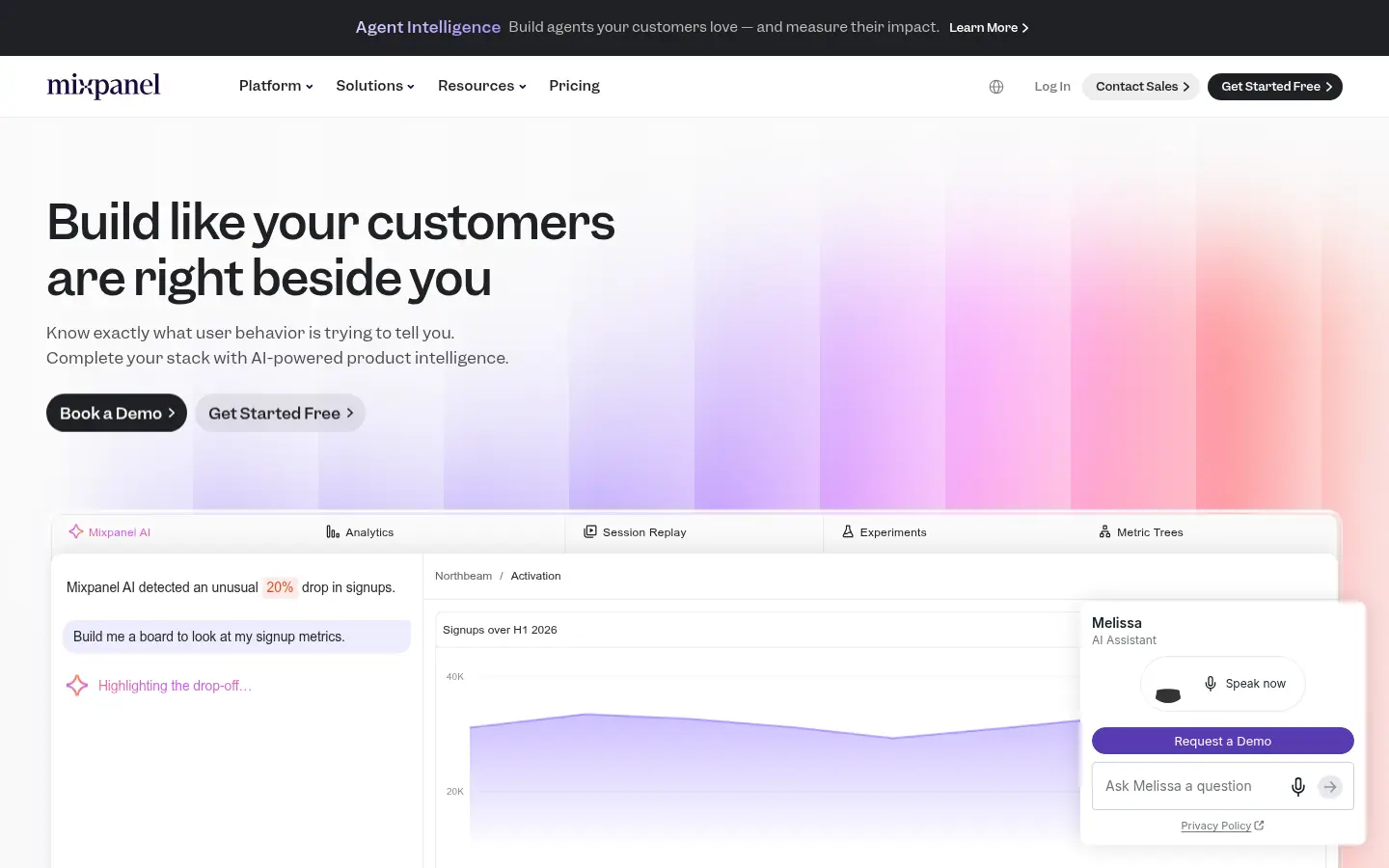
Screenshot: Mixpanel website, October 2026.
Mixpanel tracks user actions inside digital products and shows how users move through conversion and retention flows. It answers questions about journeys over weeks and months. It needs a well-defined tracking plan to deliver value, and costs rise with event volume, which grows quickly on complex products. It suits teams with technical resources and a clear analytics framework.
Core features:
- Event-based funnel analysis
- Retention and cohort tracking
- Conversion and path analysis
- Product and lifecycle analytics
Mixpanel pricing and suitability
Mixpanel offers a free plan with usage limits, a usage-based Growth plan and a quoted Enterprise plan. Your Growth cost depends on the events you track each month.
| Plan | Price | Billing | Suitable for | Limits |
|---|---|---|---|---|
| Free | USD 0 | Free | Early-stage teams | Event and report limits |
| Growth | Usage-based | Monthly | Scaling products | Cost rises with event volume |
| Enterprise | Quote-based | Contract | Large organisations | No public price |
Source: Mixpanel pricing, checked October 2026.
6. Convert Experiences
Convert suits mature teams that run rigorous A/B and split URL tests and care about statistical discipline.
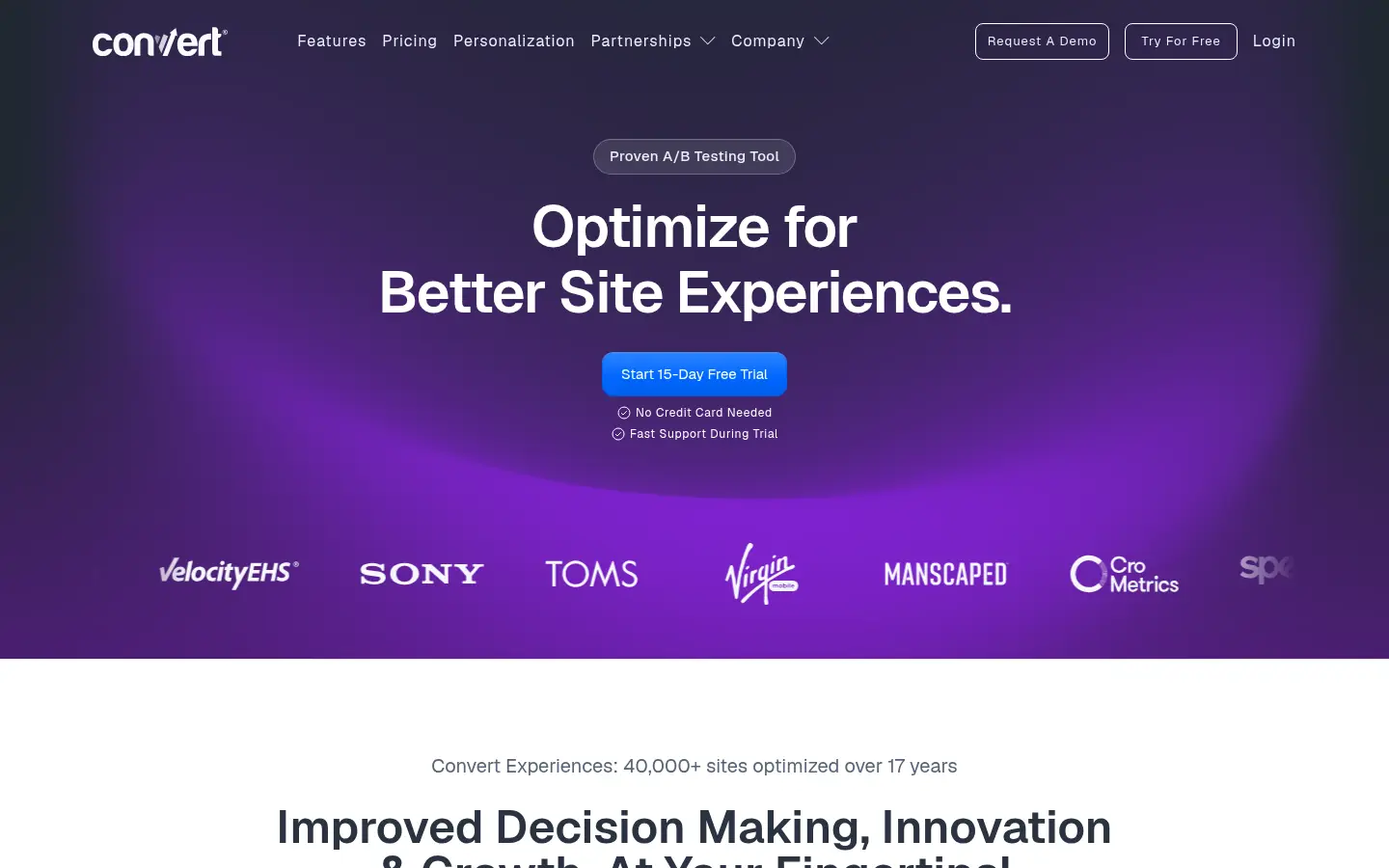
Screenshot: Convert Experiences website, October 2026.
Convert Experiences is a dedicated experimentation platform. It supports A/B and split URL tests, advanced targeting and experiment QA without throttling your traffic. It focuses on testing rather than research, so it works best beside analytics and behaviour tools rather than on its own.
Core features:
- A/B and split URL testing
- Advanced targeting and segmentation
- Experiment QA and collaboration tools
- No traffic throttling
Convert pricing and suitability
Convert's Growth plan costs USD 299 a month on annual billing, and Pro costs USD 420 a month on annual billing. Monthly billing costs more, and Enterprise is priced on request.
| Plan | Price | Billing | Suitable for | Limits |
|---|---|---|---|---|
| Growth | USD 299 a month (USD 399 monthly) | Annual or monthly | SMEs running tests | User limits apply |
| Pro | USD 420 a month (USD 599 monthly) | Annual or monthly | Advanced teams | Higher cost |
| Enterprise | Price on request | Annual only | Large programmes | Sales-led pricing |
Source: Convert pricing, checked October 2026.
7. Unbounce
Unbounce suits marketing teams that build and test landing pages for lead generation and paid campaigns without waiting on developers.
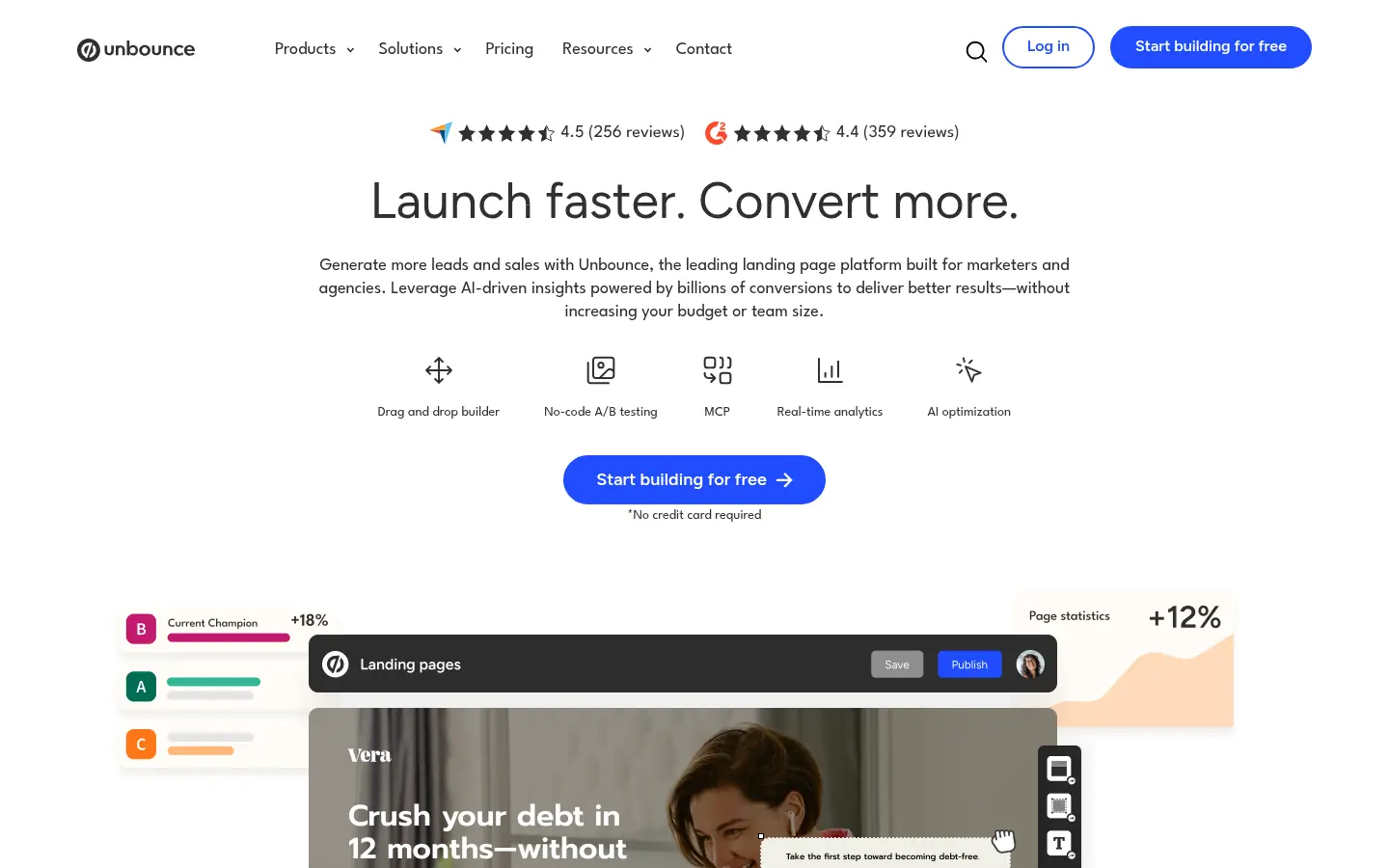
Screenshot: Unbounce website, October 2026.
Unbounce is a landing page platform built to raise post-click conversion rates. Your team builds, tests and adjusts pages, pop-ups and sticky bars without heavy developer support. It focuses on landing pages rather than whole-site optimisation, and pricing rises with visitors and domains, so plan choice matters.
Core features:
- Landing page builder
- A/B testing for pages
- Pop-ups and sticky bars
- Post-click optimisation tools
Unbounce pricing and suitability
Unbounce runs from USD 22 a month on annual billing for Starter to USD 187 a month for Optimize, with higher tiers on request. Every plan has a free 14-day trial.
| Plan | Price | Billing | Suitable for | Limits |
|---|---|---|---|---|
| Starter | USD 22 a month (USD 29 monthly) | Annual or monthly | Single campaigns | Entry limits |
| Build | USD 74 a month (USD 99 monthly) | Annual or monthly | Small teams | Traffic limits |
| Experiment | USD 112 a month (USD 149 monthly) | Annual or monthly | Lead generation teams | Cost rises with scale |
| Optimize | USD 187 a month (USD 249 monthly) | Annual or monthly | High-volume campaigns | Higher spend |
| Concierge and Agency | Quote-based | Through sales | Large organisations | No public price |
Source: Unbounce pricing, checked October 2026.
How to Choose the Right Conversion Optimisation Tool
Choose by traffic and maturity: low-traffic sites gain most from behaviour insight, and high-traffic sites justify rigorous testing. Weigh your traffic volume, business model, technical resources, compliance needs and budget. Most organisations run a small stack that combines analytics, behaviour insight and testing, with each tool doing one clear job.
Which conversion optimisation tool fits which job?
Match each tool to one job in your workflow: measurement, behaviour insight, page testing, product analytics or landing pages.
| Tool | Best for | Main strength | Trade-off | Pricing model |
|---|---|---|---|---|
| GA4 | Measurement | Attribution and funnels | Little qualitative insight | Free, 360 by quote |
| Clarity | Behaviour insight | Free session recordings | Limited reporting | Free |
| Hotjar | UX research | Behaviour plus feedback | Paid plans for scale | Free, then usage tiers |
| Crazy Egg | Page optimisation | Visual insight | Usage-based pricing | Tiered by traffic |
| Mixpanel | Product funnels | Event analytics | Event volume costs | Free, then usage-based |
| Convert | Experimentation | Test rigour | Narrow scope | Tiered, annual or monthly |
| Unbounce | Landing pages | Post-click optimisation | Page-focused | Tiered by traffic |
Turn More of Your Traffic Into Revenue
Conversion tools pay off when you act on what they show, so pair the fixes they suggest with answers that remove doubt before a visitor leaves. Each tool above covers a different stage of optimisation, and the right mix depends on your funnel, traffic and maturity. Answer questions in real time with live chat tools, collect consent before tracking with cookie consent tools, and see how conversion work fits your wider channel plan in the digital marketing guide.