A live chat tool puts a chat window on your website or app, so your team answers buyers and customers while they browse instead of days later by email. That speed protects sales at the moment of decision and lowers the cost of each support conversation. The six tools below cover high-volume support, automated engagement, help desk ticketing, free entry-level chat, CRM-led sales and growing support teams.

Why Live Chat Tools Matter to Your Sales and Support
Live chat answers a buyer's question while they are still on the page, which keeps them moving towards a purchase and cuts the time your team spends on each enquiry. Most platforms give your agents a shared inbox, routing, conversation history and basic performance reports, so enquiries reach the right person without email chains or phone tag. As online enquiries grow, live chat becomes core customer communication rather than an add-on.
What does a live chat tool give your team?
A live chat tool gives your team one inbox for every website conversation, rules that route each chat to the right person and reports that show how fast you respond. The main benefits:
- Answers enquiries in real time, without email delays.
- Routes each conversation to the right agent or team.
- Keeps the full conversation history and context for every customer.
- Supports buyers during the purchase decision.
- Reduces support workload through routing, saved replies and automation.
1. LiveChat
LiveChat suits support teams that handle a high volume of website enquiries and want a clean agent workspace without heavy automation.
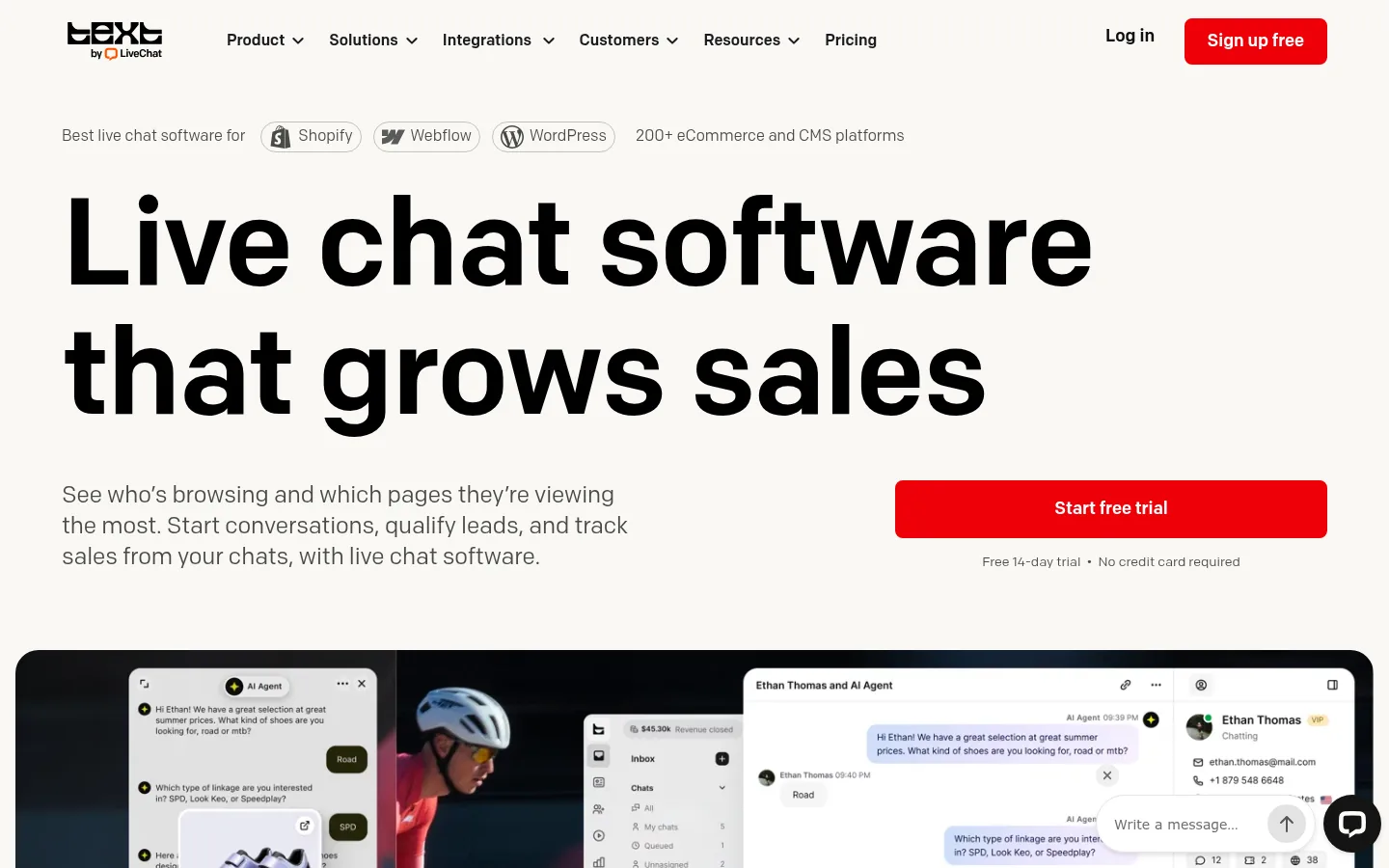
Screenshot: LiveChat website, October 2026.
LiveChat, now sold under the Text brand, is a support-focused chat platform with a clear agent interface, chat routing and response-time reporting. Ecommerce and service teams use it when human-led support matters more than bots.
Core features:
- Real-time website chat
- Shared inbox for multiple agents
- Chat routing and tagging
- Conversation history and transcripts
- Response-time and agent performance reports
LiveChat pricing and suitability
LiveChat prices per user, so your cost grows with the number of agents rather than the number of chats. A 14-day free trial is available, and annual billing costs less than monthly billing.
| Plan | Price | Billing | Suitable for | Notes |
|---|---|---|---|---|
| Essential | USD 19 per user per month | Billed annually (USD 25 billed monthly) | Small support teams | Entry plan |
| Growth | USD 79 per user per month | Billed annually | Larger support teams | Adds advanced support management |
| Custom | Quote-based | On request | Teams needing a white-label widget | Contact sales |
Source: LiveChat pricing, checked October 2026.
2. Intercom
Intercom suits SaaS and product-led businesses that want live chat, an AI agent and automated customer messaging in one platform.
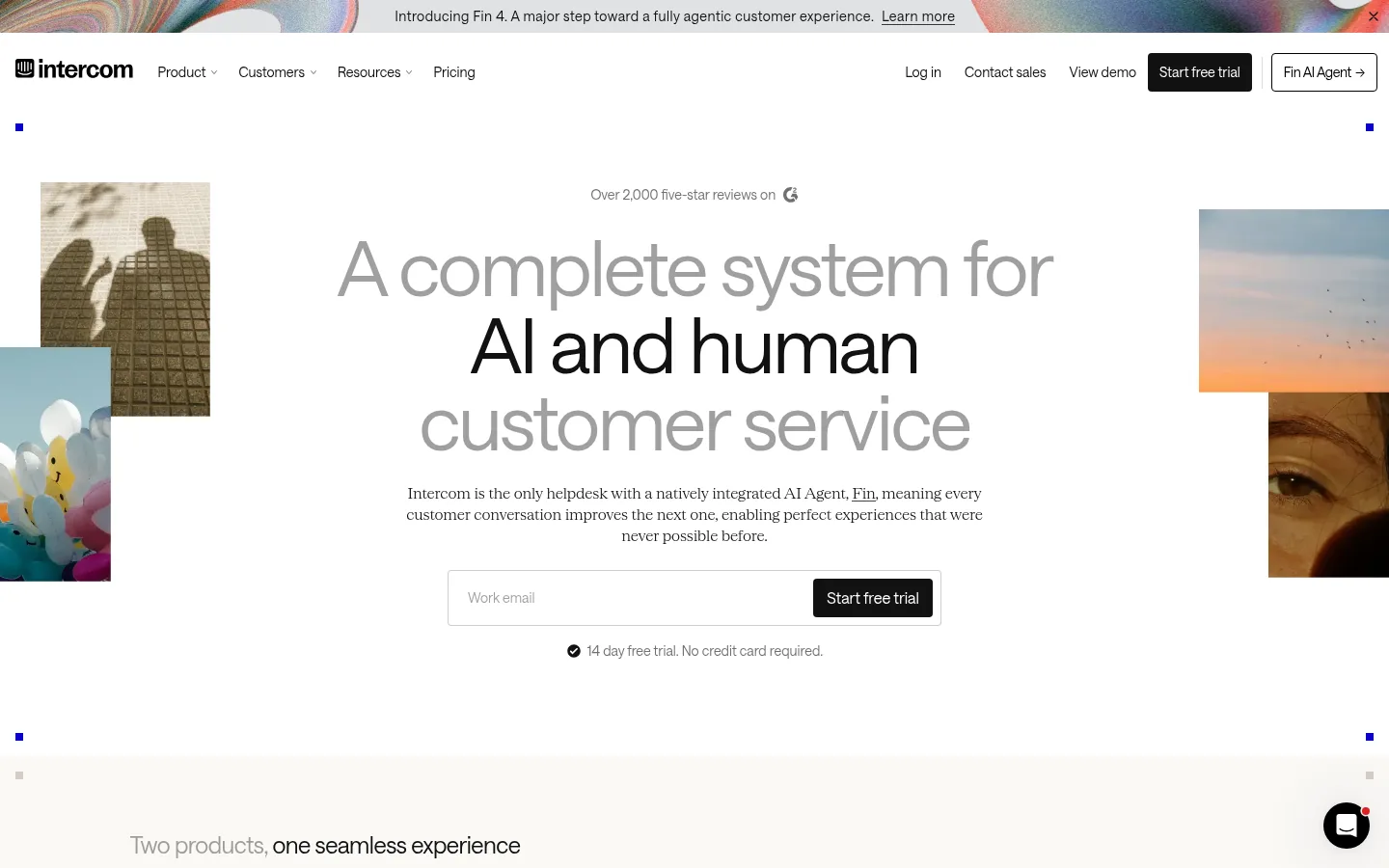
Screenshot: Intercom website, October 2026.
Intercom combines a help desk inbox with its Fin AI Agent, workflows and customer messaging. Teams use it for onboarding, support and retention conversations across the customer lifecycle.
Core features:
- Live chat and shared inbox
- Fin AI Agent for automated answers
- Workflow automation and assignment rules
- Customer profiles and conversation timelines
- Resolution and engagement reports
Intercom pricing and suitability
Intercom charges per seat on its Essential, Advanced and Expert plans and adds a usage fee for each outcome its Fin AI Agent delivers, so your bill depends on both team size and AI volume. Advanced includes 20 free Lite seats and Expert includes 50.
| Plan | Seat price | AI agent fee | Suitable for | Notes |
|---|---|---|---|---|
| Essential | Per seat, see pricing page | USD 0.99 per Fin outcome | Small support teams | Inbox, Messenger and Fin |
| Advanced | Per seat, see pricing page | USD 0.99 per Fin outcome | Growing teams | Workflows, 20 Lite seats included |
| Expert | Per seat, see pricing page | USD 0.99 per Fin outcome | Larger organisations | Enterprise controls, 50 Lite seats included |
Source: Intercom pricing, checked October 2026. Seat prices did not display on the page at the time of checking.
3. Zendesk
Zendesk suits support departments that already run, or want to run, structured ticketing and want chat conversations turned into tickets.
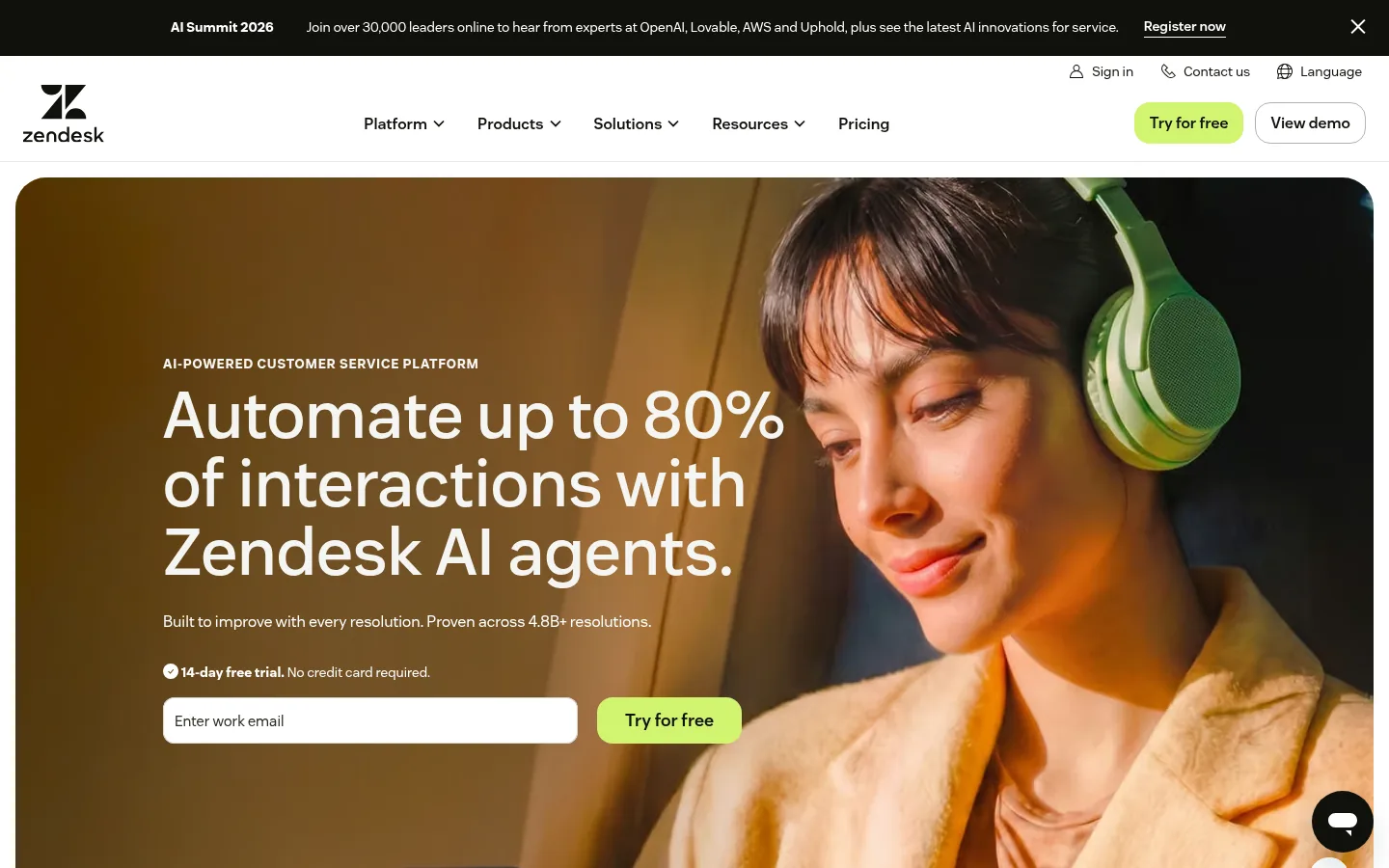
Screenshot: Zendesk website, October 2026.
Zendesk includes messaging and live chat in its Suite plans, linked to its help desk so every chat becomes a trackable ticket. It fits teams that want chat inside one support system rather than as a separate tool.
Core features:
- Messaging and live chat linked to ticketing
- Triggers and routing rules
- Agent dashboards
- Ticket and chat reports
- Integration with other Zendesk products
Zendesk pricing and suitability
Zendesk prices per agent, and live chat and messaging start on the Suite Team plan, not the entry Support Team plan.
| Plan | Price | Billing | Live chat included | Suitable for |
|---|---|---|---|---|
| Support Team | USD 19 per agent per month | Paid yearly | No, core ticketing only | Teams moving off a shared inbox |
| Suite Team | USD 55 per agent per month | Paid yearly | Yes, messaging and live chat | Teams unifying support channels |
| Suite Professional | USD 115 per agent per month | Paid yearly | Yes | Teams needing advanced automation and insights |
Source: Zendesk pricing, checked October 2026.
4. Tawk.to
Tawk.to suits startups and small businesses that want live chat with no monthly software fee.
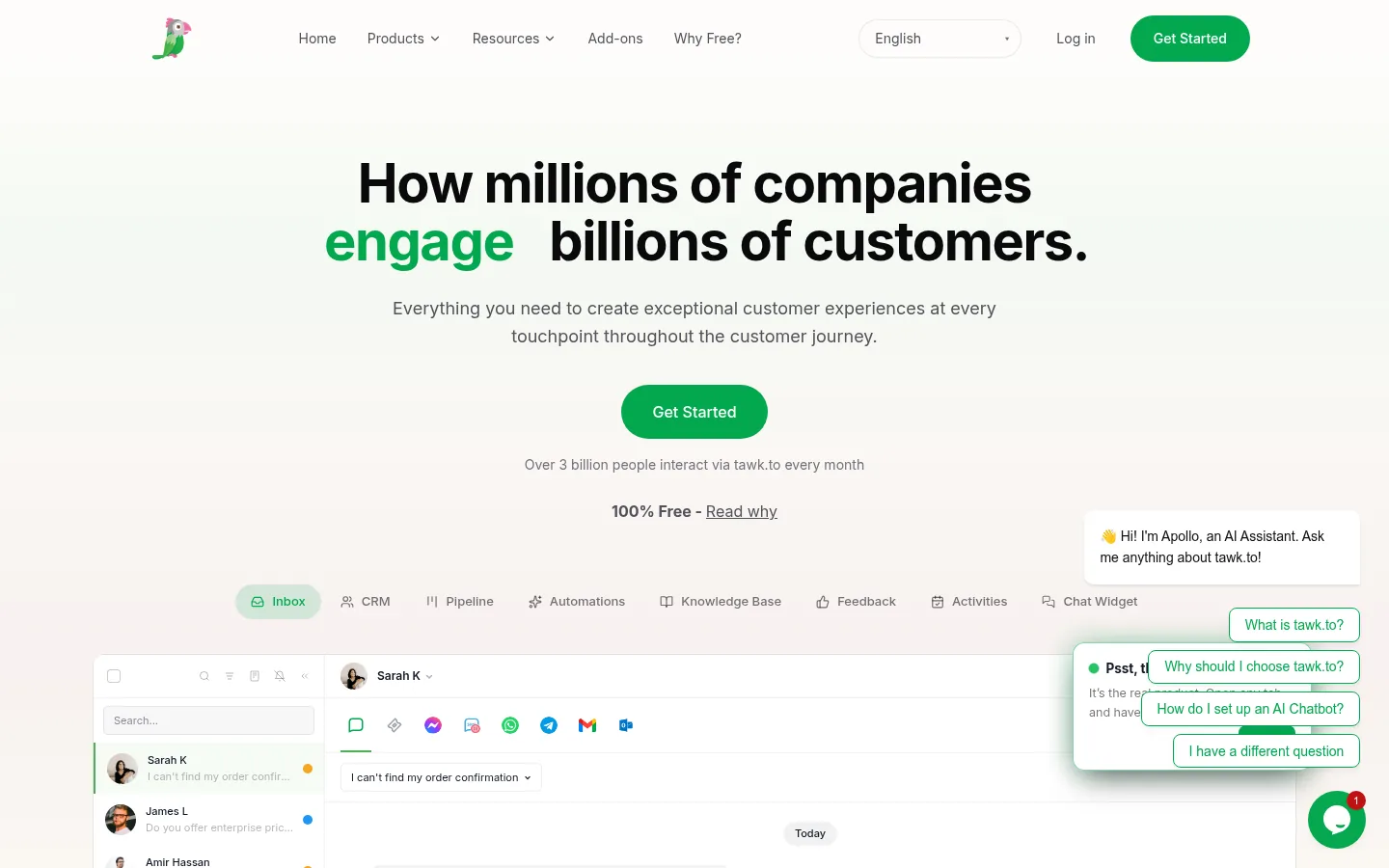
Screenshot: Tawk.to website, October 2026.
Tawk.to is a free live chat tool with unlimited agents. It focuses on simple real-time messaging and charges only for optional add-ons.
Core features:
- Real-time website chat
- Unlimited agents
- Basic chat reports
- Customisable chat widget
- Optional hired chat agents
Tawk.to pricing and suitability
Tawk.to keeps its core chat free and charges only for branding removal, its AI chatbot and hired agents.
| Option | Price | What you get | Suitable for | Notes |
|---|---|---|---|---|
| Core live chat | USD 0 | Unlimited chats and agents | Small teams | "Powered by tawk.to" branding shown |
| Remove branding | USD 29 a month | White-label widget | Brand-conscious businesses | Optional |
| AI Assist | From USD 29 a month | AI chatbot answering from your knowledge base | Teams wanting 24/7 answers | Free plan for limited chat volume |
| Hire agents | USD 1 an hour | Tawk.to staff answer chats for you | Teams without chat staff | Billed by the hour |
Source: Tawk.to, why it is free, checked October 2026.
5. HubSpot Live Chat
HubSpot Live Chat suits marketing and sales teams that want every chat tied to a contact and deal record in the CRM.
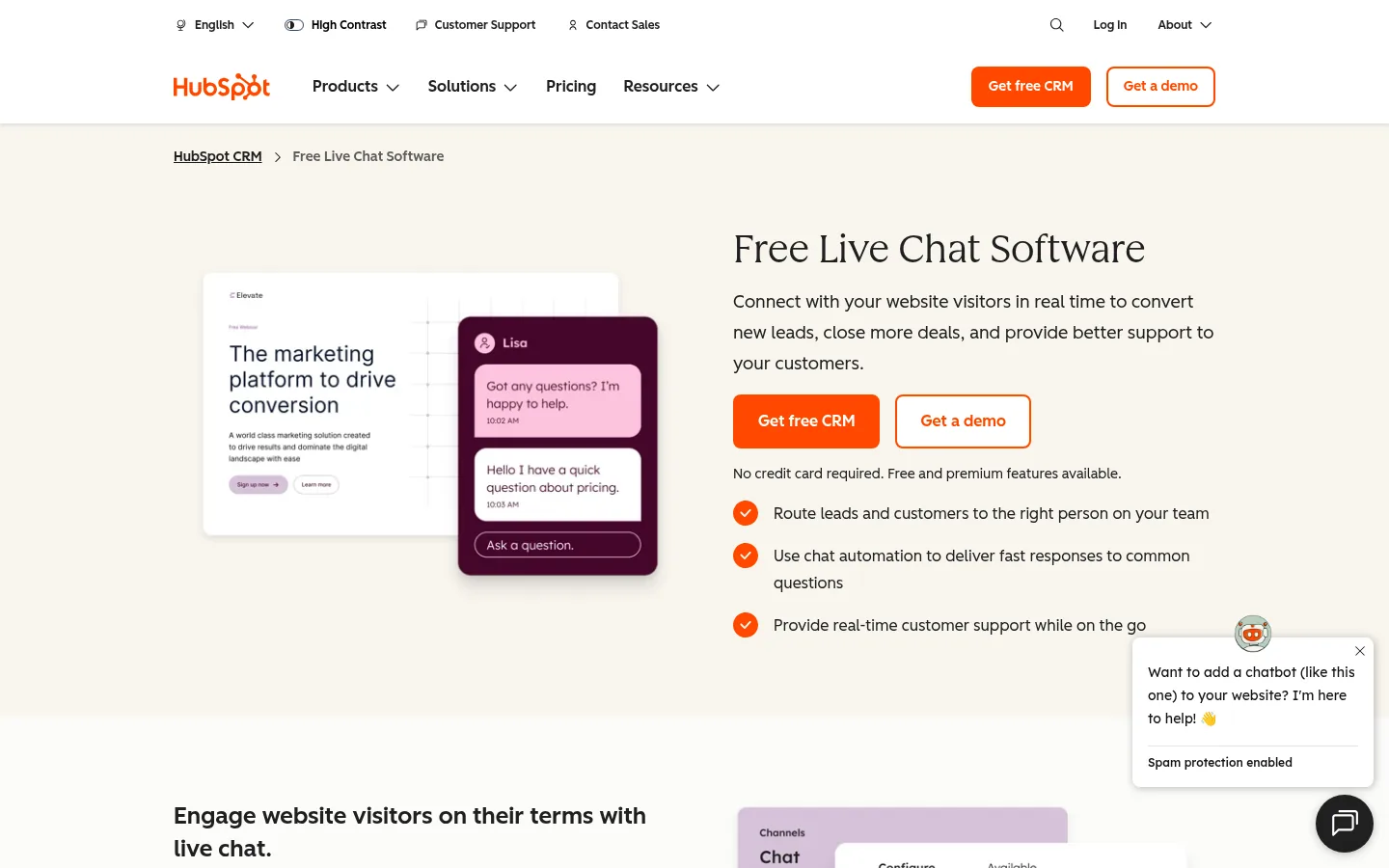
Screenshot: HubSpot Live Chat website, October 2026.
HubSpot includes live chat in its free customer platform and links each conversation to contacts, deals and email workflows. Advanced help desk features sit in its paid Service Hub plans.
Core features:
- Live chat linked to CRM records
- Contact and deal tracking
- Shared inbox
- Workflow automation on paid plans
- Marketing and sales reports
HubSpot pricing and suitability
HubSpot's live chat is free for up to two users, and paid Service Hub plans charge per seat for more users, help desk tools and automation.
| Plan | Price | Billing | Suitable for | Notes |
|---|---|---|---|---|
| Free | USD 0 | Free | Up to 2 users | Live chat with HubSpot branding |
| Starter | USD 20 per seat per month | Per seat | Small teams | Removes HubSpot branding from live chat |
| Professional | USD 90 per seat per month | Billed annually (USD 100 monthly) | Support teams | Full help desk and customer success tools |
| Enterprise | USD 150 per seat per month | Billed annually | Large organisations | Advanced controls |
Source: HubSpot Service Hub pricing, checked October 2026. New customers see a promotional Starter rate on the page.
6. Freshchat
Freshchat suits growing teams that want more structure than a free tool, with bots and campaigns, without enterprise complexity.
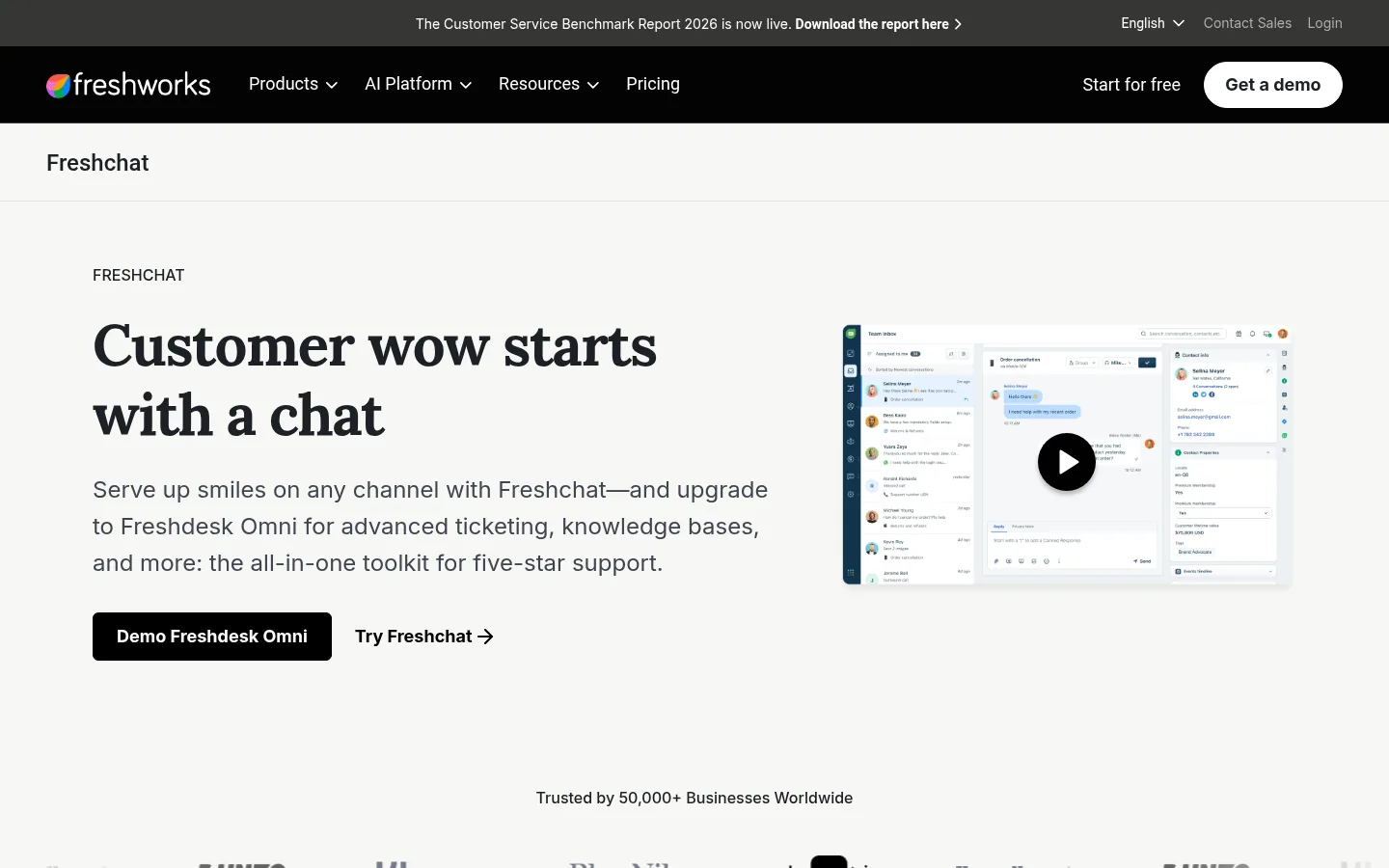
Screenshot: Freshchat website, October 2026.
Freshchat is Freshworks' messaging platform for web and mobile support. It balances live chat with automation and integrates with the rest of the Freshworks products.
Core features:
- Live chat and in-app messaging
- Automated bots
- Campaign messaging
- Agent dashboards
- Chat reports
Freshchat pricing and suitability
Freshchat is free for up to 10 agents, and paid plans add AI, automation and security per agent.
| Plan | Price | Billing | Suitable for | Notes |
|---|---|---|---|---|
| Free | USD 0 | Free | Up to 10 agents | Conversational support basics |
| Growth | USD 19 per agent per month | Billed annually | Growing teams | Expands support across channels with AI |
| Pro | USD 49 per agent per month | Billed annually | Teams automating support | Automation |
| Enterprise | USD 79 per agent per month | Billed annually | Large or regulated teams | Security and AI-powered service |
Source: Freshchat pricing, checked October 2026.
How to Choose the Right Live Chat Tool
Choose by who answers the chats and what happens next: support-led teams need routing and reports, sales-led teams need CRM links and qualification. Weigh five factors: support versus sales use, team size and staffing, the level of automation you need, any CRM or help desk you already run, and how pricing scales as you add agents. No single tool suits every business.
Which live chat tool fits which team?
Match the tool to your main use: high-volume support, automated engagement, ticketing, free entry, CRM-led sales or growing support.
| Tool | Main use | Best for | Key strength | Main limitation |
|---|---|---|---|---|
| LiveChat | Customer support | Teams with high chat volume | Strong human-led support workflows | Cost scales with users |
| Intercom | Support and engagement | SaaS and product-led teams | Fin AI Agent and lifecycle messaging | Seat and AI fees add up |
| Zendesk | Support within ticketing | Structured support departments | Deep help desk integration | Chat starts on Suite plans |
| Tawk.to | Basic live chat | Startups and small businesses | Free with unlimited agents | Minimal reports and automation |
| HubSpot Live Chat | Lead capture and support | CRM-led marketing and sales teams | Contact and deal context | Advanced features on paid plans |
| Freshchat | Support and messaging | Growing teams | Free plan for 10 agents, balanced pricing | Advanced reports on higher plans |
Turn Chat Conversations Into Sales
Live chat pays off when the people who arrive on your site already trust you, so pair the tool with the search work that brings qualified buyers in. Connect chat to your CRM with marketing automation tools, track which channels drive conversations with marketing analytics software, and see how the pieces fit in the digital marketing guide.