An audience segmentation tool groups your customers by behaviour, lifecycle stage and value, so every campaign, offer and product message reaches the people most likely to act on it and less of your budget goes to people who never buy. The seven tools below cover website analytics, CRM lists, email, product analytics, experience analytics and customer data platforms. Each entry gives you the current prices and the kind of team it suits.

How Audience Segmentation Tools Improve Your Marketing Results
Segmentation turns one undivided customer list into groups you message differently, which lifts engagement and conversion and cuts the ad spend wasted on people outside your market. A segmentation tool reads the data you already hold, such as page views, purchases, email engagement and CRM fields, and sorts customers into segments that update as their behaviour changes.
Marketing teams use segments to target campaigns and to exclude audiences that already bought or never fit. Product teams study behavioural cohorts to fix onboarding and retention. Leadership sees which customer groups drive growth instead of reading one blended average.
Where do businesses use audience segmentation tools?
Businesses use segmentation wherever a message, offer or budget decision depends on knowing which customer group is in front of them. The common uses:
- Targets campaigns and personalises email, ads and website content.
- Manages the customer lifecycle from first visit to renewal.
- Analyses product usage and behaviour by cohort.
- Builds paid advertising audiences and suppression lists.
- Prioritises accounts and leads for account-based marketing.
- Reports performance by segment instead of by total.
What does segmentation give your team?
Segmentation gives your team more relevant messages, better conversion rates and clearer customer insight from data you already collect. The main benefits:
- Higher engagement from messages that match each group.
- Better conversion rates and return on marketing spend.
- Less wasted ad spend through targeting and suppression.
- A clearer view of how each customer group behaves.
- Closer alignment between marketing, sales and product teams.
1. Google Analytics 4
Google Analytics 4 suits teams that want to understand how visitors behave on their website and app before they decide who to target.
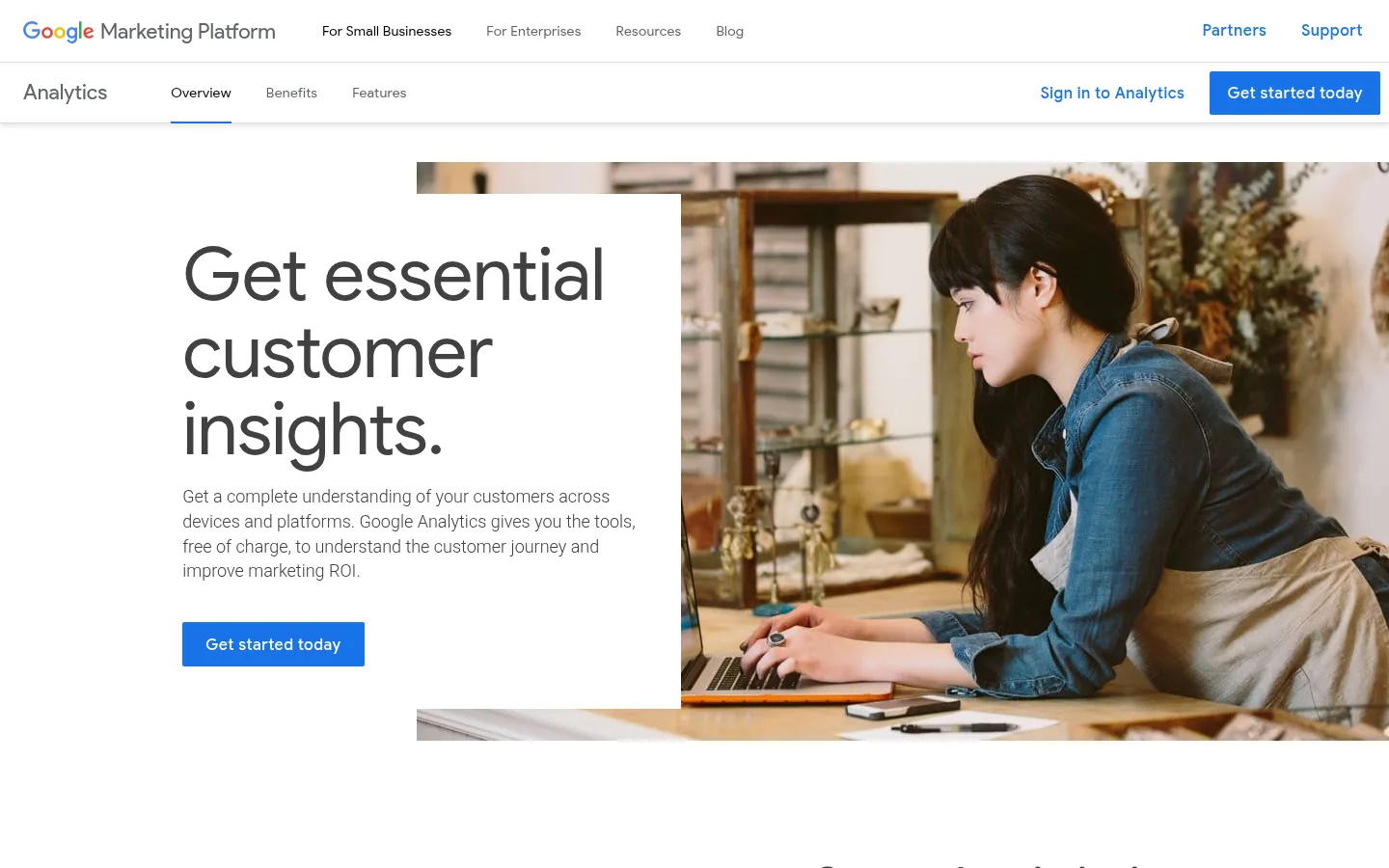
Screenshot: Google Analytics 4 website, October 2026.
Google Analytics 4 segments users by website and app activity across devices. You build audiences from events, funnels and engagement, study cohorts over time and send audiences to Google Ads. GA4 does not send campaigns itself, so it works as the insight layer that informs targeting in other tools.
Core features:
- Behaviour-based audience building
- Event and funnel segmentation
- Cohort and retention analysis
- Cross-device reporting
- BigQuery export
Google Analytics 4 pricing and suitability
GA4 is free for most businesses, and Google Analytics 360 serves large organisations that need higher limits and enterprise support. The free version covers audiences, events, funnels and cohorts, which is enough for most small and mid-size teams. Google sells Analytics 360 through its sales team and partners and does not publish a list price.
| Plan | Price | Best for | Segmentation depth | Limits |
|---|---|---|---|---|
| Google Analytics 4 | Free | Most businesses | Behavioural audiences, events, funnels, cohorts | No campaign sending |
| Google Analytics 360 | Quote-based | Large organisations | Higher limits, unsampled reporting | Price not public |
Source: Google Analytics, checked October 2026.
2. HubSpot Marketing Hub
HubSpot Marketing Hub suits B2B and service businesses that want segments built from CRM data and acted on through email and workflows in the same system.
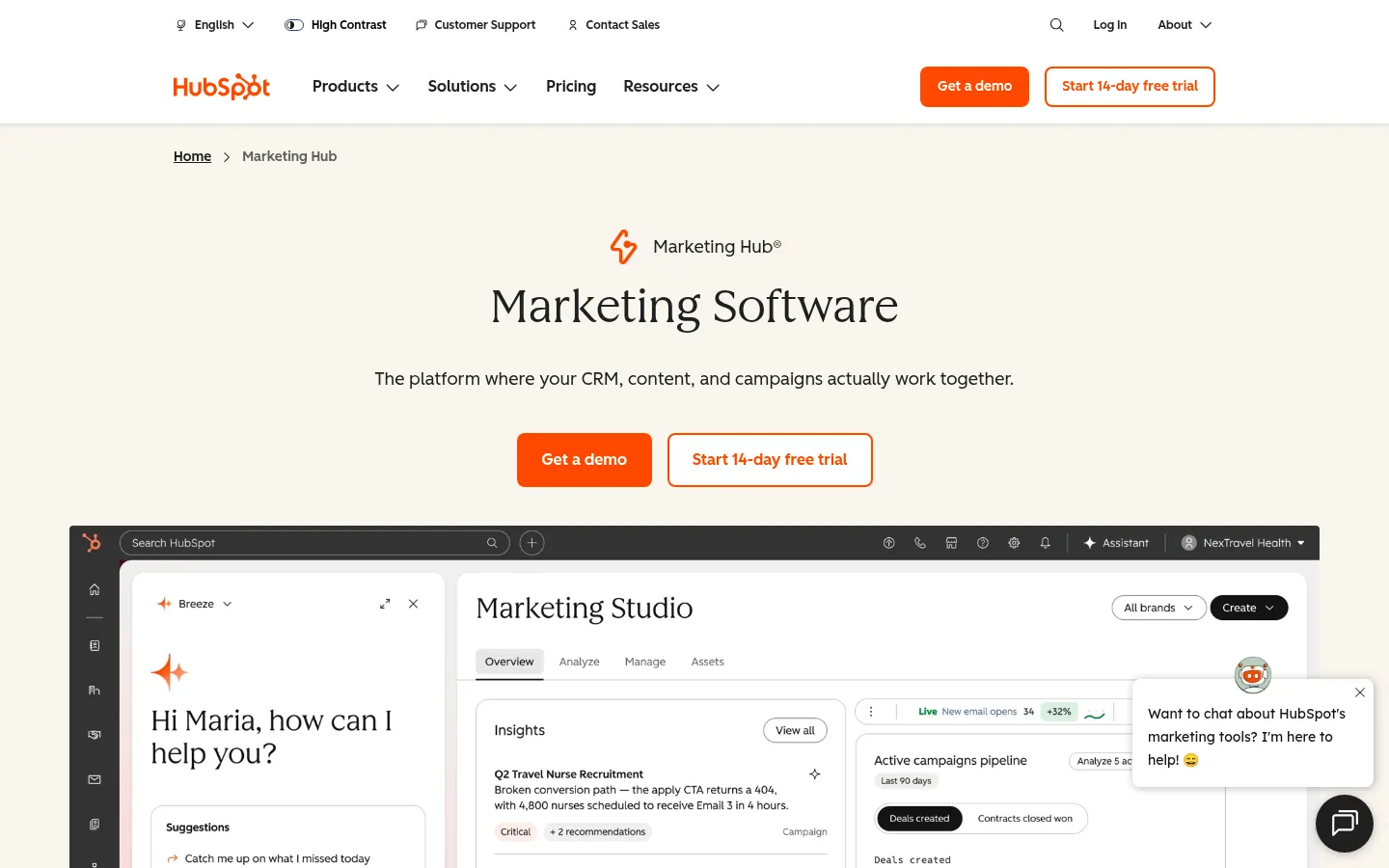
Screenshot: HubSpot Marketing Hub website, October 2026.
HubSpot Marketing Hub builds dynamic lists from contact properties, form submissions, page views and lifecycle stage. Lists update as contacts change and connect directly to email, workflows and lead scoring. Advanced segmentation and automation sit in the Professional and Enterprise tiers.
Core features:
- Contact and lifecycle segmentation
- Behaviour-based dynamic lists
- CRM-linked audience building
- Lead scoring on higher tiers
HubSpot Marketing Hub pricing and suitability
HubSpot's segmentation power rises with each tier, and so does the price, so the tool pays off when CRM-driven activation is central to how you sell. Starter covers simple lists and email. Professional adds the workflows and advanced segmentation most growing teams look for, and Enterprise adds custom events and predictive scoring.
| Plan | Price | Billing | Suitable for | Limits |
|---|---|---|---|---|
| Free | USD 0 | Free | Basic lists and CRM | No automation |
| Starter | From USD 20 per seat per month; USD 7 on a new-customer offer | Monthly or annual | Simple segmentation and email | Limited logic |
| Professional | SGD 1,120 a month | Annual (Singapore pricing page) | Workflows and advanced segmentation | Onboarding fee applies |
| Enterprise | SGD 5,100 a month | Annual (Singapore pricing page) | Custom events and predictive scoring | High cost for small teams |
Source: HubSpot pricing, checked October 2026. Professional and Enterprise figures are from HubSpot's Singapore pricing page in SGD.
3. Mailchimp
Mailchimp suits small and mid-size businesses that segment mainly for email and ecommerce campaigns.
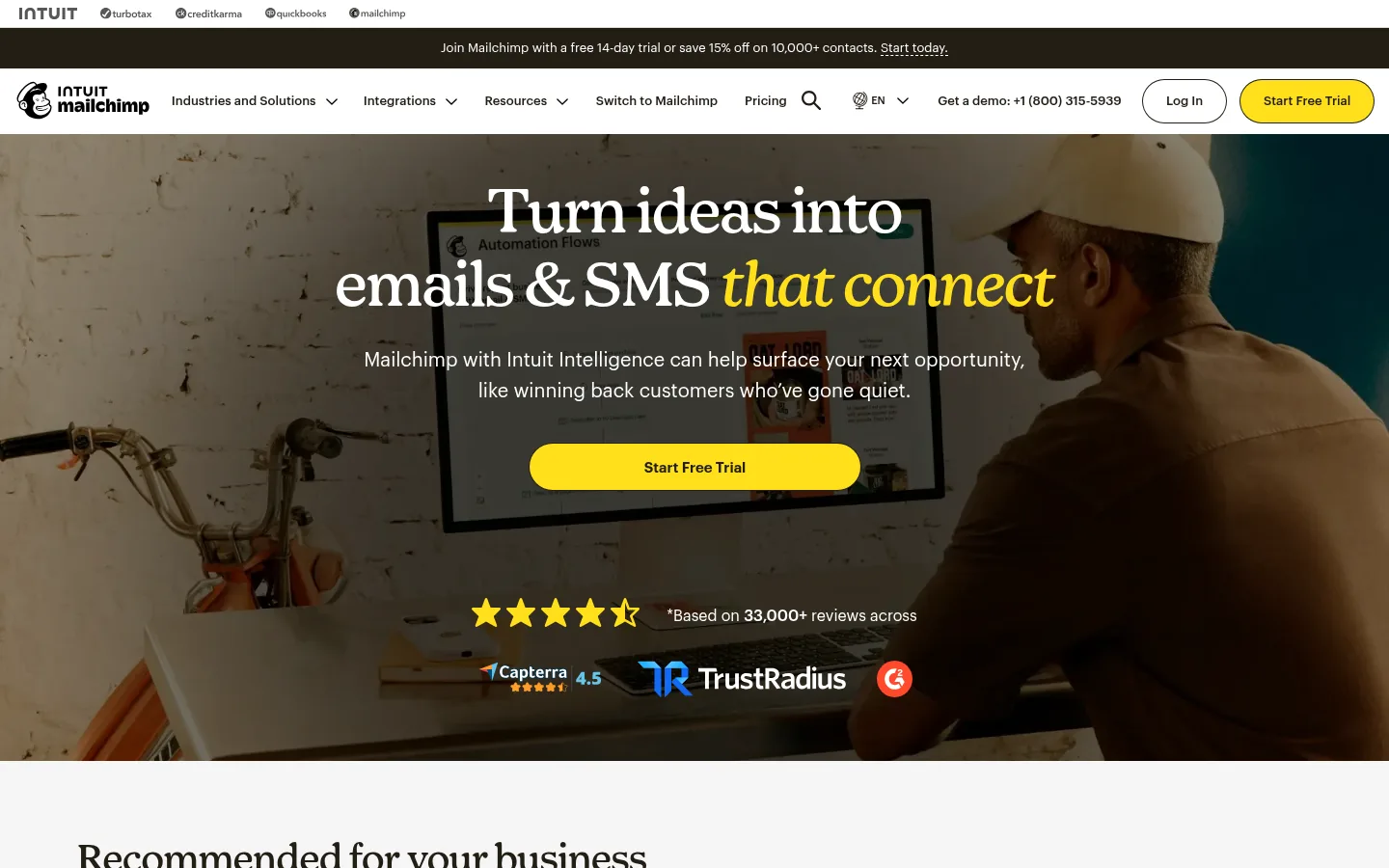
Screenshot: Mailchimp website, October 2026.
Mailchimp segments subscribers by engagement, purchase history and tags inside one audience. Its segmentation sits close to email and ecommerce use, and advanced segmentation logic and predictive features sit in the higher plans. Cost grows with your contact count, so budget for list growth.
Core features:
- Tags, groups and segments
- Engagement-based targeting
- Purchase and ecommerce segmentation
- Predictive insights on higher plans
Mailchimp pricing and suitability
Mailchimp starts free and rises with contact count and segmentation depth, with the largest step between Standard and Premium. Prices below are the starting points at the contact counts Mailchimp shows.
| Plan | Price | Contacts at that price | Segmentation | Limits |
|---|---|---|---|---|
| Free | USD 0 | Up to 250 | Basic tagging and segments | Very limited sends and automation |
| Essentials | From USD 13 a month | 500 | Engagement-based segments | Limited logic |
| Standard | From USD 20 a month | 500 | Behavioural and purchase data | Cost rises with list size |
| Premium | From USD 350 a month | 10,000 | Advanced segmentation and testing | Large price step |
Source: Mailchimp pricing, checked October 2026.
4. Heap
Heap suits product-led teams that want behavioural segments without tagging every event by hand.
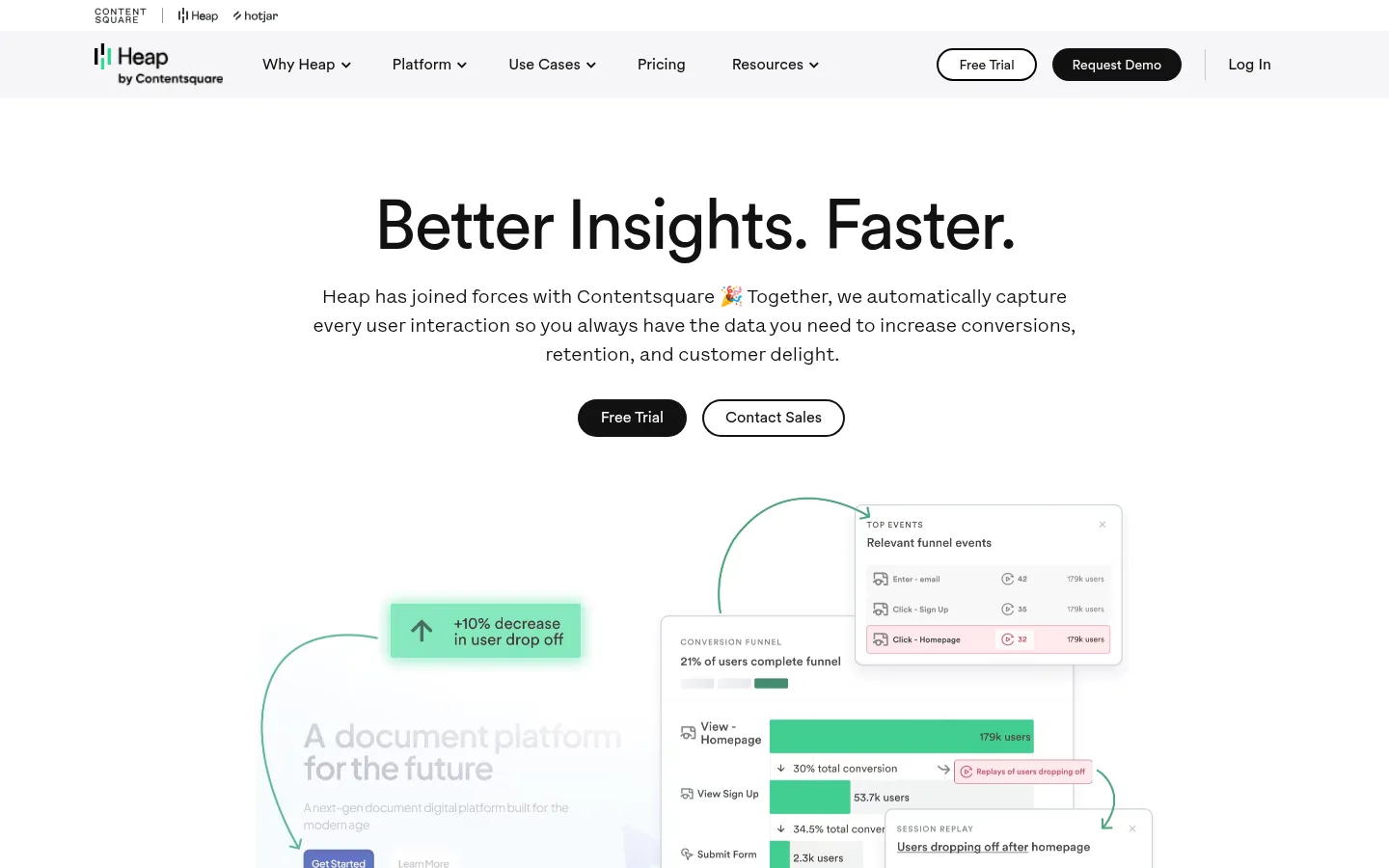
Screenshot: Heap website, October 2026.
Heap captures user interactions automatically and lets you define segments after the fact. Teams use it to find activation behaviours, friction points and retention drivers in digital products. Heap is part of the Contentsquare group and analyses audiences rather than sending campaigns, so it works alongside marketing tools or a customer data platform.
Core features:
- Automatic event capture
- Behavioural cohorts
- Funnel and journey analysis
- Data governance controls
Heap pricing and suitability
Heap prices by monthly sessions, with a free tier for small volumes and custom pricing above it. The free tier covers up to 10,000 monthly sessions. Paid tiers add advanced cohorts, journeys and governance, with session pricing agreed with the sales team.
| Plan | Price | Basis | Suitable for | Limits |
|---|---|---|---|---|
| Free | USD 0 | Up to 10,000 monthly sessions | Early product analysis | Session cap |
| Paid tiers | Custom session pricing | Monthly sessions and features | Product-led teams | No native campaign sending |
Source: Heap pricing, checked October 2026.
5. Contentsquare
Contentsquare suits UX and optimisation teams that segment users by the quality of their on-site experience.
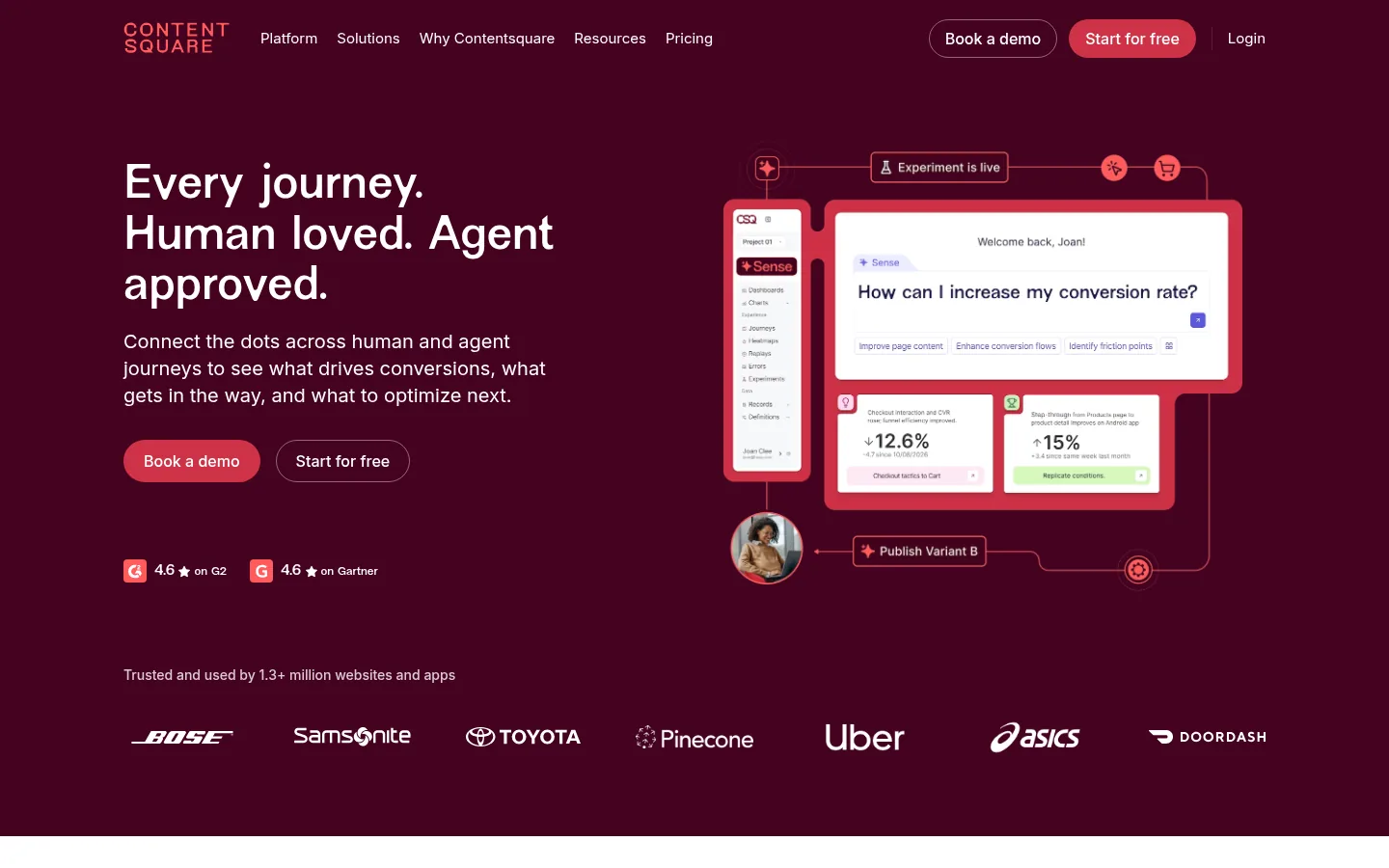
Screenshot: Contentsquare website, October 2026.
Contentsquare groups users by experience signals such as session replays, heatmaps, frustration and journey paths. It shows why one segment converts and another drops off. It does not run campaigns or CRM segmentation, so pair it with your marketing platform.
Core features:
- Session replay and heatmaps
- Experience-based segmentation
- Journey analysis
- Voice of Customer surveys
Contentsquare pricing and suitability
Contentsquare now publishes entry prices for Experience Analytics and Voice of Customer, with Pro and Enterprise quoted. Larger digital properties usually move to the custom tiers.
| Product | Free plan | Growth | Pro and Enterprise | Limits |
|---|---|---|---|---|
| Experience Analytics | USD 0 | From USD 39 a month | Custom | Advanced journey analysis on custom tiers |
| Voice of Customer | USD 0 | From USD 79 a month | Custom (Pro) | Survey volume by tier |
| Product Analytics | Custom | Custom | Custom | Quote-based |
Source: Contentsquare pricing, checked October 2026.
6. Twilio Segment
Twilio Segment suits data-mature organisations that want one customer profile feeding every marketing, advertising and analytics tool.
Screenshot: Twilio Segment website, October 2026.
Twilio Segment unifies data from your website, app and tools into one profile per customer. You segment by traits, events and identity-resolved users and send the same audience to every connected tool in real time. It needs a mature data stack and technical set-up.
Core features:
- Unified customer profiles
- Identity resolution
- Real-time audience sync
- Broad integrations
Twilio Segment pricing and suitability
Twilio Segment offers a free plan for basic pipelines and quotes its paid plans, which scale with data volume and governance needs. Twilio's pricing page lists plans by capability rather than by public price, so expect a sales conversation for anything beyond the free tier.
| Plan | Price | Best for | Capability | Limits |
|---|---|---|---|---|
| Free | USD 0 | Testing data pipelines | Basic sources and destinations | Volume caps |
| Paid plans | Quote-based | Cross-channel activation | Profiles, identity resolution, audiences | Set-up complexity |
Source: Twilio Segment pricing, checked October 2026.
7. Amplitude
Amplitude suits SaaS and product-led teams that treat behavioural cohorts as a core input to growth decisions.
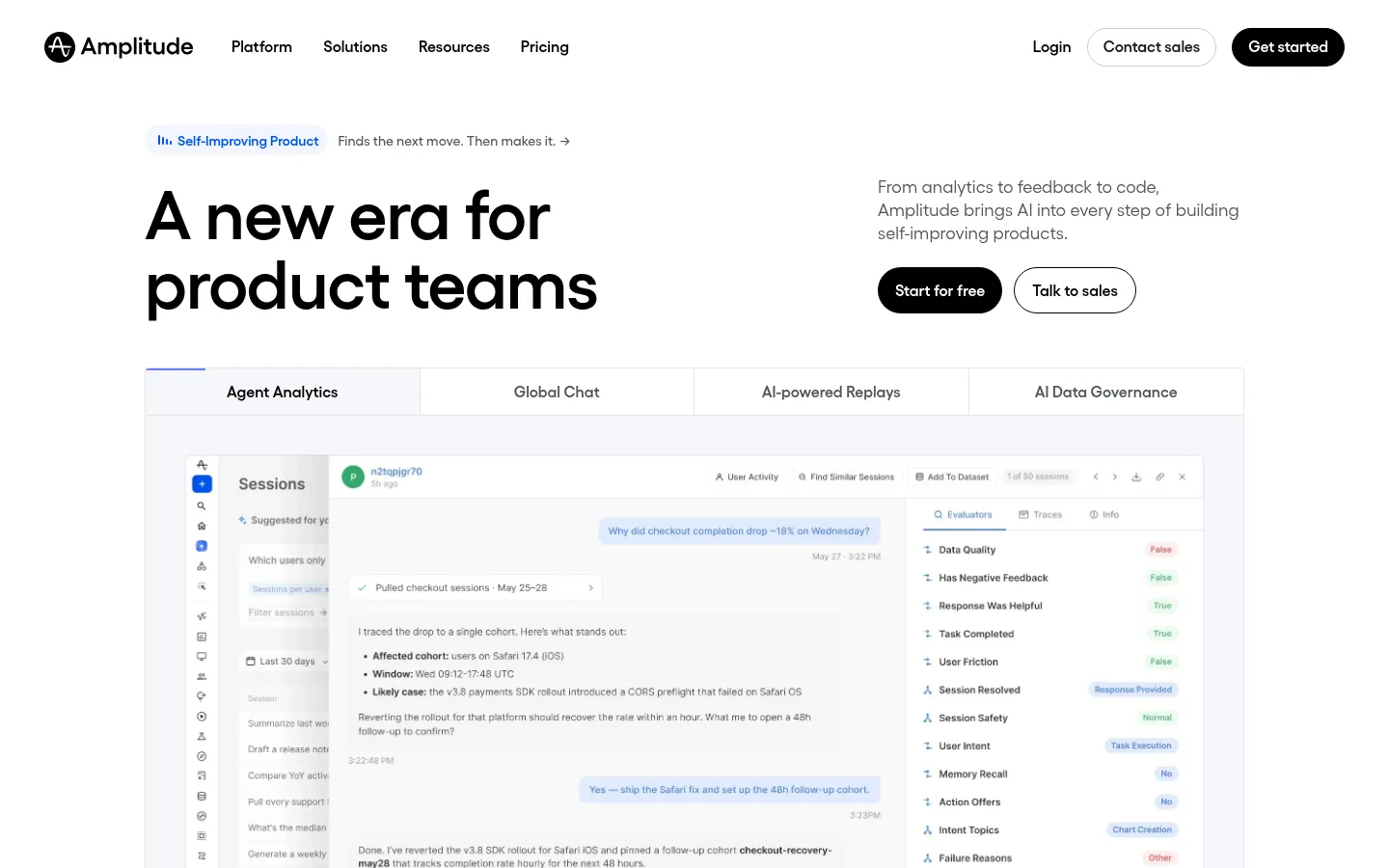
Screenshot: Amplitude website, October 2026.
Amplitude builds behavioural and predictive cohorts, maps retention and funnels, and supports experiments. Activation usually runs through integrations with your marketing tools. Getting value from it needs some analytical maturity on your team.
Core features:
- Behavioural cohorts
- Retention and funnel analysis
- Predictive insights
- Experimentation
Amplitude pricing and suitability
Amplitude prices by events, with the first 2 million events a month free on both the Free and Plus plans. Growth and Enterprise use custom, event-based pricing for larger teams.
| Plan | Price | Events included | Suitable for | Limits |
|---|---|---|---|---|
| Free | USD 0 | 2 million a month | Core analytics | Feature limits |
| Plus | Starts at USD 0 | First 2 million a month free | Advanced cohorts | Cost rises with events |
| Growth | Custom | Event-based | Predictive insights | Quote-based |
| Enterprise | Custom | Event-based | Full analytics suite | Quote-based |
Source: Amplitude pricing, checked October 2026.
How to Choose the Right Audience Segmentation Tool
Choose the tool that matches where your customer data lives and where you act on it, because a segment only earns money when it reaches a campaign, an offer or a product change. Weigh six factors:
- Data sources: which systems hold the behaviour and attributes you segment on.
- Segmentation depth: simple tags, behavioural cohorts or predictive groups.
- Activation: whether the tool sends campaigns or feeds other tools.
- Update speed: real-time or batch updates.
- Reporting: how you measure each segment's results.
- Cost at scale: how price grows with contacts, sessions or events.
Which audience segmentation tool fits which team?
Match the tool to its main segmentation type and to how much activation you need from it.
| Tool | Segmentation type | Best for | Activation | Set-up effort |
|---|---|---|---|---|
| Google Analytics 4 | Behavioural | Traffic and funnel analysis | Low (feeds Google Ads) | Low |
| HubSpot Marketing Hub | CRM and lifecycle | Lead nurturing and CRM workflows | High | Medium |
| Mailchimp | Email and engagement | Email campaigns | High for email | Low |
| Heap | Product behaviour | Usage and journey analysis | Low | Medium |
| Contentsquare | Experience | UX and conversion optimisation | Low | Medium to high |
| Twilio Segment | Identity-based | Cross-tool activation | Very high | High |
| Amplitude | Predictive and cohort | Retention and growth analysis | Medium through integrations | Medium |
Put Your Segments to Work
Segments pay off when they shape what you say to each group, so connect your segmentation tool to the channels and feedback that turn insight into revenue. Behavioural data shows what customers do; direct feedback shows why. Validate your segments with customer survey tools, act on them with marketing automation tools, and plan the wider funnel with the digital marketing guide.