A customer survey tool collects, organises and scores feedback from your customers across email, your website, your app and support conversations, so you see what drives satisfaction and loyalty and act on it before customers leave. The seven tools below cover simple team surveys, high-completion forms, enterprise research and behaviour-triggered website prompts. Each entry gives you current prices and the kind of team it suits.
Why Customer Survey Tools Matter to Your Revenue
A survey tool turns scattered feedback into a steady record of why customers buy, stay or leave, which protects retention and points your product and marketing spend at the problems that cost you sales. Feedback held in inboxes, spreadsheets and one-off forms stops being reliable as you grow. A survey tool sends each survey at the right moment, tracks standard measures such as NPS (Net Promoter Score), CSAT (customer satisfaction) and CES (customer effort score), and stores every response in one place.
The same data shows where buyers hit friction in the journey, which feeds conversion work on your website and onboarding. Over time, feedback becomes a source of evidence for product decisions, campaign messages and retention plans, not only a support task.
What do customer survey tools give your team?
A survey tool gives your team one place to collect feedback, standard measures to track it and automation to keep it flowing as your customer base grows. The main benefits:
- Collects feedback from every channel into one record.
- Tracks NPS, CSAT and CES on a consistent scale.
- Sends surveys automatically across email, web, app and SMS.
- Lifts response rates through short, well-timed, targeted surveys.
- Reads open-text answers with text and sentiment analysis.
- Connects to your CRM and support platforms.
1. SurveyMonkey
SurveyMonkey suits teams that want a dependable, widely known survey builder that scales across departments without complex set-up.
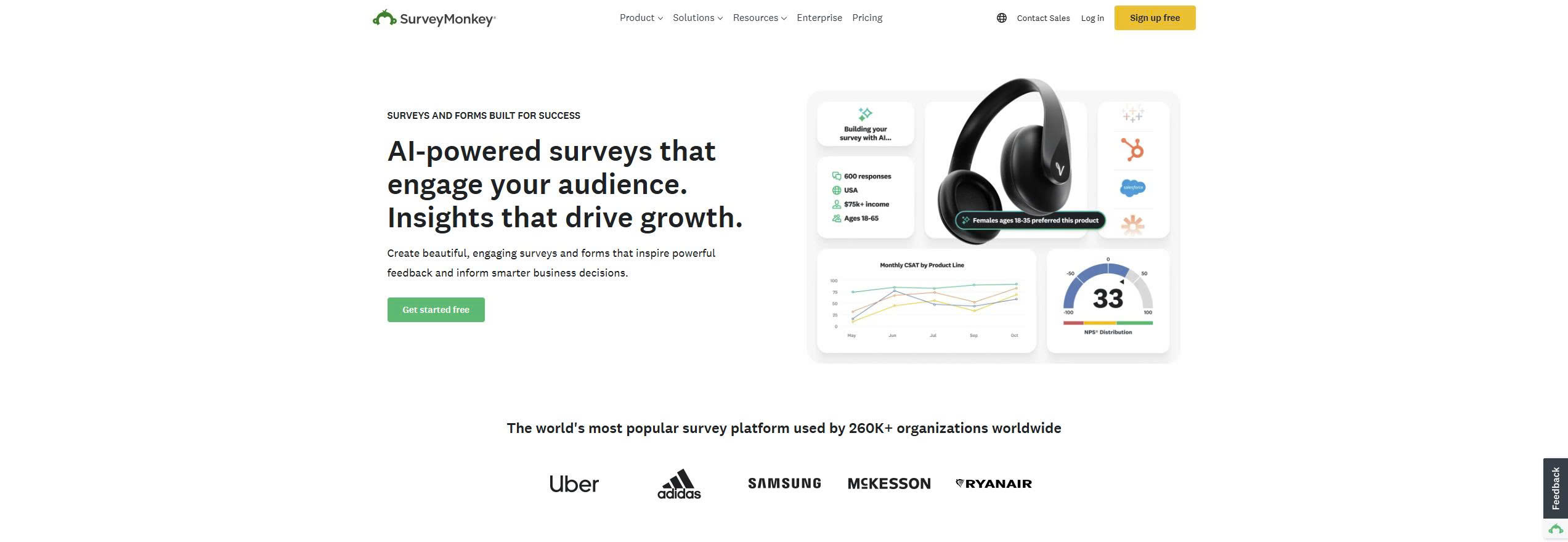
SurveyMonkey offers survey creation, logic and reporting for everything from a short feedback form to a structured research programme. Marketing, HR and CX teams use it for consistent survey processes. Its strengths are reliability, template depth and collaboration rather than specialist CX workflows.
Core features:
- Survey and form builder
- Logic and branching
- Templates for NPS, CSAT and research
- Team workspaces
- Data export and reporting
SurveyMonkey pricing and suitability
SurveyMonkey prices its team plans per user with a three-user minimum, so your cost rises with headcount as well as response volume. The free Basic plan limits how many responses you view per survey, so most businesses move to a paid team plan for higher volumes, advanced logic and shared workspaces. Enterprise adds governance, security controls and advanced analytics.
| Plan | Price | Billing | Suitable for | Limits |
|---|---|---|---|---|
| Basic (free) | USD 0 | Free | Simple surveys | Limited responses viewable per survey |
| Team Advantage | USD 30 per user per month | Annual, 3-user minimum | Small to mid-size teams | 50,000 responses a year, USD 0.15 per extra response |
| Team Premier | USD 92 per user per month | Annual, 3-user minimum | Larger teams | 100,000 responses a year, USD 0.15 per extra response |
| Enterprise | Quote-based | Through a demo, 5-user minimum | Large organisations | Price not public |
Source: SurveyMonkey pricing, checked October 2026.
2. Typeform
Typeform suits teams that care most about completion rates and how the survey feels to the respondent.
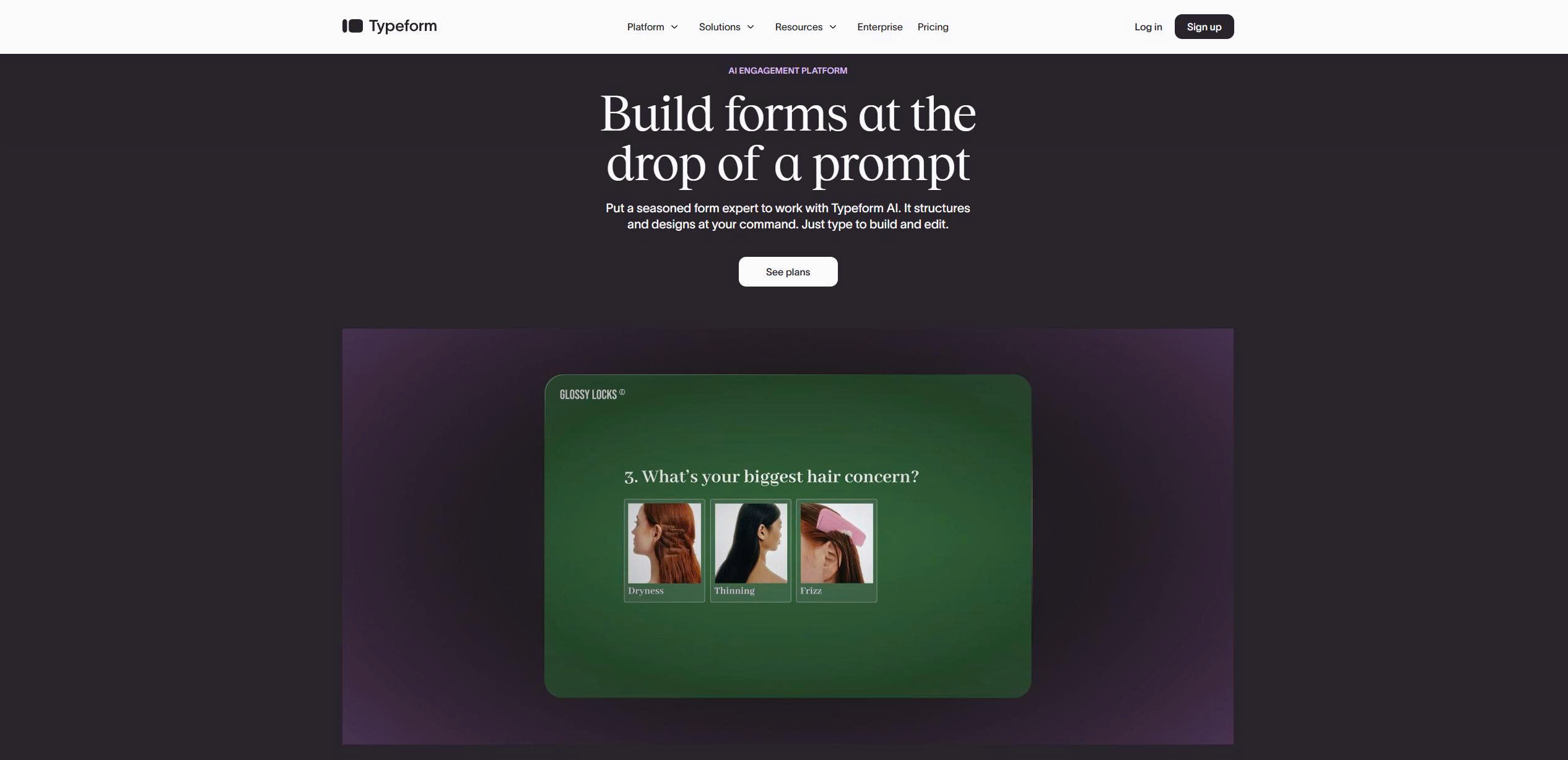
Typeform presents one question at a time in a conversational format instead of a traditional form layout, which keeps respondents engaged. Startups, marketing teams and SaaS companies use it for customer feedback, onboarding surveys and product discovery when brand perception matters.
Core features:
- Conversational survey interface
- Logic and conditional paths
- Branding and custom design
- Integrations with CRM and marketing tools
Typeform pricing and suitability
Typeform prices by monthly responses and users, so your plan choice depends on how many completed surveys you expect each month. A free plan lets you test it first. Lower plans suit light feedback and one-off surveys, while higher plans add integrations, logic and branding controls for ongoing feedback programmes.
| Plan | Billed monthly | Billed yearly | Responses a month | Users |
|---|---|---|---|---|
| Basic | USD 39 a month | USD 28 a month | 100 | 1 |
| Plus | USD 79 a month | USD 56 a month | 1,000 | 3 |
| Business | USD 129 a month | USD 91 a month | 10,000 | 5 |
| Enterprise | Quote-based | Quote-based | Custom | Custom |
Source: Typeform pricing, checked October 2026.
3. Qualtrics
Qualtrics suits large organisations that run continuous, multi-department research and CX programmes with strict security and governance needs.
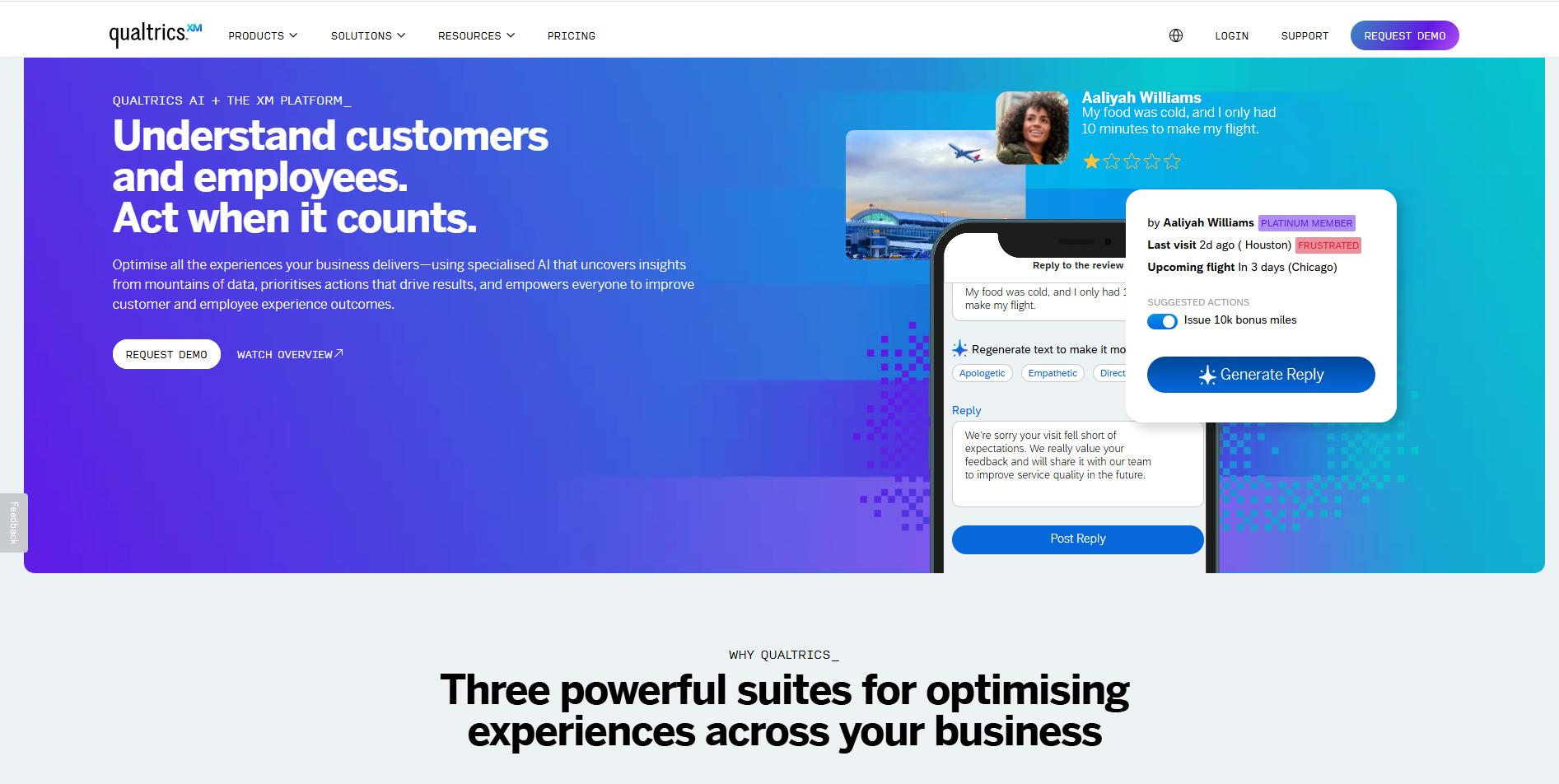
Qualtrics is an experience management platform for customer, employee and product research, with advanced logic, analytics and governance. Large enterprises, government agencies and research teams choose it for security, compliance and analytical depth. For a small team, it is more platform than the job needs.
Core features:
- Advanced survey logic
- CX and research dashboards
- Text and sentiment analysis
- Enterprise security and roles
Qualtrics pricing and suitability
Qualtrics gives you a free account and a self-serve research plan, while full CX programmes run on custom enterprise contracts. Enterprise pricing scales with scope, users and modules.
| Plan | Price | Billing | Suitable for | Limits |
|---|---|---|---|---|
| Free account | USD 0 | No card required | Testing and small studies | 500 responses in total |
| Strategic Research (small business) | USD 420 a month | USD 5,040 billed annually | Research teams | 1,000 responses in total across all users |
| Strategic Research (enterprise) | Quote-based | Quote only | Enterprise research and CX | 5,000 or more responses |
Source: Qualtrics buy online, checked October 2026.
4. Zonka Feedback
Zonka Feedback suits CX and service teams that track NPS, CSAT and CES continuously across many channels.
Zonka Feedback sends surveys by email, SMS, WhatsApp, website and in-product widgets, a mobile app SDK and offline kiosks, then routes responses into reporting and follow-up workflows. It also publishes a migration guide for teams moving off Delighted.
Core features:
- NPS, CSAT and CES surveys
- Email, SMS, WhatsApp, website, in-app and kiosk distribution
- Recurring surveys and CX automation
- Close-the-loop workflows and user segmentation
- Reporting and analytics, including Slack reports
Zonka Feedback pricing and suitability
Zonka Feedback prices by survey volume and the features you need, so you request a plan that matches your channels. Current plans are on Zonka Feedback pricing. It fits loyalty and satisfaction measurement across several channels better than detailed research survey design.
5. Survicate
Survicate suits product and marketing teams that want feedback triggered by behaviour across website, app and email without moving to an enterprise platform.
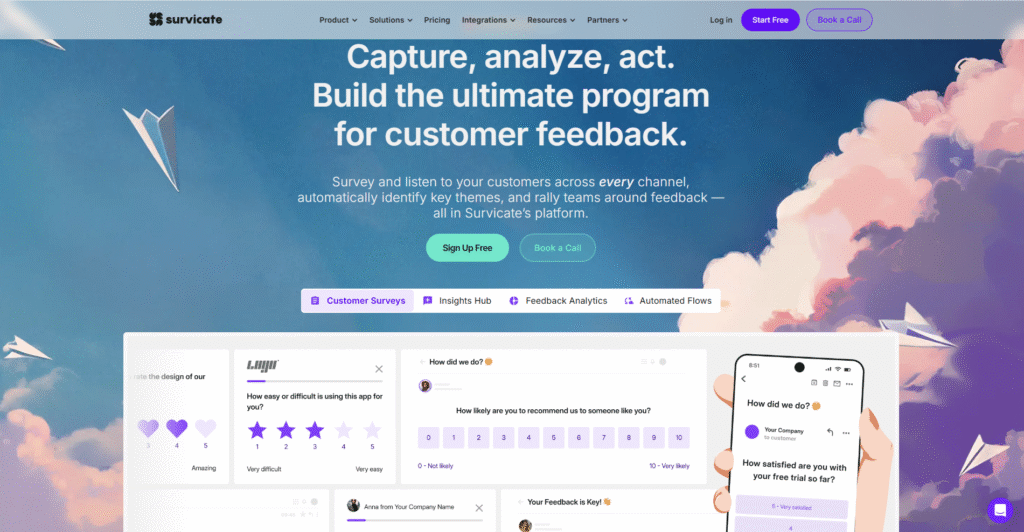
Survicate runs email, website, mobile and in-app surveys and targets users by behaviour, page visits or lifecycle stage. SaaS companies and digital businesses use it for ongoing feedback through the customer journey.
Core features:
- Website and in-app surveys
- Email and link distribution
- Behaviour-based targeting
- CX metric templates
Survicate pricing and suitability
Survicate prices mainly by response volume and channel access, with a 10-day trial that needs no card. Higher plans suit ongoing Voice of Customer programmes rather than occasional surveys.
| Plan | Price | Billing | Suitable for | Responses |
|---|---|---|---|---|
| Growth | USD 114 a month | Billed annually | Growing teams | 250 survey responses a month |
| Pro | From USD 349 a month | Monthly or annually | Product and CX teams | Custom yearly pool |
| Enterprise | From USD 569 a month | Monthly or annually | Large programmes | Custom yearly pool |
Source: Survicate pricing, checked October 2026.
6. Hotjar (Surveys and Feedback)
Hotjar suits UX and conversion teams that want to ask visitors questions on the page while also seeing how they behave.
Hotjar combines website behaviour analytics with on-page surveys and feedback widgets, so you capture what visitors think as they use your site or product. That combination explains why users behave as they do.
Core features:
- On-site surveys
- Feedback widgets
- Heatmaps and recordings
- Basic analytics
Hotjar pricing and suitability
Hotjar is now part of Contentsquare, so you buy its surveys and feedback through Contentsquare's Free, Growth, Pro and Enterprise plans. The Hotjar pricing page redirects to Contentsquare pricing, and surveys sit in Contentsquare's Voice of Customer capabilities (Contentsquare help centre). The free plan supports light feedback collection; paid plans raise limits and add targeting and analysis. See Contentsquare pricing for current plans. Because surveys come bundled with behaviour analytics, Hotjar fits website optimisation better than organisation-wide CX programmes.
7. Qualaroo
Qualaroo suits marketing and product teams that want short, targeted questions shown at the exact moment a visitor acts.
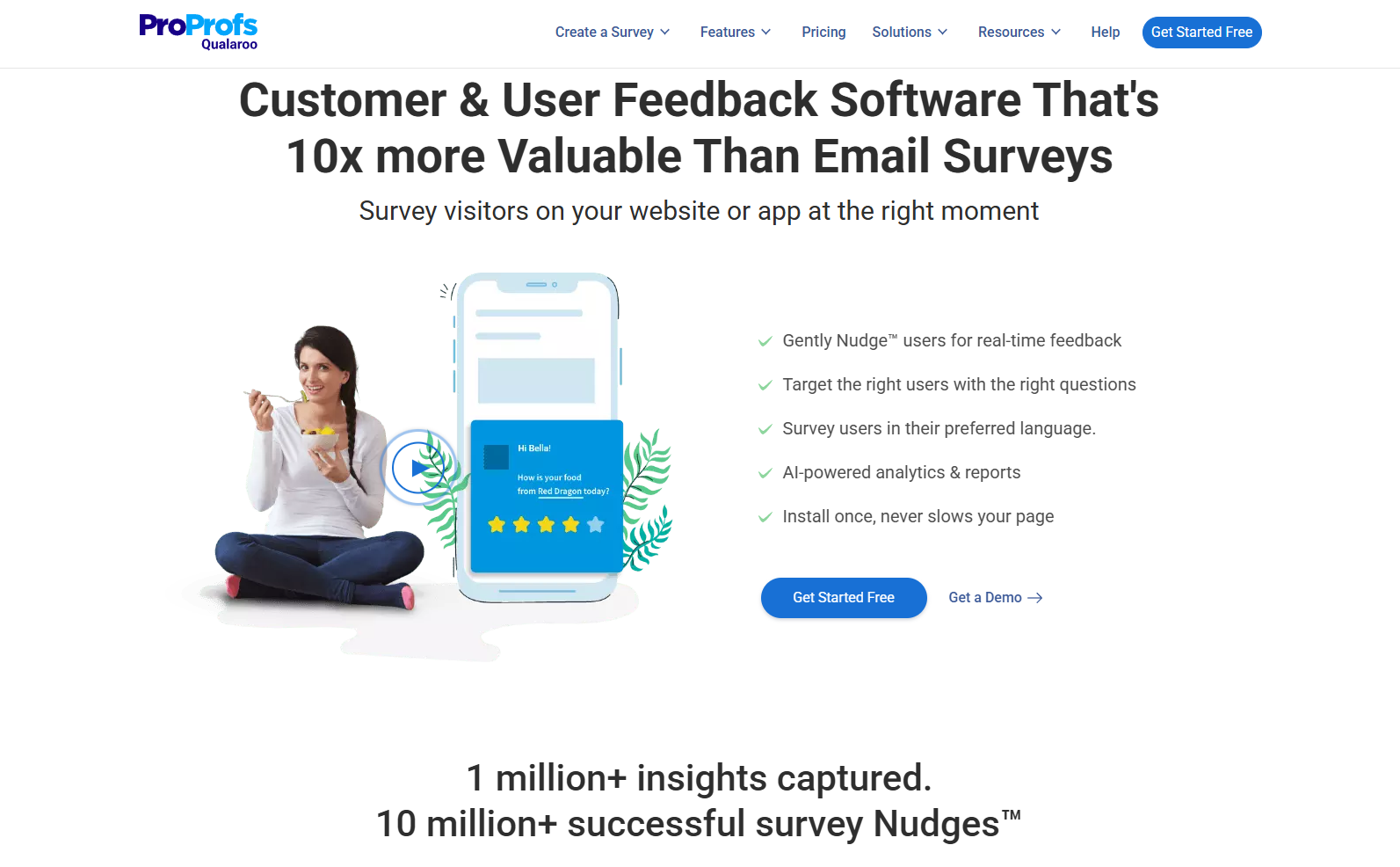
Qualaroo runs micro-surveys triggered by behaviour, such as asking why a visitor did not convert or why a user cancelled. Teams use the answers for optimisation and UX decisions.
Core features:
- Behaviour-based targeting
- On-site and in-app surveys
- Question logic
- Integration with analytics tools
Qualaroo pricing and suitability
Qualaroo prices by targeting depth, email sends and pageviews rather than response volume, since paid plans include unlimited responses. Enterprise is tailored for large organisations that need custom deployments, governance and support.
| Plan | Price | Billing | Responses | Sends and pageviews |
|---|---|---|---|---|
| Free | USD 0 | Free | 50 | 500 email sends, 10,000 pageviews |
| Essentials | USD 19.99 a month | USD 239.88 billed annually | Unlimited | 1,000 email sends a month |
| Business | USD 49.99 a month | USD 599.88 billed annually | Unlimited | 5,000 email sends and 100,000 pageviews a month |
| Enterprise | From USD 149.99 a month | Annual plans only | Unlimited | Custom |
Source: Qualaroo pricing, checked October 2026.
How to Choose the Right Customer Survey Tool
Pick the tool that matches how much your revenue and retention depend on feedback: the more decisions rest on it, the more structure your platform needs. A small team often needs only simple surveys. A growing business benefits from automated programmes that track satisfaction and loyalty over time. Weigh four factors: the responses you expect, where surveys appear, how results connect to your existing systems, and whether you need governance or compliance controls.
If you still run Delighted, you need a replacement now. Its final sunset date was 30 June 2026 and customer access ended on 1 July 2026 (Delighted Sunset FAQ).
Which customer survey tool fits which team?
Match the tool to your main use: team surveys, completion rates, enterprise research, loyalty tracking or on-site feedback.
| Tool | Best for | Strengths | Limitations | Pricing model |
|---|---|---|---|---|
| SurveyMonkey | General survey use across teams | Reliable, flexible, strong templates | Cost rises with users | Per user, annual |
| Typeform | High-engagement surveys | Respondent experience and branding | Monthly response caps | By responses and users |
| Qualtrics | Enterprise CX and research | Deep analytics and governance | Significant investment | Self-serve or enterprise quote |
| Zonka Feedback | NPS, CSAT and CES programmes | Multi-channel distribution and CX automation | Not built for complex research surveys | By volume and features |
| Survicate | Multi-channel feedback | Behaviour-based targeting | Cost rises with responses | By responses and channels |
| Hotjar | Website feedback | Answers in context with behaviour data | Web and product only | Contentsquare plans |
| Qualaroo | Conversion and UX surveys | Real-time targeting | Higher plans needed for scale | By sends and pageviews |
Put Your Survey Data to Work
Survey answers pay off when they change what you build, say and fix, so connect the tool to the rest of your marketing stack from the start. Each tool above fits a different stage of growth, and the right one depends on how deeply feedback shapes your decisions. Act on responses with marketing automation tools, place surveys in your funnel with the digital marketing guide, and turn what customers tell you into content with the content marketing guide.