Video marketing tools let a small team create, edit, brand and publish video consistently without specialist editing skills, so you keep a steady flow of content across YouTube, LinkedIn, Instagram and TikTok. Each tool below fits a different job, from branded social videos and short-form clips to tutorials, long-form editing and turning blog posts into video. Prices are current for each.
Why Video Marketing Tools Matter for SMEs
Video tools remove the usual small-team bottlenecks of limited design capacity, slow production and uneven output, so you publish more often and keep your brand consistent. They give CEOs, CMOs and marketing managers a predictable workflow for creating, editing, branding and publishing video. When the tool matches how your team works, you publish more often and engage your audience across social channels and your website.
How do you evaluate a video marketing tool?
Start with your team's skill level, the type of video you make and your marketing goal, then compare features, workflow and price against those needs. The criteria that matter most:
- Ease of use for non-specialists
- Template quality and brand controls
- AI help with scripts, edits and captions
- Caption accuracy and translation
- Export formats for each platform
- Collaboration and review tools
- Cost as your output grows
Short-form content needs mobile-first editing. Promotional content needs strong templates. Long-form content needs transcription and repurposing features.
1. Canva
Canva suits SMEs that want branded promotional, social and explainer videos made quickly from templates.
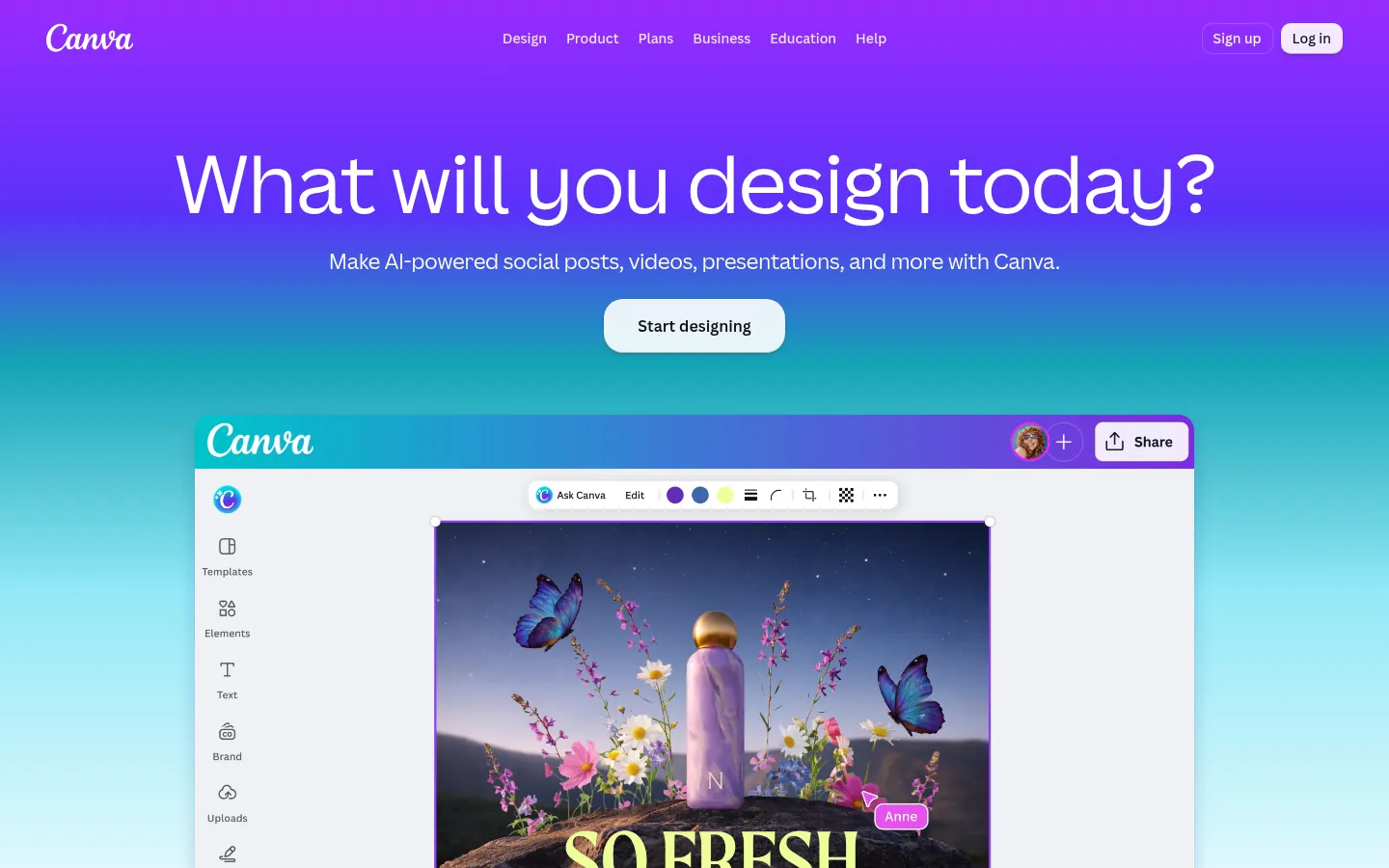
Screenshot: Canva website, October 2026.
Canva is a design and video platform with templates, animations and simple editing. Brand kits hold your colours, fonts and logos, so every video stays on brand. It fits retail, services, coaching, education and ecommerce teams that need ready-made assets and shared reviews.
Core features:
- Template libraries
- Brand kits for colours, fonts and logos
- Drag-and-drop editing
- Captions and simple animations
- Stock images and video
- Team collaboration and cloud reviews
Canva pricing and suitability
Canva has a free plan, with Pro at USD 144 a year for one person and Business at USD 250 a year per person.
| Plan | Price | Suitable for | Strength | Limitation |
|---|---|---|---|---|
| Free | USD 0 | Individuals starting out | Core templates and editing | Limited premium content |
| Pro | USD 144 a year, one person | Solo marketers | Brand kits and premium templates | One person only |
| Business | USD 250 a year per person | Teams | Collaboration and shared brand controls | Cost scales per person |
| Enterprise | Contact sales | Large organisations | Security and governance | Sales-led pricing |
Source: Canva pricing, checked October 2026.
2. CapCut
CapCut suits SMEs that publish short-form video for TikTok, Instagram Reels and YouTube Shorts and want fast edits on mobile or desktop.
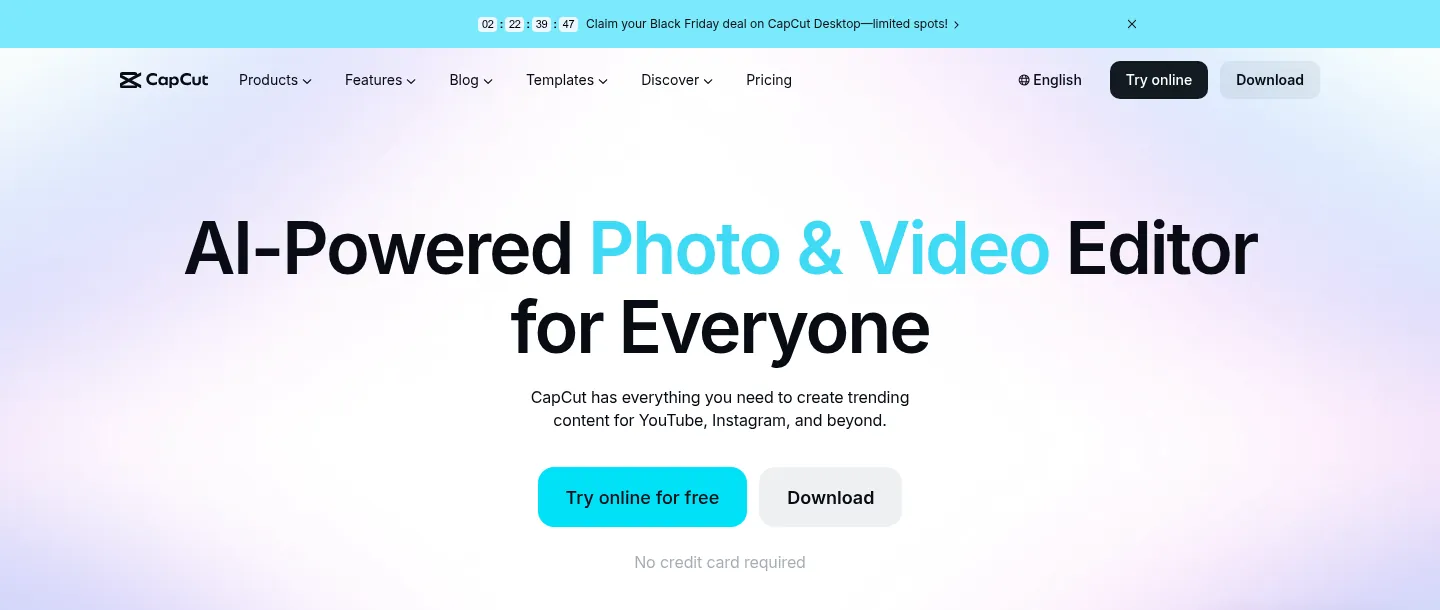
Screenshot: CapCut website, October 2026.
CapCut is a mobile-first editor with auto-captions, effects and templates matched to each platform's style. Non-technical teams create engaging clips directly on a phone, which suits retail, food and beverage, lifestyle services and personal brands that publish often.
Core features:
- Auto-captions and sound sync
- Transitions and effects
- Filters and enhancements
- Mobile and desktop apps
- Ready-made templates
- Exports for every platform
CapCut pricing and suitability
CapCut has a free version, with Pro at USD 19.99 a month or USD 179.99 a year.
| Plan | Price | Suitable for | Strength | Limitation |
|---|---|---|---|---|
| Free | USD 0 | Individuals | Core editing tools | Fewer premium effects |
| Pro | USD 19.99 a month or USD 179.99 a year | Frequent creators | Premium effects and templates | Per-person plan |
| Ultra | USD 79 a month or USD 900 a year | Heavy users | Highest limits | High cost |
| Teams | Priced per seat by team size | Small teams | Shared workspace | Seat-based pricing |
Source: CapCut pricing, checked October 2026.
3. InVideo
InVideo suits SMEs that run frequent promotions and campaigns and want videos built from a script or prompt with AI.
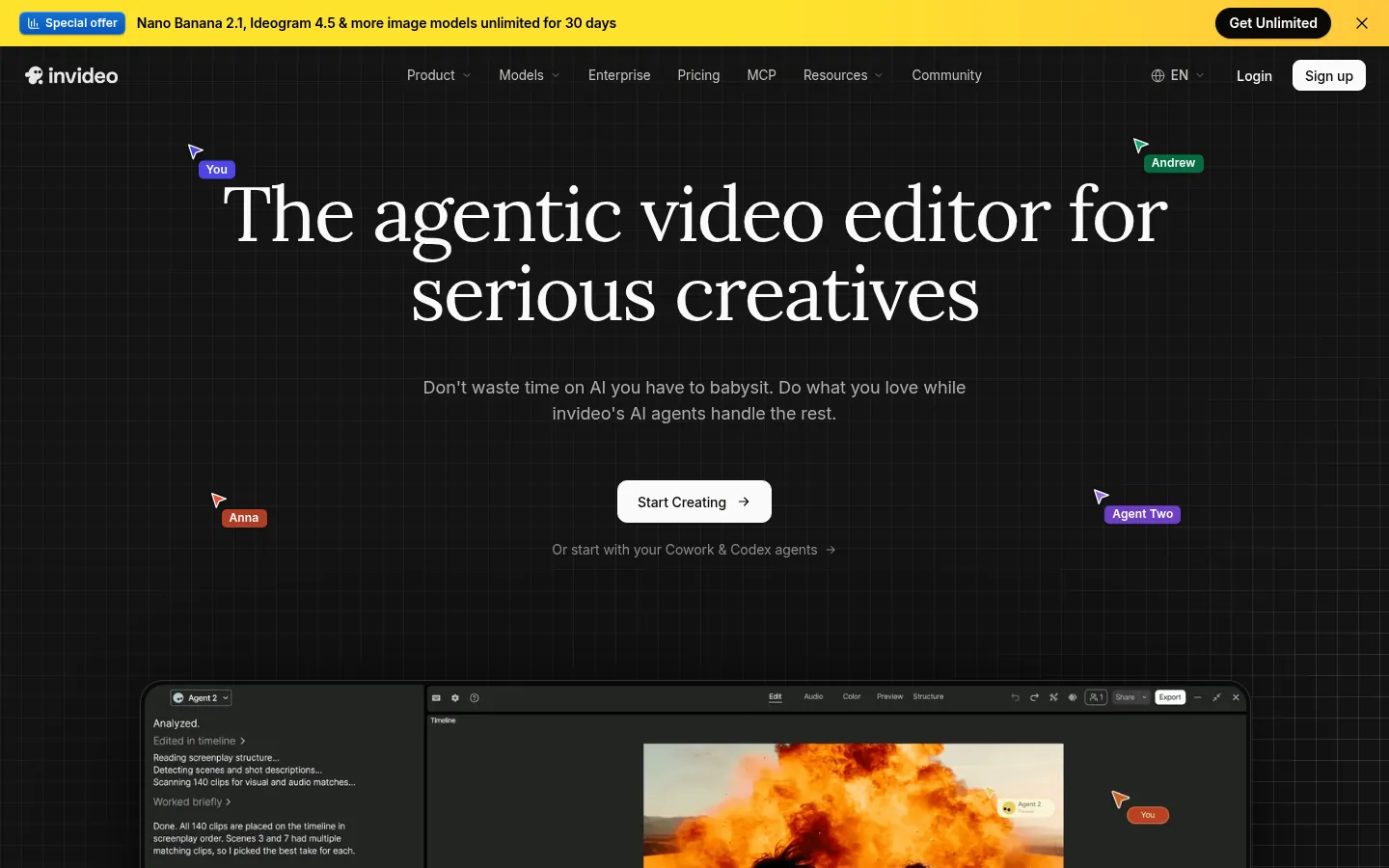
Screenshot: InVideo website, October 2026.
InVideo is a browser-based tool that turns a script or prompt into a video with AI, backed by templates, stock media and voiceovers. It cuts manual editing and speeds up campaign turnaround, which fits retailers, agencies, coaches and ecommerce brands that reuse the same video formats.
Core features:
- Script-to-video AI
- Promotional templates
- Stock visuals and audio
- Voiceover and text tools
- Timeline editing
- Brand controls
InVideo pricing and suitability
InVideo prices per seat across three plans, from USD 10 a month on annual billing at the time of checking.
| Plan | Price (per seat, per month, billed annually) | Suitable for | Strength | Limitation |
|---|---|---|---|---|
| Starter | USD 10 (shown discounted from USD 20) | Small teams | Low entry cost | Lower usage limits |
| Plus | USD 30 (shown discounted from USD 60) | Regular producers | More AI generation | Higher cost |
| Max | USD 75 (shown discounted from USD 150) | Heavy users | Highest limits | Highest cost |
Source: InVideo pricing, checked October 2026.
4. VEED
VEED suits teams that produce tutorials, product walk-throughs, LinkedIn videos and training material in the browser.
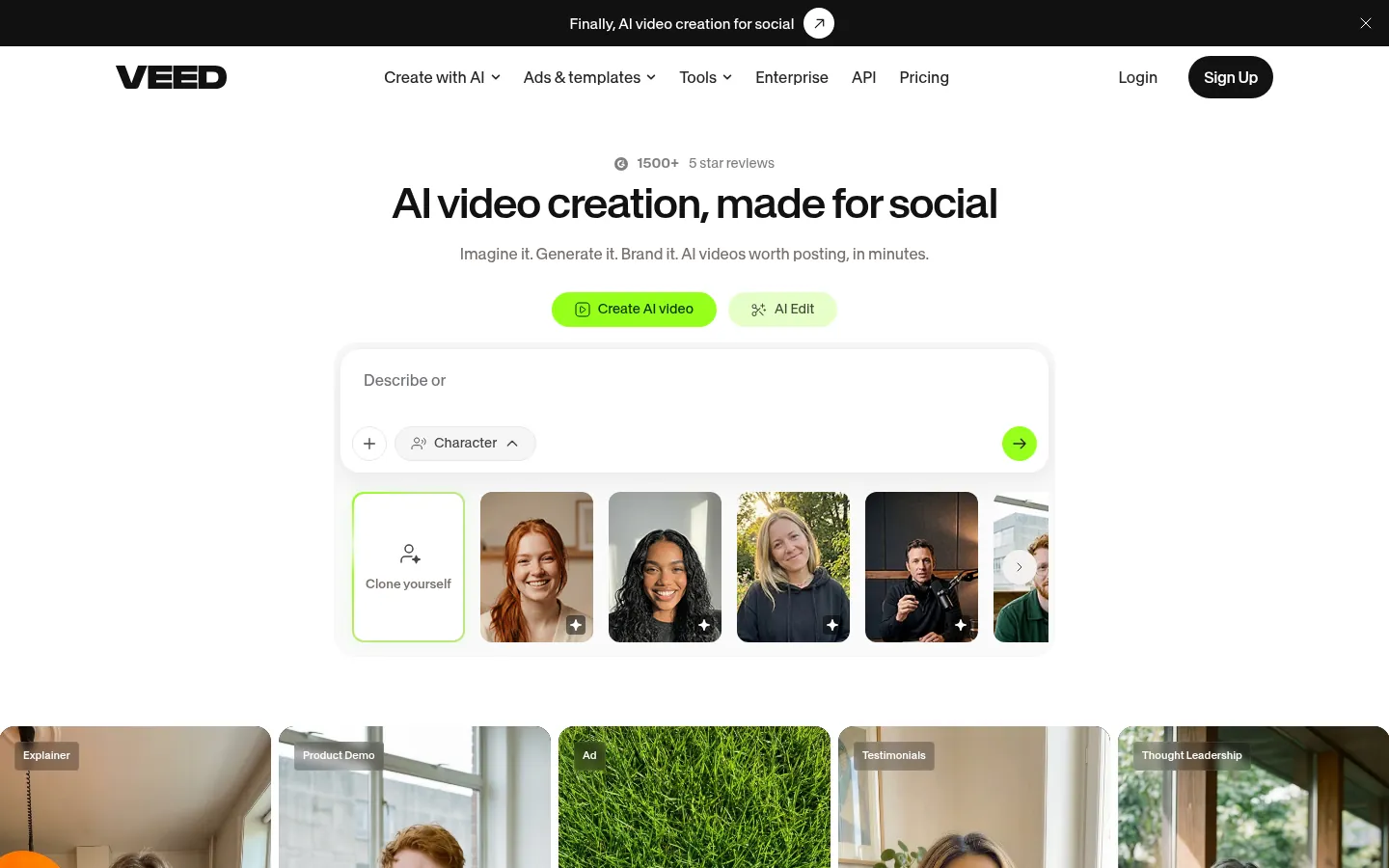
Screenshot: VEED website, October 2026.
VEED is an online video editor with auto-subtitles, translation, screen recording and brand kits. It runs in the browser on any device and supports team reviews, which suits professional services, SaaS companies, education providers and agencies.
Core features:
- Auto-subtitles and translation
- Screen recording
- Timeline editing
- Brand kits and templates
- Team collaboration
- Hosting for internal reviews
VEED pricing and suitability
VEED prices per user from USD 12 a month on annual billing, with custom Enterprise plans.
| Plan | Price (per user, per month, billed annually) | Suitable for | Strength | Limitation |
|---|---|---|---|---|
| Creator | USD 12 | Individual creators | Core editing and subtitles | Fewer brand controls |
| Pro | USD 22 | Professionals | Brand kits and advanced features | Cost per user |
| Studio | USD 39 | Teams producing at volume | Highest limits | Higher cost |
| Enterprise | Custom | Large organisations | Security and support | Sales-led pricing |
Source: VEED pricing, checked October 2026.
5. Descript
Descript suits SMEs that edit long-form video such as webinars, tutorials, demos and training, and want to cut it down by editing the transcript.
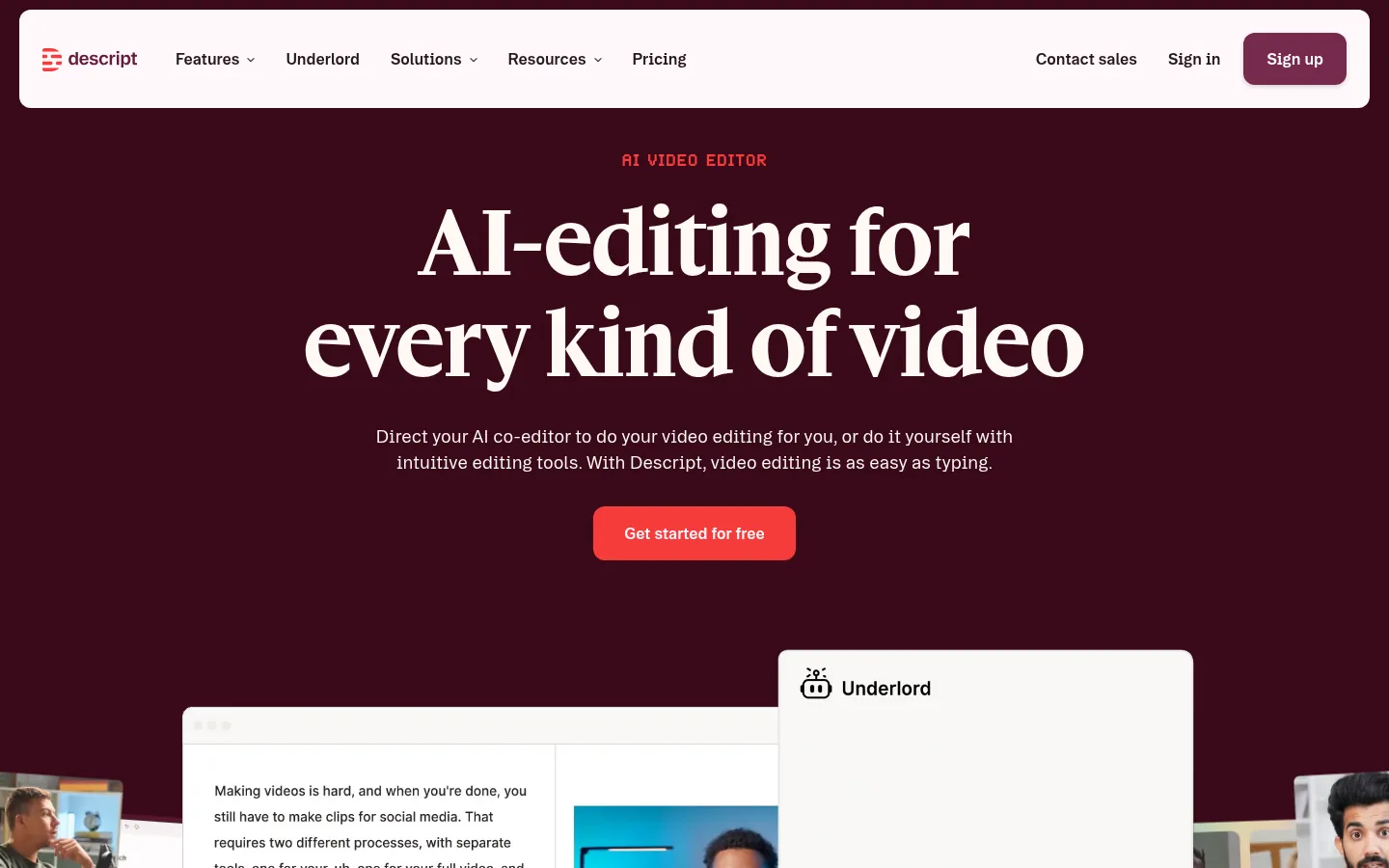
Screenshot: Descript website, October 2026.
Descript transcribes your recording and lets you edit the video by editing the text. It removes filler words, records your screen and handles multi-track edits. Professional services, SaaS companies, consultants and trainers use it to turn long recordings into short social clips.
Core features:
- Automatic transcription
- Edit video by editing text
- Screen recording
- Filler word removal
- Multi-track editing
- Clip extraction for social media
Descript pricing and suitability
Descript has a free plan, with paid plans from USD 16 per person a month on annual billing.
| Plan | Price (per person, per month) | Suitable for | Strength | Limitation |
|---|---|---|---|---|
| Free | USD 0 | Light editing | Text-based editing to try | Limited usage |
| Hobbyist | USD 16 annual, USD 24 monthly | Occasional creators | Core editing and transcription | Lower limits |
| Creator | USD 24 annual, USD 35 monthly | Regular creators | Higher limits | Cost per person |
| Business | USD 50 annual, USD 65 monthly | Teams | Team features | Higher cost |
| Enterprise | Custom | Large organisations | Security and support | Sales-led pricing |
Source: Descript pricing, checked October 2026.
6. Lumen5
Lumen5 suits SMEs with a strong library of blog posts and articles that want to turn written content into short videos.
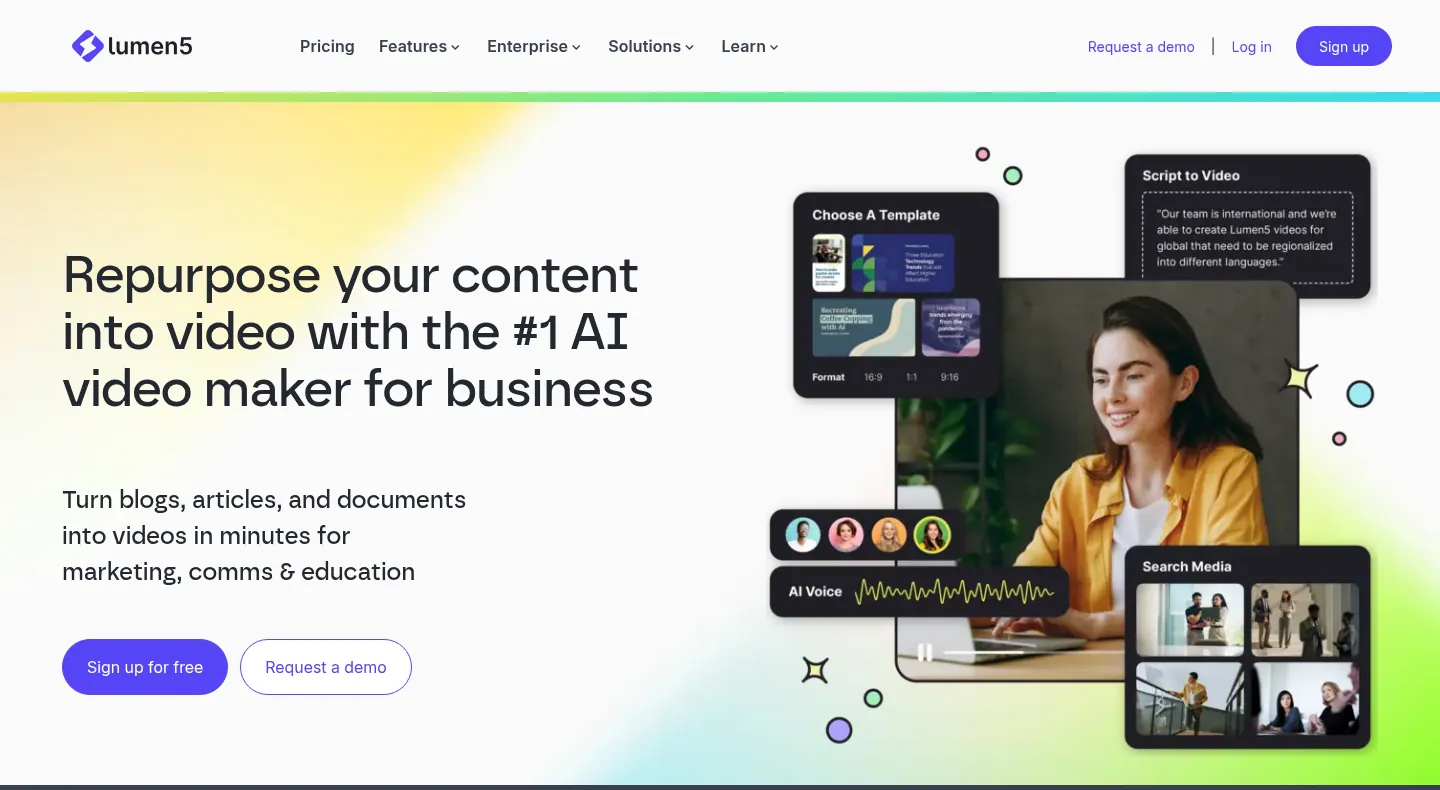
Screenshot: Lumen5 website, October 2026.
Lumen5 is an AI video tool that turns text, URLs and blog posts into short videos, with automatic storyboards and brand templates. It fits content-driven brands, agencies, consultants and service firms that want more reach from material they already have.
Core features:
- URL-to-video and text-to-video
- AI scene generation
- Automatic storyboards
- Brand templates
- Stock libraries
- Simple timeline adjustments
Lumen5 pricing and suitability
Lumen5 has a free plan, with paid plans from USD 19 a month on yearly billing.
| Plan | Price (per month, billed yearly) | Suitable for | Strength | Limitation |
|---|---|---|---|---|
| Free | USD 0 | Testing | Try the core workflow | Limited features |
| Basic | USD 19 | Simple branded videos | Low entry cost | Fewer brand controls |
| Starter | USD 59 | Regular repurposing | More templates and controls | Higher cost |
| Pro | USD 149 | Brand-led teams | Brand kits and automation | Premium price |
| Team | Custom | High-volume teams | Collaboration at scale | Sales-led pricing |
Source: Lumen5 pricing, checked October 2026.
How to Choose the Right Video Marketing Tool
Choose by the video you make most often: templates for promotions, mobile editing for short-form, transcript editing for long-form and repurposing tools for blog content.
Which video tool fits which job?
Match each tool to your main video type, so your team gets the fastest workflow for the content you publish most.
| Tool | Primary use | Best for | Key strengths | Skill level |
|---|---|---|---|---|
| Canva | Templates and branded editing | SMEs that need brand consistency | Brand kits, templates, collaboration | Beginner |
| CapCut | Short-form editing | TikTok, Reels and Shorts | Mobile editing, effects, auto-captions | Beginner |
| InVideo | Promotional videos | Ads, promotions and campaigns | Templates, script-to-video AI | Beginner to intermediate |
| VEED | Team editing | Tutorials, training and LinkedIn | Auto-subtitles, translation, brand kits | Beginner |
| Descript | Long-form editing | Webinars, demos and training | Text-based editing, repurposing | Intermediate |
| Lumen5 | Content repurposing | Blog and content-led brands | URL-to-video, AI storyboards | Beginner |
Make Video Part of Your Multichannel Marketing
Video earns the most when it works alongside your other channels, not on its own. Connect video with email, paid ads and your website through multichannel marketing tools, so your message stays consistent across the buyer journey. If you want the videos produced for you, Aemorph's AI video production service scripts, produces and publishes them.