AI data analysis tools find patterns, explain changes and forecast results from your business data, and answer questions asked in plain language, so your team makes decisions from evidence without waiting for an analyst to build every report. The seven tools below cover business intelligence suites, visual analytics, governed enterprise reporting, associative exploration, conversational analysis, natural language analytics and lakehouse platforms. Each entry shows what the tool does best, who it suits and what it costs in October 2026.
Why AI Data Analysis Tools Matter to Your Decisions
AI analysis tools turn raw data into answers and forecasts in minutes, which shortens the time between a question and a decision. Static dashboards show what happened. AI analysis adds why it happened and what is likely next, by surfacing anomalies, drivers and trends automatically. Natural language features let managers ask a question and get a chart back, so more people use data without learning a query language.
What does an AI data analysis tool give your team?
An AI analysis tool gives your team faster insight, wider access to data and forecasts built on your own numbers. The main benefits:
- Connects data from spreadsheets, databases and business apps.
- Answers plain-language questions with charts and summaries.
- Detects anomalies and the drivers behind a change.
- Forecasts sales, demand and other trends from history.
- Shares dashboards and reports with governed access.
Analysis tools also hold sensitive data, so check access controls alongside AI security tools.
1. Microsoft Power BI
Power BI suits organisations on Microsoft 365 that want affordable business intelligence with AI visuals and natural language questions.
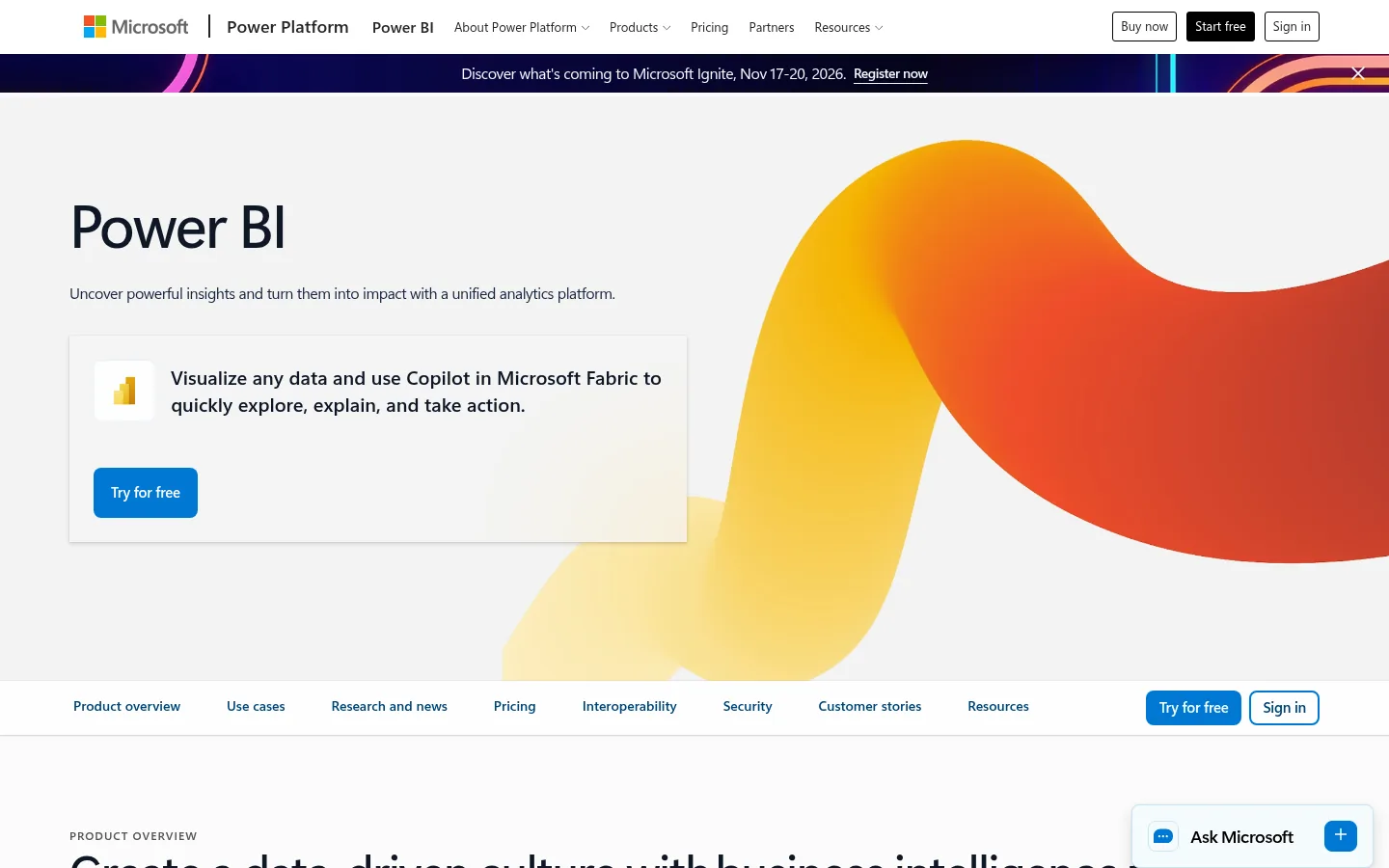
Screenshot: Microsoft Power BI website, October 2026.
Microsoft Power BI is a business intelligence platform for connecting data sources, modelling datasets and sharing reports. AI features generate insights, answer questions in plain language and highlight key drivers inside reports.
Core features:
- Data connections and modelling
- AI visuals and natural language questions
- Interactive dashboards and reports
- Sharing through Microsoft 365 and Fabric
What does Power BI cost?
Power BI Pro costs USD 14 per user a month and Premium Per User costs USD 24, both paid yearly. A free account covers personal report building inside Microsoft Fabric.
| Plan | Price | Billing | Suitable for | Notes |
|---|---|---|---|---|
| Free account | USD 0 | Free | Personal analysis | Included in a Microsoft Fabric free account |
| Pro | USD 14 per user a month | Paid yearly | Teams sharing reports | Collaboration and sharing |
| Premium Per User | USD 24 per user a month | Paid yearly | Analysts needing larger models | Advanced features per user |
| Fabric capacity | Variable | Pay as you go or annual reservation | Organisation-wide deployment | Priced by capacity |
Source: Power BI pricing, checked October 2026.
2. Tableau
Tableau suits teams that explore data visually and want interactive dashboards that answer follow-up questions on the spot.
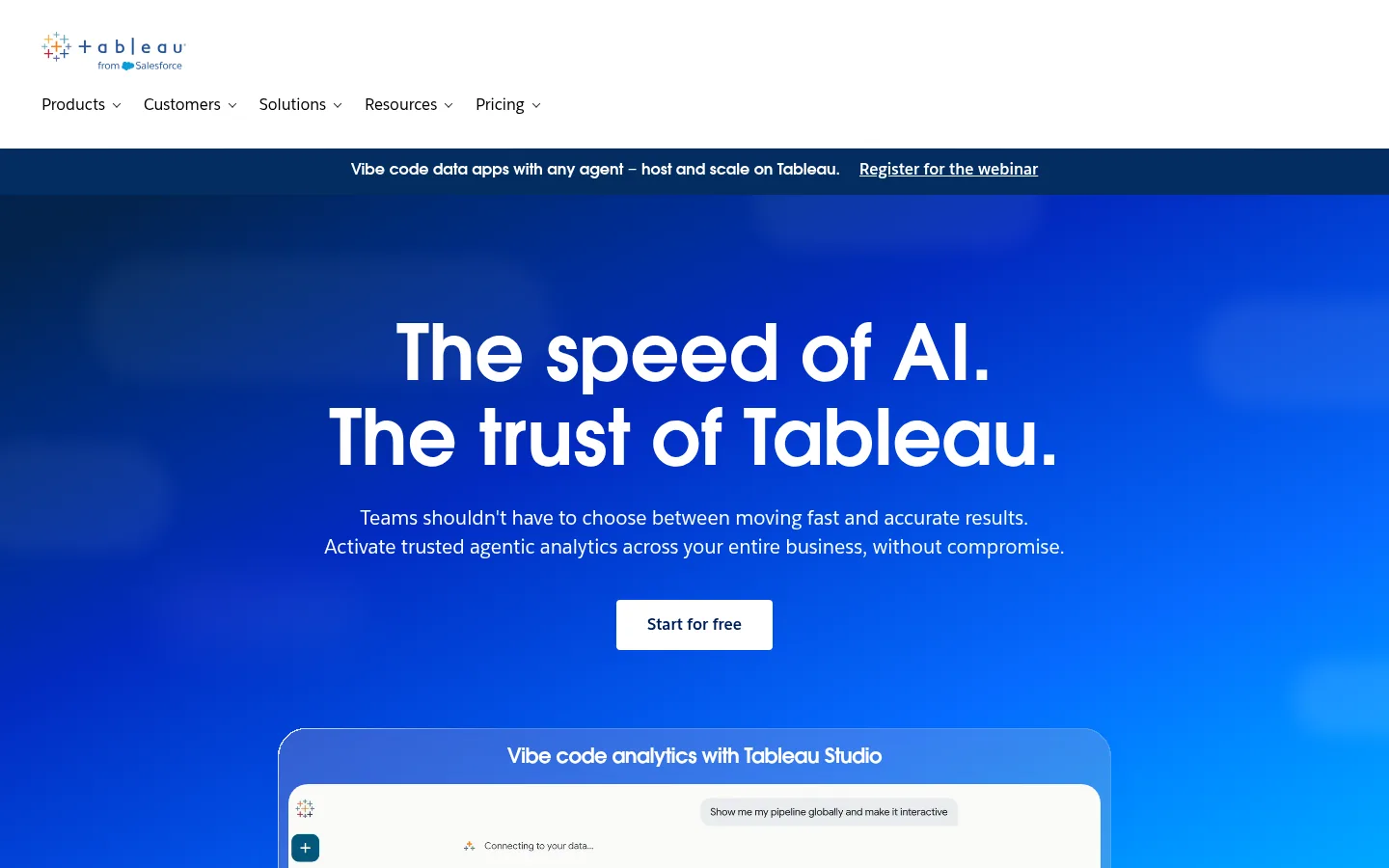
Screenshot: Tableau website, October 2026.
Tableau, part of Salesforce, is a visual analytics platform. Users drag fields to build charts, filter dashboards and drill into detail, and AI features in Tableau Next add agent-based analysis inside the Salesforce platform.
Core features:
- Drag-and-drop visual analysis
- Interactive dashboards
- Cloud or server deployment
- Tableau Next with AI agents
What does Tableau cost?
Tableau editions start from USD 15 per user a month for Standard and USD 35 for Enterprise, billed annually. Tableau Next starts at USD 40 per user a month, and Tableau+ bundles are through sales.
| Edition | Price | Billing | Suitable for | Notes |
|---|---|---|---|---|
| Tableau Standard | From USD 15 per user a month | Billed annually | Teams starting with visual analytics | Cloud or server |
| Tableau Enterprise | From USD 35 per user a month | Billed annually | Organisations needing governance | Cloud or server |
| Tableau Next | From USD 40 per user a month | Billed annually | Salesforce customers using AI agents | Agentic analytics |
| Tableau+ bundle | Contact sales | Contract | Large deployments | Cloud+ and Server+ options |
Source: Tableau pricing, checked October 2026.
3. IBM Cognos Analytics
IBM Cognos Analytics suits enterprises that need governed reporting, forecasting and AI assistance with strong audit and control.
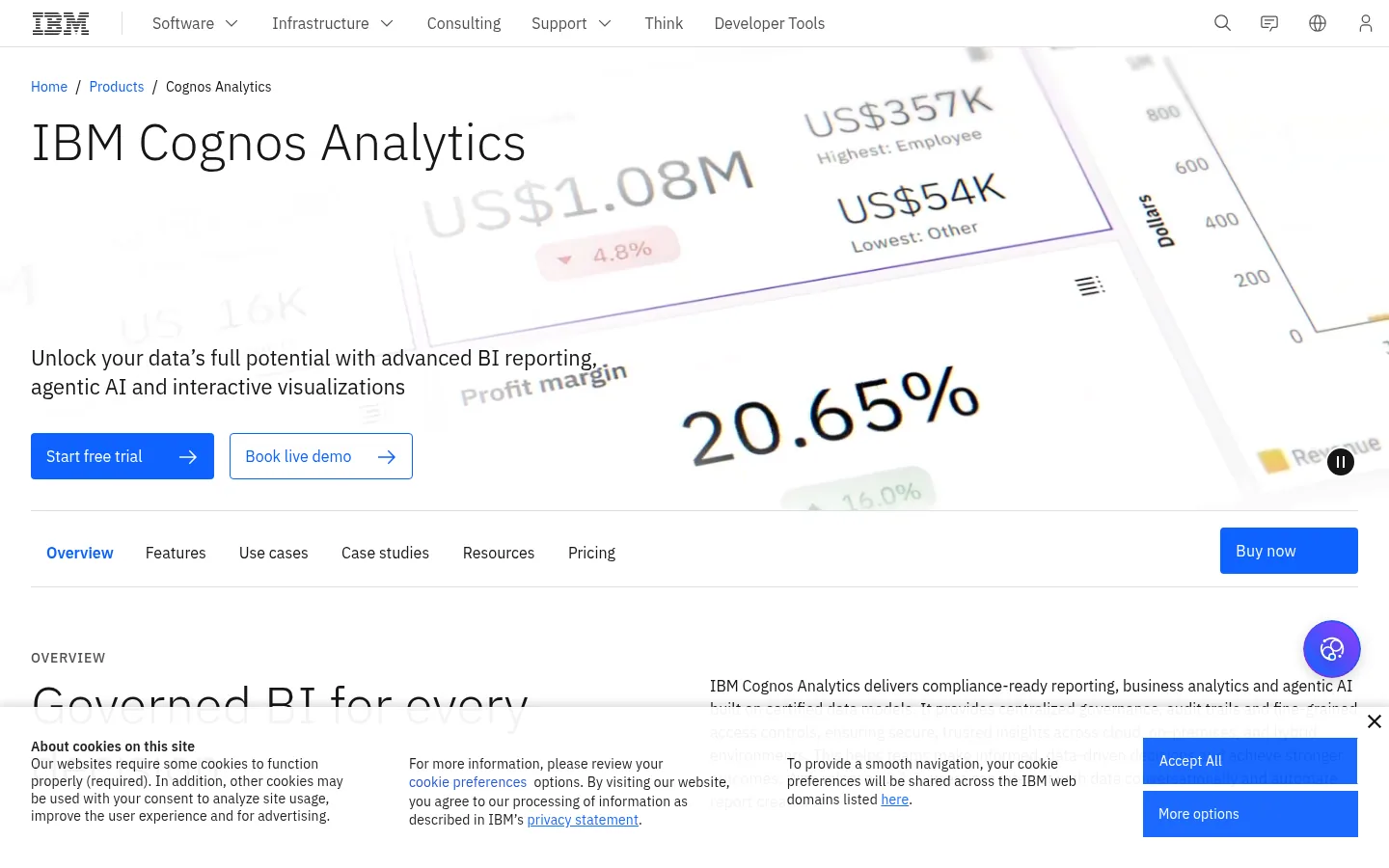
Screenshot: IBM Cognos Analytics website, October 2026.
IBM Cognos Analytics is an enterprise analytics platform for reporting, dashboards and forecasting. Its AI assistant answers questions in natural language and suggests visualisations, while governance features keep reports consistent and auditable.
Core features:
- Governed reporting and dashboards
- AI assistant for natural language questions
- Forecasting
- Cloud, on-premises and container deployment
What does IBM Cognos Analytics cost?
Cognos Analytics costs USD 11.25 per user a month for Standard and USD 44.90 for Premium. On-premises, hosted and container deployments are priced by quote.
| Edition | Price | Billing | Suitable for | Basis |
|---|---|---|---|---|
| Standard | USD 11.25 a month | Monthly | Report consumers and light analysis | Per authorised user |
| Premium | USD 44.90 a month | Monthly | Analysts and report authors | Per authorised user |
| On-premises | Quote | Contract | Self-managed deployment | Contact IBM |
| On-cloud hosted | Quote | Contract | IBM-hosted deployment | Contact IBM |
Source: IBM Cognos Analytics pricing, checked October 2026.
4. Qlik
Qlik suits organisations that want to explore relationships across many datasets without fixed query paths.
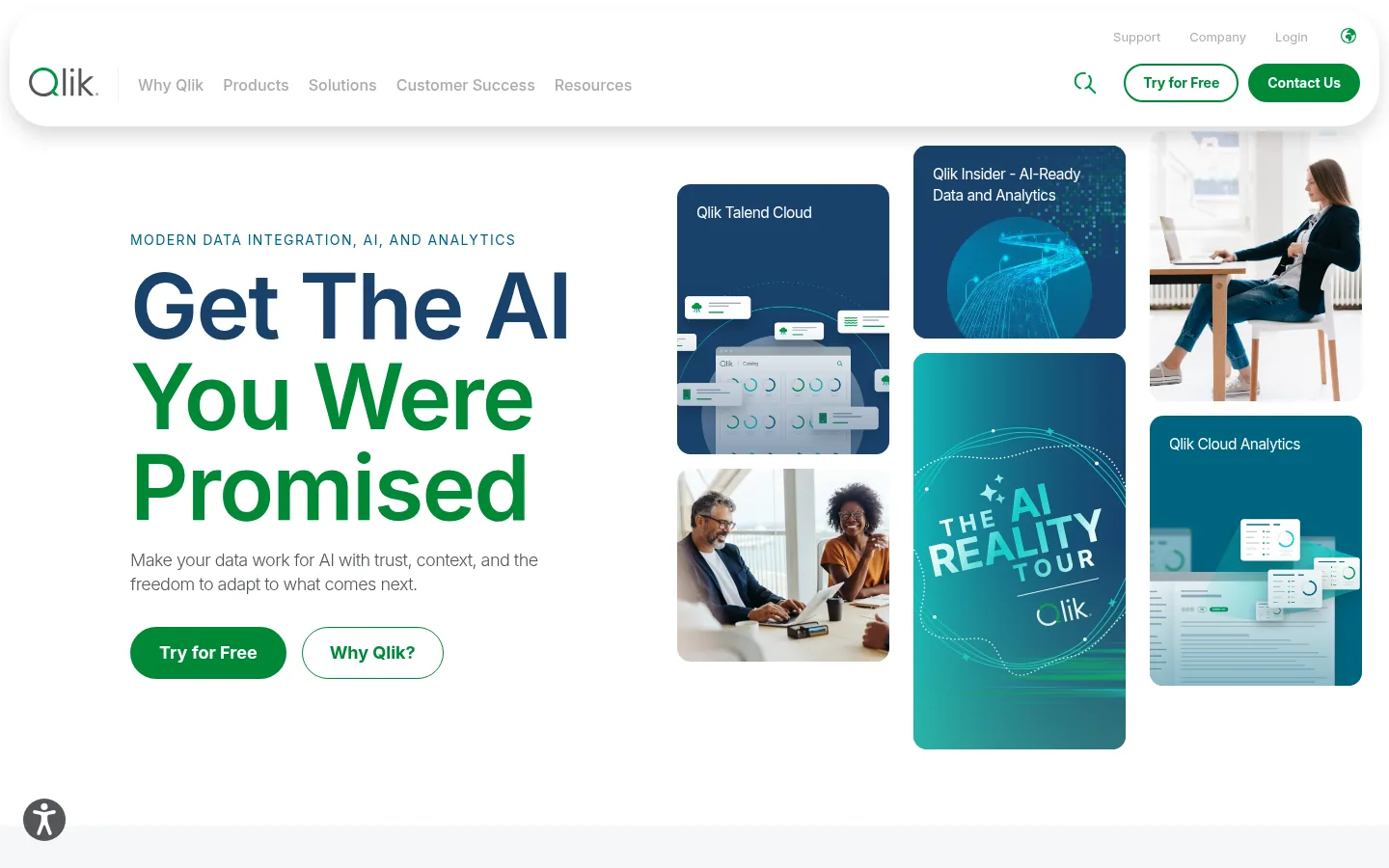
Screenshot: Qlik website, October 2026.
Qlik Cloud Analytics uses an associative engine, so selecting a value shows related and unrelated data across every chart at once. AI insights, automation and machine learning features sit on top.
Core features:
- Associative data exploration
- AI insights and natural language search
- Automation and alerts
- Governance on higher plans
What does Qlik cost?
Qlik Cloud Analytics starts at USD 300 a month for Starter with 10 users, and Standard and Premium add capacity with no charge for extra users.
| Plan | Price | Data capacity | Users | Suitable for |
|---|---|---|---|---|
| Starter | USD 300 a month | Fixed at 10 GB | 10 included, more purchasable | Small teams |
| Standard | USD 825 a month | From 25 GB | No cost for additional users | Growing analytics teams |
| Premium | USD 2,750 a month | From 50 GB | No cost for additional users | Advanced analytics and governance |
| Enterprise | Quote | From 250 GB | No cost for additional users | Large organisations |
Source: Qlik pricing, checked October 2026.
5. Julius
Julius suits managers and small teams that want to analyse spreadsheets and files by asking questions, without code or dashboards.
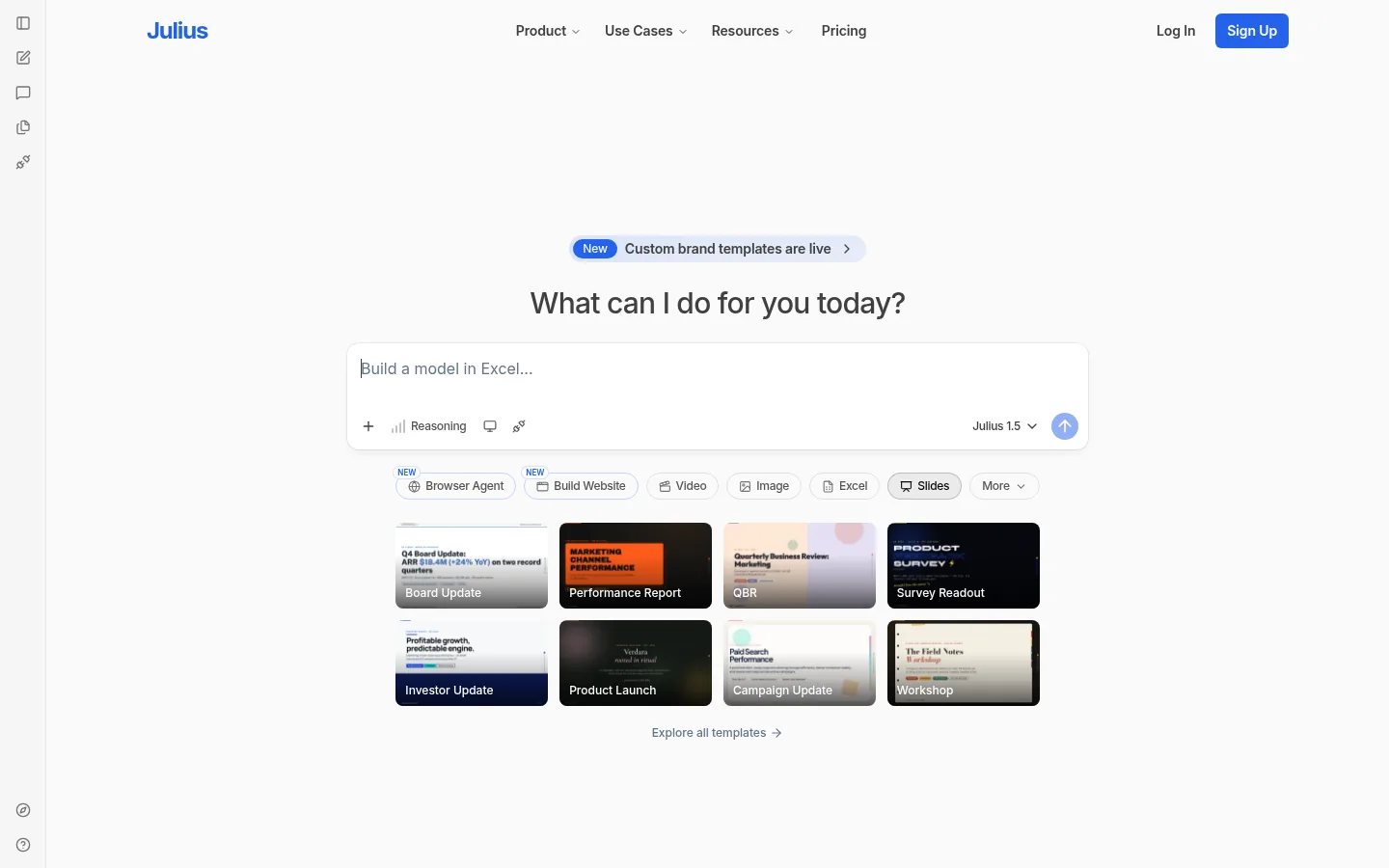
Screenshot: Julius website, October 2026.
Julius is an AI workspace for data analysis. You upload a file or connect a source, ask a question in plain language and get summaries, charts and forecasts back.
Core features:
- Conversational data analysis
- Charts and summaries from plain-language prompts
- Spreadsheet and file uploads
- Presentations and dashboards from results
What does Julius cost?
Julius is free to start, and Plus costs USD 20 a month, or USD 16 a month on annual billing. Plans differ by monthly credits.
| Plan | Monthly billing | Annual billing | Credits | Suitable for |
|---|---|---|---|---|
| Free | USD 0 | USD 0 | Limited | Trying conversational analysis |
| Plus | USD 20 a month | USD 16 a month | 2,000 a month | Individuals |
| Pro | USD 45 a month | USD 37 a month | 5,000 a month | Frequent analysis |
| Business | USD 450 a month | USD 375 a month | 60,000 a month | Teams |
Source: Julius pricing, checked October 2026.
6. AnswerRocket
AnswerRocket suits enterprise business teams that want answers from company data in plain language, with AI agents built for analysis.
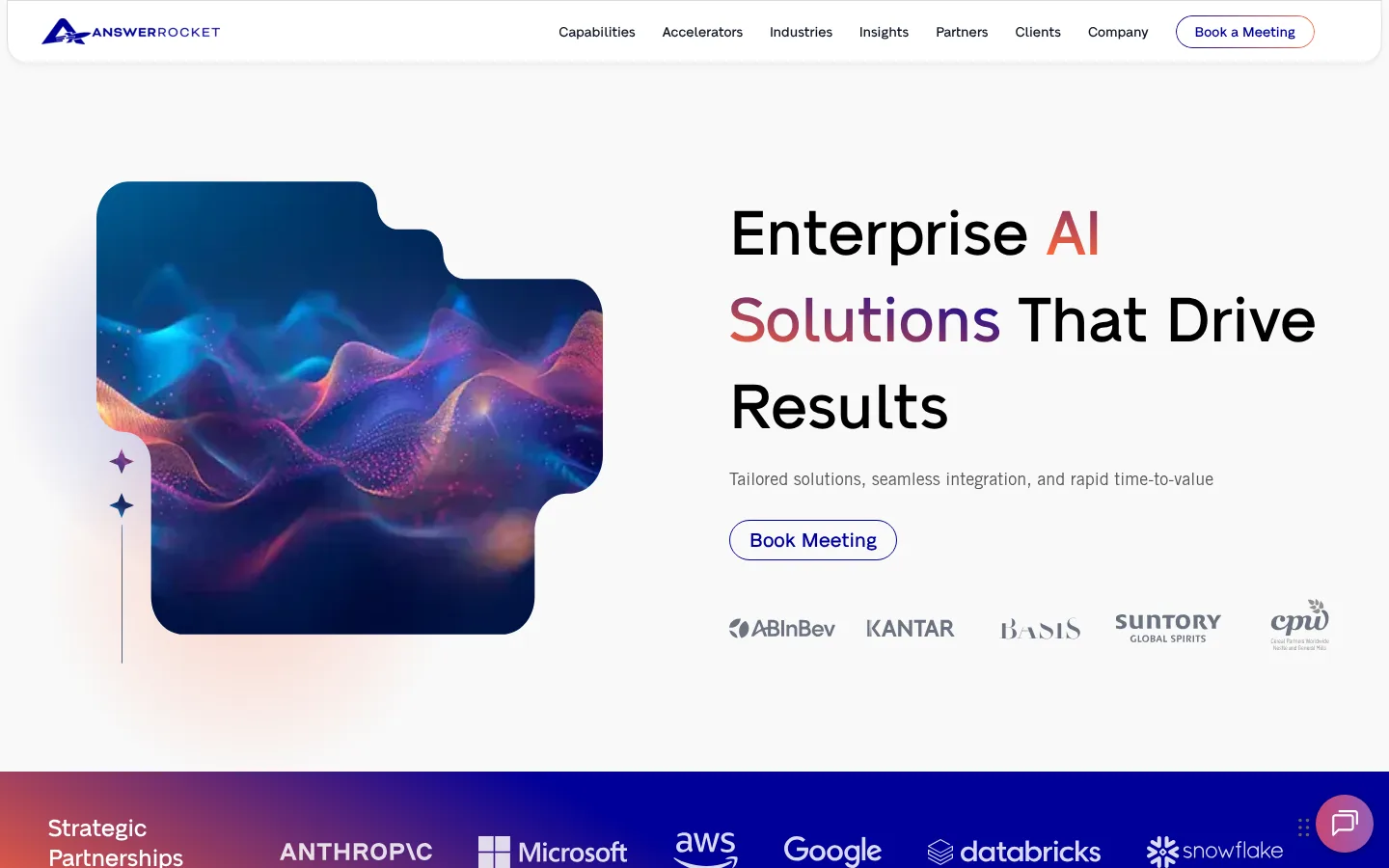
Screenshot: AnswerRocket website, October 2026.
AnswerRocket is an AI analytics platform that turns natural language questions into analysis and returns insights as charts and written summaries. Business users get answers without writing queries.
Core features:
- Natural language analytics
- AI agents for analysis tasks
- Automated insight summaries
- Enterprise data connections
What does AnswerRocket cost?
AnswerRocket does not publish prices, so you request a quote for your data and users. It fits enterprises that want self-service answers for business users at scale.
7. Databricks
Databricks suits data and engineering teams that run analytics and machine learning on large, varied datasets in one platform.
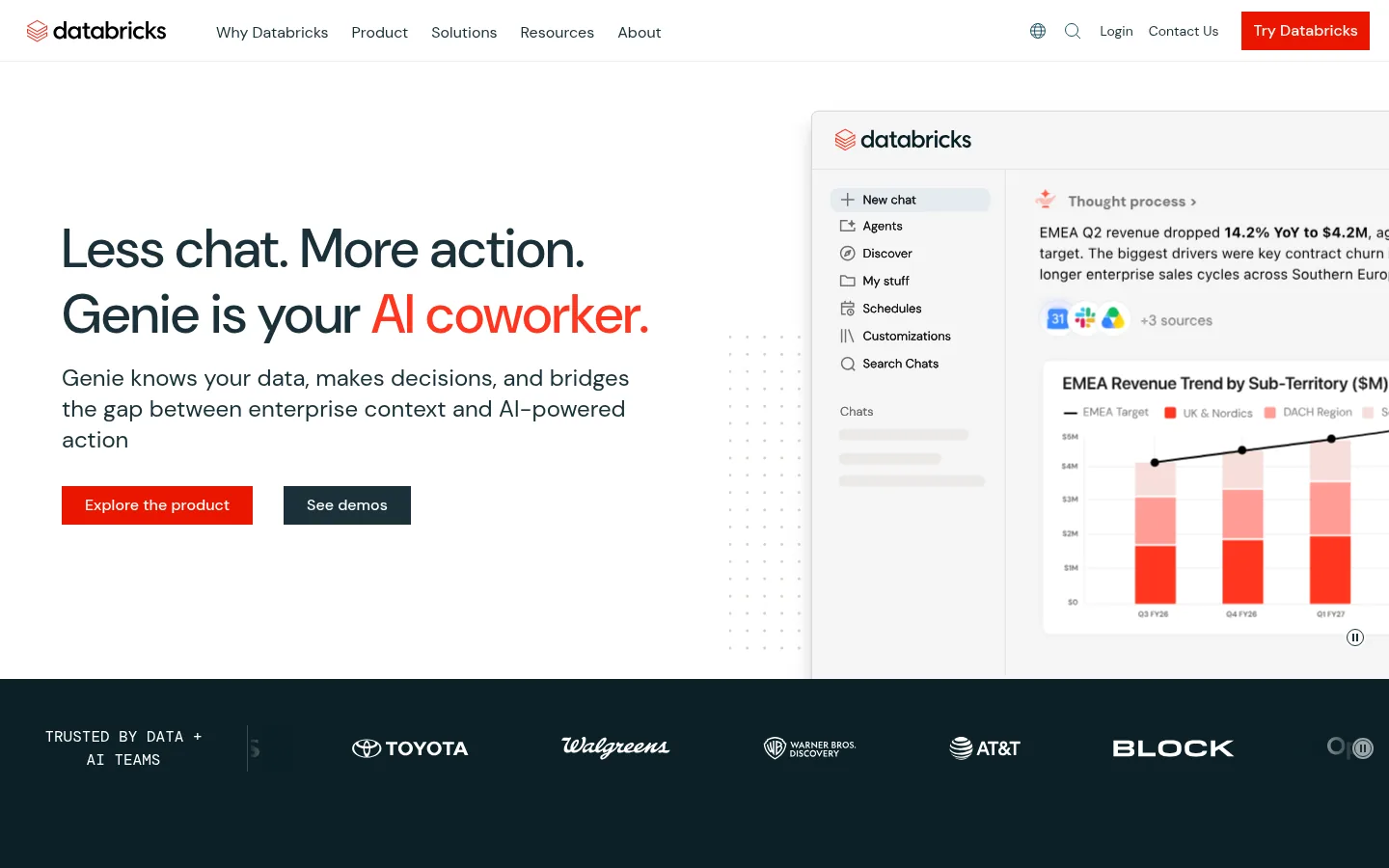
Screenshot: Databricks website, October 2026.
Databricks is a data and AI platform built on a lakehouse architecture. It combines data engineering, warehousing, analytics and AI, with Genie letting business users ask questions of data in plain language.
Core features:
- Lakehouse storage and processing
- Data warehousing and SQL analytics
- Machine learning and AI tools
- Genie natural language analysis
What does Databricks cost?
Databricks charges pay as you go per Databricks Unit (DBU), from USD 0.07 per DBU for AI workloads, with discounts for committed use. A free trial and a free edition let you test first.
| Workload | Starting price | Billing | Suitable for | Notes |
|---|---|---|---|---|
| Data Engineering | From USD 0.15 per DBU | Pay as you go, per second | Data pipelines | Committed use discounts |
| Data Warehousing | From USD 0.22 per DBU | Pay as you go, per second | SQL analytics | Committed use discounts |
| Interactive workloads | From USD 0.40 per DBU | Pay as you go, per second | Notebooks and exploration | Committed use discounts |
| Artificial Intelligence | From USD 0.07 per DBU | Pay as you go, per second | AI and machine learning | Committed use discounts |
| Genie | From USD 0.07 per DBU | Beyond free usage | Plain-language questions | Free usage tier first |
Source: Databricks pricing, checked October 2026.
How to Choose the Right AI Data Analysis Tool
Choose by who asks the questions and how much data you hold: business users with spreadsheets need a different tool from engineers with a data lake. Weigh four factors: your data volume and sources, the skills of the people asking questions, the governance your industry requires and the systems you already run.
Which AI data analysis tool fits which team?
Match the tool to its role: business intelligence, visual exploration, governed reporting, conversational analysis or data platform.
| Tool | Role | Best for | Limitations | Pricing model |
|---|---|---|---|---|
| Power BI | Business intelligence | Microsoft organisations | Capacity costs at scale | Per user or capacity |
| Tableau | Visual analytics | Interactive exploration | Higher editions for governance | Per user, annual |
| IBM Cognos Analytics | Governed reporting | Regulated enterprises | Heavier set-up | Per user or quote |
| Qlik | Associative exploration | Multi-source discovery | Capacity-based tiers | Monthly by capacity |
| Julius | Conversational analysis | Spreadsheet users | Not a governed BI platform | Monthly by credits |
| AnswerRocket | Natural language analytics | Enterprise business users | No public pricing | Quote |
| Databricks | Data and AI platform | Large-scale data teams | Needs engineering skills | Pay as you go per DBU |
Put Your Data to Work
Analysis pays off when it changes a decision, so start with the questions your team asks every week and automate those answers first. Each tool above fits a different data volume and skill level. Compare tools focused on reporting with data analytics tools, and measure campaign results with marketing analytics tools.