Mobile editing tools let you trim, colour, caption and export video and photos on a phone or tablet, so you publish social-ready content without waiting for a desktop editor. The seven apps below range from template-led short-form editors to professional iPad timelines and free photo tools. Choose by the kind of content you publish most and how much control you need over each edit.

Why Mobile Editing Tools Matter for Your Content Output
Short-form video and social posts reward speed, and a mobile editor turns footage into a finished post in minutes instead of hours. You film, edit and publish from the same device, export in vertical formats for Reels, Shorts and TikTok, and keep production costs low because no specialist hardware is needed.
What do mobile editing tools give you?
They give you faster turnaround, platform-ready formats and AI shortcuts, at a lower cost than desktop software. The main benefits:
- Speeds up content turnaround for social and marketing campaigns.
- Exports in formats sized for Reels, Shorts and TikTok.
- Reduces reliance on desktop software and hardware.
- Automates captions, cuts and effects with AI features.
- Lowers the entry cost for creators and small businesses.
1. CapCut
CapCut suits creators and small businesses that publish short-form video often and want templates and AI to do the heavy lifting.
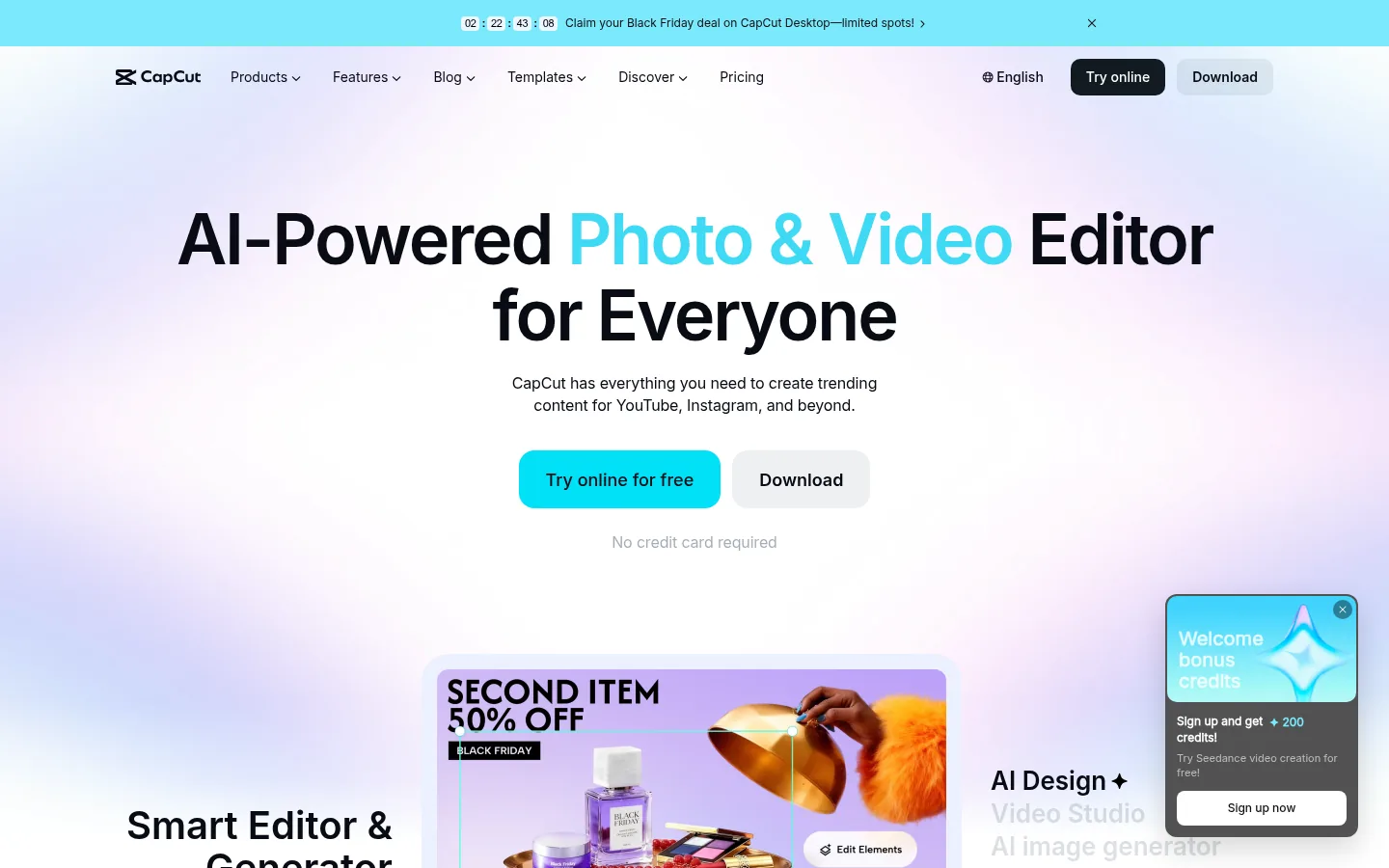
Screenshot: CapCut website, October 2026.
CapCut is a mobile-first video editor built for TikTok, Instagram Reels and YouTube Shorts. It prioritises presets, effects and AI features over manual precision, so beginners get results fast while growing teams still have advanced tools.
Core features:
- Timeline-based video editing
- Templates and effects
- Auto captions and AI tools
- Music and sound effects library
- Exports for every major social platform
CapCut pricing and suitability
CapCut is free for basic editing, and paid plans unlock premium assets, AI tools and team collaboration.
| Plan | Price | Billing | Suitable for | Notes |
|---|---|---|---|---|
| Free | USD 0 | Free | Casual creators | Limited premium assets |
| Pro | USD 19.99 a month | Monthly (USD 179.99 a year) | Active creators | Premium assets and AI tools |
| Ultra | USD 900 a year | Annual | Heavy AI users | Highest AI allowance |
| Teams | USD 12.49 per seat a month | Monthly (USD 107.50 per seat a year) | Small content teams | Shared workspace |
Source: CapCut pricing, checked October 2026. App store prices vary by region.
2. LumaFusion
LumaFusion suits journalists, filmmakers and advanced creators who want desktop-style timeline control on an iPad or phone.
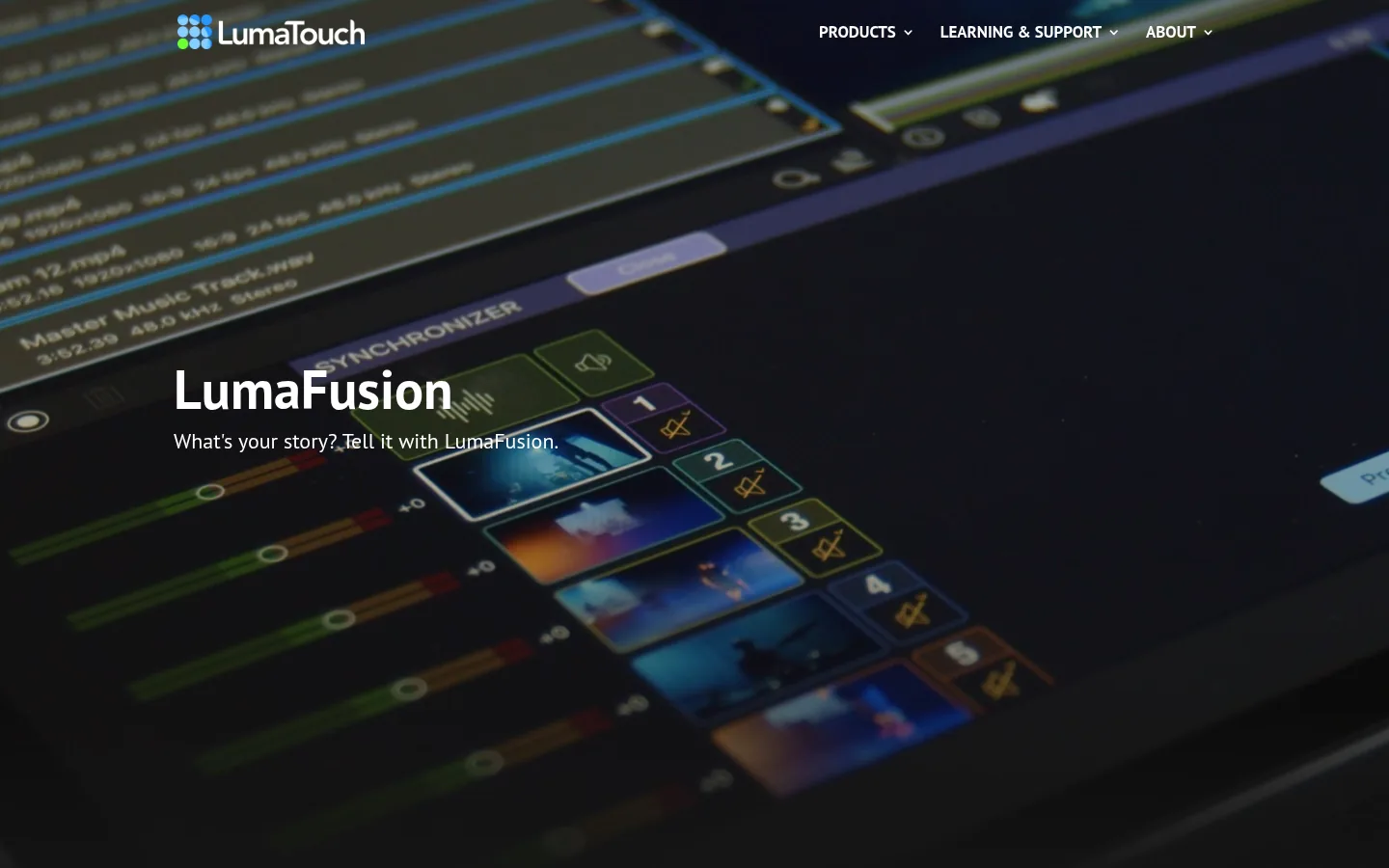
Screenshot: LumaFusion website, October 2026.
LumaFusion is a professional multi-track editor with tracks, layers and keyframes. The learning curve is steeper than template apps, but you get precise control for longer-form and professional projects.
Core features:
- Multi-track timeline editing
- Precision trimming and keyframes
- Colour and audio controls
- External storage support
- Professional export options
LumaFusion pricing and suitability
LumaFusion is a one-time in-app purchase, with an optional Creator Pass subscription for extra features and content.
| Option | Price | Billing | Suitable for | Notes |
|---|---|---|---|---|
| LumaFusion | One-time in-app purchase | Store price, varies by region | Professional editors | Core editing with no recurring fee |
| Creator Pass | See in-app price | Subscription inside the app | Power users | Extra features and content |
Source: LumaFusion purchase information, checked October 2026.
3. PowerDirector
PowerDirector suits users moving up from basic editors who want more formats and 4K export without a steep learning curve.
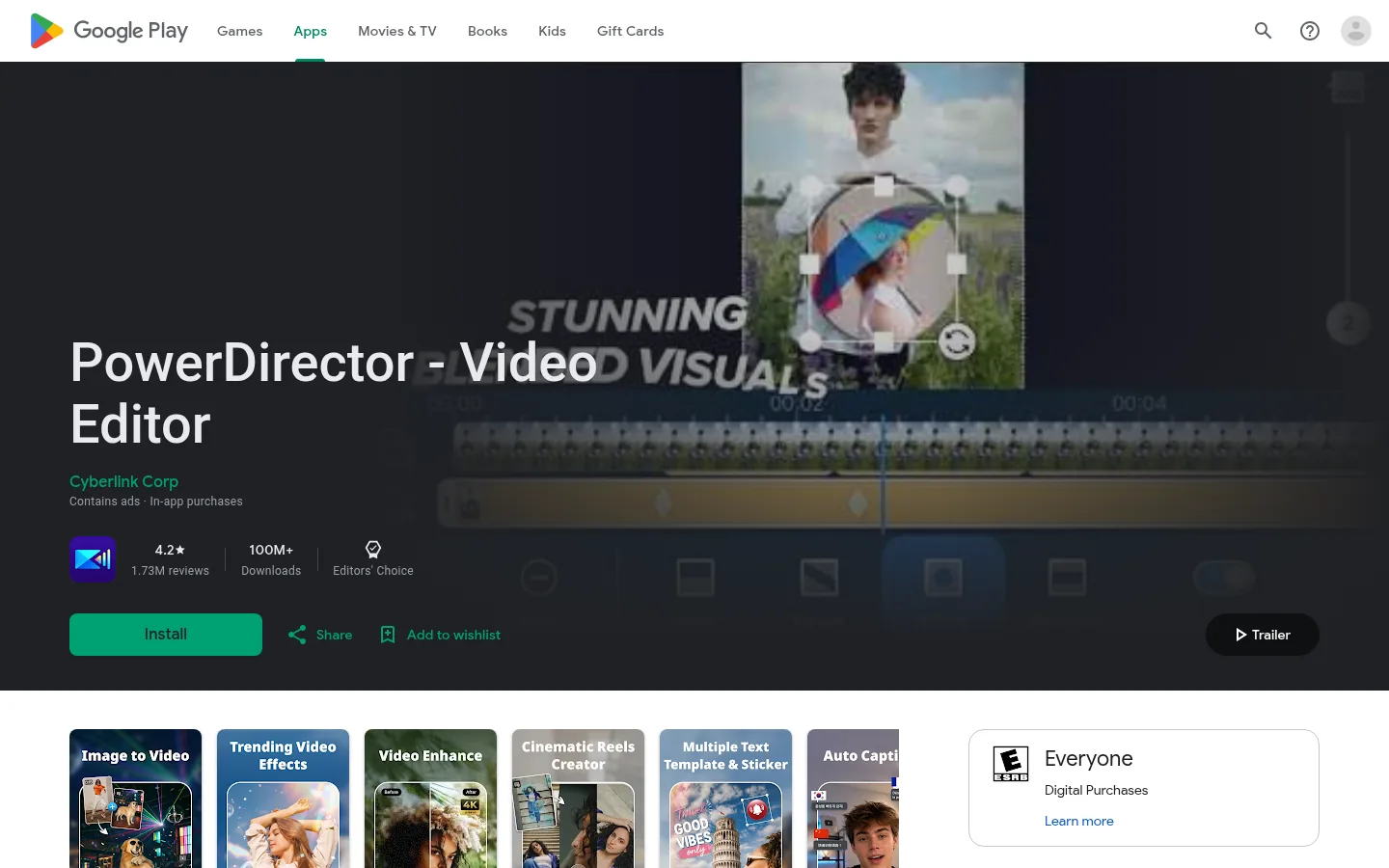
Screenshot: PowerDirector website, October 2026.
PowerDirector balances guided workflows with manual controls. It supports a wide range of formats and resolutions for general content creation.
Core features:
- Timeline video editing
- 4K export
- Effects and transitions
- Audio editing tools
- Multi-format output
PowerDirector pricing and suitability
PowerDirector offers a free tier and paid subscriptions bought through the App Store or Google Play, with prices set by region.
| Plan | Price | Billing | Suitable for | Notes |
|---|---|---|---|---|
| Free | USD 0 | Free | Trial users | Feature restrictions and watermark |
| Premium | Region-specific | Monthly or yearly in-app subscription | Regular creators | Unlocks premium tools |
Source: PowerDirector app, checked October 2026.
4. InShot
InShot suits influencers and small businesses that want quick trims, resizes and captions for social posts.
Screenshot: InShot website, October 2026.
InShot is a lightweight editor focused on speed and simplicity. It lacks deep timeline control but handles everyday short-form edits well.
Core features:
- Simple timeline editing
- Aspect ratio presets
- Text and sticker overlays
- Music and sound effects
- Social-ready exports
InShot pricing and suitability
InShot is free with restrictions, and its Pro subscription removes them, priced by region in each app store.
| Plan | Price | Billing | Suitable for | Notes |
|---|---|---|---|---|
| Free | USD 0 | Free | Casual users | Watermark and ads |
| Pro | Region-specific | In-app subscription or one-time purchase | Social creators | Removes watermark and ads |
Source: InShot, checked October 2026.
5. DaVinci Resolve for iPad
DaVinci Resolve for iPad suits professional editors who need high-end colour grading and post-production on a tablet.
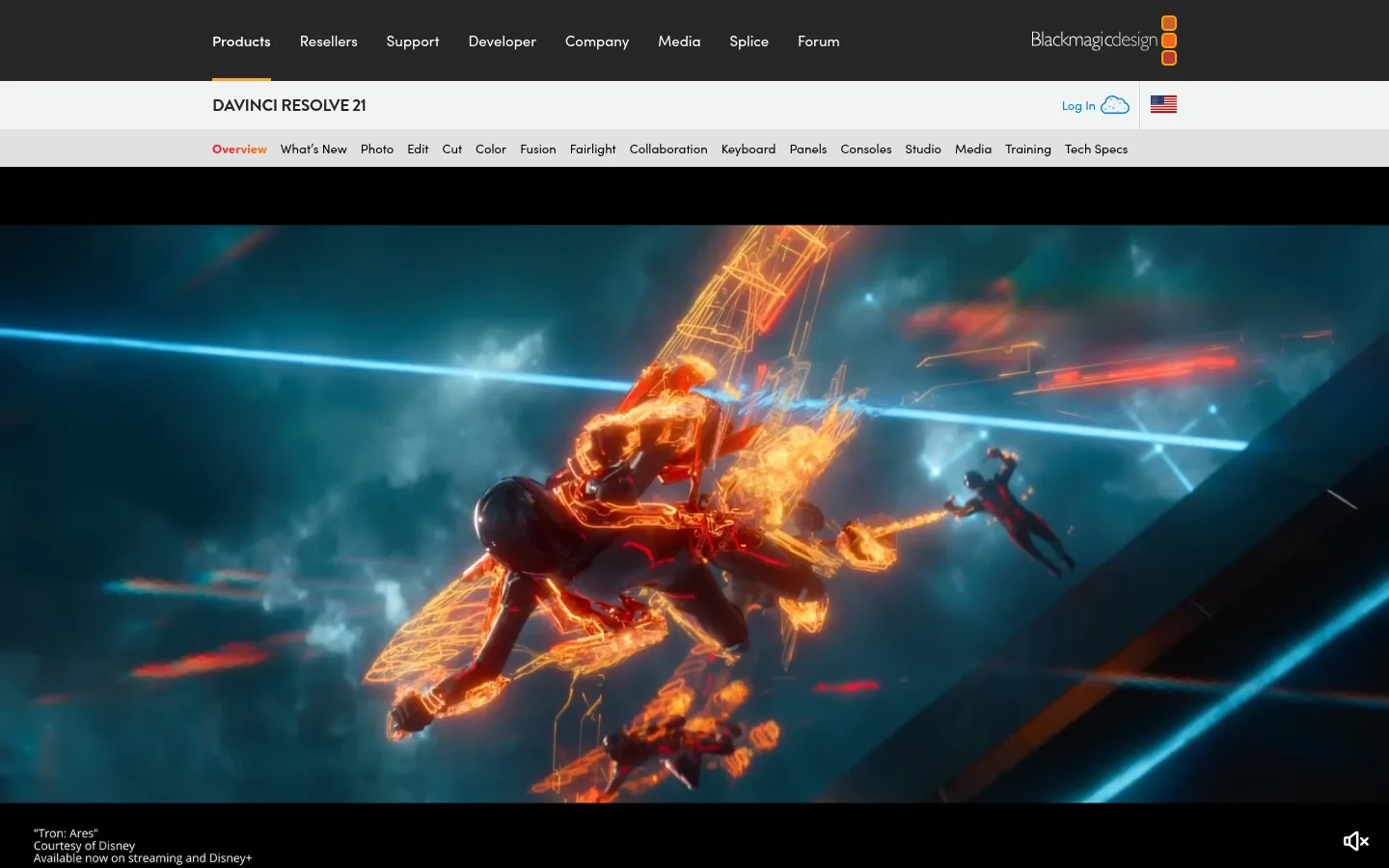
Screenshot: DaVinci Resolve for iPad website, October 2026.
DaVinci Resolve for iPad brings Blackmagic Design's desktop editing and colour tools to the iPad. It is built for depth, not quick social edits.
Core features:
- Advanced timeline editing
- Professional colour grading
- Audio post-production tools
- High-quality export controls
- Desktop-style workflow
DaVinci Resolve pricing and suitability
The iPad app is free, and a one-time Studio upgrade unlocks the professional tools.
| Edition | Price | Billing | Suitable for | Notes |
|---|---|---|---|---|
| DaVinci Resolve for iPad | USD 0 | Free | Advanced editors | Substantial free toolset |
| DaVinci Resolve Studio upgrade | USD 94.99 | One-time in-app purchase | Professional users | US App Store price |
Source: DaVinci Resolve for iPad, checked October 2026.
6. Adobe Lightroom
Adobe Lightroom suits photographers and brands that need accurate colour and consistent editing across phone, tablet and desktop.
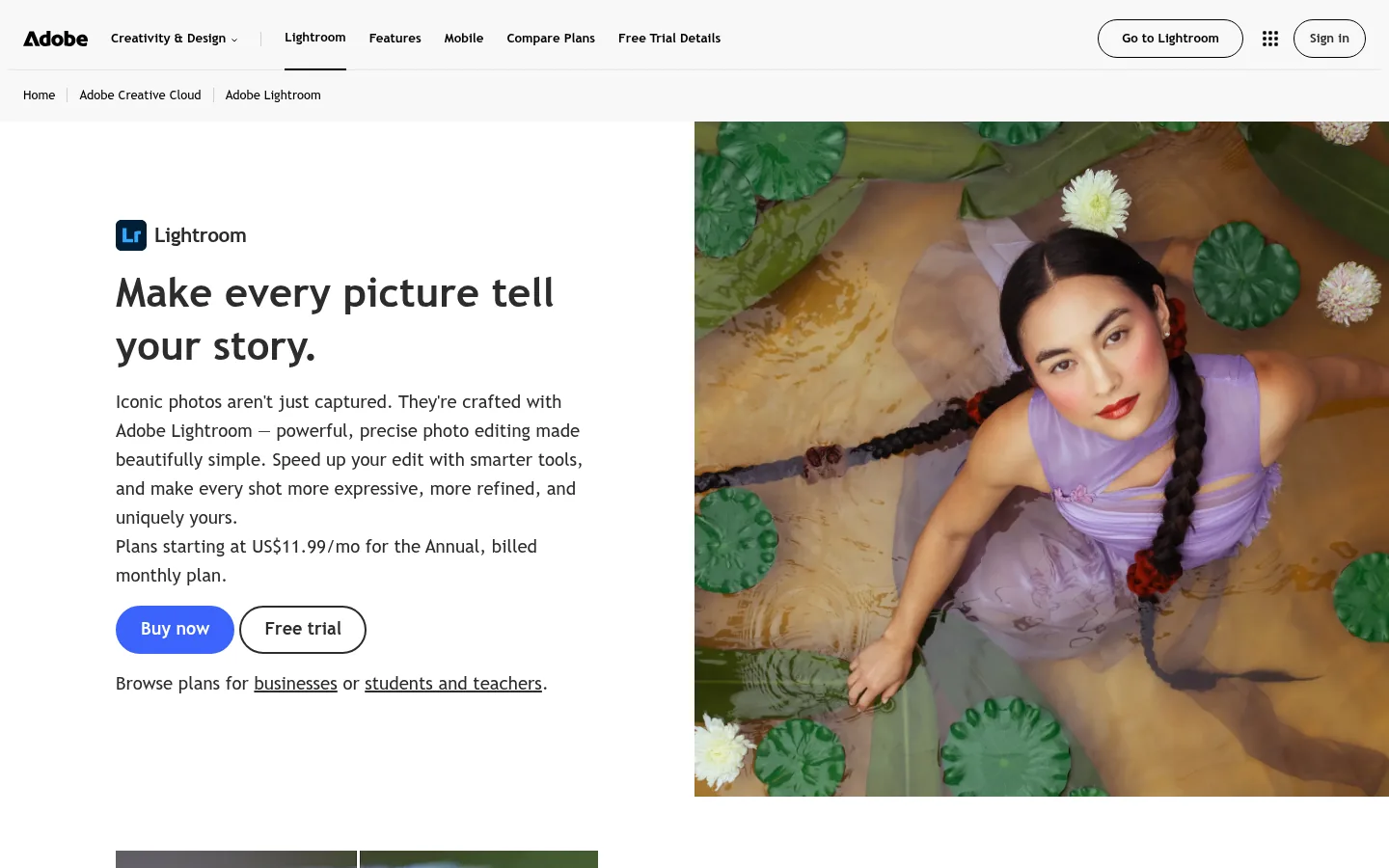
Screenshot: Adobe Lightroom website, October 2026.
Adobe Lightroom is a photo editor with RAW support, presets and cloud sync. It is not a video editor, but it remains a benchmark for mobile photo work inside the Adobe ecosystem.
Core features:
- RAW photo editing
- Presets and profiles
- Selective adjustments
- Cloud synchronisation
- Cross-device workflow
Adobe Lightroom pricing and suitability
Lightroom is sold as a subscription, either alone with 1TB of storage or bundled with Photoshop in the Photography plan.
| Plan | Price | Billing | Suitable for | Notes |
|---|---|---|---|---|
| Lightroom (1TB) | USD 11.99 a month | Subscription | Photographers | Lightroom plus 1TB cloud storage |
| Photography plan | USD 19.99 a month | Subscription | Professionals | Adds Photoshop |
Source: Adobe Lightroom plans, checked October 2026. US prices.
7. Snapseed
Snapseed suits individuals who want capable photo editing at no cost.
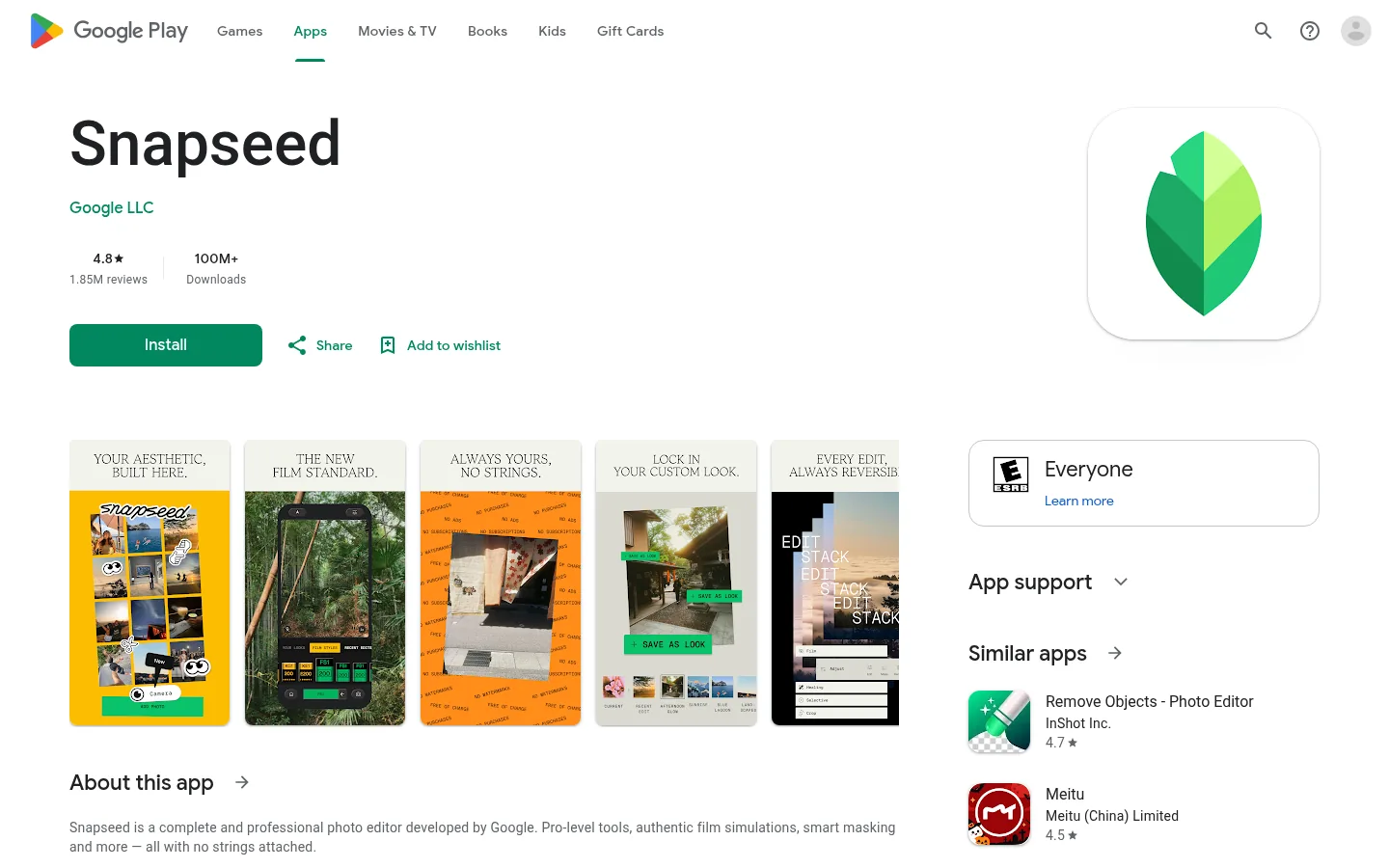
Screenshot: Snapseed website, October 2026.
Snapseed is Google's free photo editor with RAW support, healing tools and non-destructive edits. It lacks collaboration and branding features but excels for solo use.
Core features:
- Advanced photo adjustments
- RAW file support
- Healing and retouch tools
- Preset filters
- Non-destructive editing
Snapseed pricing and suitability
Snapseed is free, with no paid tiers or in-app purchases.
| Plan | Price | Billing | Suitable for | Notes |
|---|---|---|---|---|
| Free | USD 0 | Free | Individual users | No collaboration features |
Source: Snapseed on Google Play, checked October 2026.
How to Choose the Right Mobile Editing Tool
Decide first whether you need speed or precision, then whether you edit video, photos or both. Template apps such as CapCut and InShot win on speed, LumaFusion and DaVinci Resolve win on control, and Lightroom and Snapseed cover photos. Check export quality for your platforms and whether the pricing model, subscription or one-time, suits how often you edit.
Which mobile editing tool fits which creator?
Match the app to the content you publish most.
| Tool | Best for | Strengths | Limitations | Pricing model |
|---|---|---|---|---|
| CapCut | Social video creators | Templates and AI | Best features need a subscription | Freemium subscription |
| LumaFusion | Professional video editing | Timeline precision | Learning curve | One-time purchase plus optional pass |
| PowerDirector | General video use | Format flexibility | Prices vary by region | Freemium subscription |
| InShot | Quick social edits | Speed | Limited depth | Freemium |
| DaVinci Resolve for iPad | Colour grading | Professional depth | iPad only, demanding | Free plus one-time upgrade |
| Adobe Lightroom | Professional photo editing | Colour accuracy, sync | Ongoing cost | Subscription |
| Snapseed | Free photo editing | No cost | No collaboration | Free |
Turn Mobile Edits Into Content That Ranks and Converts
Fast editing only pays off when the content reaches the right audience. Plan short-form output with TikTok marketing tools, spread it across channels with multichannel marketing tools, and see where video fits in the digital marketing guide.