Analytics and reporting tools track your performance, measure the metrics that matter and turn raw numbers into reports your team acts on, so decisions about traffic, products and spending rest on evidence. The ten tools below cover website analytics, business intelligence dashboards, product analytics, search marketing data, KPI tracking and free reporting. Each entry explains what the tool does best and who it suits.
What to Know Before You Pick an Analytics Tool
Different analytics tools do different jobs, so the right choice depends on the data you track, the skills on your team and the reports you need. Whether you track website traffic, product engagement or financial trends, the right tool turns raw numbers into clear insight (Yellowfin on analytics and reporting tools). Three points shape the choice:
- Different jobs: some tools track websites, some follow product use and some support business decisions across many data sources.
- Different skill levels: a few tools suit beginners, and others need SQL or modelling skills.
- Different costs and connections: weigh the price, how the tool connects to your other systems and the kind of reports you need.
1. Google Analytics 4: Website Performance in Real Time
Google Analytics 4 suits any business that wants to understand website traffic, campaign results and conversions at no cost.
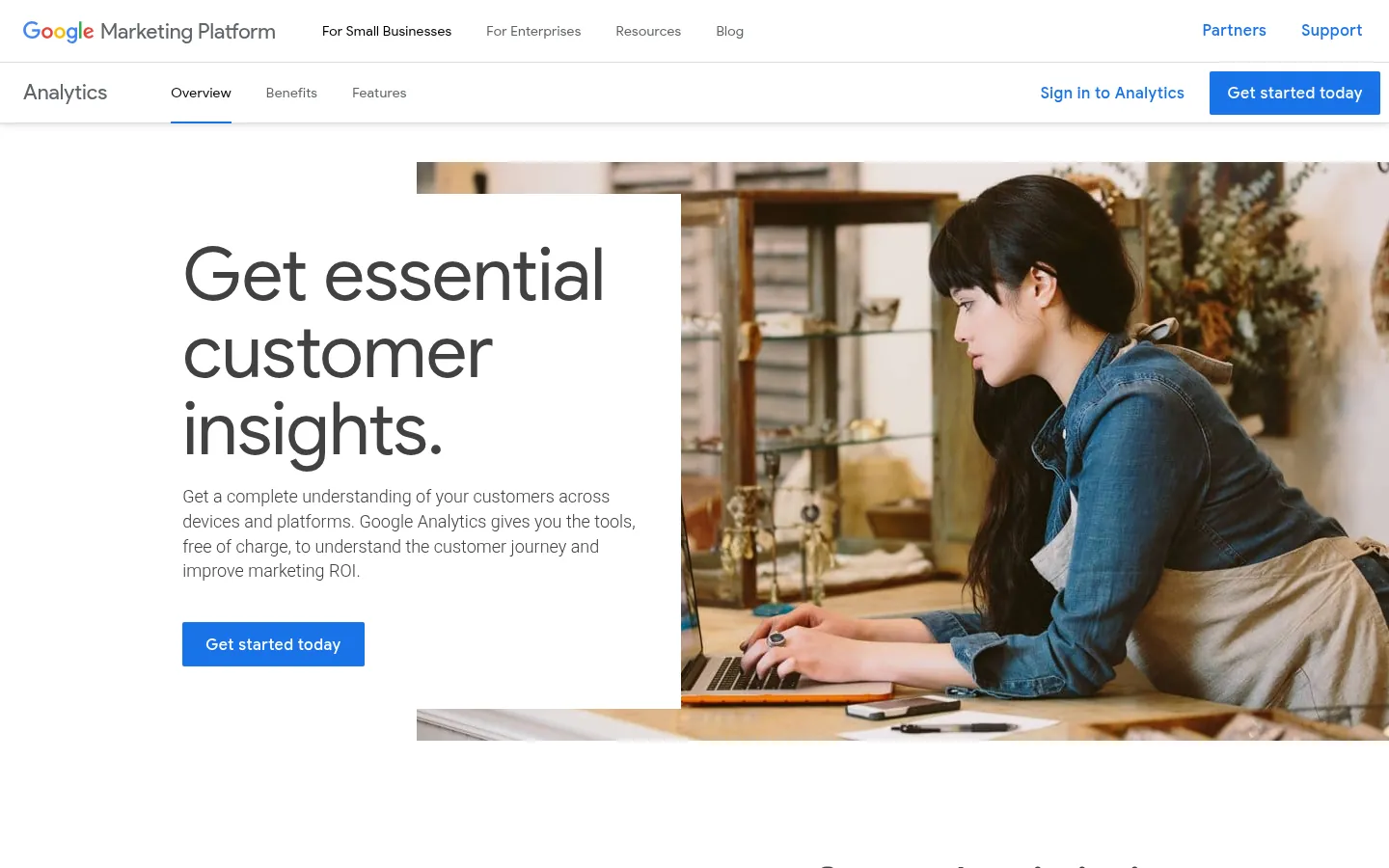
Screenshot: Google Analytics website, October 2026.
Google Analytics 4 monitors website traffic, user behaviour and conversions. It shows where visitors come from, what they do and which campaigns produce results, and it connects with Google Ads for ad tracking.
- Tracks page views, sessions and engagement rate
- Analyses audience demographics and traffic sources
- Measures ecommerce transactions and key events
Online stores use it to study shopping behaviour, and content teams use it to see what keeps people engaged. Advanced tracking takes time to learn, but it remains one of the most useful tools for understanding website traffic.
2. Tableau: Raw Data Into Interactive Dashboards
Tableau suits businesses that need clear visual reports from large data sets without writing code.
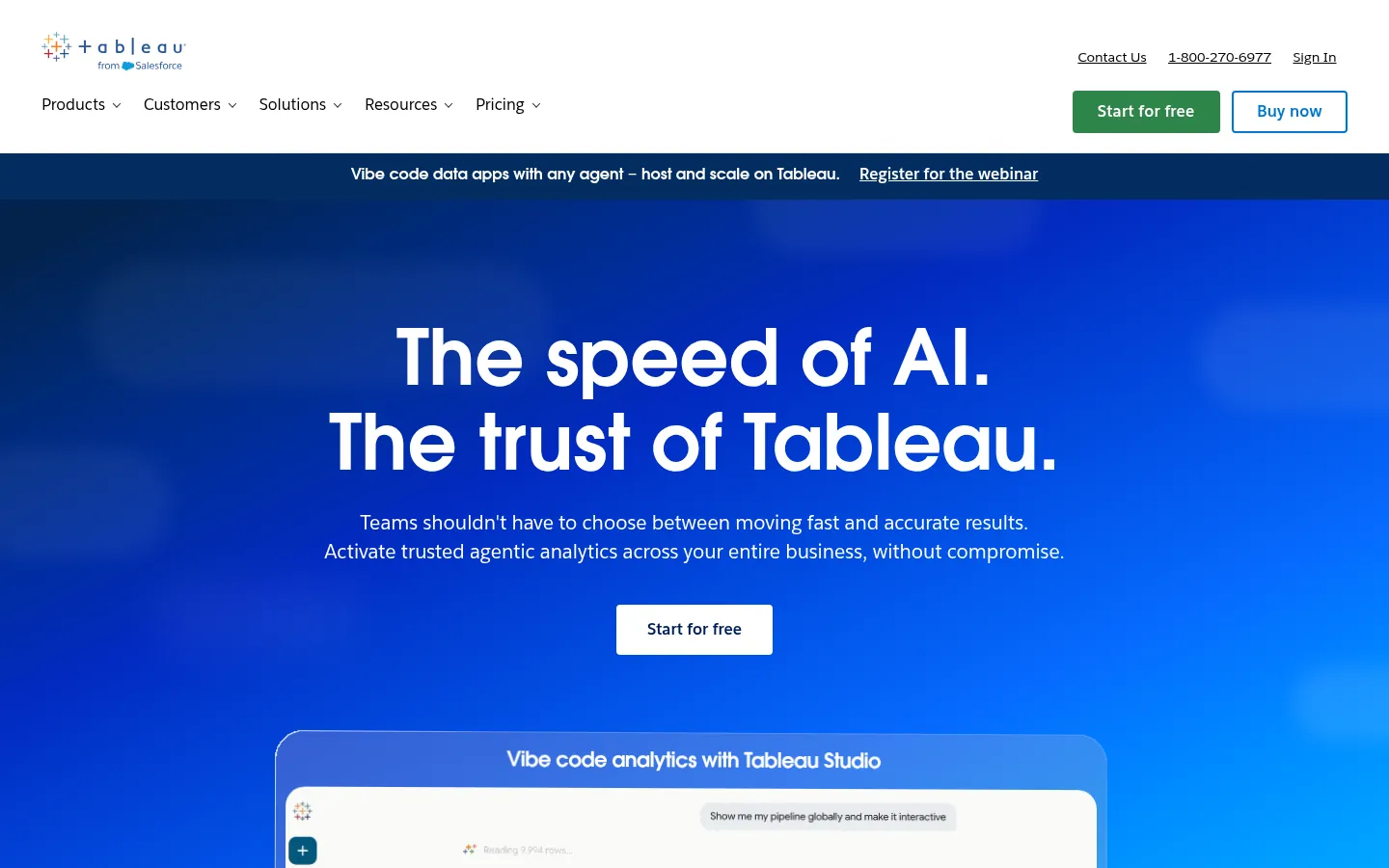
Screenshot: Tableau website, October 2026.
Tableau turns large data sets into visual reports and interactive dashboards. Finance teams build financial reports in it, and marketers study customer behaviour by grouping data. It also creates map visualisations that show patterns by location.
- Drag-and-drop visualisation building
- Connections to many data sources, including SQL databases and cloud platforms
- Drill-down analysis and real-time reporting
It takes time to learn and costs more than entry-level tools, but it is one of the strongest options for making data easy to read through charts and dashboards.
3. Microsoft Power BI: Business Intelligence for Data-Driven Decisions
Power BI suits businesses that already work in Microsoft tools such as Excel and SQL Server and want affordable, self-service reporting.
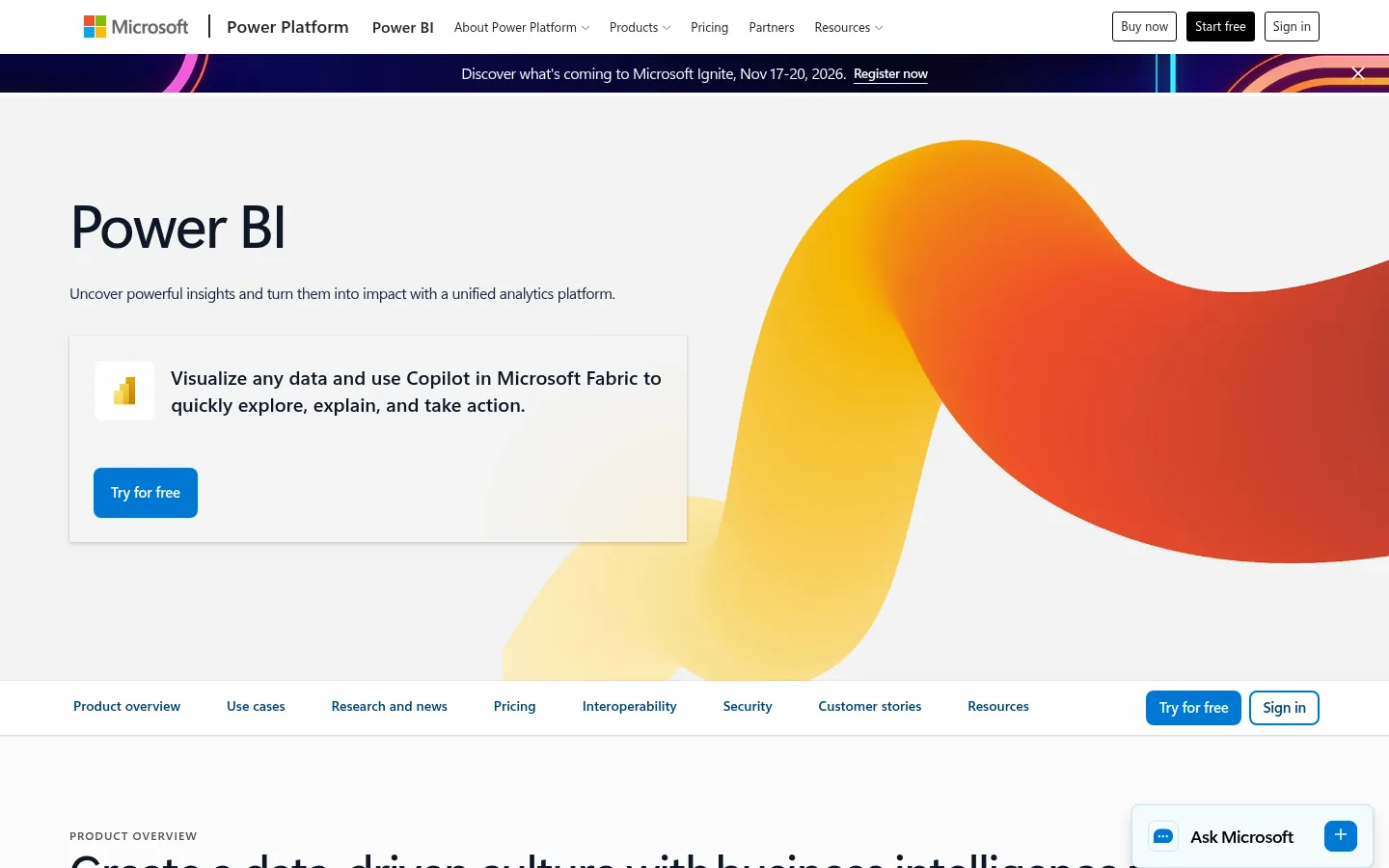
Screenshot: Microsoft Power BI website, October 2026.
Microsoft Power BI combines data from many sources into interactive dashboards and detailed reports. Large companies use it to spot risks, and smaller businesses use it to check performance without a data team. Live updates make it useful for tracking operations such as shipments and work schedules.
- AI-assisted analytics and machine learning models
- Natural language questions about your data
- Cloud analytics with data governance controls
Complex models need its DAX formula language, but it remains an accessible and cost-effective way to turn numbers into clear reports.
4. Adobe Analytics: Advanced Analysis for Enterprises
Adobe Analytics suits large businesses that need detailed customer insight across web, mobile and other channels.
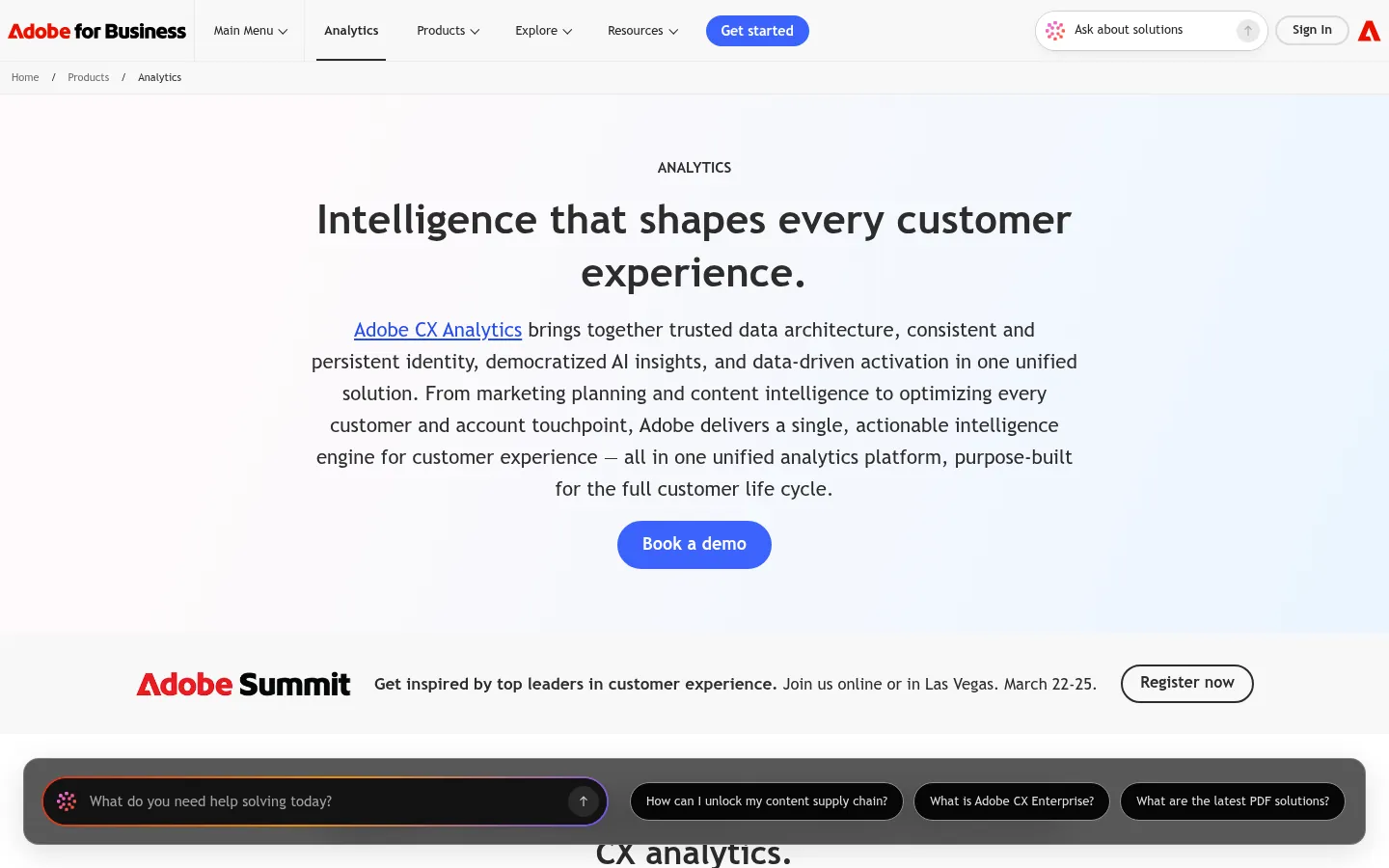
Screenshot: Adobe Analytics website, October 2026.
Adobe Analytics delivers deep insight into digital marketing performance. It specialises in customer analytics, attribution modelling and AI-assisted segmentation. Online stores use it to see why shoppers leave, and media sites learn what keeps audiences engaged.
- Tracks behaviour across web, mobile and video
- Predictive analytics for customer journey analysis
- Real-time data for personalised campaigns
It works well with other Adobe products but takes effort to learn. It goes further than basic web tracking because it follows customers across your websites and apps.
5. Mixpanel: Product Usage and User Behaviour
Mixpanel suits product teams that want to see which features customers use and why some stop using the product.
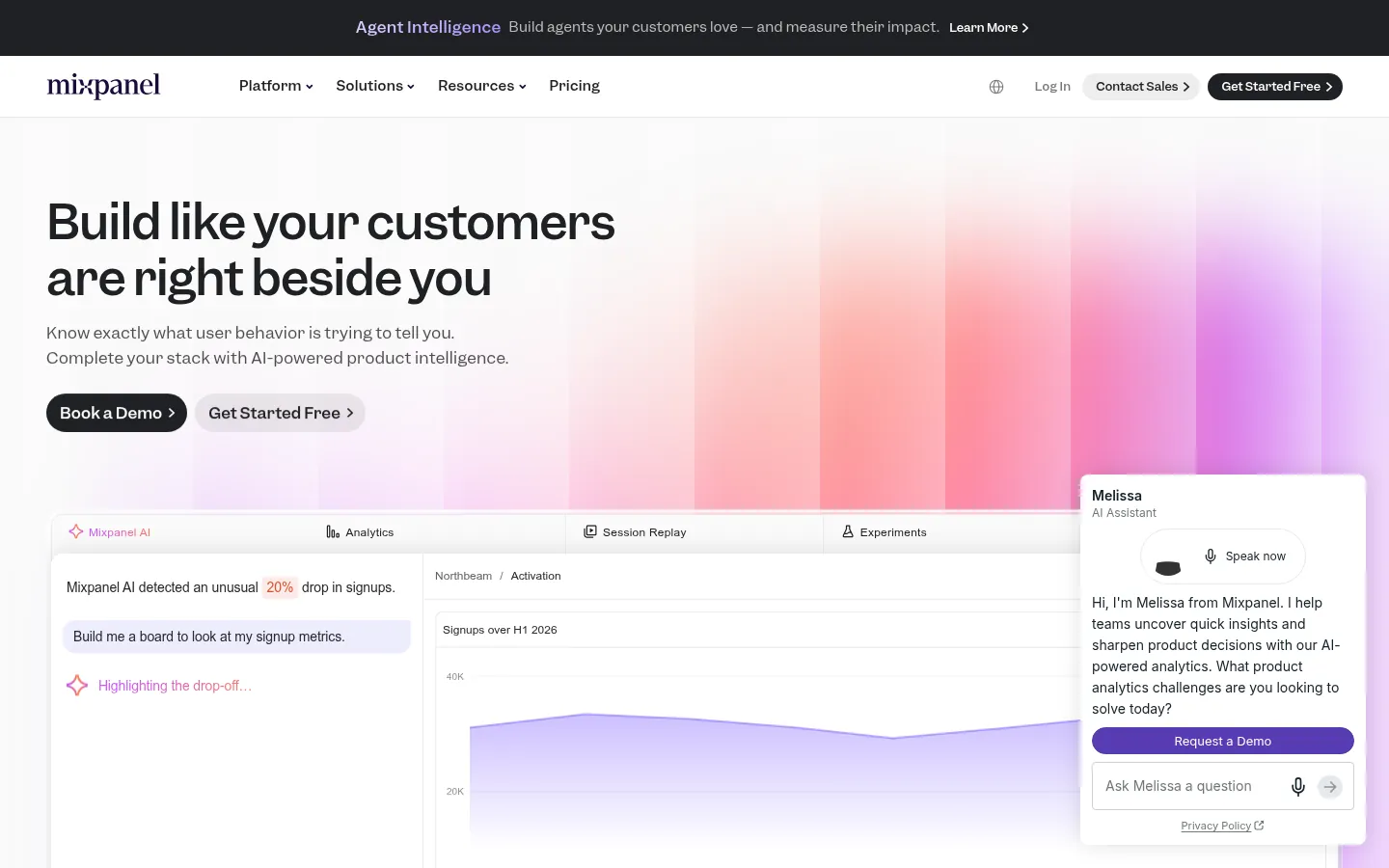
Screenshot: Mixpanel website, October 2026.
Mixpanel focuses on product analytics, tracking engagement and retention through event-based data. App makers track how people use their apps, and online stores use it to improve sales flows.
- Tracks user actions inside apps and websites
- Funnel and cohort analysis
- Real-time reporting and experiment analysis
Advanced features need technical skills, and costs rise with data volume. Its real-time tracking still makes it a strong choice for teams improving the user experience.
6. Looker: Data Exploration With Custom Models
Looker suits companies that want all their data modelled in one place and explored without relying on IT for every report.
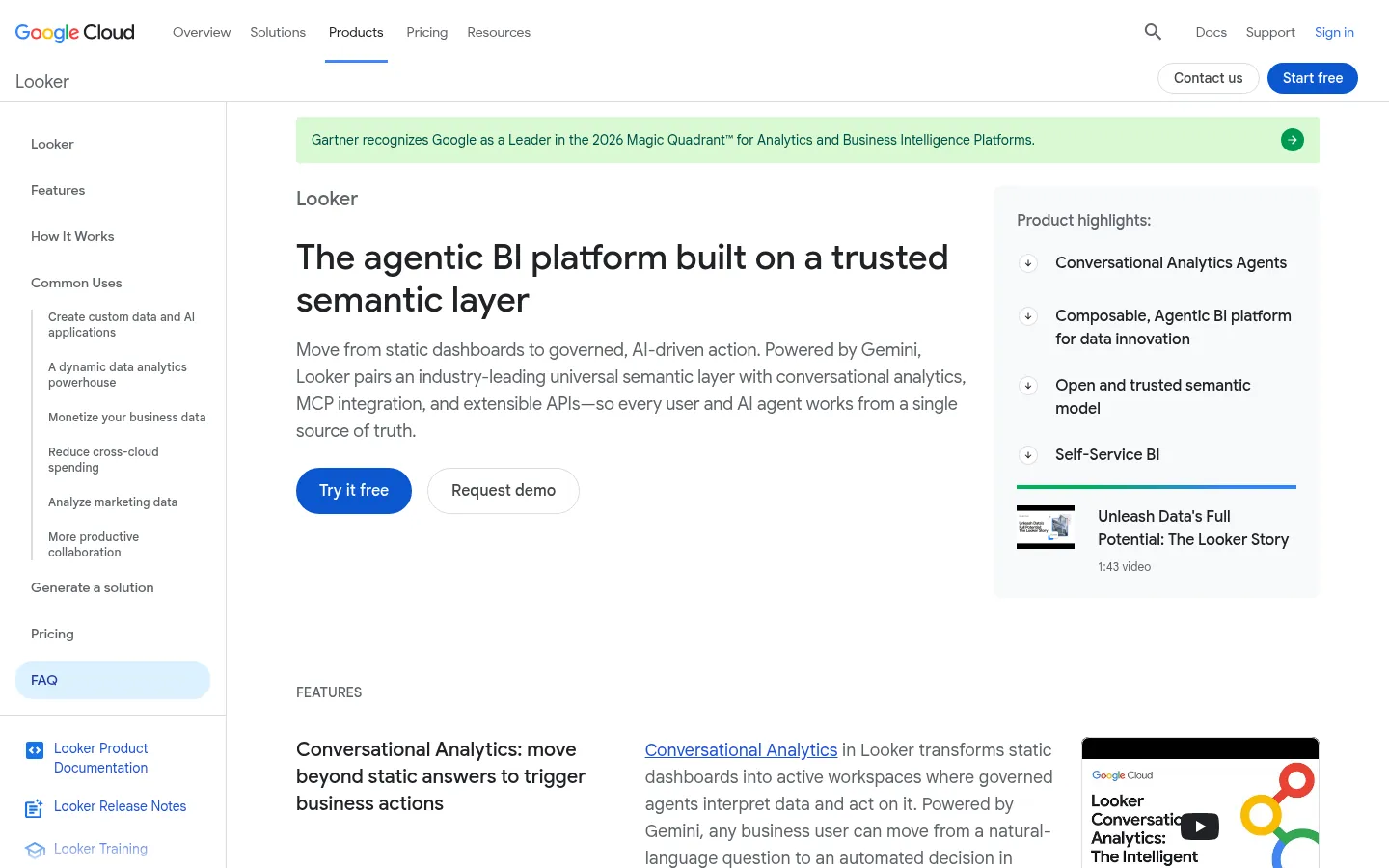
Screenshot: Looker website, October 2026.
Looker is Google Cloud's business intelligence platform for data exploration and embedded analytics. Marketing teams segment customers in it, and finance teams compare live data to support decisions. Google's free dashboard tool, Data Studio (formerly Looker Studio), is a separate, simpler product, listed tenth below.
- LookML modelling language for flexible queries
- Scheduled reports and alerts
- Drill-down analysis
Set-up takes technical skill, but Looker connects closely with Google Cloud and SQL databases, which makes it strong for deep analysis.
7. Amplitude: Product Growth and Retention
Amplitude suits digital-first businesses that want to improve retention and feature adoption.
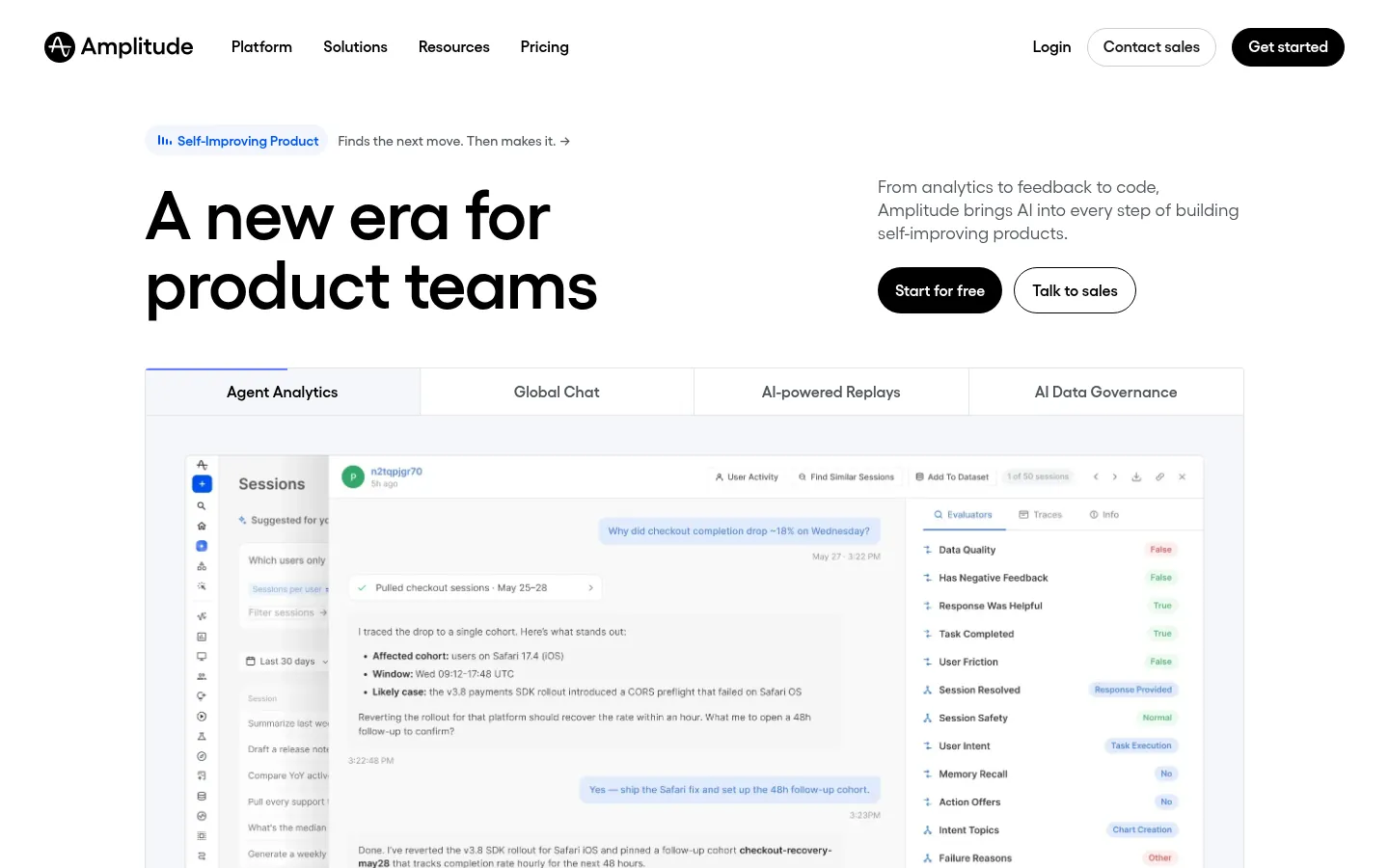
Screenshot: Amplitude website, October 2026.
Amplitude specialises in product analytics. It tracks key events and customer interactions across platforms and supports conversion work through data-driven experiments.
- Real-time behavioural analytics and segmentation
- Retention analysis and cohort tracking
- Machine learning for predictive insight
As with Mixpanel, advanced use needs technical knowledge. Its focus on behavioural trends makes it a leading choice for product analytics.
8. Semrush: SEO, Paid Search and Competitor Data
Semrush suits businesses focused on search visibility that want SEO and paid search data in one platform.
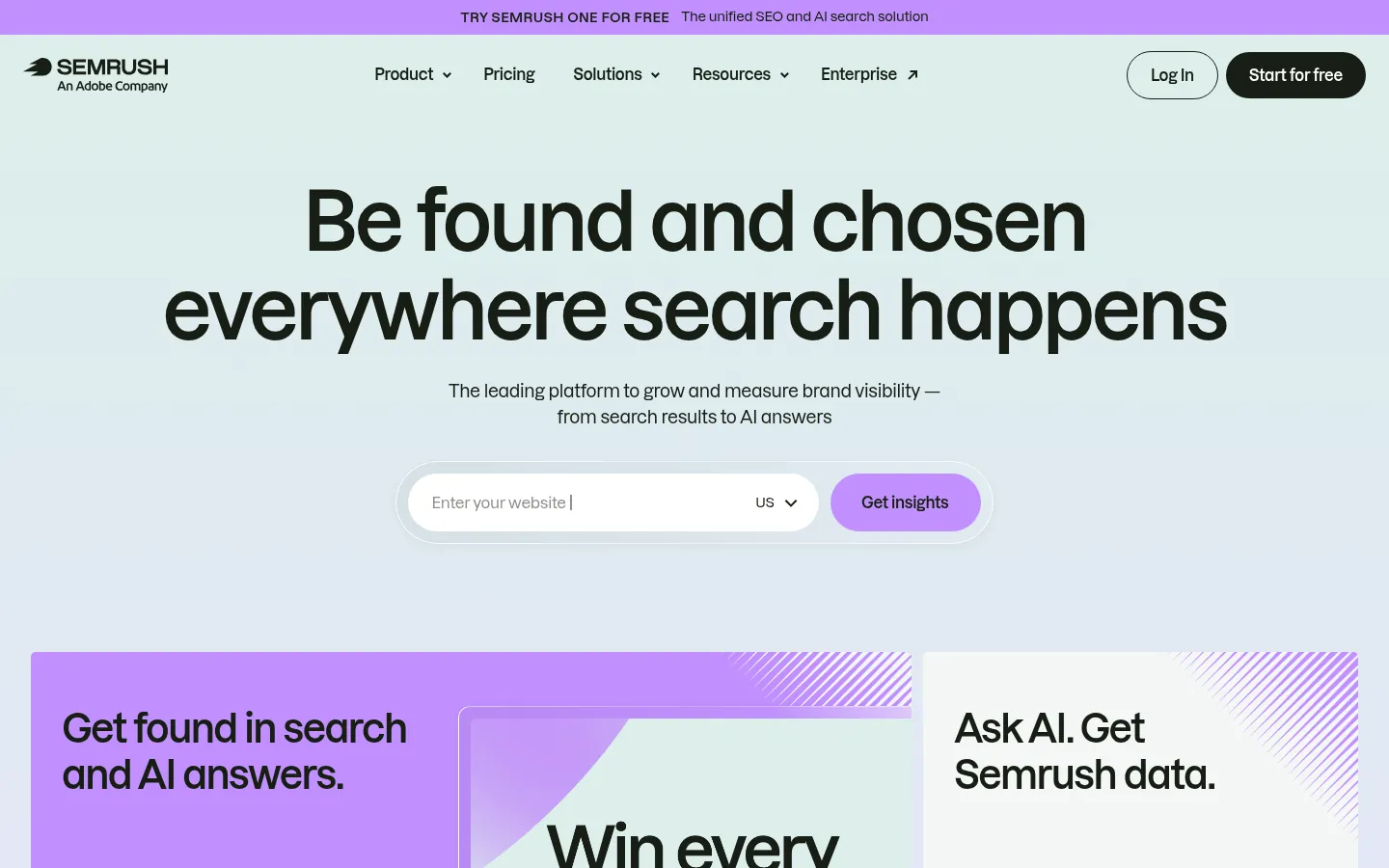
Screenshot: Semrush website, October 2026.
Semrush tracks website performance and competitor strategies, combining SEO analysis with paid advertising data. SEO specialists use it to compare websites and plan content, and marketers use it to check competitors' ad activity.
- Keyword research and backlink analysis
- PPC and social media tracking
- Site audits and ranking reports
Subscriptions cost more than single-purpose tools, and data accuracy varies by region, but its breadth makes it a staple of digital marketing.
9. Klipfolio: Custom Dashboards for KPI Monitoring
Klipfolio suits startups and growing teams that want flexible, low-code dashboards for their key metrics.
Screenshot: Klipfolio website, October 2026.
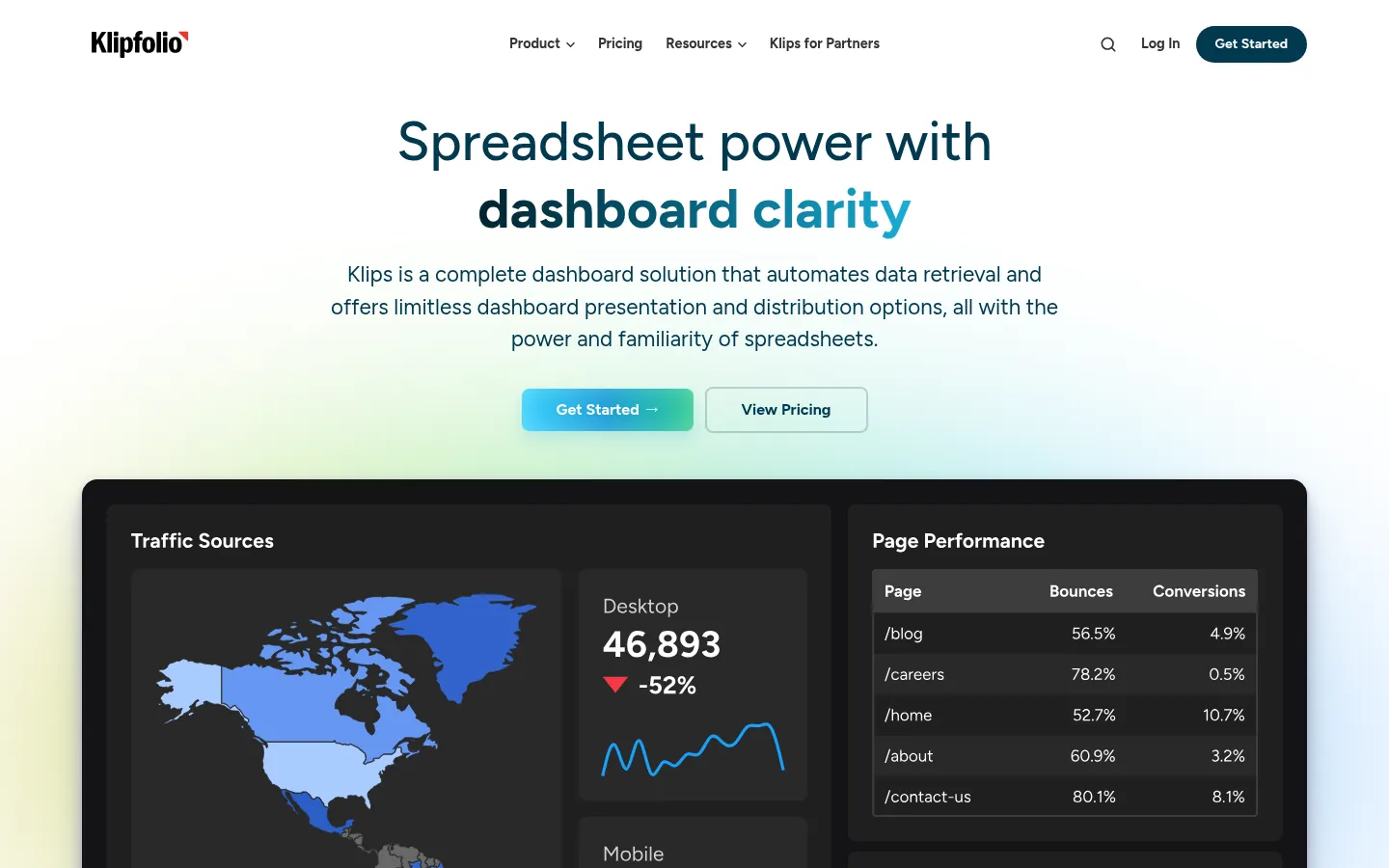
Klipfolio is cloud dashboard software that connects to many data sources and simplifies KPI tracking. Teams use it for financial reporting, sales analytics and workforce metrics.
- Interactive dashboards with real-time updates
- A large library of data connectors
- Drill-down analysis and custom visualisations
Very large data sets slow it down, and deeper customisation needs technical skill, but its ease of use makes it a practical alternative to Tableau.
10. Data Studio (formerly Looker Studio): Free Reports and Dashboards
Data Studio suits small teams that want free, shareable dashboards built on Google Analytics, Google Ads, Google Sheets and BigQuery data.
Screenshot: Data Studio website, October 2026.
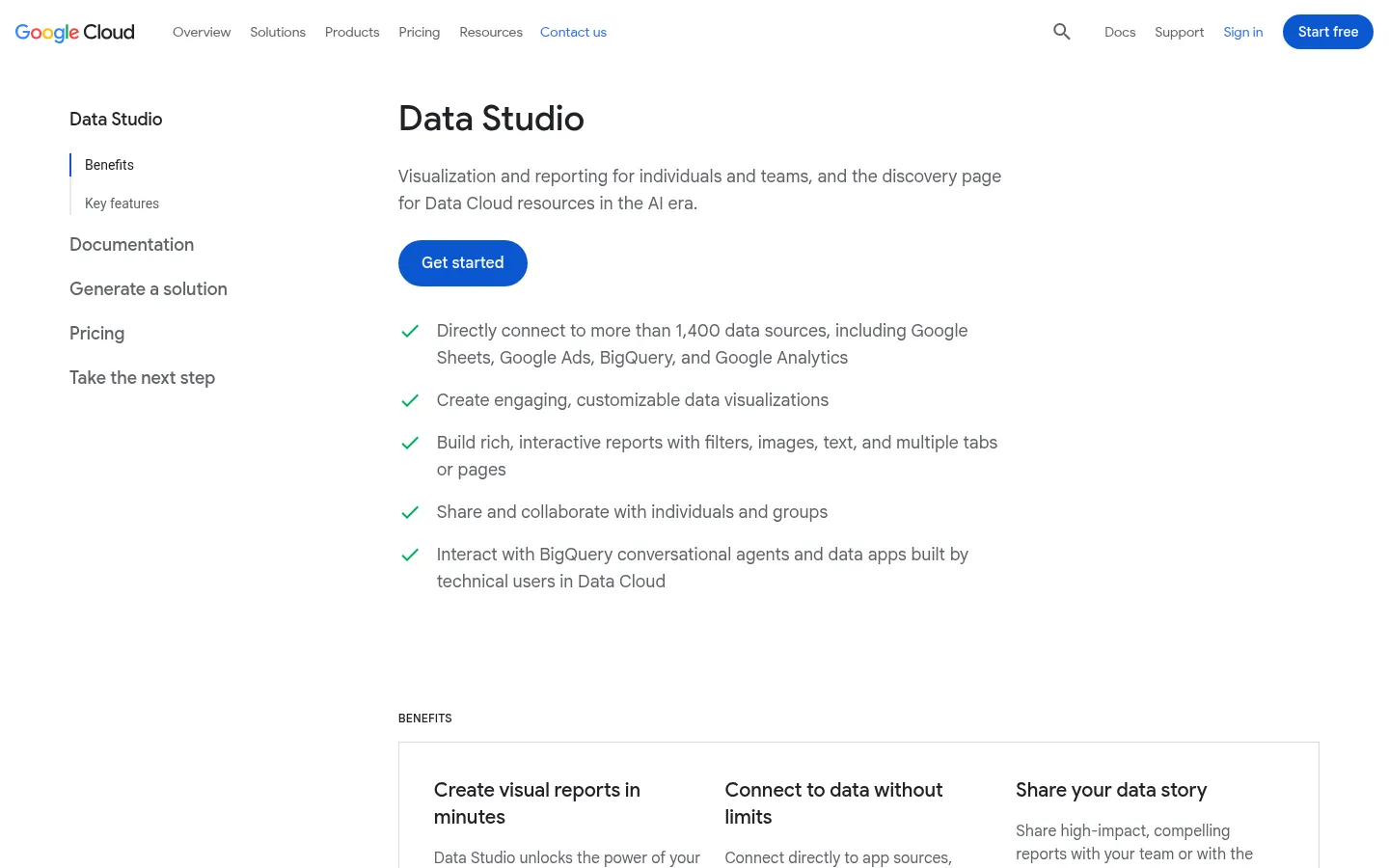
Data Studio, formerly Looker Studio, is Google's free tool for visual reports and interactive dashboards. It connects directly to more than 1,400 data sources, including Google's own products, and you share or embed each report like a document.
- Drag-and-drop report editor with filters and multiple pages
- Prebuilt Google connectors plus partner connectors for other data
- Sharing, real-time collaboration and embedding on web pages
Data Studio is free for creators and viewers. Data Studio Pro adds team content management and Google Cloud support for USD 9 per user per project a month. Complex data models still belong in a platform such as Looker.
Questions Teams Ask About Analytics Tools
Most questions come down to what the tools do with messy data, prediction and limited in-house skills.
How do analytics tools handle unstructured data such as text and video?
Analytics tools use machine learning to find patterns in unstructured data, turning text and video into structured reports. Text analytics extracts useful information from words, and sentiment analysis rates whether customer feedback is positive or negative. Video analytics spots patterns in images for security or marketing. The result is a clearer view of trends you then act on.
Do analytics tools predict future business trends?
Predictive analytics uses past data to forecast trends such as demand, customer churn and price changes. AI and machine learning find patterns that help you plan stock, spot customers likely to leave and adjust prices (Shopify on predictive customer analytics). Predictions are only as good as the data behind them, so clean, connected data comes first.
How do analytics tools help a small business without a data team?
Self-service, cloud-based tools give a small business ready-made dashboards and reports without hiring data specialists. Google Analytics, Power BI and Tableau present sales and marketing numbers in easy-to-read views. Ad hoc reports and drill-downs answer specific questions without code, so owners make quick, informed decisions.
What is the difference between data visualisation and business intelligence?
Data visualisation turns information into charts and graphs, and business intelligence goes further by analysing data to support long-term decisions. Tableau and Looker build interactive reports that tell a story with data. Business intelligence platforms such as Power BI store and analyse large volumes of data for planning. Both are useful, and business intelligence gives the deeper strategic view.
How do analytics tools improve supply chain management?
Supply chain analytics tracks stock, shipping and operations so you avoid delays and reduce waste. Sensor data follows shipments in real time, and logistics analytics finds cheaper delivery routes. Predictive analytics helps you plan ahead, and risk and fraud detection tools reduce losses in shipping and manufacturing.
Which Analytics Tool Fits Your Team
Match the tool to your main job: website tracking, business intelligence, product analytics, search data or KPI dashboards.
| Tool | Best for | Strength | Limitation | Skill level |
|---|---|---|---|---|
| Google Analytics 4 | Website tracking | Free, connects to Google Ads | Advanced set-up takes time | Beginner to intermediate |
| Tableau | Visual dashboards | Strong visualisation | Cost and learning curve | Intermediate |
| Power BI | Microsoft-based teams | Affordable self-service reporting | Complex models need DAX | Intermediate |
| Adobe Analytics | Enterprise customer insight | Cross-channel journeys | Complexity and cost | Advanced |
| Mixpanel | Product analytics | Event-based funnels | Costs rise with data | Intermediate |
| Looker | Central data modelling | Google Cloud integration | Technical set-up | Advanced |
| Amplitude | Retention and adoption | Behavioural trends | Technical depth needed | Intermediate to advanced |
| Semrush | Search marketing | SEO and paid search in one place | Subscription cost | Beginner to intermediate |
| Klipfolio | KPI dashboards | Low-code flexibility | Slower on large data sets | Beginner to intermediate |
| Data Studio | Free reports and dashboards | Free, connects to Google data | Not built for complex data models | Beginner |
Choose the Tool That Matches Your Data
The right analytics tool depends on your budget, your team's skills and the decisions you need to support, and every good decision starts with good data. Google Analytics leads for website tracking, Tableau and Power BI handle complex visualisation, Mixpanel and Amplitude lead product analytics, and Semrush covers search marketing. Klipfolio suits flexible dashboards, Data Studio covers free reporting, and Adobe Analytics and Looker serve enterprise reporting. Explore more options in the data analytics tools hub, and measure campaigns with marketing analytics tools.