Mobile-friendly B2B tools let your team approve deals, answer leads and check performance from a phone, so decisions keep moving when people are away from their desks and fewer opportunities go cold. A mobile-friendly tool does more than display a shrunken desktop screen. It lets you complete real business actions on a phone or tablet. The seven tools below cover CRM, prospecting, email, analytics and mobile testing.
Why Mobile-Friendly B2B Tools Matter to Your Operations
When your core systems work on a phone, approvals and replies happen in minutes instead of waiting for someone to reach a laptop, which keeps deals and campaigns on schedule. Sales managers approve deals between meetings, marketing leads check results while travelling, and founders watch business health from anywhere. Desktop-only tools slow those decisions and break workflows across hybrid teams.
The main outcomes for your business:
- Faster approvals and response times.
- Better continuity across remote and hybrid teams.
- Less friction from tool access gaps.
- Clearer visibility for managers and decision-makers.
How do mobile-friendly tools differ from desktop software with an app?
A mobile-friendly tool lets you finish the task on the phone, while desktop-first software with an app often lets you only look at data. Desktop software assumes full screens and long sessions. Mobile-friendly tools focus on short, task-based actions: review, decide and move work forward. Mobile access alone does not make software mobile-friendly; the test is whether meaningful business actions get done on the device.
1. Salesforce
Salesforce suits organisations that run structured sales processes and need pipeline decisions to continue outside office hours.
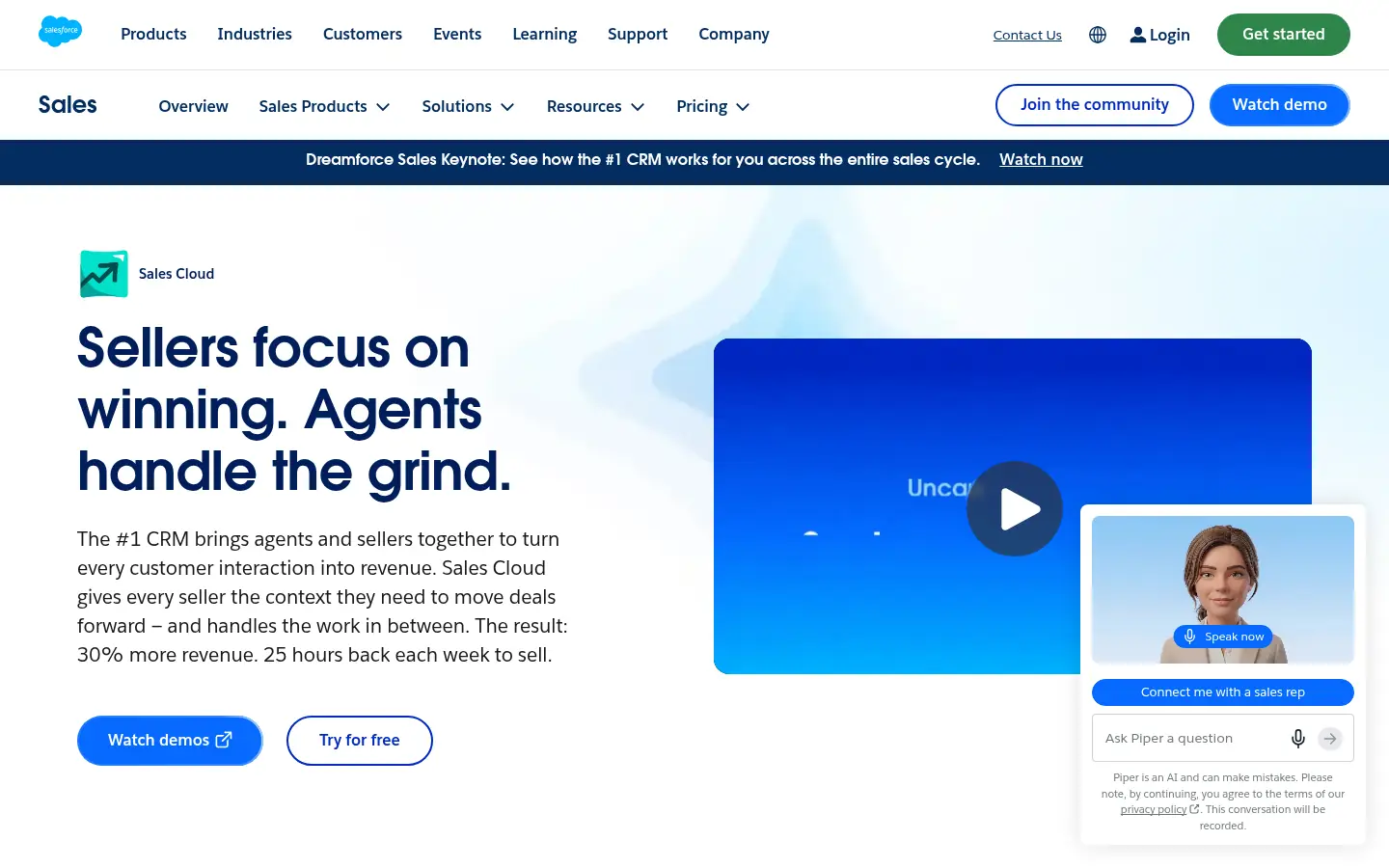
Screenshot: Salesforce website, October 2026.
Salesforce is the system of record for pipelines, accounts and forecasts in many sales organisations. Its mobile app lets reps and managers review opportunities, update deal stages, approve actions and respond to changes in real time.
Salesforce pricing and suitability
Salesforce prices its sales editions per user per month, from a free suite for small teams to Max for full feature access. Costs rise with automation, analytics and customisation needs.
| Edition | Price | Billing | Suitable for | Limits |
|---|---|---|---|---|
| Free Suite | USD 0 | Monthly or annual | Very small teams | Limited users and features |
| Starter Suite | USD 25 per user per month | Monthly or annual | Small sales teams | Basic automation |
| Pro Suite | USD 100 per user per month | Annual | Growing teams | Higher cost per seat |
| Core | USD 195 per user per month | Annual | Established sales organisations | Add-ons often needed |
| Advanced | USD 395 per user per month | Annual | Complex sales operations | Premium pricing |
| Max | USD 550 per user per month | Annual | Full feature access | Premium pricing |
Source: Salesforce sales pricing, checked October 2026.
2. HubSpot
HubSpot suits growing teams that want CRM, marketing and sales in one platform, with mobile follow-up on leads and deals.
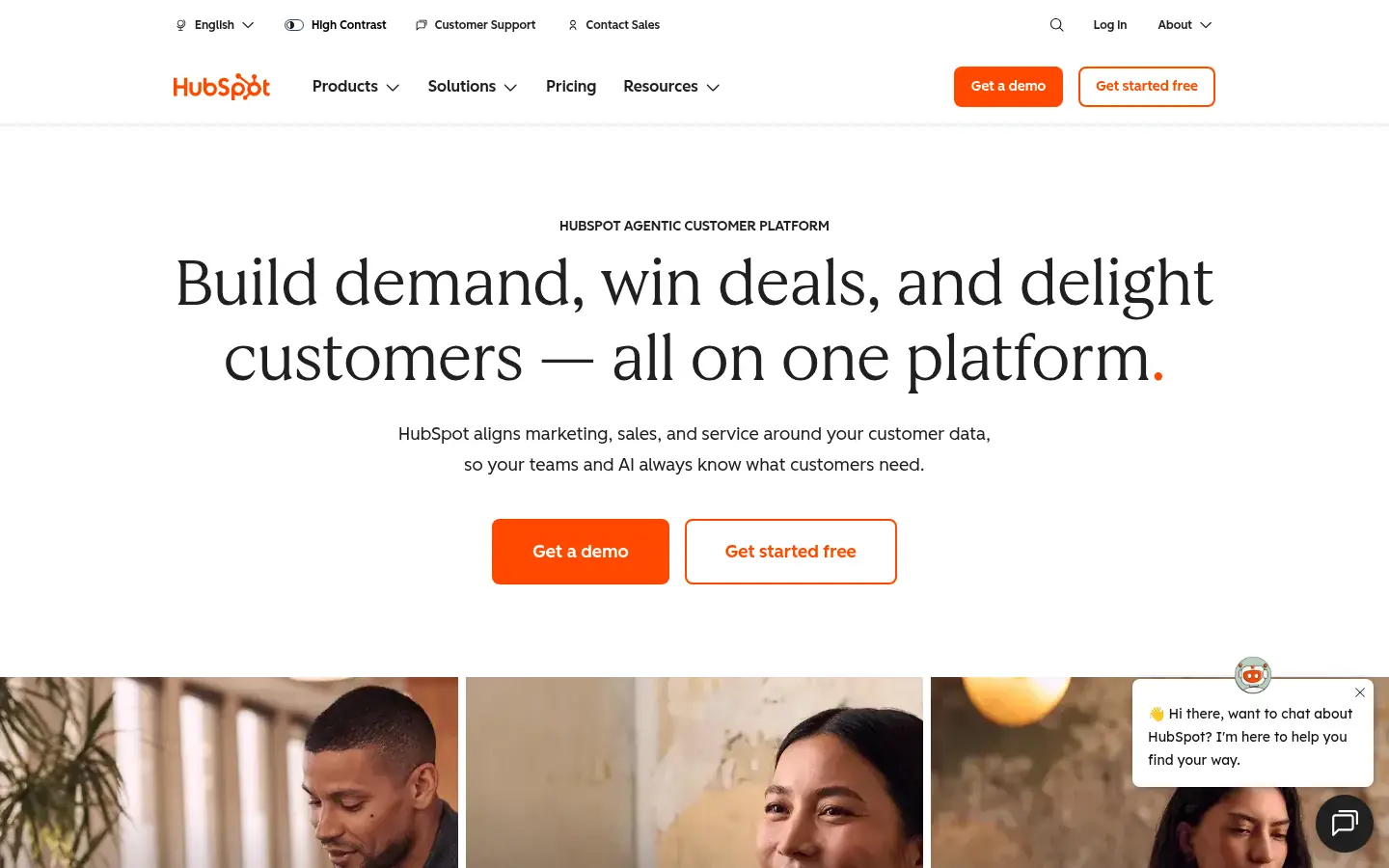
Screenshot: HubSpot website, October 2026.
HubSpot centralises contacts, deals and campaign results. Its mobile app focuses on visibility and follow-up: reviewing contacts, tracking deals and responding to leads while away from your desk.
HubSpot pricing and suitability
HubSpot's CRM is free, and paid seats start low and rise steeply as you add the Professional and Enterprise hubs.
| Plan | Price | Billing | Suitable for | Limits |
|---|---|---|---|---|
| Free | USD 0 | Free | Contact management and deal tracking | Limited automation |
| Starter | From USD 7 per seat per month | Annual (USD 20 monthly) | Small teams | Feature depth restricted |
| Professional and Enterprise hubs | From SGD 1,120 a month (Marketing Hub Professional) | Annual | Scaling teams | Cost rises with seats and contacts |
Source: HubSpot CRM pricing, checked October 2026; Marketing Hub Professional from HubSpot's Singapore pricing page.
3. LinkedIn Sales Navigator
LinkedIn Sales Navigator suits sales professionals who prospect and engage buyers through LinkedIn and need quick checks and alerts on the go.
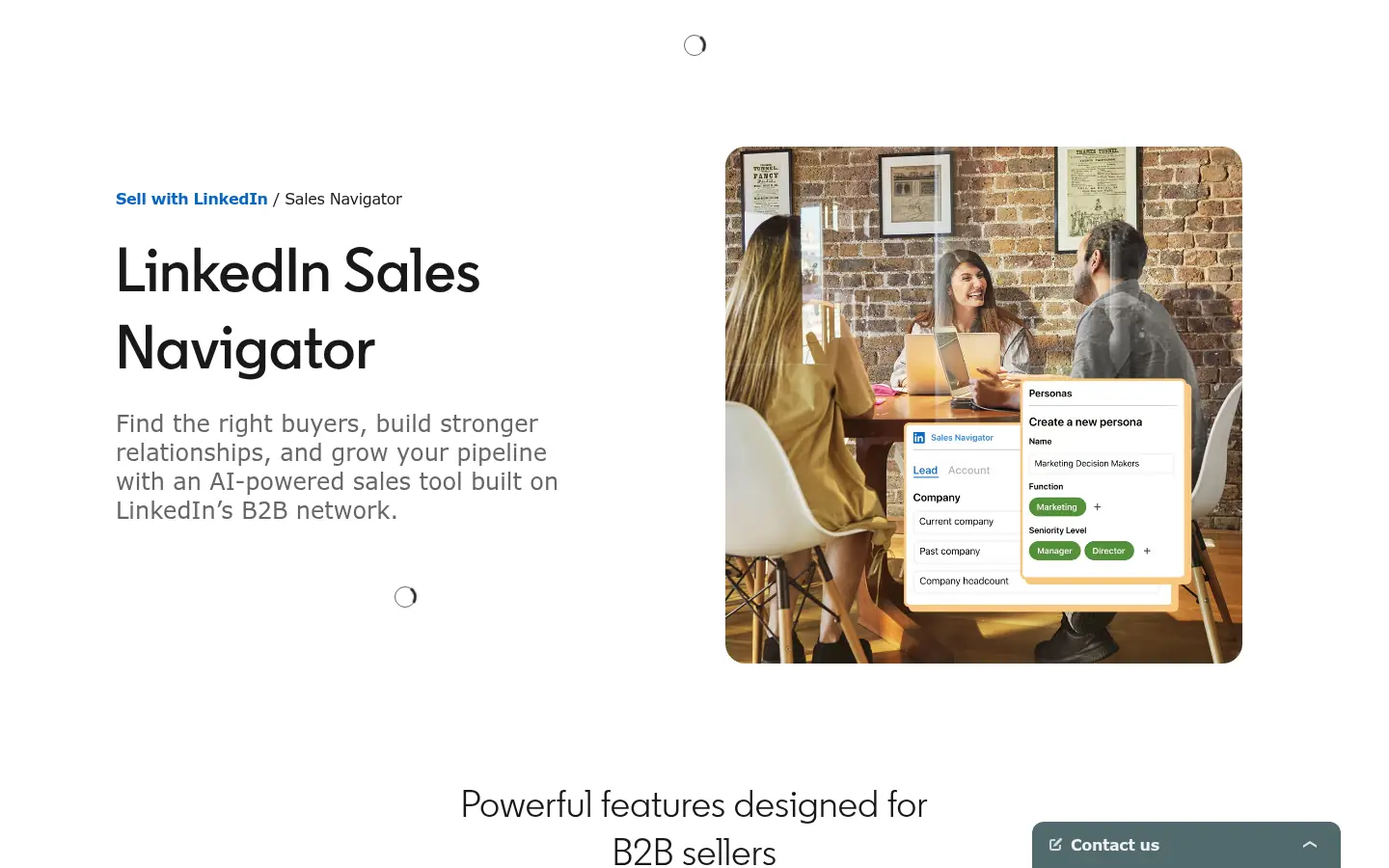
Screenshot: LinkedIn Sales Navigator website, October 2026.
LinkedIn Sales Navigator is a sales intelligence layer rather than a CRM. On mobile you review saved leads, get account alerts and send InMail messages between meetings.
LinkedIn Sales Navigator pricing and suitability
Sales Navigator prices per licence, with team collaboration and CRM integration at the higher tiers.
| Plan | Monthly price | Annual price | Suitable for | Limits |
|---|---|---|---|---|
| Core | From USD 119.99 a month | USD 1,079.88 a year | Individual sellers | No CRM sync |
| Advanced | From USD 159.99 a month | USD 1,799.88 a year | Sales teams | Higher cost per seat |
| Advanced Plus | Customised | Customised | Enterprise teams with CRM integration | Quote-based |
Source: LinkedIn Sales Navigator plans, checked October 2026.
4. Apollo.io
Apollo.io suits small and mid-size sales teams that want contact data and outreach tracking in one tool, with mobile review between calls.
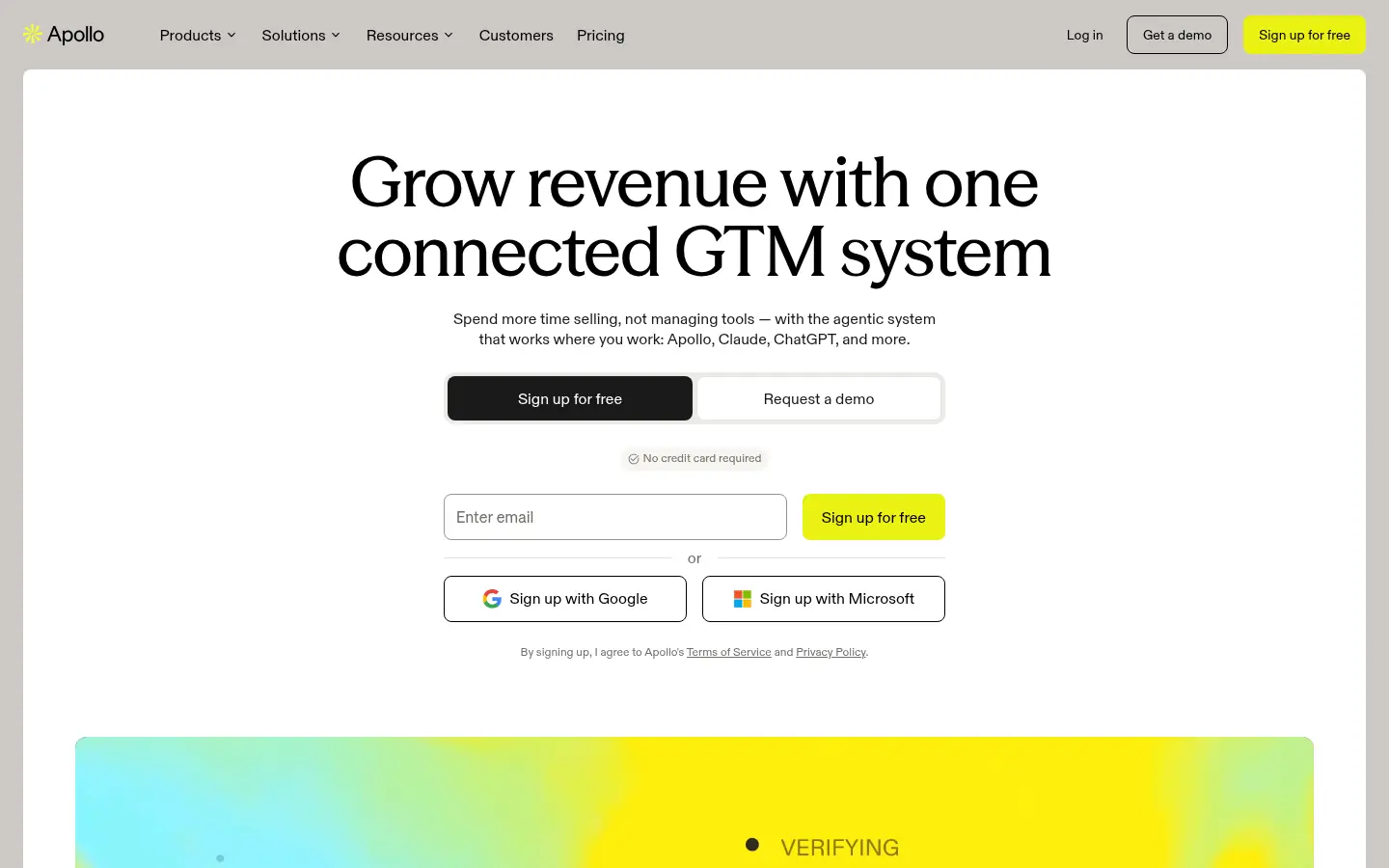
Screenshot: Apollo.io website, October 2026.
Apollo.io combines a B2B contact database, company insights and outreach sequences. Campaign set-up runs on desktop; on mobile you review contacts, check accounts and follow outreach activity.
Apollo.io pricing and suitability
Apollo prices per seat with credit allowances, so cost grows with team size and data use.
| Plan | Price | Billing | Suitable for | Limits |
|---|---|---|---|---|
| Free | USD 0 | Free | Testing | Very limited credits |
| Basic | USD 49 per seat per month | Annual | Small teams | Credit limits |
| Professional | USD 79 per seat per month | Annual | Growing teams | Costs rise with usage |
| Organization | USD 119 per seat per month | Annual, 3-seat minimum | Larger teams | Seat minimum |
Source: Apollo.io pricing, checked October 2026.
5. Mailchimp
Mailchimp suits marketers who need to check campaign and subscriber results quickly while away from their desks.
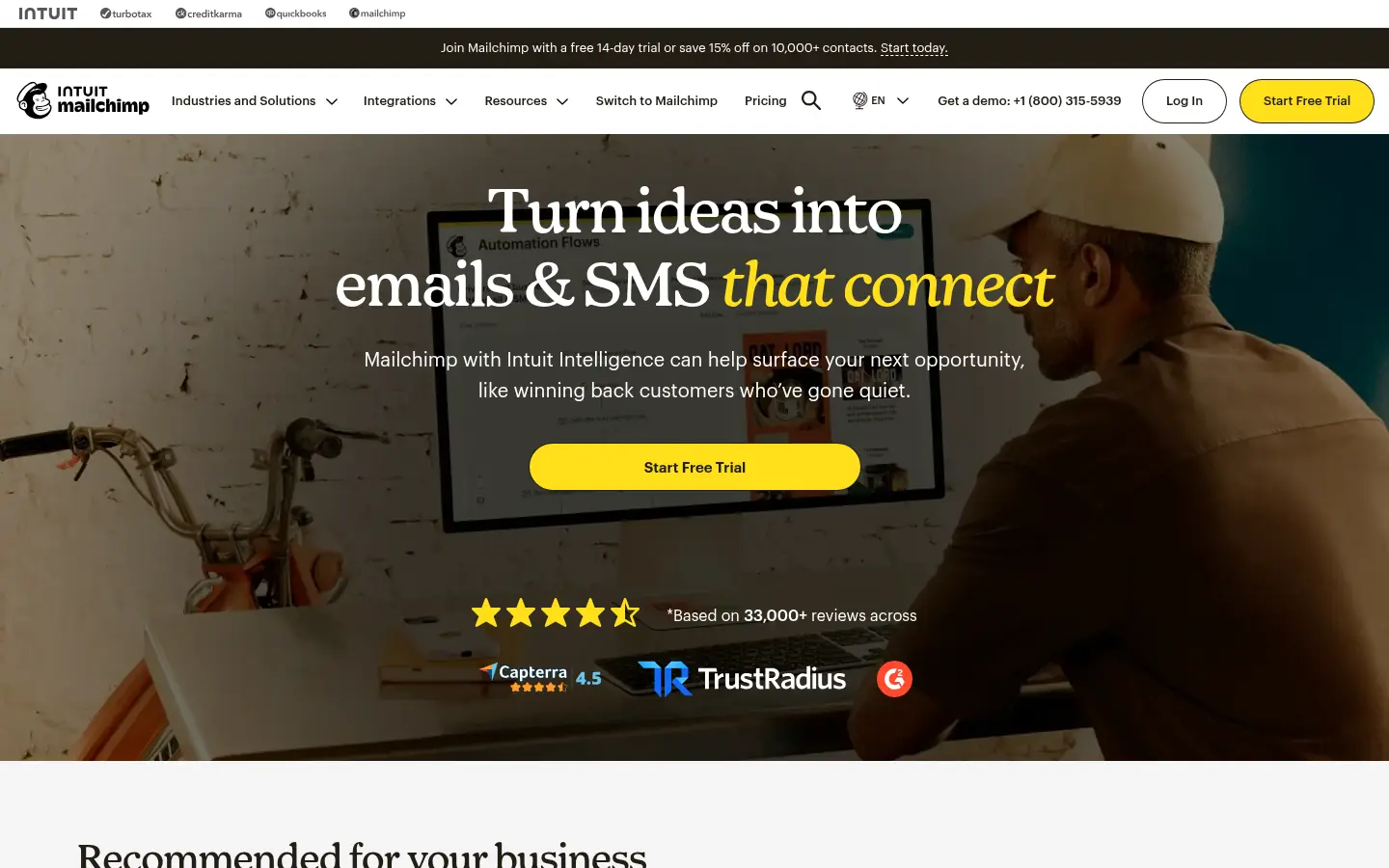
Screenshot: Mailchimp website, October 2026.
Mailchimp runs email marketing and audience management. Its mobile app focuses on monitoring: campaign performance, subscriber growth and engagement.
Mailchimp pricing and suitability
Mailchimp starts free and rises with contact count and feature depth.
| Plan | Price | Contacts at that price | Suitable for | Limits |
|---|---|---|---|---|
| Free | USD 0 | Up to 250 | Very small lists | Strict send limits |
| Essentials | From USD 13 a month | 500 | Simple campaigns | Limited automation |
| Standard | From USD 20 a month | 500 | Growing lists | Cost rises with list size |
| Premium | From USD 350 a month | 10,000 | Advanced segmentation | High entry cost |
Source: Mailchimp pricing, checked October 2026.
6. Google Analytics
Google Analytics suits executives and marketers who want to check traffic and conversions from a phone without opening reports on a laptop.
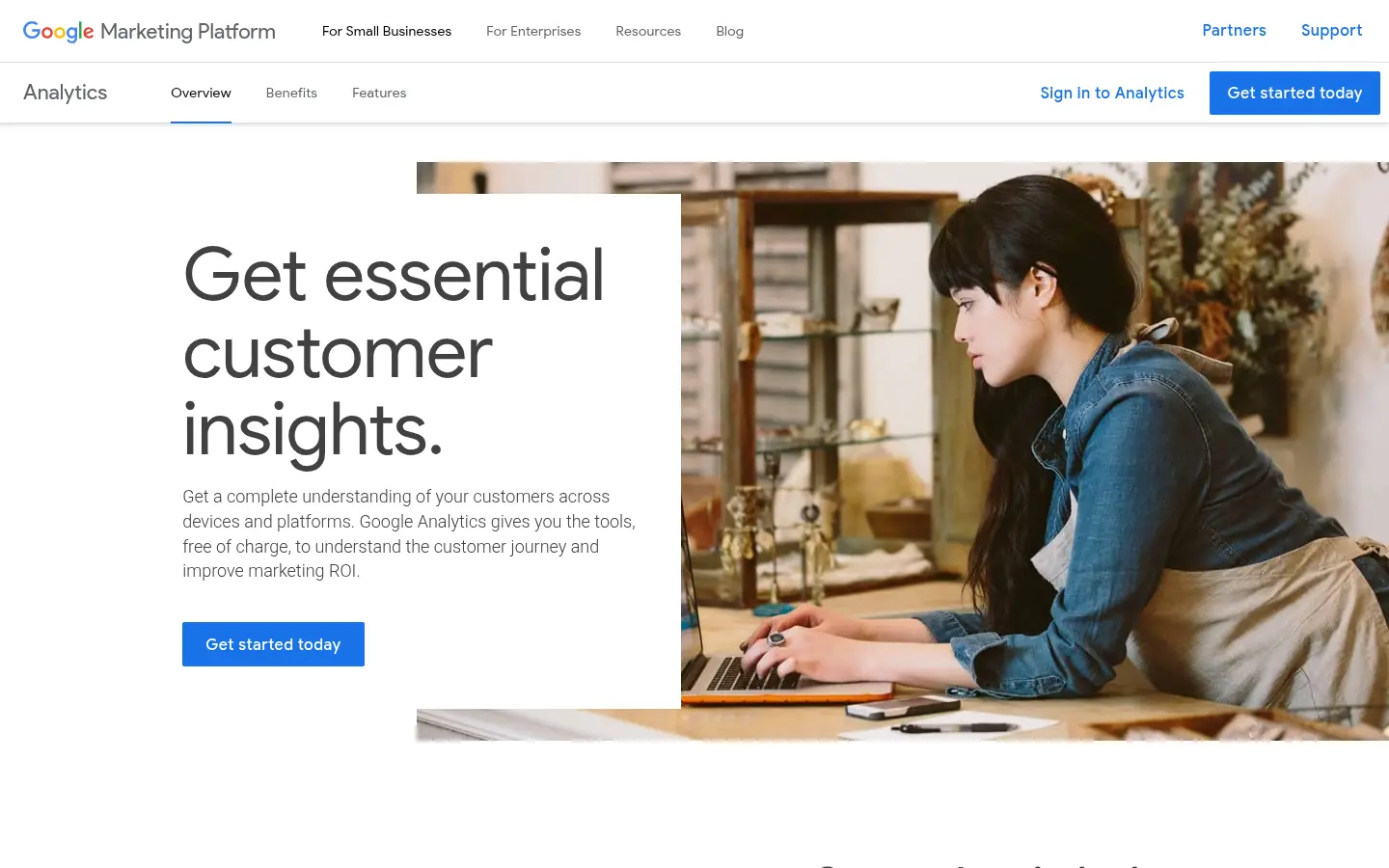
Screenshot: Google Analytics website, October 2026.
Google Analytics measures website and app traffic, engagement and conversions. Its mobile app is for monitoring real-time traffic, trends and key metrics, while configuration and deep analysis stay on desktop.
Google Analytics pricing and suitability
Google Analytics is free for most businesses, with Analytics 360 for large organisations through Google's sales team.
| Plan | Price | Billing | Suitable for | Limits |
|---|---|---|---|---|
| Google Analytics 4 | Free | Free | Most businesses | Limits at very large scale |
| Google Analytics 360 | Quote-based | Contract | Large organisations | Price not public |
Source: Google Analytics, checked October 2026.
7. BrowserStack
BrowserStack suits teams that need to test their own website and web apps on real phones, tablets and browsers before customers see them.
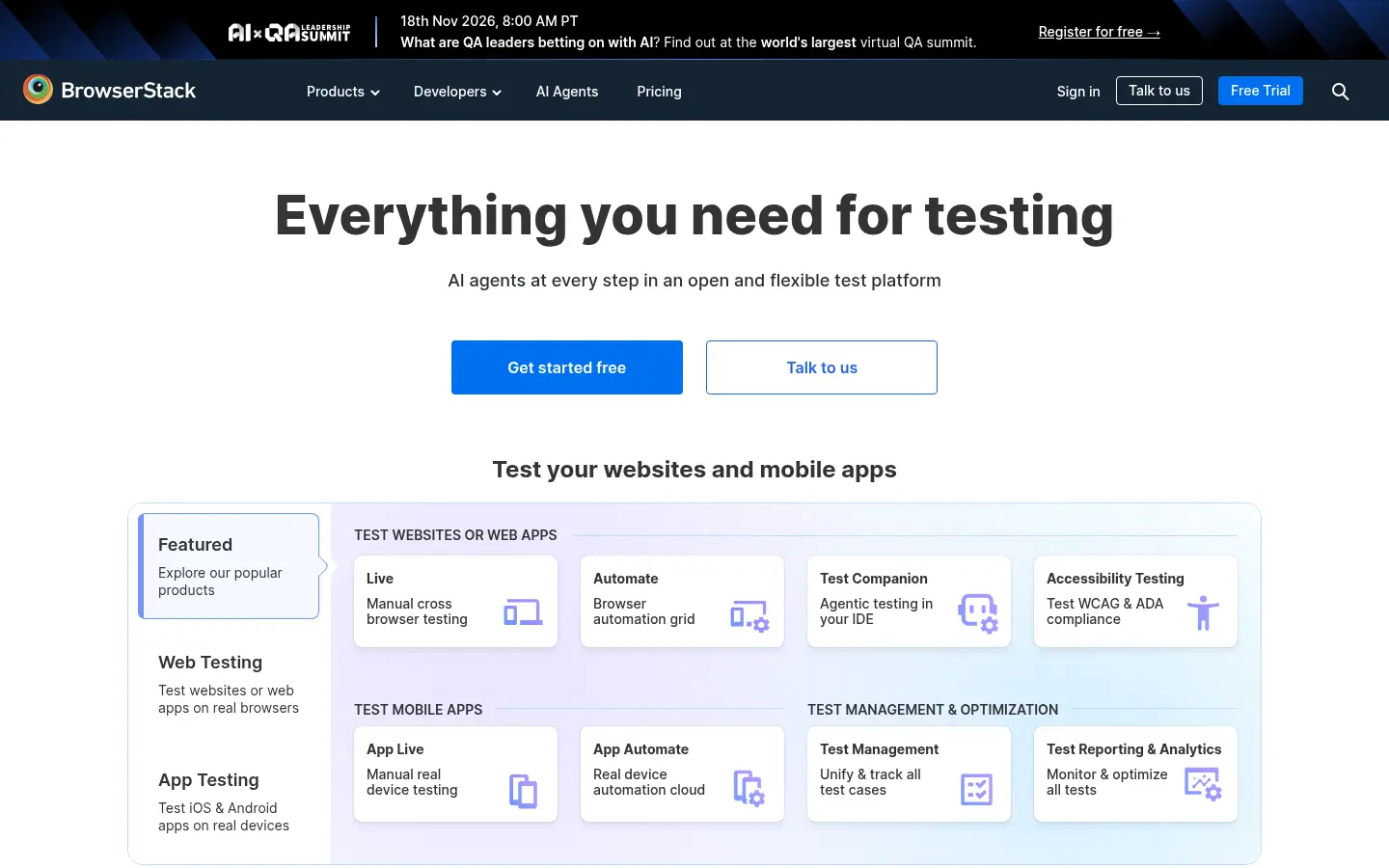
Screenshot: BrowserStack website, October 2026.
BrowserStack gives you access to real devices and browsers in the cloud. Its Live product lets you check that pages, forms and checkouts work on the devices your buyers use.
BrowserStack Live pricing and suitability
BrowserStack Live prices per user, with team plans for shared testing and quotes for volume and enterprise use.
| Plan | Price | Billing | Suitable for | Limits |
|---|---|---|---|---|
| Desktop | USD 29 a month | Annual | Individual desktop testing | No mobile devices |
| Desktop and Mobile | USD 39 a month | Annual | Individual testing on real phones | One user |
| Team | USD 150 a month | Annual | Small teams | User limits |
| Team Pro and Team Ultimate | USD 249 and USD 375 a month | Annual | Larger teams | Higher cost |
| Volume and Enterprise | Quote-based | Contact sales | Large organisations | Price not public |
Source: BrowserStack pricing, checked October 2026.
How to Choose Mobile-Friendly B2B Tools
Choose tools by the decisions your team takes away from the desk, and test those exact actions on a phone before you buy. Weigh four factors:
- Actions, not views: whether approvals, replies and updates work on mobile.
- Speed: how many taps a common task takes.
- Security: device management and sign-in controls.
- Fit with your stack: whether mobile actions sync to your CRM and reporting.
Which mobile-friendly tool fits which role?
Match each tool to the role that uses it most on the move.
| Tool | Role | Best mobile action | Best for | Pricing model |
|---|---|---|---|---|
| Salesforce | CRM | Update deals and approve actions | Enterprise sales teams | Per user per month |
| HubSpot | CRM and marketing | Follow up leads and deals | Growing teams | Free CRM, paid seats |
| LinkedIn Sales Navigator | Prospecting | Review leads and send InMail | Individual sellers and teams | Per licence |
| Apollo.io | Data and outreach | Check contacts and outreach | Small and mid-size sales teams | Per seat with credits |
| Mailchimp | Email marketing | Check campaign results | Marketers | By contacts |
| Google Analytics | Analytics | Check traffic and conversions | Managers and marketers | Free, 360 quoted |
| BrowserStack | Testing | Test pages on real devices | Web and product teams | Per user |
Make Sure Buyers Find You on Mobile Too
Your buyers search on phones as much as your team works on them, so your own site needs to load fast and answer questions on a small screen. See how technical SEO covers mobile performance, and browse the other B2B tool guides.