



Time tracking tools are software platforms that record and manage how work hours are spent across projects, clients, and teams. They replace manual timesheets and spreadsheets with structured systems that support billing, payroll, productivity analysis, and compliance.
As organisations operate across remote teams, flexible schedules, and project-based work, time data becomes an operational input rather than an administrative task. Time tracking tools centralise time records, approvals, and reporting, allowing businesses to link work performed to financial outcomes with greater accuracy.
Why Time Tracking Tools Matter for Business Operations
Time is directly tied to revenue, costs, and capacity. When work hours are tracked inconsistently or retrospectively, businesses face underbilling, payroll disputes, inaccurate utilisation metrics, and limited visibility into resource allocation.
Time-tracking tools reduce these risks by providing a single source of truth for work hours. They help teams understand where time is spent, support defensible billing and payroll processes, and provide managers with data to plan workloads and staffing more effectively. For many organisations, structured time tracking is an operational requirement rather than a productivity add-on.
Key Benefits of Using Time Tracking Tools
- Accurate recording of work hours across teams and projects
- Improved billing accuracy for client-based work
- Streamlined payroll, overtime, and attendance management
- Better visibility into productivity and capacity
- Centralised approvals and audit trails
- Scalable workflows as teams and reporting needs grow
1. Clockify
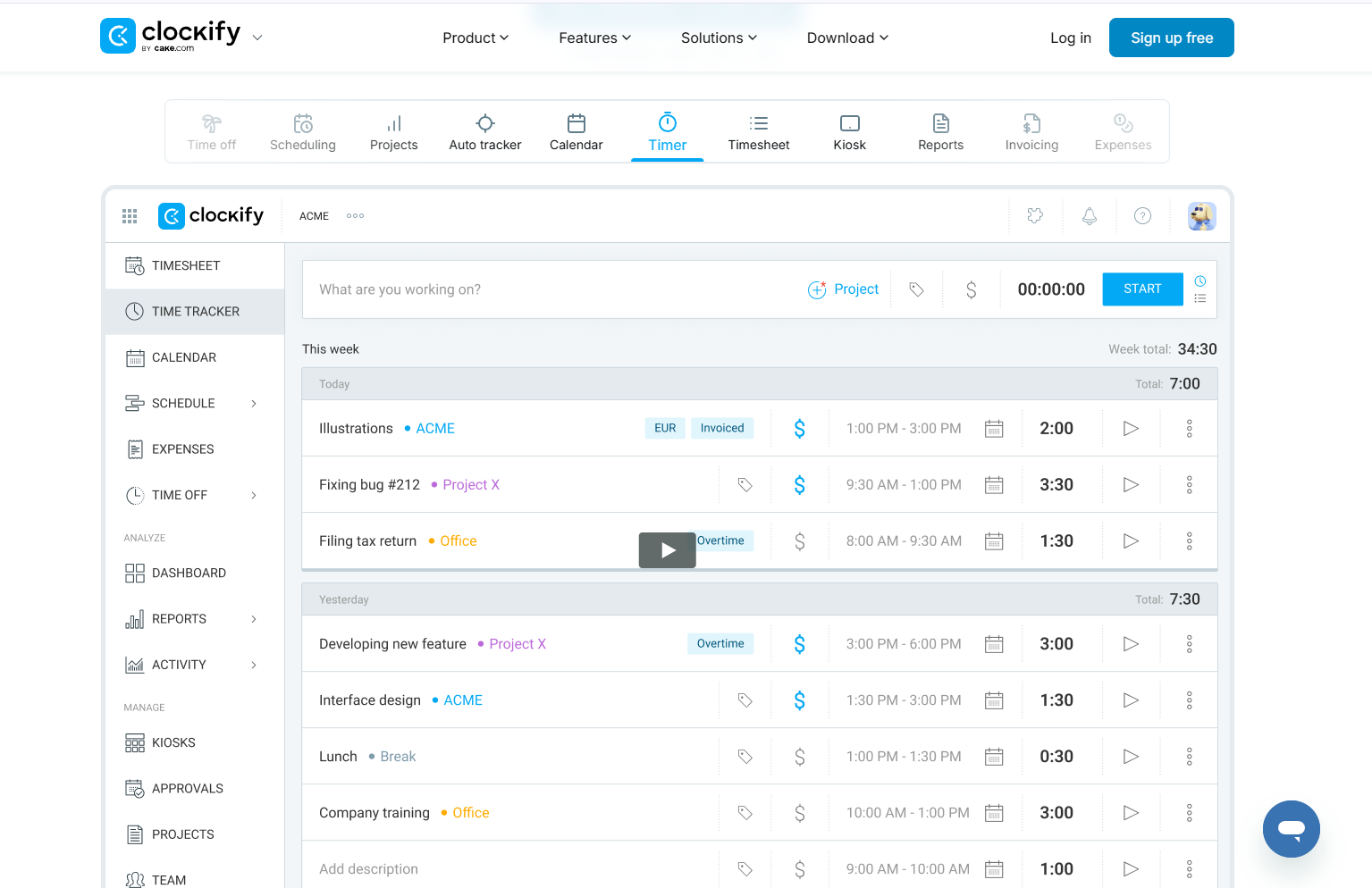
Clockify is one of the most widely used time tracking platforms, known for its free plan and support for unlimited users. It is widely adopted by freelancers, startups, and teams seeking a low-barrier way to track time across projects without complex configuration.
The platform focuses on core time-tracking functions, including timers, timesheets, and reporting. While it supports project and client tracking, its primary value lies in accessibility and cost efficiency rather than advanced billing automation or workforce monitoring.
Pricing and suitability
Clockify uses a freemium pricing model that allows teams to start tracking time without upfront costs. Its free plan supports unlimited users and projects, making it accessible to freelancers and small teams testing time-tracking workflows. Paid plans introduce additional controls such as approvals, billable rates, and advanced reporting. Pricing is structured on a per-user basis, which allows costs to scale predictably as teams grow. However, more advanced features require upgrading beyond the free tier.
| Plan | Typical price | Suitable for | Limitations |
| Free | US$0 | Freelancers, small teams | Limited automation and controls |
| Standard | ~US$5/user/month | Growing teams | Advanced features require upgrades |
2. Toggl Track
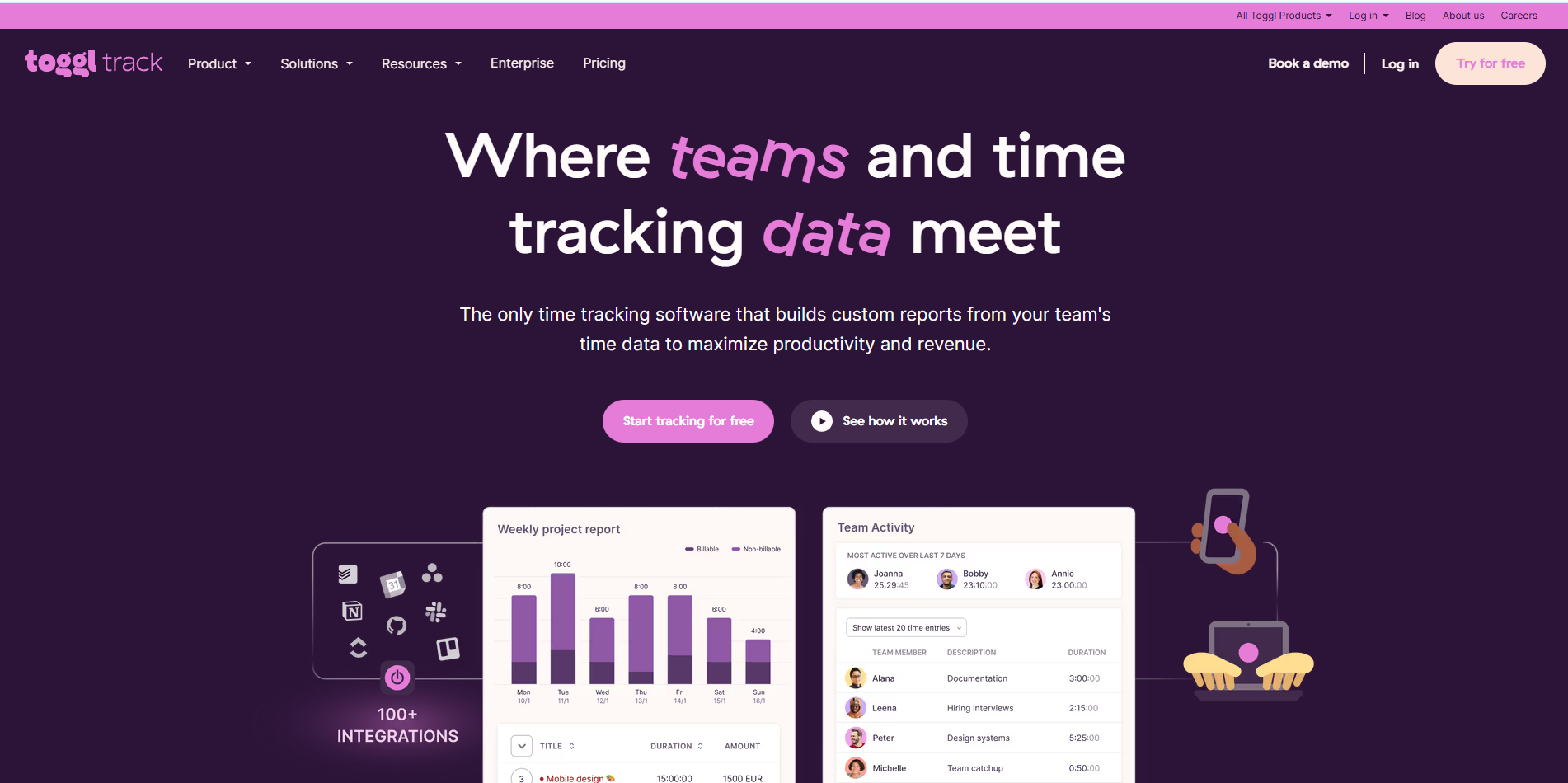
Toggl Track is designed around simplicity and ease of adoption. It is often used by individuals and teams who want fast, frictionless time tracking without extensive setup or rigid workflows. Its clean interface and quick timers make it particularly popular with freelancers and small teams.
The platform emphasises usability and reporting clarity rather than deep operational controls. Toggl Track works best when time tracking is used for awareness, light project tracking, or high-level reporting rather than strict payroll enforcement.
Pricing and suitability

Toggl Track offers a tiered pricing structure designed to support individuals, small teams, and larger organisations. A free plan is available for basic time tracking and simple reporting, making it suitable for light usage. Paid plans unlock features such as project tracking, estimates, and more detailed reporting. Pricing is charged per user, which can become a consideration for growing teams. Higher tiers focus on analytics and team-level insights rather than payroll or billing automation.
| Plan | Typical price | Suitable for | Limitations |
| Free | US$0 | Individuals, light usage | Limited reports |
| Starter | ~US$10/user/month | Small teams | Costs scale with team size |
| Premium | ~US$20/user/month | Agencies | Higher cost for larger teams |
3. Harvest
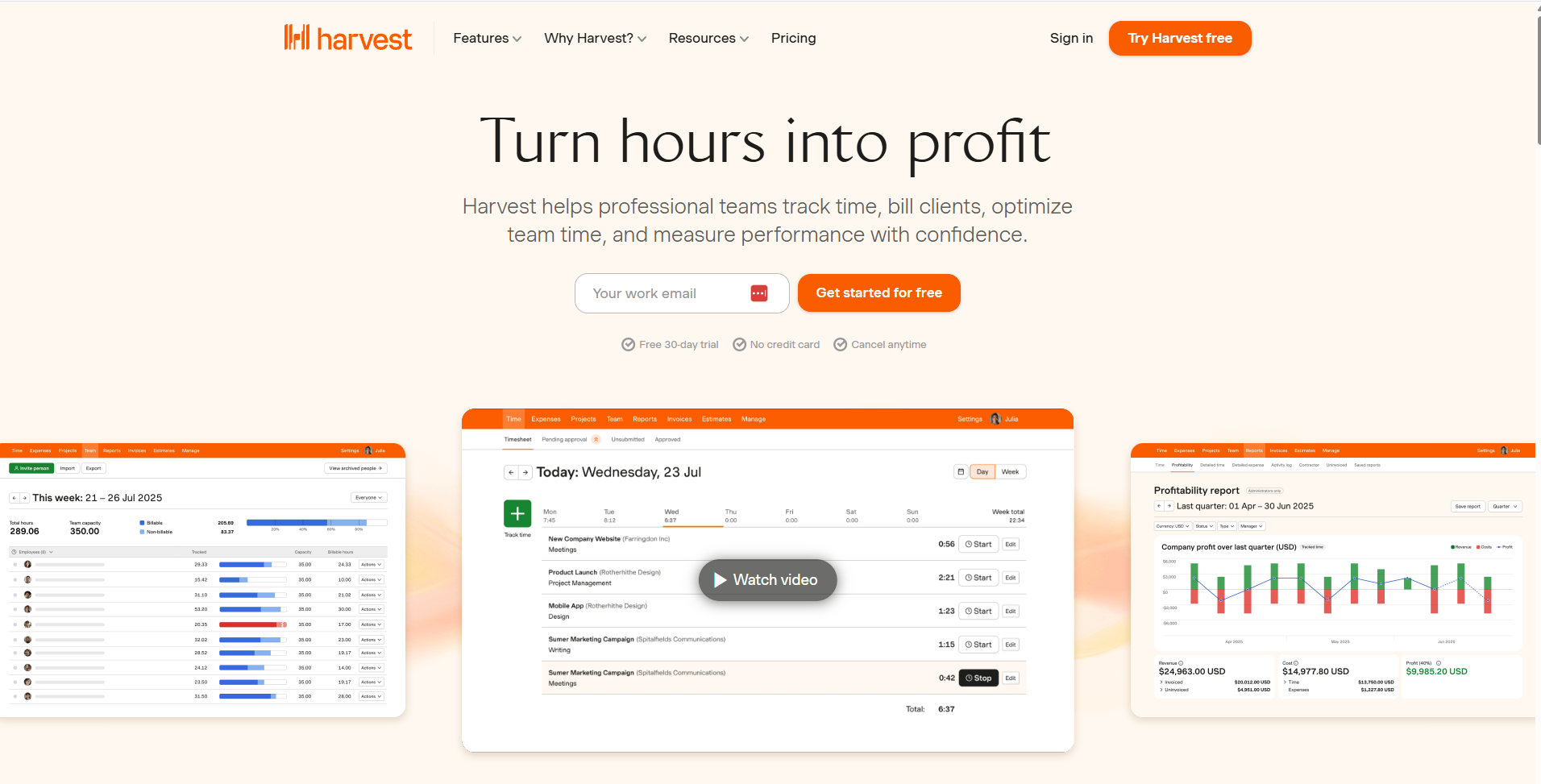
Harvest combines time tracking, invoicing, and expense management, making it well-suited for agencies, consultants, and service-based businesses. Time entries can be directly converted into invoices, helping teams link work to revenue.
The platform is typically chosen by teams that bill clients by the hour and need clear visibility into budgets and project profitability. Harvest prioritises financial workflows over workforce monitoring or attendance tracking.
Pricing and suitability
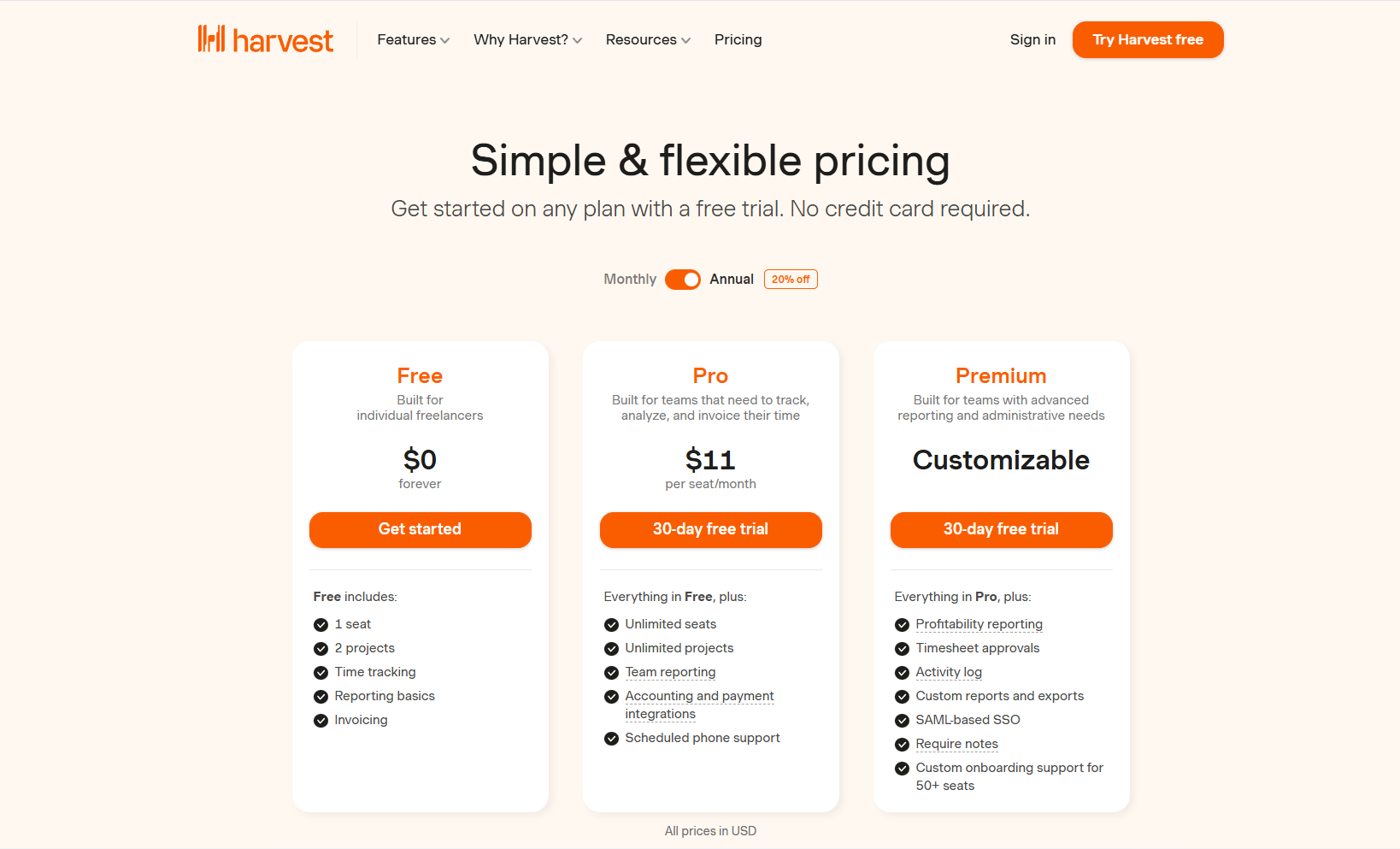
Harvest follows a straightforward per-user pricing model with no permanent free tier for active teams. Its paid plans focus on time tracking, invoicing, expense management, and budget monitoring. This pricing structure aligns well with client-based businesses that require clear links between time worked and revenue. Costs scale with the number of users, which can impact larger teams. Harvest’s pricing reflects its emphasis on financial workflows rather than general productivity tracking.
| Plan | Typical price | Suitable for | Limitations |
| Pro | ~US$12/user/month | Client-services teams | No free tier |
| Premium | Custom | Larger agencies | Pricing increases with scale |
4. Hubstaff

Hubstaff focuses on time tracking for distributed and remote teams, with optional productivity monitoring features such as screenshots, activity levels, and GPS tracking. It is commonly used in environments where managers need greater visibility into work activities.
The platform supports payroll, scheduling, and workforce analytics, but its monitoring features require careful policy design to balance accountability with trust. Hubstaff is most suitable for organisations that explicitly need monitoring and location-based controls.
Pricing and suitability
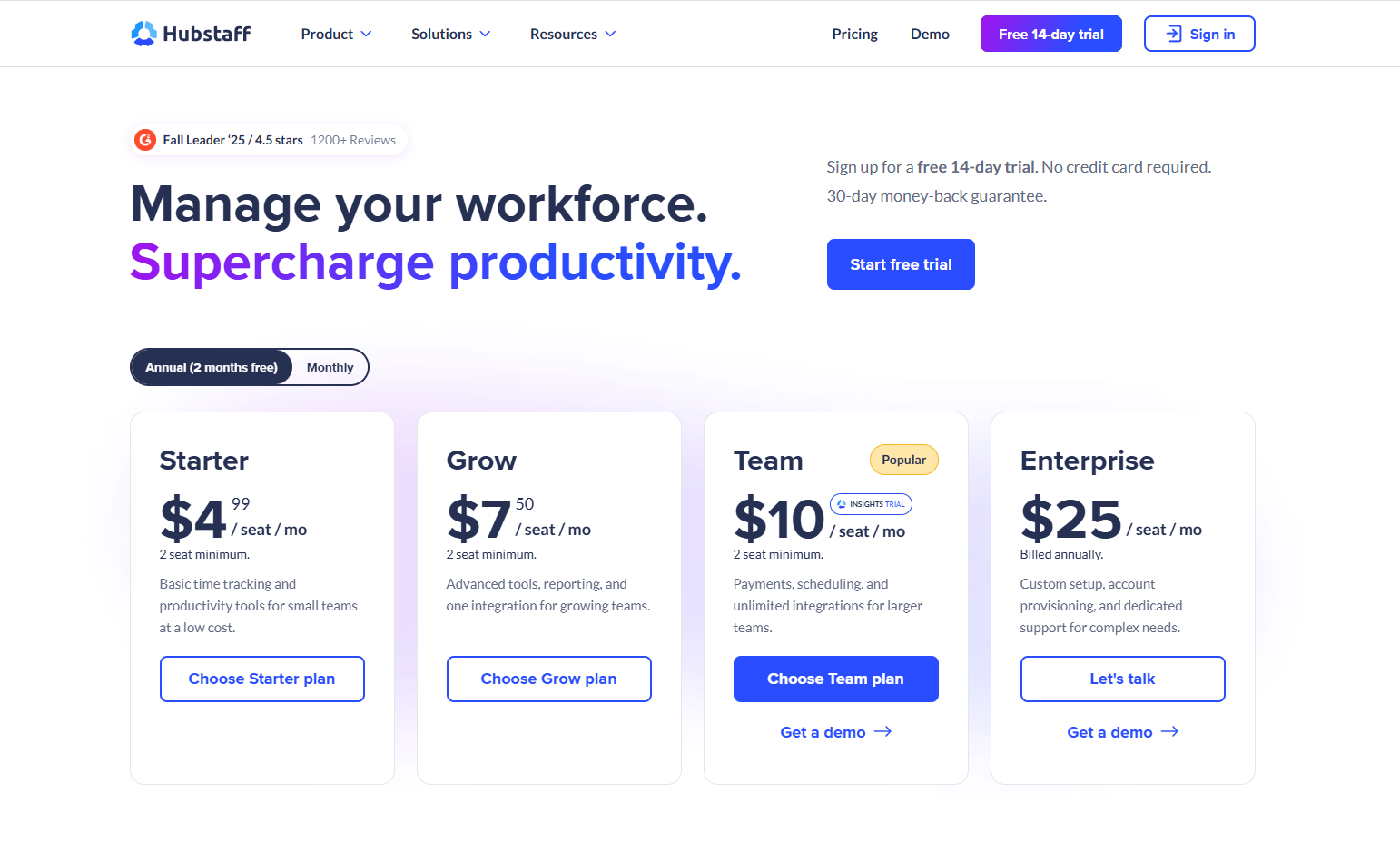
Hubstaff uses a per-user pricing model across multiple tiers, with each level introducing additional workforce management features. Entry-level plans focus on basic time tracking, while higher tiers add payroll, scheduling, and productivity monitoring tools. Pricing increases as monitoring and operational controls become more advanced. This structure makes Hubstaff suitable for teams that require visibility and accountability. Organisations should factor in both cost and policy implications when enabling monitoring features.
5. QuickBooks Time

QuickBooks Time integrates directly with the QuickBooks accounting ecosystem, making it a strong option for businesses that prioritise payroll accuracy and compliance. It supports time tracking, scheduling, overtime rules, and payroll syncing.
The platform is widely adopted by SMBs that already use QuickBooks for accounting. While it provides robust payroll functionality, it may be less cost-effective for teams that do not need deep accounting integration.
Pricing and suitability
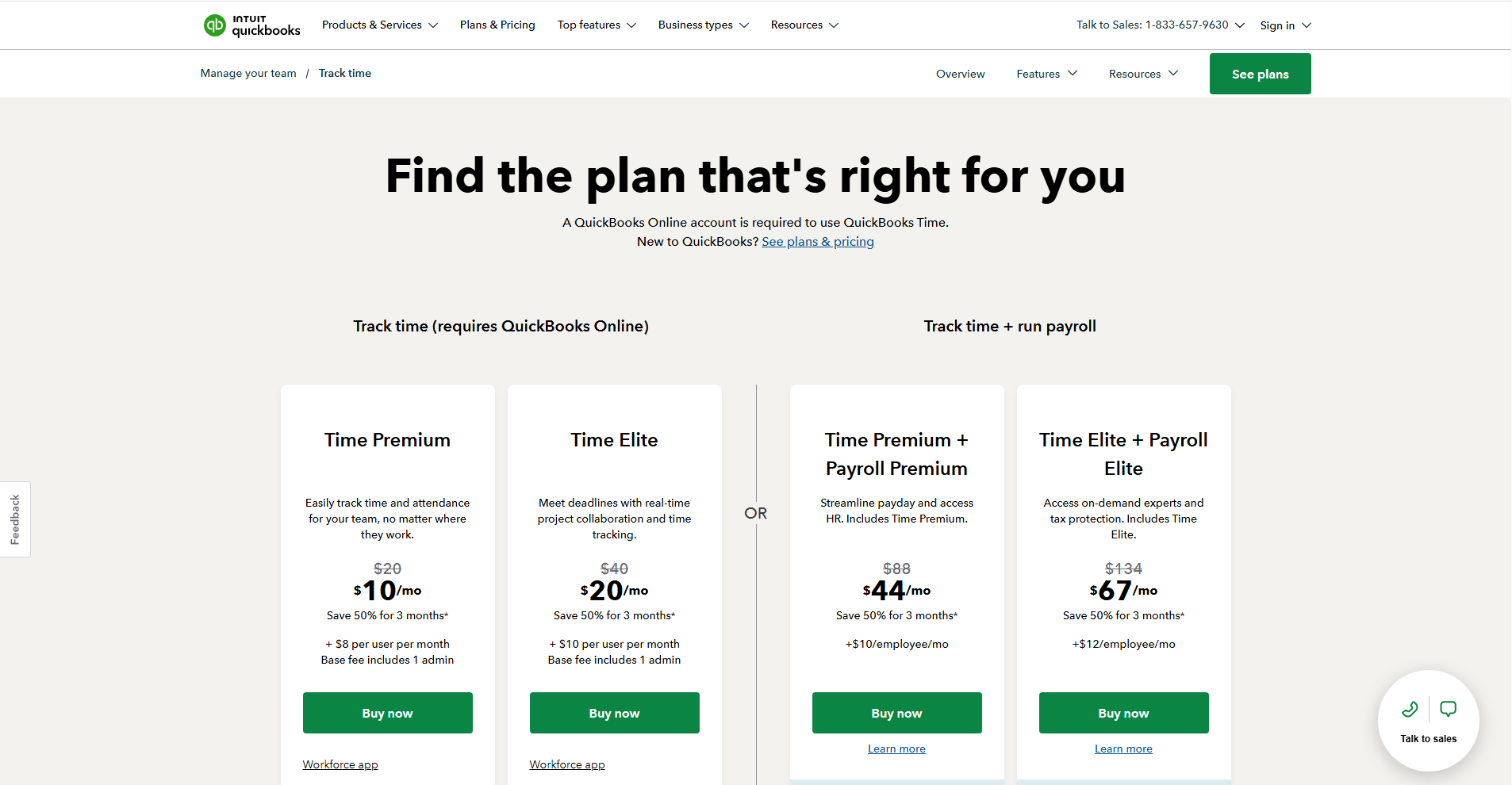
QuickBooks Time combines a base subscription fee with per-user pricing, reflecting its role as a payroll-focused time tracking solution. This structure is designed for businesses that already rely on QuickBooks for accounting and payroll operations. Higher tiers include advanced features such as overtime tracking, scheduling, and compliance support. While powerful, the pricing can be higher than that of standalone time-tracking tools. It is best suited for teams that prioritise payroll accuracy and system integration.
6. RescueTime
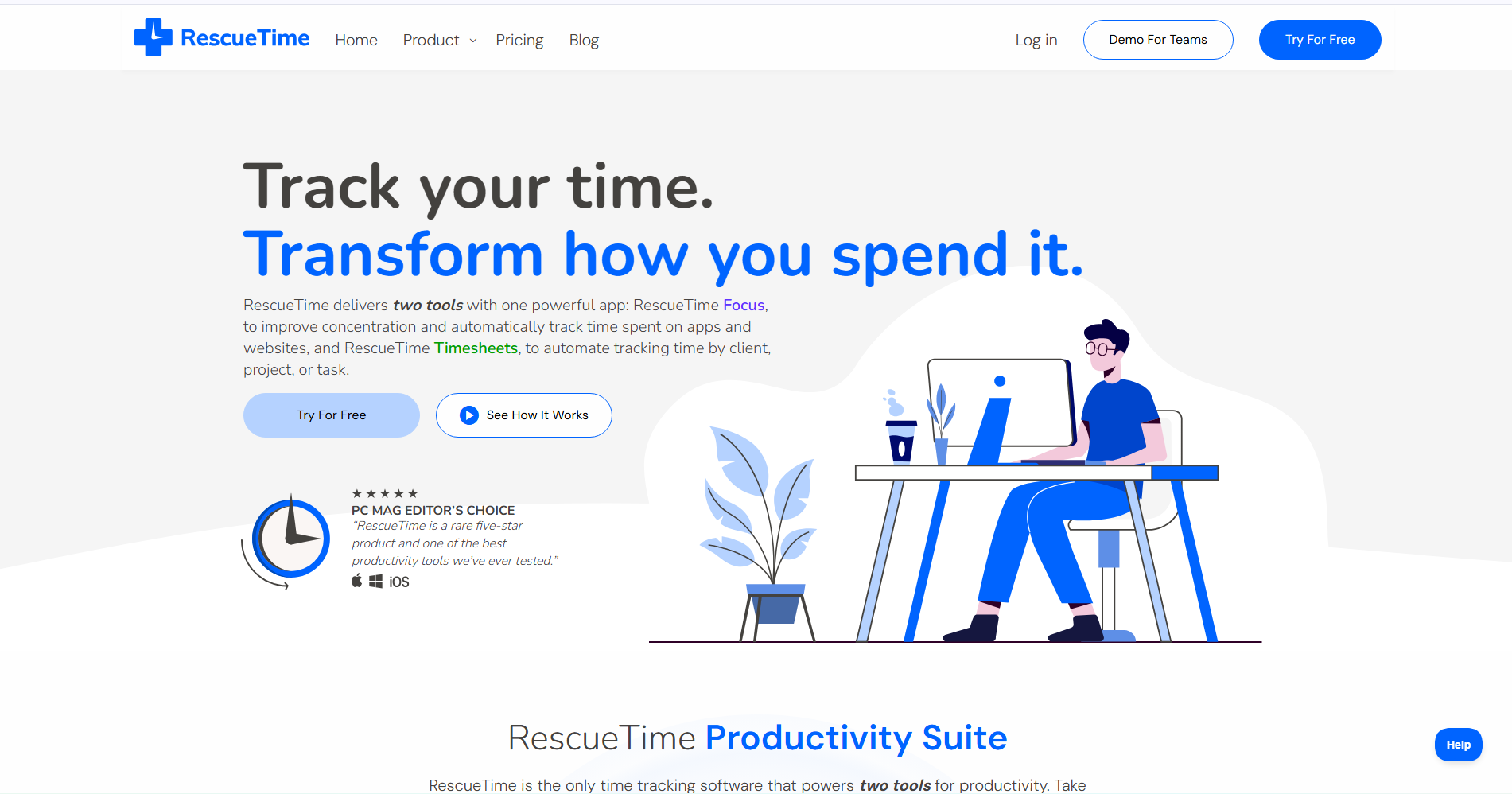
RescueTime approaches time tracking from a productivity and behaviour analysis perspective. Instead of relying on manual timers, it automatically tracks how time is spent across applications and websites.
The platform is best suited for individuals and teams focused on understanding work patterns rather than billing or payroll. RescueTime is often used as a personal productivity tool rather than a formal operational system.
Pricing and suitability

RescueTime offers a simple pricing model centred on individual productivity insights rather than team billing or payroll. A free version provides basic tracking, while the paid plan unlocks advanced reports, alerts, and focus tools. Pricing is typically charged per user and does not scale with team management features. This makes RescueTime accessible for individuals and small teams focused on behaviour analysis. It is not intended to be a full-time operational time-tracking system.
| Plan | Typical price | Suitable for | Limitations |
| Solo | US$7 to US$12 | Basic awareness | Limited insights |
| Team | ~US$10 to US$16/user/month | Productivity analysis | Not suitable for billing |
7. My Hours
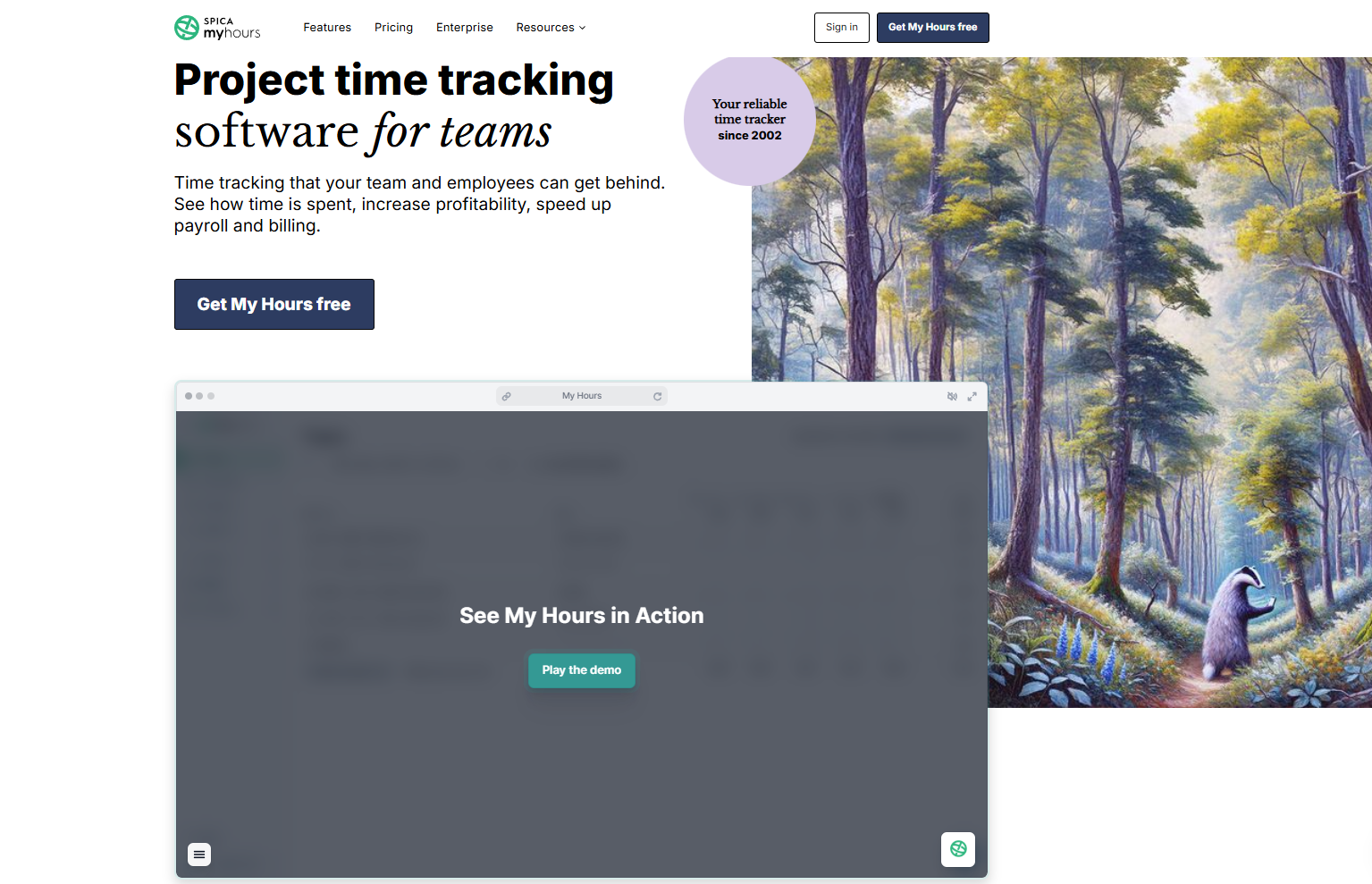
My Hours is a project-focused time-tracking tool for small and medium-sized teams. It provides clear visibility into how time is allocated across projects, tasks, and clients without introducing excessive complexity.
The platform is often chosen by teams that want structured project reporting and budgeting without enterprise-level overhead. Its feature set prioritises clarity and ease of use over extensive integrations or monitoring.
Pricing and suitability

My Hours offers both a free plan and a paid plan for small and medium-sized teams. The free version supports basic project and time tracking, making it suitable for light usage. The paid plan adds features such as budgeting, invoicing, and approval workflows. Pricing is charged per user, allowing teams to scale gradually. Compared to enterprise platforms, My Hours focuses on clarity and affordability rather than extensive integrations.
| Plan | Typical price | Suitable for | Limitations |
| Free | US$0 | Small teams | Limited reporting |
| Pro | ~US$9/user/month | SMBs | Smaller integration ecosystem |
How to Choose the Right Time Tracking Tool
Choosing a time tracking tool depends on how time data is used within your organisation. Teams should first clarify whether tracking is required for billing, payroll, productivity insights, or compliance. Tools optimised for invoicing may not suit attendance tracking, and monitoring-heavy platforms may be unnecessary for trust-based teams.
Other factors include team size, approval workflows, integration requirements, and budget scalability. Simple tools may be sufficient for light usage, while larger teams benefit from structured approvals, audit trails, and payroll alignment.
Time Tracking Tools — Decision Matrix
| Tool | Best for | Strengths | Limitations/trade-offs |
| Clockify | Free team tracking | Unlimited users, low barrier | Limited automation |
| Toggl Track | Simple workflows | Clean interface, fast adoption | Pricing scales |
| Harvest | Billing and invoicing | Strong financial workflows | No free tier |
| Hubstaff | Remote teams | Monitoring, GPS, payroll | Trust considerations |
| QuickBooks Time | Payroll users | Deep accounting integration | Higher cost |
| RescueTime | Productivity insights | Automatic tracking | Not for billing |
| My Hours | SMB project tracking | Clear project visibility | Fewer integrations |
Conclusion
Time tracking tools help businesses improve the structure and accuracy of how work hours are recorded and used. By centralising time data, approvals, and reporting, teams gain clearer insight into productivity, billing, and payroll operations. Each platform on this list serves a distinct operational purpose, and the best choice depends on how time tracking supports broader business goals.
Productivity metrics provide valuable operational insights, but they do not always reflect employee satisfaction. Employee engagement tools help organisations measure workplace sentiment, understand employee experiences, and identify opportunities to improve retention and morale.