



Team collaboration tools are software platforms that help teams communicate, coordinate tasks, share documents, and collaborate within a shared digital workspace. Instead of relying on disconnected tools such as email, spreadsheets, and file servers, these platforms bring conversations, work items, and information into a single environment.
At their core, team collaboration tools act as a shared system of record for day-to-day work. Messages, documents, tasks, and decisions are stored in one place, allowing teams to work with consistent, up-to-date information. This reduces duplication, improves visibility, and supports clearer ownership across teams.
This guide reviews seven widely used team collaboration tools adopted by SMEs, mid-market organisations, and growing teams to support remote, hybrid, and cross-functional work.
Why Team Collaboration Tools Matter for Modern Work
As teams grow, coordinating work across roles, departments, and locations becomes more challenging. Communication often spreads across chat apps, emails, shared drives, and project tools that are not connected. Over time, this leads to missed handovers, unclear responsibilities, and lost context.
Team collaboration tools address this by centralising how work is discussed, tracked, and documented. They provide a shared workspace where tasks, conversations, and files remain linked, making it easier to understand what is happening and who is responsible.
For many organisations, collaboration tools are no longer optional productivity add-ons. They form part of the operational infrastructure needed to manage distributed teams and increasing work complexity.
Key Benefits of Using Team Collaboration Tools
- Centralised communication and task coordination
- Reduced context switching between tools
- Clear ownership and accountability
- Real-time document collaboration and version control
- Better visibility for managers and stakeholders
- Scalable collaboration for remote and hybrid teams
1. Slack
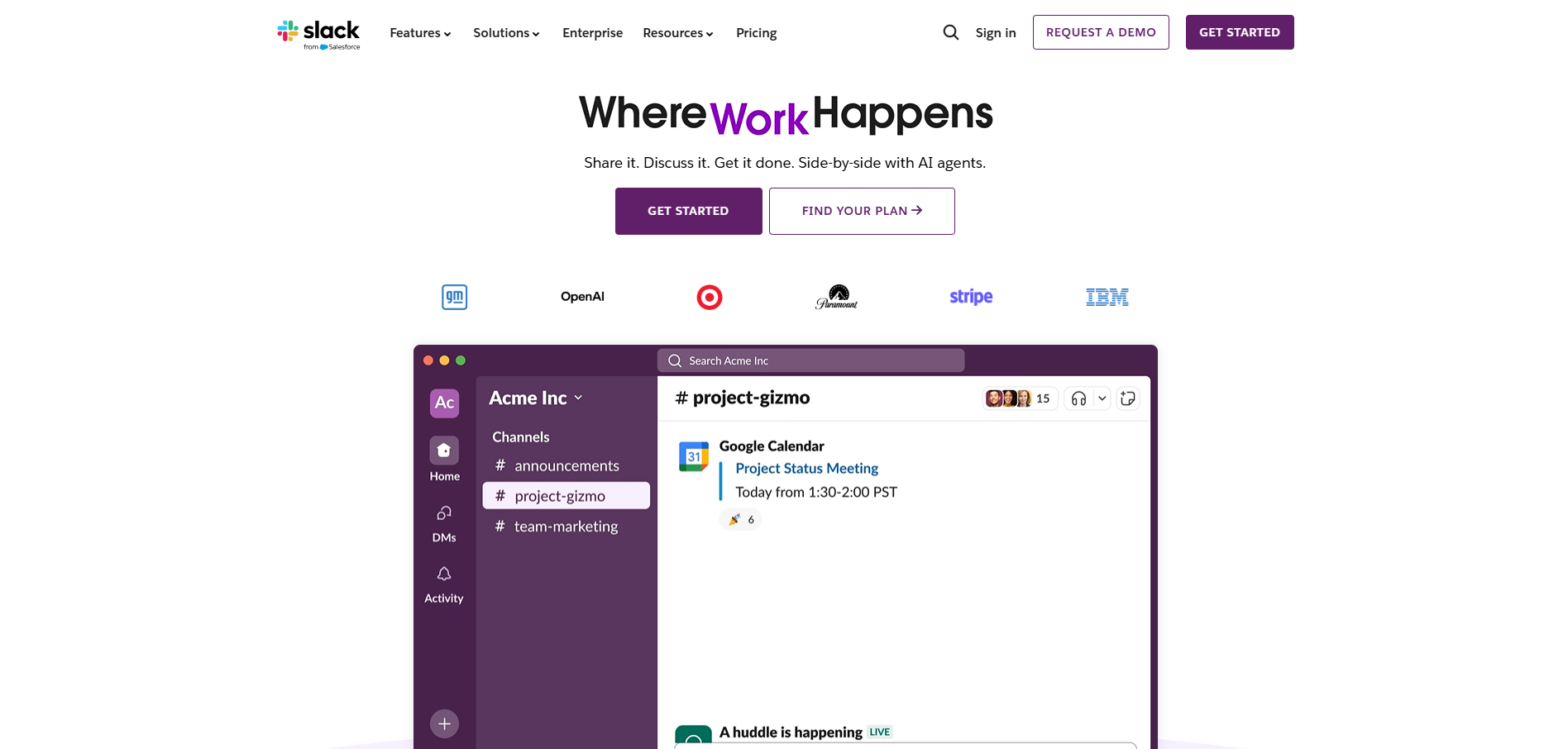
Slack is a communication-first collaboration platform built around channels and real-time messaging. It is designed to replace internal email with structured conversations that are easy to follow and searchable. Teams use channels to organise discussions by topic, project, or function. This structure helps reduce noise while keeping information accessible.
Slack is commonly used by fast-moving teams that rely on integrations with other tools. It works best when paired with project management or document platforms rather than used as a standalone system. While Slack improves communication flow, it does not manage work execution on its own. For many teams, it acts as the central communication layer in a broader collaboration stack.
Core features
- Channel-based messaging and threads
- Direct messages and group conversations
- App integrations and workflow automation
- Huddles for quick audio conversations
- Searchable message history
Pricing and plans
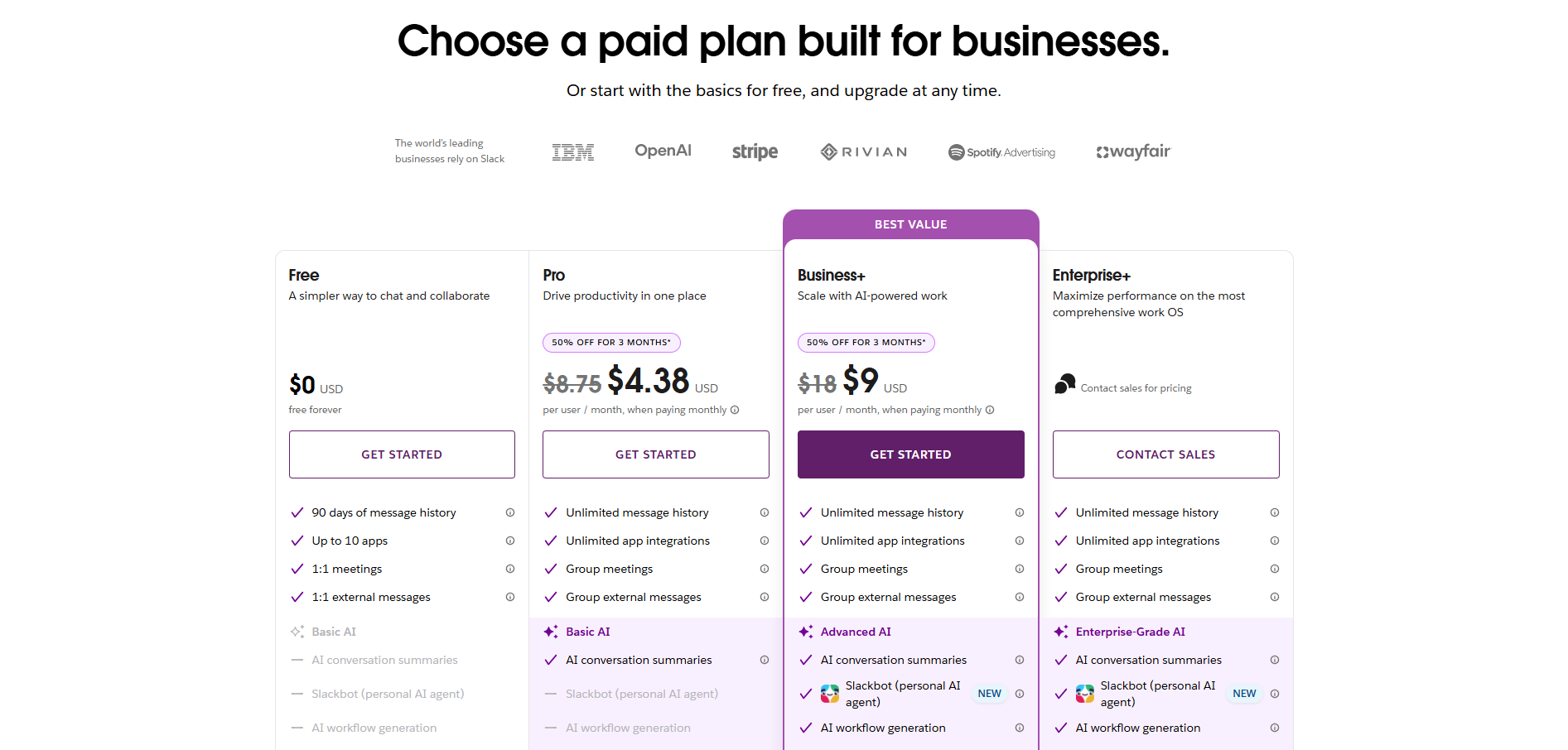
Slack uses a per-user pricing model with multiple tiers designed to support different team sizes and security requirements. Entry-level plans focus on core messaging and collaboration features, while higher tiers introduce stronger administrative controls and compliance support.
| Plan | Typical price | Suitable for | Limitations |
| Free | $0 | Small teams | Limited history and features |
| Pro | ~$7.25/user/month (annual) | Growing teams | Annual billing |
| Business+ | ~$18/user/month | Larger teams | Higher cost |
| Enterprise Grid | Custom | Enterprises | Custom pricing |
Pricing scales based on access to message history, automation, and governance features. Organisations typically choose a plan based on the criticality of Slack to their daily operations.
2. Microsoft Teams
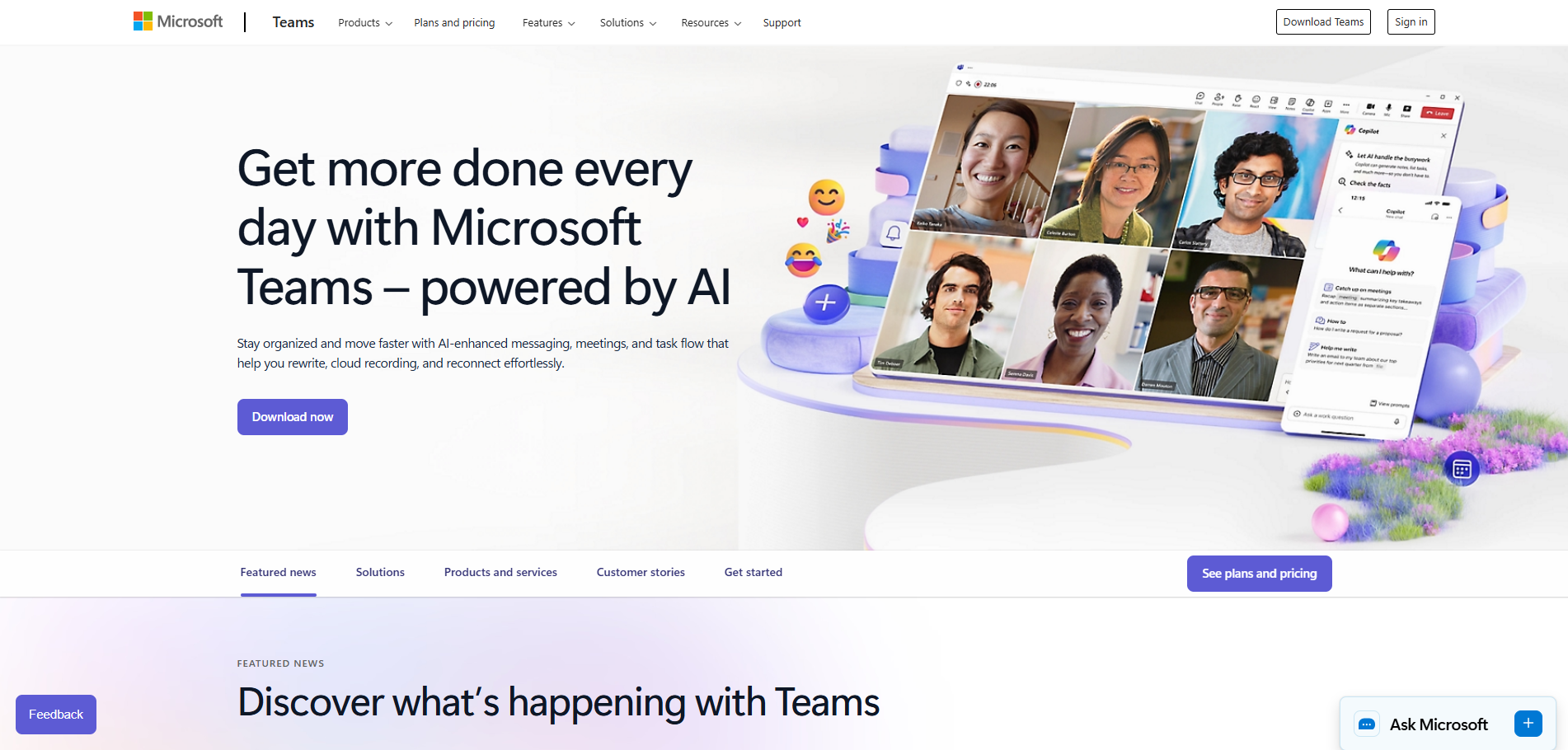
Microsoft Teams is a collaboration hub integrated into the Microsoft 365 ecosystem. It combines chat, video meetings, file collaboration, and app integrations within a single interface. Teams is widely adopted by organisations already using Microsoft Outlook, Word, Excel, and SharePoint. This tight integration reduces friction between communication and document work.
Teams works well for organisations that want collaboration built into their productivity suite. Files shared in conversations are stored in SharePoint, creating a structured document repository. Meetings, calendars, and tasks remain connected across Microsoft services. However, licensing and plan selection can become complex as organisations scale.
Core features
- Team chat and threaded conversations
- Video meetings and conferencing
- File collaboration via SharePoint.
- Integration with Microsoft 365 apps
- Enterprise-grade security controls
Pricing and plans
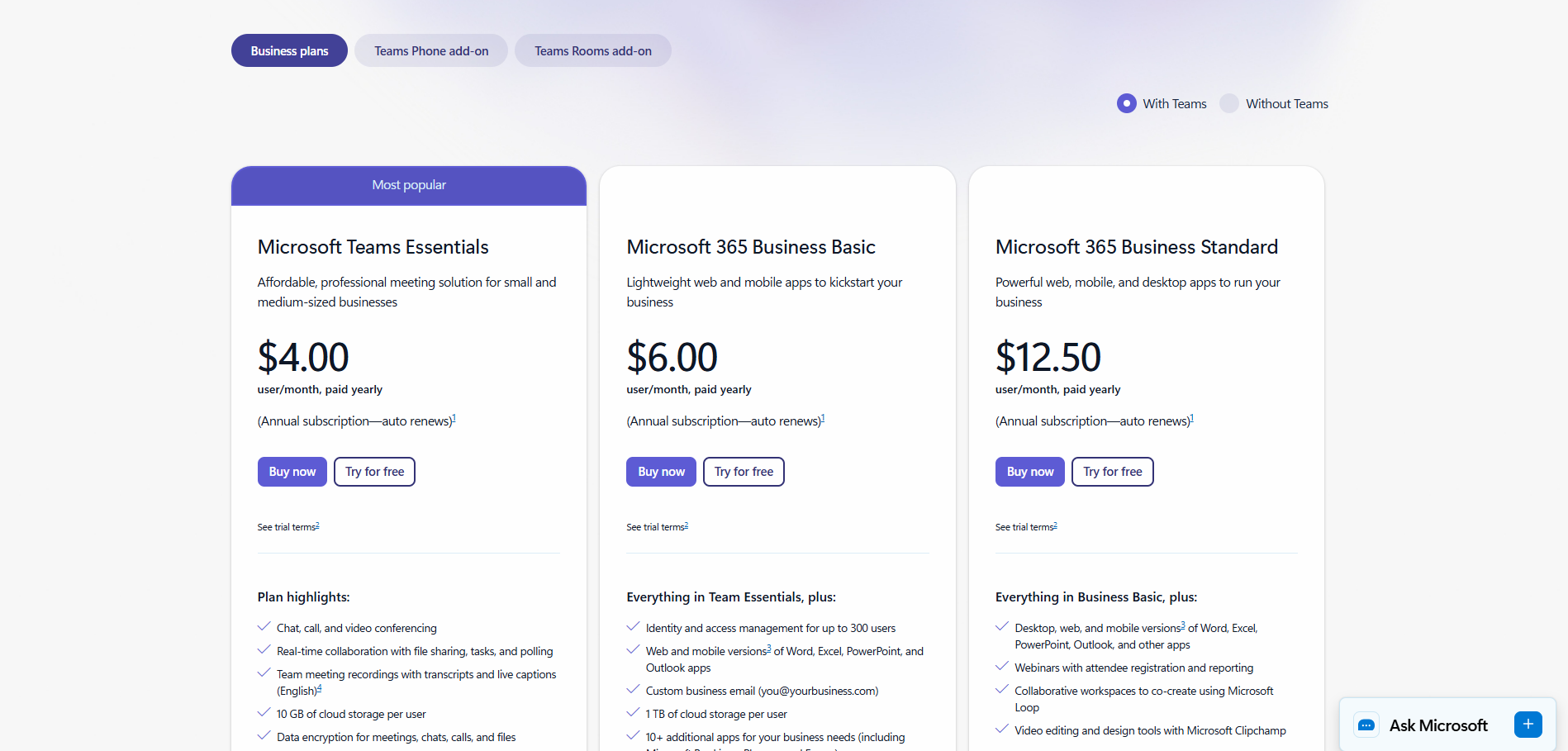
Microsoft Teams is typically licensed as part of Microsoft 365 subscriptions rather than as a standalone product. Pricing varies depending on whether organisations require basic collaboration, full productivity apps, or advanced security controls. Lower-tier plans suit small teams with simple needs, while higher tiers are designed for organisations managing compliance and device security. This bundled approach makes Teams cost-effective for Microsoft-centric environments.
| Plan | Typical price | Suitable for | Limitations |
| Teams Essentials | $4/user/month (annual) | Small teams | Meetings-focused |
| Business Basic | $6/user/month (annual) | SMEs | Web apps only |
| Business Standard | $12.50/user/month (annual) | Growing teams | Higher cost |
| Business Premium | Custom | Security-focused teams | Advanced pricing |
3. Asana
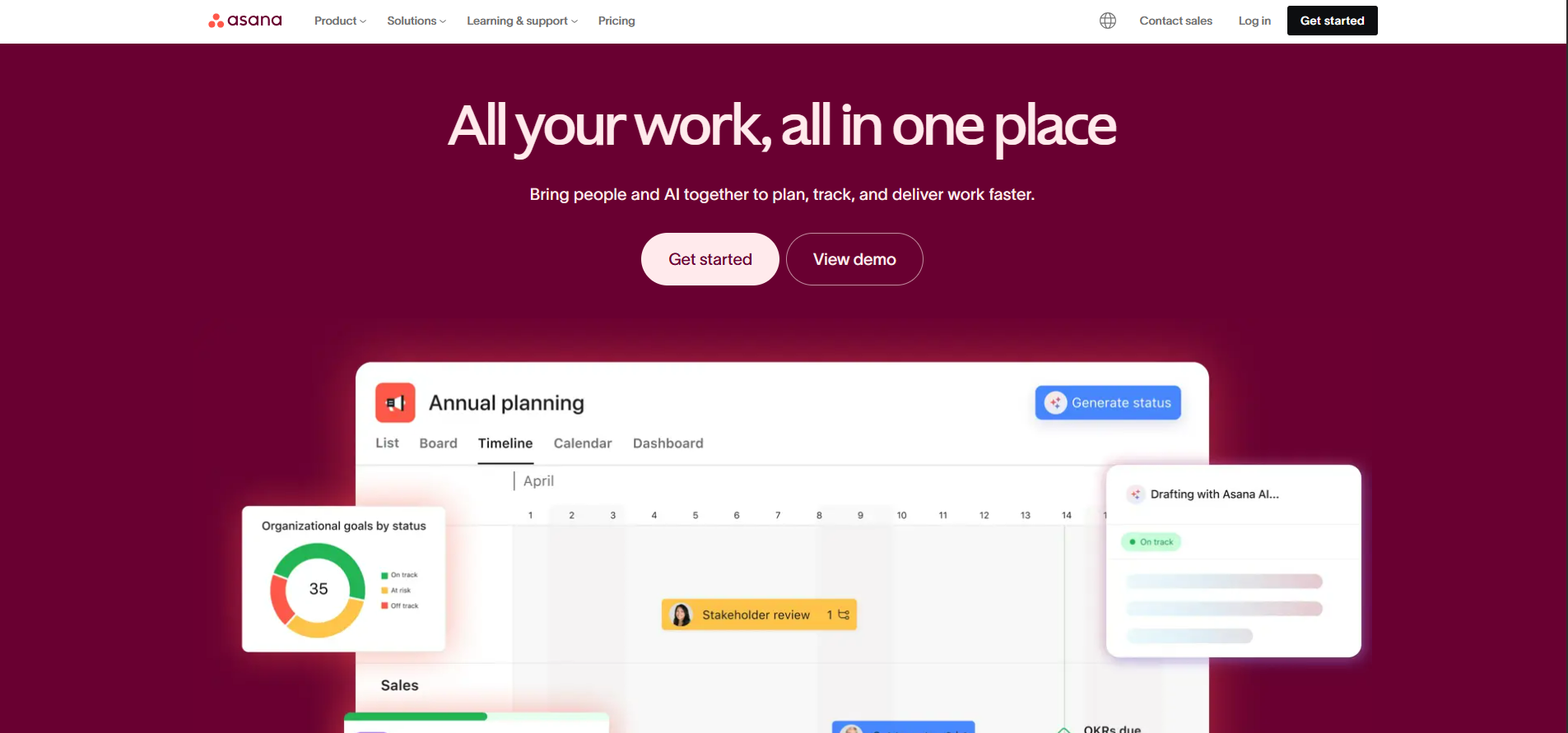
Asana is a work management platform focused on task coordination and project visibility. It helps teams plan work, assign responsibilities, and track progress across projects. Asana is structured around tasks, timelines, and dependencies rather than real-time chat. This makes it suitable for execution-driven teams.
Asana is commonly used by marketing, product, and operations teams that need clarity on who is doing what. It provides strong reporting and progress tracking but relies on integrations for chat and document collaboration. For teams that value structure and accountability, Asana offers a clear operational view of work.
Core features
- Task and project management
- Timelines and dependencies
- Dashboards and reporting
- Workflow automation
- Team and portfolio views
Pricing and plans
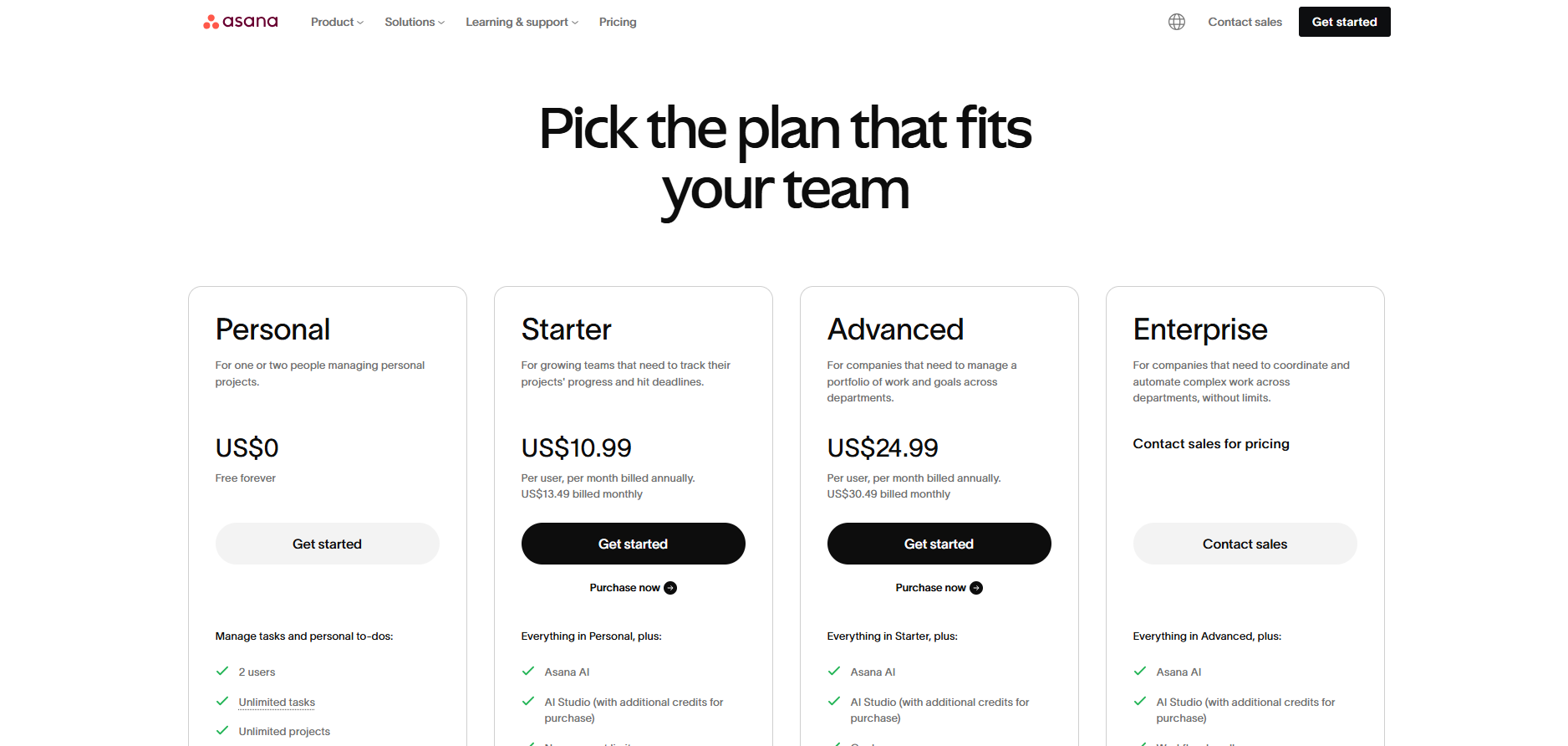
Asana follows a per-user pricing structure with tiers aligned to project complexity and reporting needs. Free plans support basic task tracking, while paid plans unlock timelines, automation, and portfolio-level visibility. Higher tiers are designed for organisations coordinating work across multiple teams. Pricing decisions are usually driven by reporting depth and cross-functional requirements.
| Plan | Typical price | Suitable for | Limitations |
| Personal | $0 | Small teams | Limited features |
| Starter | ~$10.99/user/month (annual) | SMEs | Fewer advanced controls |
| Advanced | ~$24.99/user/month (annual) | Large teams | Higher cost |
| Enterprise | Custom | Enterprises | Custom pricing |
4. Trello
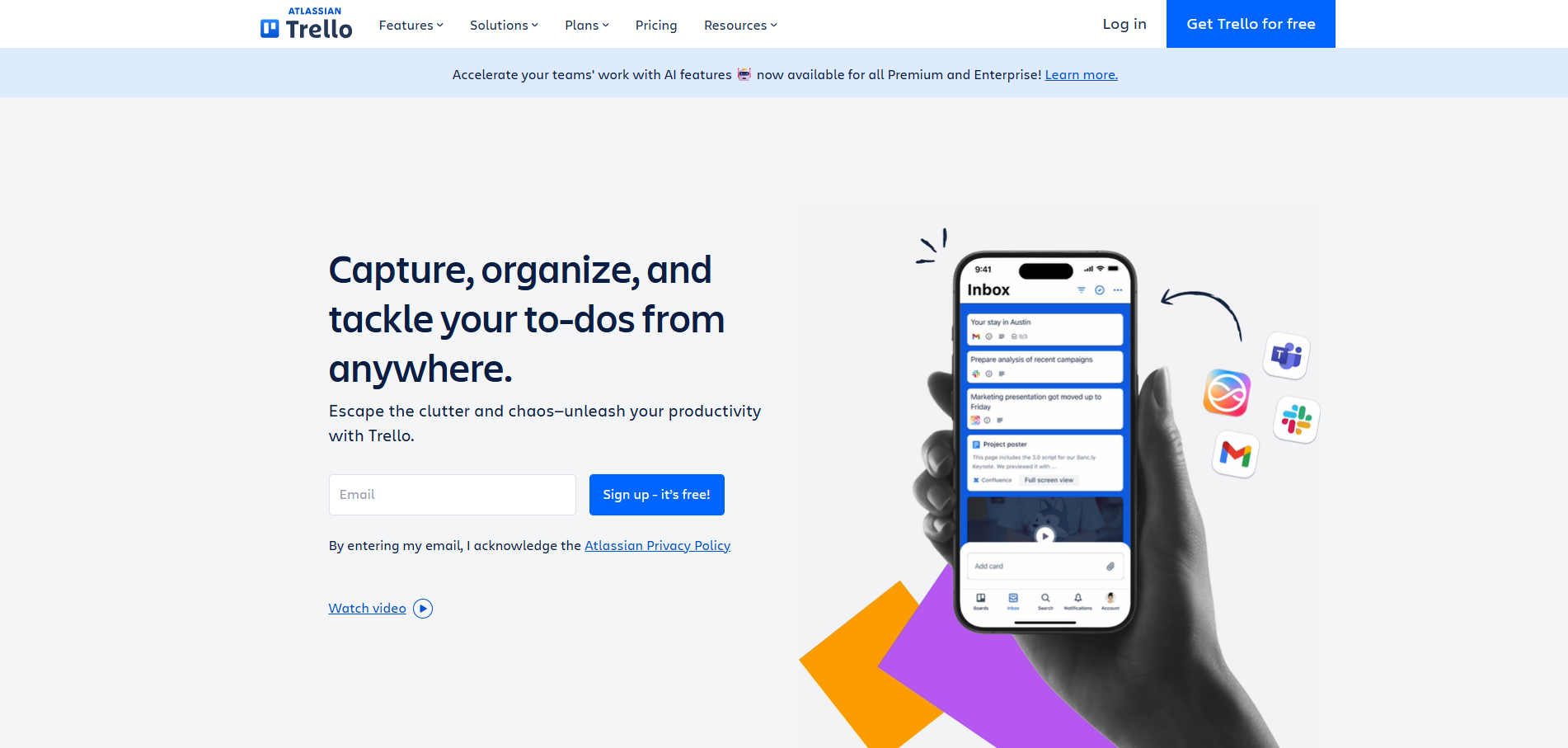
Trello is a visual collaboration tool built around Kanban boards. It uses cards and lists to represent tasks, making work easy to understand at a glance. Trello is known for its simplicity and low learning curve. This makes it popular with small teams and individual contributors.
While Trello works well for lightweight collaboration, it has limitations for complex workflows. Advanced reporting, dependencies, and large-scale coordination require higher-tier plans or additional tools. Trello is best suited for teams that want a simple, visual way to organise work without heavy process overhead.
Core features
- Visual Kanban boards
- Cards, checklists, and labels
- Power-Ups for integrations
- Basic automation
Pricing and plans
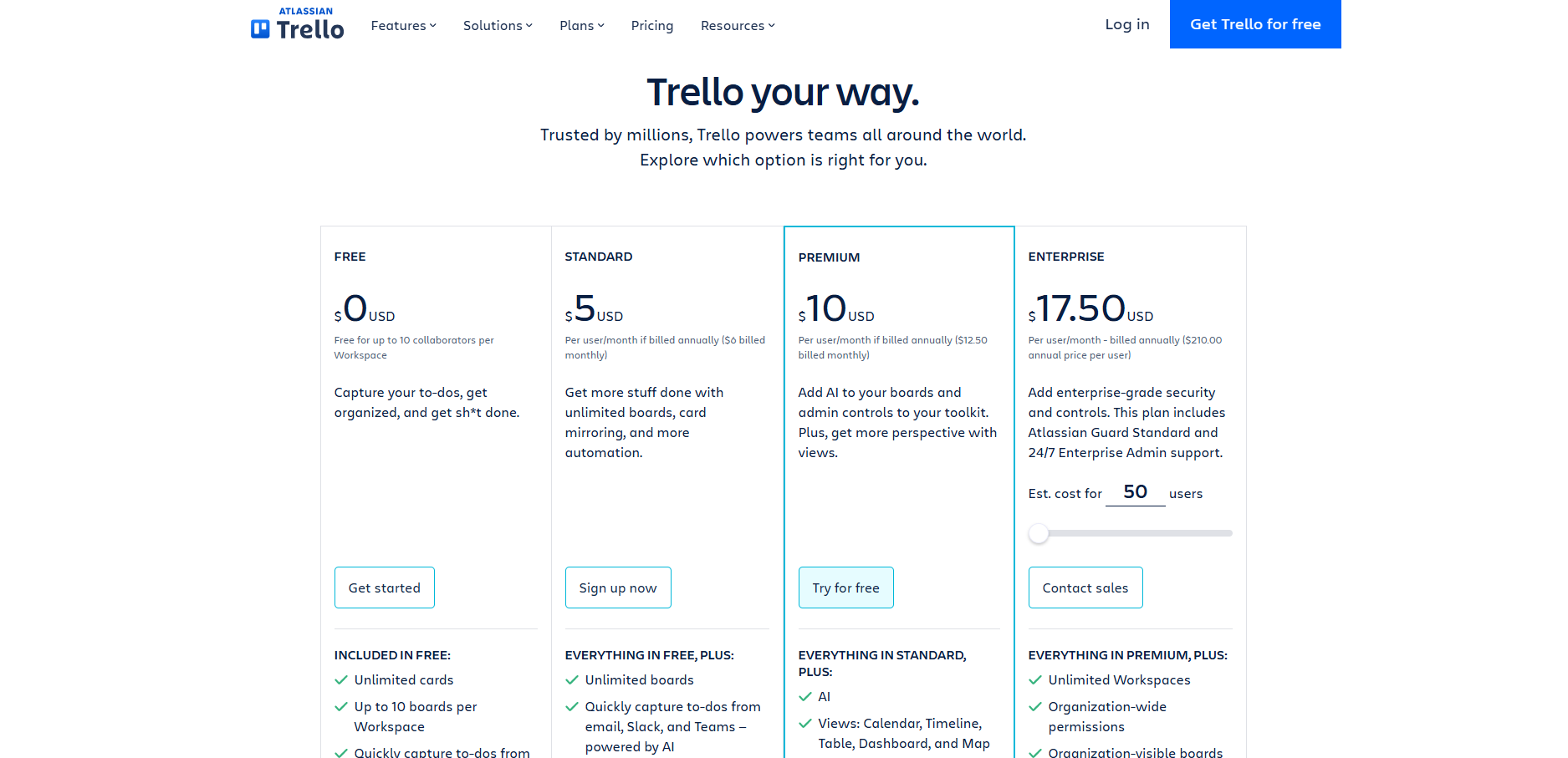
Trello offers a tiered pricing model that builds on its free plan. Paid plans introduce additional boards, automation limits, and administrative controls. Pricing increases as teams require more visibility and governance. The platform remains one of the more accessible collaboration tools for small teams.
| Plan | Typical price | Suitable for | Limitations |
| Free | $0 | Small teams | Workspace limits |
| Standard | ~$5/user/month (annual) | Growing teams | Limited reporting |
| Premium | ~$10/user/month (annual) | Larger teams | Higher cost |
| Enterprise | ~$17.50/user/month (annual) | Enterprises | Annual billing |
5. monday.com
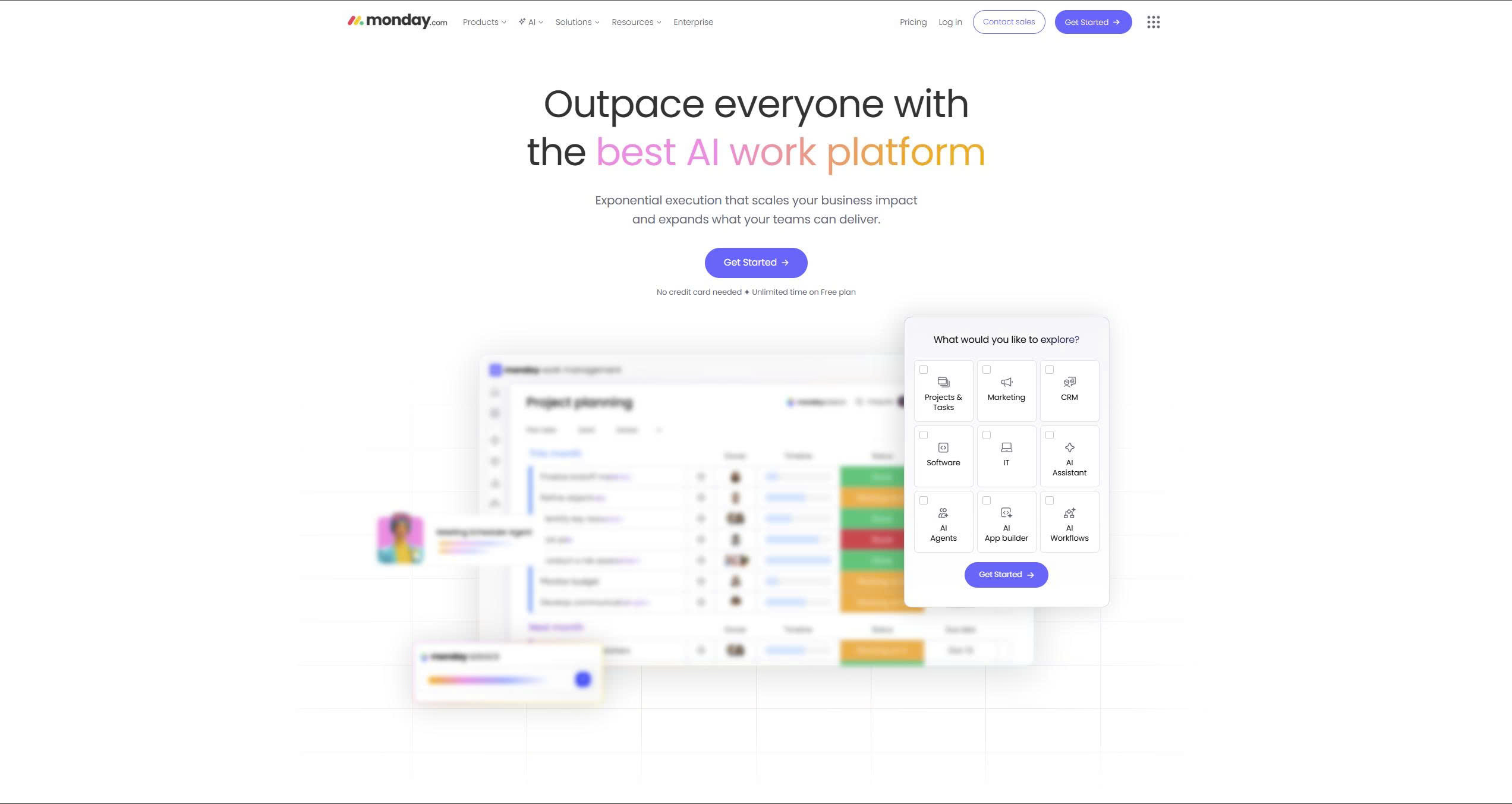
Monday.com is a flexible work operating system designed to adapt to different team workflows. It allows teams to build custom boards, automations, and views for projects and operations. Monday.com is often used across departments such as marketing, operations, and HR. Its flexibility is one of its strongest selling points.
The platform suits teams that need more structure than simple task boards but less rigidity than traditional project management tools. As workflows grow more complex, setup and governance become more important. Monday.com works best for teams willing to invest time in configuration.
Core features
- Customisable workflows and boards
- Multiple project views
- Automation and integrations
- Workload and timeline management
Pricing and plans
Monday.com uses a per-seat pricing model with plans that scale based on workflow complexity. Entry tiers focus on basic task tracking, while higher tiers introduce automation, integrations, and advanced views. Pricing increases as teams require more reporting and operational control. Organisations often choose plans based on the number of teams and workflows being managed.
| Plan | Typical price | Suitable for | Limitations |
| Free | $0 | Small teams | Limited seats |
| Basic | ~$9/seat/month (annual) | SMEs | Limited automation |
| Standard | ~$12/seat/month (annual) | Growing teams | Usage limits |
| Pro | ~$19/seat/month (annual) | Scaled teams | Higher cost |
| Enterprise | Custom | Large organisations | Custom pricing |
6. ClickUp
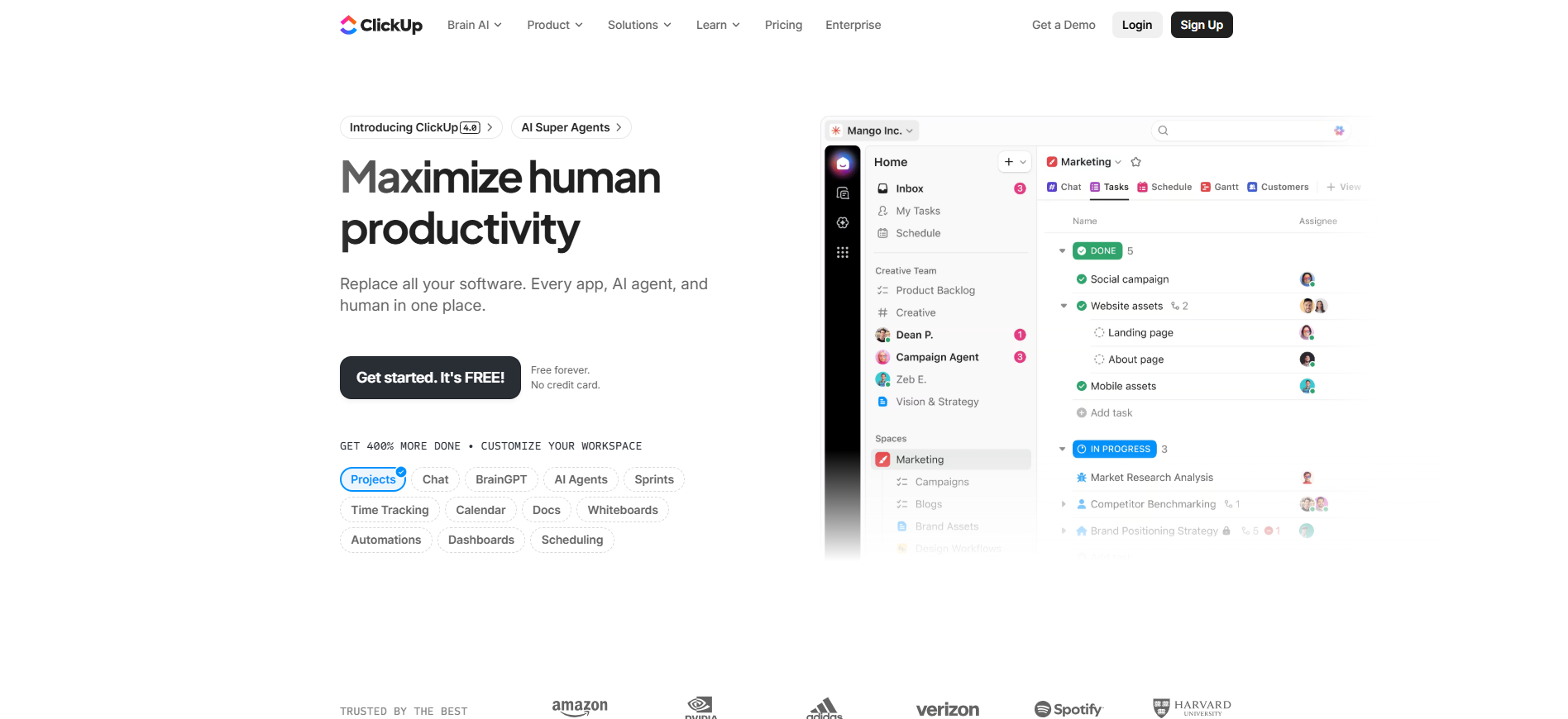
ClickUp positions itself as an all-in-one collaboration platform. It combines tasks, documents, dashboards, and communication tools within a single system. ClickUp appeals to teams trying to reduce the number of tools they use. It aims to centralise both planning and execution.
ClickUp offers extensive customisation, which can be both a strength and a challenge. Teams may need time to configure the platform to match their workflows. When implemented well, ClickUp can replace several separate tools. It is best suited for teams comfortable managing a more complex platform.
Core features
- Task and project management
- Docs and knowledge sharing
- Dashboards and reporting
- Automation and integrations
Pricing and plans
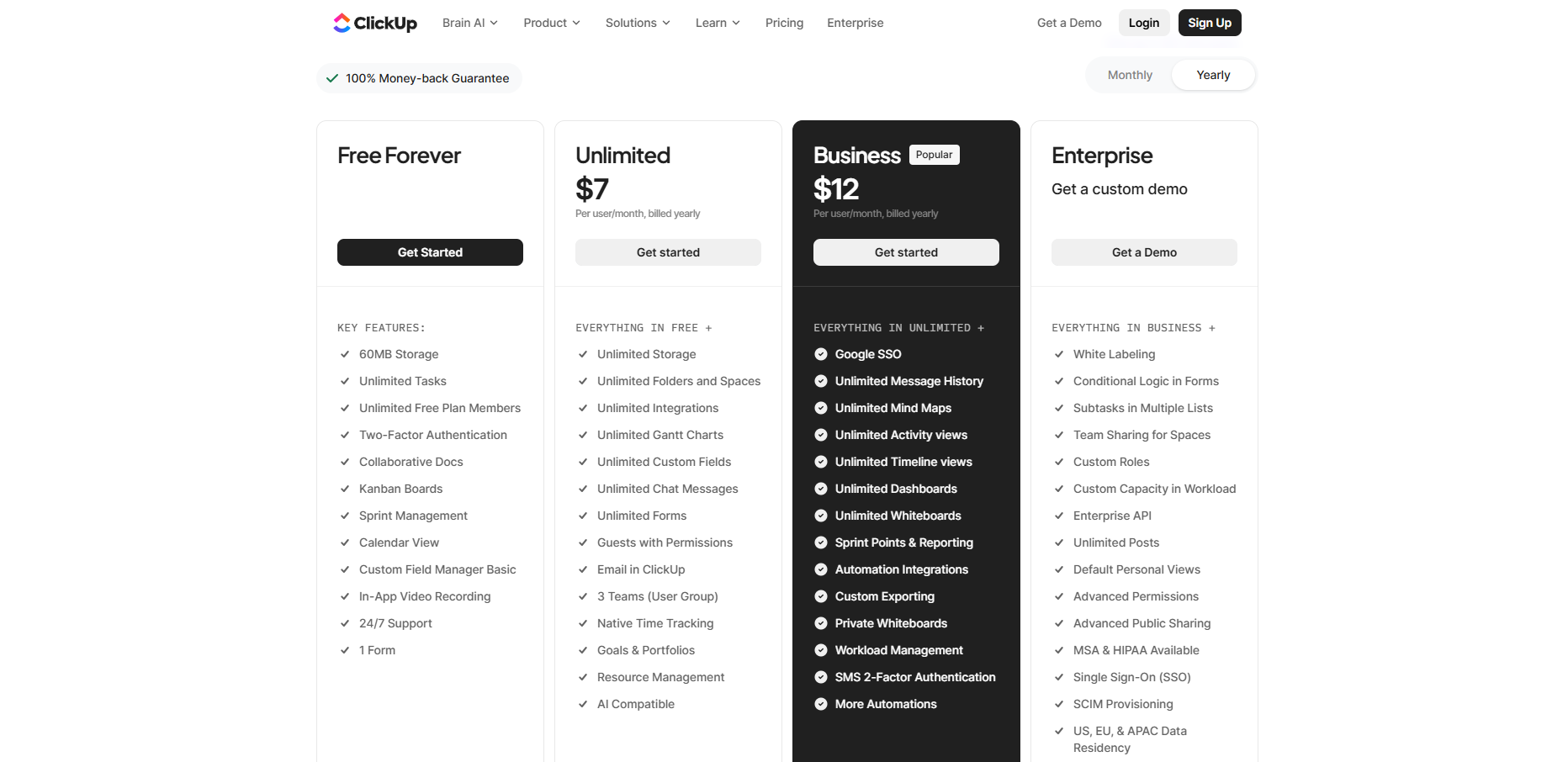
ClickUp provides a free plan alongside paid tiers that unlock storage, integrations, and advanced reporting. Pricing is structured per user, with higher plans designed for larger teams and more complex workflows. The platform’s value increases when teams consolidate multiple tools into ClickUp. Plan selection typically depends on reporting and permission requirements.
| Plan | Typical price | Suitable for | Limitations |
| Free Forever | $0 | Small teams | Storage limits |
| Unlimited | ~$7/user/month (annual) | SMEs | AI not included |
| Business | ~$12/user/month (annual) | Growing teams | Higher complexity |
| Enterprise | Custom | Enterprises | Custom pricing |
7. Google Workspace
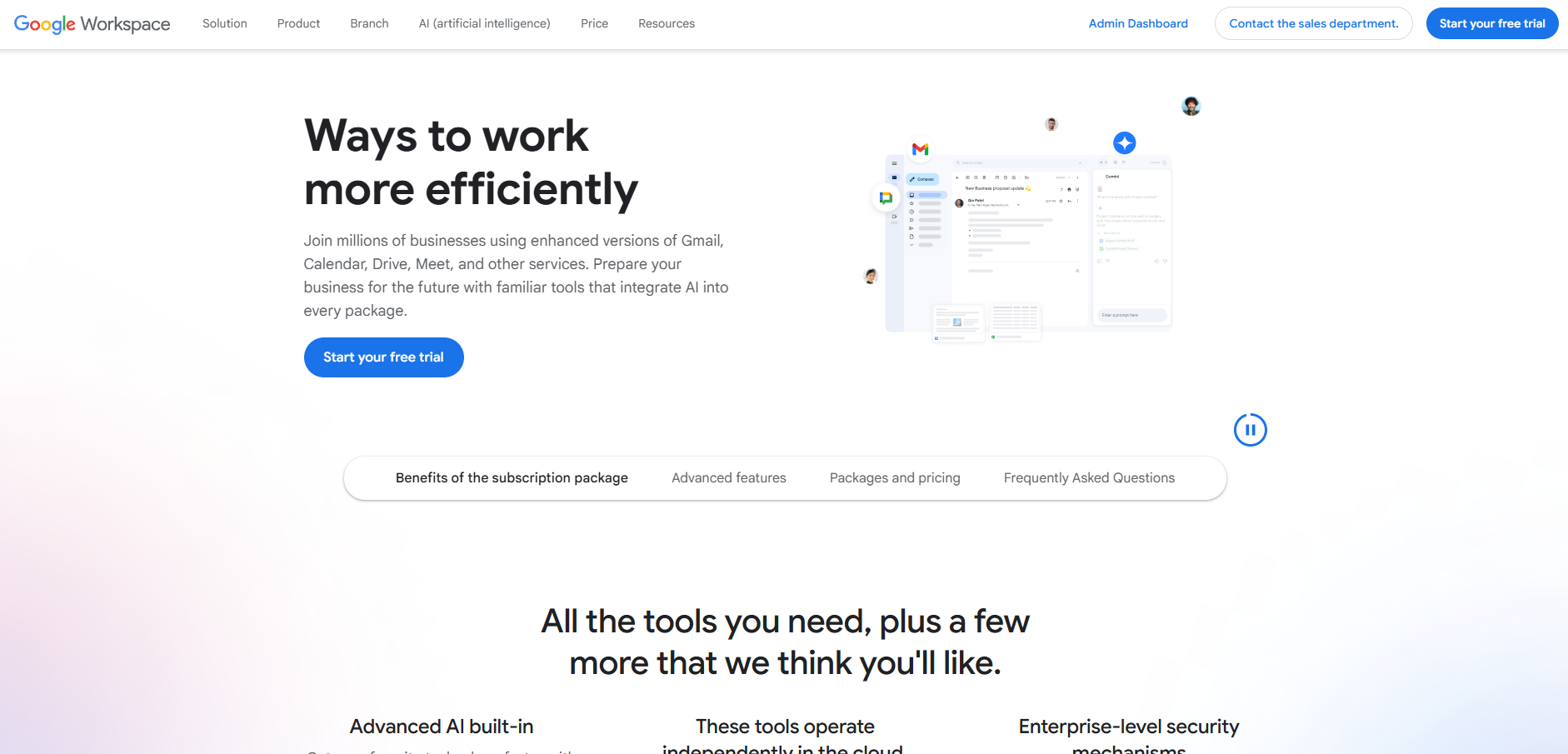
Google Workspace is a document-centric collaboration suite built around real-time co-editing. It includes Gmail, Docs, Sheets, Drive, and Meet. Google Workspace is widely used by teams that collaborate heavily on documents and shared files. Its real-time editing capabilities reduce version control issues.
Google Workspace works best as a collaboration foundation rather than a full work management platform. It does not provide native task dependencies or project tracking. Many teams pair it with project management tools to cover execution needs. For document-heavy teams, it remains a strong backbone of collaboration.
Core features
- Real-time document editing
- Cloud storage and file sharing
- Email and calendar integration
- Video meetings
Pricing and plans
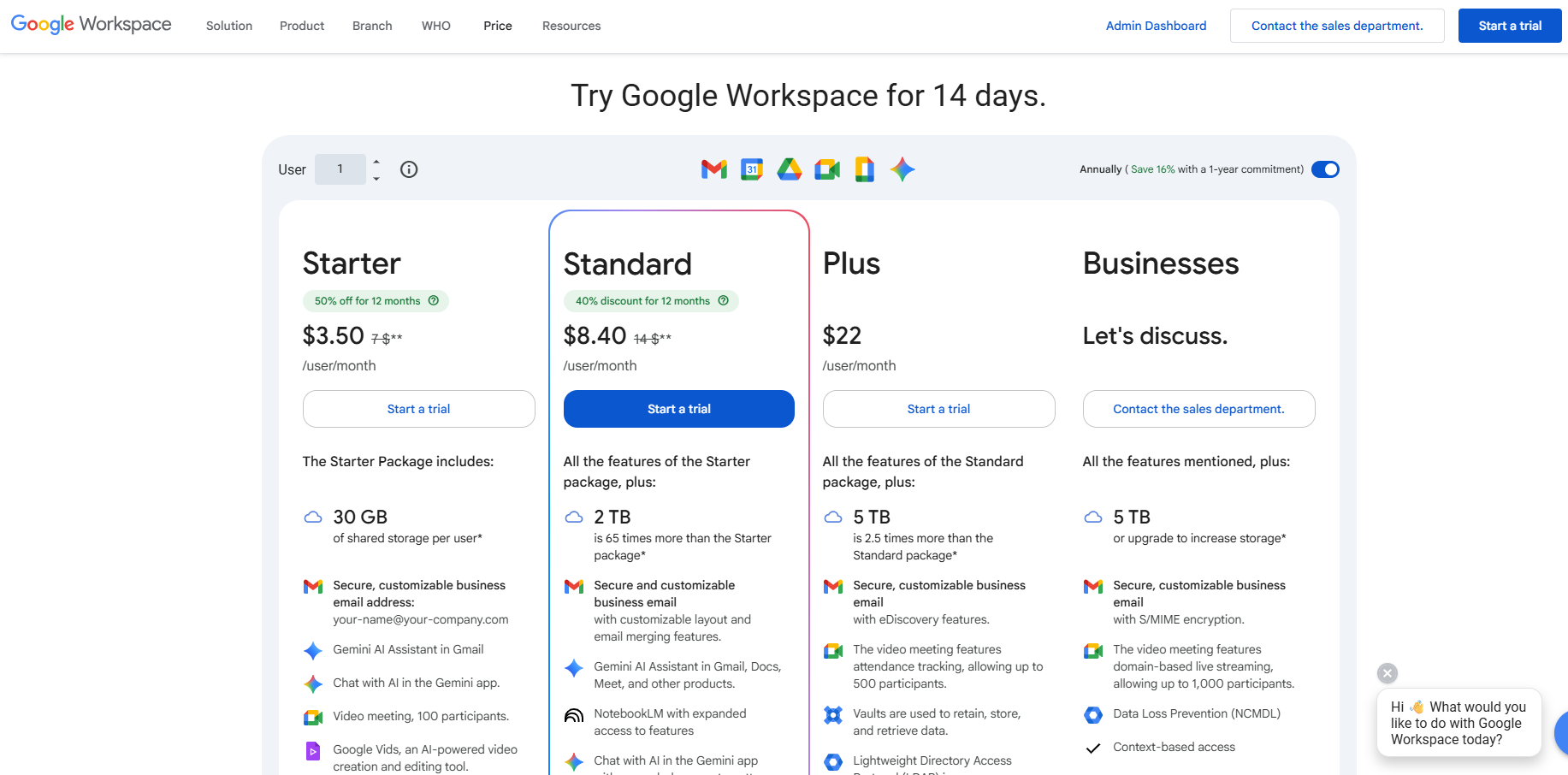
Google Workspace is priced per user with plans that scale based on storage, collaboration features, and security controls. Entry-level plans support core email and document collaboration for small teams. Higher tiers introduce increased pooled storage, enhanced meeting capabilities, and stronger compliance features. This structure allows organisations to start small and upgrade as collaboration needs grow.
| Plan | Typical price | Suitable for | Limitations |
| Business Starter | ~$3.50/user/month (annual) | Small teams | Limited storage |
| Business Standard | ~$8.40/user/month (annual) | SMEs | Higher cost |
| Business Plus | ~$22/user/month (annual) | Growing teams | Security-focused |
| Enterprise | Custom | Large organisations | Custom pricing |
How to Choose the Right Team Collaboration Tool
Choosing a team collaboration tool depends on how your team works and how it is expected to grow. There is no single platform that fits every organisation. Teams should prioritise tools that align with their primary collaboration needs rather than the number of features.
Key factors to consider include whether collaboration is chat-led, task-led, or document-led. Teams should also assess integration needs, governance requirements, and total cost of ownership. Misalignment between tool design and work style often leads to low adoption.
Tools Comparison Matrix
| Tool | Best for | Strengths | Limitations |
| Slack | Communication | Fast messaging, integrations | Limited work tracking |
| Microsoft Teams | Microsoft users | Suite integration | Licensing complexity |
| Asana | Project execution | Visibility and structure | No native chat |
| Trello | Simple workflows | Ease of use | Limited scalability |
| monday.com | Custom workflows | Flexibility | Setup effort |
| ClickUp | Tool consolidation | All-in-one approach | Complexity |
| Google Workspace | Document collaboration | Real-time editing | Limited task management |
Conclusion
Team collaboration tools provide the foundation for how modern teams communicate and execute work. By centralising conversations, tasks, and documents, they reduce fragmentation and improve operational clarity. Each platform in this list serves a different type of team and work style. Selecting the right tool depends on how collaboration actually happens within the organisation, not on the number of features available. Modern teams are also often distributed across multiple locations and time zones. Asynchronous communication tools support flexible collaboration by allowing teams to share updates, feedback, and information without requiring real-time meetings.