









Scheduling software for business helps organisations coordinate time, availability, and capacity across appointments, meetings, and employee shifts. These systems apply structured rules to booking and rostering processes, ensuring that availability reflects real operational constraints. Instead of relying on disconnected calendars or manual coordination, scheduling software centralises time allocation across people, services, and locations.
For SMEs and growing organisations, scheduling software reduces operational friction while improving consistency and control. These systems determine when bookings can occur, who they are assigned to, and how changes are managed across the business. This article explains why scheduling software matters, how different scheduling systems function in business operations, and which tools organisations rely on to manage time and availability as complexity increases.
Why Scheduling Software Matters for Business Operations
As business operations expand, managing time becomes an operational challenge rather than an administrative task. Manual scheduling methods struggle to keep pace with higher booking volumes, multiple staff members, and changing availability. Disconnected calendars create blind spots in capacity planning, leading to overbooking, idle time, and missed revenue opportunities.
Scheduling software addresses these challenges by acting as a coordination layer across business operations. It brings availability rules, booking logic, and automation into a single system, allowing teams to operate from a shared structure as services, staff, and locations grow.
As scheduling becomes more structured, contract management tools help formalise commitments linked to booked work. This ensures timelines, responsibilities, and delivery terms remain aligned without adding manual overhead.
Traditional calendar tools focus on personal availability. Scheduling software treats availability as a business resource, applying constraints, automating confirmations and reminders, and ensuring bookings reflect real capacity. This shift supports operational scale without increasing administrative workload.
Key benefits for businesses include:
- Coordinated control over time and availability
- Reduced scheduling conflicts and no-shows
- Clear visibility into staff and service capacity
- Lower reliance on manual coordination
- More predictable operational workflows
These outcomes help businesses maintain efficiency as scheduling complexity increases.
Types of Scheduling Software Used by Businesses
Scheduling software does not serve a single function. Businesses rely on different scheduling systems depending on how they manage time, people, and services. Understanding these categories is essential for selecting tools that align with operational needs.
- Appointment Scheduling Software: Appointment scheduling software supports client-facing bookings. These systems manage online booking, availability rules, reminders, and often payment collection. They are commonly used by service businesses where customers book time directly with staff or resources.
- Meeting Scheduling Software: Meeting scheduling software focuses on coordinating participants’ availability. These systems simplify meeting bookings through shared availability, calendar synchronisation, and routing logic. They are widely used in professional services, sales teams, and corporate environments.
- Employee and Workforce Scheduling Software: Employee scheduling software manages shifts, rosters, and staff availability. These systems support workforce coordination, attendance tracking, and compliance requirements. They are commonly used in retail, hospitality, healthcare, and other shift-based industries.
1. Calendly
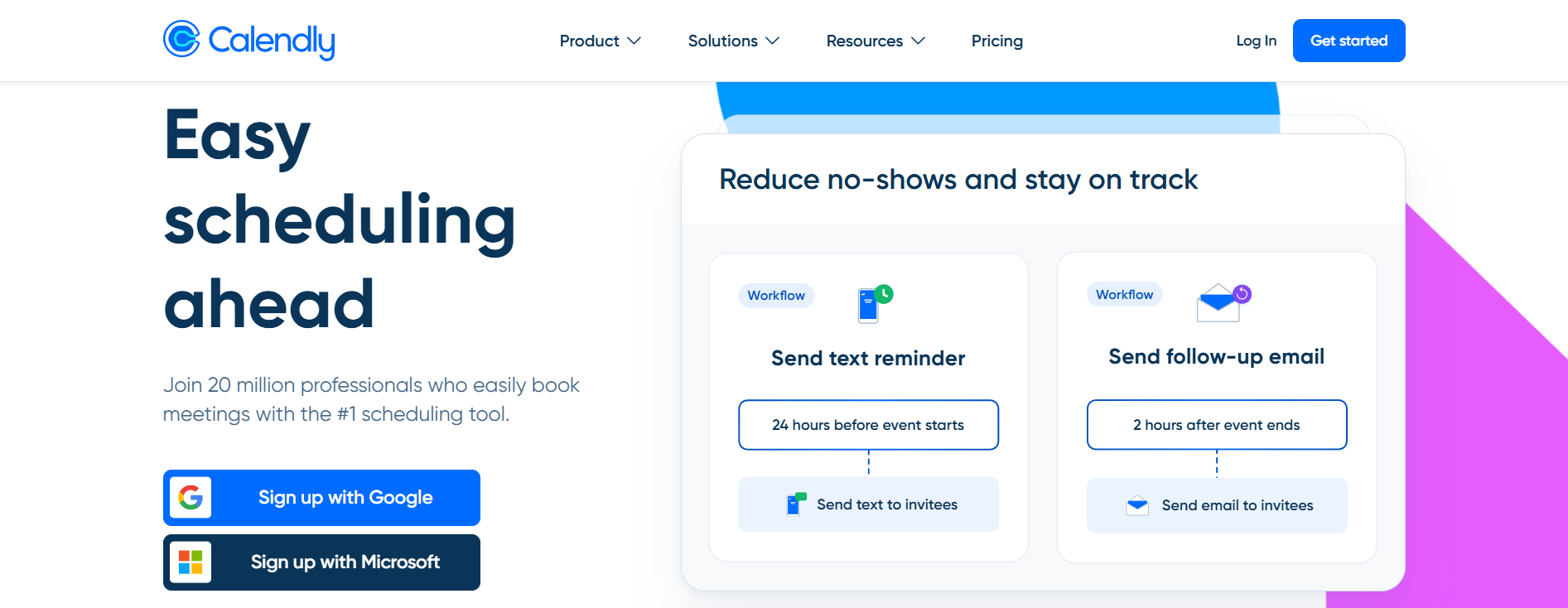
Calendly supports meeting scheduling by standardising how availability is shared and bookings are created. The platform centralises calendar availability and applies booking rules that prevent conflicts and unnecessary back-and-forth communication. This allows meetings to be scheduled based on real-time availability rather than manual coordination.
Businesses use Calendly to manage meeting workflows consistently across individuals and teams. Instead of handling scheduling on a case-by-case basis, organisations define how meetings should occur and allow the system to enforce those rules. This approach improves visibility and reduces administrative effort as meeting volume increases.
Calendly is widely adopted by professional services, sales teams, and client-facing roles where meeting coordination is central to daily operations.
Pricing plans
Calendly uses per-user pricing that scales with access to team coordination and administrative controls.
| Plan | Price (USD/user/month) | Included features | Limitations |
| Free | 0 | Basic booking, limited event types | Limited customisation |
| Standard | 10 | Custom event types, integrations | Limited team controls |
| Teams | 16 | Team scheduling, routing logic | Cost scales with users |
| Enterprise | Custom | Advanced admin and security | Annual commitment |
2. Acuity Scheduling

Acuity Scheduling is designed to manage structured appointment workflows for service-based businesses. It allows organisations to define availability rules, control booking conditions, and collect client information within a single system. Rather than acting as a simple booking calendar, Acuity enforces scheduling logic across services and staff members.
Businesses rely on Acuity to maintain consistency across appointment-driven operations. Booking rules, intake forms, and payment requirements help ensure appointments align with operational capacity. This structure reduces manual intervention and improves predictability in service delivery.
Acuity is widely used by businesses where scheduling directly affects revenue and customer experience, particularly in environments with multiple services or staff members.
Pricing plans
Acuity uses tiered pricing based on the number of calendars and access to advanced scheduling controls.
| Plan | Price (USD/month) | Included features | Limitations |
| Emerging | From 16 | Core booking and client management | Limited calendars |
| Growing | From 27 | Advanced workflows and availability rules | Higher cost |
| Powerhouse | Higher tier | Expanded controls and scaling support | Excess capacity for small teams |
| Enterprise | Custom | Custom deployment and support | Sales-led pricing |
3. Setmore
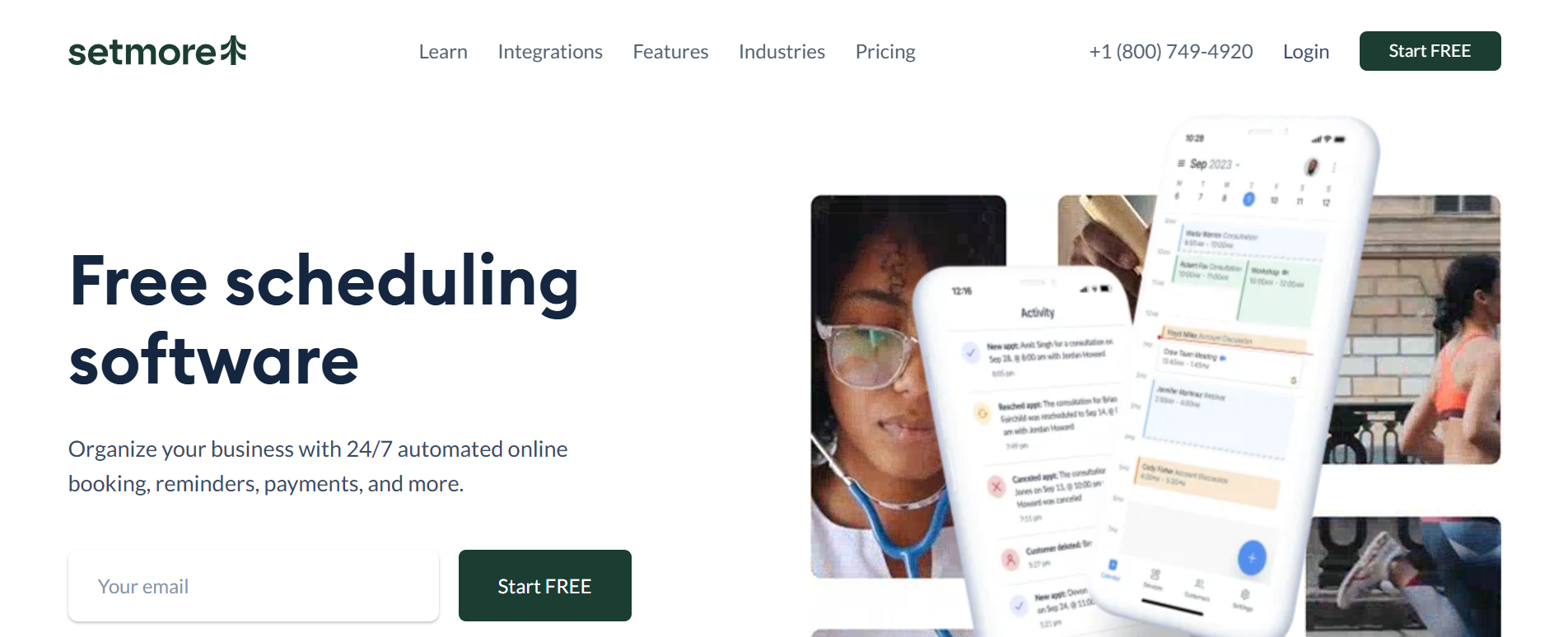
Setmore provides online appointment scheduling for businesses with straightforward booking needs. It allows customers to book appointments through a shared interface while syncing availability with connected calendars. The platform prioritises ease of use and quick setup.
Businesses use Setmore when scheduling requirements remain simple and predictable. It supports basic reminders and availability management without introducing complex workflows. This makes it suitable for teams that need functional scheduling without extensive configuration.
Setmore is commonly adopted by small businesses and early-stage teams seeking to reduce missed appointments and manual coordination.
Pricing plans
Setmore offers a free plan with paid options for additional functionality.
| Plan | Price | Included features | Limitations |
| Free | 0 | Basic booking and calendar sync | Limited advanced features |
| Paid | From 12 | Payments and expanded controls | Limited scalability |
4. Square Appointments

Square Appointments integrates scheduling with payment processing inside the Square ecosystem. It allows businesses to manage bookings, customer records, and transactions within a single operational flow. This alignment keeps scheduling closely connected to revenue tracking.
Businesses use Square Appointments to reduce fragmentation between booking systems and point-of-sale tools. By linking appointments directly to payments, teams gain clearer visibility into service performance and customer activity.
Square Appointments suits retail and service businesses already operating within Square, particularly where bookings and transactions need to remain tightly linked.
Pricing plans
Square Appointments uses per-location pricing with feature-based tiers.
| Plan | Price (USD/location/month) | Included features | Limitations |
| Free | 0 | Booking and POS integration | Limited messaging |
| Plus | 49 | Expanded tools and SMS credits | SMS limits apply |
| Premium | 149 | Advanced features | Higher fixed cost |
5. Microsoft Bookings
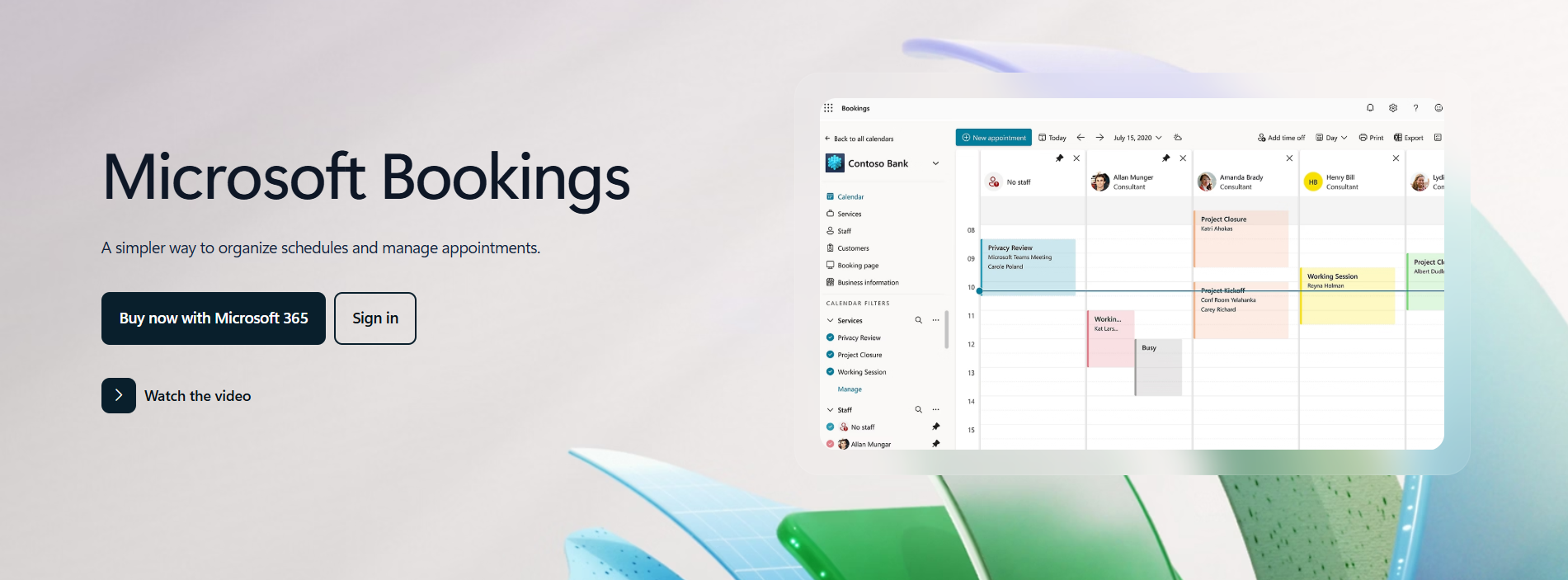
Microsoft Bookings provides appointment scheduling within the Microsoft 365 environment. It allows organisations to manage bookings using existing Outlook calendars and organisational accounts. This keeps scheduling aligned with internal systems and permissions.
Businesses rely on Microsoft Bookings to manage appointments without introducing additional platforms. Availability, notifications, and updates remain consistent with broader Microsoft workflows, supporting operational continuity.
The tool suits organisations already embedded in Microsoft 365 that require basic appointment scheduling as part of their existing productivity stack.
Pricing plans
Microsoft Bookings is included with Microsoft 365 business subscriptions.
| Plan | Price (USD/user/month) | Included features | Limitations |
| Business Basic | 6 | Bookings and web apps | No desktop apps |
| Business Standard | 12.50 | Full apps and scheduling | Higher cost |
| Business Premium | 22 | Security and device controls | Excess features for scheduling only |
6. Connecteam
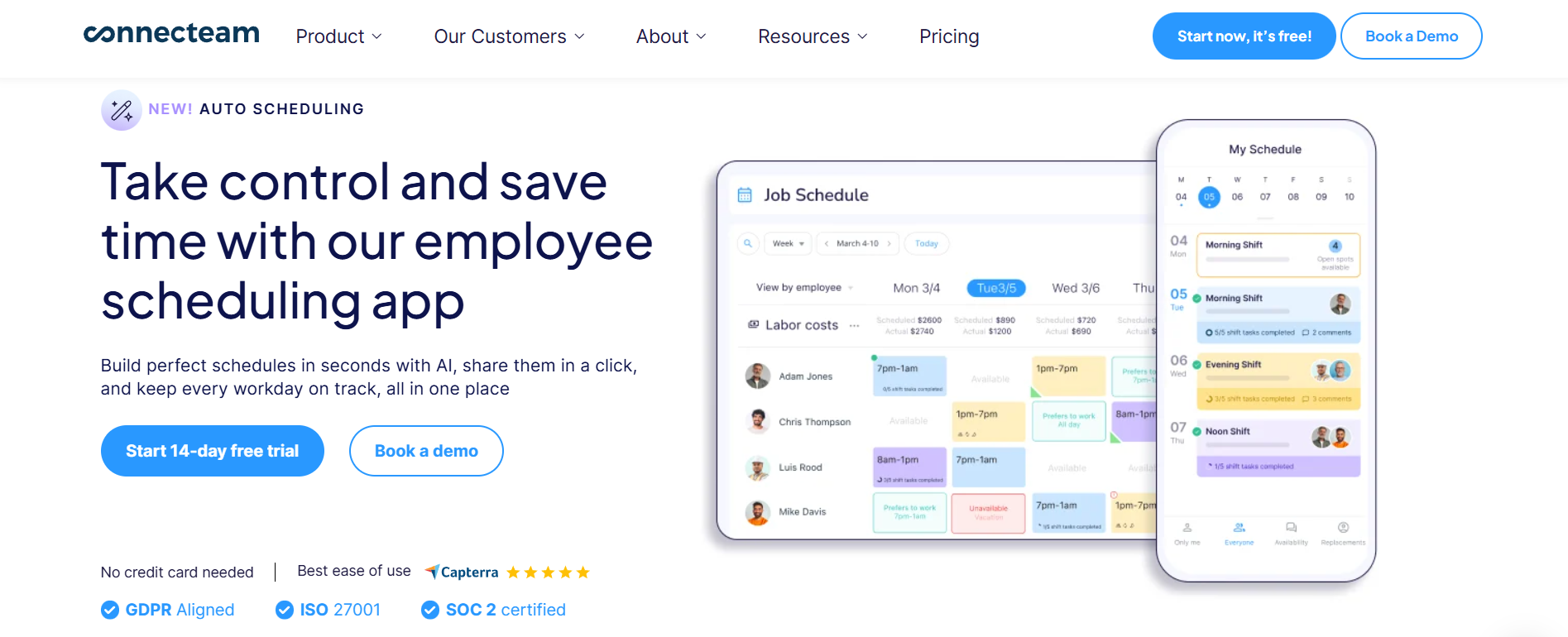
Connecteam supports employee scheduling and workforce coordination for deskless teams. It allows businesses to create shift schedules, manage availability, and communicate changes through a central system. Scheduling operates within a broader operational framework rather than as an isolated function.
Businesses use Connecteam to maintain visibility across distributed teams. By linking scheduling, communication, and time tracking, the platform supports coordination in environments where staff are not desk-based.
Connecteam suits organisations managing frontline workforces that require clarity around shifts, attendance, and daily operations.
Pricing plans
Connecteam uses flat-rate pricing for initial users with per-user scaling beyond that threshold.
| Plan | Price (USD/month) | Included features | Limitations |
| Small Business | 0 | Up to 10 users | User cap |
| Basic | 29 | Scheduling and operations tools | Limited automation |
| Advanced | 49 | Enhanced controls | Higher cost |
| Expert | 99 | Full automation | Cost scales |
7. Deputy

Deputy supports workforce scheduling for shift-based organisations that require structured roster management. It enables businesses to assign shifts, track attendance, and apply labour rules consistently across teams and locations. Scheduling decisions are tied directly to workforce visibility and compliance.
Businesses rely on Deputy to maintain control as staffing complexity increases. The platform supports availability management, shift swaps, and attendance tracking, helping organisations manage large workforces with predictable rules.
Deputy is commonly used in industries where labour planning and compliance are critical to daily operations.
Pricing plans
Deputy uses per-user pricing with optional add-ons depending on workforce needs.
| Plan | Price (USD/user/month) | Included features | Limitations |
| Lite | 5 | Basic scheduling | Limited reporting |
| Core | 6.50 | Time tracking and reporting | Cost scales with users |
| Pro | 9 | Advanced workforce tools | Higher spend |
| Enterprise | Custom | Large deployments | Contract-based |
How Businesses Should Choose Scheduling Software
Businesses should assess scheduling software based on operational structure rather than feature volume. Suitability depends on how time is allocated, how staff are coordinated, and how bookings affect revenue or compliance. Appointment-based businesses benefit from booking-focused systems, while shift-based organisations require workforce scheduling platforms.
Clear evaluation criteria help prevent misalignment between tools and operational needs.
Scheduling Software by System Role
| Tool | Scheduling type | Primary role | Best suited for |
| Calendly | Meeting scheduling | Availability coordination | Professional teams |
| Acuity Scheduling | Appointment scheduling | Service bookings | Service businesses |
| Setmore | Appointment scheduling | Simple booking | Small teams |
| Square Appointments | Booking and payments | Transaction-linked scheduling | Retail services |
| Microsoft Bookings | Appointment scheduling | Internal coordination | Microsoft users |
| Connecteam | Employee scheduling | Workforce coordination | Deskless teams |
| Deputy | Workforce scheduling | Shift management | Regulated industries |
Conclusion
Scheduling software plays a central role in how businesses manage time, people, and services. Rather than acting as simple booking tools, these systems provide an operational structure that supports consistency and control as organisations grow. By centralising availability, enforcing scheduling rules, and automating routine coordination, scheduling software helps businesses move away from reactive planning toward predictable operations.
As scheduling complexity increases, the cost of manual coordination becomes more visible through missed bookings, inefficient staffing, and reduced visibility into capacity. Scheduling software addresses these challenges by treating time as a shared business resource rather than an individual task. This allows teams to maintain clarity across appointments, meetings, and shifts without adding administrative burden.
When selected based on operational needs rather than feature volume, scheduling software enables businesses to scale with confidence. It supports clearer decision-making, reduces manual intervention, and ensures that growth does not come at the expense of efficiency or control.