









Payroll management tools are platforms that help businesses calculate wages, process payments, manage tax filings, and stay compliant with employment regulations. Instead of treating payroll as a manual accounting task, these tools centralise employee data, deductions, benefits, and reporting in a single, controlled system.
As businesses grow, payroll becomes an operational and legal responsibility rather than a back-office process. Teams must manage multiple pay schedules, tax jurisdictions, contractors, benefits, and compliance rules. Payroll management software provides the infrastructure to keep these moving parts accurate, auditable, and scalable.
1. Gusto
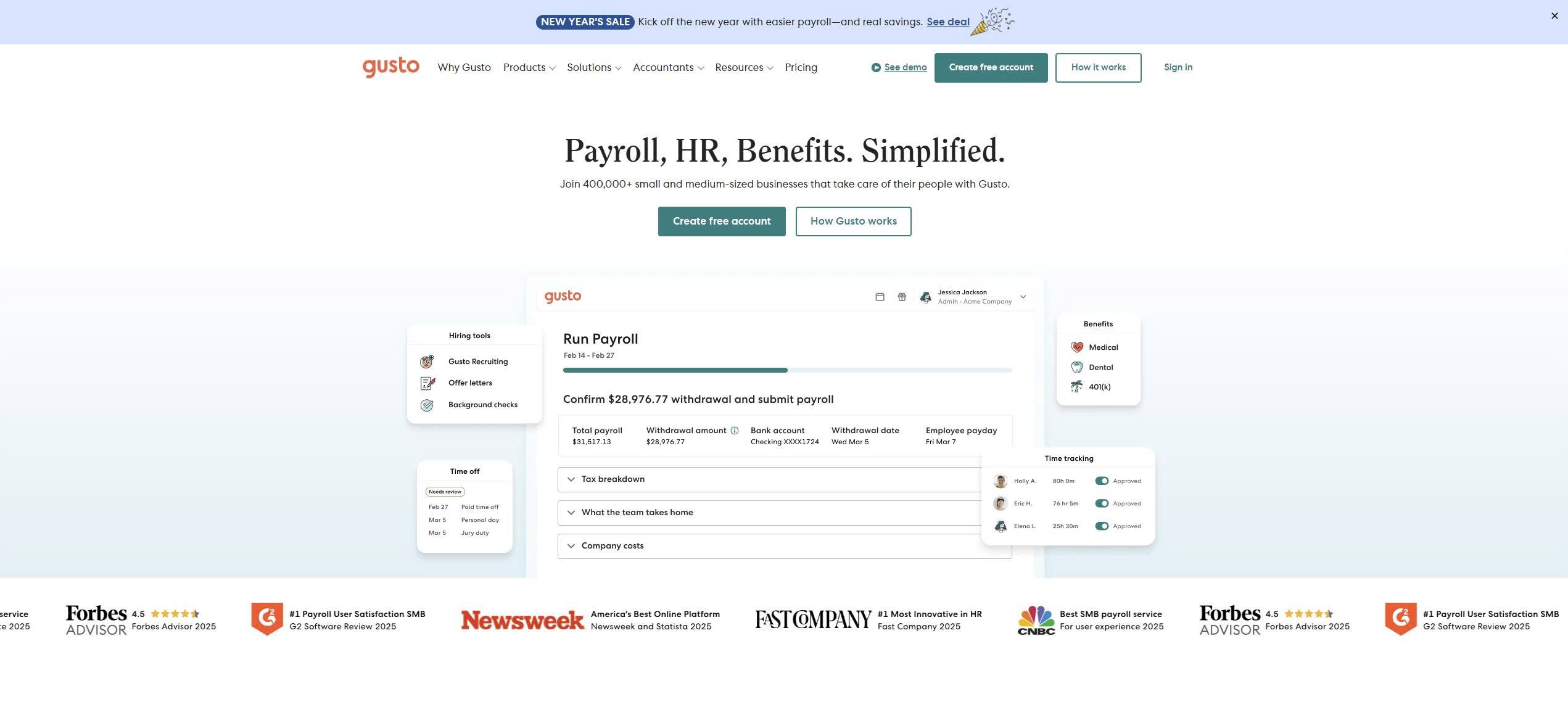
Gusto is one of the most widely used payroll platforms for small and mid-sized businesses in the United States. It combines payroll processing, tax filing, benefits administration, and employee self-service into a single platform, reducing administrative workload for growing teams.
Gusto is commonly used by startups, professional services firms, and SMEs that want payroll, benefits, and compliance in one place without enterprise complexity.
Core features
- Automated payroll and tax filing
- Direct deposit
- Benefits administration
- Employee self-service
- Time tracking and PTO
Pricing and suitability
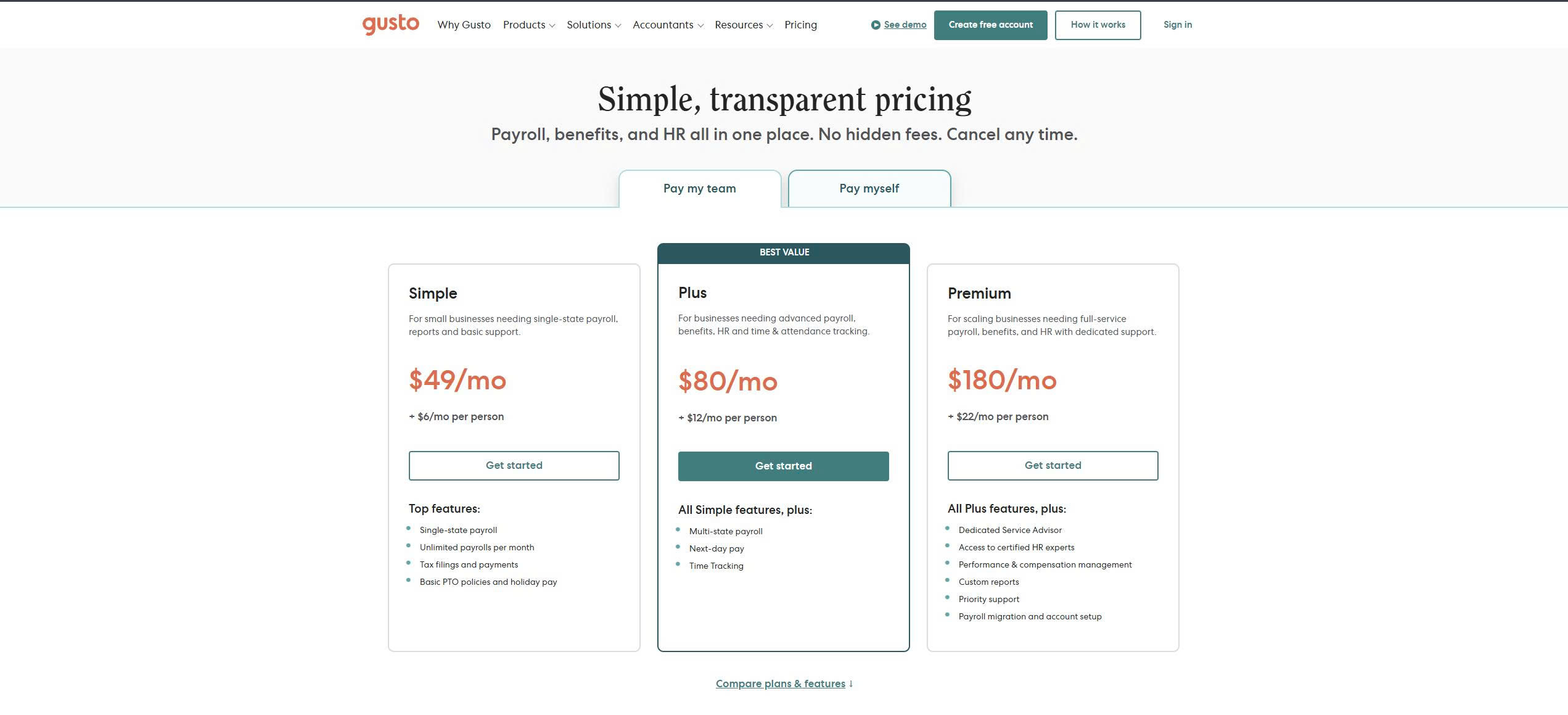
Gusto uses a tiered pricing model based on a monthly base fee plus a per-employee charge. Each plan increases access to HR tools, benefits administration, and compliance support, making pricing scale with team size and operational complexity. Higher tiers are designed for businesses with more complex compliance or advisory needs, rather than basic payroll-only needs.
| Plan | Typical price | Suitable for | Limitations |
| Simple | ~$49/month + $6/employee | Small teams | Limited HR tools |
| Plus | ~$80/month + $12/employee | Growing businesses | Costs rise quickly |
| Premium | ~$180/month + $22/employee | Compliance-heavy teams | Expensive for SMEs |
2. QuickBooks Payroll
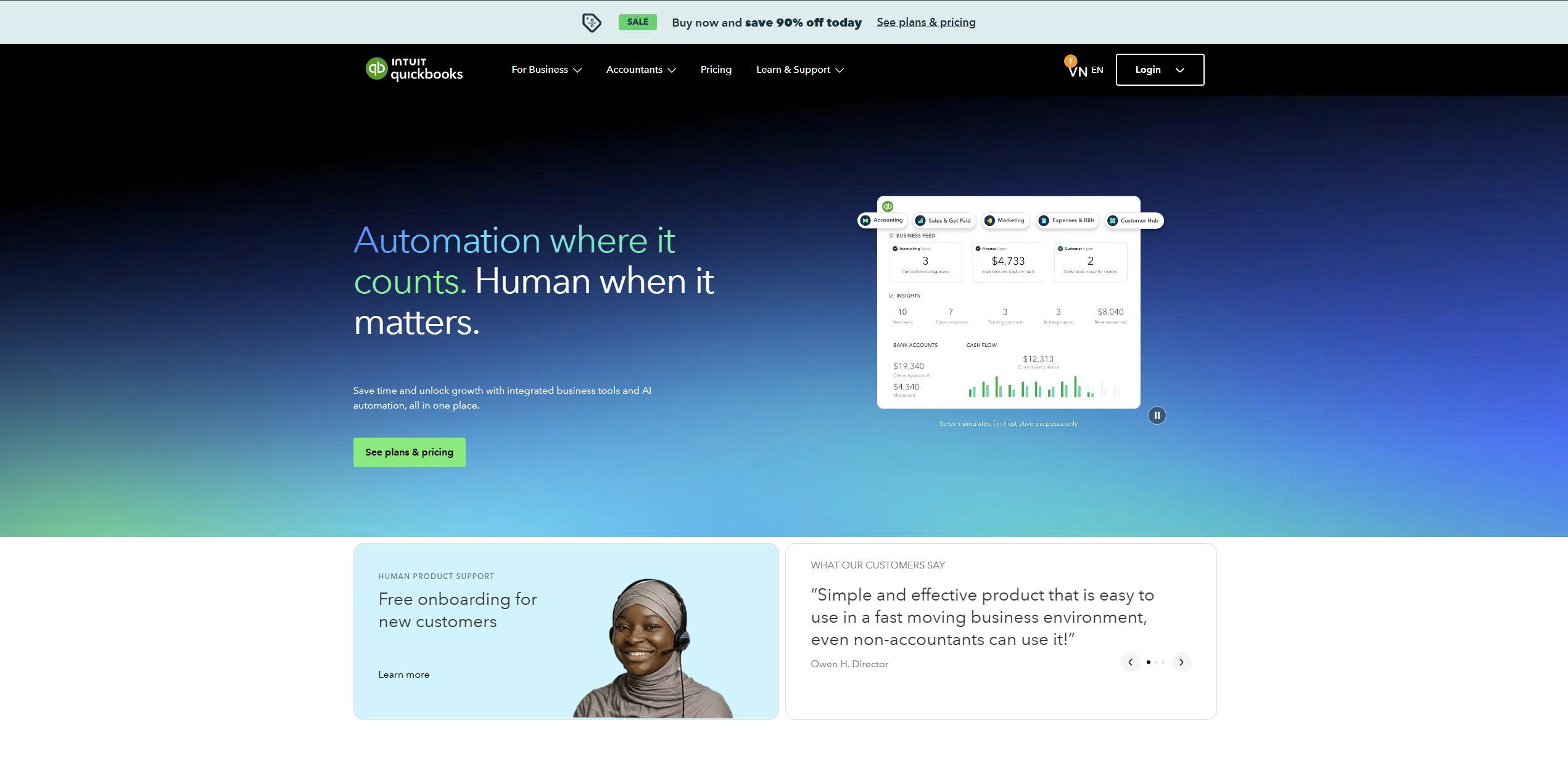
QuickBooks Payroll is designed for businesses that already use QuickBooks for accounting. It tightly integrates payroll data with bookkeeping, making it easier to track labour costs, taxes, and cash flow in one system.
It is widely used by finance-led small businesses and accounting firms to keep payroll and accounting in sync.
Core features
- Automated payroll and tax filing
- Direct deposit
- Contractor payments
- Accounting integration
- Basic HR tools
Pricing and suitability
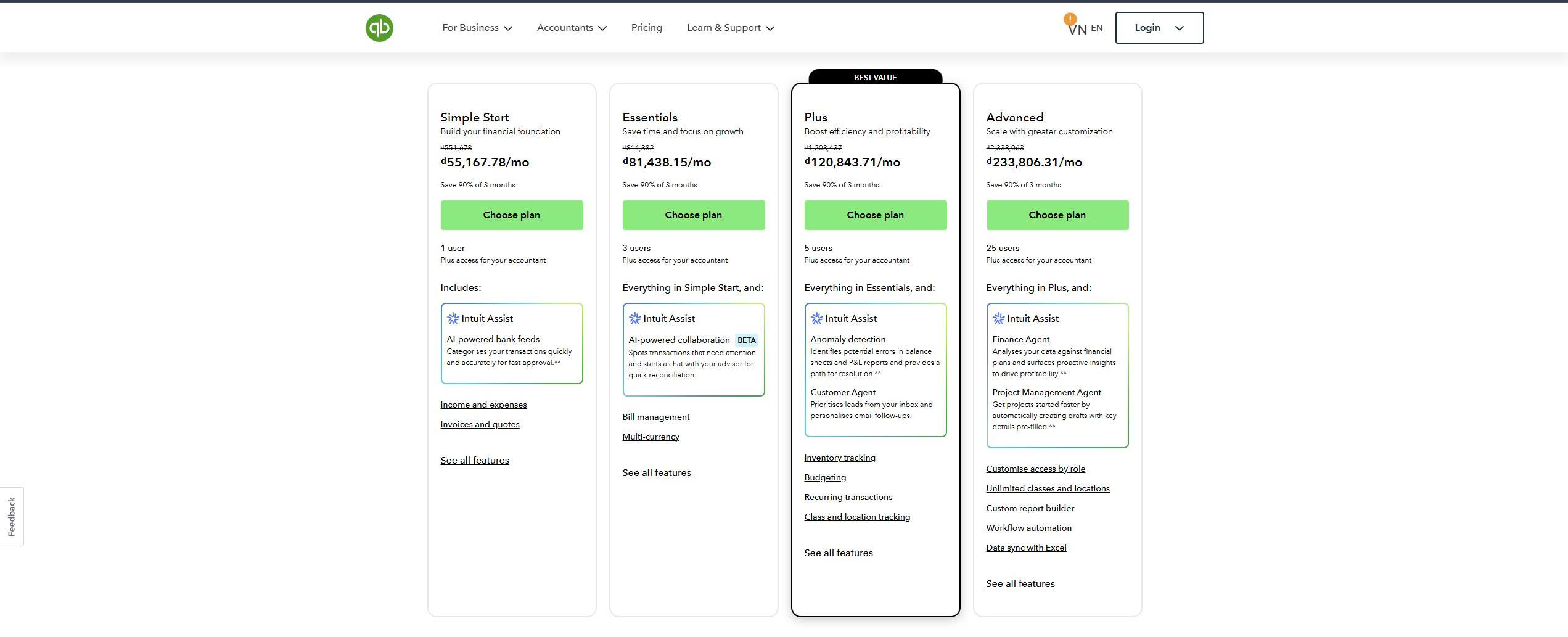
QuickBooks Payroll is priced on tiers that correspond to different levels of tax support and compliance coverage. Costs include a monthly subscription fee plus a per-employee fee, with higher plans offering enhanced tax-filing assistance and regulatory protection. Pricing is closely tied to the depth of payroll integration within accounting workflows.
| Plan | Typical price | Suitable for | Limitations |
| Core | ~$50/month + per-employee fee | Small teams | Limited HR |
| Premium | ~$85/month + per-employee fee | Growing businesses | Higher cost |
| Elite | ~$125+/month + per-employee fee | Compliance-focused teams | Expensive |
3. OnPay
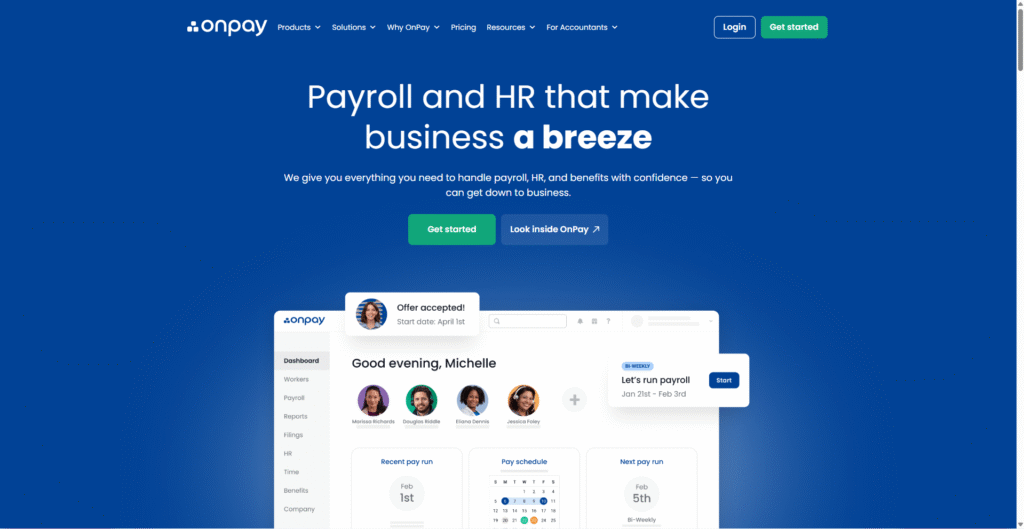
OnPay focuses on transparent, affordable payroll for small and mid-sized businesses. It offers unlimited pay runs, tax filing, and basic HR tools at a simple flat price.
OnPay is commonly used by budget-conscious businesses that want reliable payroll without complex pricing tiers.
Core features
- Unlimited payroll runs
- Multi-state tax filing
- Direct deposit
- Time tracking
- Employee self-service
Pricing and suitability
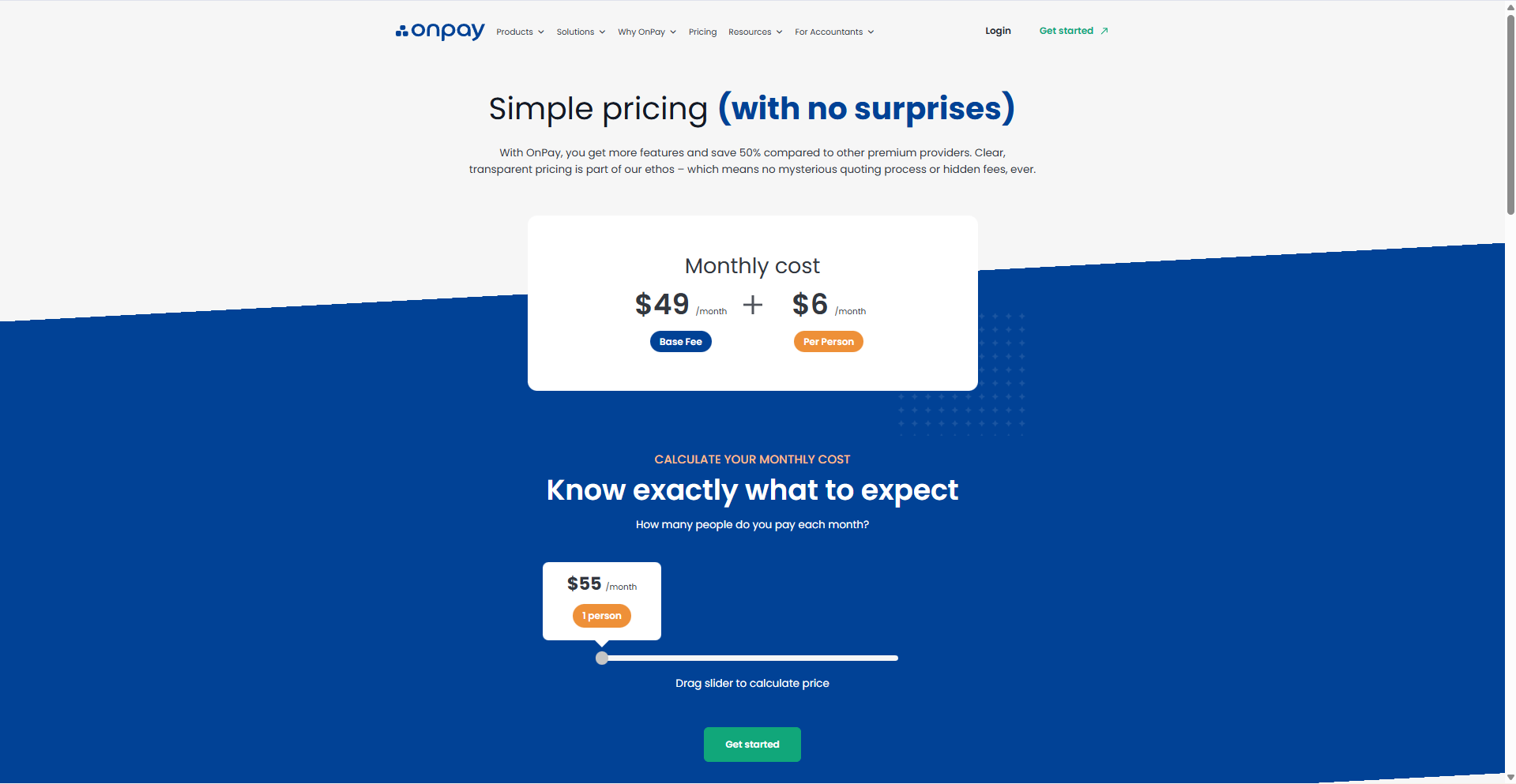
OnPay follows a straightforward pricing structure with a single primary plan that includes most payroll features. Businesses pay a flat monthly base fee plus a fixed per-employee cost, regardless of pay frequency. This simplicity makes it easier to predict costs as headcount changes.
| Plan | Typical price | Suitable for | Limitations |
| Standard | ~$49/month + $6/employee | Small and mid-sized teams | Limited advanced HR |
4. ADP
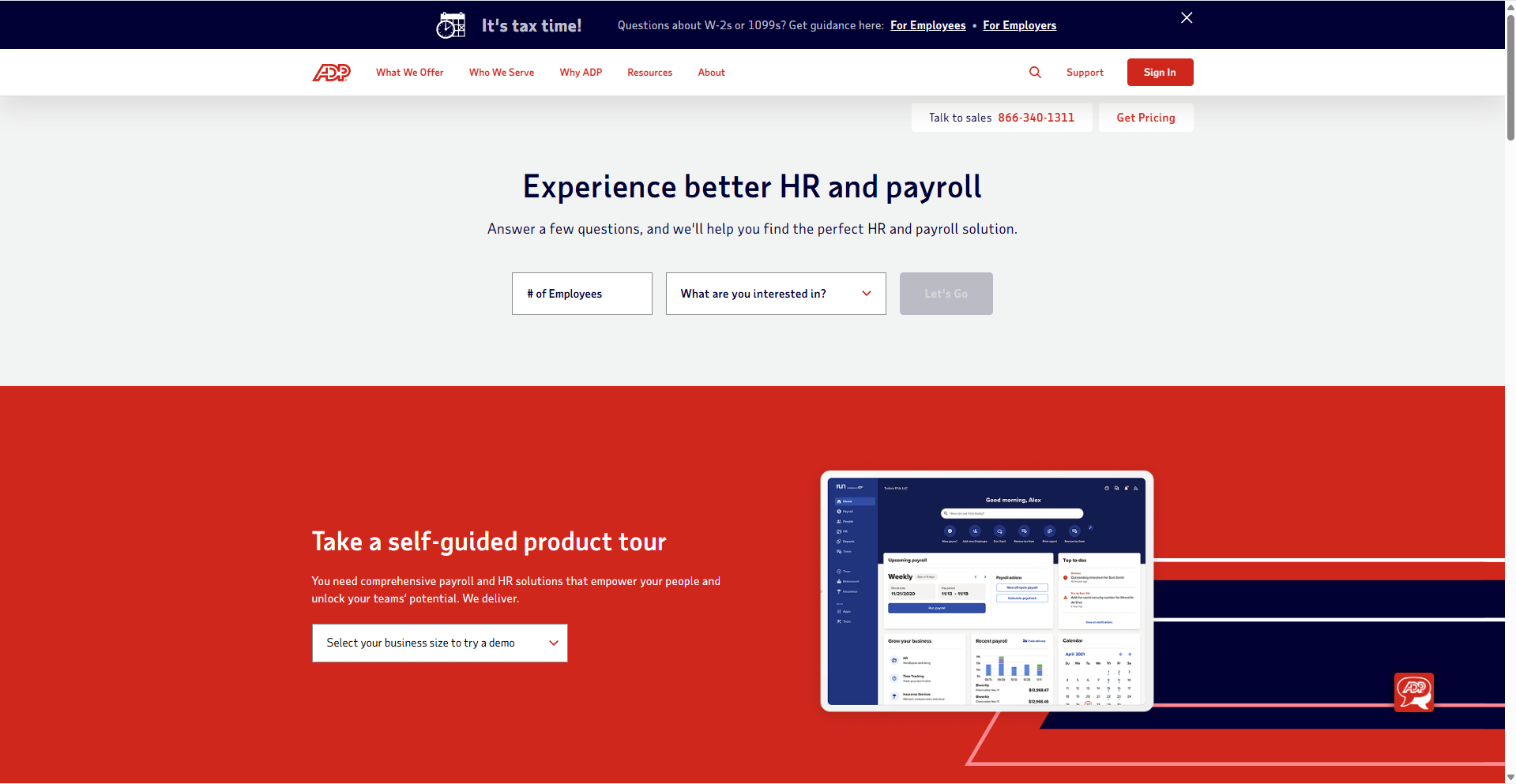
ADP is one of the largest payroll providers in the world. Its platforms serve businesses ranging from small companies to global enterprises, offering payroll, tax compliance, and workforce management at scale.
ADP is often chosen by organisations that prioritise regulatory coverage, reporting, and long-term vendor stability.
Core features
- Automated payroll and tax filing
- Compliance management
- Workforce reporting
- Multi-location support
- Time and attendance
Pricing and suitability
ADP uses a custom pricing model based on business size, payroll frequency, and required modules. Pricing is not publicly listed and is typically tailored during a sales consultation. Costs vary depending on compliance requirements, reporting depth, and additional workforce management features.
| Plan | Typical price | Suitable for | Limitations |
| ADP RUN | Custom quote | Small and mid-sized businesses | Pricing not transparent |
| Workforce Now | Custom quote | Larger organisations | Enterprise-level complexity |
5. Rippling
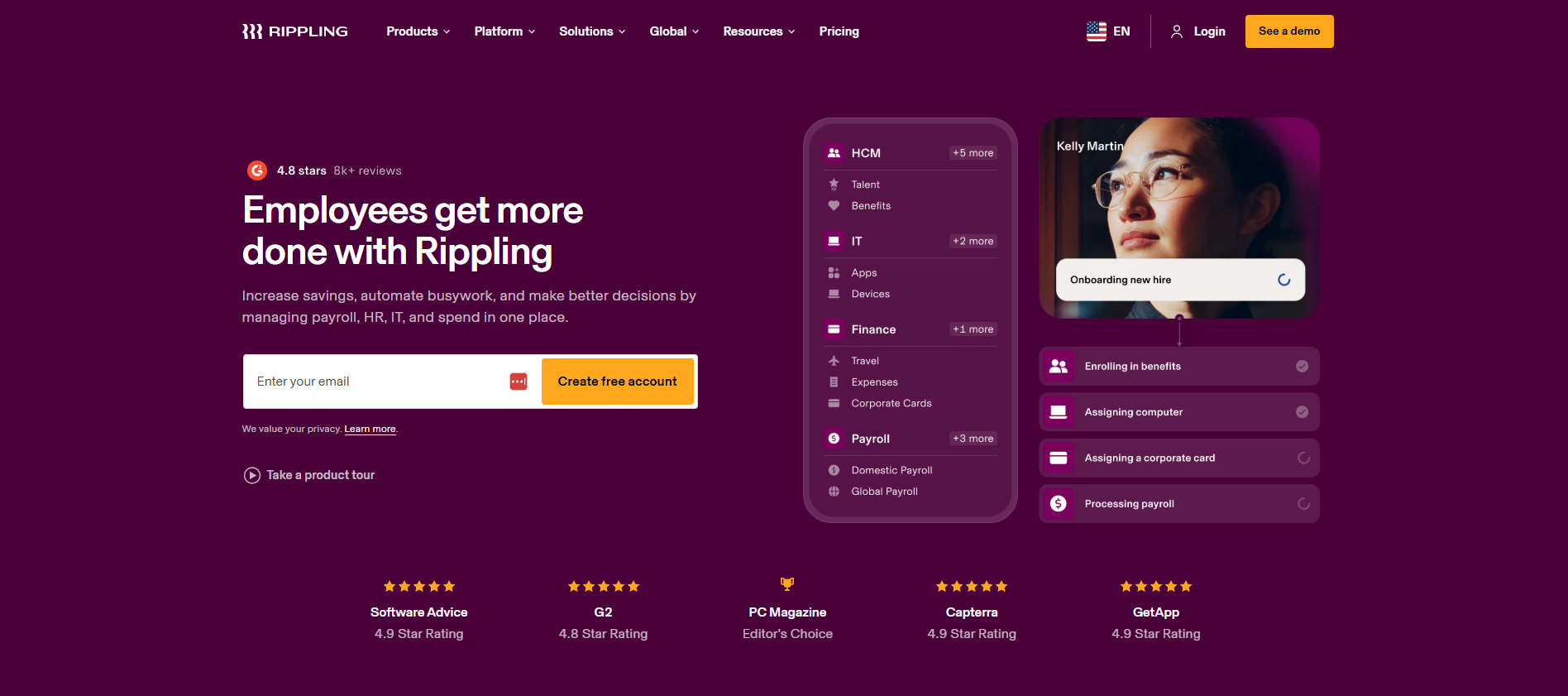
Rippling combines payroll, HR, IT, and workforce management into a single platform. It allows businesses to manage payroll alongside employee onboarding, devices, and applications.
Rippling is often used by modern, operations-driven teams that want payroll to be part of a broader employee management system.
Core features
- Payroll and tax filing
- HR and onboarding
- Global payroll options
- Workflow automation
- App and device management
Pricing and suitability
Rippling pricing is modular, with a base platform fee and additional costs for payroll and other workforce modules. Businesses only pay for the components they use, but the overall cost can increase as more features are added. Pricing scales with user count and system complexity, not payroll alone.
| Plan | Typical price | Suitable for | Limitations |
| Platform | From ~$8/user/month + payroll | Growing companies | Modular pricing adds complexity |
| Custom | Quote-based | Larger teams | Can become expensive |
6. Deel
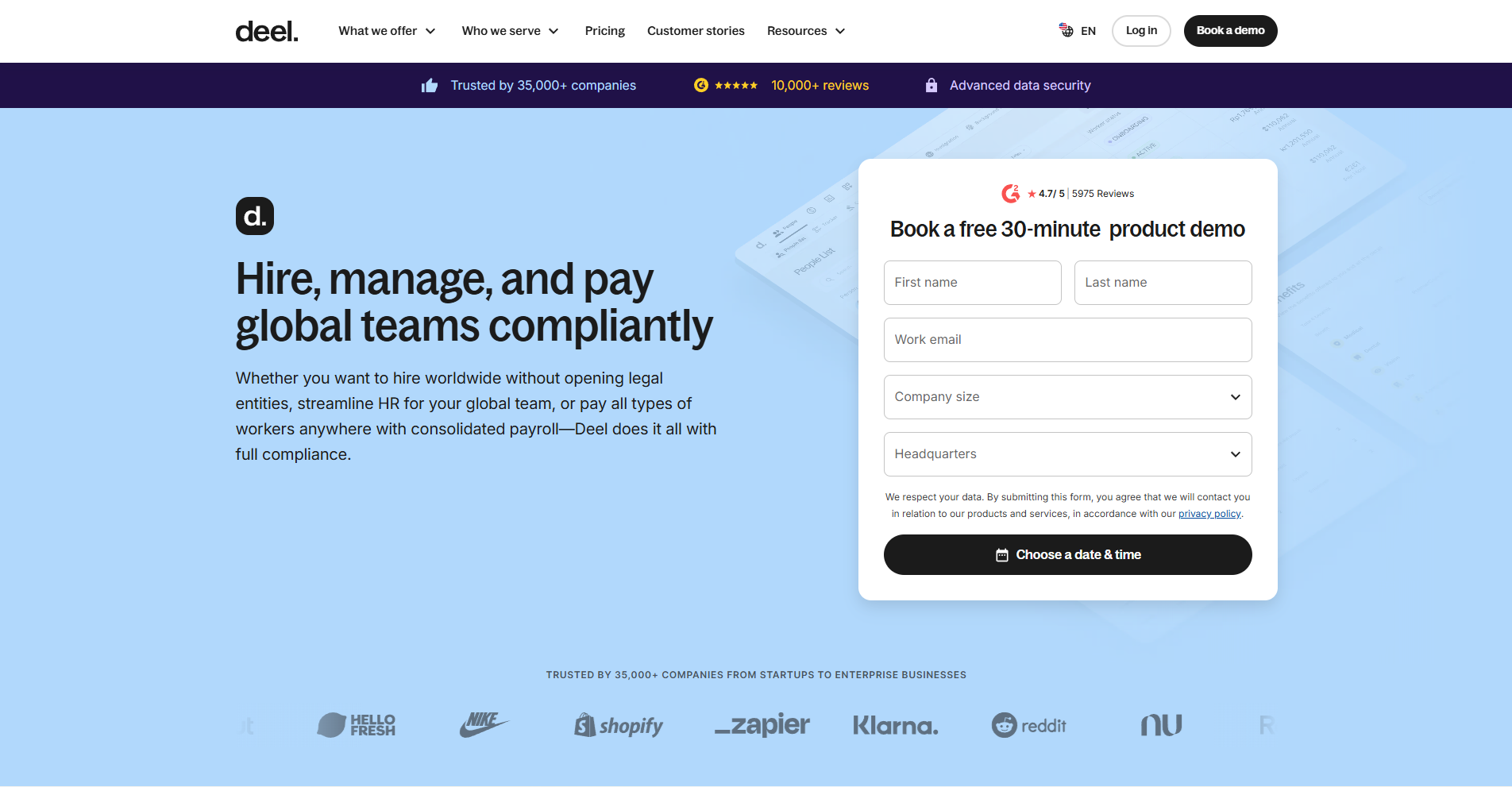
Deel is a global payroll and employer-of-record platform built for companies hiring internationally. It allows businesses to pay contractors and employees across multiple countries while handling local compliance and tax requirements.
Deel is widely used by startups and remote-first teams expanding across borders.
Core features
- International payroll
- Contractor and EOR payments
- Compliance and tax handling
- Global contracts
- Multi-currency payments
Pricing and suitability
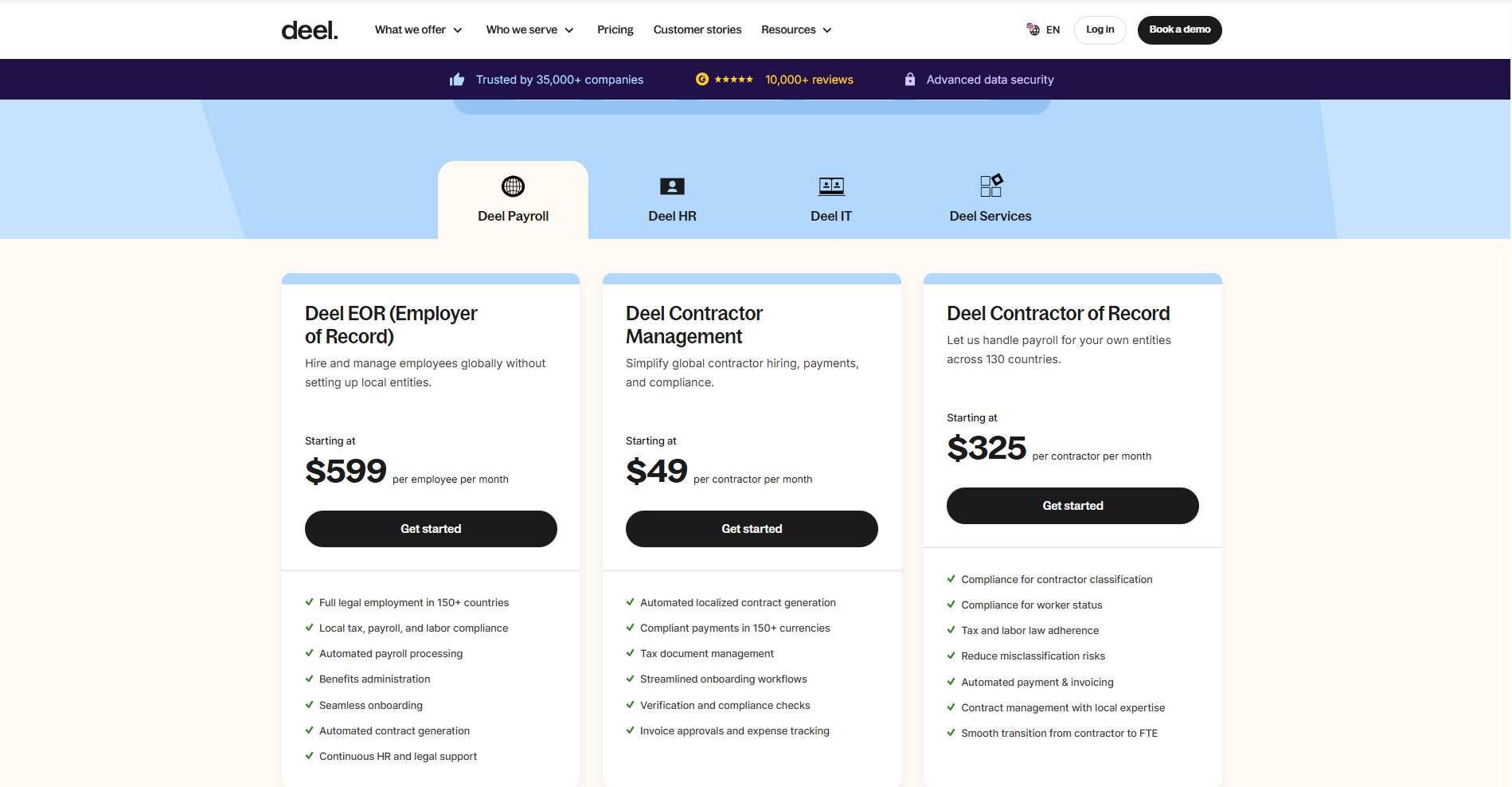
Deel separates pricing based on worker type and employment model. Contractor payroll is charged per contractor, while full-employee payroll through employer-of-record services incurs a higher per-employee fee. Pricing reflects the platform’s compliance, legal, and administrative responsibilities.
7. Paychex
Paychex provides payroll, HR, and benefits services for small and mid-sized businesses. It is known for its strong payroll, customer support, and compliance assistance.
Paychex is often chosen by businesses seeking payroll, benefits, and human support, rather than a purely software-driven platform.
Core features
- Payroll and tax filing
- Benefits administration
- HR tools
- Compliance support
- Reporting
Pricing and suitability
Paychex offers customised pricing based on company size, payroll needs, and selected HR or benefits services. Plans are structured to support businesses as they grow, with costs influenced by compliance support and service level. Pricing details are typically provided through a direct consultation.
| Plan | Typical price | Suitable for | Limitations |
| Paychex Flex | Custom quote | Growing businesses | Pricing not public |
How to choose the right payroll management tool
The right payroll platform depends on how payroll fits into your organisation. Small teams may prioritise ease of use and transparent pricing, while larger or international companies require compliance, reporting, and global payment support.
Key factors to consider include:
- Number of employees and contractors
- Countries or states where you operate
- Integration with accounting and HR systems
- Compliance and audit requirements
- Support and onboarding quality
Payroll management tools — decision matrix
| Tool | Best for | Strengths | Limitations |
| Gusto | US-based SMEs | Simple setup, benefits, automation | Costs scale with headcount |
| QuickBooks Payroll | Accounting-driven teams | Tight finance integration | Limited HR |
| OnPay | Budget-focused businesses | Transparent pricing | Fewer advanced features |
| ADP | Compliance-heavy organisations | Regulatory depth and reporting | Opaque pricing |
| Rippling | Operations-driven teams | HR + payroll + IT | Modular complexity |
| Deel | Global hiring | International payroll and compliance | High per-employee cost |
| Paychex | Growing SMBs | Payroll plus benefits and support | Custom pricing |
Conclusion
Payroll management tools help businesses maintain control over one of their most critical responsibilities: paying people correctly and on time. By centralising payroll, tax, compliance, and employee data into a single system, organisations reduce operational risk while improving efficiency and employee trust.
Each platform on this list serves a different type of business, from small teams seeking simplicity to global companies managing multi-country payroll. Choosing the right tool depends on how payroll supports your broader financial and workforce operations.