



Password management tools are secure platforms designed to store, generate, autofill, and share credentials across devices and applications. Instead of relying on memory, spreadsheets, or browser-based storage, these tools centralise passwords, passkeys, and authentication data inside encrypted vaults protected by strong cryptography.
As individuals and businesses manage more logins across cloud apps, devices, and distributed teams, unmanaged passwords create security and operational risks. Password managers reduce these risks by enforcing strong credentials, limiting exposure during sharing, and supporting modern authentication methods such as passkeys and multi-factor authentication. This guide reviews seven practical password management tools commonly used in 2026, covering personal, family, and business use cases.
Why Password Managing Tools Matter for Digital Security
Passwords remain one of the most common causes of account compromise. Reused credentials, phishing attacks, and poor storage practices expose individuals and organisations to data breaches and account takeovers. Browser-based password storage can help at a basic level, but it lacks the controls required for secure sharing, recovery, and governance.
Password management tools move credential handling from individual behaviour to a controlled system. They allow users to generate strong, unique passwords, detect compromised credentials, and manage access without revealing sensitive information. For teams, password managers also reduce risk during onboarding and offboarding by centralising access control rather than relying on manual password changes.
Key Benefits of Using Password Management Tools
- Centralised, encrypted storage of passwords and authentication data
- Strong password generation and health checks
- Protection against phishing and credential reuse
- Secure sharing without exposing plaintext passwords.
- Support for passkeys and multi-factor authentication
- Improved recovery and continuity planning
- Scalable access management for teams and organisations
1. 1Password
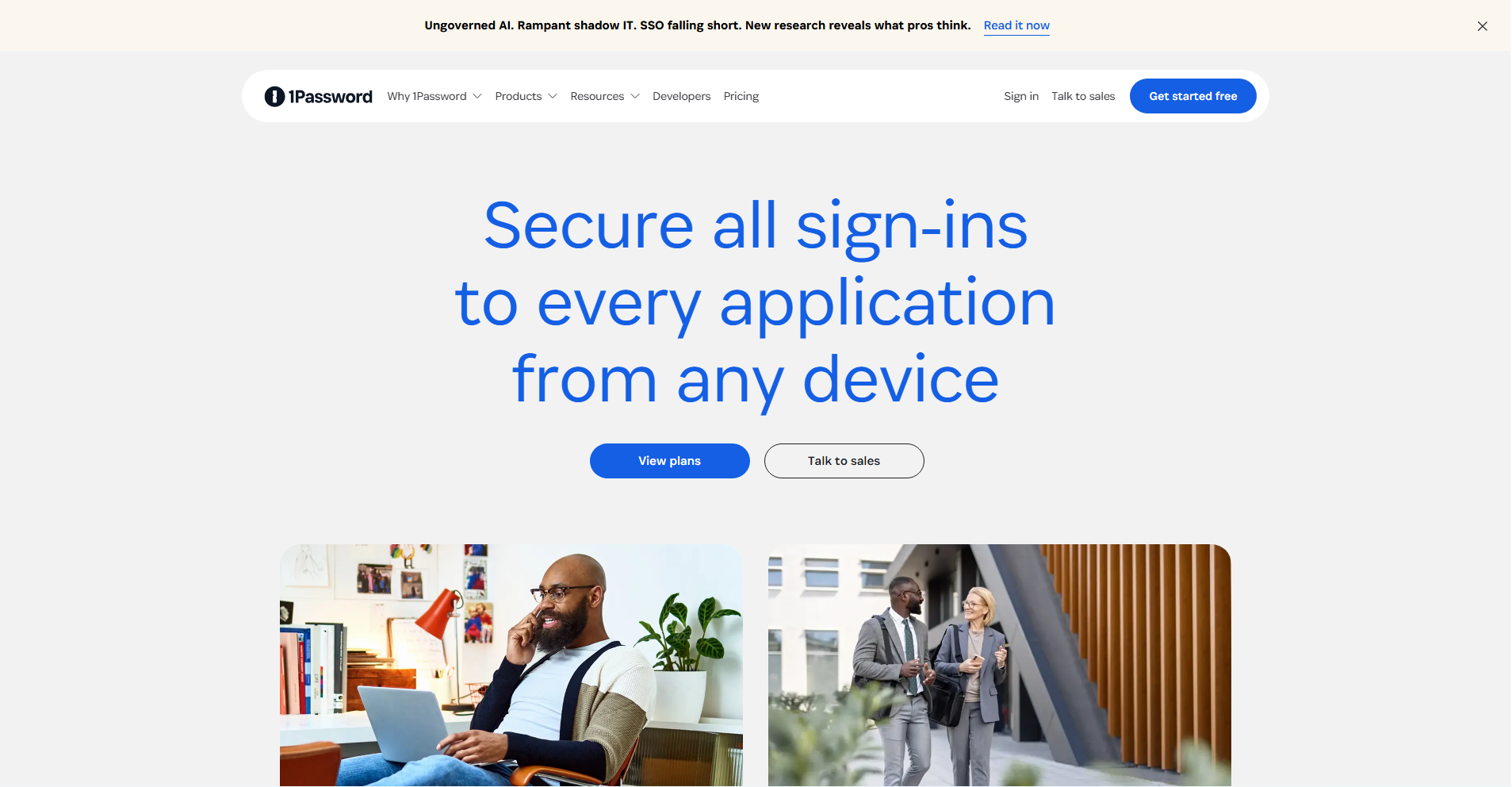
1Password is a mature, premium password manager known for its strong security model and polished user experience. It is widely used by individuals, families, and businesses that need reliable sharing and cross-device access without complexity.
Core features
- Zero-knowledge encrypted vaults
- Secure item and vault sharing
- Passkey support
- Cross-platform apps and browser extensions
- Emergency access and recovery mechanisms
Pricing and suitability
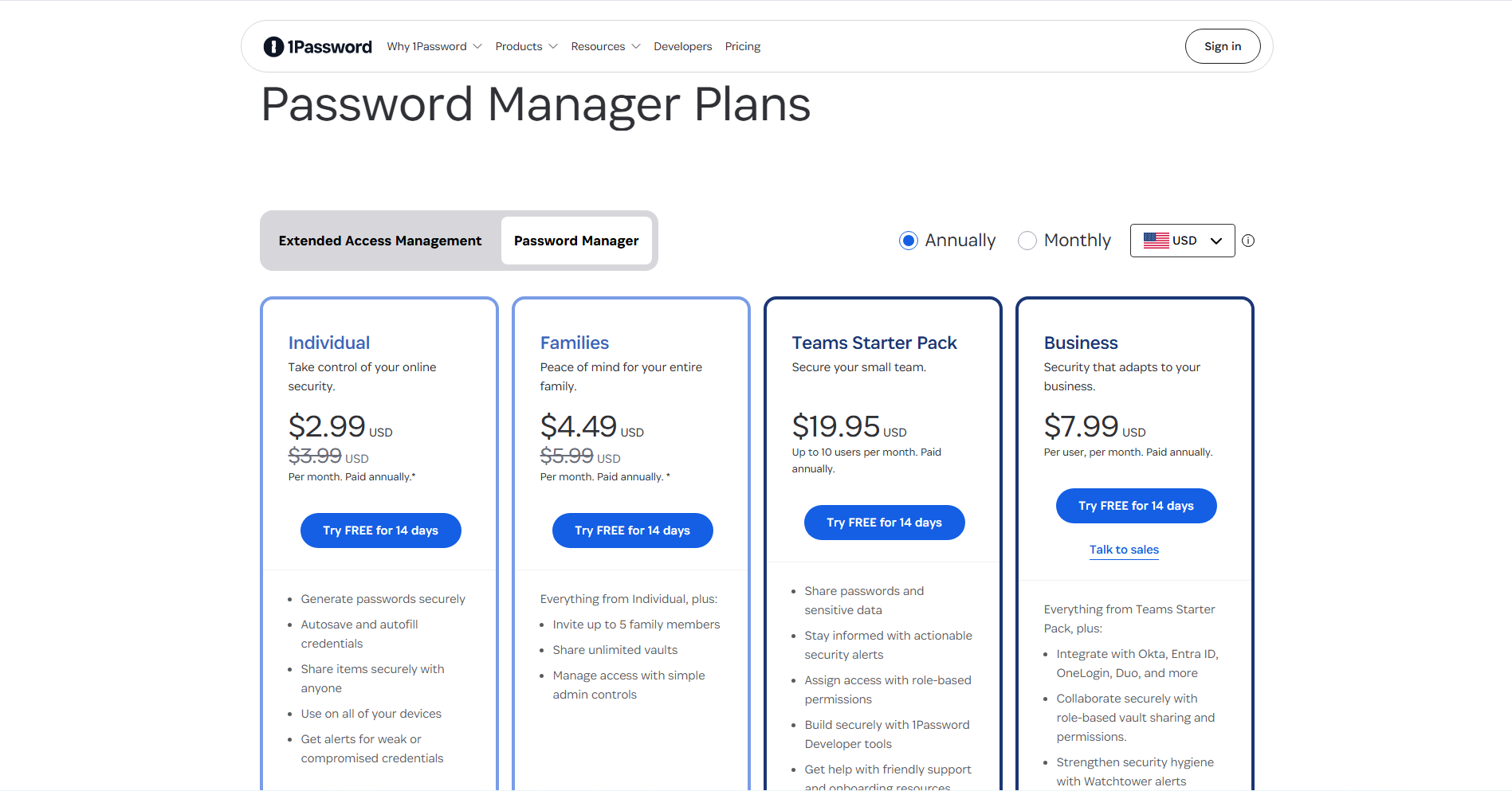
1Password uses a subscription-based pricing model with separate plans for individuals, families, and businesses. Pricing is billed monthly or annually, with lower effective rates for annual payment. Unlike some competitors, 1Password does not offer a permanent free tier, positioning itself as a premium product focused on usability, sharing, and reliability. Business plans are priced per user and include collaboration and administrative features designed for teams. This structure makes pricing predictable but places 1Password at a higher cost point than budget-oriented tools.
| Plan | Typical price (billed annually) | Suitable for | Limitations |
| Individual | US$2.99 / month | Single users | No free tier |
| Families | US$4.99 / month | Households | Higher cost than budget tools |
| Business | US$7.99 / user/month | Teams and SMEs | Cloud-only model |
2. Bitwarden
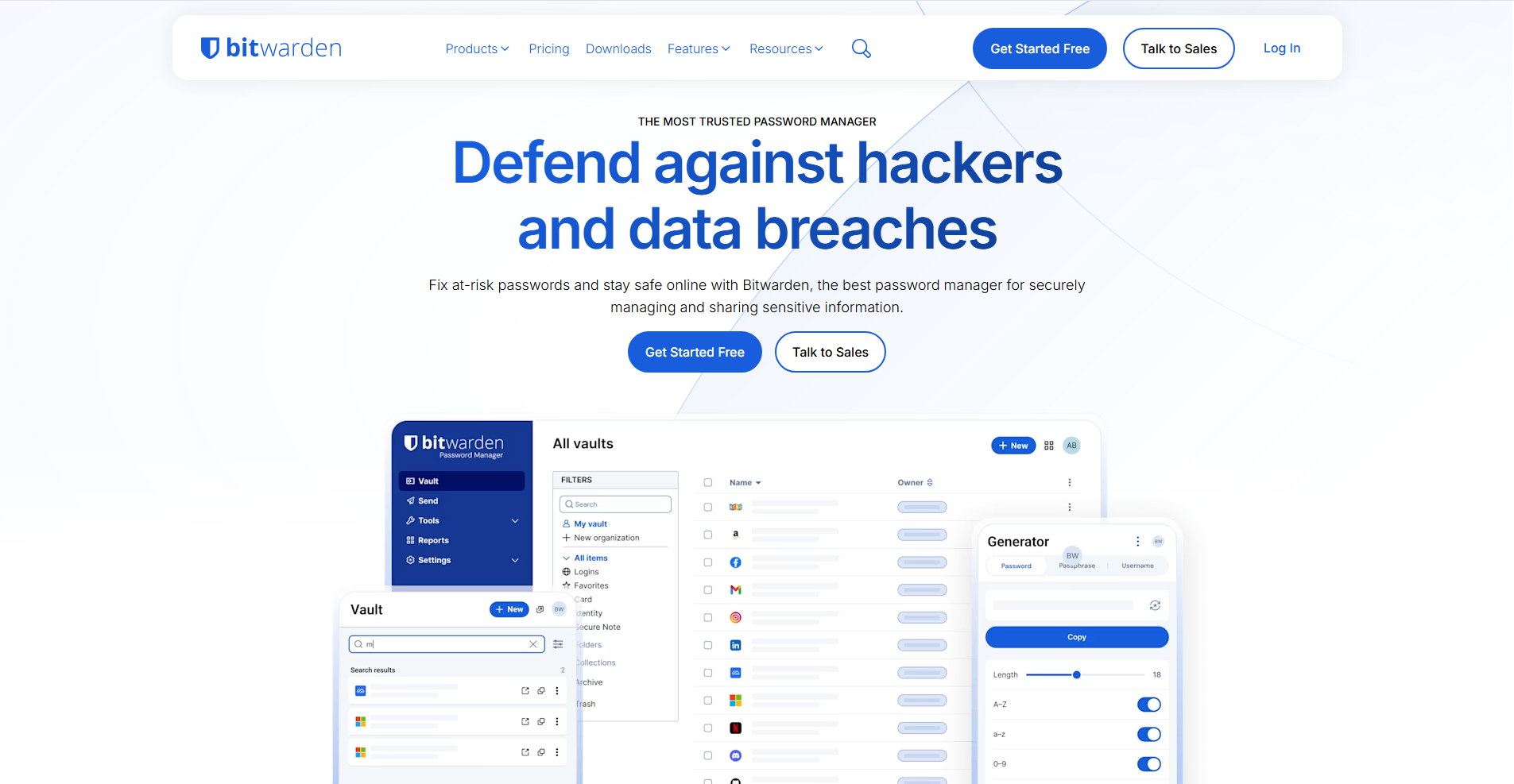
Bitwarden is a value-focused, open-source password manager with a generous free tier and strong business pricing. It appeals to users who prioritise transparency, flexibility, and long-term cost control.
Core features
- Open-source, audited codebase.
- Free multi-device sync
- Passkeys and 2FA support
- Optional self-hosting
- Business and enterprise admin controls
Pricing and suitability
Bitwarden offers one of the most transparent and flexible pricing structures in the password management market. It includes a genuinely usable free plan, with paid tiers unlocking advanced features such as encrypted file storage, advanced authentication options, and expanded sharing.
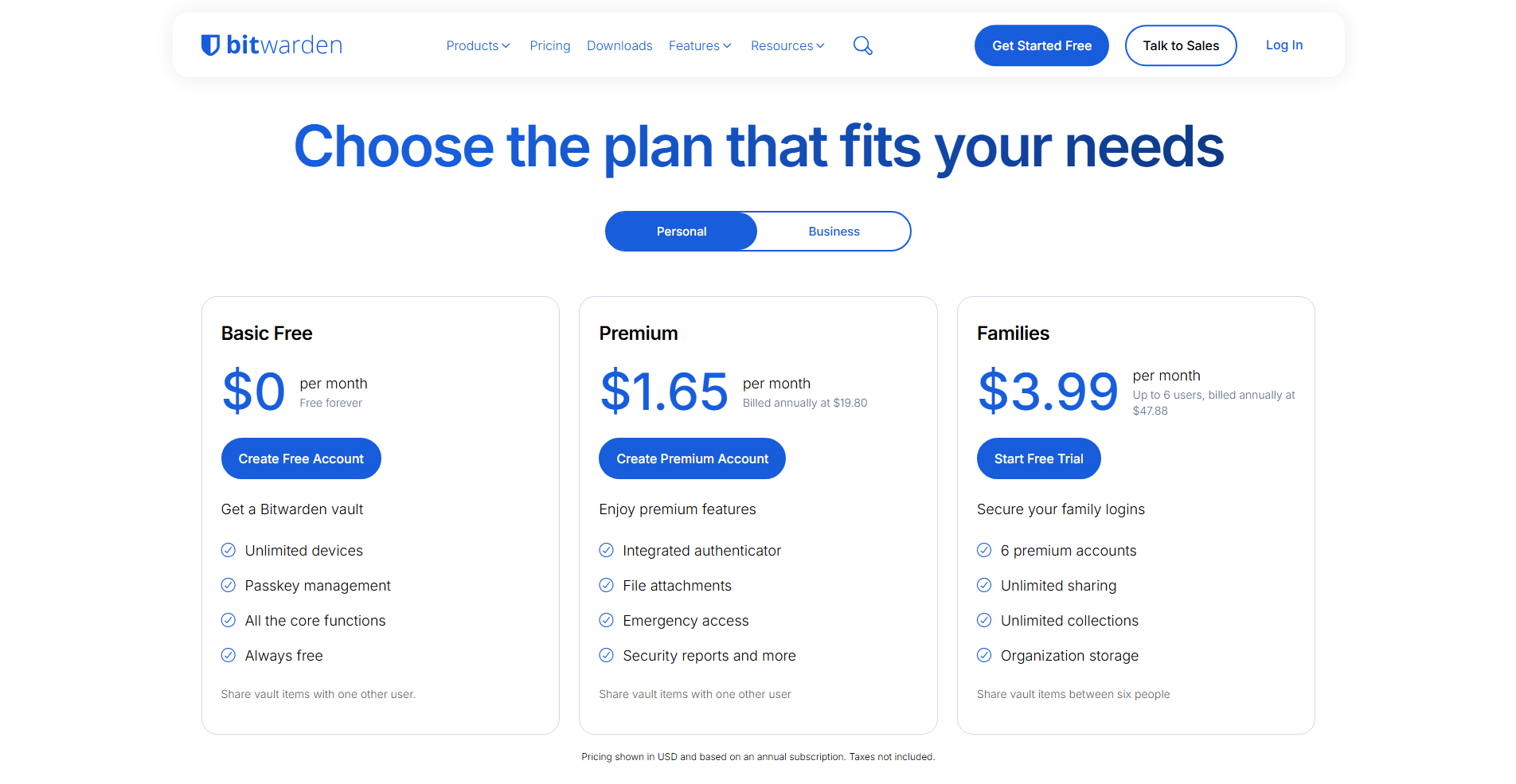
Pricing scales clearly from individual users to families, teams, and enterprises, with per-user billing for business plans. Annual billing provides the best value, especially for teams. This approach makes Bitwarden particularly attractive for cost-conscious users and organisations.
3. NordPass
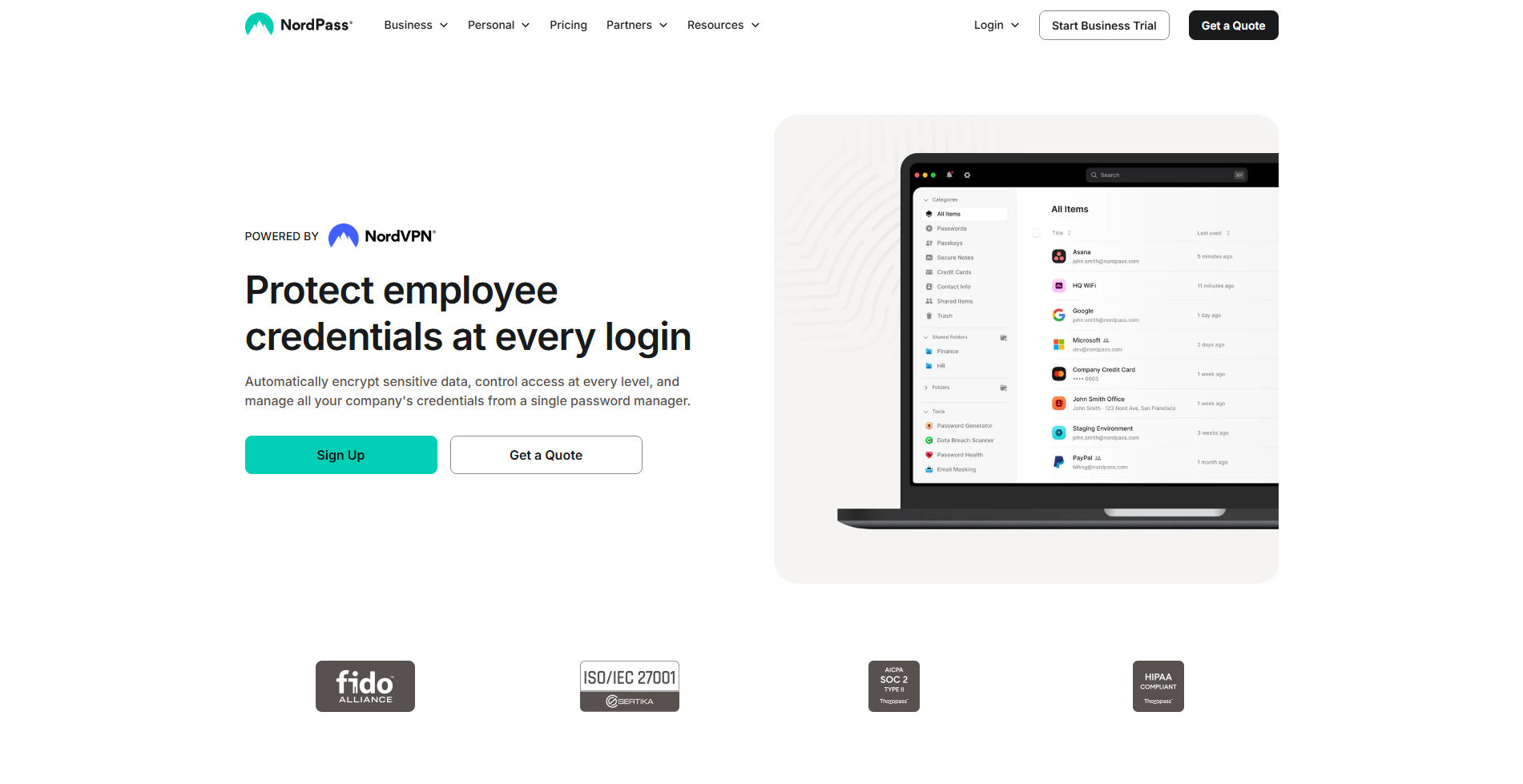
NordPass focuses on simplicity and accessibility, making it suitable for users who want modern security without a steep learning curve. It is commonly chosen by individuals and families moving away from browser-based password storage.
Core features
- Clean, beginner-friendly interface
- Strong encryption and breach monitoring
- Passkey support
- Cross-device sync
Pricing and suitability
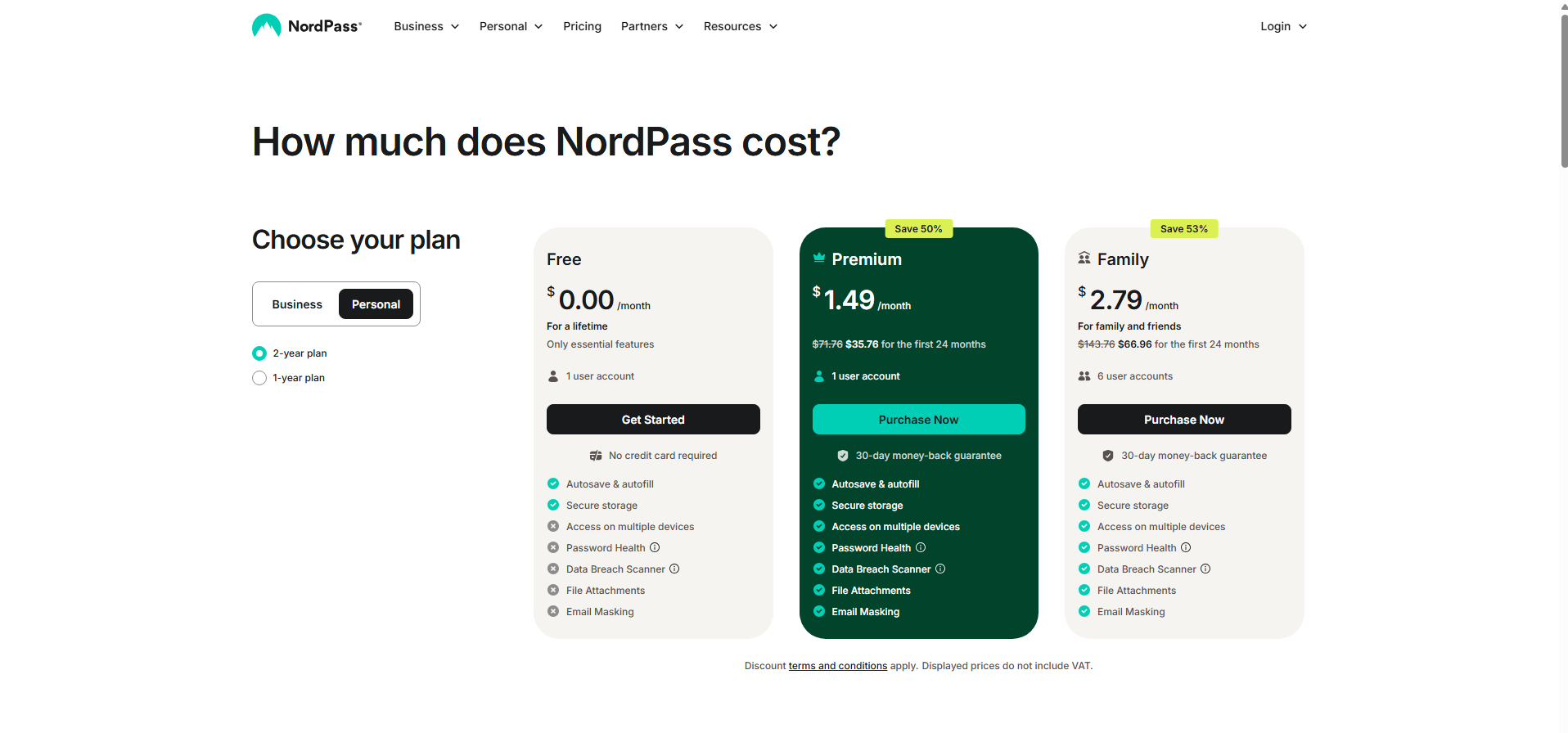
NordPass uses a tiered subscription model to serve individuals, families, and small teams. A limited free plan is available, though it restricts usage to a single device, making paid plans necessary for most users. Premium and Family plans are billed on a subscription basis, typically offering lower monthly rates when paid annually.
| Plan | Typical price (billed annually) | Suitable for | Limitations |
| Free | US$0 (one device) | Trial use | Device limitation |
| Premium | From ~US$1.49 / month | Individuals | Limited advanced controls |
| Family | From ~US$2.79 / month | Families | Not enterprise-focused |
| Business | From ~US$3.59 / user/month (min seats) | Small teams | Fewer compliance features |
Business pricing is calculated per user and requires a minimum number of seats. Overall, NordPass pricing prioritises simplicity over deep enterprise customisation.
4. Proton Pass
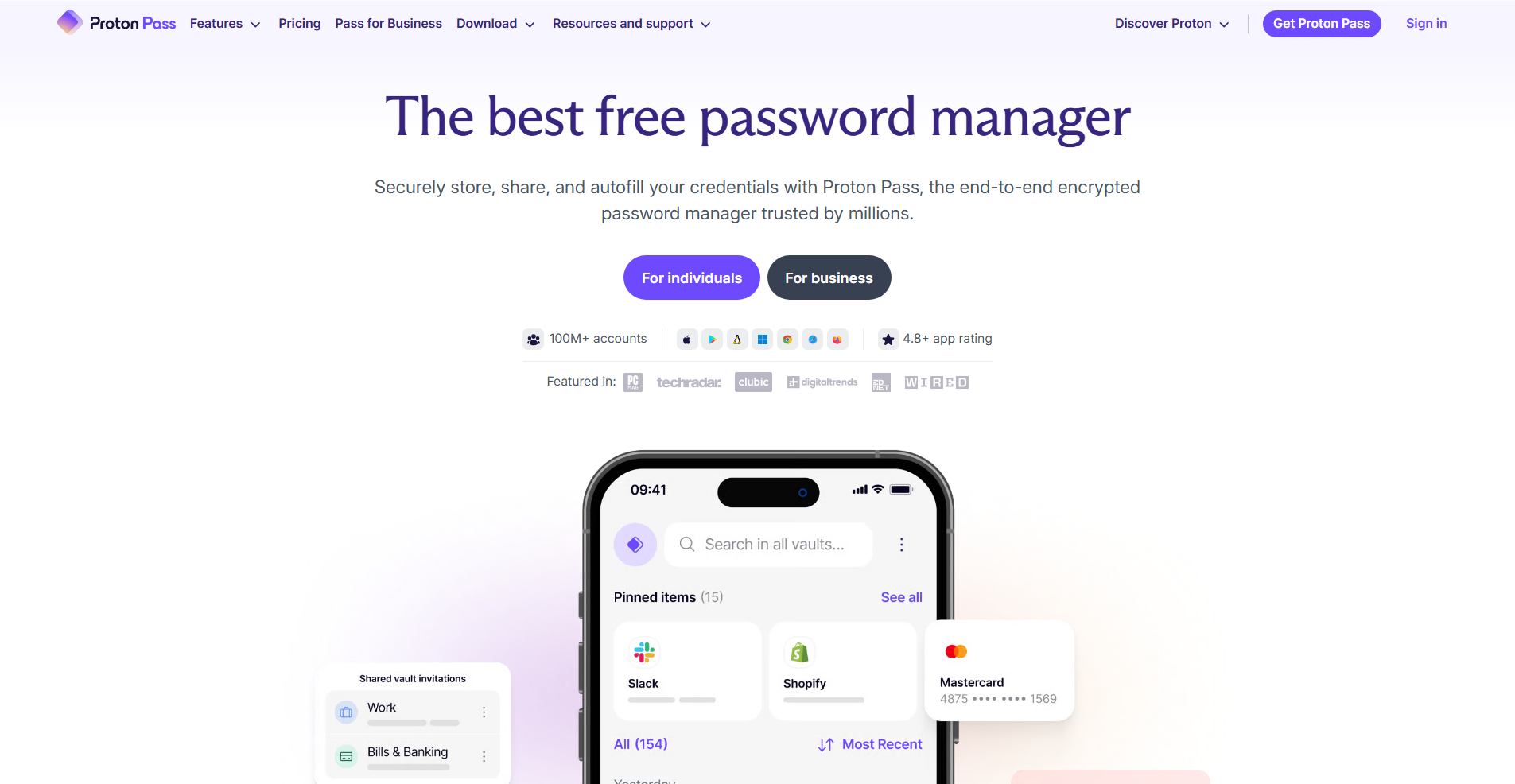
Proton Pass is part of Proton’s privacy-focused ecosystem and is designed for users who prioritise data protection and anonymity. It integrates tightly with Proton Mail and Proton’s broader security services.
Core features
- Open-source implementation
- Password and alias management
- Encrypted storage aligned with Proton’s privacy model
- Passkey support
Pricing and suitability
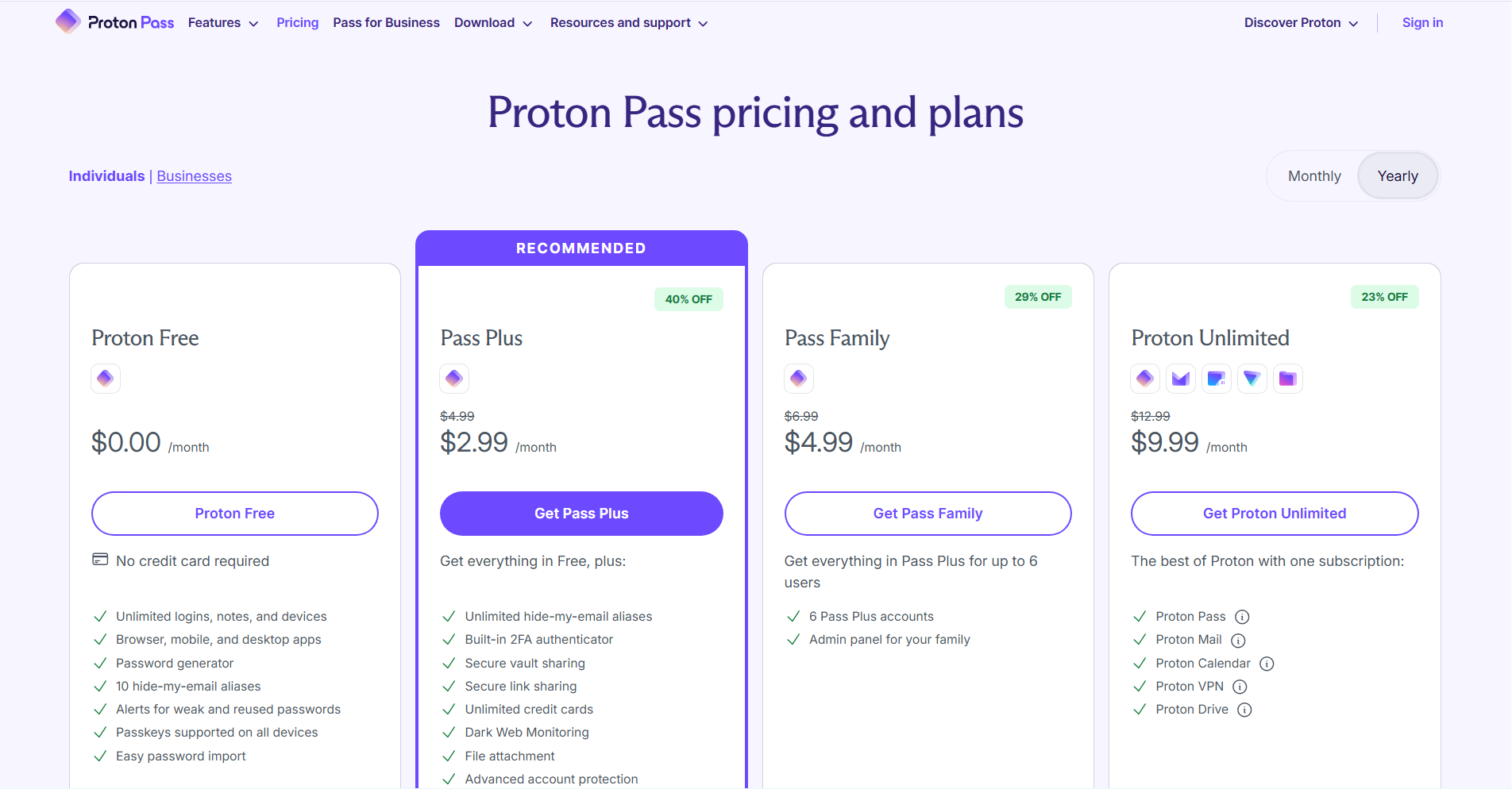
Proton Pass pricing is closely tied to Proton’s broader privacy ecosystem rather than being positioned purely as a standalone product. A free tier is available for basic use, while paid access is typically bundled through Proton Pass Plus or Proton Unlimited plans. This means users often pay for a package of services that includes email, storage, VPN, and password management.
Pricing is usually billed annually for the best value. As a result, Proton Pass pricing makes the most sense for users already invested in Proton’s ecosystem.
5. Keeper
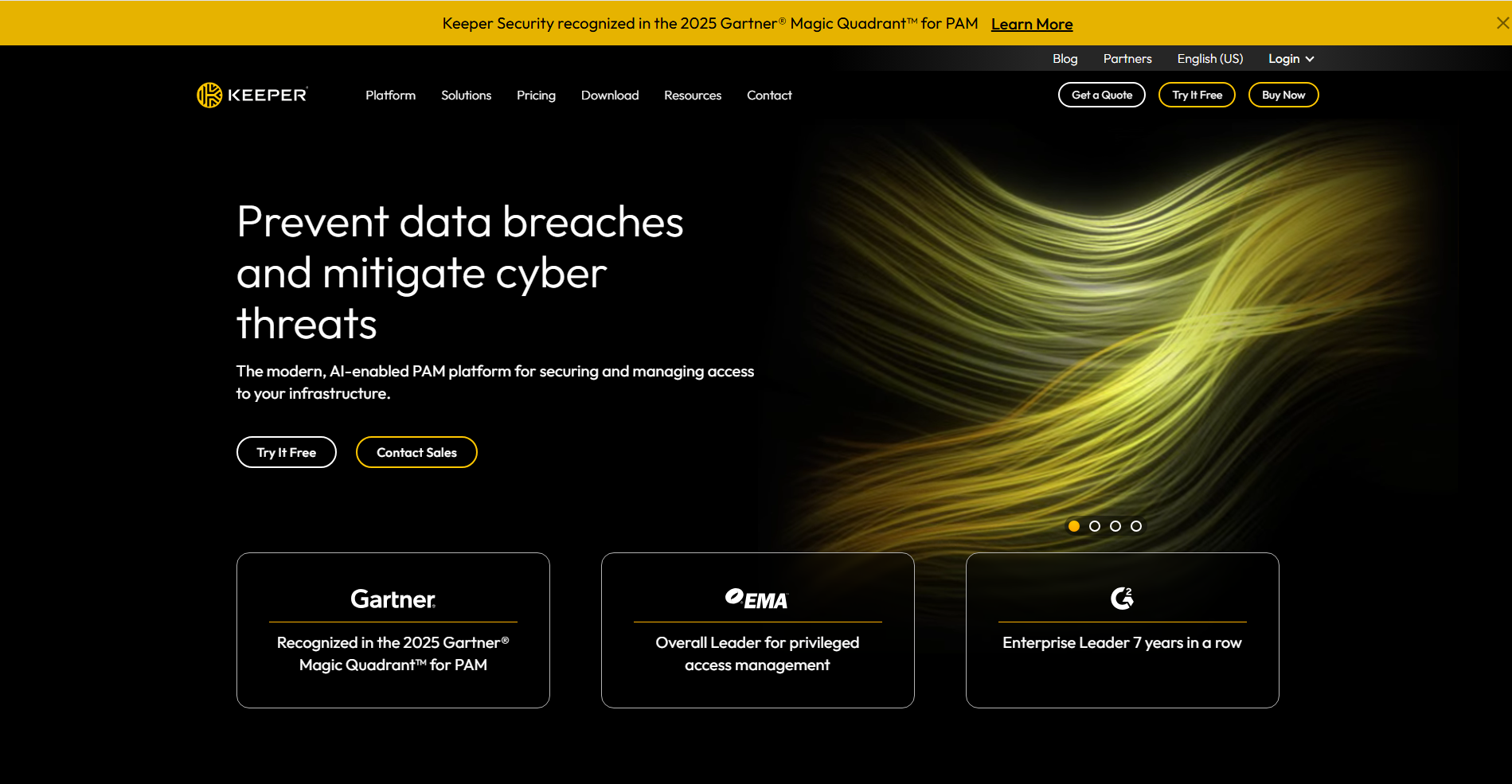
Keeper is built with security governance in mind and is commonly used by organisations that require granular access controls, audit logs, and compliance-oriented features.
Core features
- Zero-knowledge architecture
- Role-based access and granular sharing
- Audit logs and policy enforcement
- Enterprise security integrations
Pricing and suitability
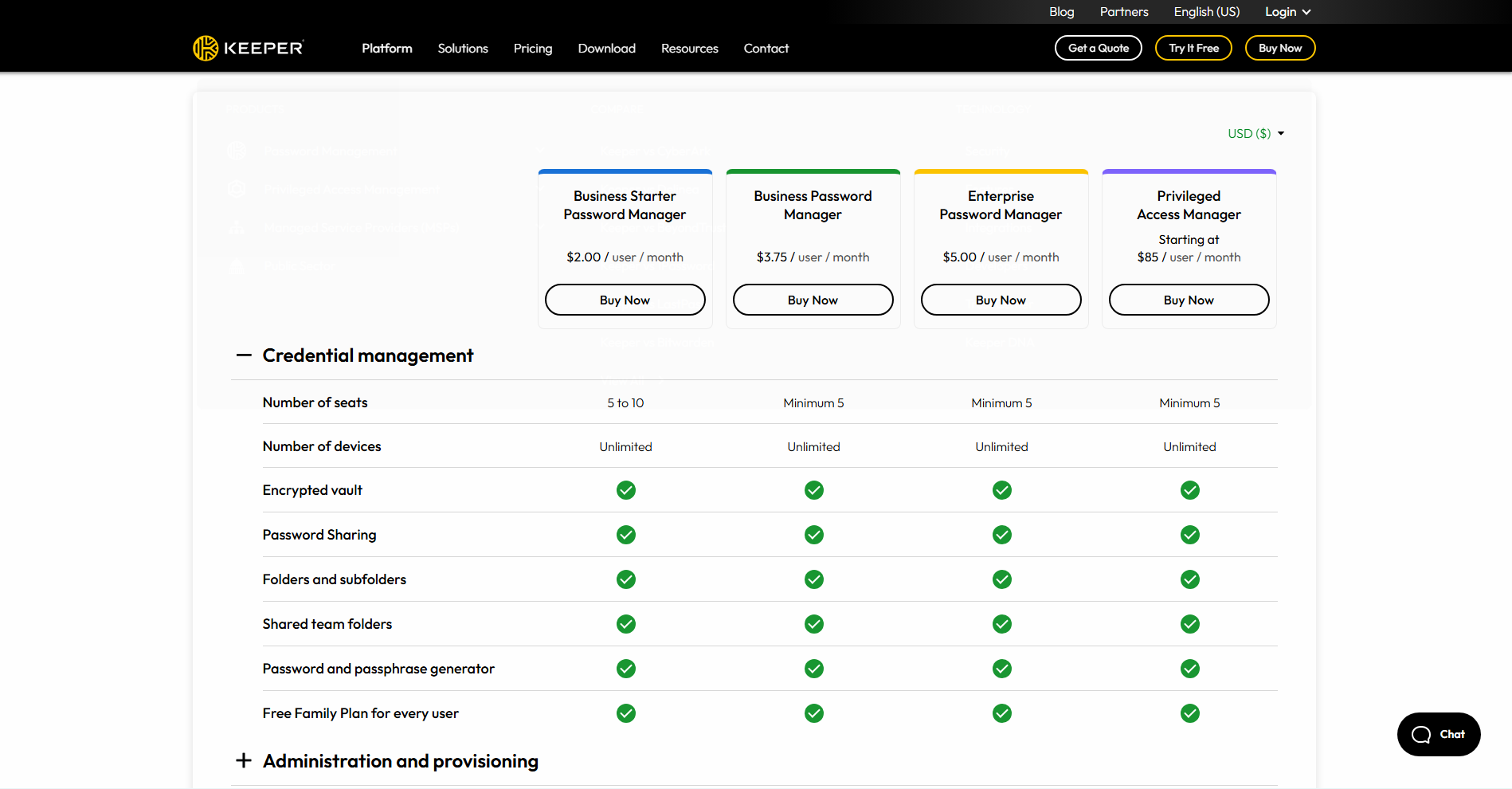
Keeper uses a modular pricing model that varies by user type, region, and feature requirements. Personal and family plans are available, while business and enterprise pricing is calculated per user and often expands with add-on features such as advanced reporting, compliance tools, or integrations.
| Plan | Typical pricing model | Suitable for | Limitations |
| Personal / Family | Region-dependent | Individual users | Heavier interface |
| Business | Per-user pricing with add-ons | Regulated teams | Costs increase with features |
| Enterprise | Custom pricing | Large organisations | Pricing transparency varies |
Pricing transparency varies by plan and deployment scale. Annual billing is commonly encouraged for business customers. This structure reflects Keeper’s focus on security governance rather than entry-level affordability.
6. RoboForm
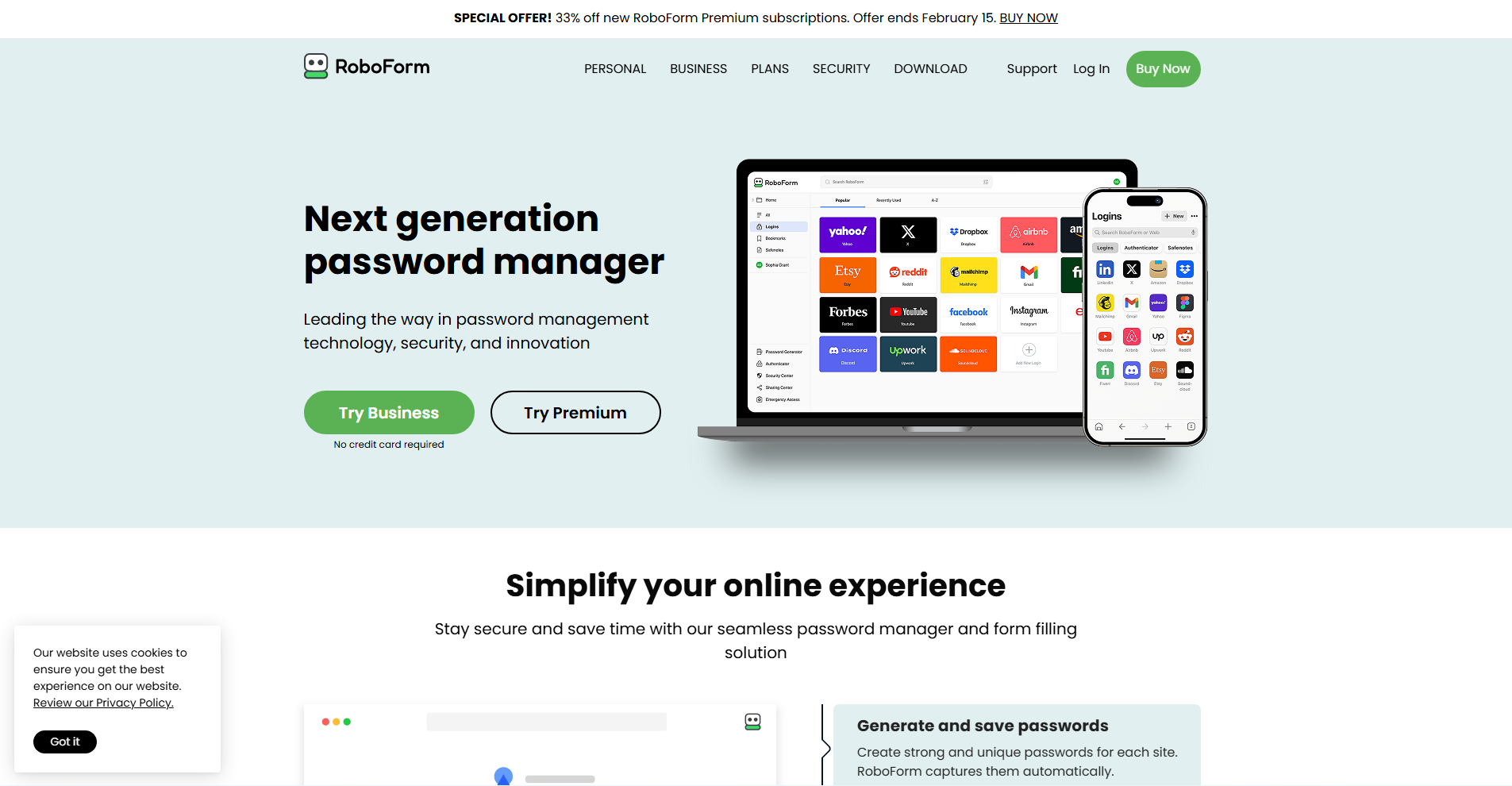
RoboForm is best known for its form-filling capabilities and affordability. It remains popular among users who value reliable autofill over advanced security workflows.
Core features
- Industry-leading form filling
- Password storage and sharing
- Cross-platform compatibility
Pricing and suitability
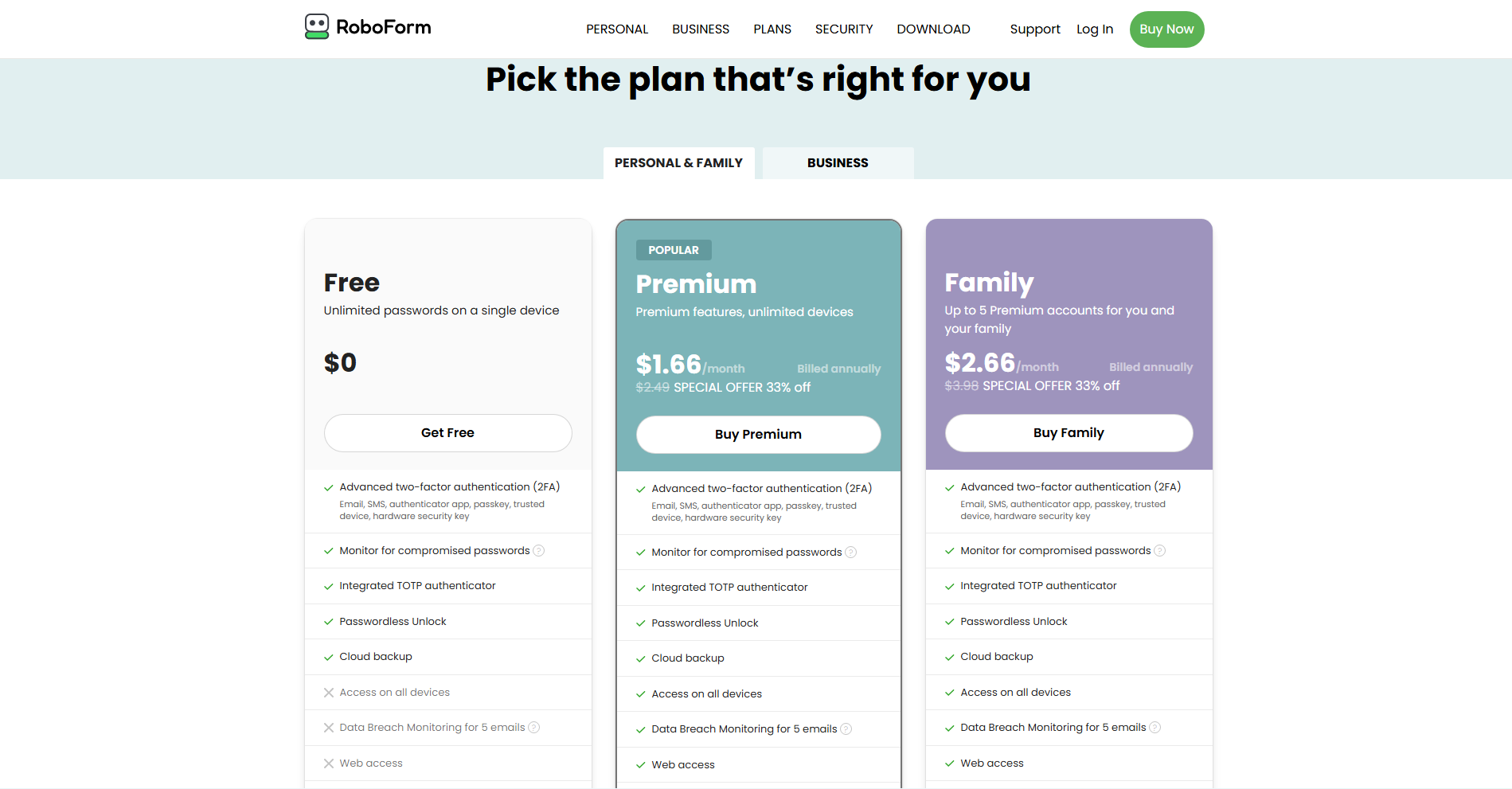
RoboForm offers straightforward subscription pricing with separate plans for individuals, families, and businesses. Pricing is generally lower than that of many premium password managers, especially when billed annually. The family plan allows multiple users under a single subscription, while business plans are priced per user for team use.
| Plan | Typical price (billed annually) | Suitable for | Limitations |
| Individual | From ~US$1.99 / month | Solo users | Less modern security UX |
| Family | ~US$2.66 / month | Households | Limited passkey depth |
| Business | ~US$3.33 / user/month | Small teams | Fewer advanced controls |
RoboForm’s pricing reflects its focus on affordability and form-filling functionality rather than advanced security workflows. It is often positioned as a budget-friendly alternative for everyday use.
7. KeePass
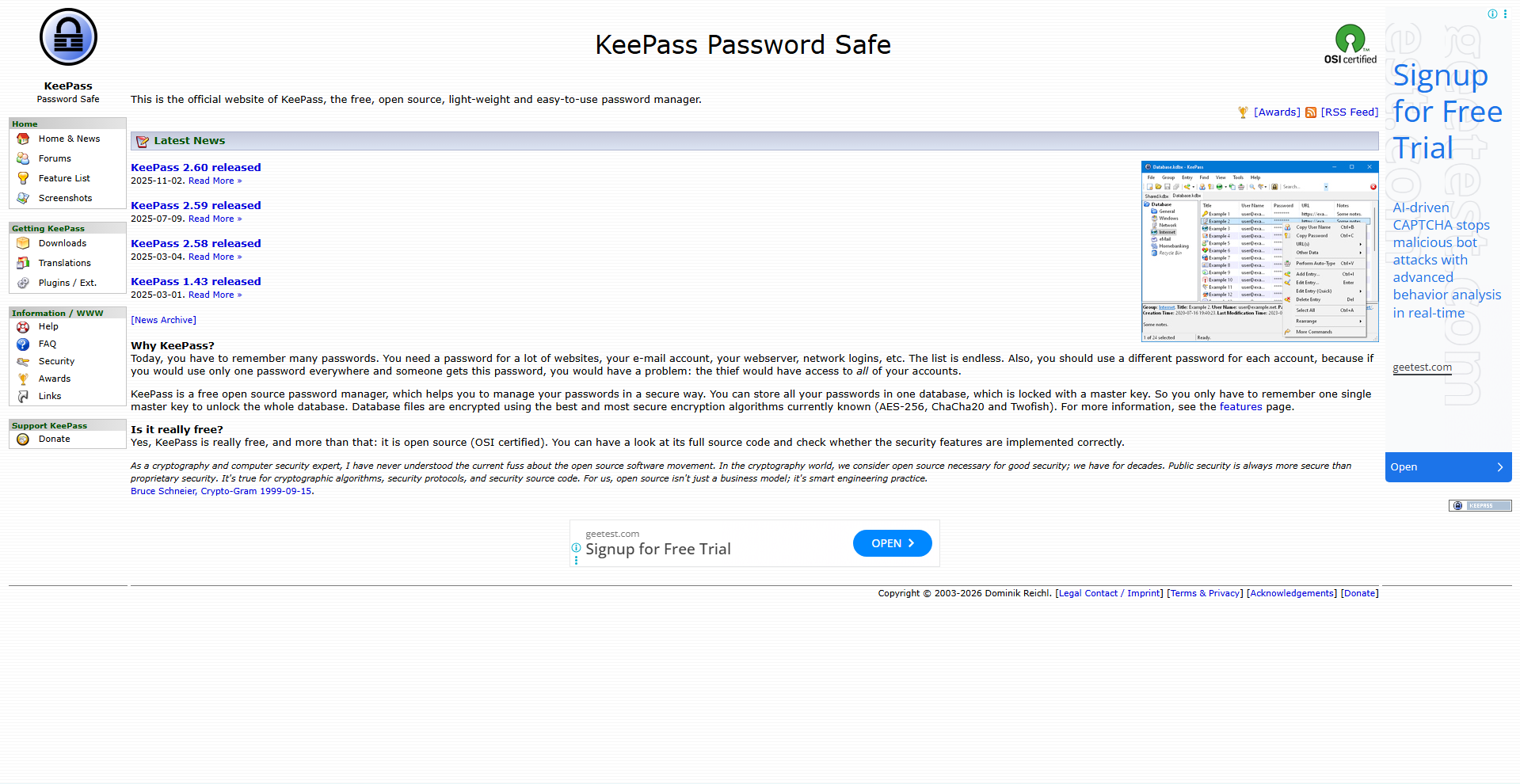
KeePass is an offline, open-source password manager designed for users who want full local control and do not rely on the cloud. It is powerful but requires hands-on management.
Core features
- Fully local, encrypted vault
- No cloud dependency
- Highly configurable
Pricing and suitability
KeePass uses a fundamentally different pricing model from most password managers, as it is fully open-source and free to use. The core project offers no paid plans, subscriptions, or bundled upgrades. Users are responsible for choosing how to store, sync, and back up their password databases, which may involve third-party tools or services. While this eliminates direct cost, it shifts responsibility to the user. As a result, KeePass pricing is best understood in terms of effort and technical skill rather than money.
| Plan | Price | Suitable for | Limitations |
| Open-source | Free | Technical users | Manual sync and backups |
How to Choose the Right Password Management Tool
Choosing the right password manager depends on how credentials are used and shared. Individuals should prioritise usability and recovery options, while families benefit from shared vaults and emergency access. Teams and organisations should focus on admin controls, auditability, and offboarding workflows.
Key considerations include platform compatibility, passkey readiness, sharing requirements, recovery mechanisms, and long-term cost. The best tool is not the one with the most features, but the one that aligns with your risk profile and operational needs.
Password Management Tools — Decision Matrix
| Tool | Best for | Strengths | Trade-offs |
| 1Password | Families and teams | Excellent UX, sharing, recovery | Higher cost |
| Bitwarden | Value-driven users and teams | Open-source, low pricing | Less guided UI |
| NordPass | Beginners | Simple setup, modern UX | Limited enterprise depth |
| Proton Pass | Privacy-focused users | Strong privacy model | Bundled pricing |
| Keeper | Regulated organisations | Governance and compliance | Feature-based pricing |
| RoboForm | Autofill reliability | Form filling, affordability | Weaker modern security UX |
| KeePass | Offline control | No cloud dependency | Manual management |
Conclusion
Password management tools have become a foundational layer of digital security. By centralising credential storage, enforcing strong authentication, and enabling controlled sharing, they reduce both security risk and operational friction. Each tool in this list serves a distinct audience, from privacy-focused individuals to compliance-driven organisations. Selecting the right password manager depends on how credentials support your broader digital and operational goals.
Security platforms often need to integrate with multiple business systems to automate user provisioning and access controls. API management tools help maintain secure, scalable, and reliable integrations between applications and services.