










Image optimisation tools are software, services, or plugins that reduce image file sizes by compressing, resizing, and converting formats such as JPEG and PNG into modern formats like WebP or AVIF. Their primary purpose is to improve website loading speed while preserving acceptable visual quality. These tools typically use lossy or lossless compression to remove unnecessary image data without noticeable degradation. By reducing image weight, they help improve user experience, Core Web Vitals, and overall search performance.
Images often account for the largest portion of page weight, making them a common bottleneck for site performance. Relying on unoptimised images can lead to slow load times, layout shifts, and poor mobile usability. Image optimisation tools provide a structured way to address these issues consistently rather than through manual, one-off fixes. As websites scale, automation becomes essential to maintain performance standards across large image libraries.
Why Image Optimisation Tools Matter for Website Performance and SEO
Search engines increasingly prioritise page experience signals such as loading speed and visual stability. Poorly optimised images directly affect metrics like Largest Contentful Paint and Cumulative Layout Shift, which are part of Google’s Core Web Vitals framework. When images load slowly or resize unpredictably, users are more likely to abandon the page before engaging with the content. Image optimisation tools help reduce these risks by enforcing consistent sizing, compression, and delivery.
Beyond performance, image optimisation also impacts crawl efficiency and bandwidth usage. Smaller image files reduce server load and improve content delivery across devices and network conditions. This is particularly important for mobile users and image-heavy pages such as e-commerce listings or editorial content. Consistent optimisation ensures that performance improvements are sustained as new images are added over time.
Key Benefits of Using Image Optimisation Tools
- Reduced image file sizes without significant quality loss
- Faster page load times across desktop and mobile
- Improved Core Web Vitals performance
- Automatic conversion to modern formats such as WebP and AVIF
- Scalable bulk optimisation for large media libraries
- More consistent image rendering and layout stability
- Lower bandwidth and hosting resource usage
1. TinyPNG
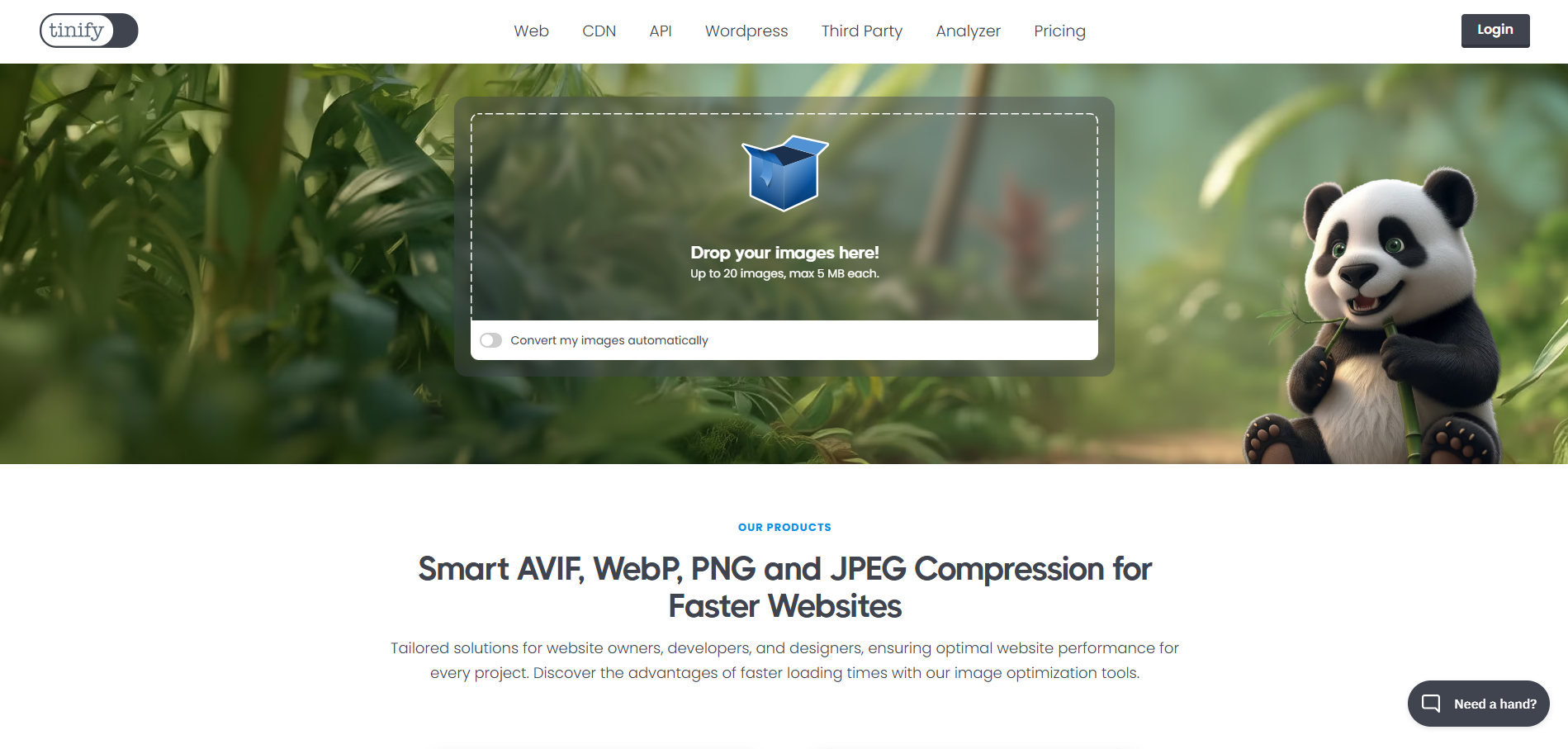
TinyPNG is a widely used web-based image optimisation tool focused on simplicity and reliable compression results. It supports JPEG, PNG, WebP, and AVIF formats, making it suitable for modern web requirements. Many designers and marketers use TinyPNG for quick, manual optimisation without needing technical setup. Its reputation and longevity have made it a common reference point in discussions about image compression.
For more advanced use cases, TinyPNG offers an API that enables automated optimisation within development workflows. This makes it suitable for teams that need consistent image handling across applications or content pipelines. However, pricing is credit-based, which can become costly at scale. The tool focuses purely on compression and format conversion rather than full delivery optimisation.
Core features include:
- Lossy compression with minimal visible quality loss
- Support for PNG, JPEG, WebP, and AVIF formats
- Browser-based interface for manual uploads
- API access for automated optimisation
Pricing and Suitability

TinyPNG follows a usage-based pricing model that accommodates both occasional and large-scale image optimisation needs. The free version allows limited manual uploads, making it suitable for small batches or infrequent use. For automated workflows, TinyPNG offers an API that charges per image optimised, allowing teams to scale usage based on demand. This model provides flexibility but can become costly for high-volume sites. Pricing predictability depends largely on how consistently images are processed each month.
2. Squoosh

Squoosh is an open-source image optimisation tool developed by Google that runs entirely in the browser. It allows users to compare different compression codecs side by side and adjust quality settings in real time. Because processing happens locally, images are not uploaded to external servers. This makes Squoosh appealing for privacy-sensitive or experimental use.
The tool is best suited for manual optimisation rather than production workflows. It does not support bulk processing, automation, or integrations with content management systems. Users must optimise each image individually, which limits scalability. As a result, Squoosh is often used for testing and learning rather than operational deployment.
Core features include:
- Local, browser-based image processing
- Multiple codecs, including WebP and AVIF
- Real-time quality and file size comparison
- No file uploads to third-party servers.
Pricing and Suitability
Squoosh is free to use and requires no account, subscription, or usage credits. All image optimisation occurs locally in the browser, eliminating concerns about upload limits or data usage. Because there is no paid tier, users do not have access to automation or bulk-processing features. The absence of pricing tiers reflects its purpose as a manual optimisation and experimentation tool. It is best treated as a utility rather than a scalable optimisation solution.
| Plan | Typical Price | Suitable For | Limitations |
| Free | US$0 | Manual testing and experimentation | No bulk or automation support |
3. ShortPixel

ShortPixel is a popular image optimisation service commonly used with WordPress websites. It offers automated compression, bulk optimisation, and automatic conversion to WebP or AVIF formats. Many site owners rely on ShortPixel to optimise large media libraries without manual intervention. The service is designed to balance ease of use with configurable compression settings.
ShortPixel operates on a monthly image quota, which makes costs predictable for most sites. However, high-traffic or image-heavy websites may need higher-tier plans. Incorrect configuration can occasionally affect image quality if aggressive settings are used. Despite this, it remains a strong option for CMS-based sites that need automation.
Core features include:
- WordPress plugin and standalone optimisation
- Bulk compression of existing media libraries
- Automatic WebP and AVIF generation
- Adjustable compression levels
Pricing and Suitability
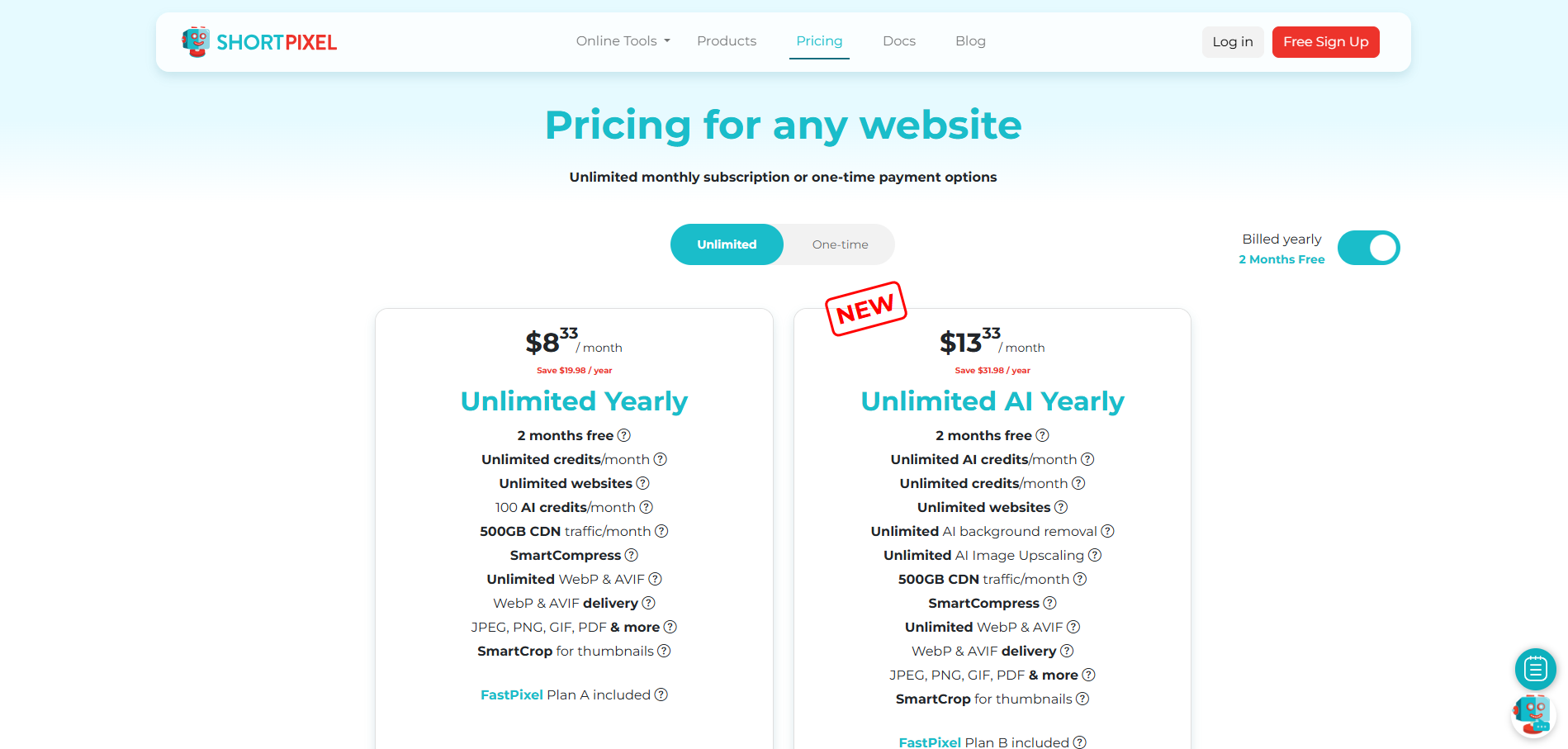
ShortPixel uses a monthly image quota system that allows users to choose a plan based on expected optimisation volume. A limited free tier is available for testing and small websites. Paid plans scale based on the number of images processed per month, helping keep costs predictable. Higher tiers are designed for image-heavy or high-traffic websites that require ongoing optimisation. Once the monthly quota is exceeded, users must upgrade or purchase additional credits.
| Plan | Typical Price | Suitable For | Limitations |
| Free | US$0 | Small sites, testing | Limited monthly images |
| Starter | ~US$4.99/mo | Blogs and SMEs | Monthly quota limits |
| Growth | ~US$9.99/mo | Growing sites | Cost increases with volume |
4. Smush
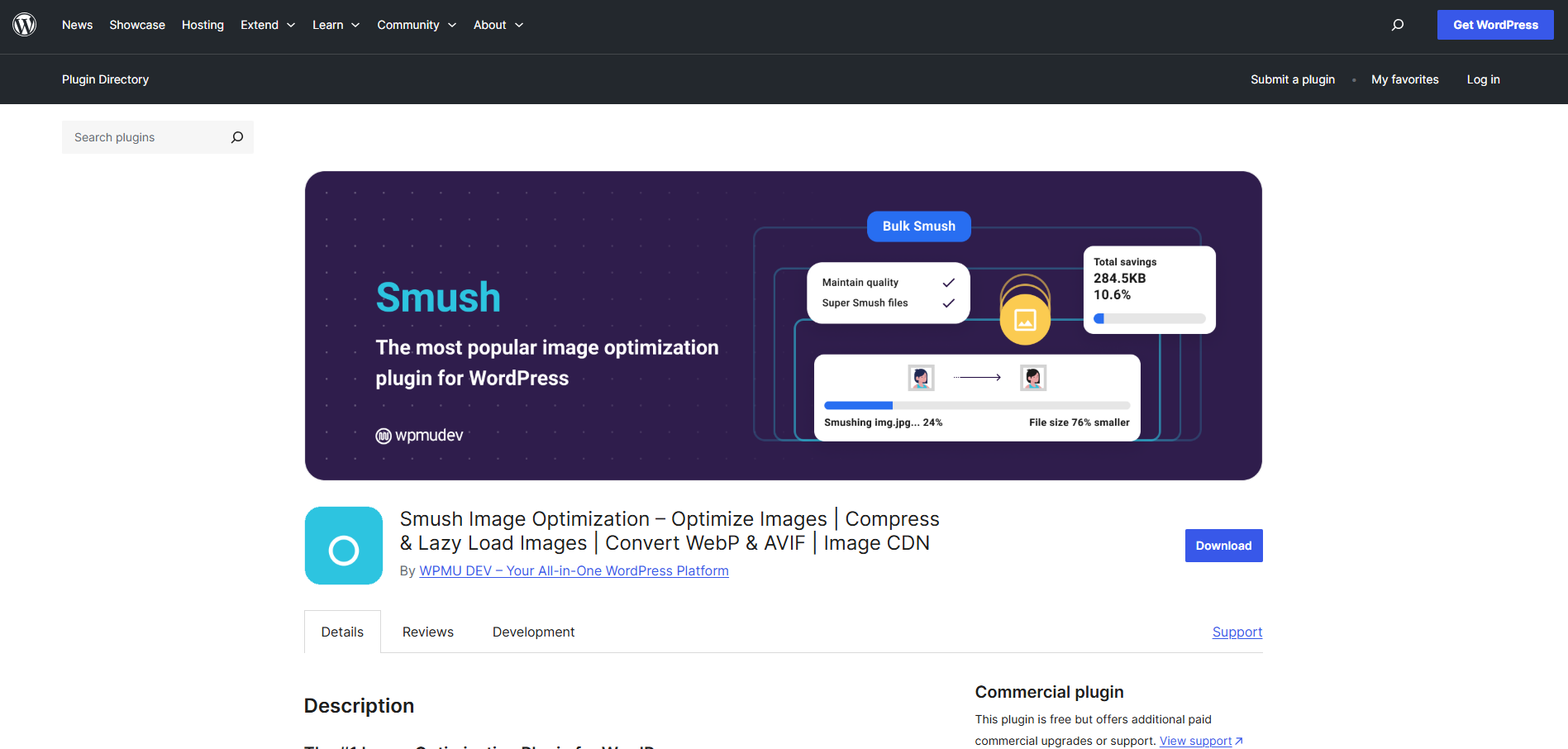
Smush is a WordPress-focused image optimisation plugin designed for ease of use. It automatically compresses images upon upload and uses lazy loading to improve perceived performance. Many WordPress users adopt Smush because it integrates seamlessly without requiring technical configuration. Its free version covers basic optimisation needs.
Advanced features, including CDN delivery and unlimited compression, are available with paid plans. These features can significantly improve performance for larger sites. However, the most impactful capabilities are locked behind a subscription. Smush is therefore best suited for WordPress users who want convenience over granular control.
Core features include:
- Automatic image compression on upload
- Lazy loading for improved page speed
- Bulk optimisation of media libraries
- Optional CDN integration
Pricing and Suitability

Smush offers a free version that covers basic image compression and lazy loading for WordPress sites. More advanced capabilities, such as unlimited compression and CDN delivery, are available through a paid subscription. Pricing is bundled within the WPMU DEV membership rather than sold as a standalone product. This structure can provide value for users managing multiple WordPress sites. However, smaller sites may find that essential performance features are locked behind the paid tier.
5. ImageKit

ImageKit is an image CDN and optimisation platform designed for performance-driven websites and applications. It provides real-time image transformation, resizing, and format conversion at the delivery layer. Developers use ImageKit to serve optimised images dynamically based on device and network conditions. This approach reduces the need for pre-optimising assets.
The platform requires more setup than simple plugins or web tools. Pricing is bandwidth-based, which can increase costs for high-traffic sites. ImageKit is therefore better suited to teams with technical resources. When implemented correctly, it offers strong performance gains at scale.
Core features include:
- Real-time image optimisation and resizing
- Automatic WebP and AVIF delivery
- CDN-based image delivery
- URL-based transformation parameters
Pricing and Suitability
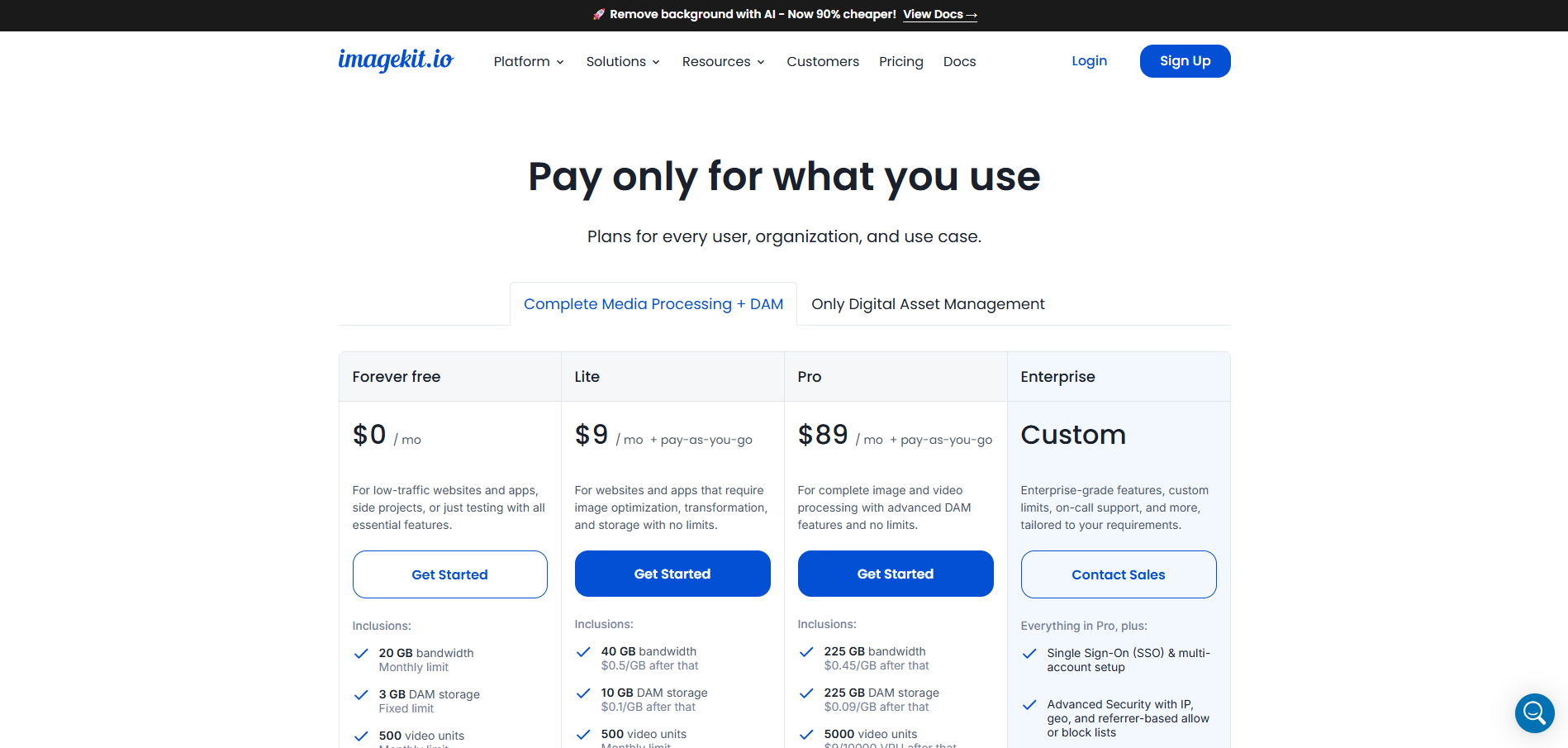
ImageKit uses a tiered pricing model based primarily on bandwidth and storage usage. A free plan is available for small projects and testing, but usage limits apply. Paid plans increase bandwidth allowances and unlock higher performance thresholds for growing sites. Because pricing scales with traffic, costs can rise as image delivery volume increases. This model is best suited for teams that can accurately monitor and forecast usage.
6. Cloudinary

Cloudinary is an enterprise-grade media management and optimisation platform. It supports advanced image optimisation, transformation, and delivery through APIs and SDKs. Many large organisations use Cloudinary to manage complex media workflows across multiple platforms. Its optimisation features extend beyond images to video and other assets.
Cloudinary’s flexibility comes with complexity and higher cost. Pricing is credit-based and can escalate quickly as usage grows. Smaller teams may find the platform excessive for simple image compression needs. It is best suited for organisations that require comprehensive media control and scalability.
Core features include:
- Advanced image transformation and optimisation
- Automatic format and quality selection
- SDKs for major programming languages
- Centralised media asset management
Pricing and Suitability

Cloudinary uses a credit-based pricing model that reflects usage across storage, transformations, and delivery. A free tier allows limited experimentation, but production usage typically requires a paid plan. Pricing increases as media volume and transformation complexity grow. Enterprise plans are customised based on organisational needs and scale. This structure offers flexibility but can be difficult to predict without careful usage tracking.
7. ImageOptim
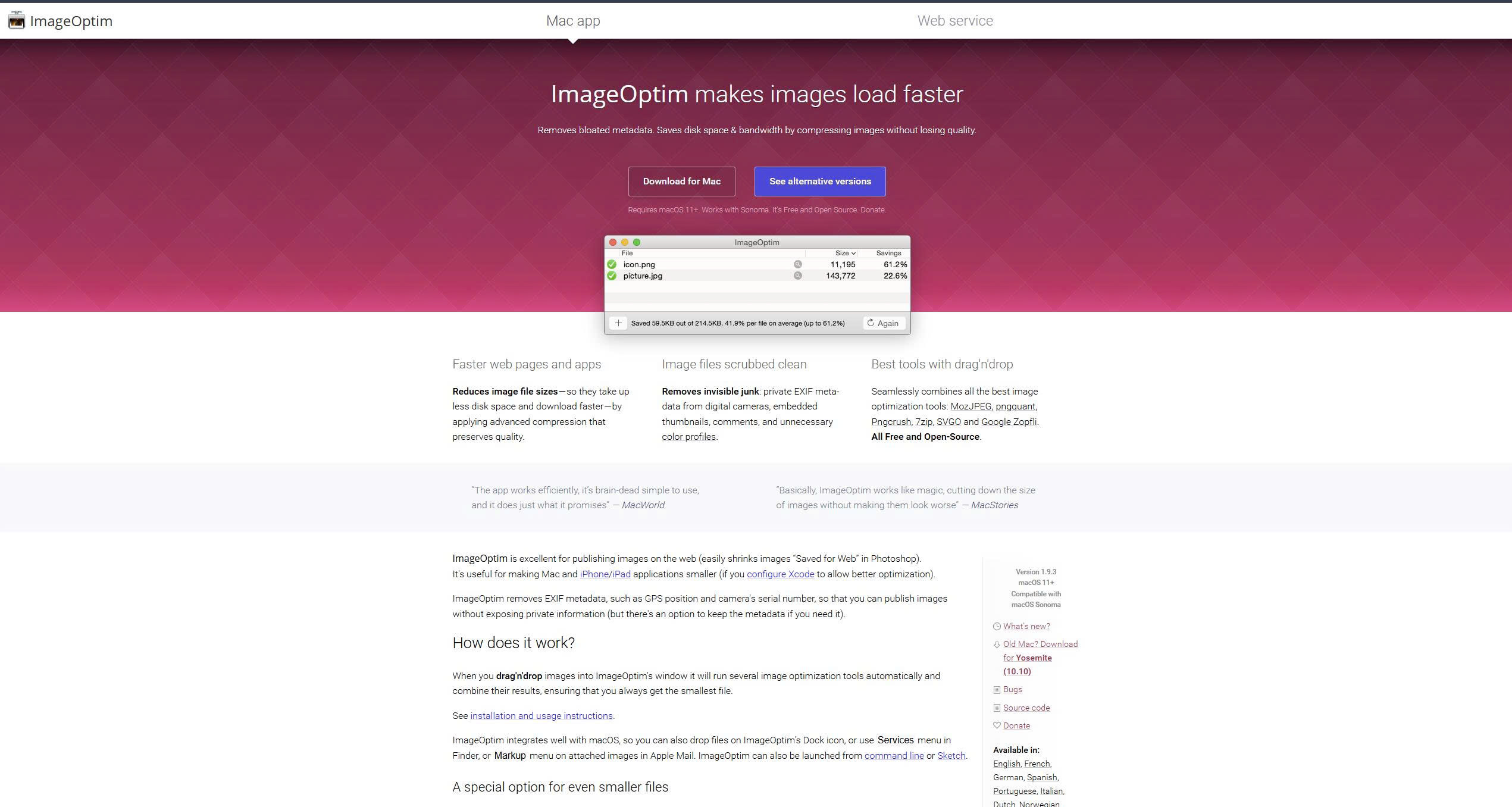
ImageOptim is a desktop-based image optimisation tool designed for macOS users who prefer local processing. It focuses on lossless compression to reduce file sizes without altering visual quality. Designers and developers often use ImageOptim before uploading assets to websites or content management systems. Because optimisation happens locally, no images are uploaded to external servers.
ImageOptim is best suited for manual workflows rather than automation. It does not provide APIs, plugins, or real-time delivery features. Bulk optimisation is supported, but only through local file handling. As a result, it works well as a pre-publishing optimisation step rather than a scalable production solution.
Core features include:
- Lossless compression for PNG, JPEG, and SVG
- Local desktop processing
- Bulk drag-and-drop optimisation
- No external uploads or tracking
Pricing and Suitability
ImageOptim is completely free and does not use subscriptions, credits, or usage limits. As a desktop application, it runs locally on macOS and requires no account setup. The absence of paid tiers reflects its focus on manual, lossless optimisation rather than automation. There are no upgrade paths or premium features available. Users trade scalability and automation for simplicity and privacy.
| Plan | Typical Price | Suitable For | Limitations |
| Free | US$0 | Designers and manual workflows | macOS only, no automation |
How to Choose the Right Image Optimisation Tool
Choosing an image optimisation tool depends on how images are created, managed, and delivered within your workflow. Small websites may only need manual or plugin-based optimisation, while larger platforms benefit from automated or CDN-level solutions. Technical capability, budget, and image volume all influence which tool is appropriate. No single tool addresses every use case effectively.
Many teams combine tools to cover different needs, such as manual optimisation for hero images and automated delivery for dynamic content. The goal is to maintain consistent performance rather than relying on occasional fixes. Understanding the trade-offs between simplicity and control helps avoid over-engineering. Selecting the right tool should support long-term scalability.
Tools Comparison Matrix
| Tool | Best For | Strengths | Limitations |
| TinyPNG | Manual and API compression | Simple, reliable | Credit-based pricing |
| Squoosh | Testing and experimentation | Local processing | No automation |
| ShortPixel | WordPress automation | Easy bulk optimisation | Monthly limits |
| Smush | WordPress convenience | Lazy loading included | Pro features gated |
| ImageKit | Dynamic delivery | Real-time optimisation | Technical setup |
| Cloudinary | Enterprise media workflows | Powerful APIs | High cost |
| ImageOptim | Local lossless compression | Privacy-friendly | Desktop only |
Conclusion
Image optimisation tools play a critical role in maintaining website performance and search visibility. By reducing file sizes and ensuring efficient delivery, these tools help improve user experience and Core Web Vitals metrics. Each tool in this list serves a distinct purpose, from simple manual compression to enterprise-grade media management. Choosing the right solution depends on scale, technical requirements, and long-term performance goals.