A human resource tool keeps your employee records, payroll, leave, onboarding and compliance in one system, so your team grows without HR admin growing with it. The seven tools below cover small-business HR and payroll, all-in-one HR and IT, enterprise human capital management and shift-based teams. Each entry gives you current prices where the vendor publishes them and the kind of business it suits.
Why Human Resource Tools Matter for Your Business
An HR platform turns scattered employee admin into one accurate record, which cuts payroll errors and compliance risk as you hire and expand into new locations. Manual HR processes become slow and risky once you add remote staff or new regions. The right platform centralises:
- Employee records and contracts
- Time and attendance data
- Compensation and payroll information
- Benefits administration
- Performance reviews
- Compliance reporting
With these in one place, your HR team sees the whole employee lifecycle and spends its time on hiring, development and planning rather than paperwork. If payroll sits outside your HR system, pair it with dedicated payroll management tools.
What does an HR tool give your team?
An HR tool gives your team one employee database, automated payroll and leave processes, and the audit trail compliance needs. The main benefits:
- Centralises employee data and workflows.
- Automates payroll, tax and benefits processing where included.
- Records an audit trail for compliance.
- Speeds up onboarding and hiring.
- Shows labour costs in real time.
- Scales as your headcount grows.
1. BambooHR
BambooHR suits small and mid-sized businesses that want clean employee records, onboarding and performance tracking without enterprise complexity.
BambooHR is a cloud HRIS (human resources information system) that replaces spreadsheets with one source of truth for workforce data. Growing teams and professional services firms use it for structured records and simple workflows.
Core features:
- Employee records and document management
- Time-off tracking
- Onboarding workflows
- Performance management
- Reporting and audit trails
How is BambooHR priced?
BambooHR charges a flat monthly fee for teams of 25 or fewer and a per-employee fee above that, across Core, Pro and Elite plans. Payroll is sold as a separate add-on.
| Plan | 25 employees or fewer | More than 25 employees | Suitable for | Limits |
|---|---|---|---|---|
| Core | USD 250 a month | USD 10.25 per employee per month | Small teams | Core HR only |
| Pro | USD 425 a month | USD 17.50 per employee per month | Growing businesses | Payroll extra |
| Elite | USD 650 a month | USD 25 per employee per month | Larger organisations | Highest cost |
Source: BambooHR pricing, checked October 2026.
2. Rippling
Rippling suits fast-growing and remote-first companies that want HR, payroll, benefits and IT device management in one platform.
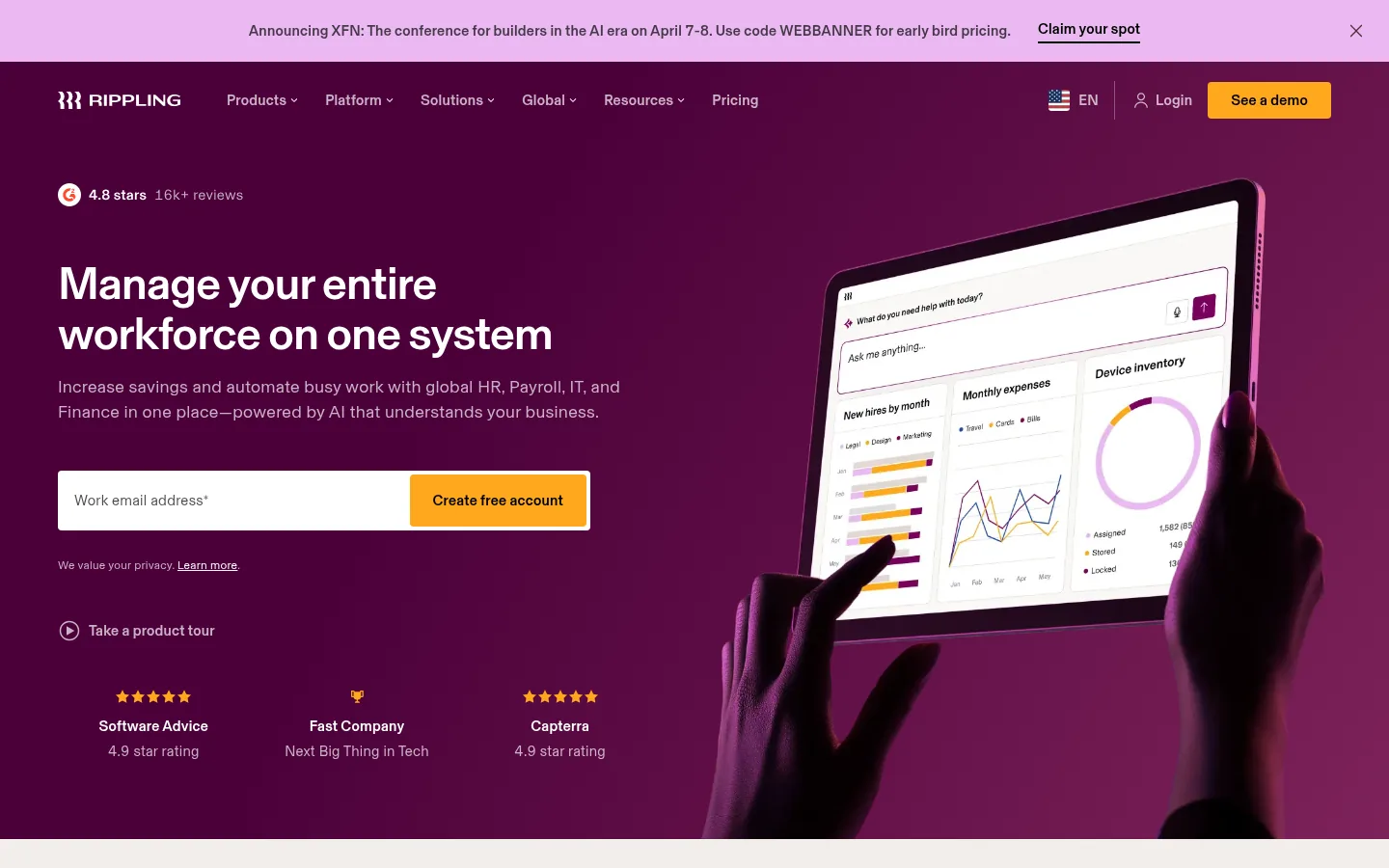
Screenshot: Rippling website, October 2026.
Rippling automates onboarding, pay, benefits and app and device provisioning from a single system, so a new hire gets payroll, accounts and a laptop from one workflow.
Core features:
- Payroll and tax filing
- Benefits administration
- Onboarding and offboarding
- Compliance management
- IT device and app provisioning
How is Rippling priced?
Rippling starts at USD 8 per employee per month for the platform, with payroll, benefits, IT and other modules priced on top. Costs rise as you add modules, so get a full quote for the set you need.
| Element | Price | Billing | Suitable for | Watch-out |
|---|---|---|---|---|
| Platform | From USD 8 per employee per month | Per employee | Small teams | Modules cost extra |
| Added modules | Quote-based | Per module | Scaling teams | Add-ons increase cost |
| Enterprise set-up | Quote-based | Custom | Large organisations | Set-up and training time |
Source: Rippling pricing, checked October 2026.
3. Gusto
Gusto suits US startups and small businesses that want payroll, tax filing and benefits in one simple platform.
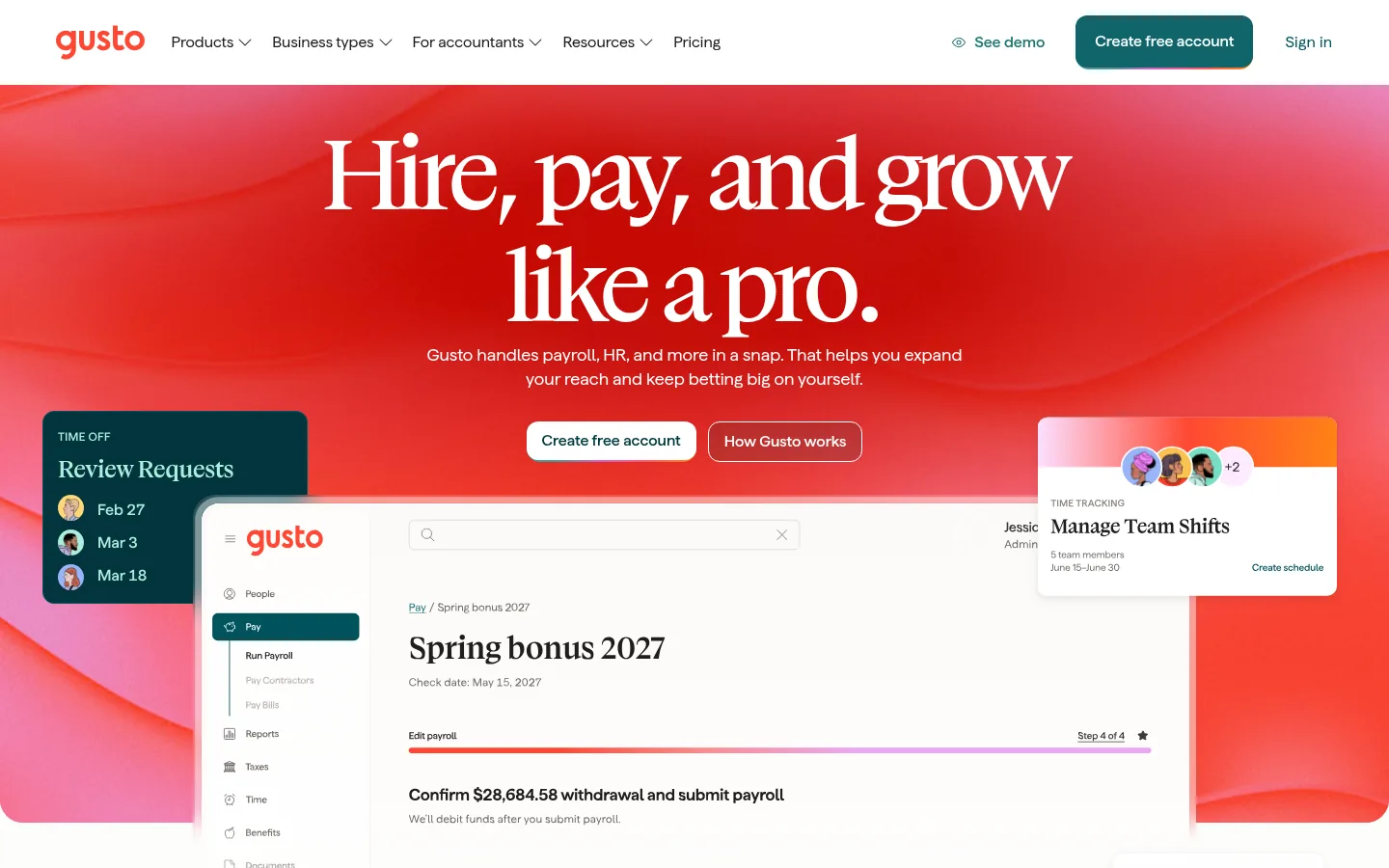
Screenshot: Gusto website, October 2026.
Gusto combines payroll, tax filing, benefits administration and employee self-service. It is widely used by US small and mid-sized businesses that want payroll and compliance handled without enterprise complexity.
Core features:
- Automated payroll and tax filing
- Direct deposit
- Benefits administration
- Employee self-service
- Time tracking and paid time off
How is Gusto priced?
Gusto charges a monthly base fee plus a fee per person, with higher plans adding HR, compliance and support features.
| Plan | Base fee | Per person | Suitable for | Limits |
|---|---|---|---|---|
| Simple | USD 49 a month | USD 6 a month | Small teams | Fewer HR tools |
| Plus | USD 80 a month | USD 12 a month | Growing businesses | Costs rise with headcount |
| Premium | USD 180 a month | USD 22 a month | Compliance-heavy teams | Highest cost |
Source: Gusto pricing, checked October 2026.
4. ADP Workforce Now
ADP Workforce Now suits mid-sized and large organisations that need reliable payroll, tax compliance and reporting across several locations.
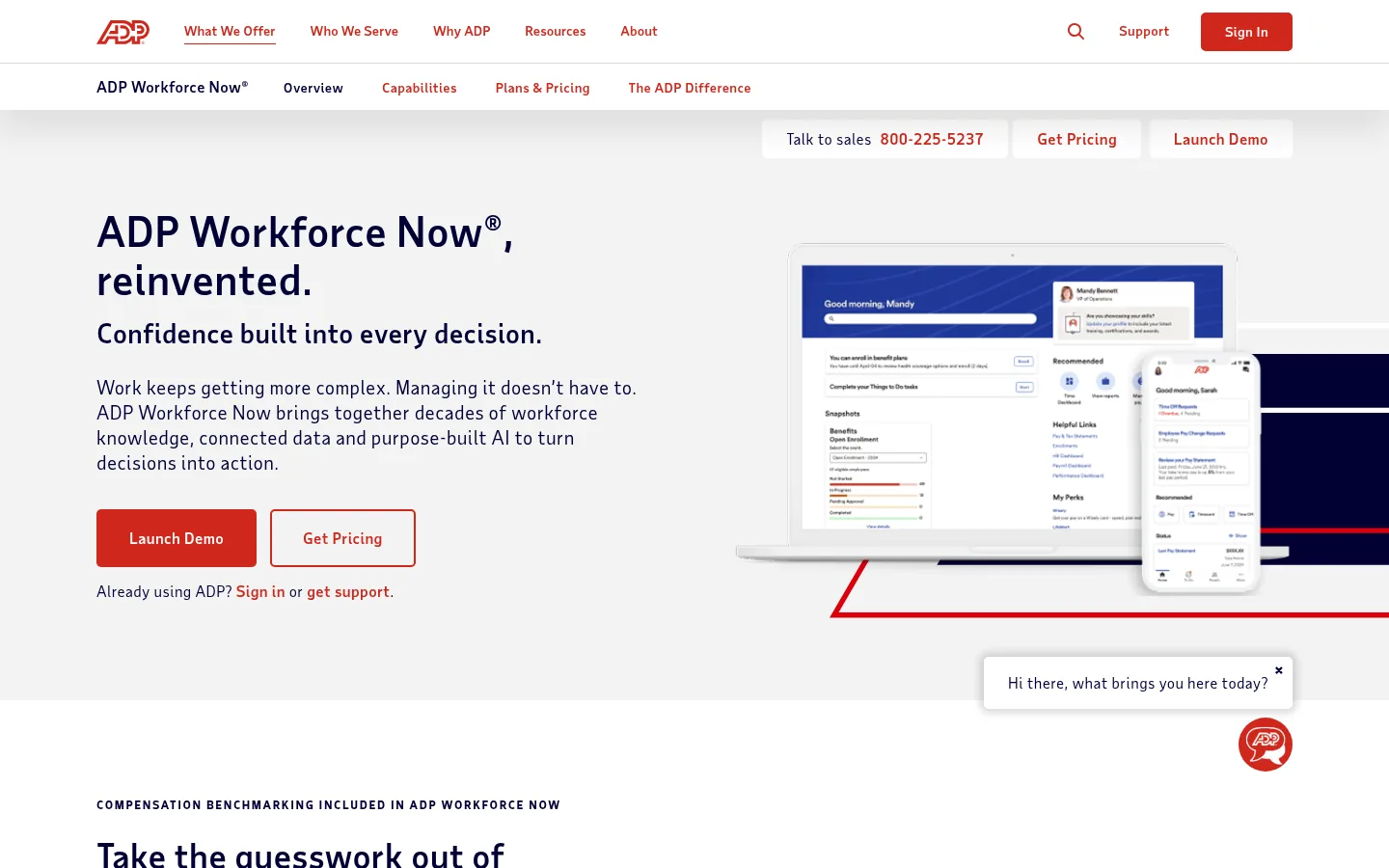
Screenshot: ADP Workforce Now website, October 2026.
ADP Workforce Now handles payroll, tax compliance, benefits and workforce reporting across multiple locations and regulatory environments. Companies choose it for compliance depth and payroll at scale.
Core features:
- Payroll and tax compliance
- Benefits administration
- Workforce analytics
- Time and attendance
- Regulatory reporting
How is ADP Workforce Now priced?
ADP quotes Workforce Now on headcount, locations, payroll complexity and the modules you choose. As an enterprise-grade platform, it costs more than SME-focused tools and starts with a sales consultation.
| Element | What it covers | Price | Suitable for | Watch-out |
|---|---|---|---|---|
| Core HR and payroll | Payroll, tax, records | Quote-based | Mid-sized firms | Higher base cost |
| Added modules | Benefits, time, talent | Quote-based | Large organisations | Longer implementation |
| Multi-country payroll | Global payroll services | Quote-based | Multinational teams | Premium pricing |
Source: ADP Workforce Now, checked October 2026.
5. Workday HCM
Workday HCM suits large enterprises that need global HR operations, workforce planning and analytics tied to finance.
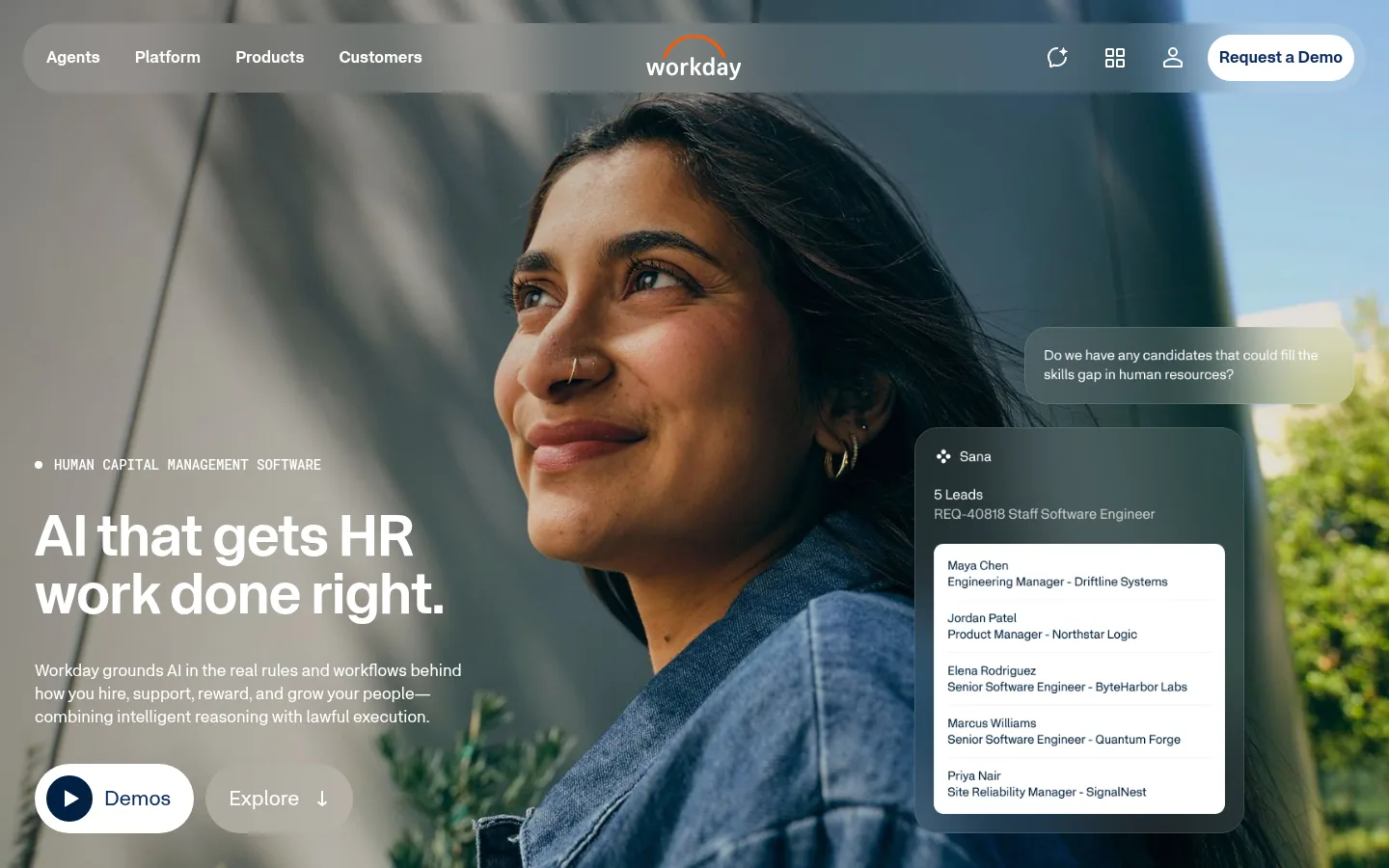
Screenshot: Workday HCM website, October 2026.
Workday Human Capital Management covers global employee records, payroll, talent management and workforce planning. Large companies use it for strategic workforce insight and compliance across regions.
Core features:
- Global employee records
- Payroll and compliance
- Talent management
- Workforce planning
- HR analytics
How is Workday HCM priced?
Workday HCM uses fully custom enterprise pricing, set by workforce size, geographic coverage and the modules you implement. Long contracts and implementation services make it a fit for large, complex organisations.
| Element | What it covers | Price | Suitable for | Watch-out |
|---|---|---|---|---|
| Core HCM | Records, organisation, reporting | Quote-based | Mid-large enterprises | High set-up cost |
| Talent and planning | Recruiting, performance, planning | Quote-based | Multinational firms | Long onboarding |
| Payroll | Payroll in supported countries | Quote-based | Complex organisations | Country coverage varies |
Source: Workday HCM, checked October 2026.
6. Zoho People
Zoho People suits small and mid-sized businesses that want affordable, configurable HR software, especially if they already use Zoho apps.
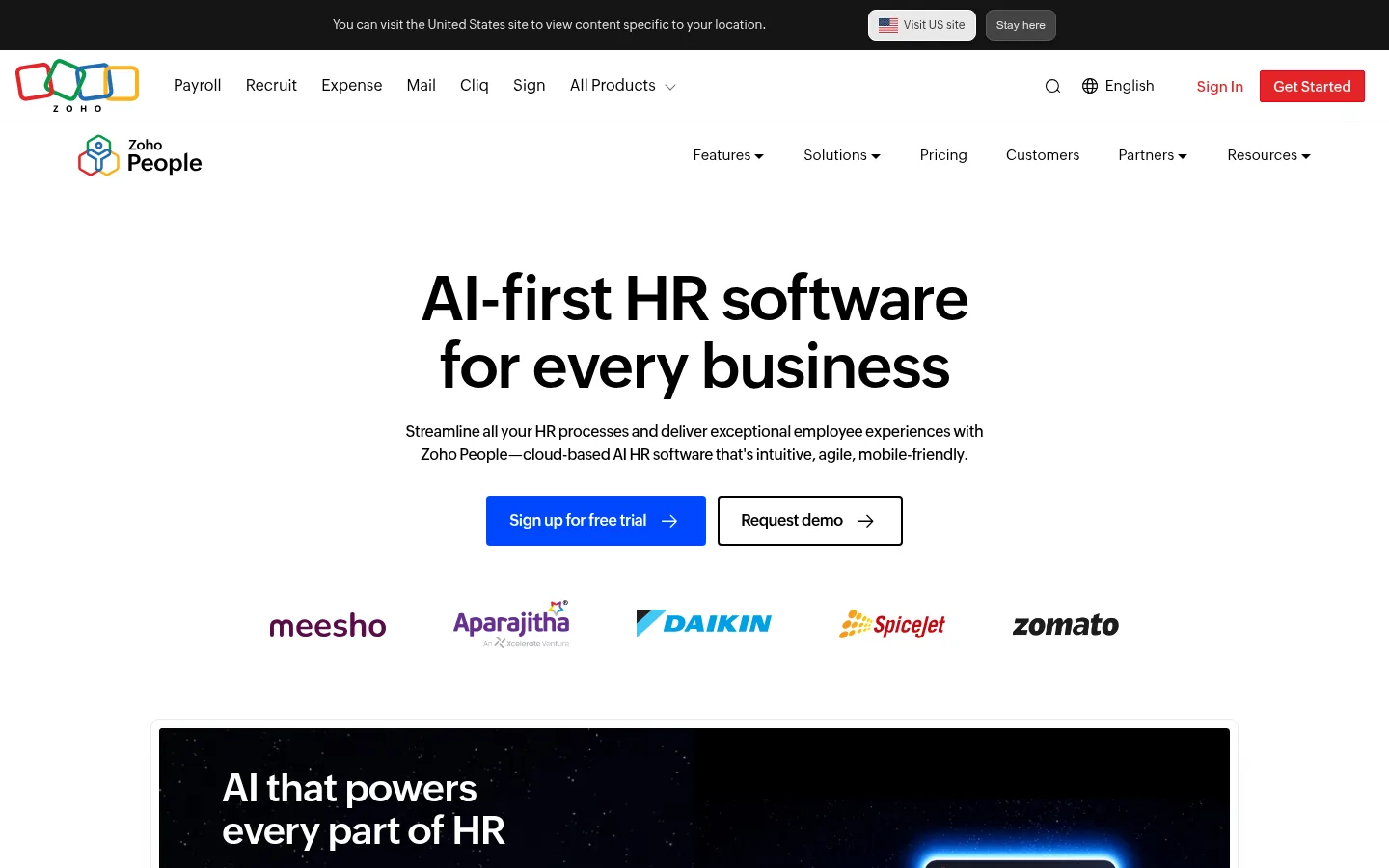
Screenshot: Zoho People website, October 2026.
Zoho People manages employee records, attendance, leave and performance, and connects with the wider Zoho suite. Payroll runs through separate Zoho products or integrations.
Core features:
- Employee database
- Attendance and leave tracking
- Performance management
- Self-service portals
- Workflow automation
How is Zoho People priced?
Zoho People prices per user per month in tiers that add features as you move up, with payroll handled outside the HR plans. Check current prices for your region on the Zoho People website, since Zoho sets prices by country.
7. Homebase
Homebase suits retail, hospitality and service businesses with hourly, shift-based staff who need scheduling and time tracking first.
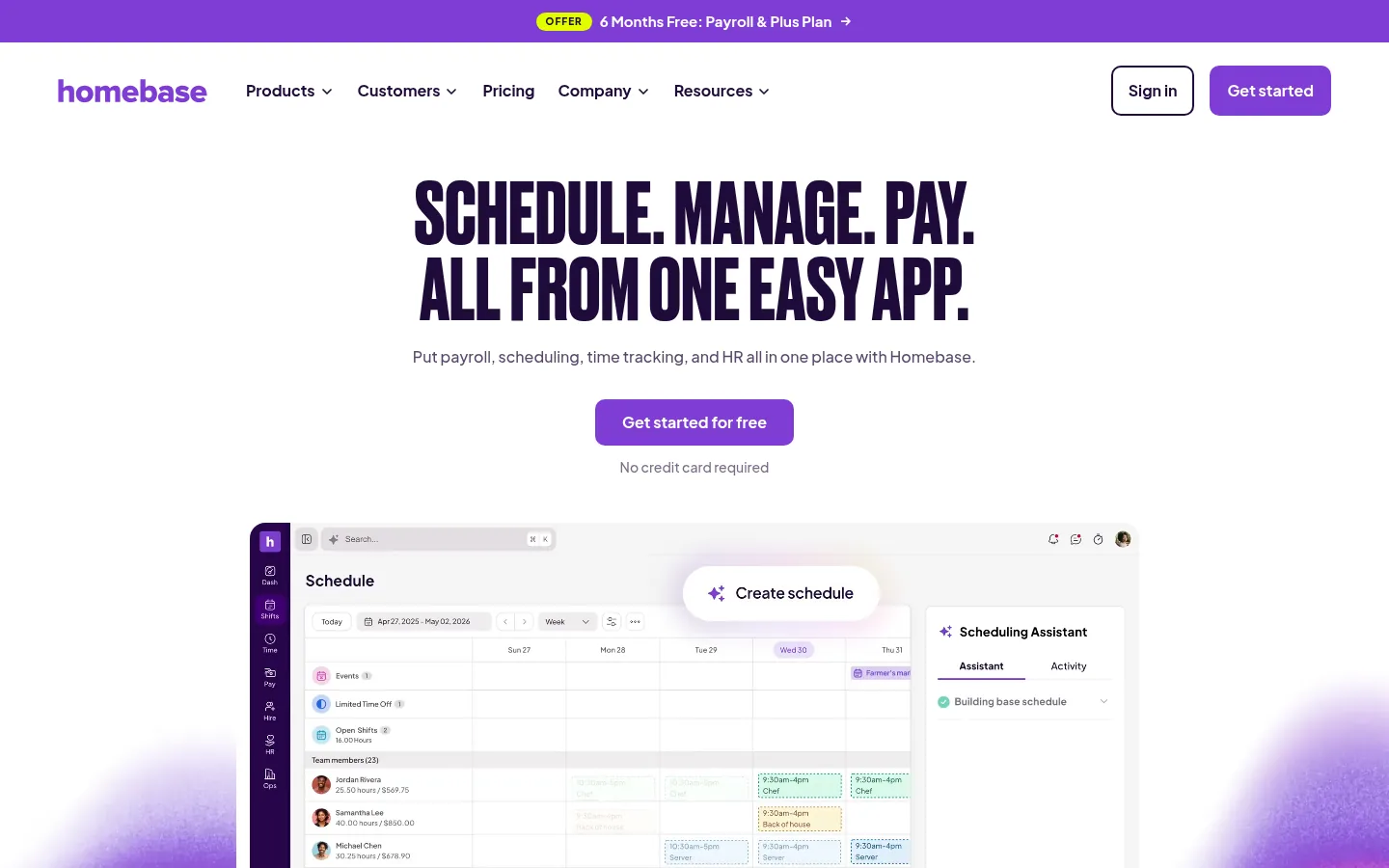
Screenshot: Homebase website, October 2026.
Homebase focuses on shift scheduling, time clocks, payroll support and basic HR for small businesses with hourly teams.
Core features:
- Shift scheduling
- Time tracking
- Payroll integrations
- Hiring and onboarding
- Team messaging
How is Homebase priced?
Homebase prices per location per month, with a free plan for one location of up to 10 employees.
| Plan | Price | Billing | Employees | Suitable for |
|---|---|---|---|---|
| Basic | USD 0 | Free | Up to 10, one location | Very small teams |
| Essentials | USD 30 per location per month | Monthly or annual | Unlimited | Small hourly teams |
| Plus | USD 70 per location per month | Monthly or annual | Unlimited | Growing service teams |
| All-in-one | USD 120 per location per month | Monthly or annual | Unlimited | Teams wanting full features |
Source: Homebase pricing, checked October 2026.
How to Choose the Right Human Resource Tool
Choose the HR tool that fits your headcount, payroll complexity and compliance needs, then check the total cost once add-ons are included. Small teams with simple payroll often start with Gusto or Zoho People. Mid-sized companies wanting a structured HRIS look at BambooHR or Rippling. Large, regulated organisations need ADP Workforce Now or Workday HCM. Hourly workforces get the most from Homebase. Weigh four factors: number of employees, payroll across jurisdictions, the automation you need and total cost of ownership.
Which HR tool fits which business?
Match the tool to your workforce: small teams, scaling companies, global enterprises or shift-based staff.
| Tool | Best for | Strengths | Limitations | Pricing model |
|---|---|---|---|---|
| BambooHR | Small and mid-sized HRIS | Clean HR data, onboarding | Payroll is an add-on | Flat fee, then per employee |
| Rippling | Automated HR and IT | Unified automation | Module costs add up | Per employee plus modules |
| Gusto | US small business payroll | Simple payroll and benefits | Fewer advanced HR features | Base fee plus per person |
| ADP Workforce Now | Mid-sized and large firms | Compliance depth | Enterprise pricing | Quote-based |
| Workday HCM | Global enterprises | Planning and analytics | High cost and long set-up | Quote-based |
| Zoho People | Zoho users and SMEs | Affordable, configurable | Payroll separate | Per user, tiered |
| Homebase | Hourly teams | Scheduling and time clock | Not a full HRIS | Per location |
Spend Less Time on HR Admin
The right HR tool removes manual admin, so your team spends its time on hiring, people development and planning. Each platform above suits a different size and type of workforce. Pair it with payroll management tools, employee engagement tools and time tracking tools, or browse more roundups on the SaaS tools hub.