









Mobile-friendly B2B tools are business software platforms designed to support essential workflows on smartphones and tablets. Rather than serving as secondary interfaces, these tools provide direct access to sales pipelines, marketing performance, analytics, and operational systems, allowing professionals to monitor activity and take action without being tied to a desktop.
For SMEs and growing organisations, mobile-friendly B2B tools reduce decision delays and improve workflow continuity across distributed teams. The most effective platforms go beyond responsive design by enabling approvals, real-time engagement tracking, and performance monitoring. This article explains why mobile-friendly B2B tools matter for modern business operations and highlights seven platforms businesses use to manage work on the go.
Why Mobile-Friendly B2B Tools Matter for Modern Business Operations
As business operations become more distributed, teams increasingly rely on access to core systems outside traditional office environments. Sales managers approve deals between meetings, marketing leads check performance while travelling, and founders monitor business health without opening a laptop. When critical tools are desktop-dependent, decision-making slows and workflows fragment.
Mobile-friendly B2B tools address this by ensuring key systems remain accessible wherever work happens. Rather than limiting mobile access to passive reporting, these platforms support real-time visibility and action across sales, marketing, analytics, and operations. This allows teams to maintain momentum without waiting to return to a desk.
Key outcomes for businesses include:
- Faster approvals and response times
- Improved continuity across remote and hybrid teams
- Reduced operational friction caused by tool access gaps
- Better visibility for managers and decision-makers
How Mobile-Friendly B2B Tools Differ from Desktop-Dependent Software
Desktop-dependent B2B software assumes work happens in fixed locations with full screens, keyboards, and uninterrupted sessions. While these tools may offer mobile access, functionality is often limited to viewing data rather than managing workflows. This creates gaps between awareness and action.
Mobile-friendly B2B tools are designed to support shorter, task-focused interactions. They prioritise usability, speed, and clarity so users can review information, make decisions, and move work forward within limited time windows. Instead of replicating desktop complexity, these platforms optimise core actions for mobile contexts.
This distinction is important when evaluating tools. Mobile access alone does not make software mobile-friendly. The difference lies in whether meaningful business actions can be completed on mobile devices without disrupting workflows.
1. Salesforce
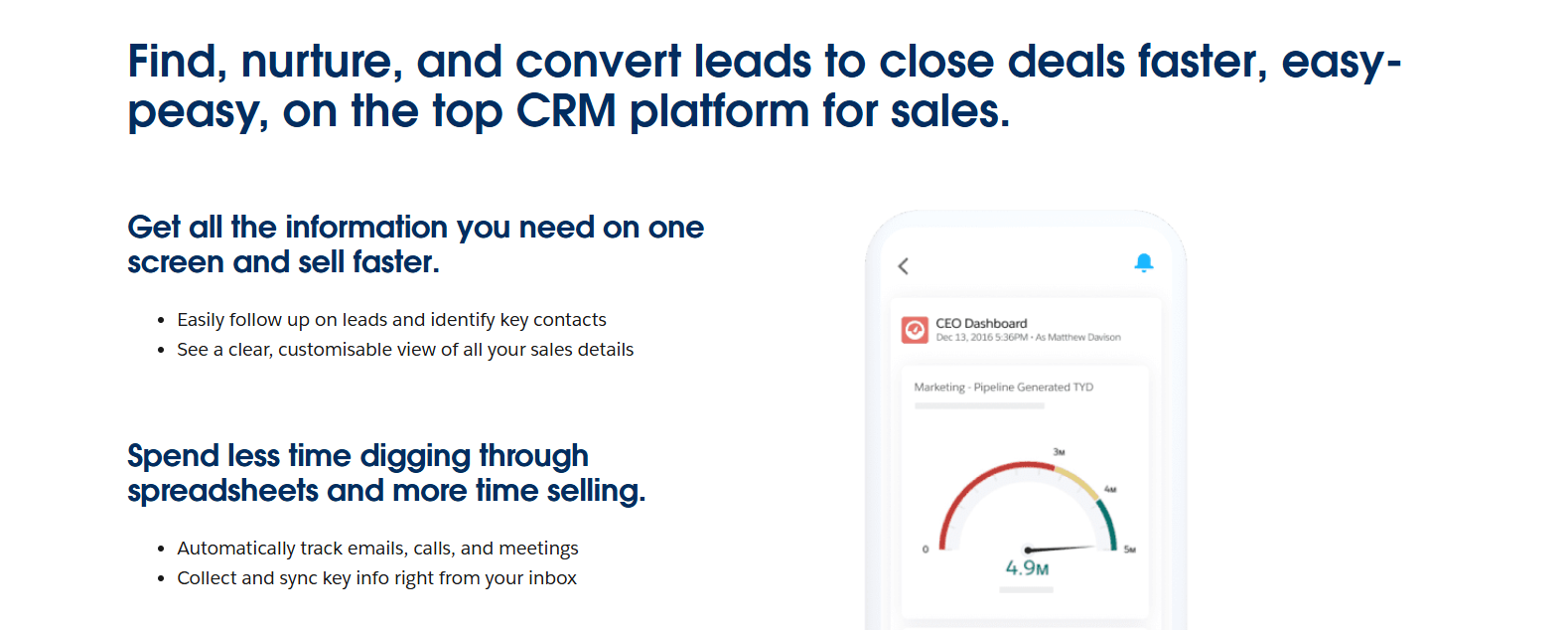
System role: Mobile-Friendly CRM for Enterprise Sales Operations
Salesforce functions as a central CRM system for managing sales pipelines, customer relationships, and revenue forecasting at scale. It supports structured sales processes across teams, ensuring opportunities, accounts, and activities remain visible and coordinated. In complex sales environments, Salesforce acts as the system of record that connects sales activity with forecasting and reporting.
Its mobile experience allows sales teams and managers to stay connected to pipeline activity while away from their desks. Users can review opportunities, update deal stages, approve actions, and respond to changes in real time. This makes Salesforce suitable for organisations where decisions need to continue outside office hours or fixed locations.
Pricing plans
Salesforce pricing is structured around product editions and user licences. Entry-level plans support basic CRM functionality, while higher tiers add automation, analytics, and advanced controls. Costs increase as organisations require deeper customisation and reporting.
| Plan | Starting price (USD/month) | Included features | Limitations |
| Free | 0 | Basic CRM for up to 2 users, contacts, and opportunities | Very limited users and features |
| Starter | ~$25 per user | Core sales features, basic reporting | Limited automation and customisation |
| Professional | ~$100 per user | Sales automation, forecasting, and advanced reporting | Higher cost for growing teams |
| Enterprise | ~$165 per user | Advanced workflows, analytics, and controls | Add-ons often required |
| Unlimited | ~$330 per user | Full feature access and support | Premium pricing |
2. HubSpot
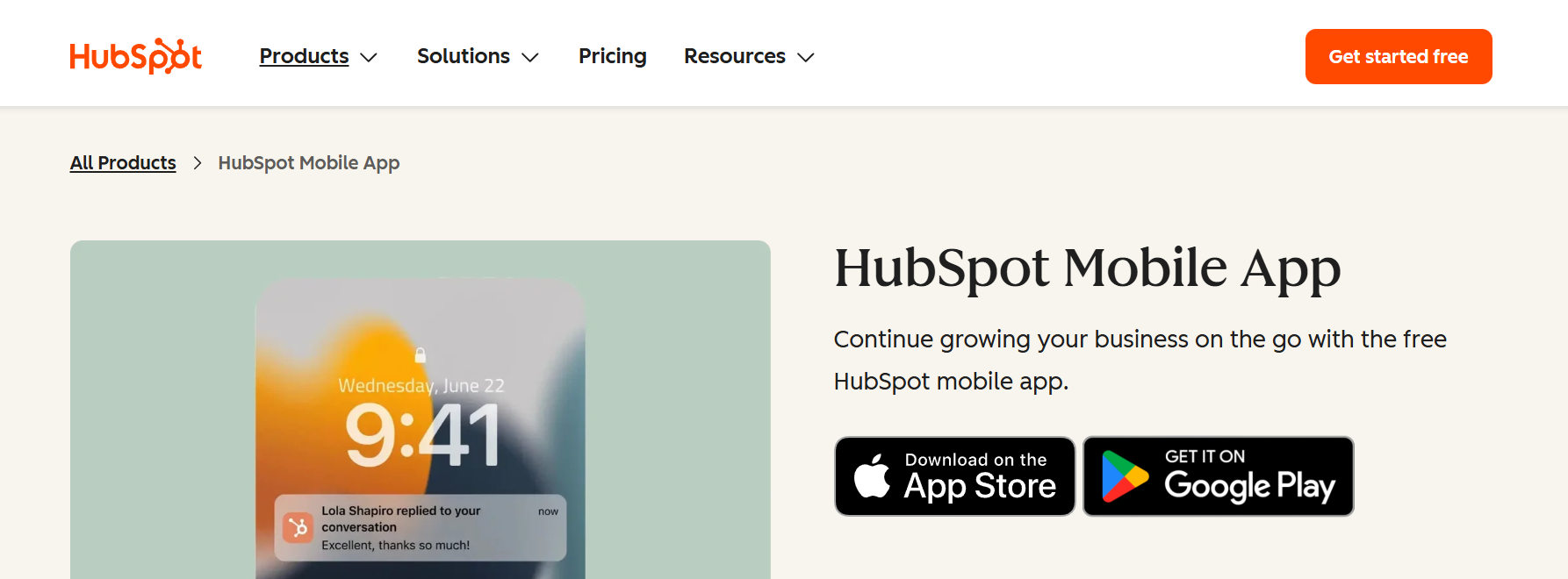
System role: Mobile-Accessible CRM and Marketing Platform for Growth Teams
HubSpot combines CRM, marketing, and sales tools into a single platform designed to support growing teams. It centralises contact data, deal tracking, and campaign performance, allowing teams to manage customer relationships without relying on disconnected systems. This makes HubSpot a common choice for SMEs that need to coordinate across functions without the enterprise-level complexity.
Its mobile experience focuses on visibility and follow-up rather than full campaign execution. Sales and marketing teams can review contacts, track deals, monitor engagement, and respond to leads while away from their desks. This supports continuity across distributed teams, especially where responsiveness impacts conversion.
Pricing plans
HubSpot offers a free CRM with optional paid hubs that unlock advanced features. Pricing scales by feature set and usage, which businesses should factor in as teams and databases grow.
| Plan | Starting price (USD/month) | Included features | Limitations |
| Free | 0 | Contact management, deal tracking, and basic reporting | Limited automation and reporting |
| Starter | From $15 per user | Basic automation, email tools | Feature depth restricted |
| Professional | From $90 per user | Workflows, advanced reporting | Costs increase with scale |
| Enterprise | From $150 per user | Advanced controls and permissions | High cost for SMEs |
3. LinkedIn Sales Navigator
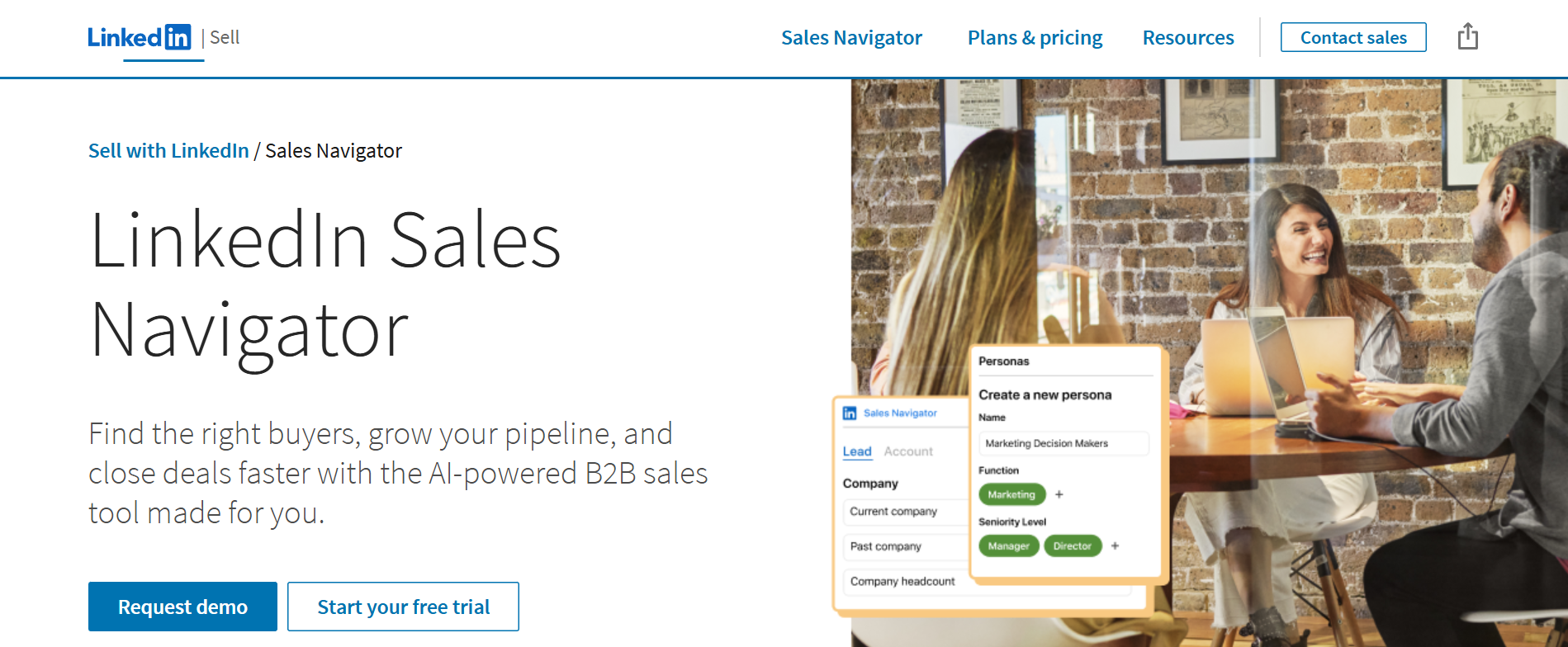
System role: Mobile-First Sales Intelligence and Prospecting
LinkedIn Sales Navigator supports B2B prospecting by helping sales teams identify, track, and engage potential buyers within LinkedIn’s network. It acts as an intelligence layer rather than a CRM, focusing on account awareness, relationship insights, and lead discovery.
On mobile, Sales Navigator is built for quick prospect checks and alerts. Users can review saved leads, receive account updates, and send InMail messages on the go. This suits sales professionals who rely on timely engagement rather than detailed pipeline management while mobile.
Pricing plans
Pricing is tiered based on individual, team, and enterprise use, with collaboration and CRM integration increasing at higher levels.
| Plan | Price | Included features | Limitations |
| Core | ~ $99 per month | Advanced search, lead alerts, InMail | No CRM data sync |
| Advanced | ~$140 per month | Team collaboration, smart links | Higher cost per seat |
| Advanced Plus | Custom | CRM integrations, enterprise reporting | Enterprise pricing only |
4. Apollo.io
System role: Mobile-Accessible B2B Data and Outreach Platform
Apollo.io provides access to contact data, company insights, and outreach tracking for B2B sales teams. It supports prospect research and pipeline review within a single system, making it popular with SMBs that need data-driven sales processes without enterprise overhead.
Mobile access allows users to review contacts, check account details, and monitor outreach activity. While campaign setup is typically desktop-based, the mobile experience supports awareness and follow-up, which helps sales teams maintain momentum while away from their desks.
Pricing plans
Apollo uses a credit-based pricing model that scales with usage. Lower tiers suit small teams, while higher plans unlock broader data access and integrations.
| Plan | Price (USD/month) | Included features | Limitations |
| Free | 0 | Limited searches and credits | Very restricted usage |
| Basic | From $49 | Increased credits, exports | Credit limits apply |
| Professional | From $79 | Advanced filters, integrations | Costs rise with usage |
| Organisation | From $119 | Team features, API access | Best suited to larger teams |
5. Mailchimp

System role: Mobile-Friendly Email Engagement and Campaign Monitoring
Mailchimp supports email marketing and audience management for businesses running ongoing campaigns. It helps teams manage lists, schedule messages, and track engagement across the customer lifecycle. Its strength lies in visibility and reporting rather than deep orchestration.
On mobile, Mailchimp focuses on monitoring rather than building campaigns. Users can review campaign performance, subscriber growth, and engagement metrics, making it useful for managers and marketers who need quick insights while on the go.
Pricing plans
Pricing scales based on contact volume and feature access. Advanced automation and segmentation are available only in higher tiers.
| Plan | Price (USD/month) | Included features | Limitations |
| Free | 0 | Basic email tools, limited sends | Strict send limits |
| Essentials | From $13 | Templates, A/B testing | Automation limited |
| Standard | From $20 | Advanced automation, insights | Costs rise with list size |
| Premium | From $350 | Advanced segmentation, reporting | High entry cost |
6. Google Analytics

System role: Mobile-Accessible Performance and Traffic Monitoring
Google Analytics acts as a reporting layer that helps businesses understand website and app performance. It supports measurement of traffic, engagement, and conversions, providing visibility into how users interact with digital properties.
Its mobile app is designed for monitoring rather than configuration. Executives and managers can check real-time traffic, trends, and key metrics on the go, which supports decision awareness even when deeper analysis remains desktop-based.
Pricing plans
Google Analytics is free for most businesses, with an enterprise version available for large-scale deployments.
| Plan | Price | Included features | Limitations |
| GA4 (Free) | 0 | Core analytics, real-time reporting | Data limits at scale |
| GA4 360 | Custom | Higher limits, enterprise support | Enterprise pricing only |
7. BrowserStack
System role: Mobile Testing and Validation for B2B Platforms
BrowserStack supports testing of websites and applications across real devices and browsers. It helps teams validate that B2B platforms function correctly on mobile devices, which is critical for maintaining usability and performance.
While BrowserStack itself is not a workflow tool, it plays an important role in ensuring other tools remain mobile-friendly. Mobile access enables teams to review test results and monitor issues, while most testing is done on desktops.
Pricing plans
BrowserStack offers both free and paid plans, with pricing based on testing depth and team usage.
| Plan | Price (USD/month) | Included features | Limitations |
| Free | 0 | Basic screenshots and tests | Limited coverage |
| Live | From $12.50 | Real-device browser testing | Device limits |
| Team | Custom | Collaboration and automation | Higher cost |
| Enterprise | Custom | Advanced testing and support | Quote required |
How Businesses Should Choose Mobile-Friendly B2B Tools
Businesses should evaluate mobile-friendly B2B tools based on how work actually happens outside the office. Not every role requires full mobile execution, but most benefit from real-time visibility and timely action.
Key factors to consider include:
- Whether mobile use is for monitoring or decision-making
- Which teams rely on mobile access the most
- The level of action required on mobile devices
- Security and access controls
- Long-term scalability as teams grow
Clear evaluation criteria prevent over-investing in tools that offer access without usability.
Mobile-Friendly B2B Tools by System Role
| Tool | Primary system role | Best suited for |
| Salesforce | Enterprise CRM | Large sales organisations |
| HubSpot | CRM and marketing coordination | SMEs and growth teams |
| LinkedIn Sales Navigator | Sales intelligence | Prospecting-focused sales teams |
| Apollo.io | B2B data and outreach | SMB sales teams |
| Mailchimp | Email engagement | Marketing teams |
| Google Analytics | Performance monitoring | Managers and executives |
| BrowserStack | Mobile validation | QA and product teams |
Conclusion
Mobile-friendly B2B tools support modern business operations by keeping critical systems accessible beyond traditional work environments. Rather than acting as secondary interfaces, the most effective platforms enable visibility and action where decisions are made, reducing delays, improving coordination, and supporting continuity across distributed teams. For managers and decision-makers, mobile-friendly access also complements marketing analytics platforms by providing real-time performance visibility without requiring desktop analysis.
As work becomes increasingly mobile, businesses benefit from selecting tools based on system role and usage context rather than relying solely on feature lists. Understanding how each platform supports monitoring, engagement, or decision-making helps teams choose tools that fit both current workflows and future growth.