



An AI website builder is a platform that uses artificial intelligence to automatically generate a complete website based on a small set of user inputs, such as business type, goals, style preferences, and content needs. Instead of manually designing layouts or writing copy, users describe what they want, and the system produces a structured, editable website in minutes.
At a functional level, AI website builders generate page structure, navigation, layouts, draft content, and basic design styles. Most tools also bundle hosting, domain connection, mobile responsiveness, and publishing into a single workflow. This makes them especially attractive to users who want to launch quickly without technical or design expertise.
Why AI Website Builders Matter for Modern Businesses
Building a website traditionally involves multiple steps and tools, including design, copywriting, development, hosting, and optimisation. For small teams and growing businesses, this process often becomes slow, fragmented, and expensive. As a result, many sites are delayed, outdated, or never launched.
AI website builders reduce this friction by serving as a single layer for creating a digital presence. They centralise layout decisions, content generation, and publishing into one system, allowing businesses to move from idea to live website much faster. For many organisations, the value is not creative perfection but speed, clarity, and operational efficiency.
Key Benefits of Using AI Website Builders
- Rapid website creation from prompts or guided questionnaires
- No-code editing and visual customisation
- Integrated hosting, domain connection, and SSL
- Built-in SEO and performance controls
- Lower upfront cost than agencies or custom builds
- Faster iteration and ongoing updates
1. Wix AI Website Builder
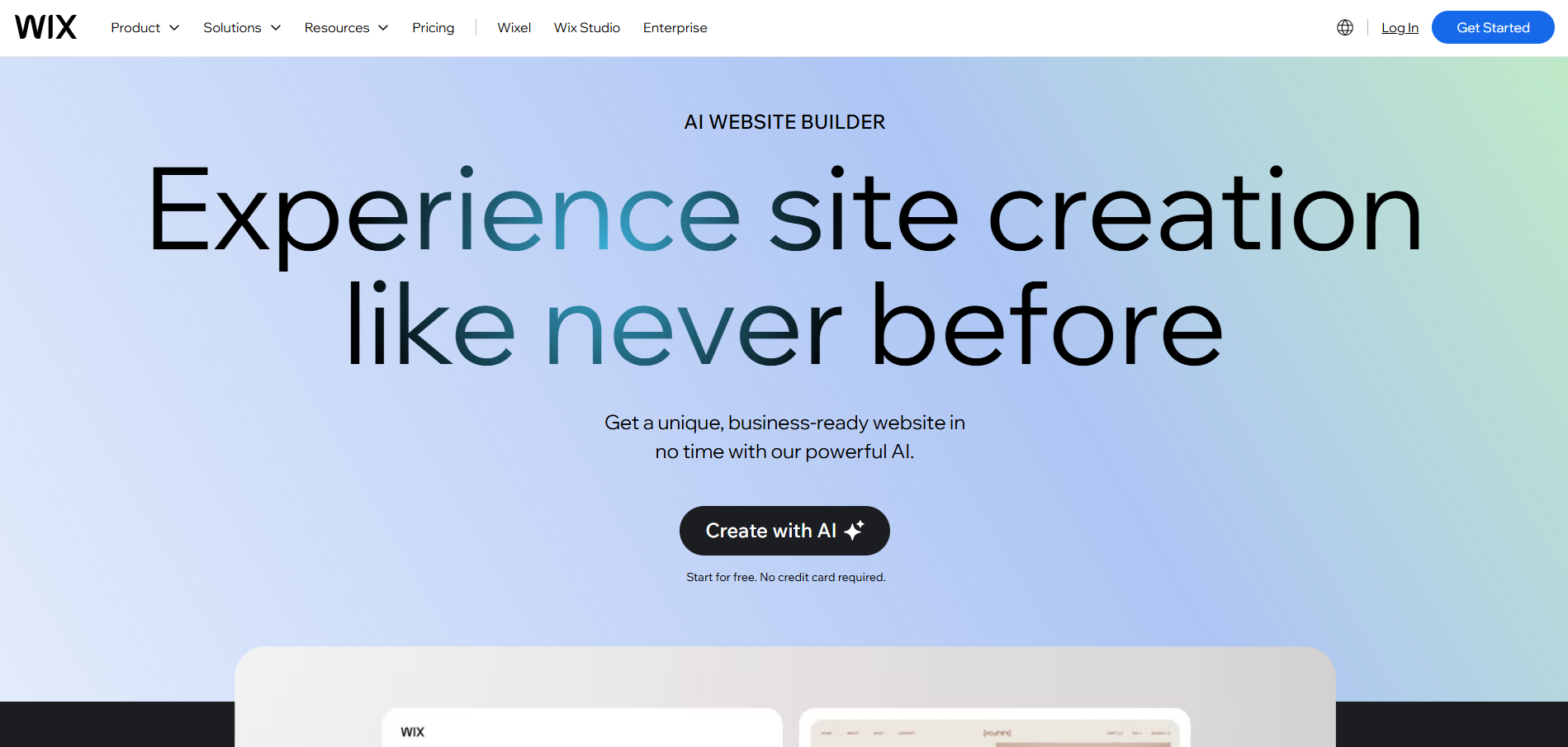
Wix is one of the most established website builders, and its AI Website Builder builds on that foundation by automating site generation. Users answer a short set of questions about their business, and Wix generates a complete website with pages, layout, and draft content. This approach is designed to remove early decision-making while still allowing full visual control later.
The strength of Wix lies in its balance between automation and long-term flexibility. After the AI generates the initial site, users can continue editing with Wix’s drag-and-drop editor, add apps, or expand into ecommerce and bookings. This makes it suitable for businesses that want AI speed without sacrificing ongoing control.
Core features
- AI-generated website structure and content
- Drag-and-drop visual editor
- E-commerce, bookings, and forms
- App marketplace and integrations
- Built-in SEO and analytics tools
Pricing and suitability
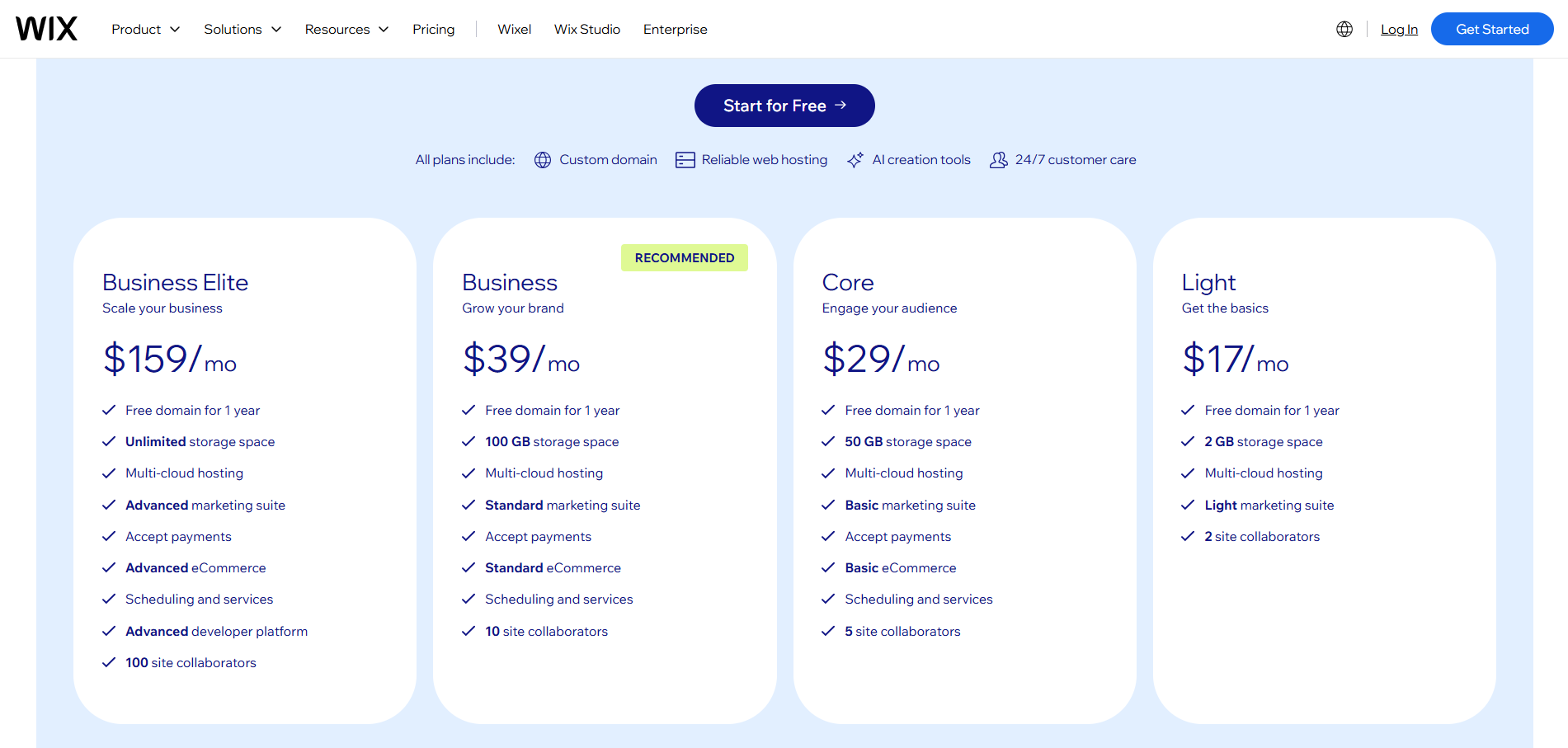
Wix’s paid plans are typically structured by capability: entry tiers focus on core site publishing, while higher tiers add business and ecommerce features. Prices can vary by country, currency, and tax settings, so the most reliable reference is Wix’s own plan page at the time you publish.
| Plan | Typical Price | Suitable For | Limitations |
| Light | ~USD 17 / month | Basic business sites | No e-commerce |
| Core | ~USD 29 / month | Service businesses | Limited ecommerce depth |
| Business | ~USD 39 / month | Online selling SMEs | Costs increase with scale |
| Business Elite | ~USD 159 / month | Large ecommerce teams | High monthly cost |
2. WordPress.com AI Website Builder
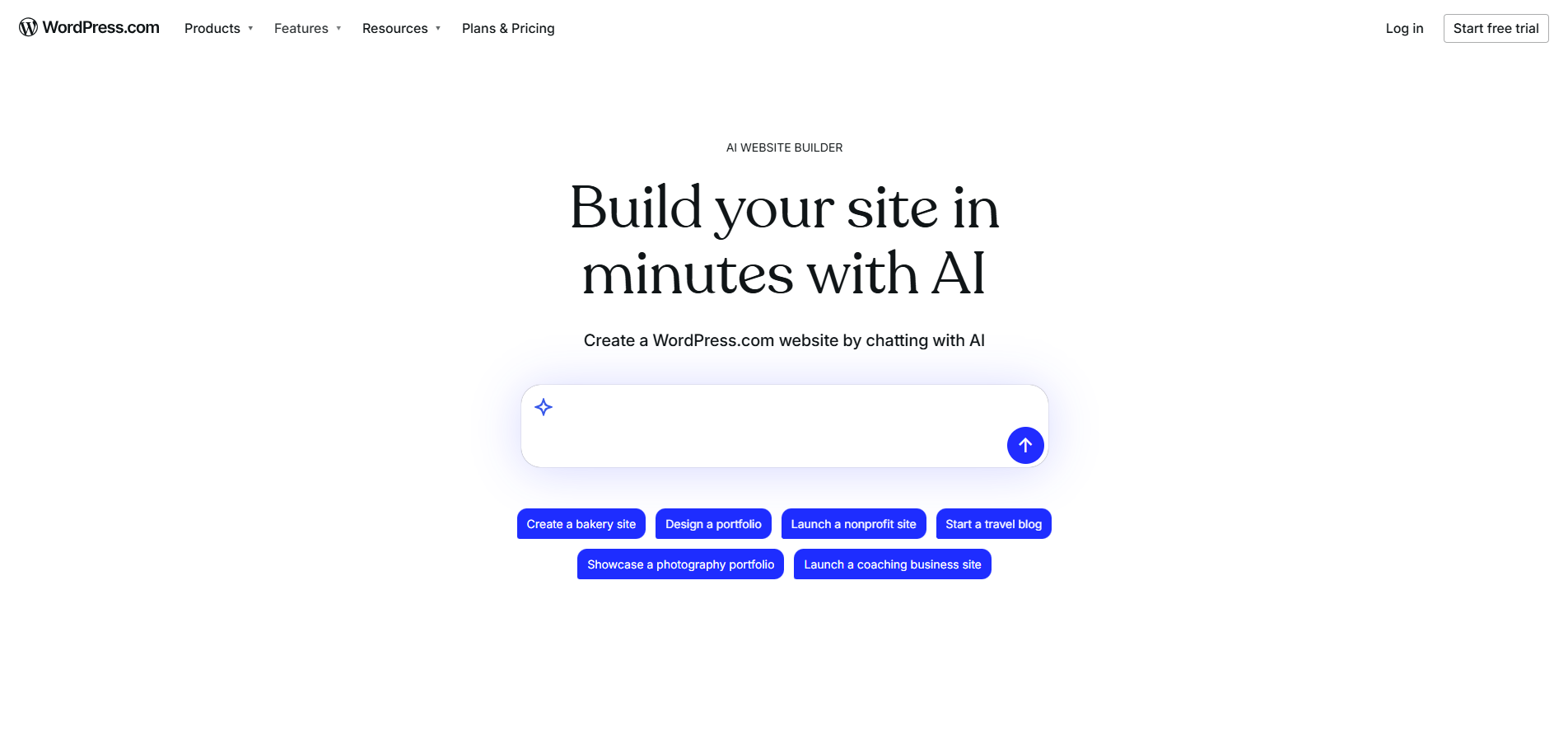
WordPress.com’s AI Website Builder brings AI-assisted site creation into the WordPress ecosystem. Users can quickly generate layouts and content while leveraging WordPress’s publishing and CMS foundations. This approach appeals to users who want WordPress without managing hosting or technical setup.
Compared to pure AI builders, WordPress.com places more emphasis on content and structure than instant visual design. The AI accelerates setup, but the long-term strength lies in WordPress’s blogging, content management, and extensibility. This makes it well-suited to content-driven sites and businesses planning ongoing publishing.
Core features
- AI-assisted site and content generation
- WordPress CMS and blogging tools
- Managed hosting and security
- Theme-based customisation
- SEO and publishing controls
Pricing and suitability
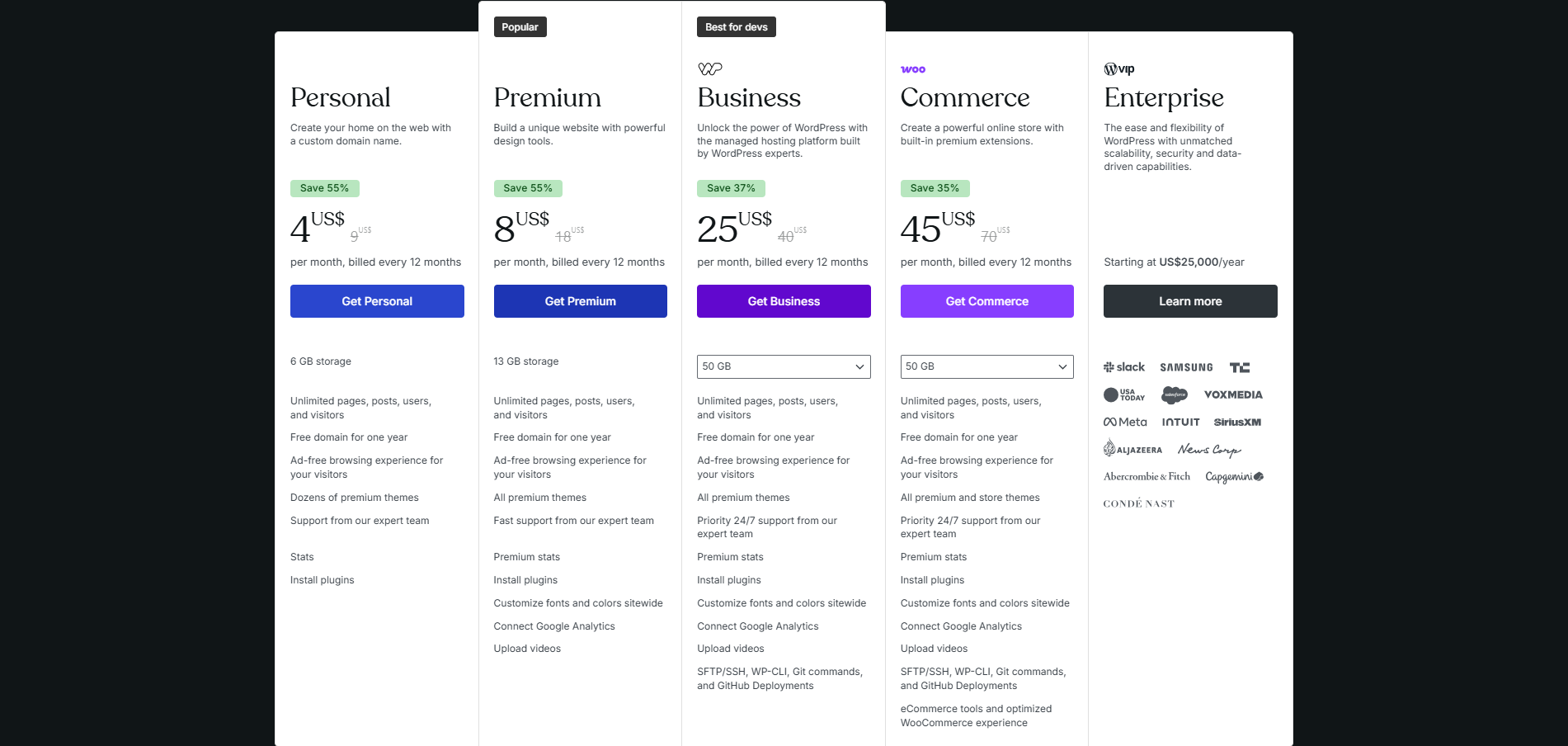
WordPress.com pricing is heavily influenced by the billing cycle (monthly vs yearly, vs multi-year) and also localises pricing by region. The table below uses the yearly-billed prices shown on WordPress.com’s pricing page (which may display in local currency depending on location).
| Plan | Typical Price | Suitable For | Limitations |
| Personal | From ~USD 4 / month (annual) | Simple websites | Limited customisation |
| Premium | From ~USD 8 / month (annual) | Creators and bloggers | Limited plugin access |
| Business | From ~USD 15 / month (annual) | Professional sites | Licensing complexity |
| Commerce | Custom | E-commerce sites | Higher overall cost |
3. Hostinger AI Website Builder
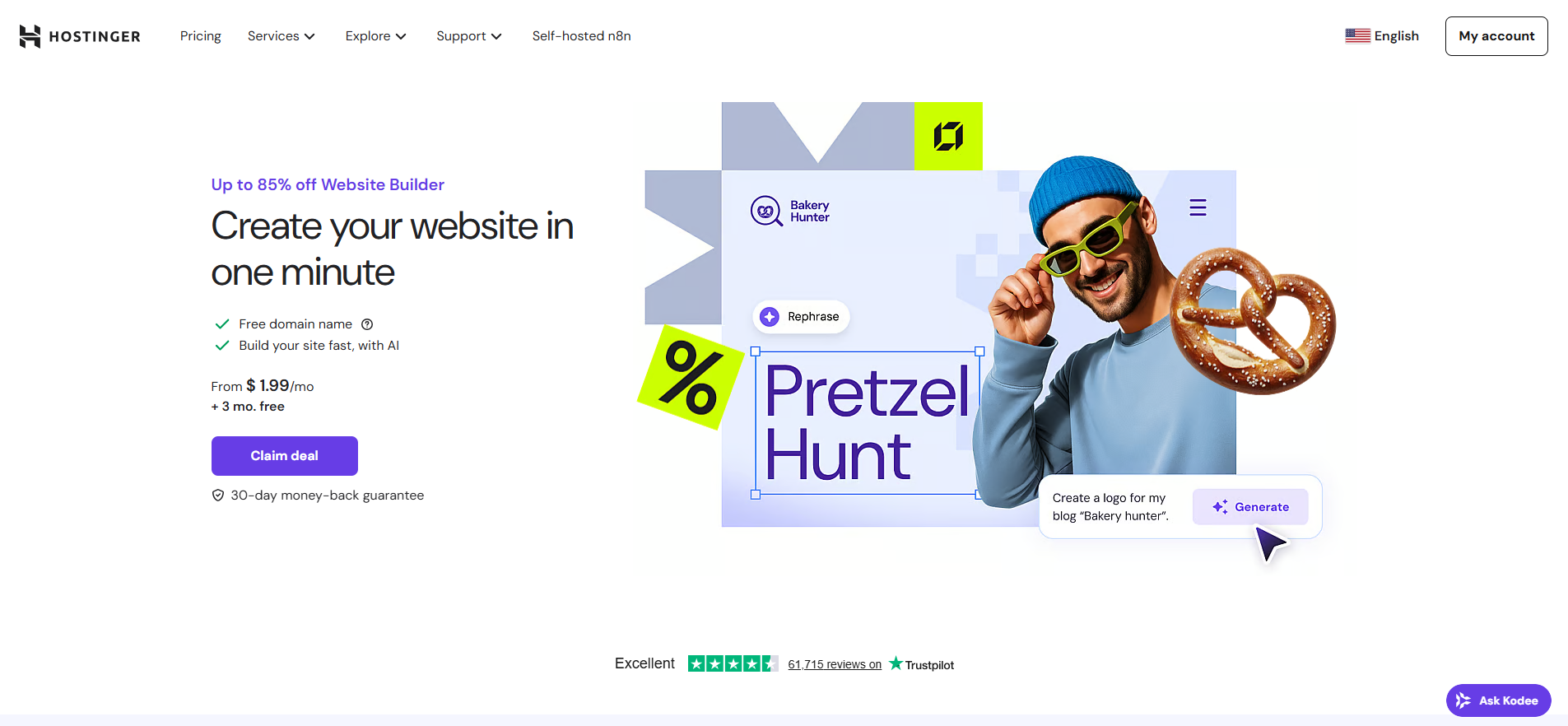
Hostinger’s AI Website Builder is designed for speed and affordability, combining AI site generation with bundled hosting. Users can create a site using prompts, with the platform automatically generating layouts, copy, and basic design. This makes it appealing to cost-sensitive users who want fast results.
The platform focuses on simplicity rather than deep customisation. While editing tools are available, Hostinger is best suited for straightforward business sites, landing pages, or small e-commerce stores. Its value proposition is strong at the entry level, though long-term scalability should be carefully considered.
Core features
- Prompt-based AI site creation
- AI copy and image generation
- Hosting and domain included
- E-commerce on higher tiers
- Basic SEO and performance tools
Pricing and suitability
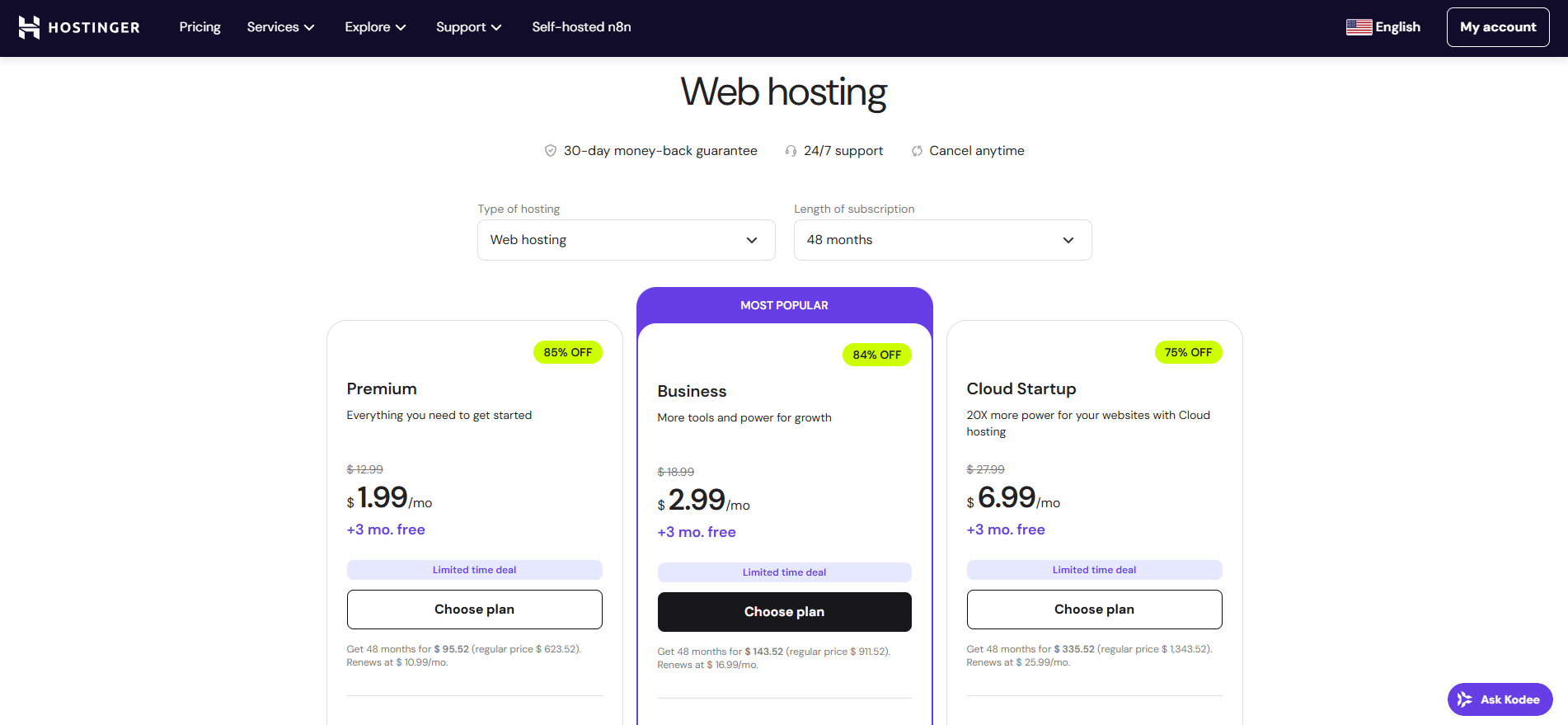
Hostinger often advertises discounted intro pricing tied to long billing terms, followed by higher renewal rates. To keep your pricing section accurate, it’s worth showing both the promotional and renewal amounts side by side.
| Plan | Promo Price | Renewal Price | Suitable For | Limitations |
| Premium Website Builder | ~USD 1.99 / month | ~USD 10.99 / month | Small sites | Limited to 5 pages |
| Business Website Builder | ~USD 2.99 / month | ~USD 16.99 / month | E-commerce SMEs | Long billing commitment |
4. Squarespace AI Website Builder

Squarespace integrates AI assistance into its design-led website builder, with a focus on visual consistency and brand presentation. The AI helps generate layouts and content suggestions, but the experience remains guided by templates and design systems. This ensures polished results with minimal effort.
Rather than pure automation, Squarespace uses AI to accelerate setup within a controlled design framework. This makes it popular with creatives, consultants, and brands that value aesthetics over deep technical flexibility. It is less about experimentation and more about reliable presentation.
Core features
- AI-assisted layout generation
- Professionally designed templates
- Built-in ecommerce and scheduling
- Integrated marketing tools
- Managed hosting and security
Pricing and suitability
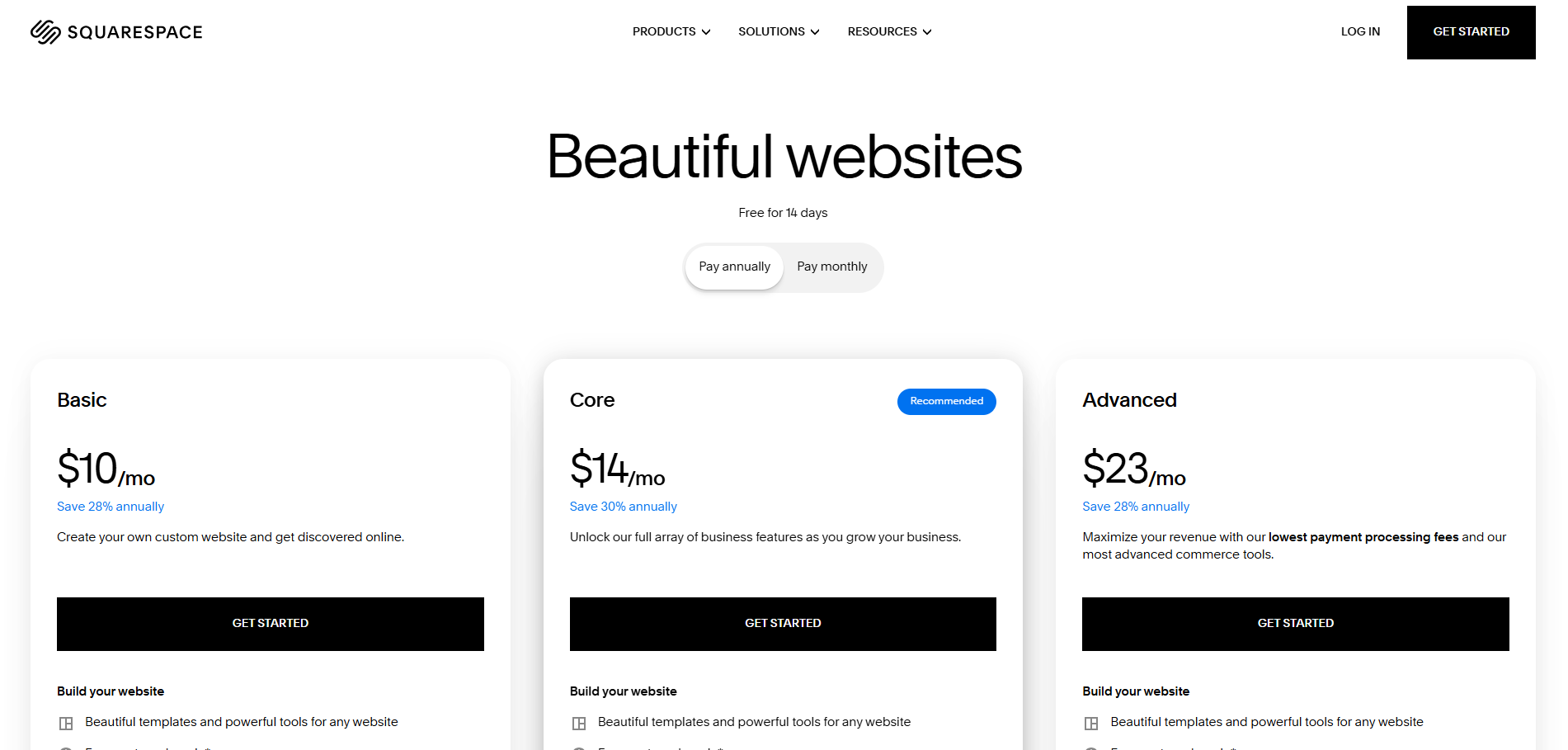
Squarespace has been rolling out new plan labels (Basic/Core/Plus/Advanced) in waves, so what users see can vary by account and region. For pricing clarity, you can reference a reputable breakdown and also note that Squarespace confirms the rollout behaviour in its own support docs.
| Plan | Monthly Billing | Annual Avg | Suitable For | Limitations |
| Basic | ~USD 25 | ~USD 16 | Portfolios, services | Limited ecommerce |
| Core | ~USD 36 | ~USD 23 | Growing businesses | Fewer integrations |
| Plus | ~USD 56 | ~USD 39 | E-commerce stores | Platform constraints |
| Advanced | ~USD 139 | ~USD 99 | High-volume sellers | High cost |
5. Dorik AI Website Builder
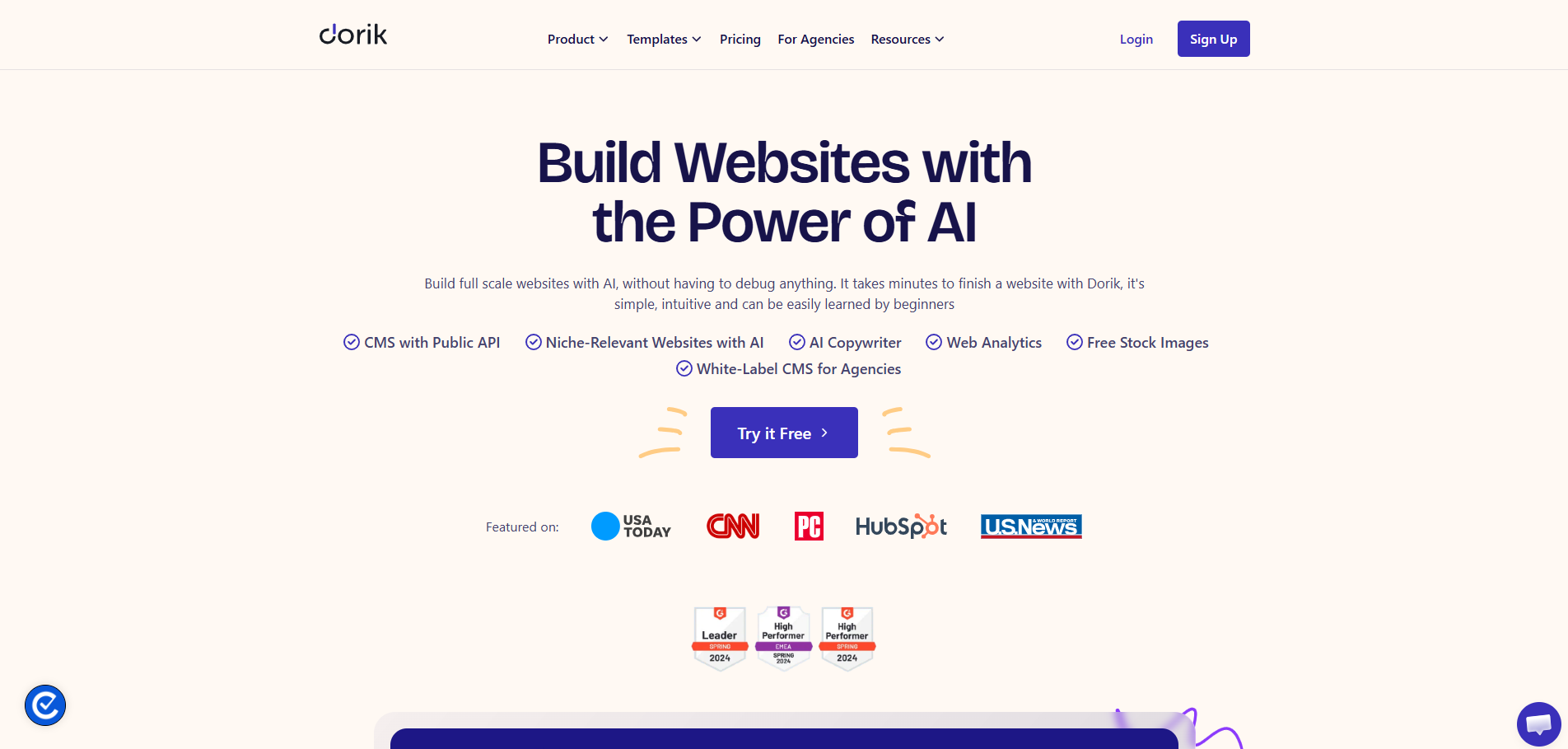
Dorik is a lightweight AI website builder that combines automation with modular control. Users can generate sites with AI and then refine them using sections, CMS features, and custom code. This hybrid approach appeals to users who want ownership and flexibility.
Unlike larger platforms, Dorik places fewer constraints on site structure and export. This makes it attractive to freelancers, agencies, and technically minded users who want AI speed without full platform lock-in. However, configuration quality depends heavily on user input.
Core features
- AI website generation
- CMS and membership support
- White-label options
- Custom code and export
- Lightweight editor
Pricing and suitability
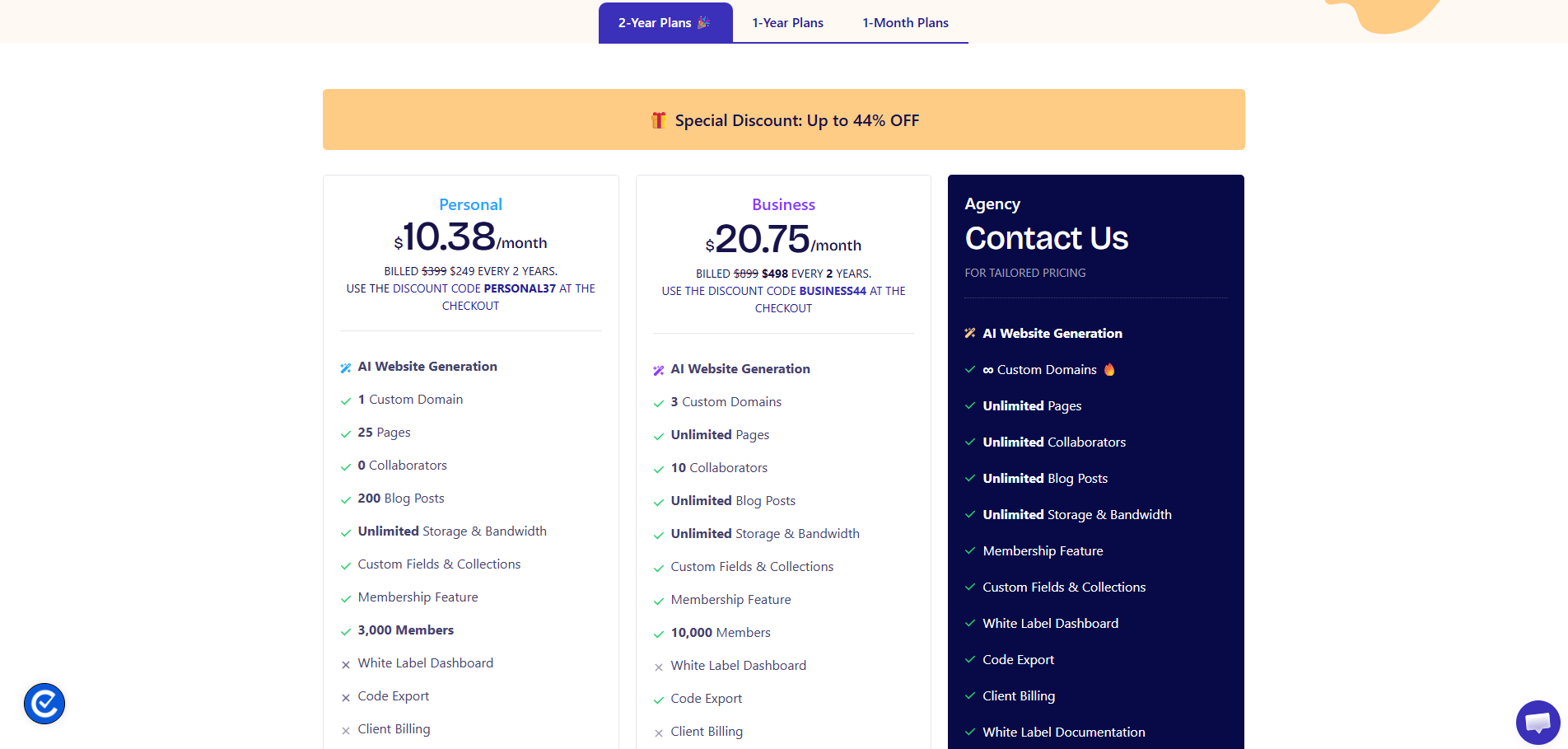
Dorik typically offers both subscription-style pricing and lifetime options, which can be useful for agencies or site owners planning long-term use. The cleanest way to keep the table accurate is to cite Dorik’s pricing page and mention lifetime deals only if they’re still actively advertised.
| Plan | Typical Price | Suitable For | Limitations |
| Free Trial | USD 0 | Testing | Limited publishing |
| Personal (Monthly) | ~USD 29 / month | Single-site owners | No collaborators |
| Business (Monthly) | ~USD 59 / month | Agencies, teams | Higher cost |
| Personal (Lifetime) | ~USD 349 one-time | Long-term single site | Feature exclusions |
| Business (Lifetime) | ~USD 749 one-time | Multiple sites | Code export limits |
6. 10Web AI Website Builder
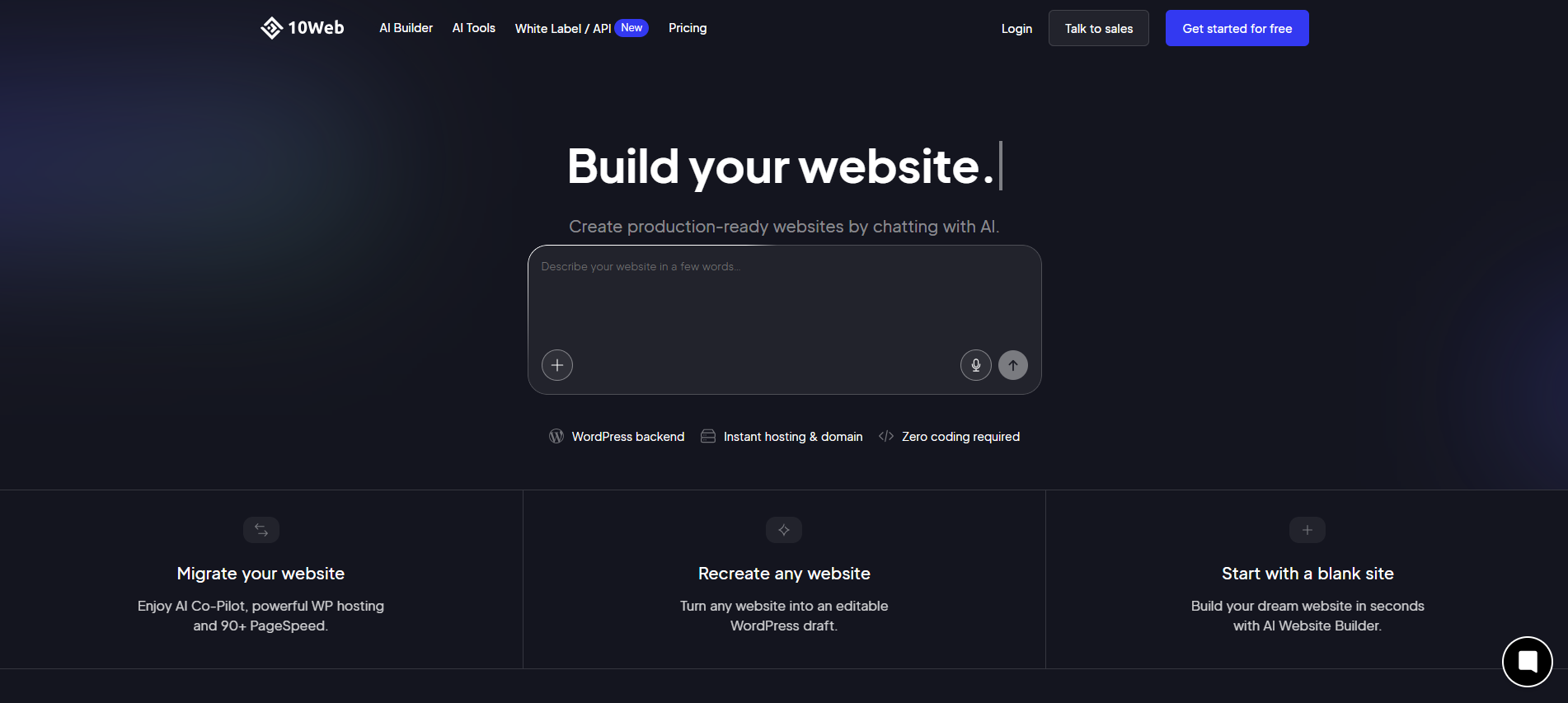
10Web focuses on AI-powered WordPress site generation, combining automation with performance-optimised hosting. Users can generate or recreate websites using AI, with WordPress as the underlying CMS. This makes it attractive to users who want WordPress output with AI speed.
The platform emphasises performance, optimisation, and scalability. While it reduces setup friction, it still assumes familiarity with WordPress concepts. As a result, it suits professionals and businesses that want to accelerate with AI without abandoning WordPress.
Core features
- AI-generated WordPress sites
- Google Cloud hosting
- Performance optimisation
- WordPress plugin compatibility
- Automated backups and security
Pricing and suitability
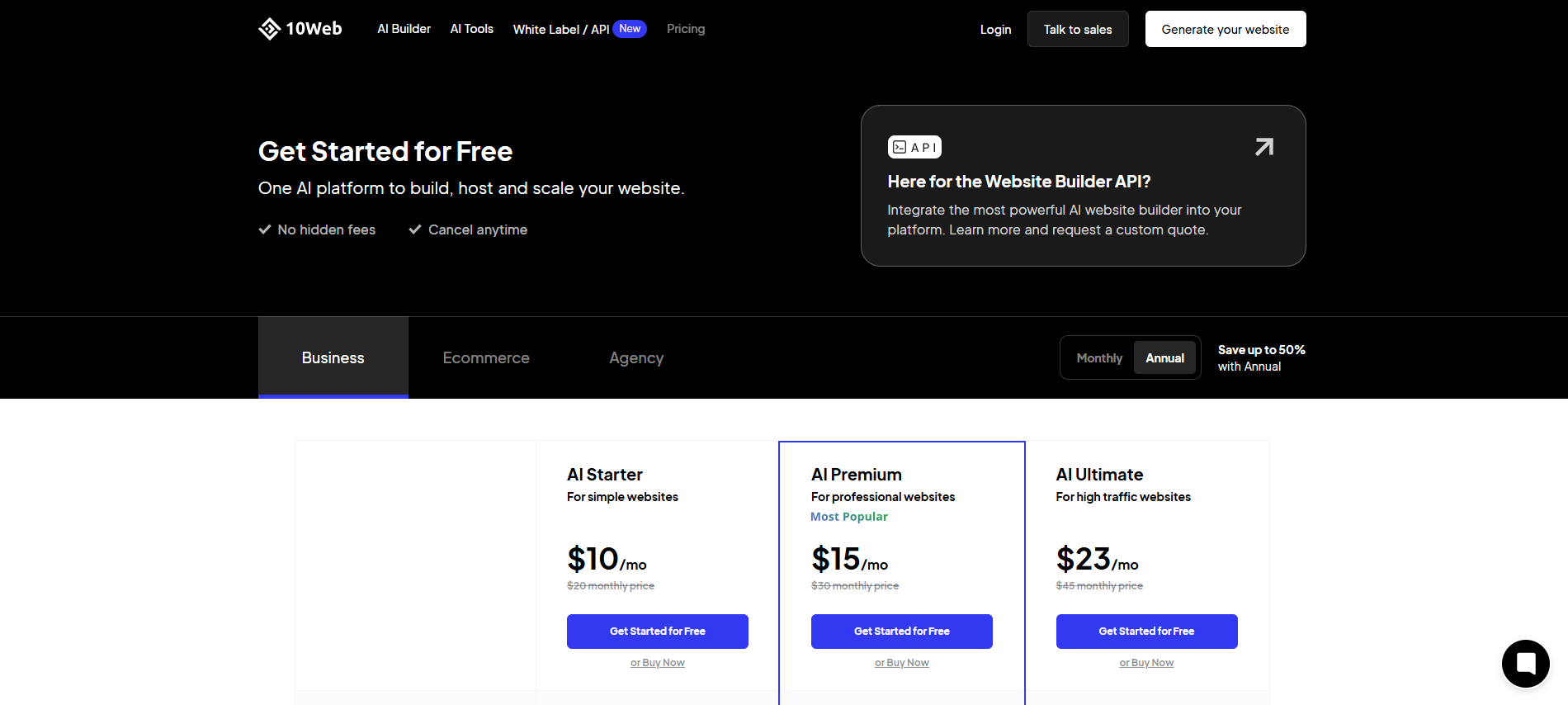
10Web shows different monthly prices depending on whether you pay monthly or annually. To avoid pricing confusion in your article, list the plan tiers and include both figures (annual vs. monthly) if you want, but keep the “headline” pricing consistent with what 10Web displays on its pricing page.
| Plan | Annual Billing | Monthly Billing | Suitable For | Limitations |
| AI Starter | ~USD 10 / month | ~USD 20 / month | Small sites | Resource limits |
| AI Premium | ~USD 15 / month | ~USD 30 / month | Professional sites | Traffic caps |
| AI Ultimate | ~USD 23 / month | ~USD 45 / month | High-traffic sites | Usage-based scaling |
7. Framer AI Website Builder
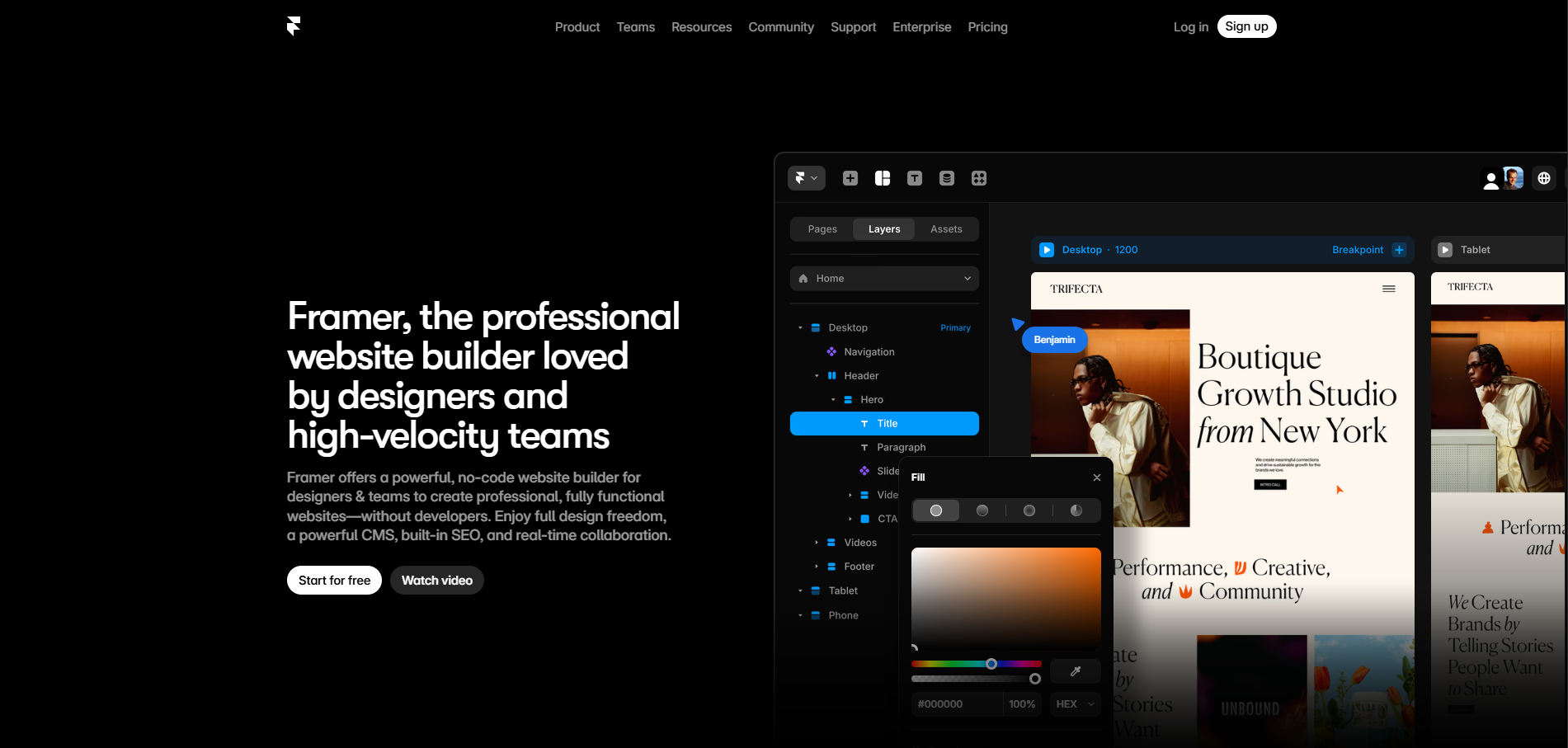
Framer is a design-first website builder that uses AI to accelerate layout creation and content structuring. It is particularly popular with startups, designers, and teams building high-quality landing pages. The AI assists with structure, while users retain strong creative control.
Rather than aiming for full business automation, Framer focuses on front-end quality and performance. Its strengths lie in animation, responsiveness, and modern design patterns. This makes it less suitable for complex back-office needs but excellent for presentation-driven sites.
Core features
- AI-assisted layout generation
- Advanced design and animation tools
- CMS and form handling
- High-performance hosting
- Built-in SEO controls
Pricing and suitability
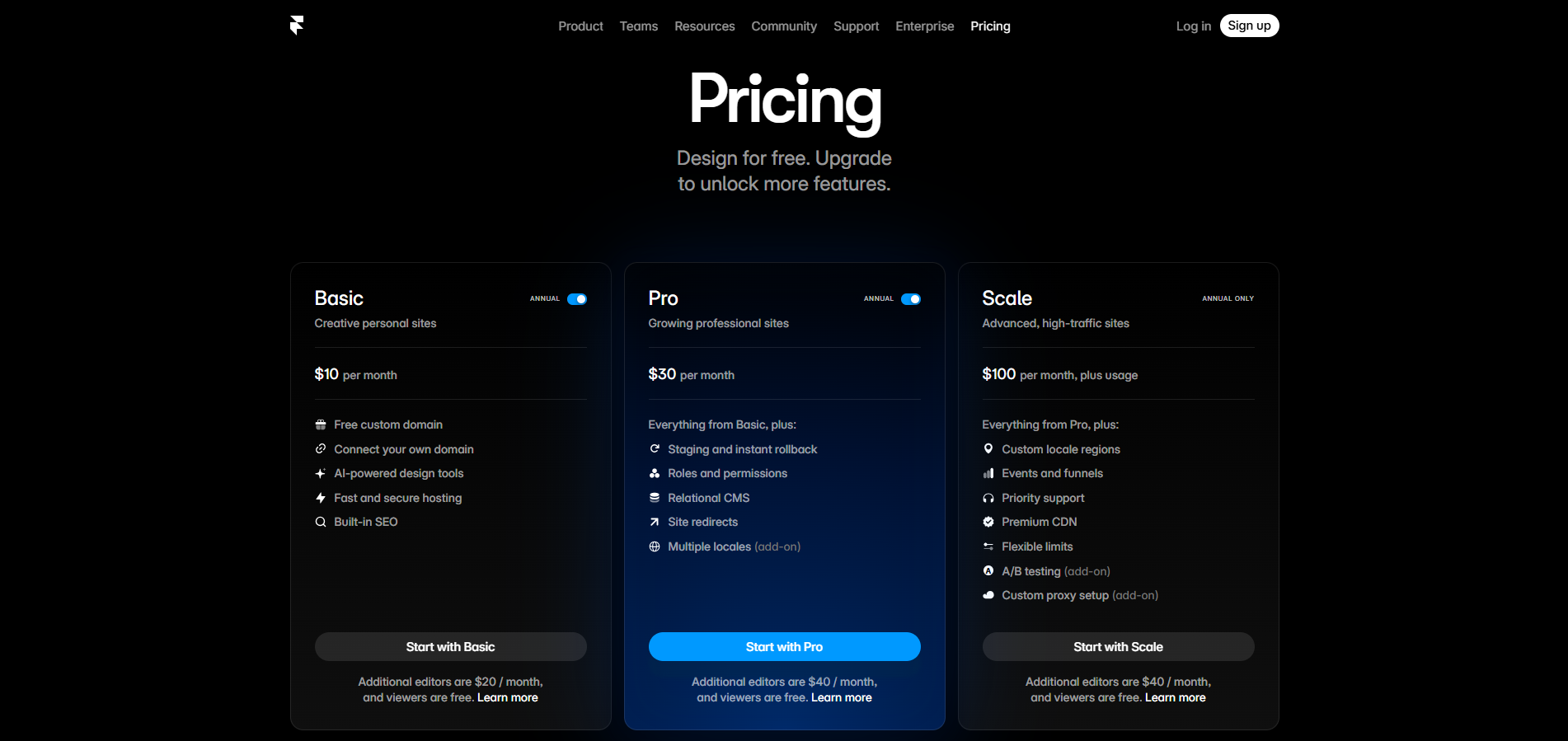
Framer’s pricing is split into Free and paid tiers, with Basic, Pro, and Scale displayed clearly on its pricing page. The scale is listed as a base price “plus usage,” which is important to note because costs can increase with traffic.
| Plan | Typical Price | Suitable For | Limitations |
| Basic | ~USD 10 / month | Personal sites | Limited CMS |
| Pro | ~USD 30 / month | Startups and teams | Seat-based pricing |
| Scale | ~USD 100 / month + usage | High-traffic sites | Usage-based costs |
| Enterprise | Custom | Large organisations | Sales-led pricing |
How to Choose the Right AI Website Builder
Choosing the right AI website builder depends on what you are trying to achieve, both immediately and long-term. Factors such as site purpose, required features, editing flexibility, and scalability all influence the best fit. No single tool is optimal for every use case.
Businesses should also consider platform lock-in, SEO control, performance, and total cost over time. AI can accelerate launch, but long-term success depends on how well the platform supports growth and iteration.
Tools Comparison Matrix
| AI Website Builder | Best For | Strengths | Limitations |
| Wix | SMEs and e-commerce | Flexibility, ecosystem | Costs rise with scale |
| WordPress.com | Content-driven sites | CMS depth | Licensing complexity |
| Hostinger | Budget-focused SMEs | Low entry cost | Renewal pricing |
| Squarespace | Design-focused brands | Visual consistency | Less technical control |
| Dorik | Freelancers and agencies | Flexibility, export | Setup effort |
| 10Web | WordPress users | Performance focus | WP dependency |
| Framer | Startups and landing pages | Design quality | Limited business tooling |
Conclusion
AI website builders have changed how quickly and easily businesses can establish an online presence. By automating structure, layout, and content creation, they significantly reduce the time and expertise required to launch a website. For many users, this speed is the primary advantage.
Each platform on this list serves a different user base and business model. Selecting the right AI website builder depends on balancing automation, control, scalability, and cost. Understanding these trade-offs is essential to choosing a tool that supports long-term goals rather than limiting them.