









B2B onboarding and client handoffs are post-sale processes that move a customer from a closed deal to active delivery. This stage typically involves multiple teams, documents, timelines, and client actions. When these steps are handled manually, delays, miscommunication, and missed tasks become common, especially as deal volume and complexity increase.
Automation tools are designed to bring structure to this transition. They coordinate internal responsibilities, guide clients through required steps, and ensure onboarding progresses in a predictable, trackable way. This article explains how B2B onboarding and client handoff automation work, why they matter for growing organisations, and which tools businesses use to manage these processes effectively.
What Are B2B Onboarding and Client Handoff Automation Tools
B2B onboarding and client handoff automation tools are platforms that help businesses manage the transition from sales to delivery using structured workflows, shared visibility, and automated coordination. These tools typically activate after a deal is signed and remain in use until onboarding is complete and the client is handed over to delivery or customer success teams.
Rather than relying on emails, spreadsheets, and manual reminders, these tools centralise onboarding tasks, client inputs, documents, and timelines in one system. This allows teams to reduce delays, maintain accountability, and provide a consistent onboarding experience across clients.
How B2B Teams Use Onboarding and Client Handoff Automation Tools
B2B teams use onboarding and client handoff automation tools for:
- Creating onboarding projects automatically when deals close
- Assigning internal tasks with clear owners and deadlines
- Collecting client information, documents, and access details
- Coordinating timelines across sales, delivery, and client teams
- Tracking onboarding progress and dependencies in one place
These capabilities help B2B teams:
- Reduce friction between sales and delivery teams
- Minimise onboarding delays caused by missing information
- Improve accountability across internal stakeholders.
- Shorten time-to-first-value for new clients.
- Deliver consistent onboarding experiences at scale.
Different tools support different parts of this workflow. Some focus on full onboarding coordination, while others specialise in workflow execution, client collaboration, automation, or documentation. The following tools are commonly used together as part of a structured onboarding stack.
1. Rocketlane

Rocketlane is an all-in-one onboarding platform designed to manage complex B2B onboarding and implementation workflows. It is typically used by SaaS and service businesses that need to coordinate internal delivery teams while keeping clients informed of progress and next steps.
The platform combines internal task management with client-facing timelines, enabling both parties to view onboarding milestones and responsibilities. This makes it suitable for organisations that require structured handoffs from sales into delivery with measurable onboarding outcomes.
Core features include:
- Onboarding project templates and timelines
- Client-visible milestones and task tracking
- Internal task ownership and dependencies
- Onboarding analytics and time-to-value tracking
Pricing and SME Suitability
| Plan | Price (USD) | Key Features | Strengths | Limitations |
| Starter | Custom | Project templates, internal task management | Strong structure for onboarding workflows | Limited advanced reporting |
| Growth | Custom | Client timelines, automation, integrations | Suitable for scaling teams | Cost increases with usage |
| Enterprise | Custom | Advanced analytics, security controls | Strong governance | Overkill for small teams |
2. GuideCX
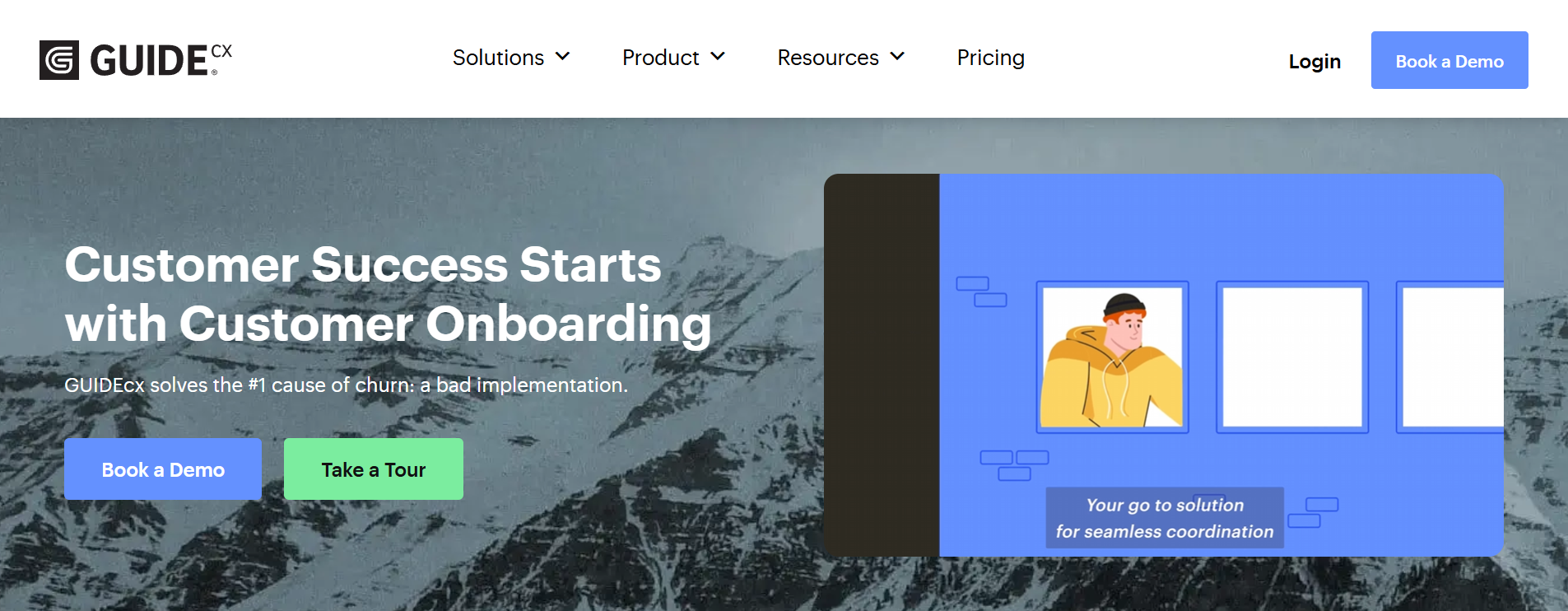
GuideCX focuses on the execution and accountability of onboarding plans between internal teams and clients. It is commonly used by businesses that want to reduce onboarding delays caused by unclear responsibilities or missed client actions.
The platform provides shared onboarding plans that track progress in real time, helping teams identify bottlenecks and keep onboarding on schedule.
Core features include:
- Structured onboarding plans and templates
- Client portals with task visibility
- Automated reminders and status updates
- Progress and delay tracking
Pricing and SME Suitability
| Plan | Price (USD) | Key Features | Strengths | Limitations |
| Professional | Custom | Onboarding plans, client portals | Clear accountability | Limited flexibility beyond onboarding |
| Advanced | Custom | Automation, integrations, reporting | Reduces onboarding delays | Requires process discipline |
| Enterprise | Custom | White labelling, advanced permissions | Scales for large teams | Higher cost threshold |
3. OnRamp

OnRamp is designed for B2B SaaS companies that want to align onboarding with long-term customer success. It supports structured onboarding programs that connect sales commitments with delivery execution.
The platform helps teams standardise onboarding across customers while maintaining visibility into progress and outcomes.
Core features include:
- Structured onboarding programs and playbooks
- Client collaboration and communication tools
- Onboarding success metrics
- CRM and analytics integrations
Pricing and SME Suitability
| Plan | Price (USD) | Key Features | Strengths | Limitations |
| Starter | Custom | Basic onboarding programs | Good entry point for SaaS teams | Limited analytics |
| Growth | Custom | Automation, success tracking | Supports scalable onboarding | Pricing not transparent |
| Enterprise | Custom | Advanced reporting and governance | Strong for successful teams | Complex setup for small teams |
4. Process Street
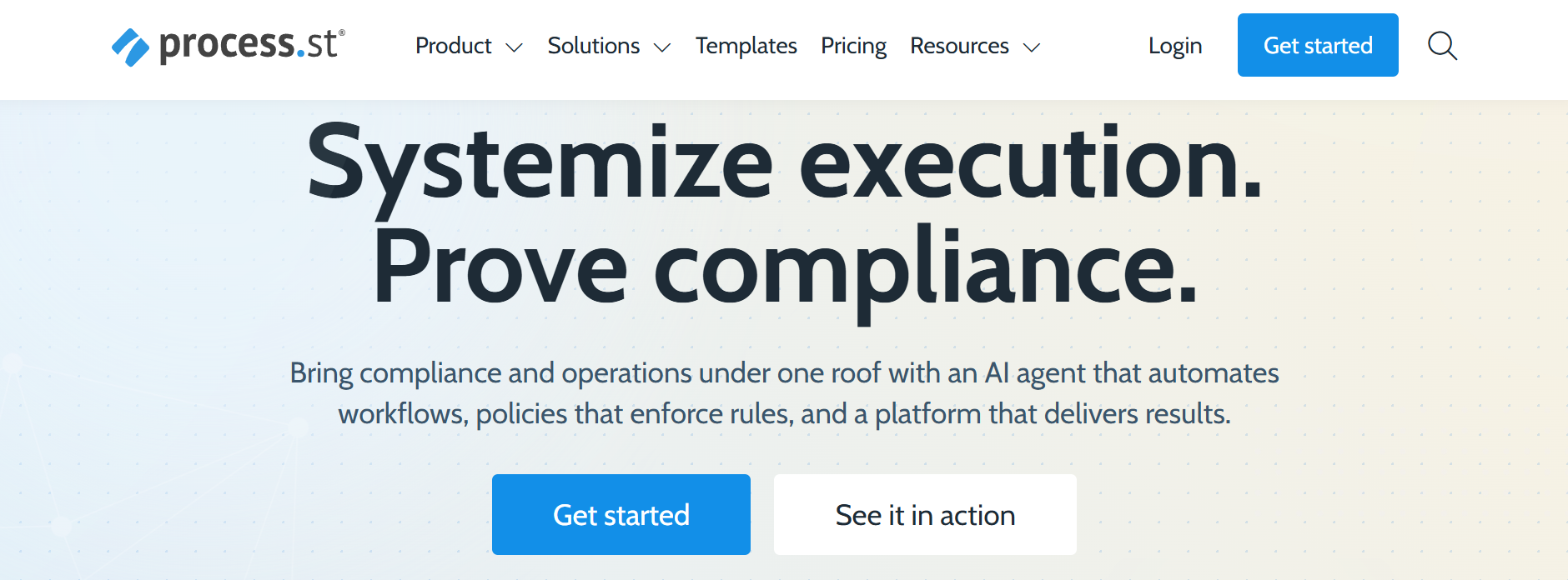
Process Street is a workflow automation platform used to standardise internal onboarding and handoff processes. It is often used alongside onboarding platforms to ensure that internal steps are completed consistently.
The tool focuses on repeatable checklists, approvals, and conditional logic rather than client-facing onboarding experiences.
Core features include:
- Workflow checklists and SOPs
- Conditional logic and approvals
- Audit trails and process tracking
- Automation and integrations
Pricing and SME Suitability
| Plan | Price (USD) | Key Features | Strengths | Limitations |
| Free | 0 | Basic checklists | Useful for simple workflows | No automation |
| Pro | ~25 per user/month | Automation, approvals | Strong SOP enforcement | Limited client visibility |
| Enterprise | Custom | Advanced permissions | Suitable for regulated teams | Requires process maturity |
5. Moxo
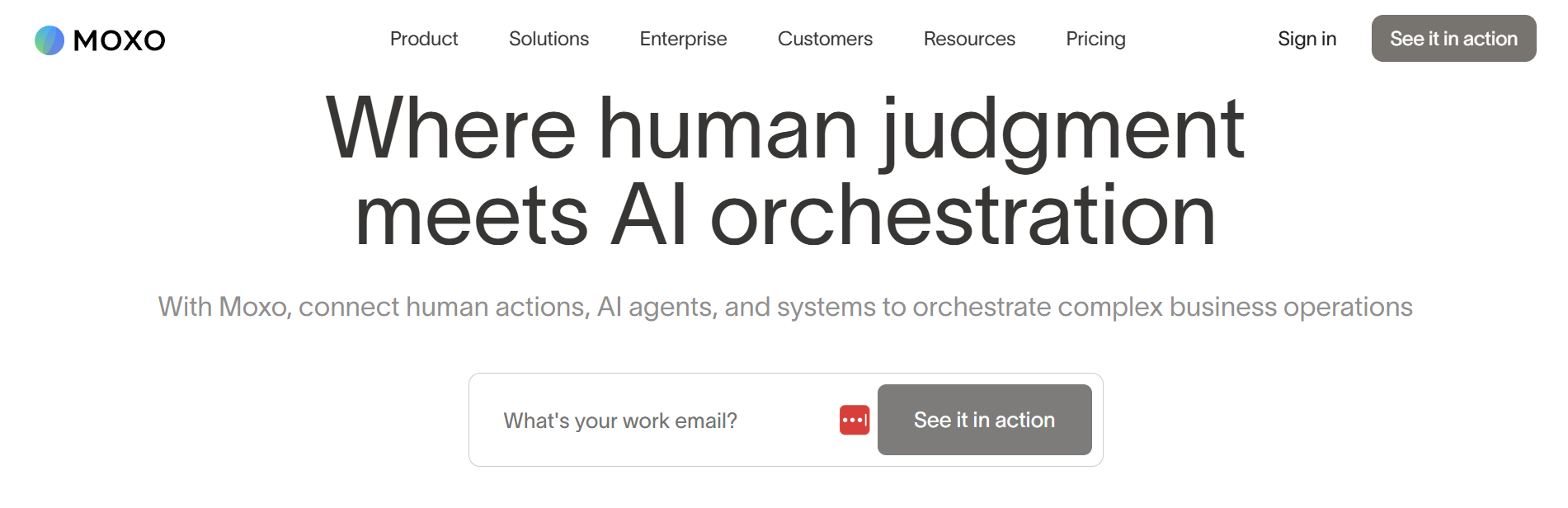
Moxo is a client portal platform designed to centralise communication, document exchange, and task coordination. It is commonly used by service businesses that want to reduce email dependency during onboarding.
The platform provides a secure environment for client interaction throughout onboarding.
Core features include:
- Secure client portals and messaging
- File sharing and document exchange
- Task visibility for clients
- Approval and confirmation workflows
Pricing and SME Suitability
| Plan | Price (USD) | Key Features | Strengths | Limitations |
| Starter | Custom | Client portals, messaging | Strong client experience | Limited automation |
| Business | Custom | Workflow coordination | Reduces email sprawl | Pricing not transparent |
| Enterprise | Custom | Compliance and security features | Suitable for regulated use | Higher cost |
6. Zapier
Zapier acts as the automation layer that connects CRMs, onboarding platforms, document tools, and communication apps. It is commonly used to automate the trigger between a closed deal and onboarding setup.
Rather than managing onboarding itself, Zapier enables systems to work together without manual intervention.
Core features include:
- Event-based automation triggers
- CRM-to-onboarding workflows
- Multi-step integrations
- Webhooks and advanced logic
Pricing and SME Suitability
| Plan | Price (USD) | Key Features | Strengths | Limitations |
| Free | 0 | Single-step automations | Suitable for testing | Very limited |
| Starter | ~20 per month | Multi-step workflows | Affordable entry point | Task limits |
| Professional | ~50 per month | Advanced logic | Strong automation control | Can become complex |
| Team | ~70 per month | Shared workspaces | Supports collaboration | Requires discipline |
7. PandaDoc
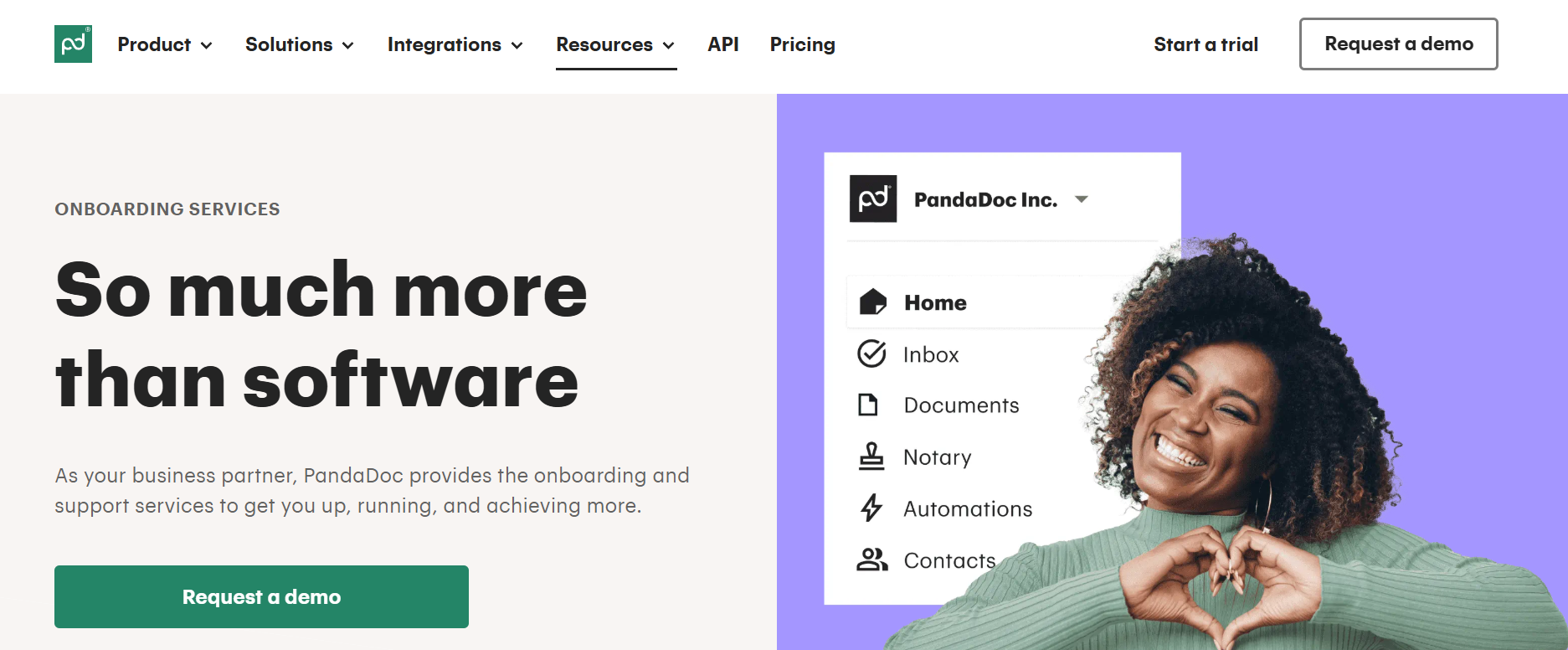
PandaDoc supports the document and agreement stage that often precedes onboarding. It automates proposals, contracts, and approvals before onboarding begins.
By standardising documentation, teams can reduce delays between contract signing and onboarding kickoff.
Core features include:
- Contract templates and e-signatures
- Document tracking and approvals
- CRM integrations
- Workflow automation
Pricing and SME Suitability
| Plan | Price (USD) | Key Features | Strengths | Limitations |
| Free | 0 | Basic e-signatures | Suitable for simple needs | No templates |
| Essentials | ~19 per user/month | Templates, tracking | Good for small teams | Limited automation |
| Business | ~49 per user/month | Workflow automation | Strong handoff documentation | Cost scales with users |
| Enterprise | Custom | Advanced APIs | Suitable for large teams | Overkill for simple contracts |
Choosing the Right Onboarding and Client Handoff Tools
The right tool combination depends on onboarding complexity, team size, and client involvement. Businesses with complex implementations often benefit from dedicated onboarding platforms, while smaller teams may combine workflow automation and client portals.
Rather than relying on a single platform, many B2B teams use a stack that aligns automation, collaboration, and documentation around a shared onboarding process.
Tool Role Comparison Across the Onboarding Workflow
| Tool | Primary Role in Workflow | Best Used At Which Stage | Main Value Delivered | Where It Fits Best |
| Rocketlane | End-to-end onboarding coordination | Post-sale to delivery kickoff | Full visibility across internal teams and clients | Complex B2B onboarding with multiple stakeholders |
| GuideCX | Onboarding plan execution | Early onboarding phase | Accountability and progress tracking | Teams focused on reducing onboarding delays |
| OnRamp | Structured onboarding programs | Sales to customer success transition | Alignment between onboarding and long-term success | SaaS and recurring-service businesses |
| Process Street | Internal process execution | Internal handoffs and task completion | Consistent SOP execution | Operations-heavy or regulated teams |
| Moxo | Client collaboration and communication | Client-facing onboarding stages | Centralised communication and file exchange | Service businesses with high client interaction |
| Zapier | System-to-system automation | Trigger points between tools | Removes manual handoffs | Teams using multiple SaaS tools |
| PandaDoc | Contracts and approvals | Pre-onboarding and kickoff | Faster contract-to-onboarding transition | Sales-driven onboarding processes |
Conclusion
Automating B2B onboarding and client handoffs helps organisations reduce friction between sales and delivery, improve accountability, and deliver consistent onboarding experiences. By selecting tools that support each stage of the onboarding workflow, businesses can create structured processes that scale with growth while maintaining clarity for both internal teams and clients.